RoundTrip — Prove Your Export Did Not Lie
 Skava
Skava
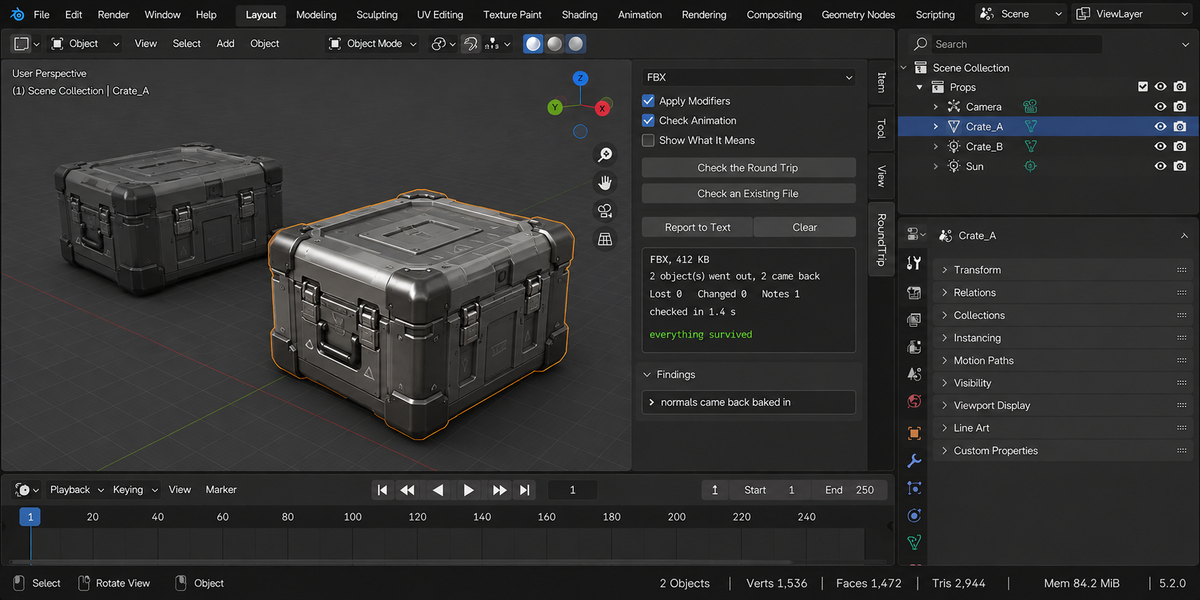
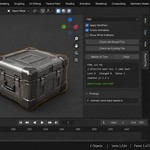
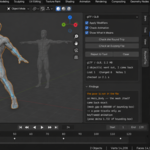
Download the zip and do not unpack it. In Blender open Edit > Preferences > Add-ons, click the drop-down arrow in the top-right corner and choose Install from Disk, then pick the zip. Tick the checkbox next to RoundTrip. Press N in the 3D Viewport and open the RoundTrip tab.
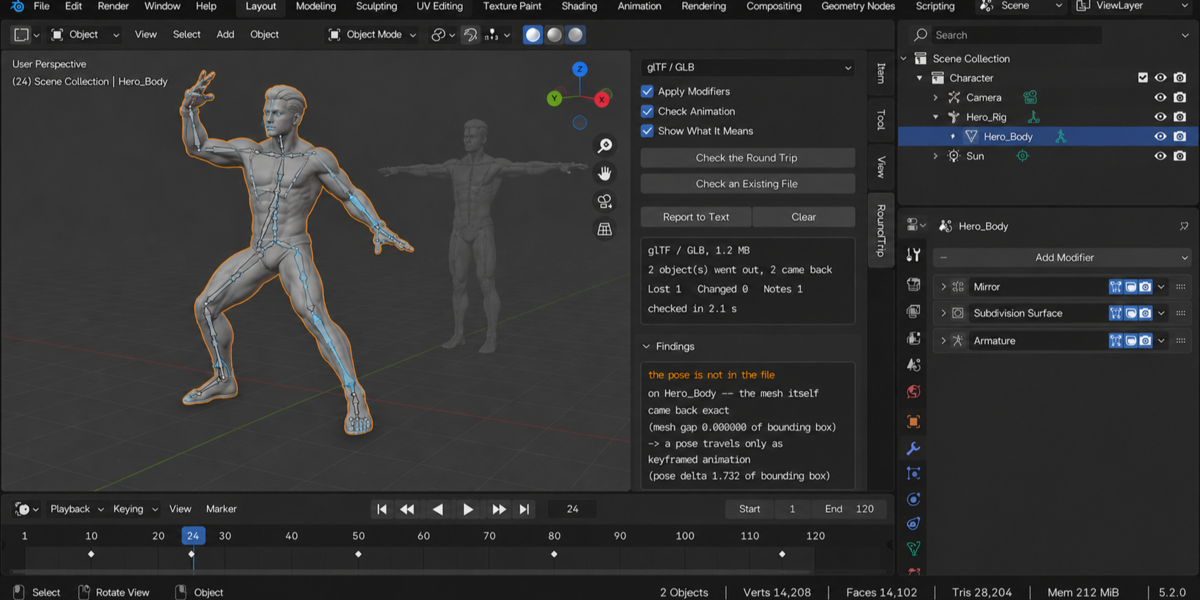
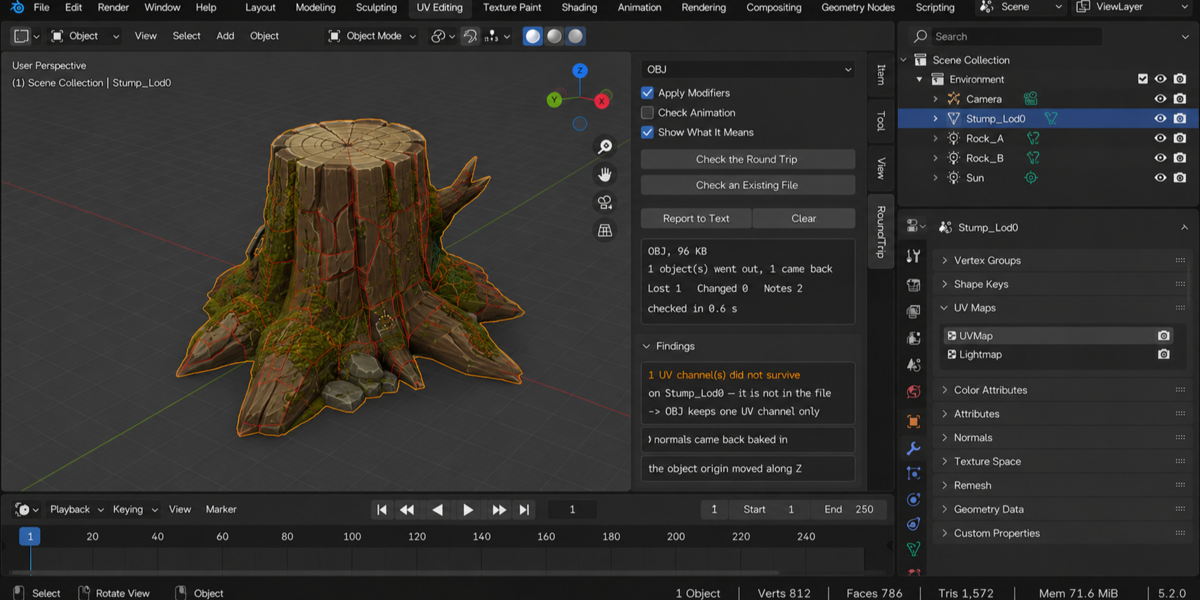
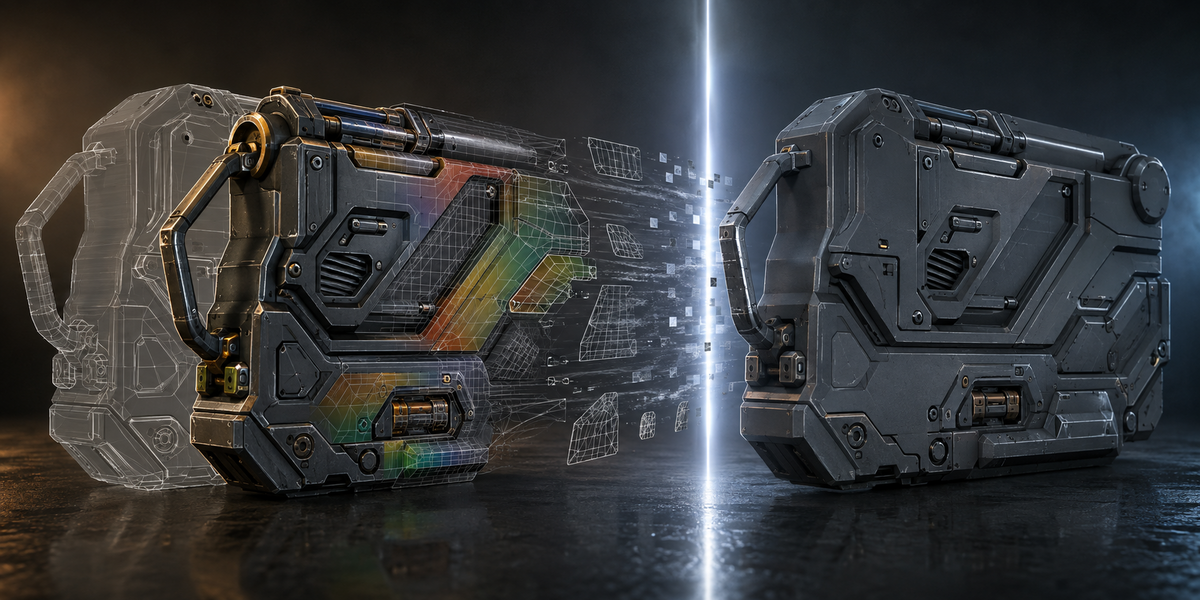
Select the objects you are about to export (armatures count), choose the format and press Check the Round Trip. It exports the selection into a temporary folder, reads the file back into a scene of its own, compares the two object by object and then removes that scene and the temporary folder. The result is a list of what did not survive, what came back different and what is simply how the format works, with numbers.
FBX, glTF / GLB, OBJ and USD. It uses the exporters and importers that ship with Blender, so it measures what those exporters actually write. Check an Existing File also reads an FBX, glTF, GLB, OBJ or USD file you already have (.usd, .usdc or .usda) and compares it with the selected objects without exporting anything.
Object names, transforms and scale, vertex counts and positions, every UV channel with its covered area, colour attributes, material slots with base colour, roughness, metallic and the textures they use, shape keys, bones with their rest positions and hierarchy, vertex groups, normals, and the animation. Animation is compared as object and bone positions sampled on several frames rather than as curves, because exporters bake curves.
No. The imported copy lives in its own scene and is removed together with the meshes, materials, images and actions that arrived with it; data that was already in your file is not touched. The check takes a fingerprint of your scene before and after, and the panel warns if they differ.
It does not fix anything either: it does not repair, re-export or change your export settings. Report to Text writes the whole report into a text block inside your file, ready to send along with the export.
Blender 4.2 and later. The documentation lists live tests on Blender 5.1 and 5.2.
No. The add-on contains no network code; everything runs locally. The only file it writes is the temporary export, which is deleted when the check ends.
Yes. The add-on is licensed under the GNU GPL v3; the full text is in LICENSE.txt inside the zip. The license covers the add-on code; what you create with it is yours.
Have questions about this product?
Login to message
| Published | about 2 months ago |
| Blender Version | 4.2 - 5.2 |
| Extension Type | N/A |
| Render Engine Used | Cycles, Eevee |
| License | GPL |