Routelynx – Cable Harness Engineering (Early Access)
 Frederik Vollbrecht
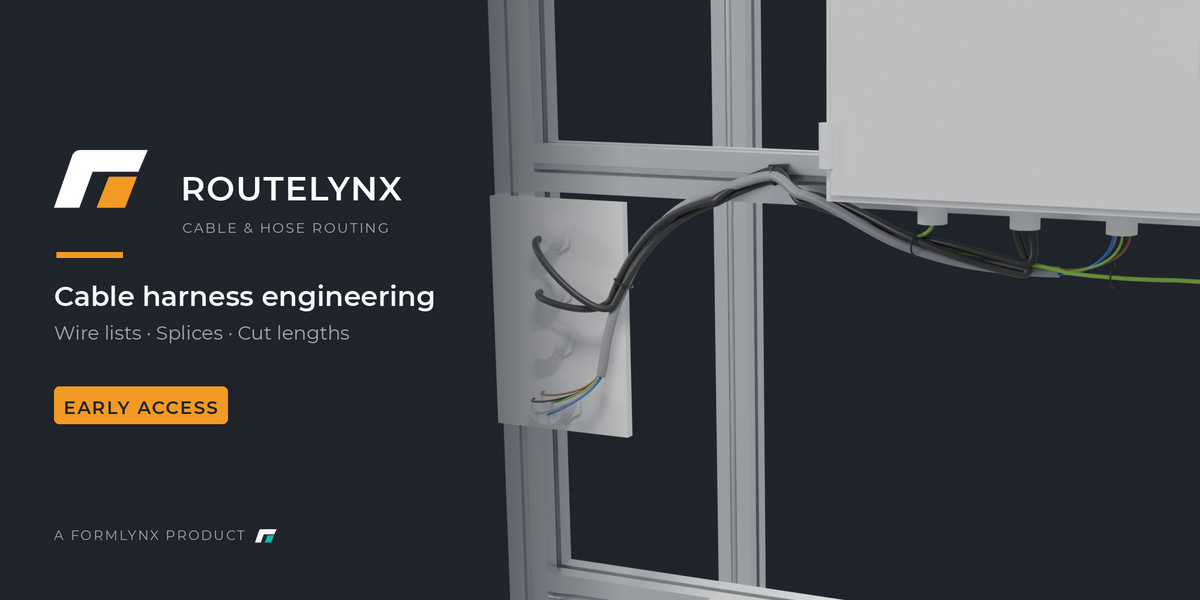
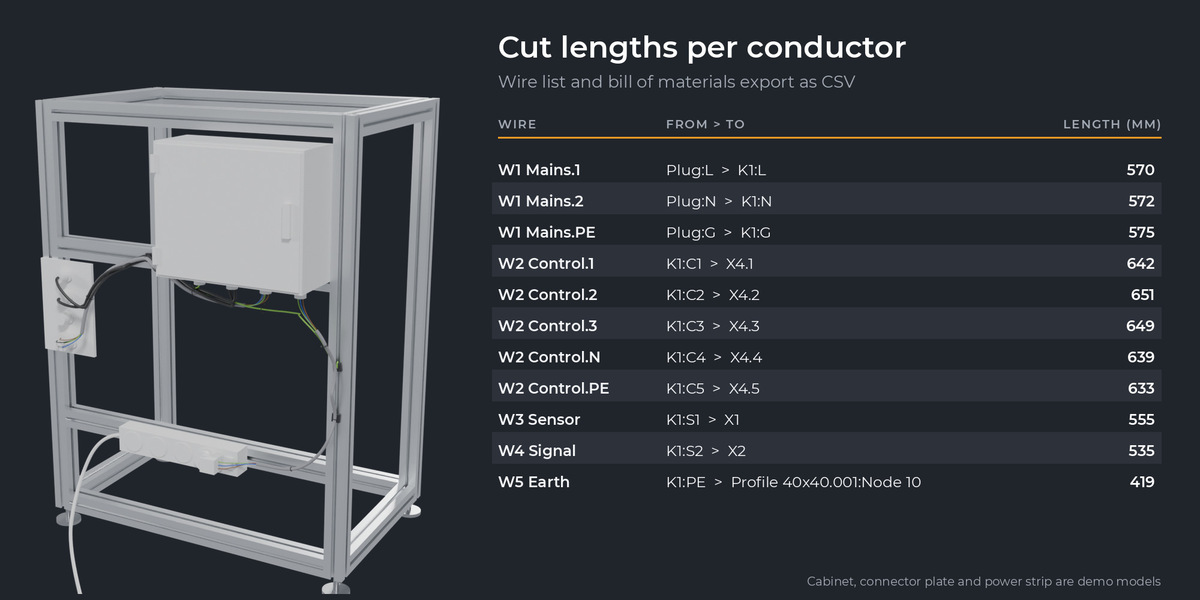
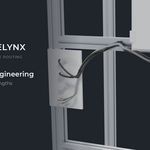
Faster wiring and real harness parts.
New
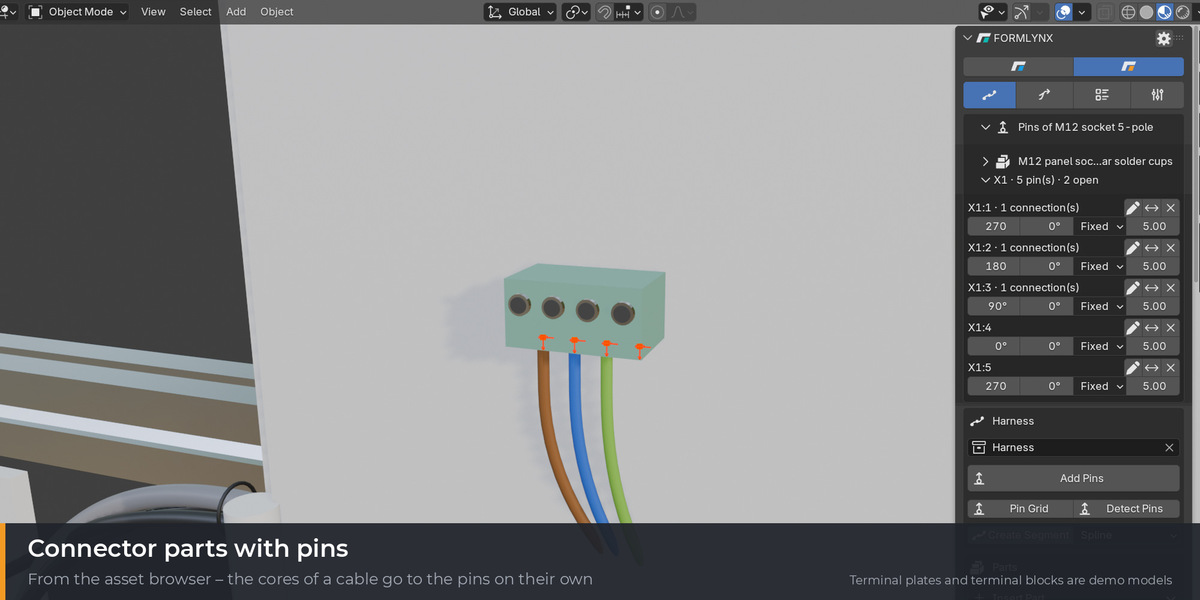
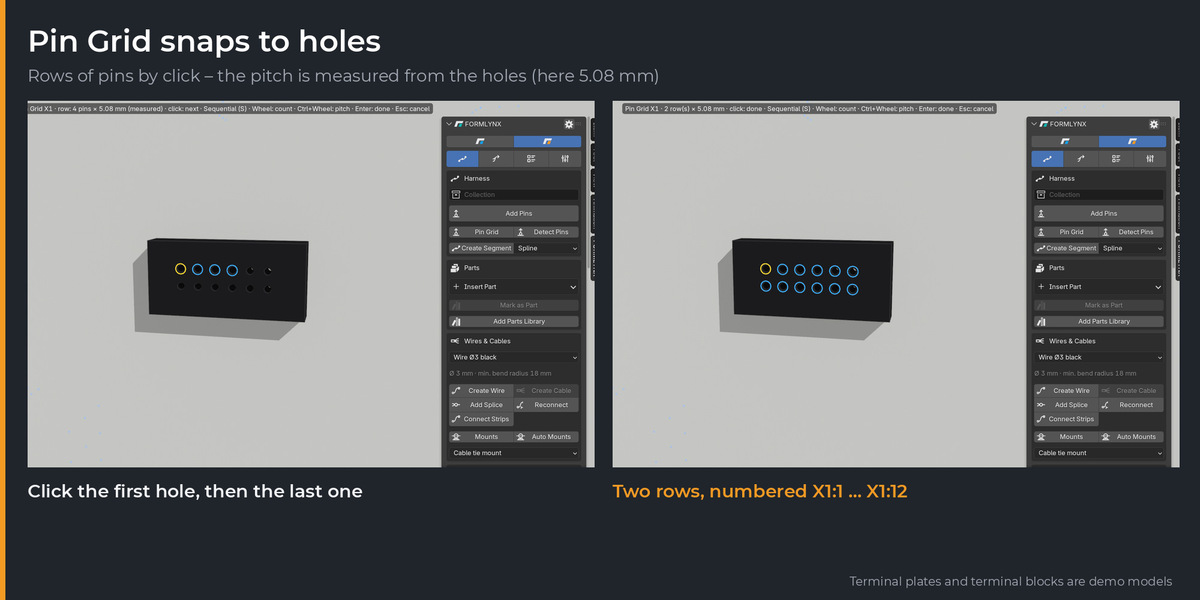
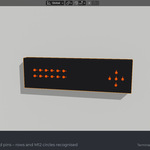
- Pin Grid: place rows of pins by click. It snaps to holes and studs and measures the pitch (2.54, 5.08 mm …).
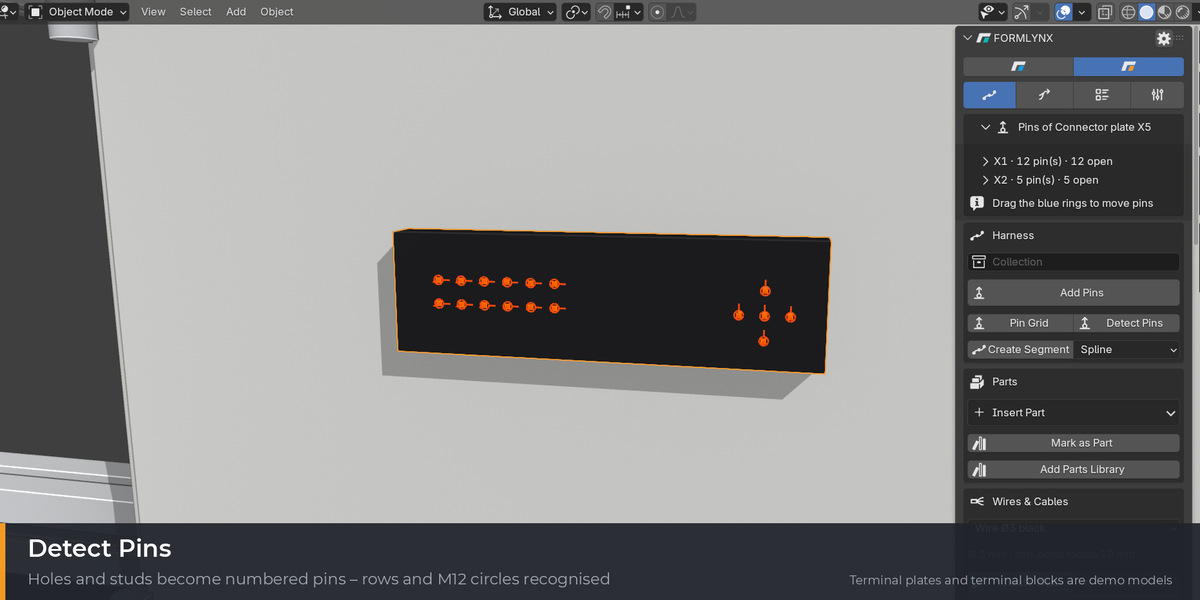
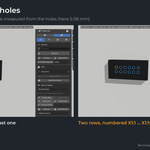
- Detect Pins: every hole and stud of a part becomes a numbered pin. One connector per group; rows, D-Sub and circular M8/M12 layouts are recognised.
- Numbering: sequential, odd/even (IDC headers), letter + number (DIN 41612), D-Sub and circular; pin names like X1:3.
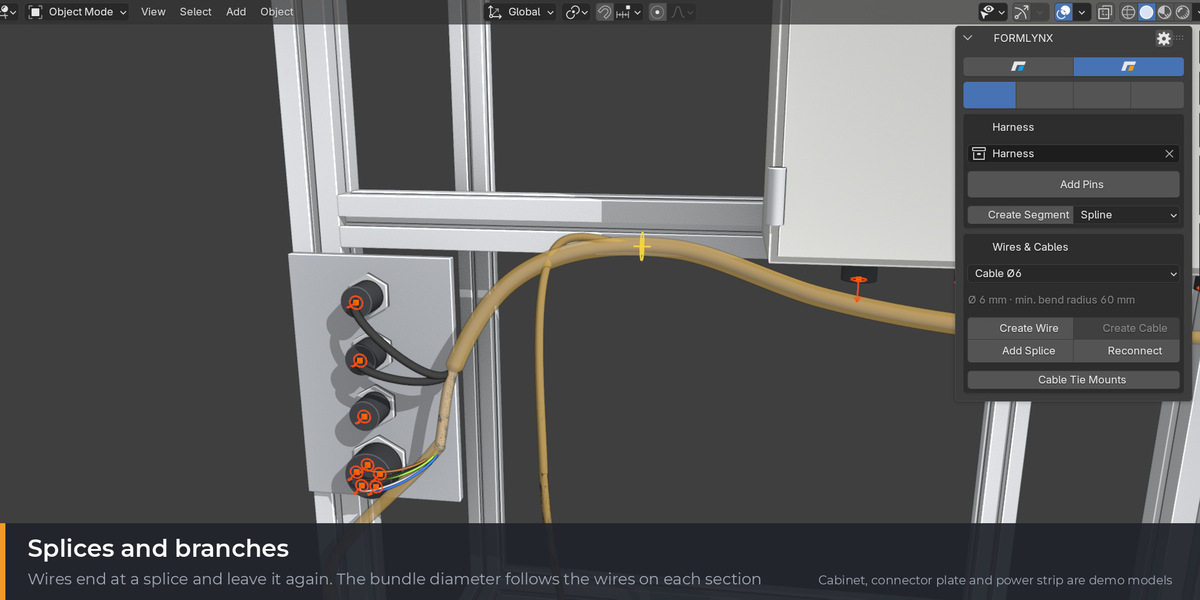
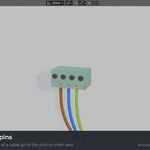
- Open Pins: list of unconnected pins per part and connector; highlight a pin or start a wire from it.
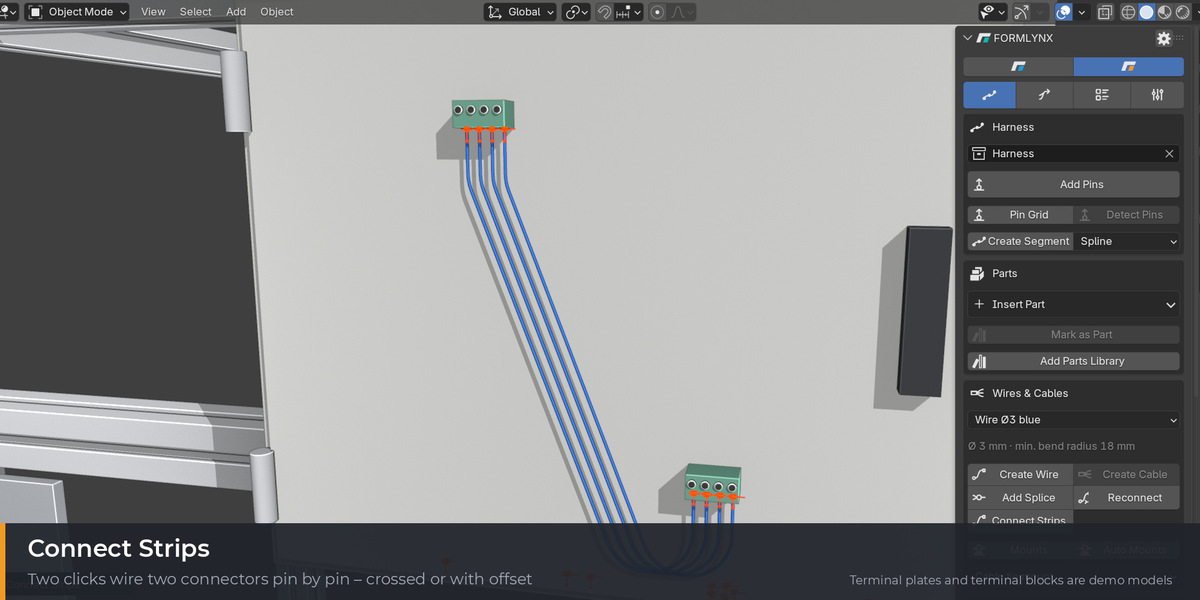
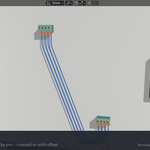
- Connect Strips: two clicks wire two connectors pin by pin, crossed or with an offset.
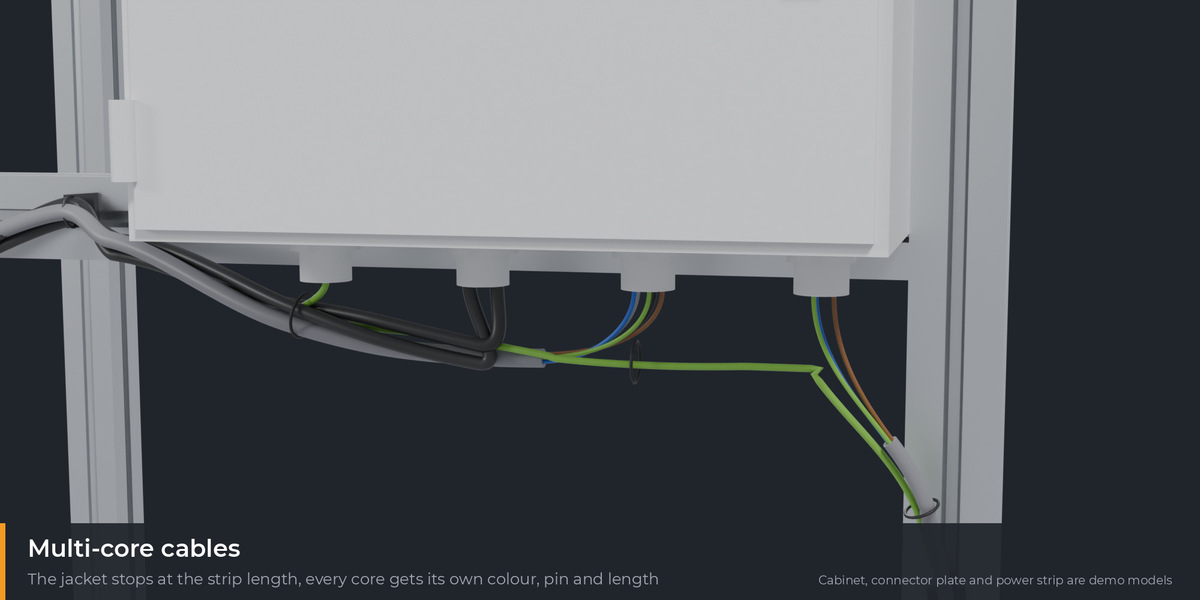
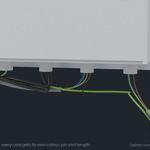
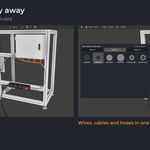
- Connector parts: terminal blocks, M12 sockets, ring lugs and wire end ferrules from the asset browser, with article number and maker for the bill of materials. Mark your own objects as parts. The cores of a multi-core cable go to the pins of a part on their own.
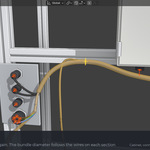
- Mounts: cable tie mounts placed automatically along a segment, T-slot mounts in MODULYNX profile slots, P-clips and pipe clamps sized from the bundle.
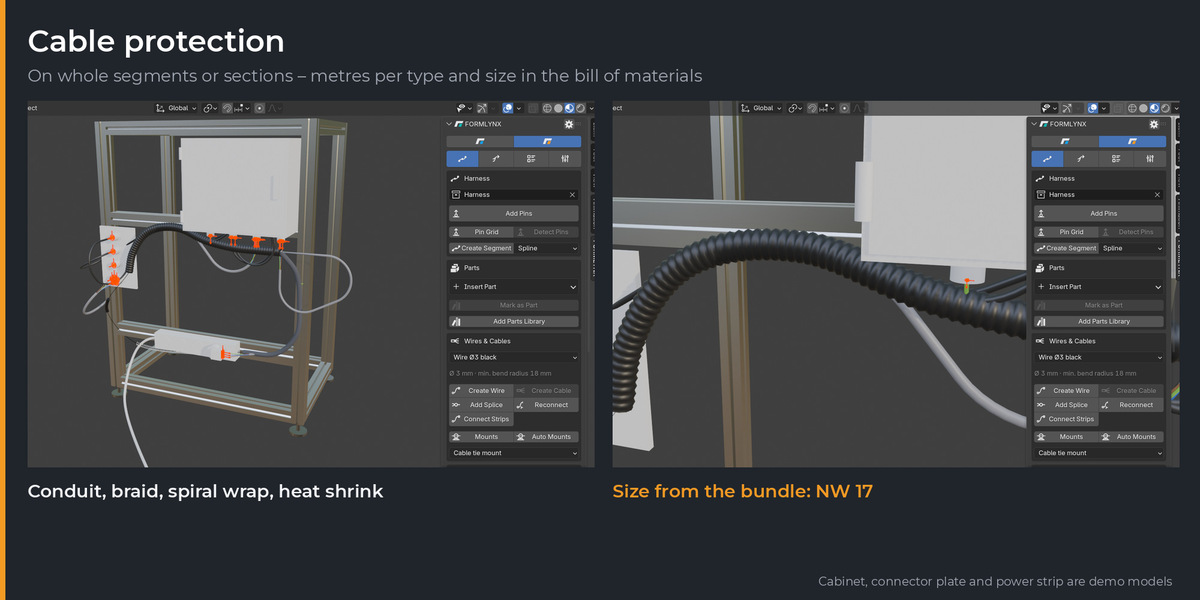
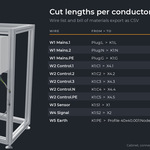
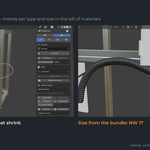
- Cable protection: corrugated conduit, braided sleeve, spiral wrap and heat shrink on whole segments or sections; size from the bundle, metres per type and size in the bill of materials.
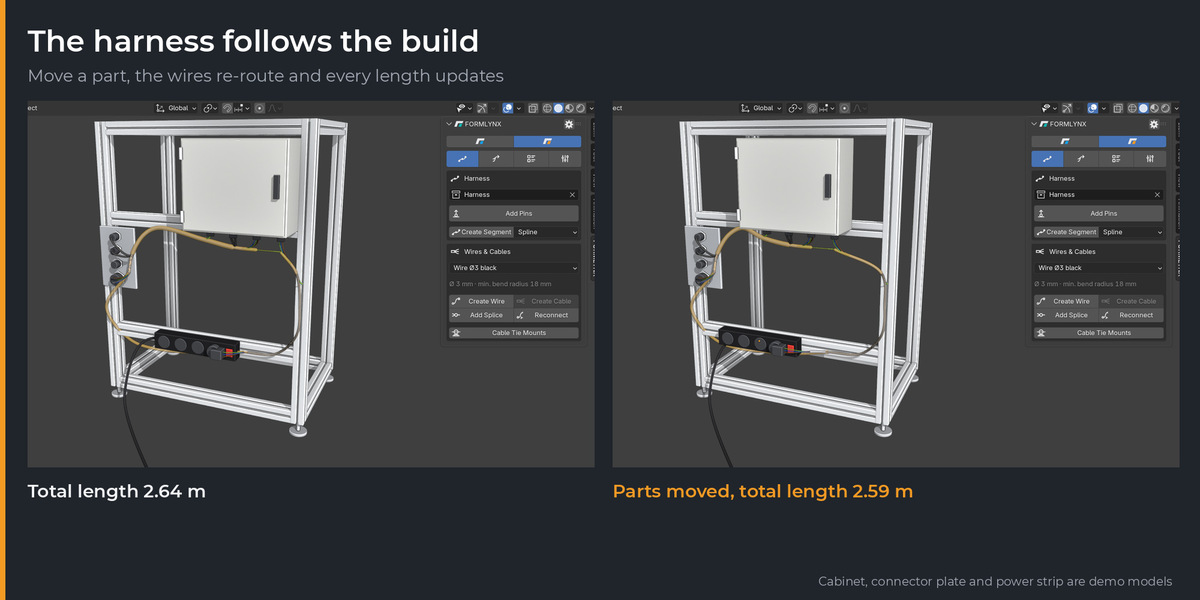
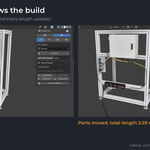
- Slack and service loops: free sections can sag; a service loop at an end is added to the cut length.
Improved
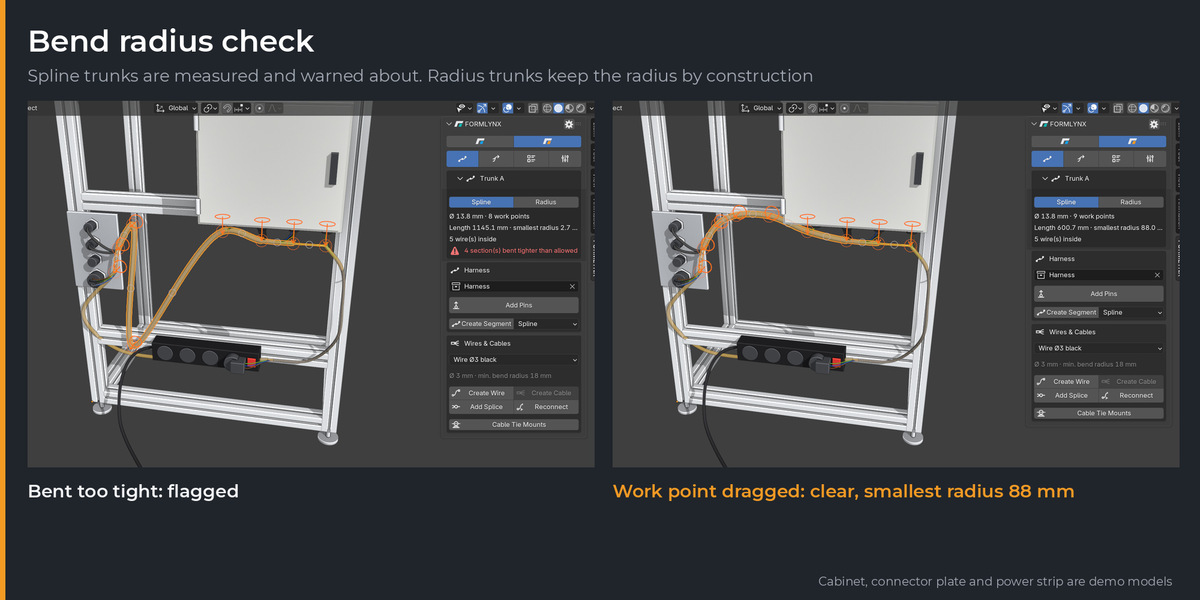
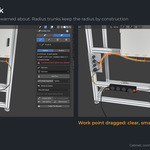
- Pins keep a straight length before the cable may bend (the bend radius is kept), and have roll and tilt. Dragging a pin can follow the face, keep its direction or snap to part or world axes.
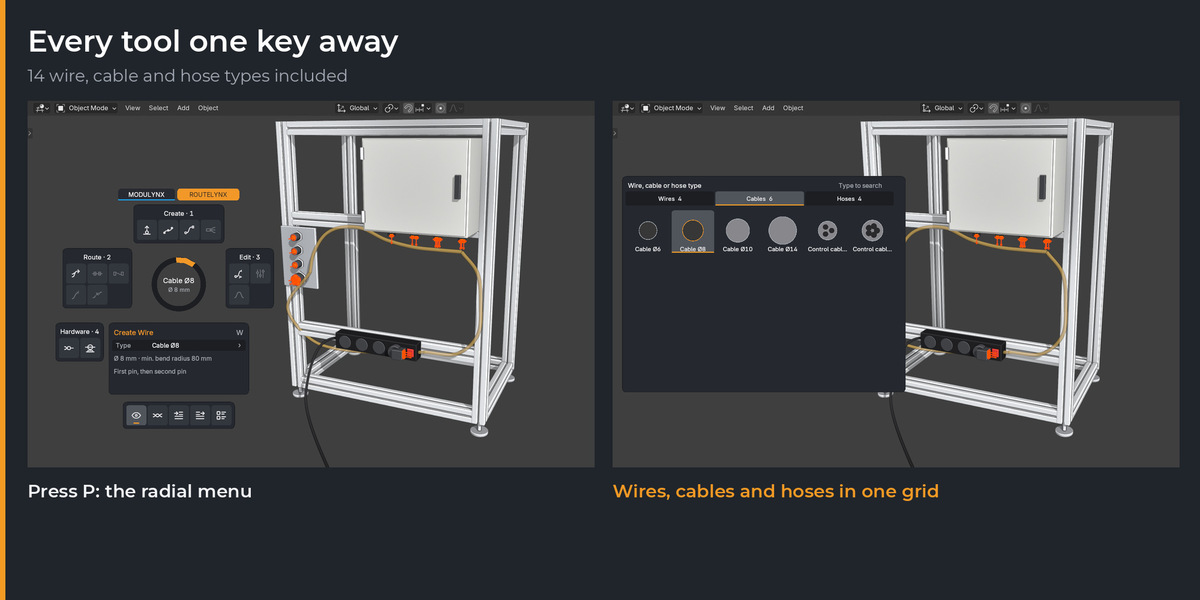
- Ctrl+Wheel switches the wire type while wiring.
Not yet: mesh or STEP export, routing around obstacles, nailboard drawing.
Have questions about this product?
Login to message
| Blender Extension Compatible | Yes |
| Dev Fund Contributor | |
| Published | 12 days ago |
| Blender Version | 4.5 - 5.2 |
| Extension Type | Add-on |
| Render Engine Used | Cycles, Eevee |
| License | GPL |

Discover more products like this
mechanical engineering bend radius cables wire-list splice cable-harness wiring hoses cut list cable routing bill of materials electrical-engineering