 Frederik Vollbrecht
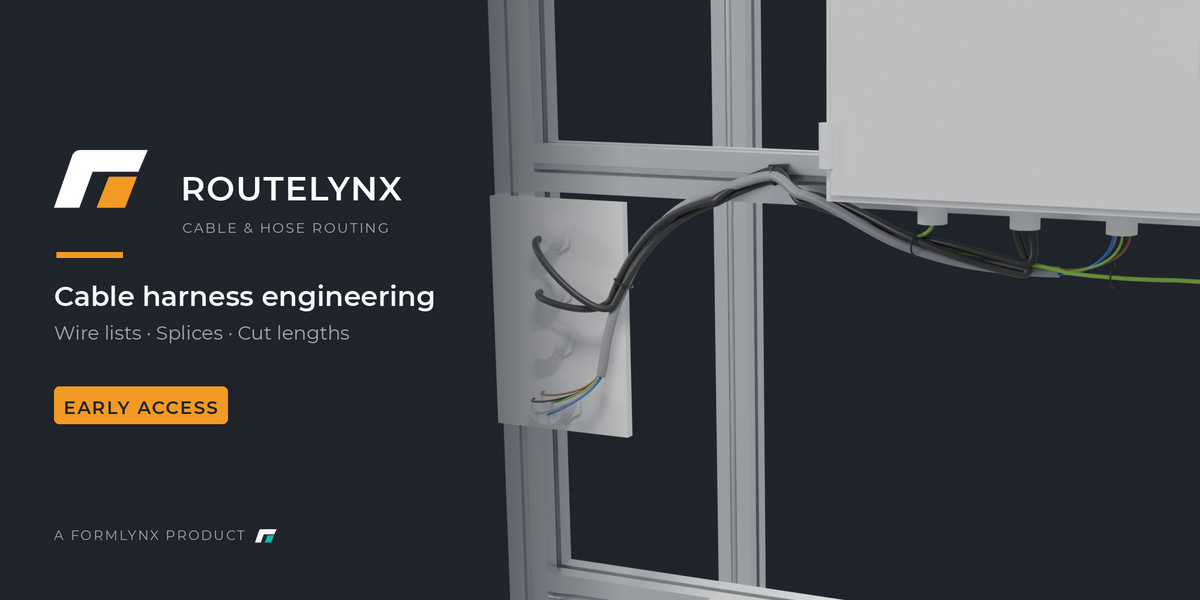
Cable harness engineering, not cable looks.
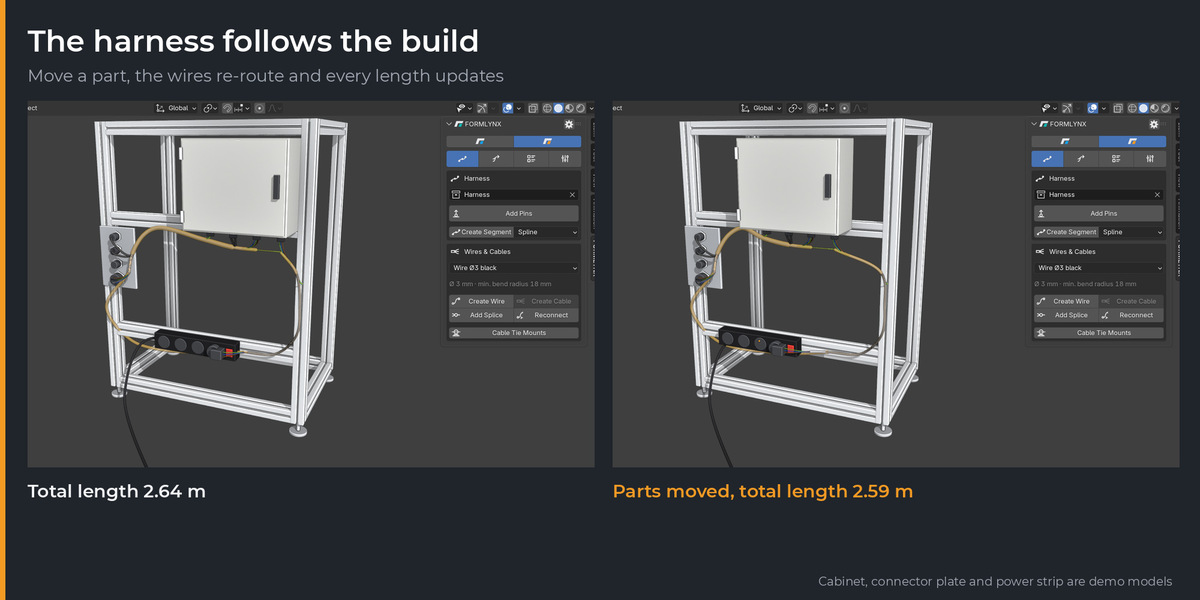
Lay out trunks, connect pins with wires and multi-core cables, add splices and branches, and get a wire list with the cut length of every conductor. When the assembly changes, the harness follows.
Early Access · Version 0.11.2 · Blender 4.5 or newer
This is an Early Access prototype. What is listed here works and is tested, but ROUTELYNX is unfinished and features can still change. Mesh and STEP export are not in yet. See Before you buy below.
Updates: your purchase includes every version up to and including 1.0, and 12 months of updates after that.
01
Route
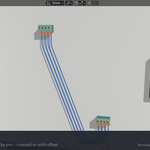
Place pins, draw trunks, click two pins. The wire finds its path through the trunks.
02
Connect
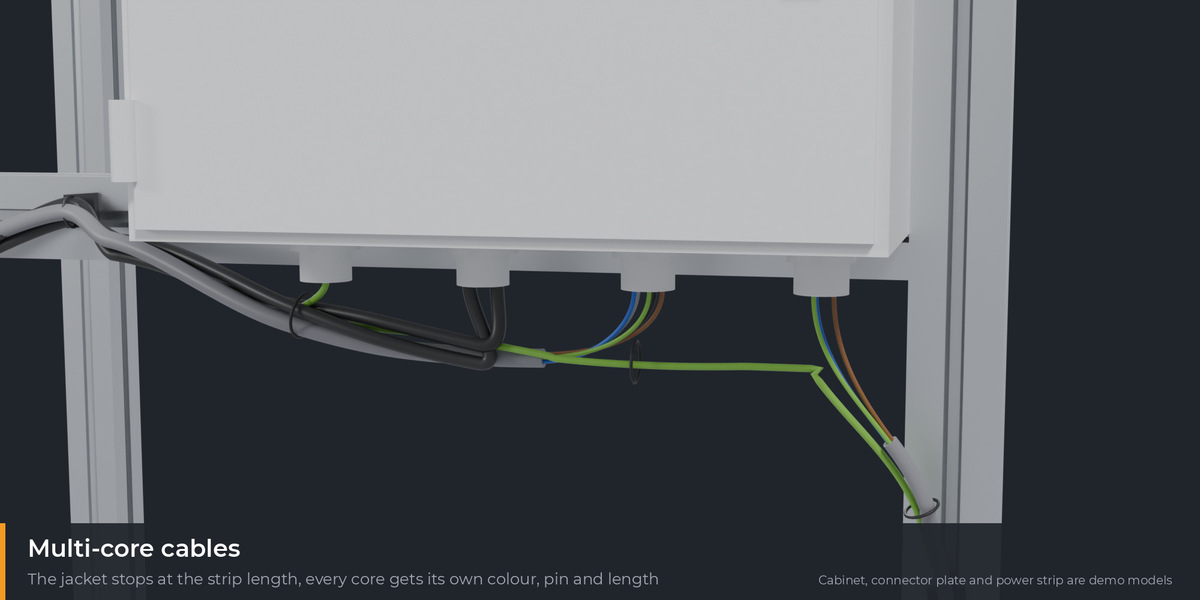
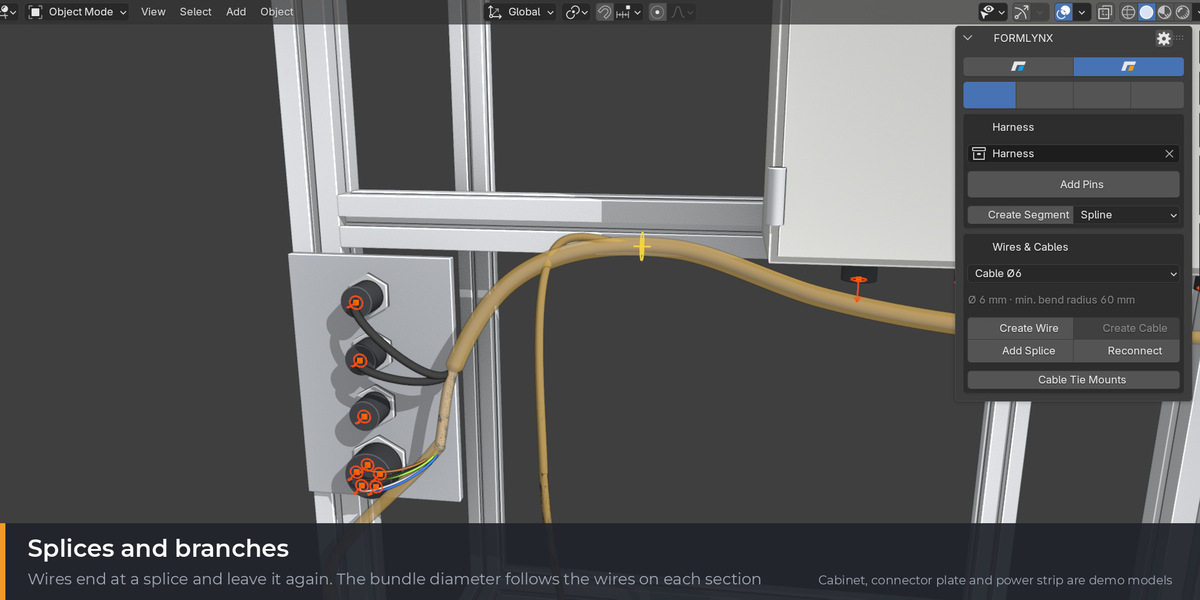
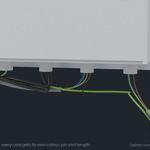
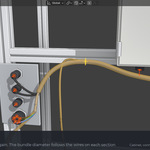
Multi-core cables, splices and branches, with the bundle diameter worked out per section.
03
Cut
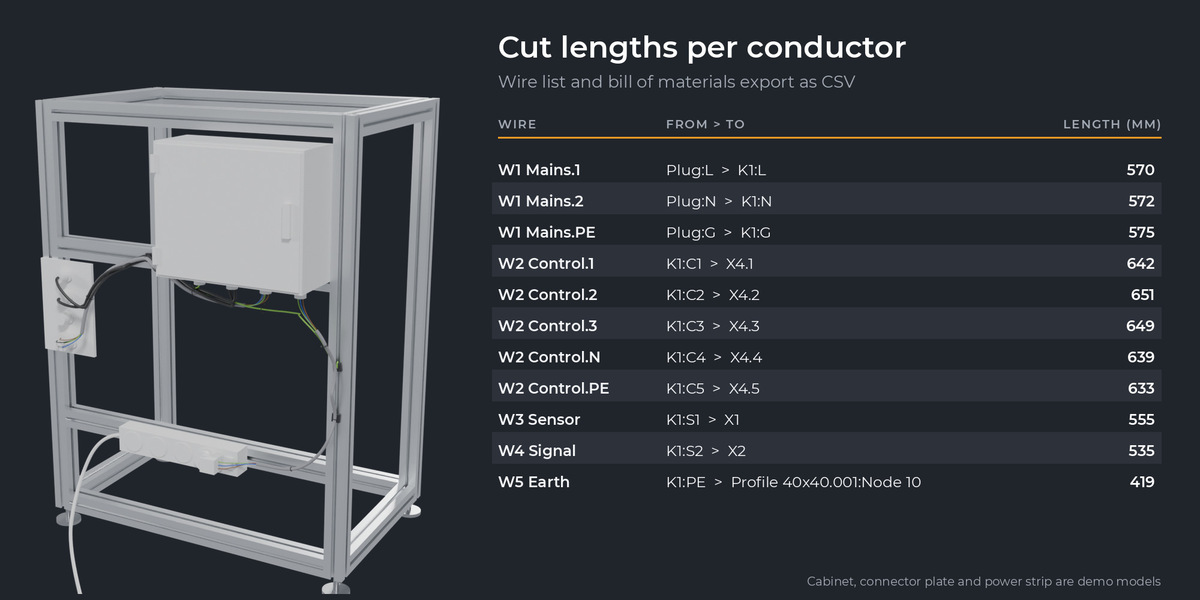
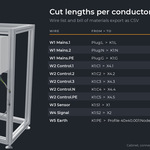
Export a wire list with from, to, type and length of every conductor, as CSV.
Core workflows
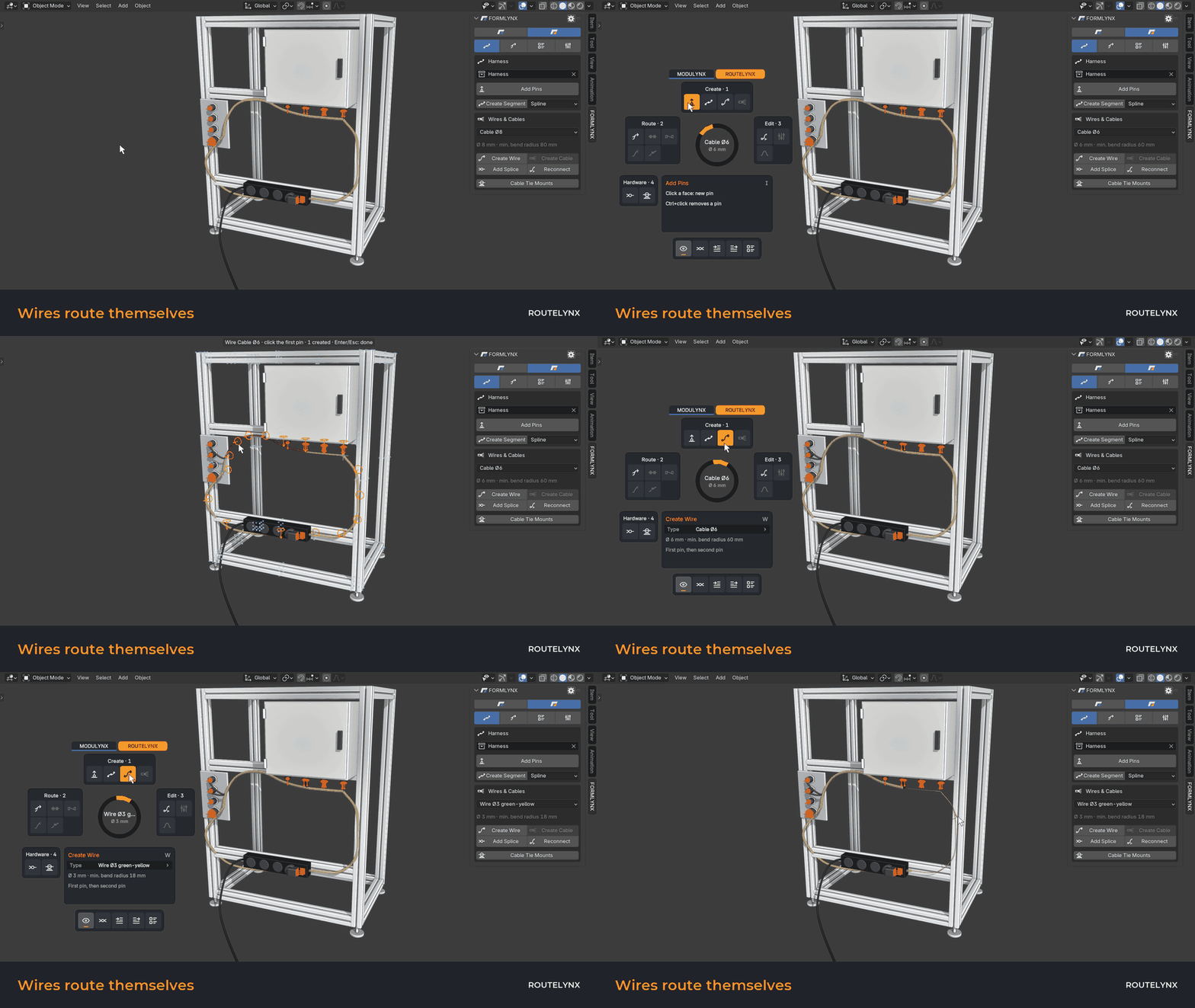
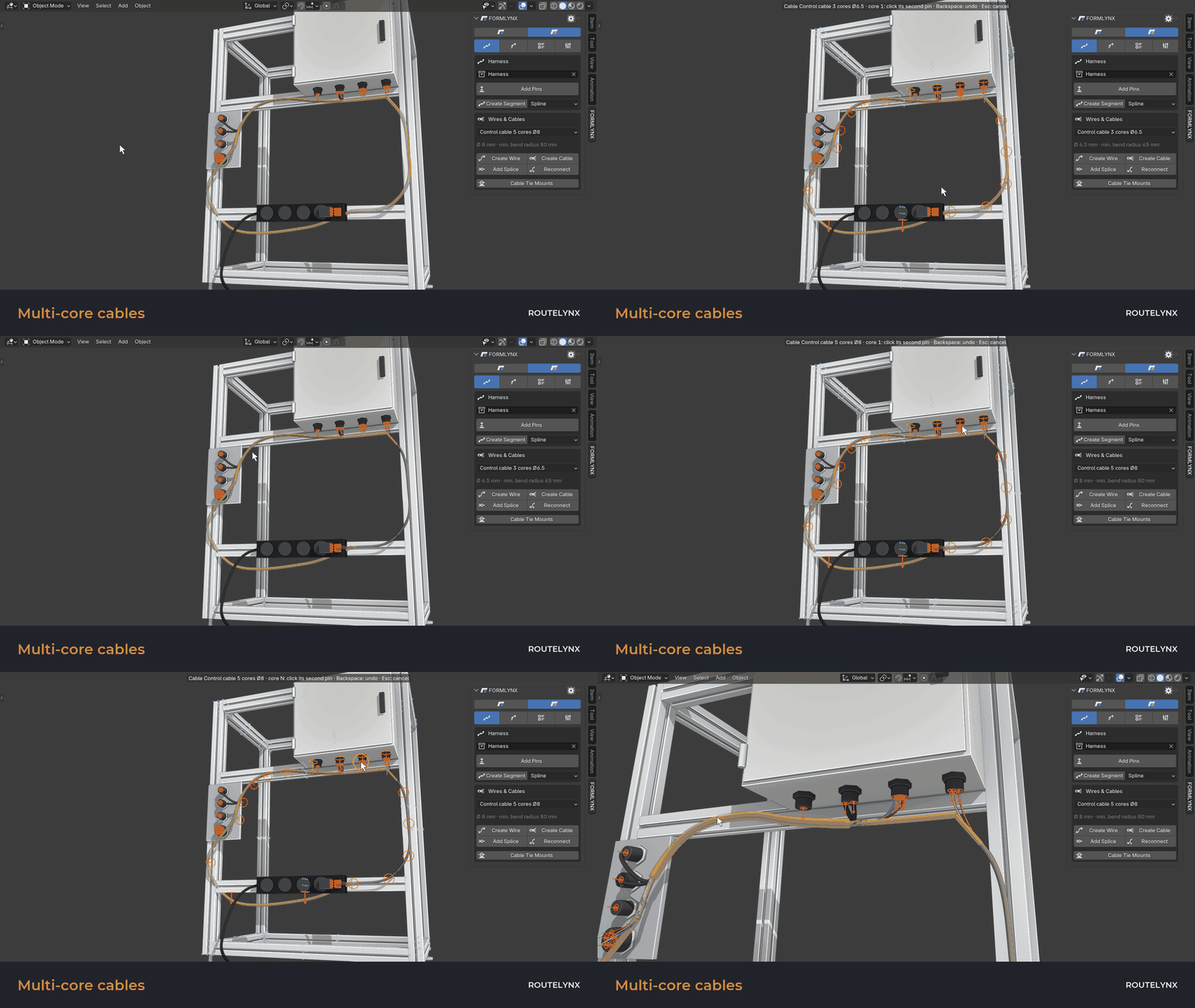
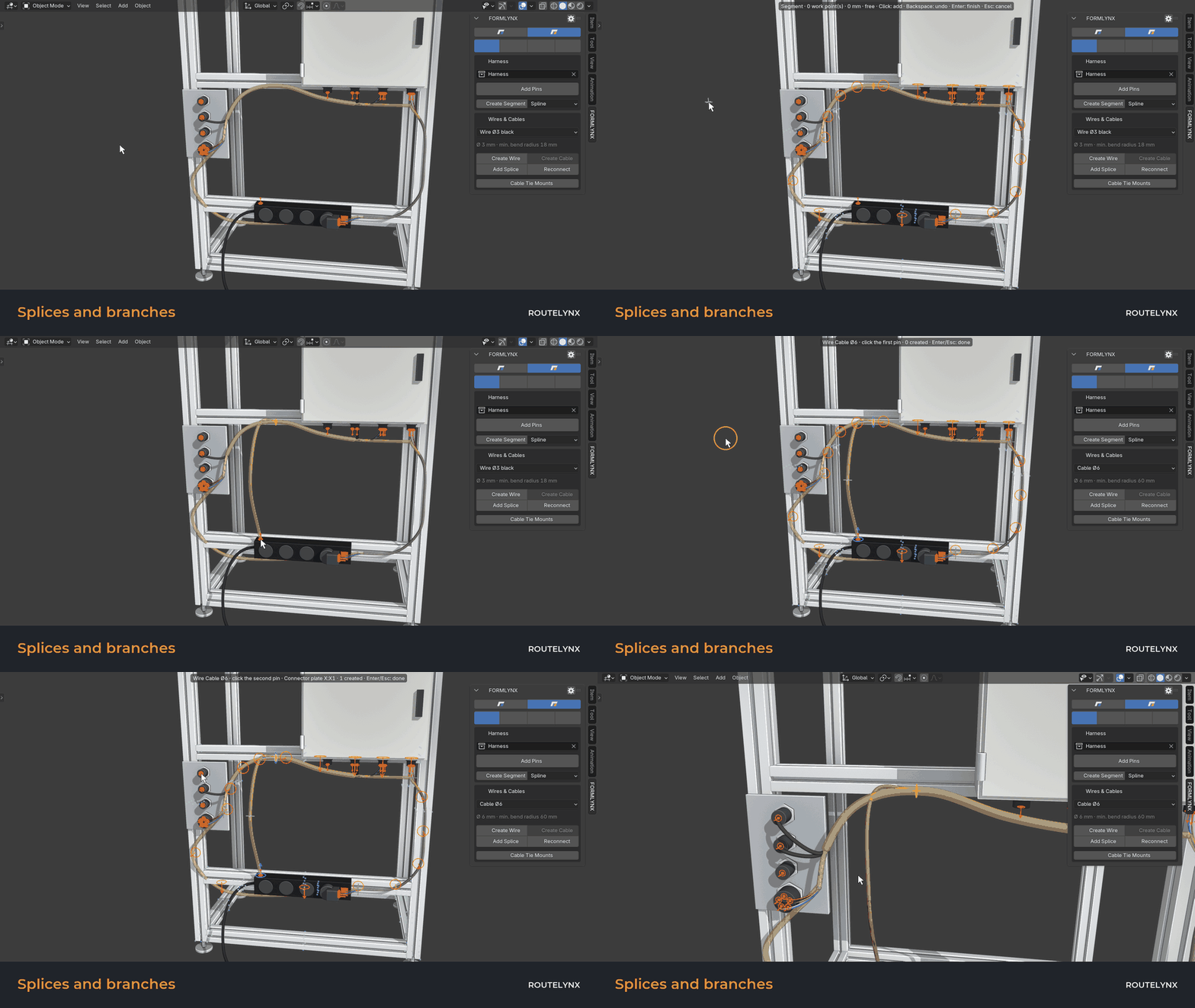
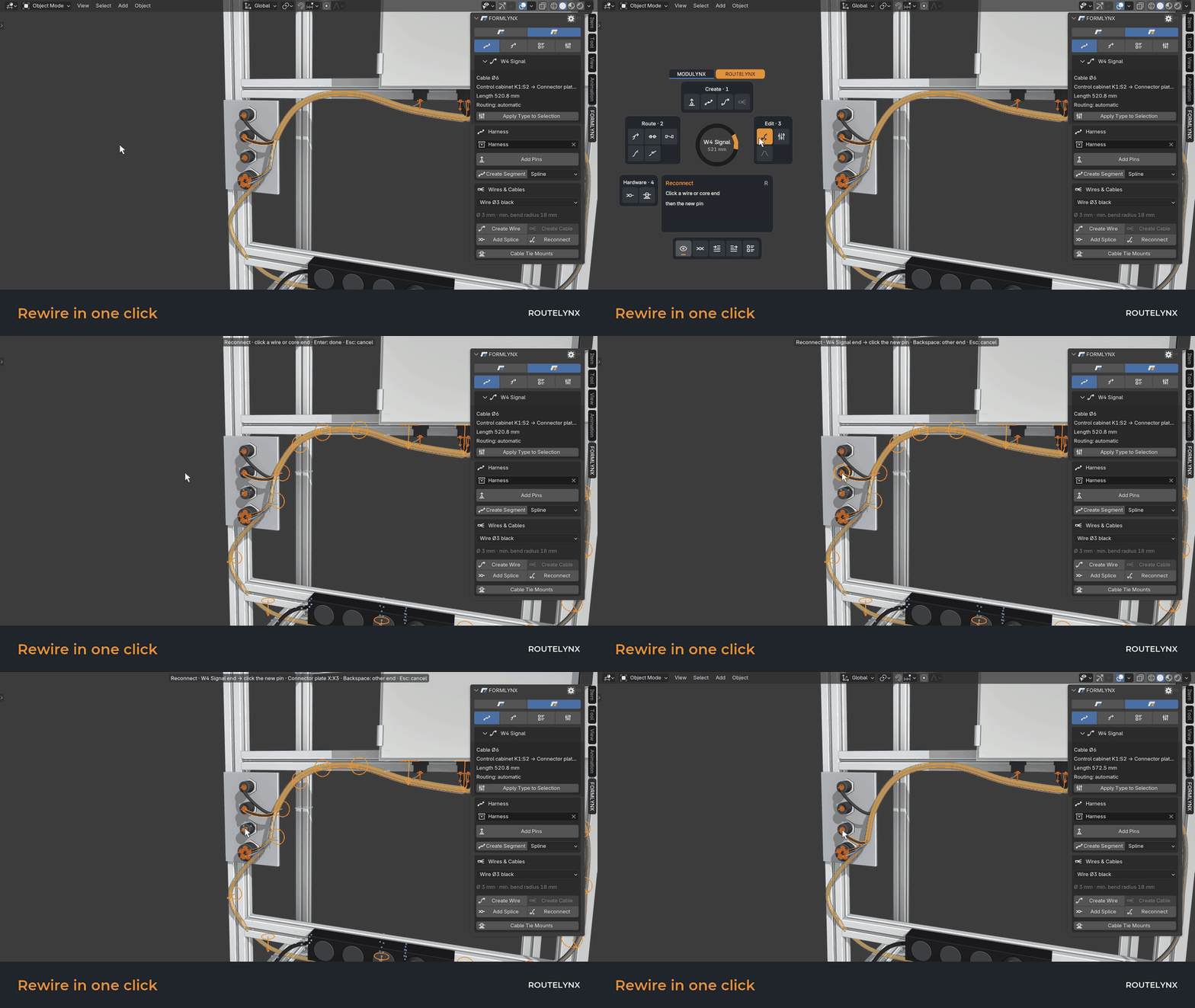
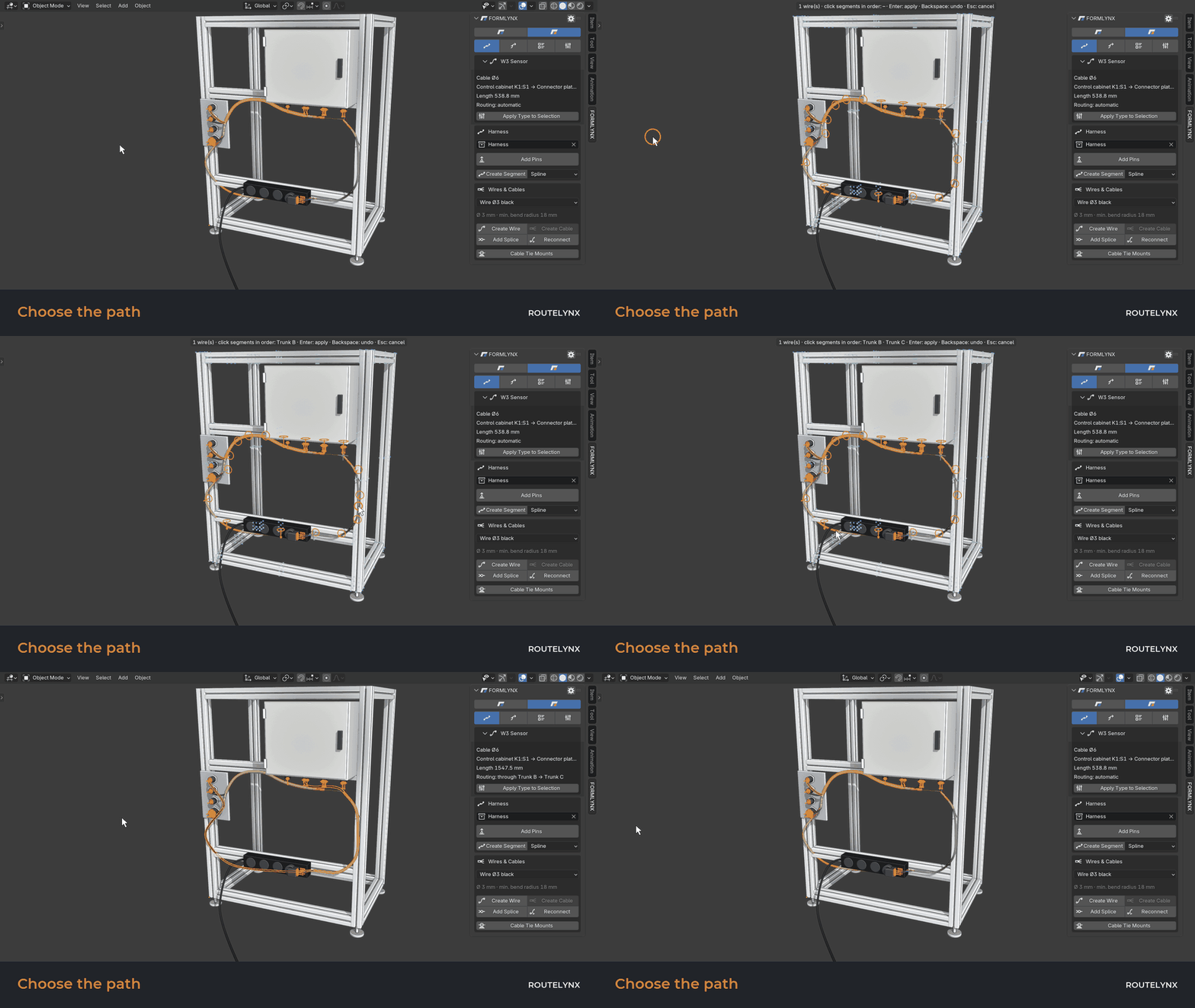
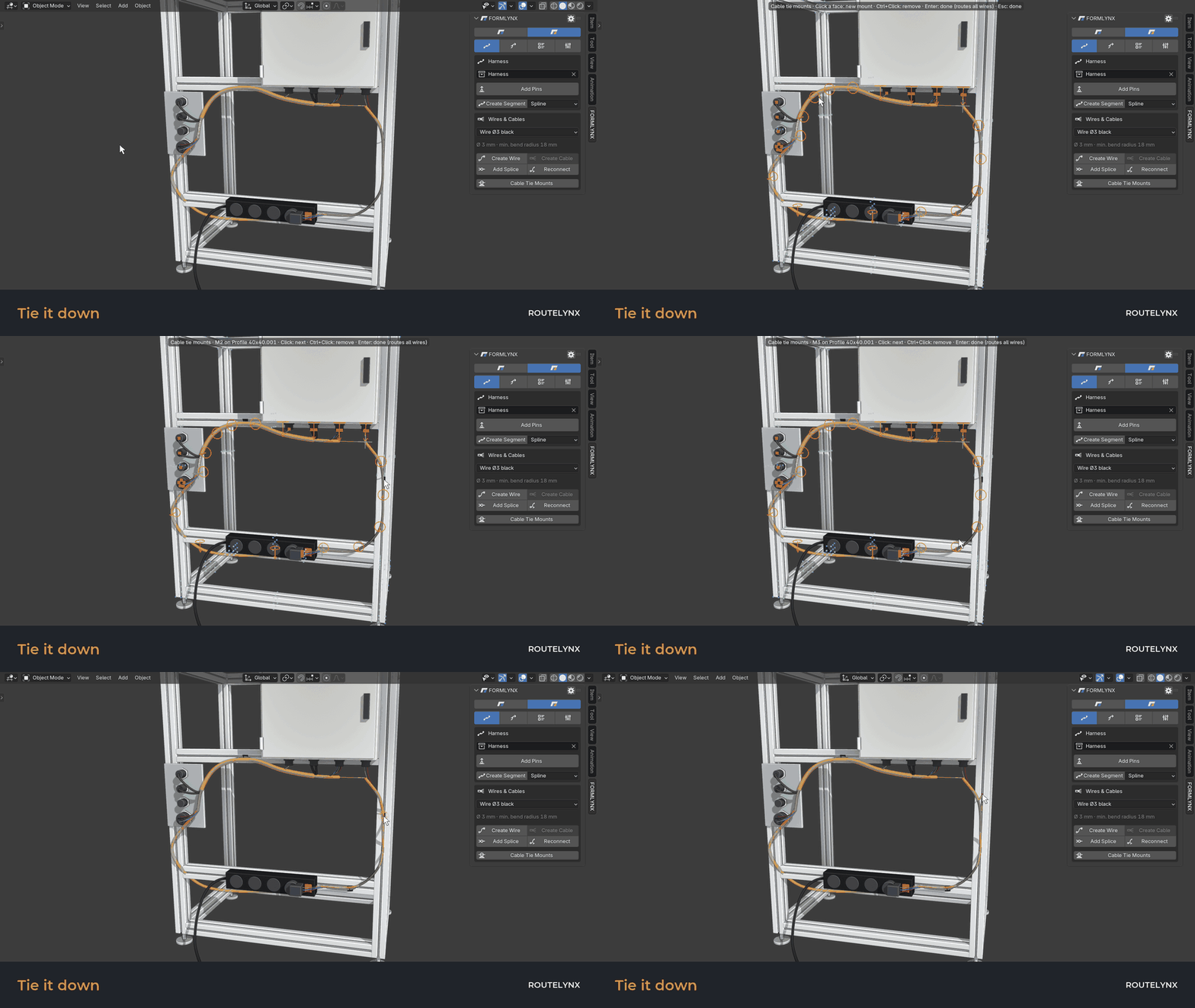
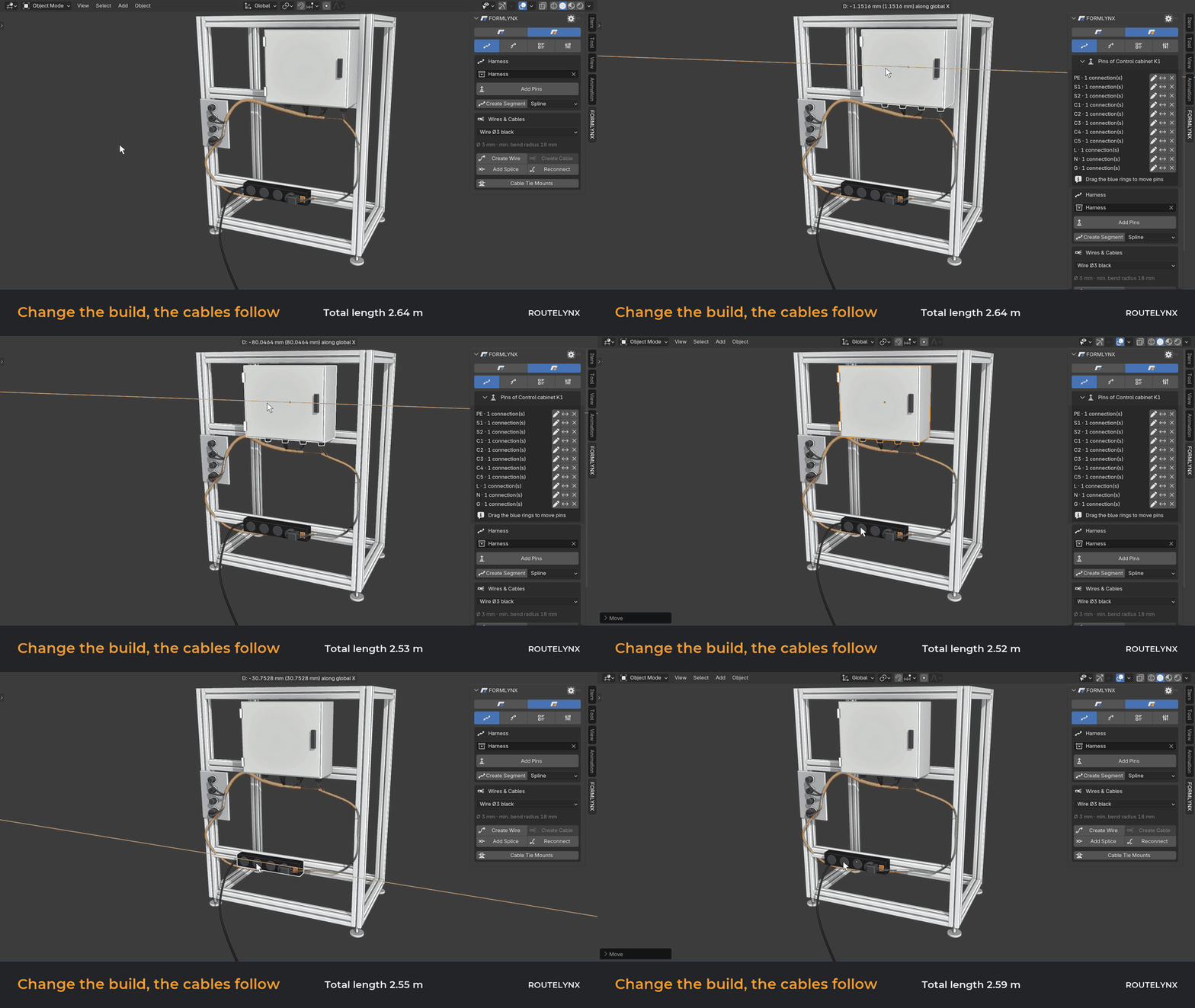
From model to workshop
Wire list
One row per conductor: wire, type, from, to, length. Exports to CSV, and you can import a list to create the wires.
Exact lengths
Measured along the actual path, from pin to pin, with an allowance per end that you set.
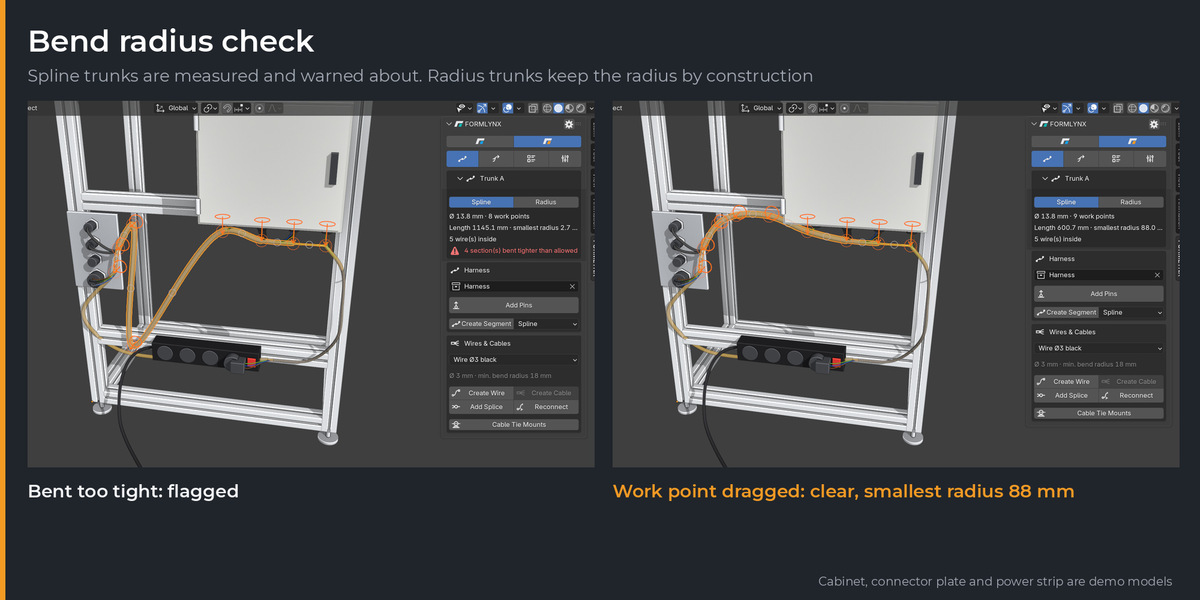
Bend radius
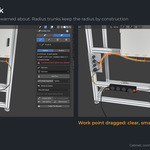
Radius trunks use lines and arcs that keep the radius. Spline trunks are measured, and tight sections are reported.
Bill of materials
Cables, splices, mounts and ties. Together with MODULYNX, frame and harness share one list.
Works with MODULYNX
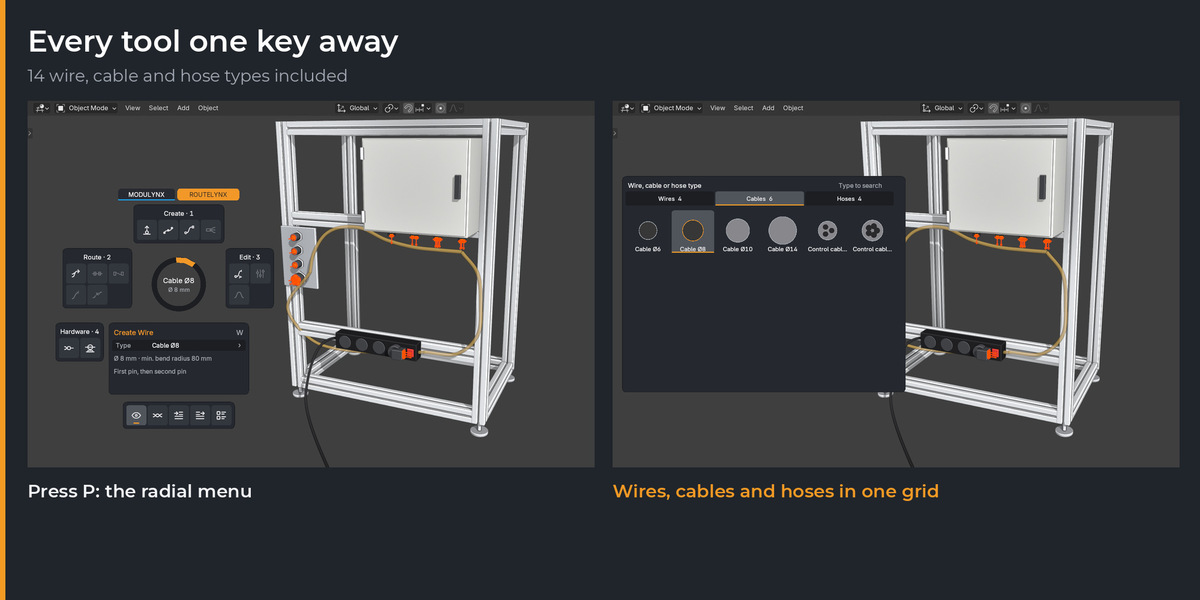
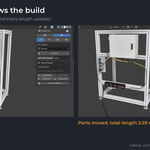
Nodes on MODULYNX aluminium profiles count as pins, so a harness can end right on the frame and moves with it. Both add-ons share one radial menu with a tab per product. MODULYNX is sold separately and is not required.
Start quickly
1
In Blender, open Edit › Preferences › Get Extensions and choose Install from Disk. Do not unzip the file.
2
The ROUTELYNX tools appear in the FORMLYNX tab of the 3D viewport sidebar (N).
3
In Object Mode, press P for the radial menu and place your first pins.
The full guide and the FAQ are in the Documentation section of this page.
Before you buy
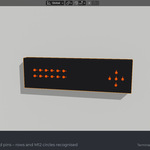
Demo models: the cabinet, connector plate, power strip and terminal plates in the images are not included. Terminal blocks, M12 sockets, ring lugs and wire end ferrules are included as connector parts.
No mesh or STEP export yet. ROUTELYNX produces curve objects. The output is a wire list and a bill of materials.
No collision check and no routing around obstacles. Wires follow the trunks you draw.
Bend radii are rule-of-thumb defaults (factor × outer diameter). Always check your cable's datasheet. 14 generic types are included.
Requirements: Blender 4.5 or newer, installed as an extension. Interface in English only. File access is used only for the CSV import and export, and the add-on does not use the network.
New in 0.11
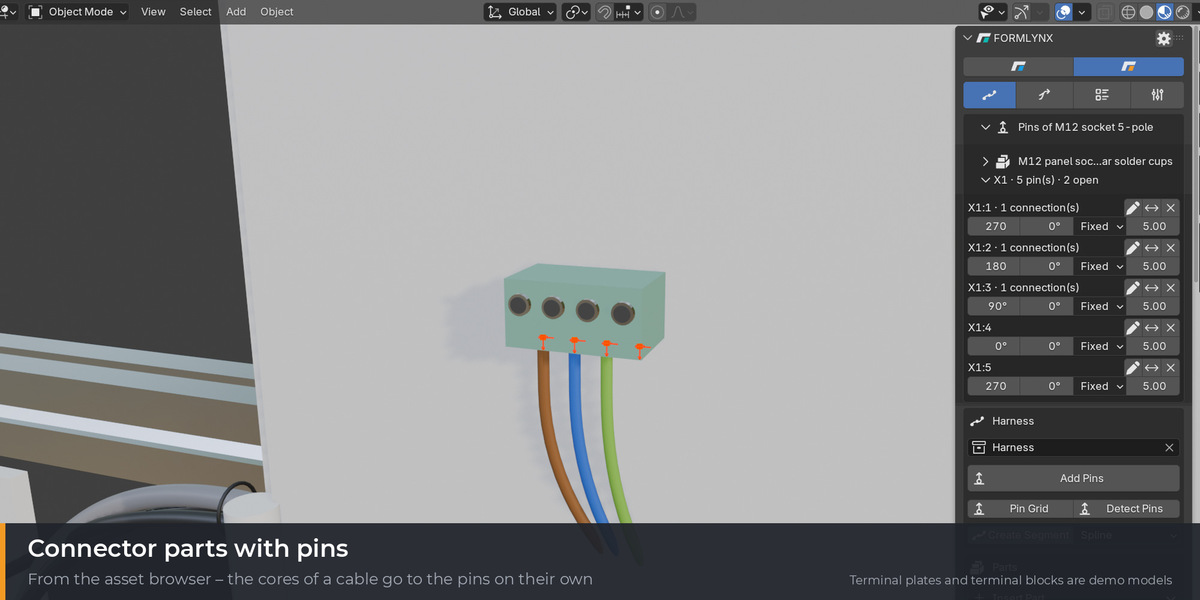
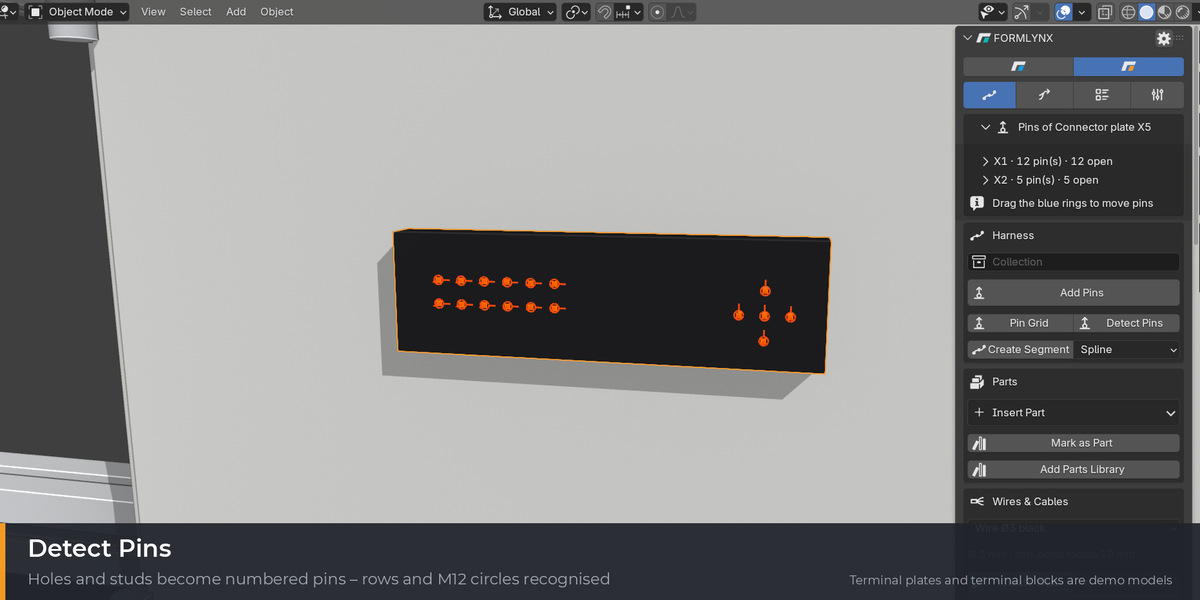
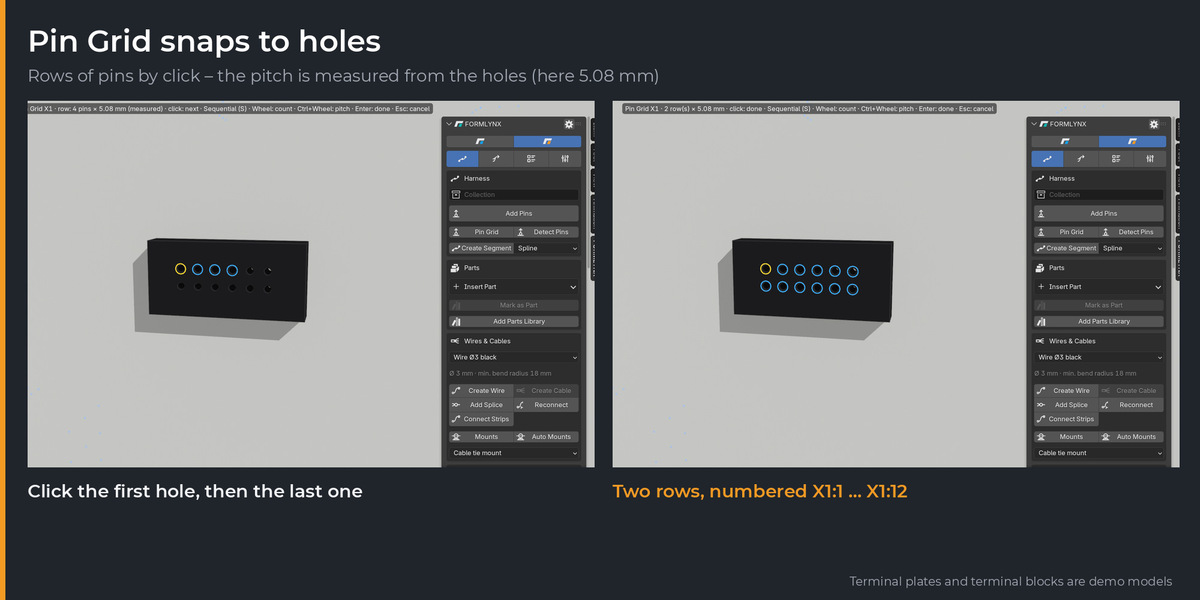
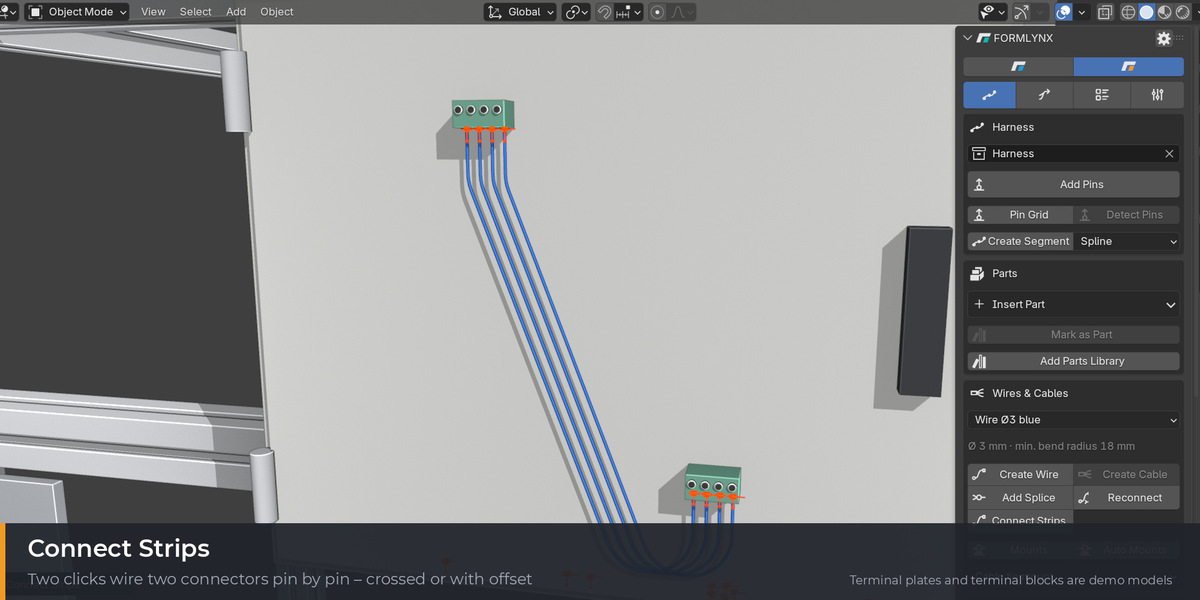
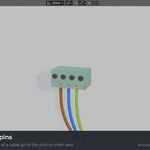
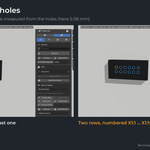
Faster wiring: Pin Grid snaps rows of pins to holes and measures the pitch; Detect Pins turns all holes and studs of a part into numbered connectors (rows, D-Sub, M8/M12); Open Pins lists what is still free; Connect Strips wires two connectors pin by pin.
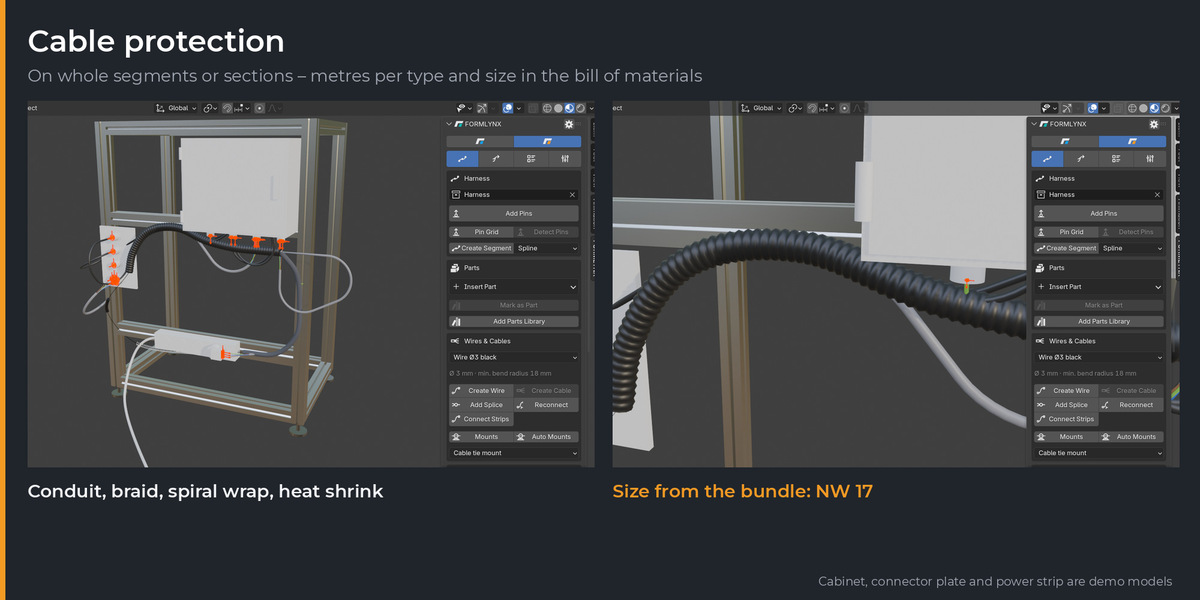
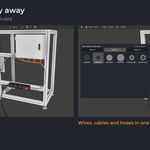
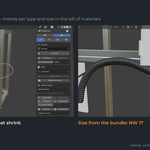
Harness parts: connector parts with pins from the asset browser, automatic cable tie mounts, T-slot mounts in MODULYNX profiles, P-clips and pipe clamps, conduit, braided sleeve, spiral wrap and heat shrink.
Real lengths: slack on free sections and service loops count in the cut length; pins keep a straight length before the cable bends.
0.10.10 was the first public Early Access release.
