 Domenas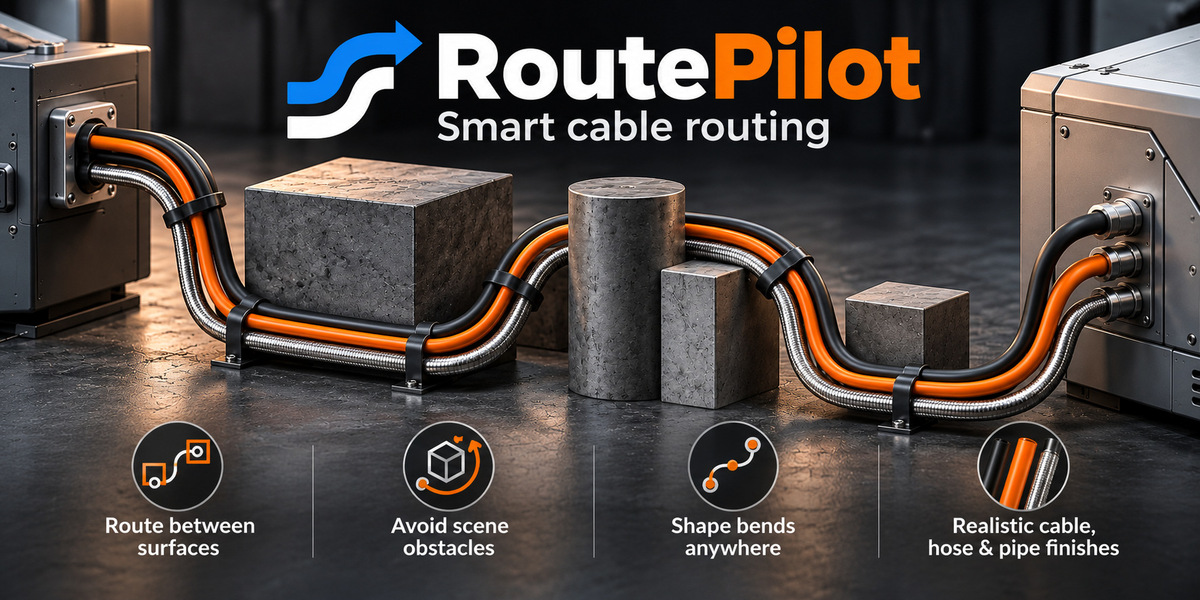

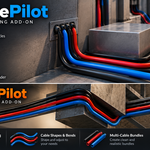

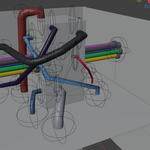
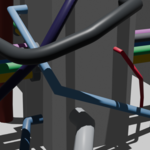
RoutePilot – Cable Routing Made Easier
Creating cables in a busy 3D scene can take a lot of time, especially when they need to pass around other objects.
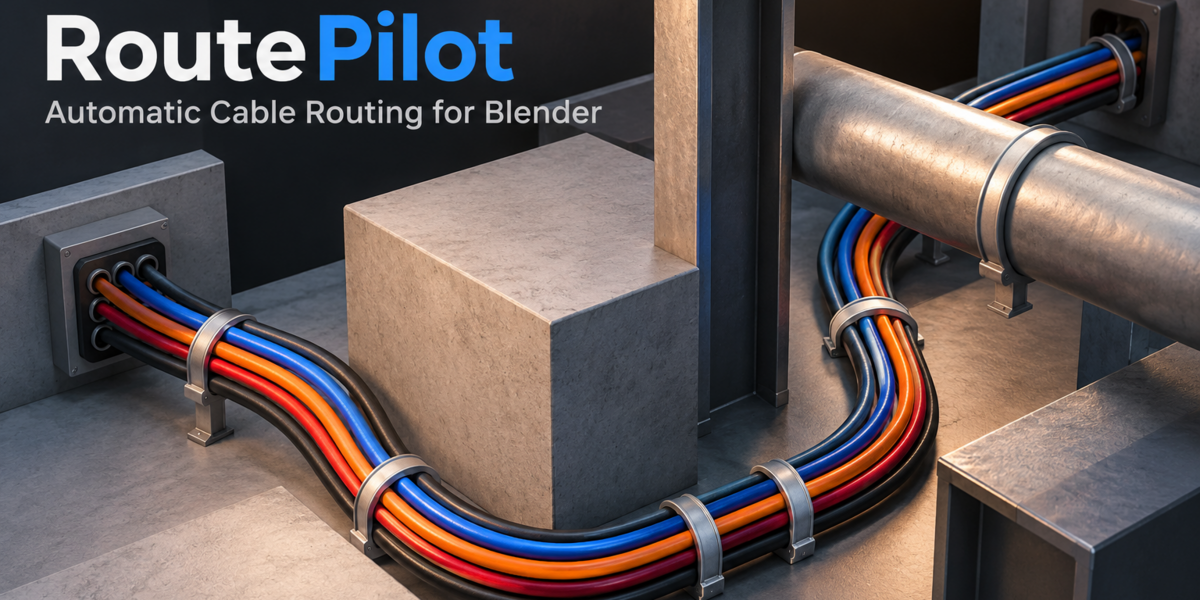
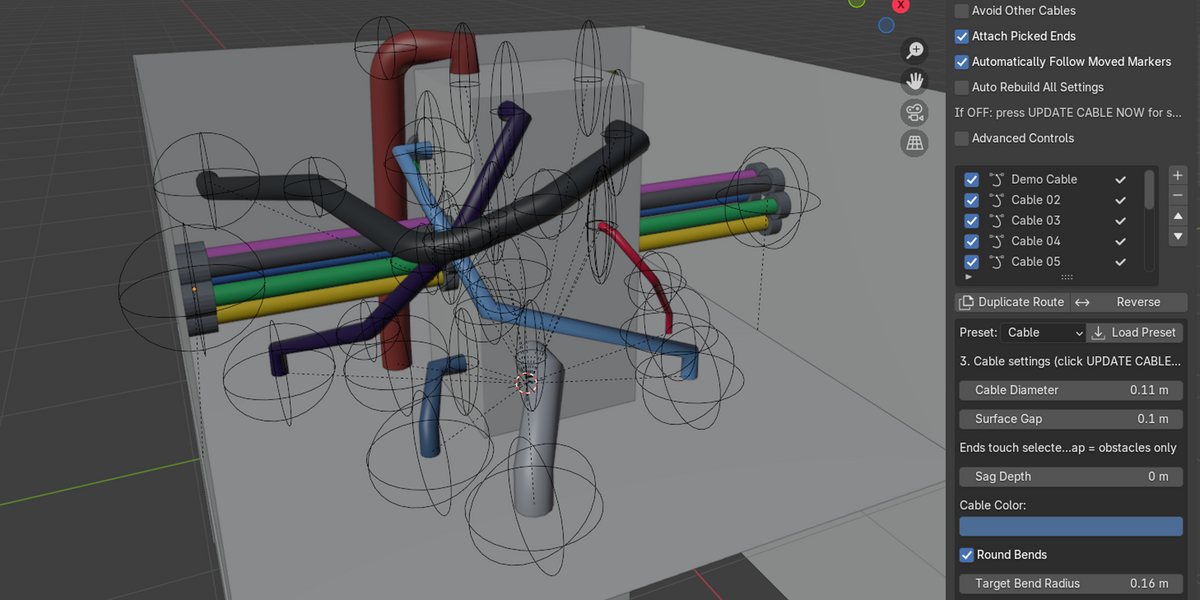
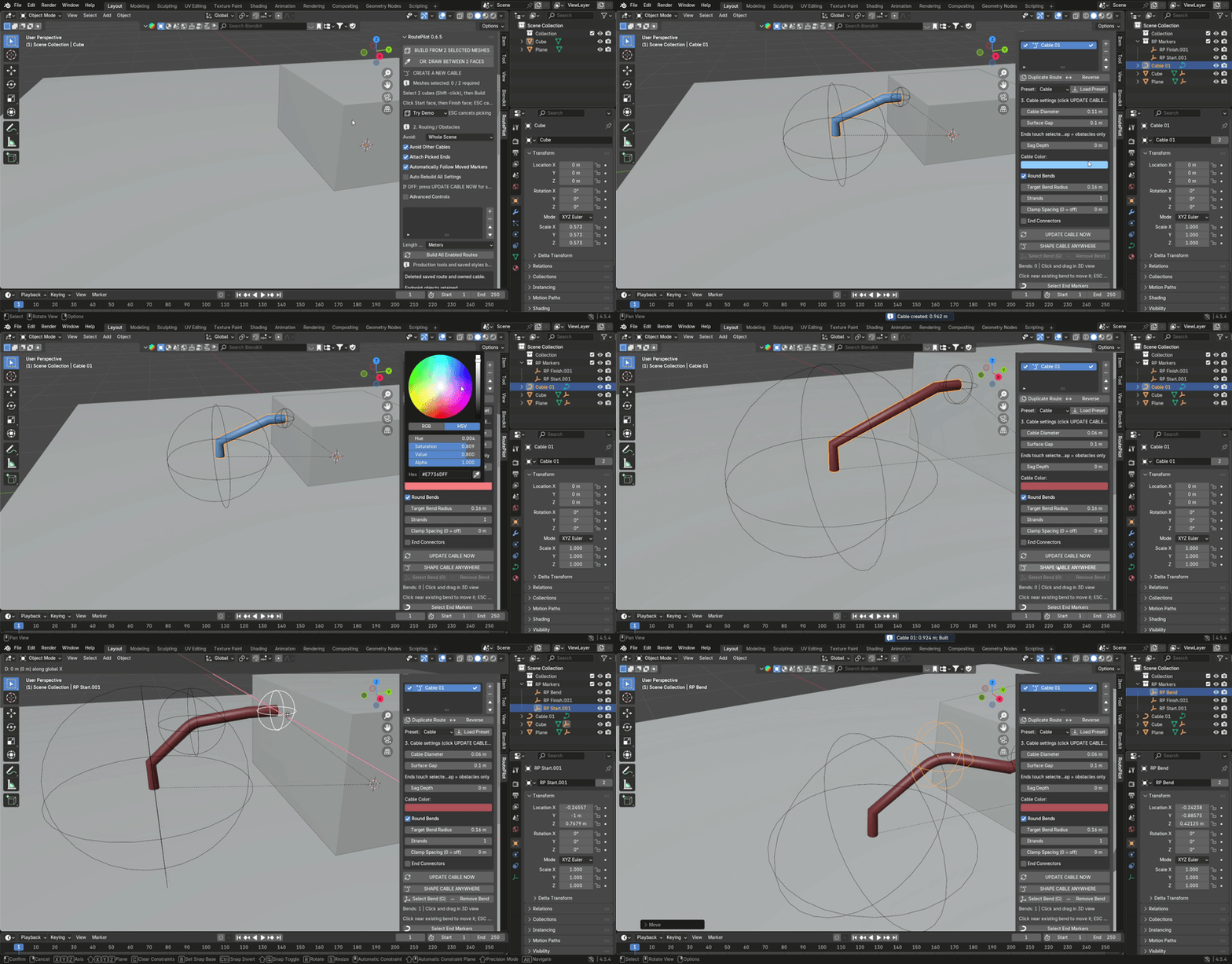
RoutePilot is a Blender add-on that helps with this process. Instead of drawing every cable path manually, you can select two mesh objects or pick two surfaces and let RoutePilot search for a route between them.
Once the cable is created, you can adjust its shape, move its endpoints, change its appearance, or create a bundle of multiple strands.
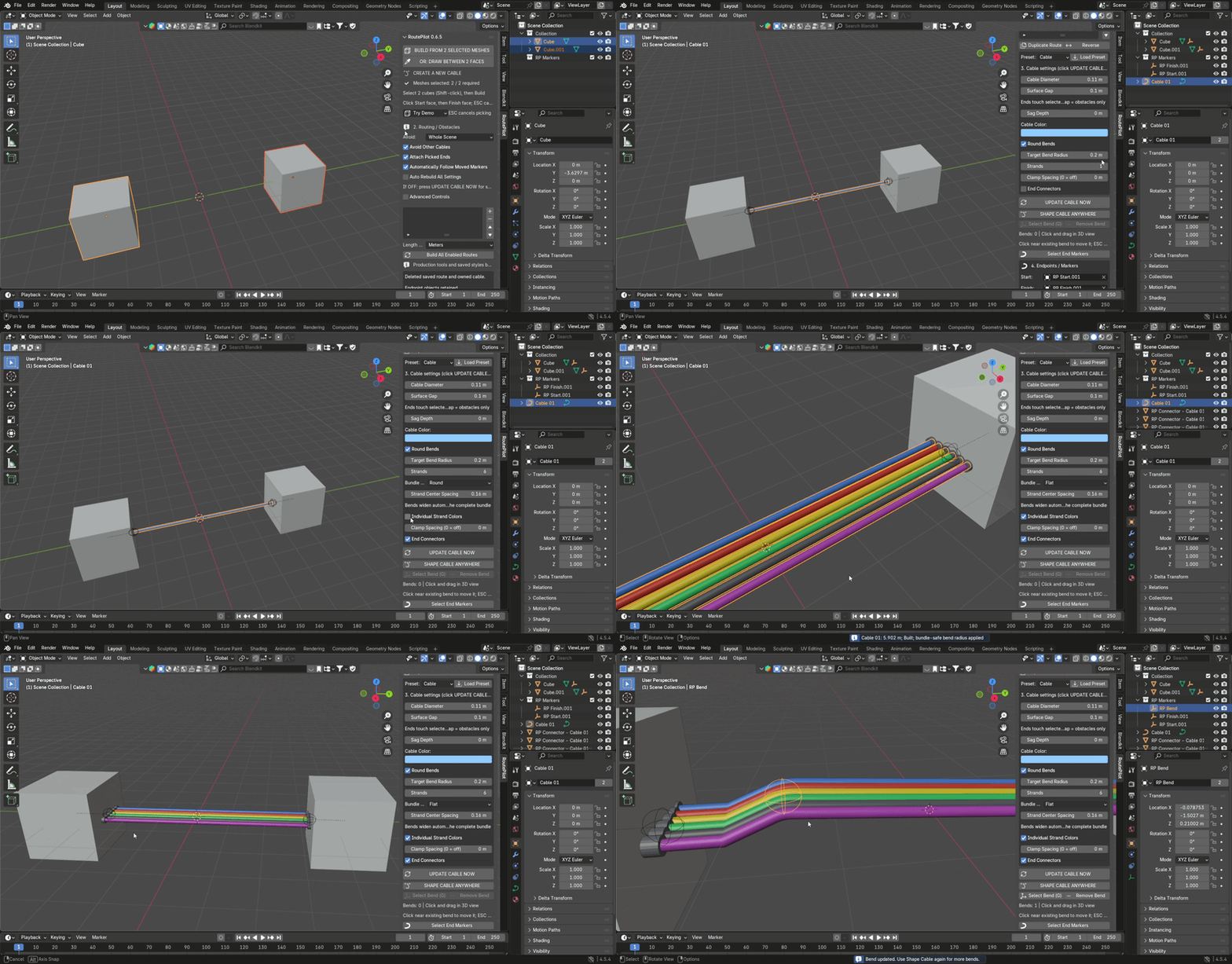
Route Around Obstacles
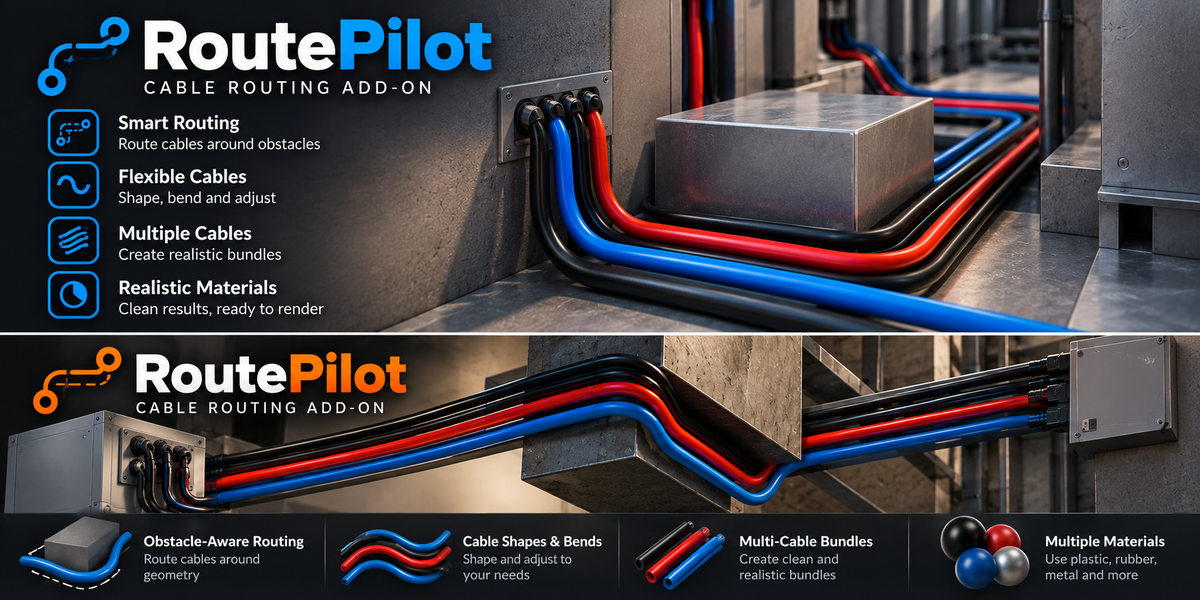
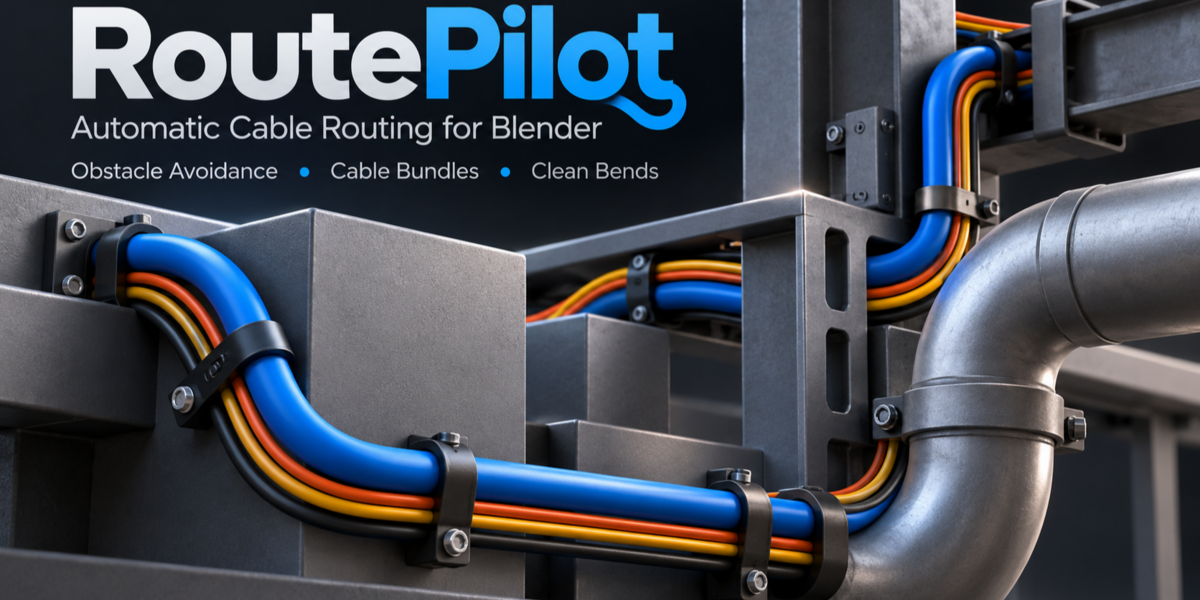
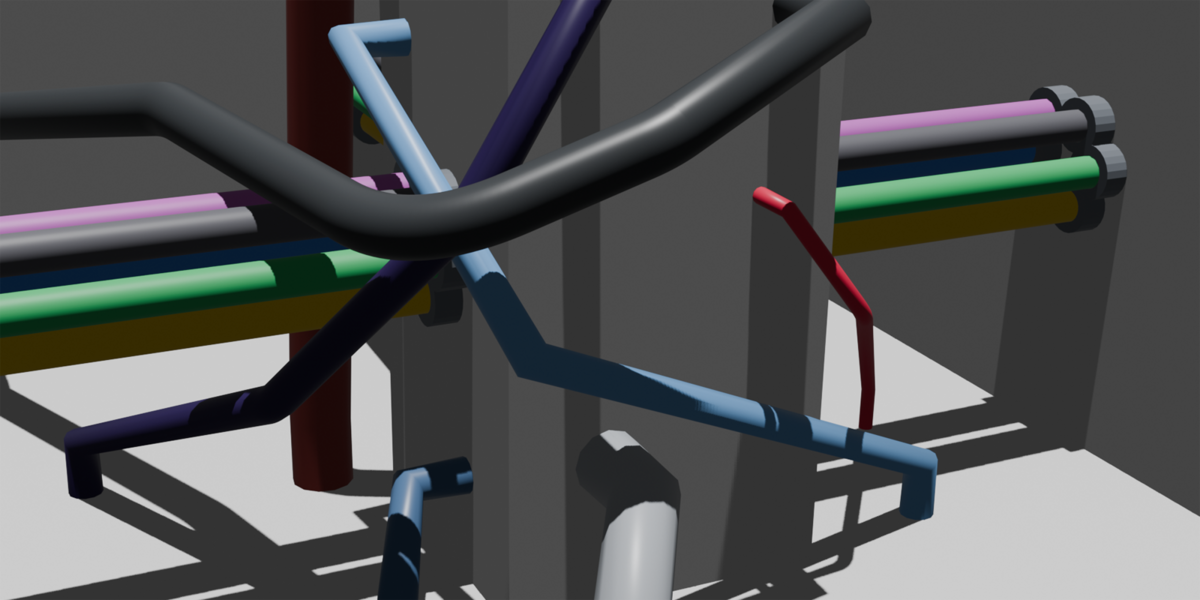
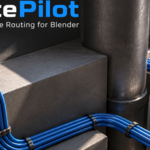
RoutePilot can search for cable paths around mesh obstacles in your scene. You can adjust the clearance and routing settings or add waypoints when you need more control over the result.
The goal is to make cable placement easier without having to manually draw the entire route.
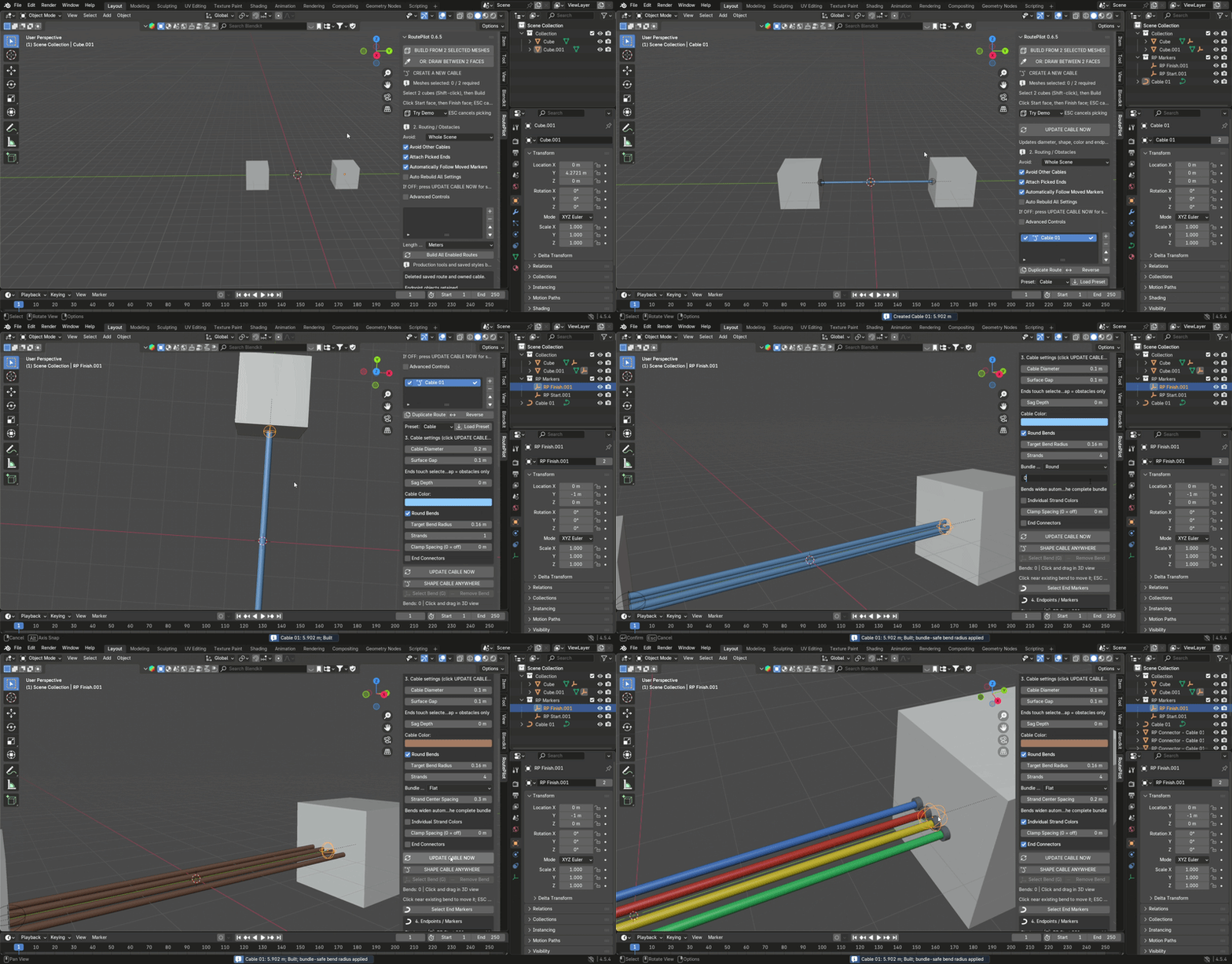
Shape and Adjust Your Cables
A generated route doesn't have to stay in its original shape.
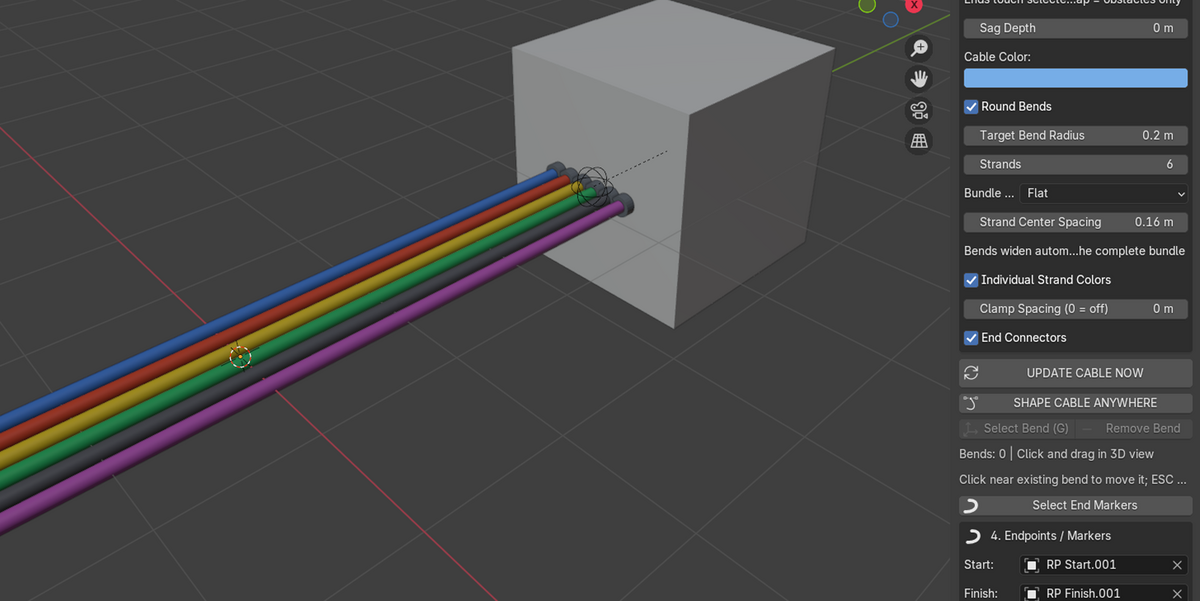
Use Shape Cable Anywhere to add and move bend points directly in the 3D viewport. You can also adjust cable diameter, sag depth and rounded bends.
Move the start or finish markers to change the endpoints, then update the cable. Automatic rebuilding is available when you want the geometry to follow changes.
Cable Bundles
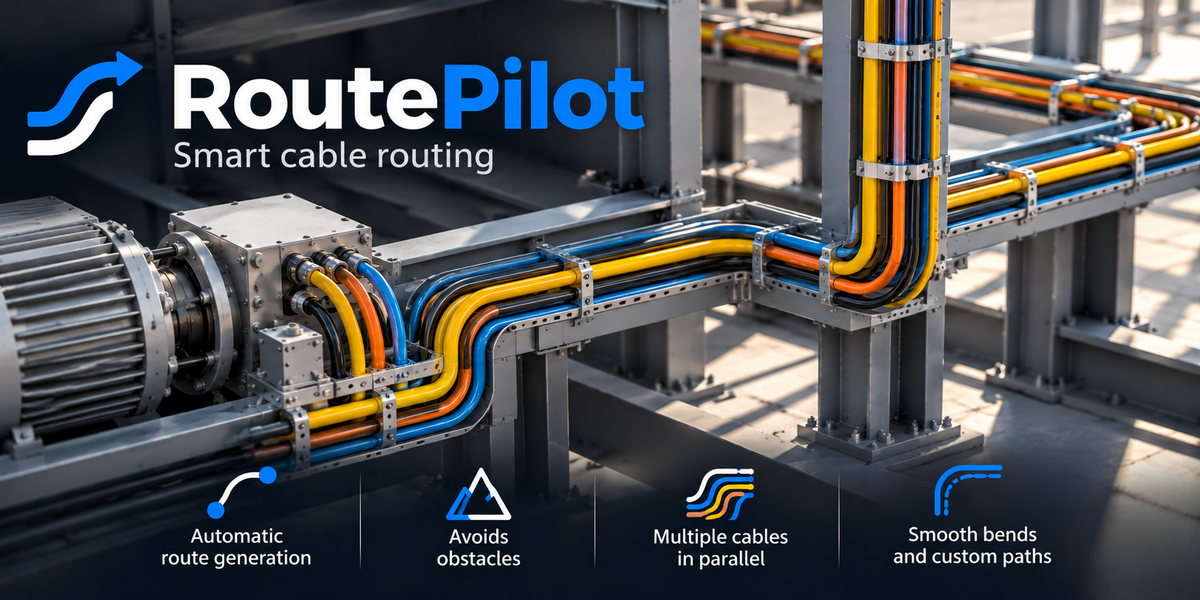
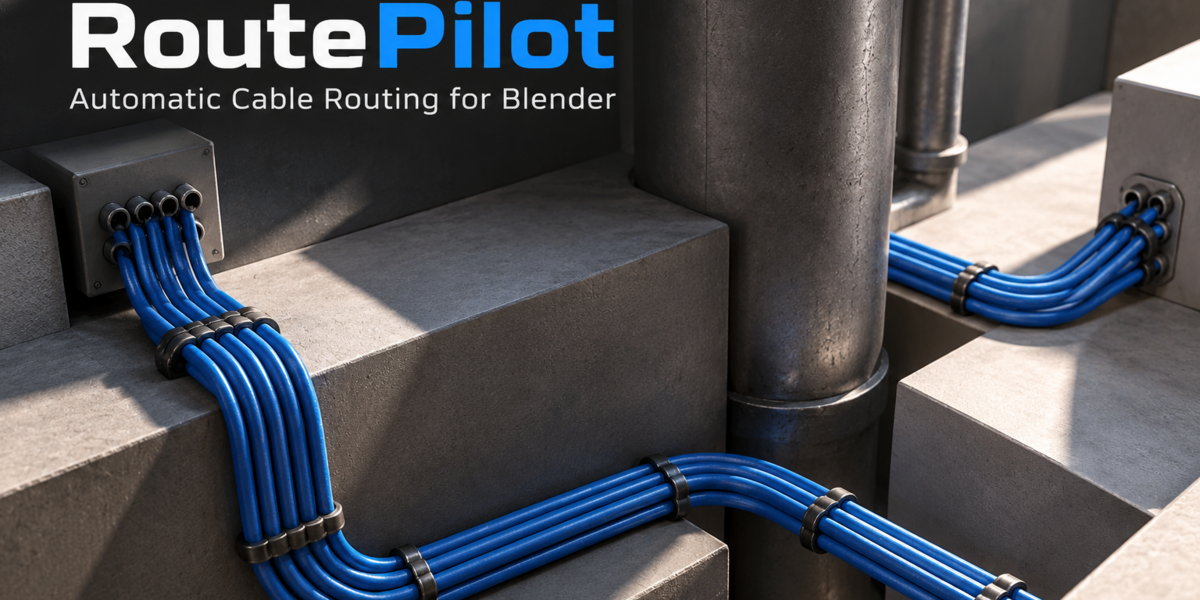
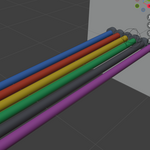
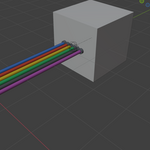
RoutePilot supports bundles of 1 to 7 strands in flat or round arrangements.
You can adjust strand spacing, use individual strand colors and choose between different cable appearances.
This is useful when working with equipment, machinery, electrical installations or other scenes that require several cables running together.
Materials and Finishes
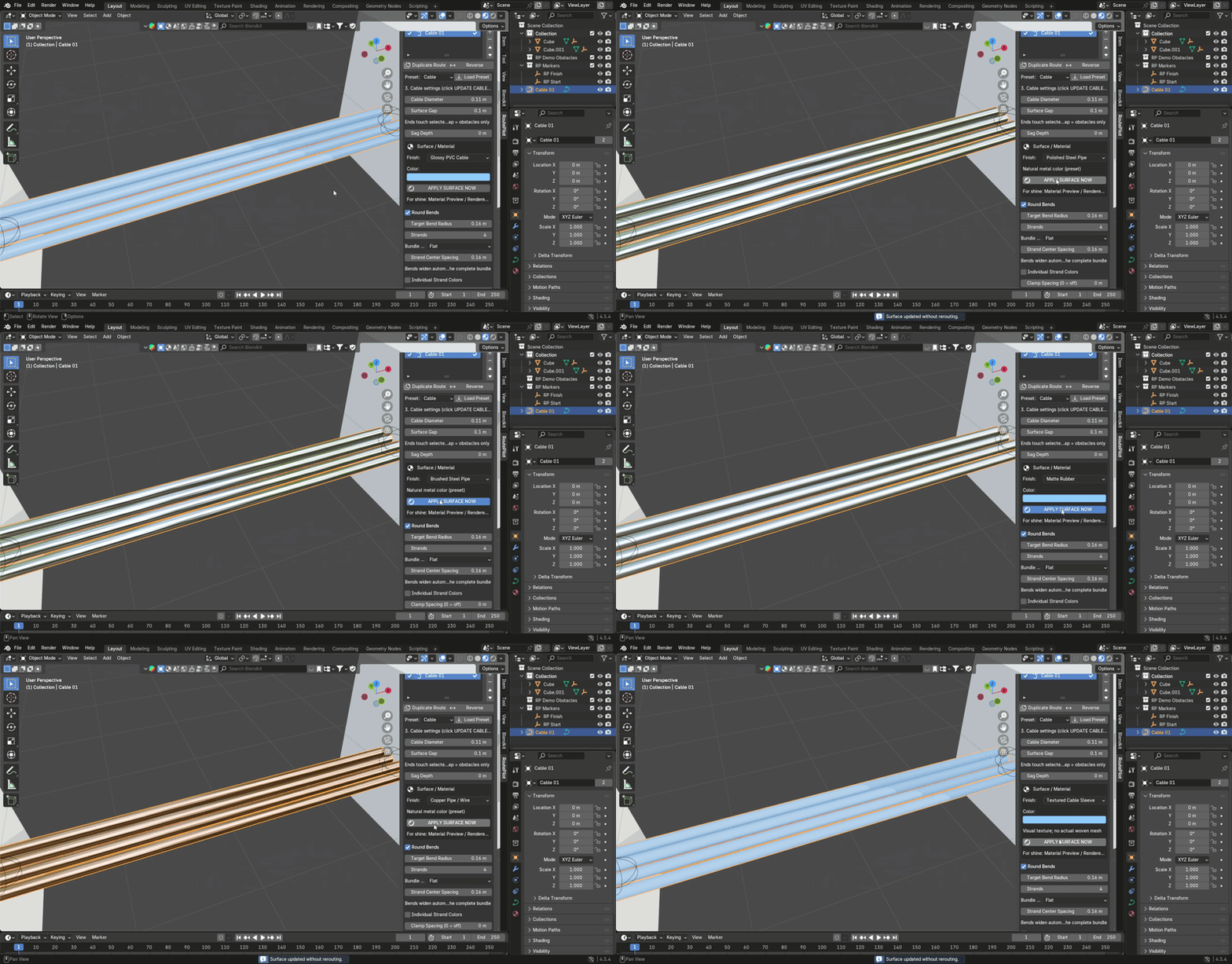
RoutePilot includes eight surface finish options:
Glossy PVC Cable
Matte Rubber
Satin Hose
Polished Steel Pipe
Brushed Steel Pipe
Copper Pipe / Wire
Textured Cable Sleeve
Custom PBR
You can change a generated cable's surface appearance without rebuilding its route.
These are visual shader finishes designed for rendering, not physical material simulations.
Cable Lengths and BOM Export
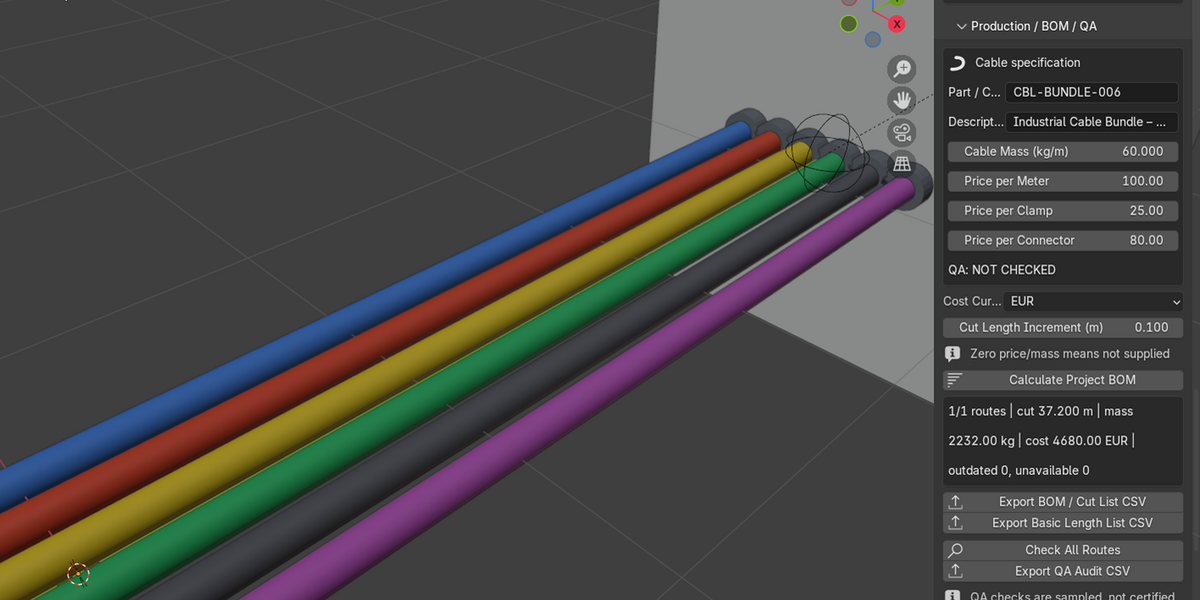
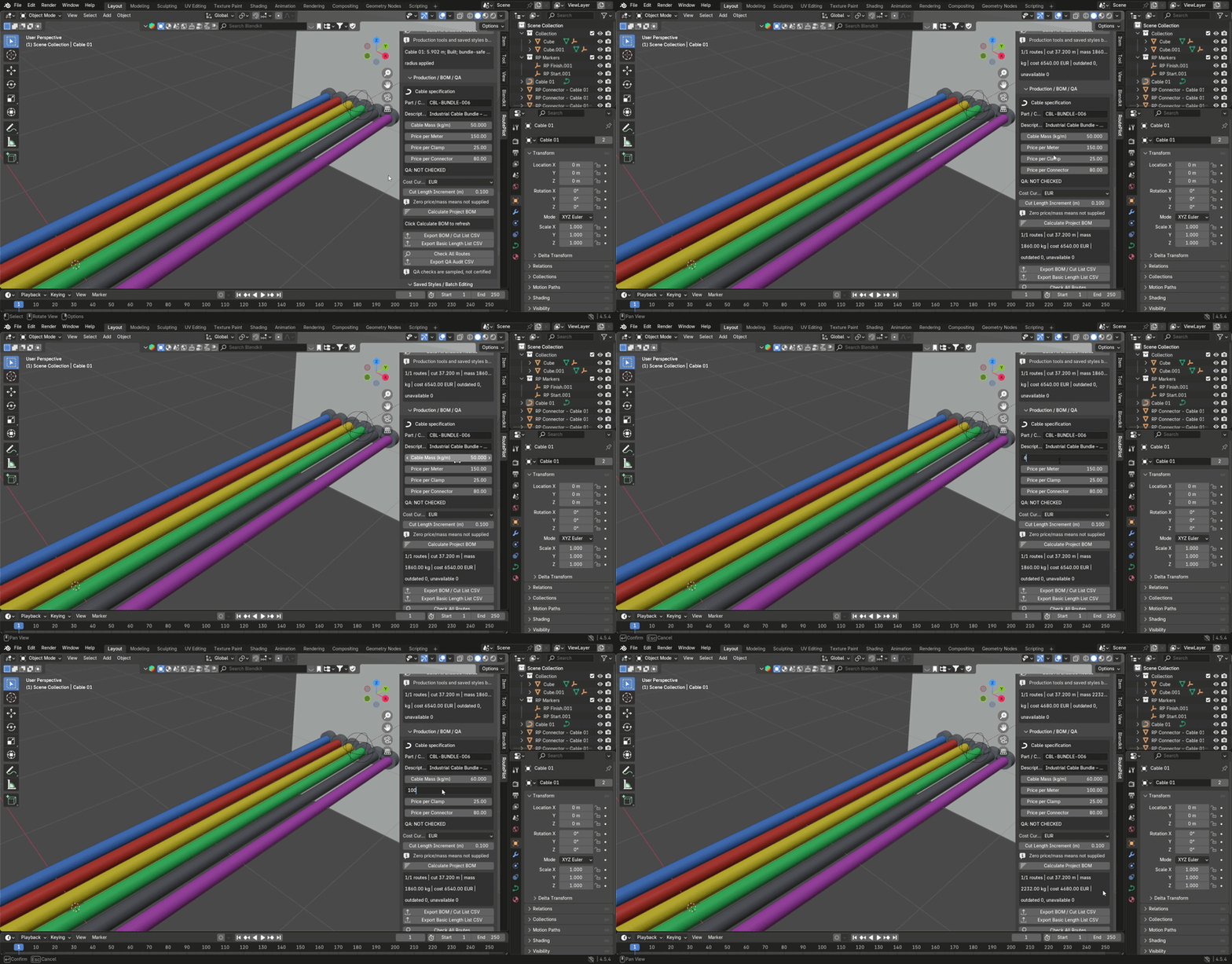
RoutePilot also includes tools for basic cable quantity and cost estimates.
You can calculate cable lengths, enter cable mass and prices, add cutting allowances, and export Bill of Materials (BOM) and cut lists as CSV files.
There are also basic geometry checks and QA reports to help review generated routes.
Saved Styles and Workflow
Save cable settings as reusable styles, apply them to other routes or export your style library as JSON.
You can also duplicate routes, reverse their direction and work with multiple cables in the same scene.
RoutePilot is intended for 3D artists and designers who want a more convenient way to create cable layouts for visual projects.
Compatibility and Installation
Version: 0.6.7
Blender: 4.2 or newer
Type: Add-on
License: GPL-3.0-or-later
External services: Not required
Install the ZIP through Blender's Preferences → Get Extensions → Install from Disk. Once enabled, open the RoutePilot tab in the 3D View sidebar.
English and Lithuanian documentation is included.
Good to Know
RoutePilot is intended for visual cable routing and basic production estimates. It does not perform mechanical cable simulation, certified bend-radius validation or engineering compliance checks.
Obstacle avoidance uses a discretized search and may not find a route in every scene. Some paths may require manual adjustment. Geometry and QA checks are also not a substitute for engineering verification.
If you regularly work with cables in Blender and want a way to create, shape and organize them without building every route from scratch, RoutePilot gives you the tools to do it in one place.
