SafeReduce — Visual Mesh Reduction & LOD Tools
 Decnet Games
How do I get started or request support?
Install the extension ZIP, open the SafeReduce sidebar with N, and click Load Demo Props. For support, contact [email protected] with your Blender version, OS, settings, exact error and a minimal reproducible scene when available.
Can I use batch processing and the floating HUD?
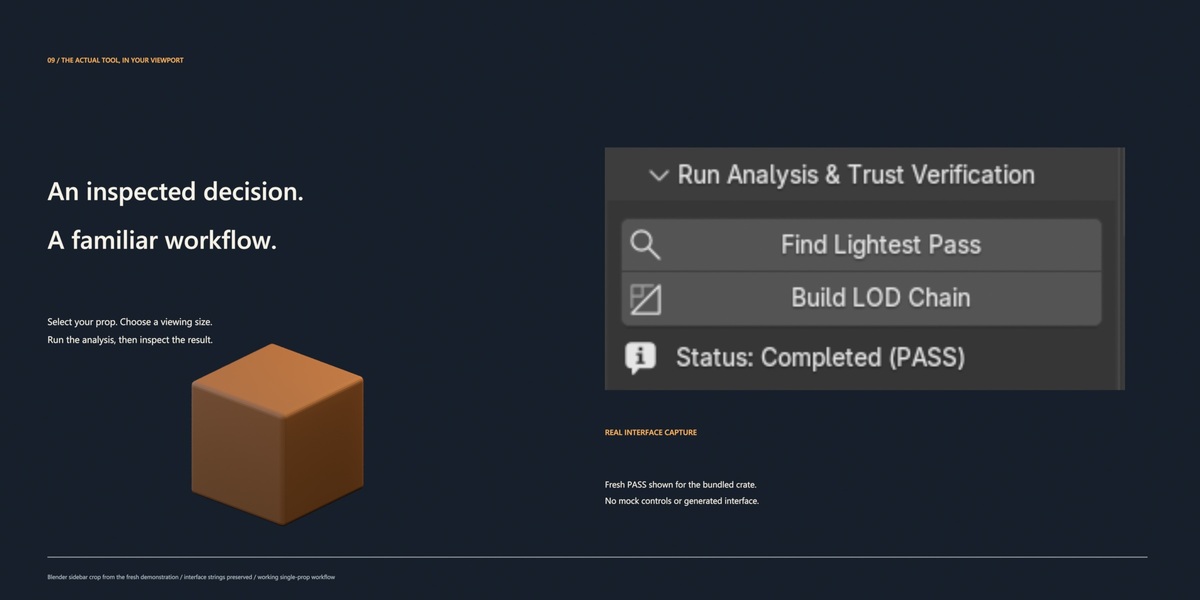
The current build has known batch-processing and HUD callback issues. The verified workflow is Single Prop analysis through the sidebar, followed by inspection, LOD generation and export. These two features require a corrected build.
Why did my demo material change after saving and reopening?
Generated demo image pixels need to be packed to remain embedded in the saved scene. Use File > External Data > Pack Resources before saving.
Will it always create three reduced LODs or save 91%?
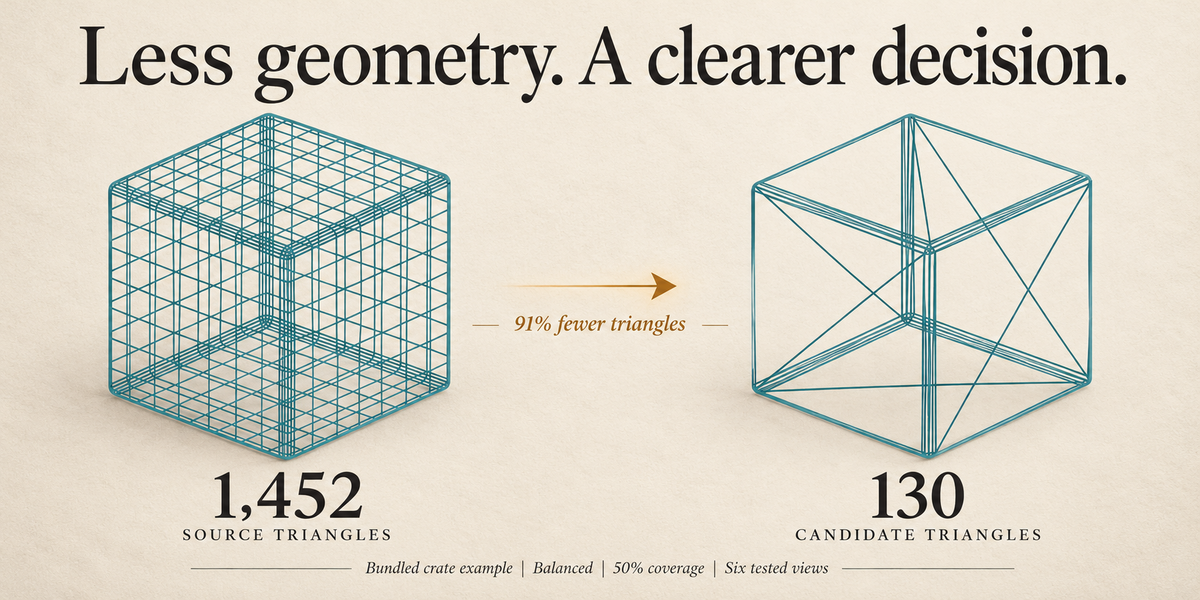
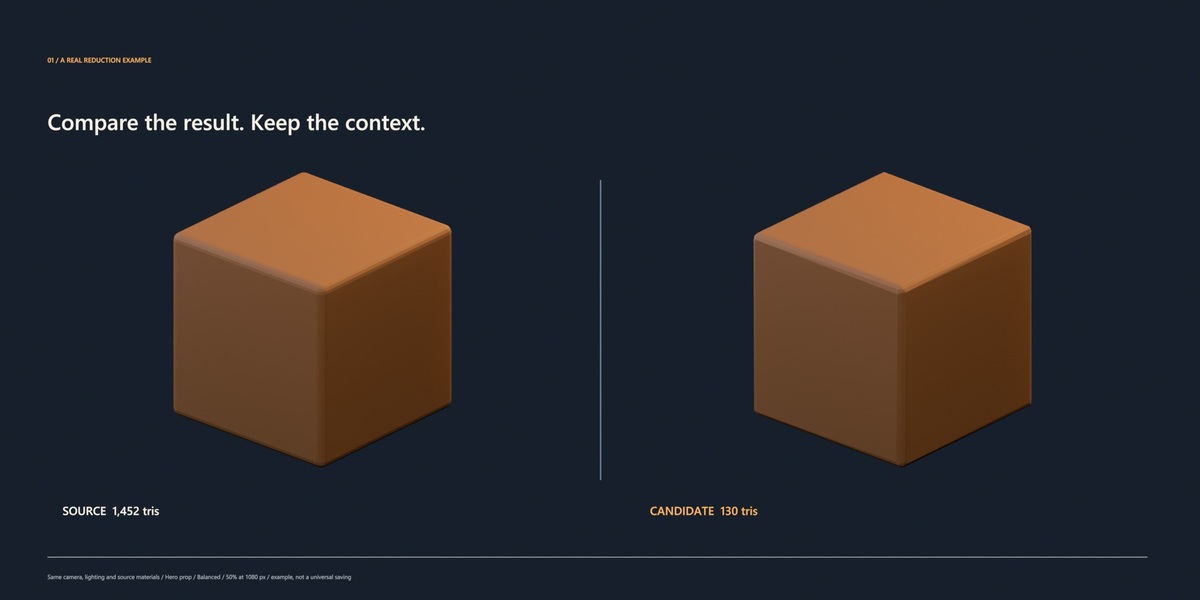
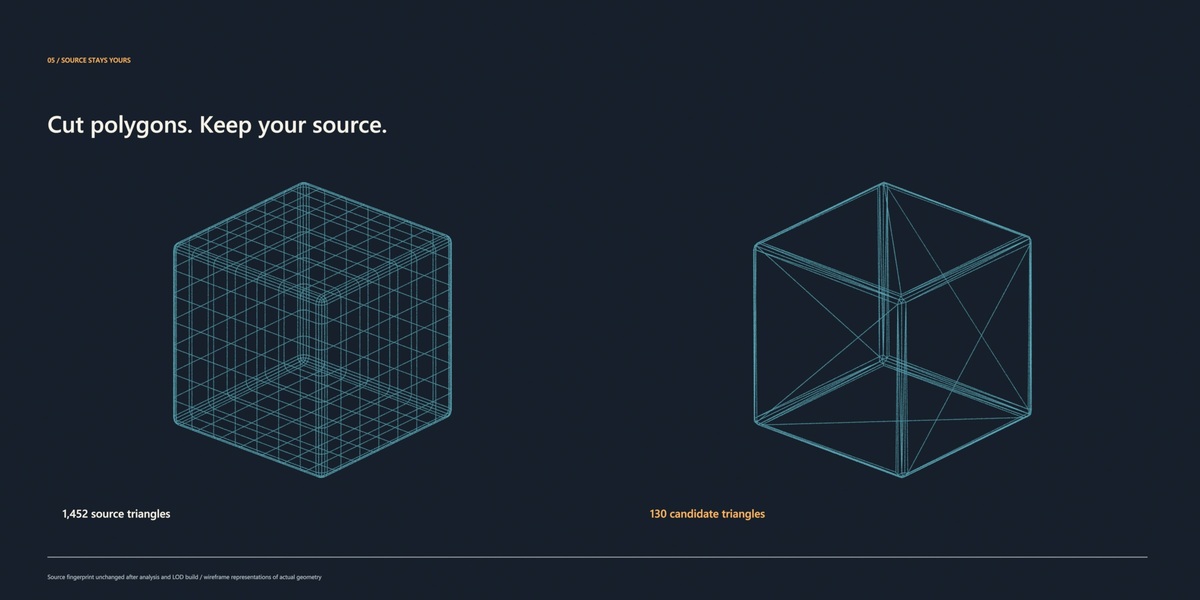
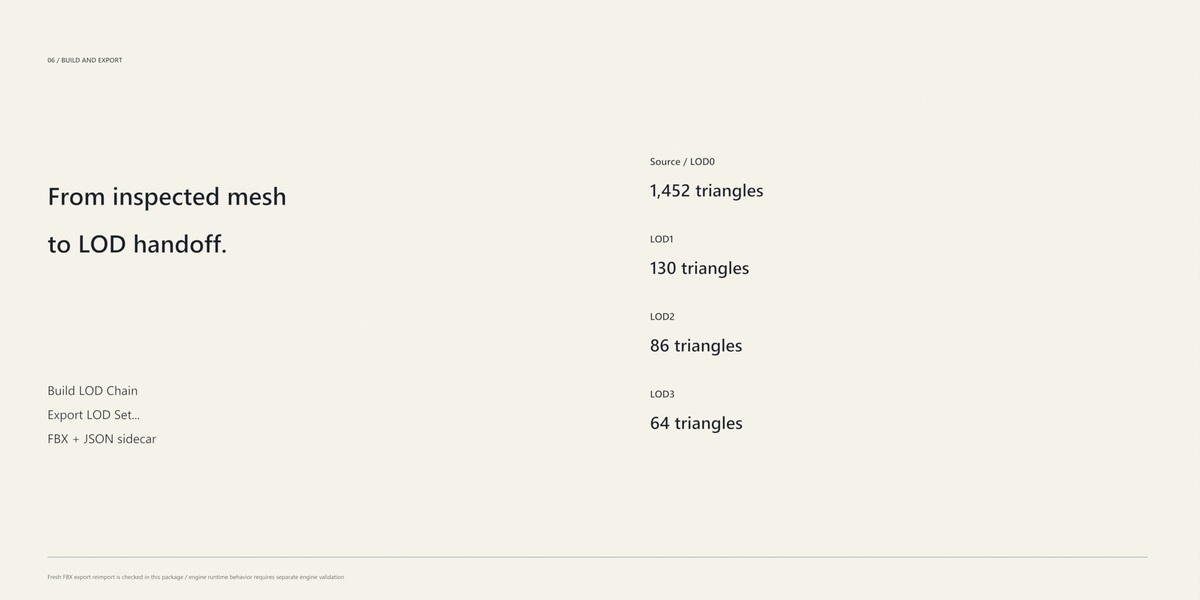
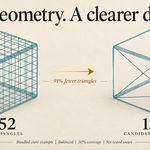
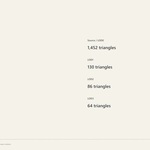
The generated chain and triangle savings depend on the mesh, viewing coverage and tolerance. The 91% figure is the bundled crate example: 1,452 to 130 triangles at Hero prop, Balanced and 50% coverage on a 1080-pixel reference screen.
What files can I export?
An FBX LOD set and a JSON metadata sidecar. Available presets include Unity, Unreal and Generic. Check final scale, axes, materials and LOD transitions in your intended engine.
Does it work on characters, shape keys or transparent meshes?
The current workflow targets local static meshes. Armature/skinned meshes, shape keys, linked data, live Geometry Nodes modifiers and transparent materials require a suitable prepared static input. Use opaque image-textured materials for full appearance evaluation.
Will it replace my source mesh?
Analysis uses temporary candidates, and kept results are separate objects. The demonstrated analysis and LOD build preserved the source fingerprint.
What does PASS mean?
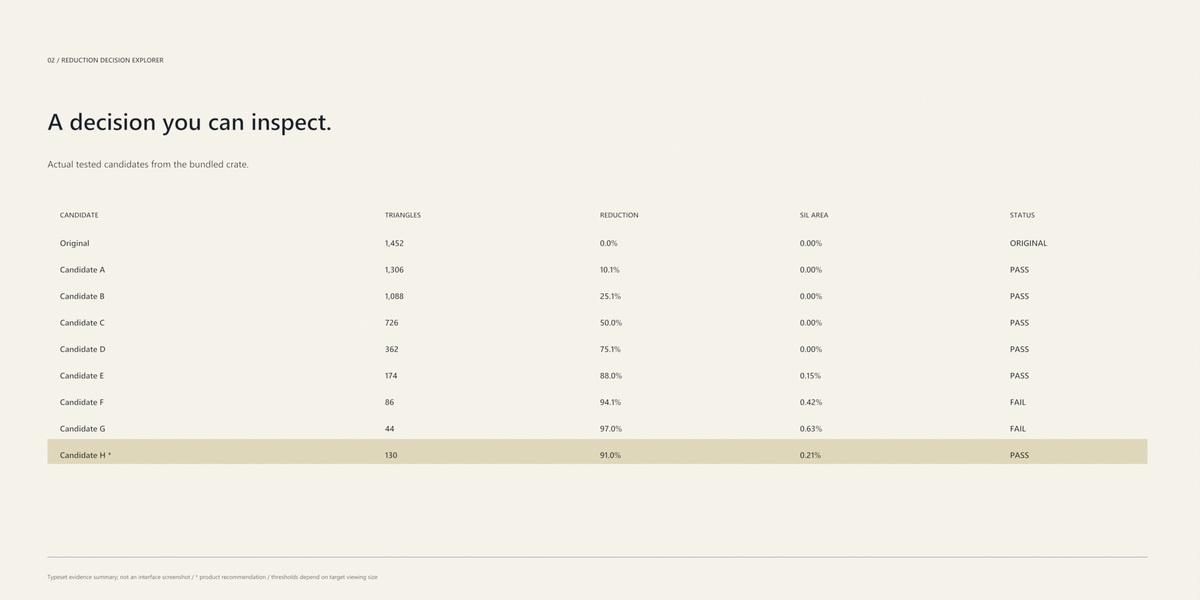
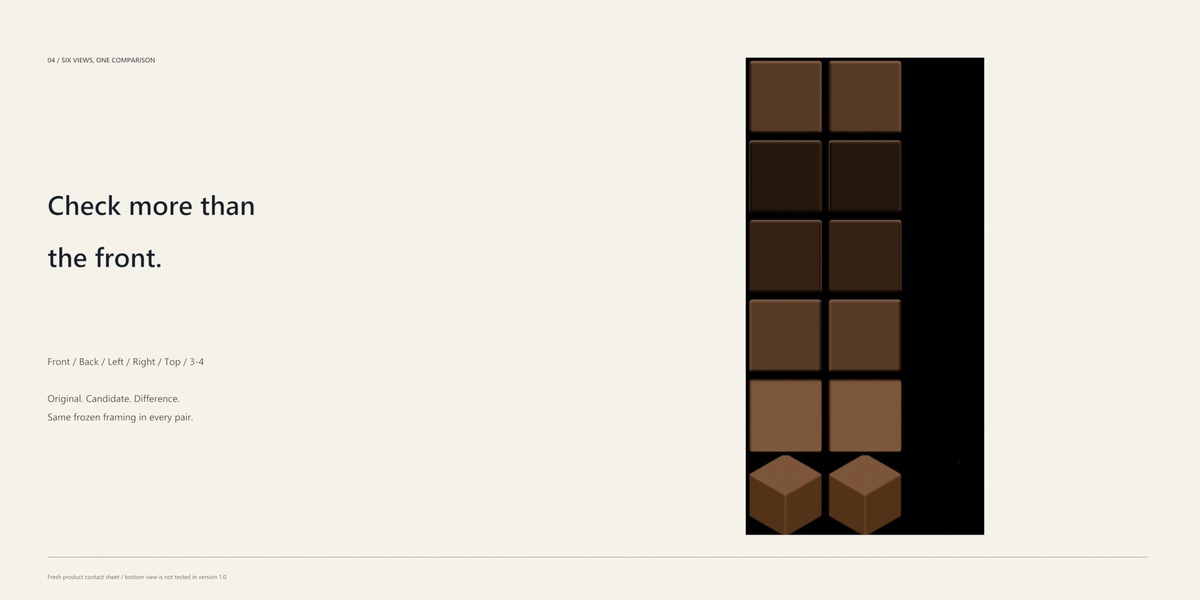
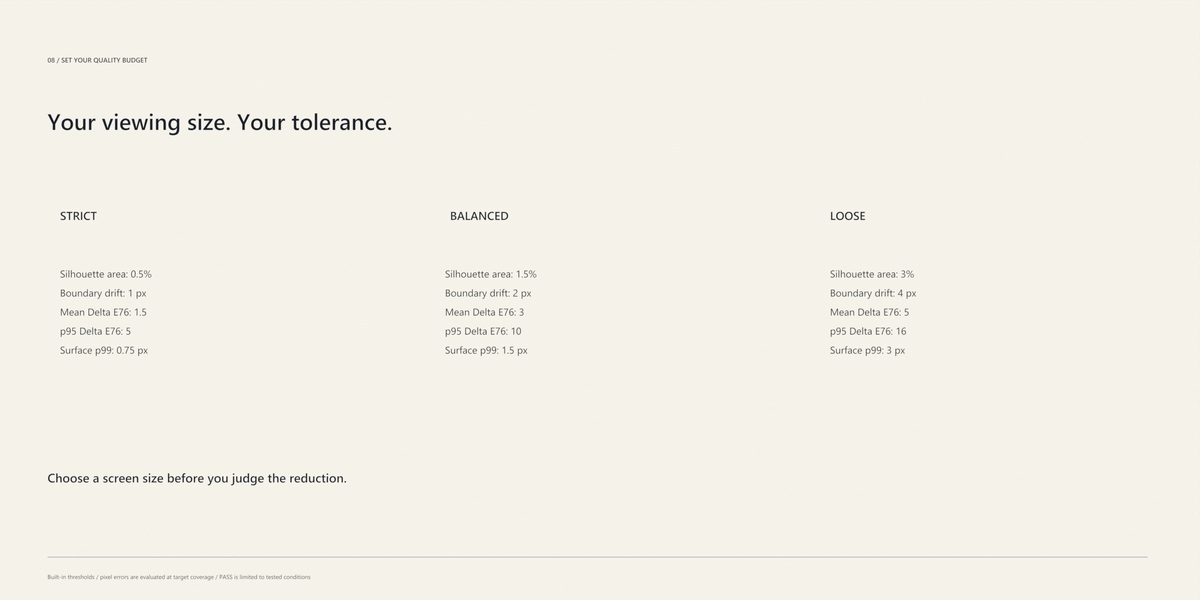
The tested candidate met the selected quality thresholds at the chosen coverage, six evaluation views and standardized lighting. Review the result in your intended scene as part of your final asset check.
Can I choose a candidate myself?
Yes. Review the Decision Explorer and use Keep Selected Candidate to keep your choice as a separate result object.
How is this different from choosing a Decimate ratio?
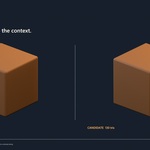
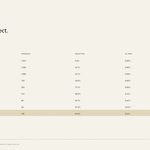
SafeReduce uses native reduction and then evaluates actual candidates. You can compare triangle counts, silhouette and appearance errors, inspect the imagery, and keep the candidate that suits your target quality budget.
Which Blender version do I need?
The extension requires Blender 5.2.0 or newer. The demonstrated and verified configuration is Blender 5.2.2 LTS on Windows.
What does SafeReduce do?
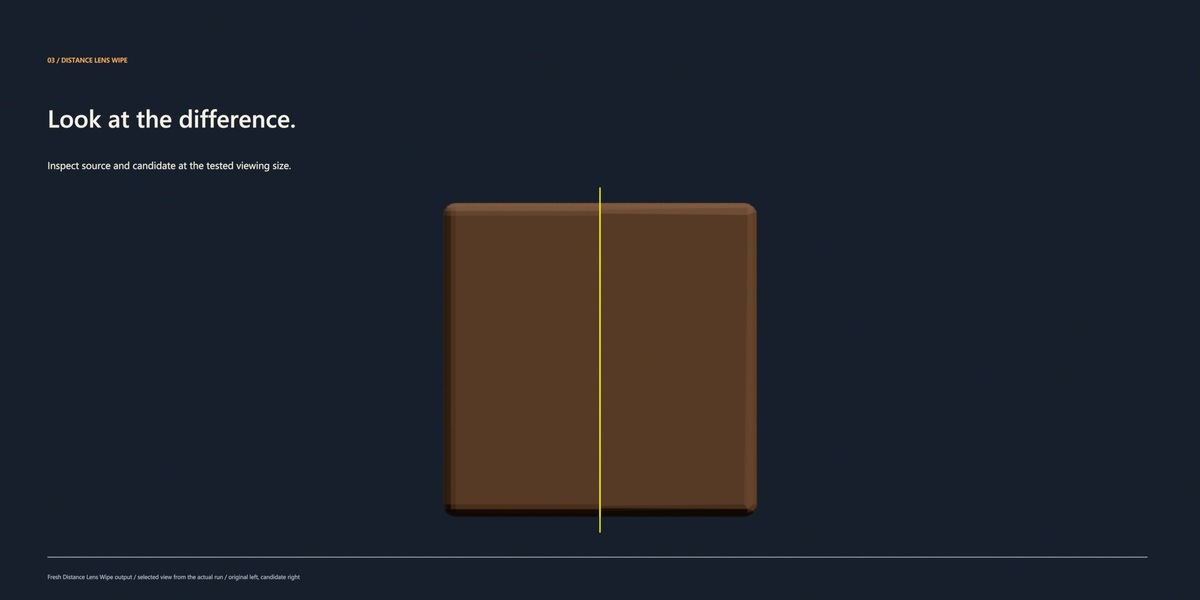
SafeReduce compares reduced mesh candidates at a chosen viewing size, measures their visual trade-off, and helps you inspect and export LOD sets for local static props.
 Included
Includes 12 months of
- Support from Decnet Games
- Product updates
Extend this product’s Support Period +12 months: 25% of product price
Have questions before purchasing?
Login to message
| Blender Extension Compatible | Yes |
| Published | about 12 hours ago |
| Blender Version | 5.2 |
| Extension Type | Add-on |
| Render Engine Used | Eevee |
| License | GPL |
Discover more products like this
LOD hard surface decimation low poly mesh optimization static meshes Polygon Reduction visual comparison game assets FBX Export silhouette game development