 Skava
Skava
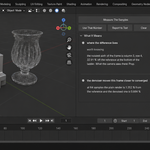
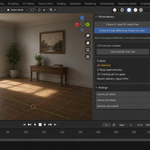
Download the zip and do not unpack it. In Blender open Edit > Preferences > Add-ons, click the drop-down arrow in the top-right corner and choose Install from Disk, then pick the zip. Tick the checkbox next to SampleProof. Press N in the 3D Viewport and open the SampleProof tab in the sidebar.
The full documentation is in the Documentation & FAQ tab on this product page, and a README.txt with install, first run and uninstall steps is inside the zip.
Blender 4.2 LTS and newer. Tested live on 4.2.9 and 5.2.0.
The add-on is pure Python: no compiled parts, and it downloads or installs no extra packages.
It measures Cycles only. With another render engine, or a scene without a camera, it refuses and says why instead of guessing.
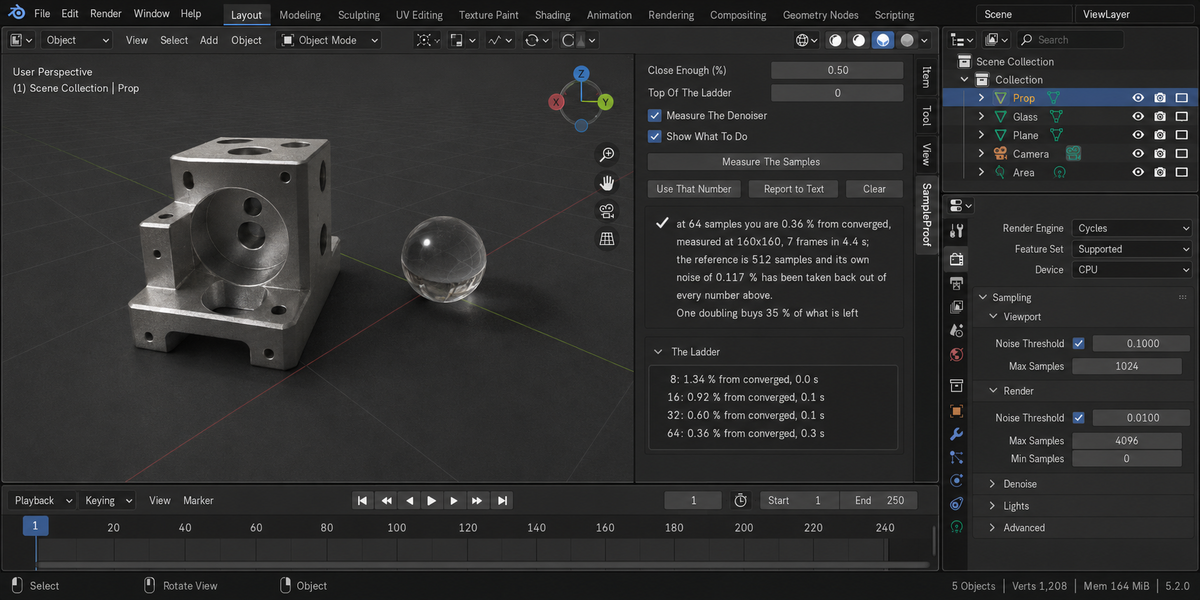
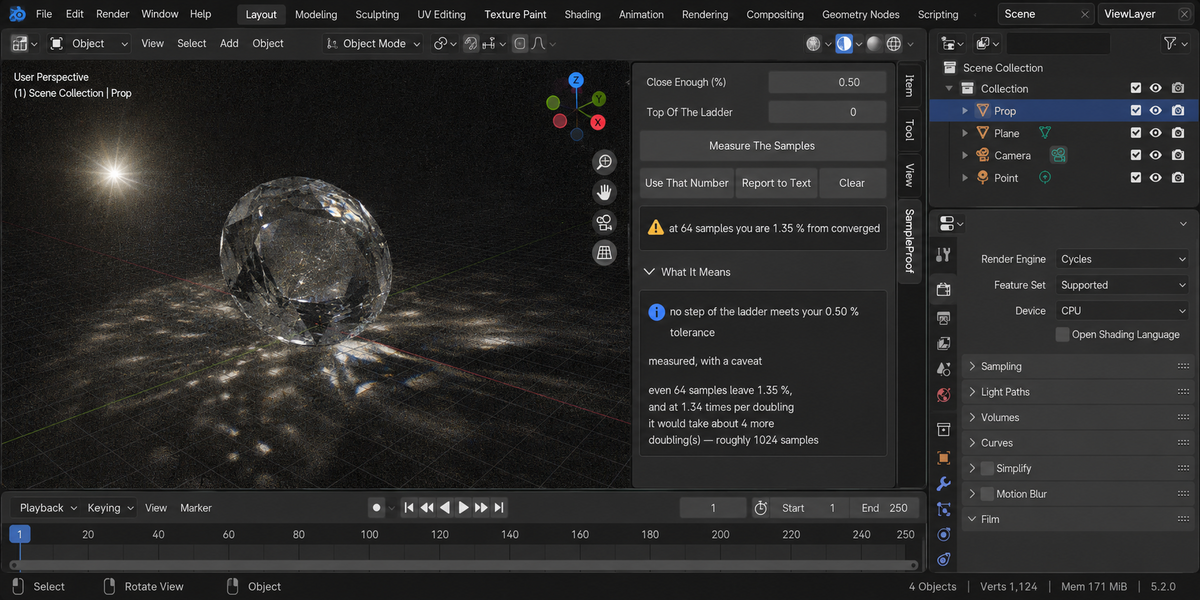
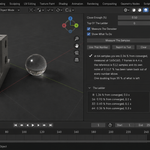
Set Close Enough (%) — how far from a converged frame you are willing to be, 0.5 by default — and press Measure The Samples. It renders a ladder of sample counts and tells you which one meets your tolerance, how far your current setting is from converged, and what one more doubling buys. Use That Number sets the scene's sample count.
It will not invent a magic number: path-traced noise keeps falling by the same fraction with every doubling, with no plateau, so the tolerance has to be yours.
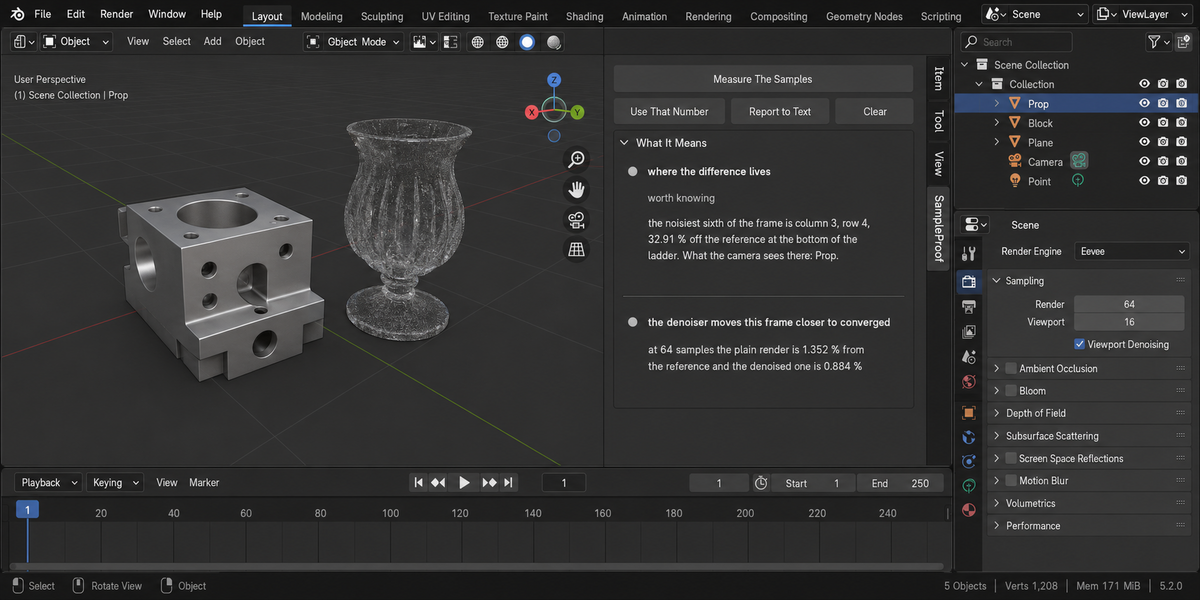
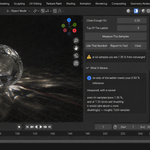
With Measure The Denoiser on, one extra frame is rendered with the opposite denoiser setting to yours and compared against the converged reference, so you see what the denoiser costs in detail as well as what it saves in noise.
It renders, so it changes render settings during the measurement and restores them afterwards: resolution, output path, file format, border, samples, seed, denoising, adaptive sampling, time limit and stamp. The only setting it changes for good is the sample count, and only when you press Use That Number.
Adaptive Sampling is switched off for the measurement and put back, and the report names your noise threshold: with it on, the sample count is only a ceiling and the threshold decides. The ladder is rendered with your own denoiser setting, because the answer has to be about the frame you will produce.
On a four-step ladder it renders seven frames at a reduced size set by Measure At (px): the four steps, two references and one denoiser frame (six with Measure The Denoiser off). The cost scales with your scene, and the panel prints how many frames it rendered and how long they took.
Noise per pixel does not depend on resolution, so a smaller frame predicts the full one, while a crop only measures the crop. In the documented test, the full 480 by 480 frame read 1.023%, the whole frame at 120 by 120 read 1.065%, and a central crop read 7.973%. A reduced frame cannot see detail finer than its own pixels, so raise Measure At (px) for shots made of thin geometry.
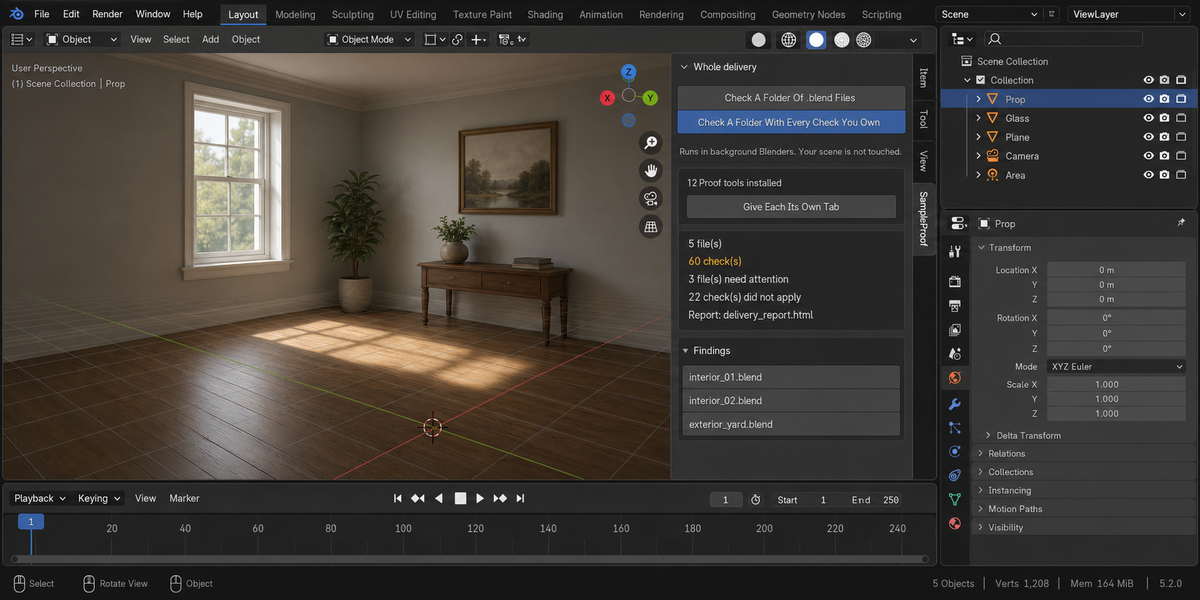
Yes. Open the Whole Delivery panel in the same tab. Check A Folder Of .blend Files runs this check over every .blend in the folder you pick; Check A Folder With Every Check You Own runs every installed tool of this line over the same files in one pass. Each file is opened in its own background Blender, so your open scene is not touched. Press Escape to stop; a stopped run writes no report.
When it finishes, an HTML report named sample_proof_report.html is written into the folder you picked. A report with that name from an earlier run is replaced.
No. The add-on contains no network code and sends no telemetry. Measurement frames are written to your system's temporary folder, not into your project.
Yes. The add-on is licensed under GPL-3.0-or-later; the full text is in LICENSE.txt inside the zip. The license covers the add-on code; what you create with it is yours.
Have questions about this product?
Login to message
| Published | about 2 months ago |
| Blender Version | 4.2 - 5.2 |
| Extension Type | N/A |
| Render Engine Used | Cycles, Eevee |
| License | GPL |
Discover more products like this
preflight Noise render time Cycles denoise performance convergence optimization audit Render samples pipeline