Can the dissolve start from one point?
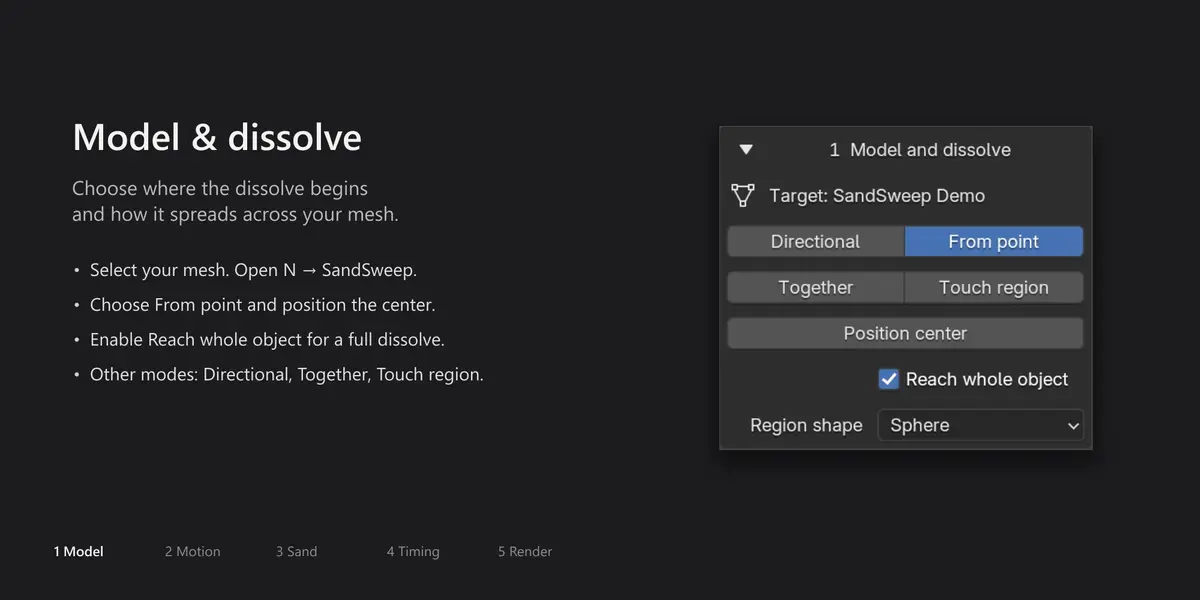
Yes. Choose From point in Model and dissolve, then use Position center to place the origin. Enable Reach whole object to spread the breakup across the mesh, or disable it to limit the reach.
Which version is included?
The download contains SandSweep v1 (1.0.0), packaged as a Blender Extension for Blender 4.2 or newer. In Preferences > Get Extensions, open the top-right menu and choose Install from Disk, then select SandSweep-v1.zip without extracting it. Disable and remove any older legacy SandSweep copy before installing; do not enable both copies together.
Does removing SandSweep damage my model?
Remove effect removes the effect and keeps its settings and controls for reuse. Remove effect and controls also deletes unused, unshared SandSweep controls. The add-on does not directly modify the original mesh data.
What should I do if playback is slow?
Start with Preview quality and reduce Density or Surface Detail. Grain count, source geometry, subdivision, physics substeps, interior closing, and scene complexity all affect performance. The displayed grain count is an estimate, not a performance guarantee.
Can I save my own presets?
Yes. Save look and Load look in Advanced use JSON files for sand and movement settings. Timing, materials, object references, and control positions are not included. Imported looks retain their saved numerical values.
Can I duplicate an object with SandSweep?
Yes. When you begin editing the duplicate through a SandSweep control-selection, step, or build action, shared controls are made independent. Start through the panel. Blender’s linked duplicates still share their underlying mesh data unless you make it single-user.
Do I need to bake before rendering?
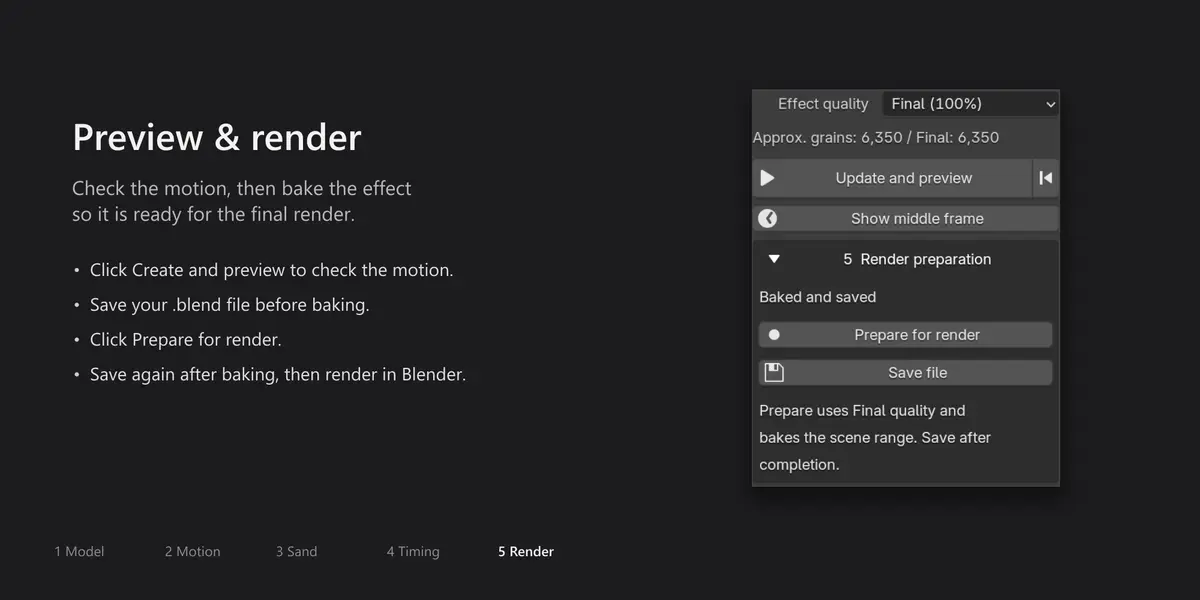
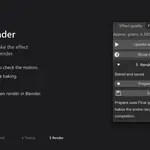
Use Save file → Prepare for render → Save file. Prepare each affected object separately. Blender 4.3 and newer store the bake inside the .blend. Blender 4.2 stores it in the adjacent SandSweep_cache folder; keep that folder with the .blend when moving or sharing your project.
Why is the object gone at the end?
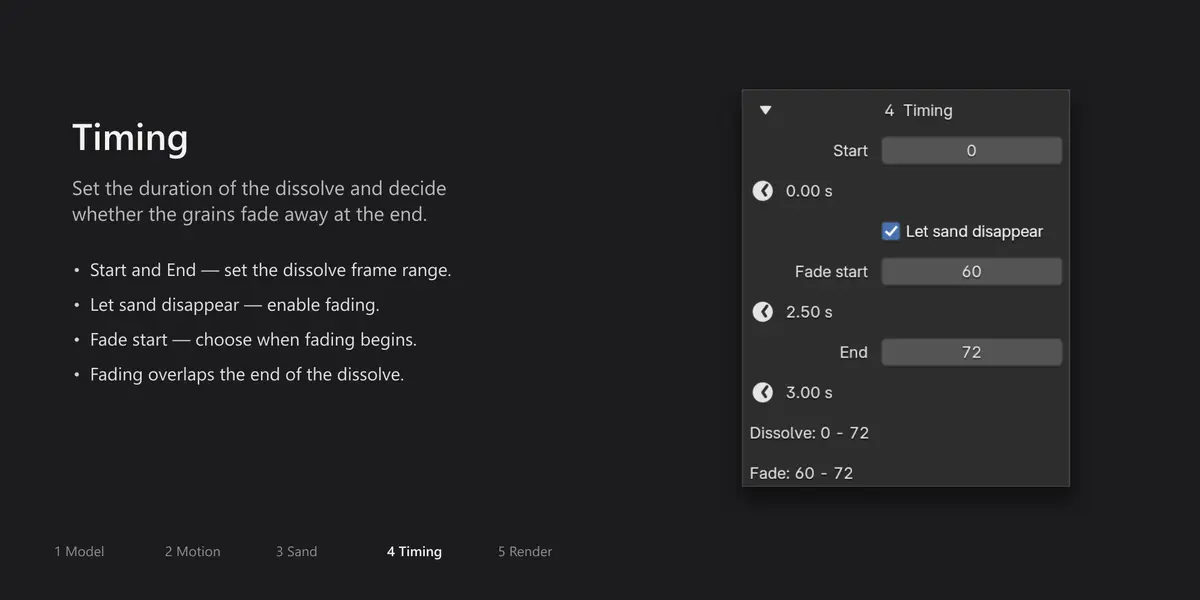
With Let sand disappear enabled, the affected surface and its grains are gone at End. This is expected. Use Show middle frame to inspect the transition. Protected material regions and areas outside a limited effect region can remain.
Why do I see no sand when I jump to a frame?
Before baking, the simulation needs to be evaluated sequentially. Use Create and preview, Update and preview, or Show middle frame. After preparing and saving the bake, you can inspect intermediate frames directly.
Why does the effect look different in Preview and Final?
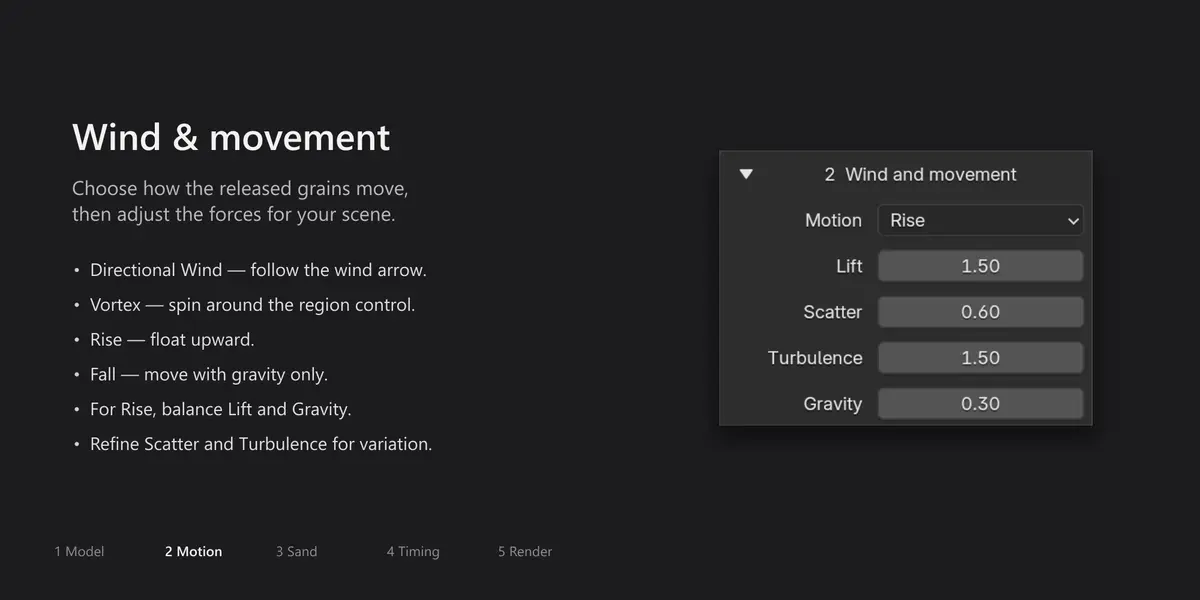
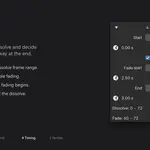
Preview uses 25% of the configured particle density, while Final uses 100%. Effect quality affects both the viewport and rendered output. Prepare for render automatically switches to Final.
Can I use my own sand material?
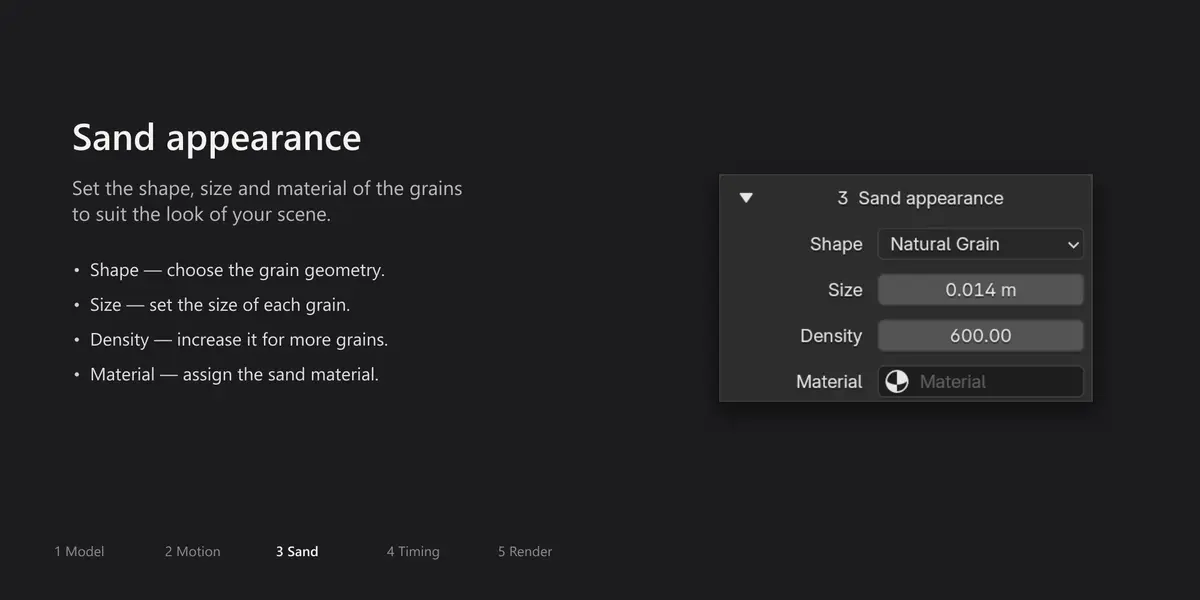
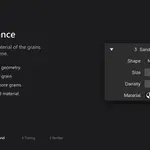
Yes. Assign a material in Sand appearance. The supplied looks preserve a custom user material. Source-surface material regions and the grains’ material are separate controls.
What does Close interior do?
It closes the cut surface on suitable closed meshes when using Directional or From point. It does not fill the model with particles. In this mode, a clean cut replaces the soft surface boundary. Keep the controls stationary, and use clean, closed geometry.
Can parts of my object stay intact?
Yes. Open Advanced, click Read object materials, and check the materials you want to protect. Faces using those materials remain intact and do not generate grains. Apply the changes before previewing or baking again.
Can the sand collide with other objects?
Ground collision uses an infinite horizontal plane with automatic or custom height. Arbitrary mesh obstacles are not supported in this release. The collision plane does not create a visible floor object.
Is this a physical sand simulator?
It creates a surface-based sand disintegration effect with particle motion and a horizontal collision plane. It does not simulate grain-to-grain contact, realistic piling, or sand generated throughout the interior volume.
Can I use animated or rigged characters?
This release is intended for static source meshes. Deforming characters and animated source-object transforms are not supported. You can use a static mesh snapshot of a posed object instead. Touch region can use an animated region control.
Can I use it on text or curves?

SandSweep works on mesh objects. Convert text or curves to a mesh first. Duplicate your source beforehand if you want to keep an editable text or curve version.
Do I need to build a Geometry Nodes setup?
No manual node setup is needed for the standard workflow. Select a static mesh and use the SandSweep panel in the 3D View sidebar to create, preview, and prepare the effect.
Does it work with Cycles and Eevee?
Rendered output has been checked in both Cycles and Eevee on Blender 4.2.22, 4.5.2, 5.1.2, and 5.2.1 on Windows. Use Material Preview or Rendered shading to inspect the soft surface transition; Solid shading does not show that material effect accurately.
Which Blender versions are supported?
SandSweep requires Blender 4.2 or newer. Tested versions on Windows are 4.2.22 LTS, 4.5.2 LTS, 5.1.2, and 5.2.1 LTS. Blender 4.0 is not supported. Other versions and operating systems have not been verified.
What does SandSweep create?
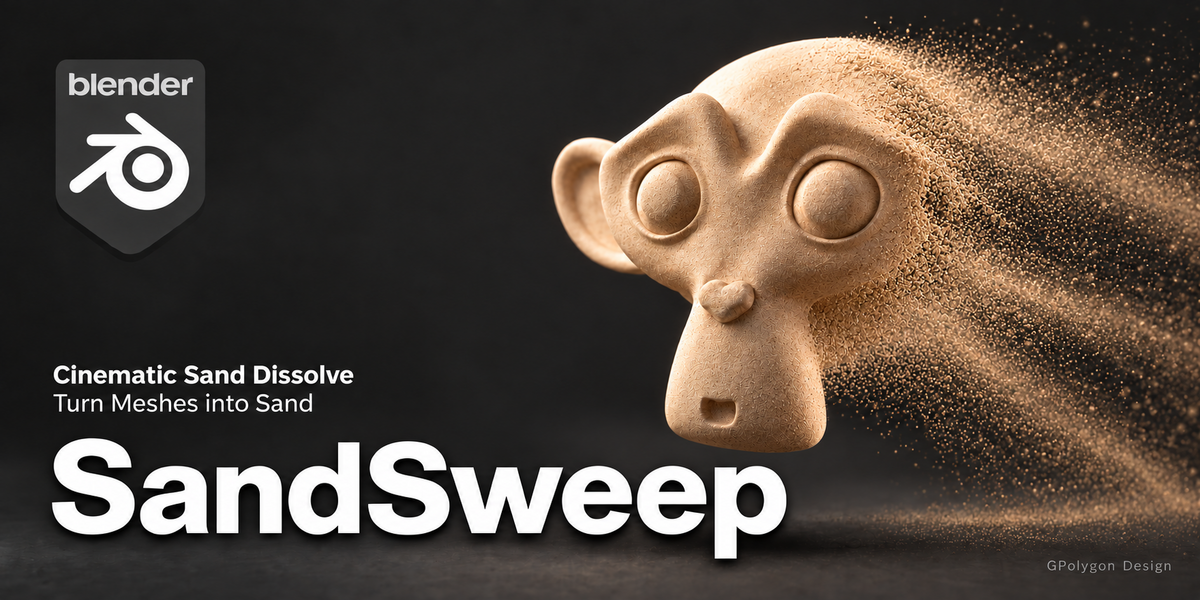
SandSweep creates a sand disintegration effect: the appearance of a static mesh breaking apart into moving grains. It uses particles generated from the surface and a dissolving source mesh, rather than a full-volume sand simulation.
 GPolygon Design