 GPolygon Design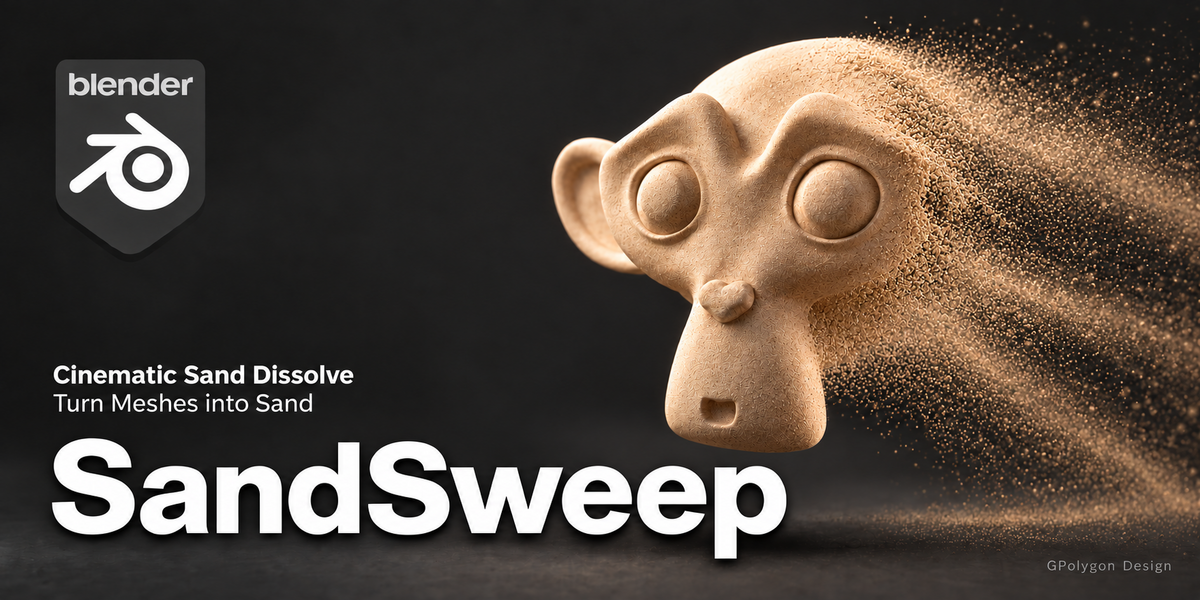

SandSweep — Cinematic Sand Disintegration Effects for Blender
Create cinematic sand disintegration effects in Blender. Control where a static mesh breaks apart, how its grains move, and when they disappear.
SandSweep is a Blender add-on for creating a sand disintegration effect—the appearance of a static mesh breaking apart into moving grains. It generates particles from the surface and combines them with a dissolving source mesh. Shape the effect through a guided sidebar panel, from the first breakup to the final fade.
Use it for stylized reveals, disappearing objects, motion graphics, and product animation shots where a model breaks apart into sand.
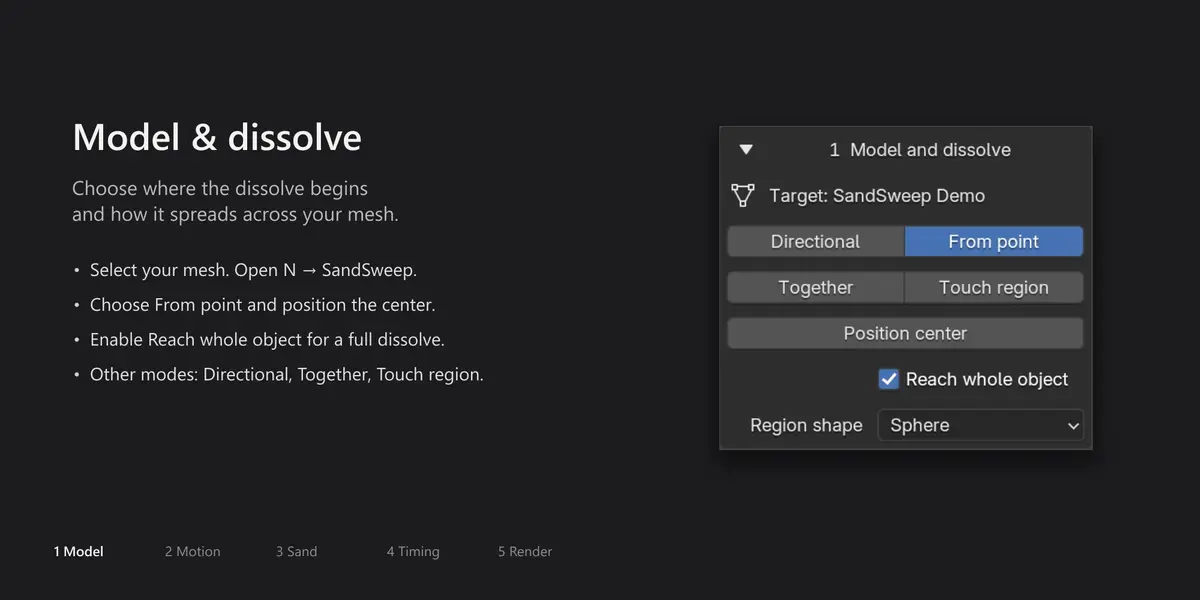
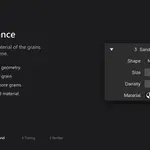
Start the effect from one point
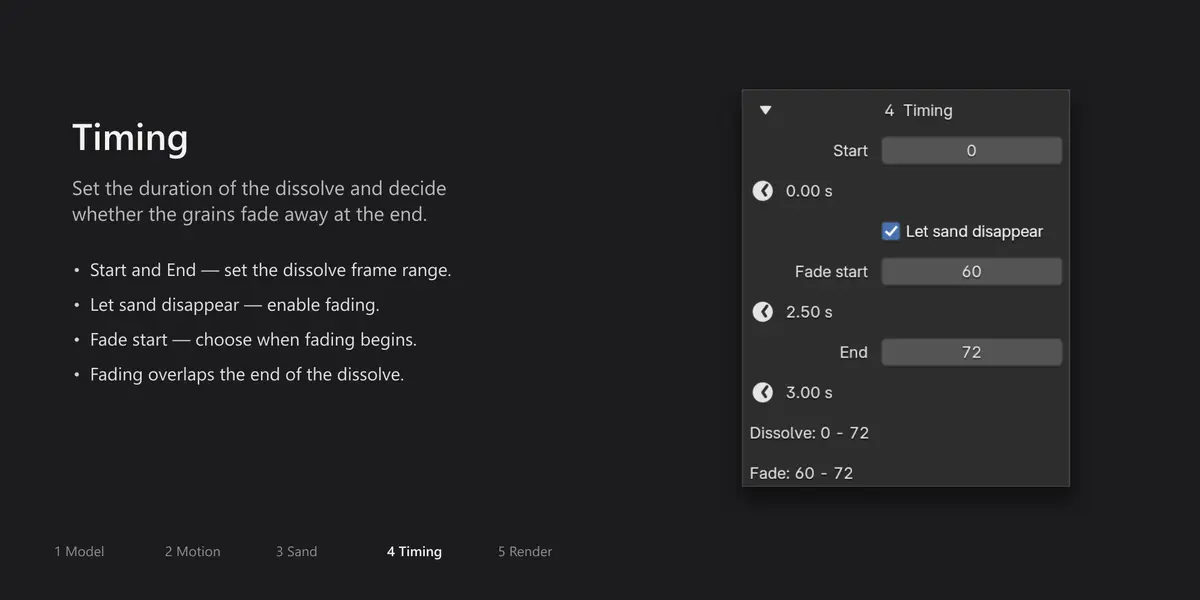
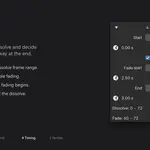
Choose From point, place the center at the edge of your model, and enable Reach whole object to spread the breakup across the mesh. Adjust movement, grains, and timing in the same panel.
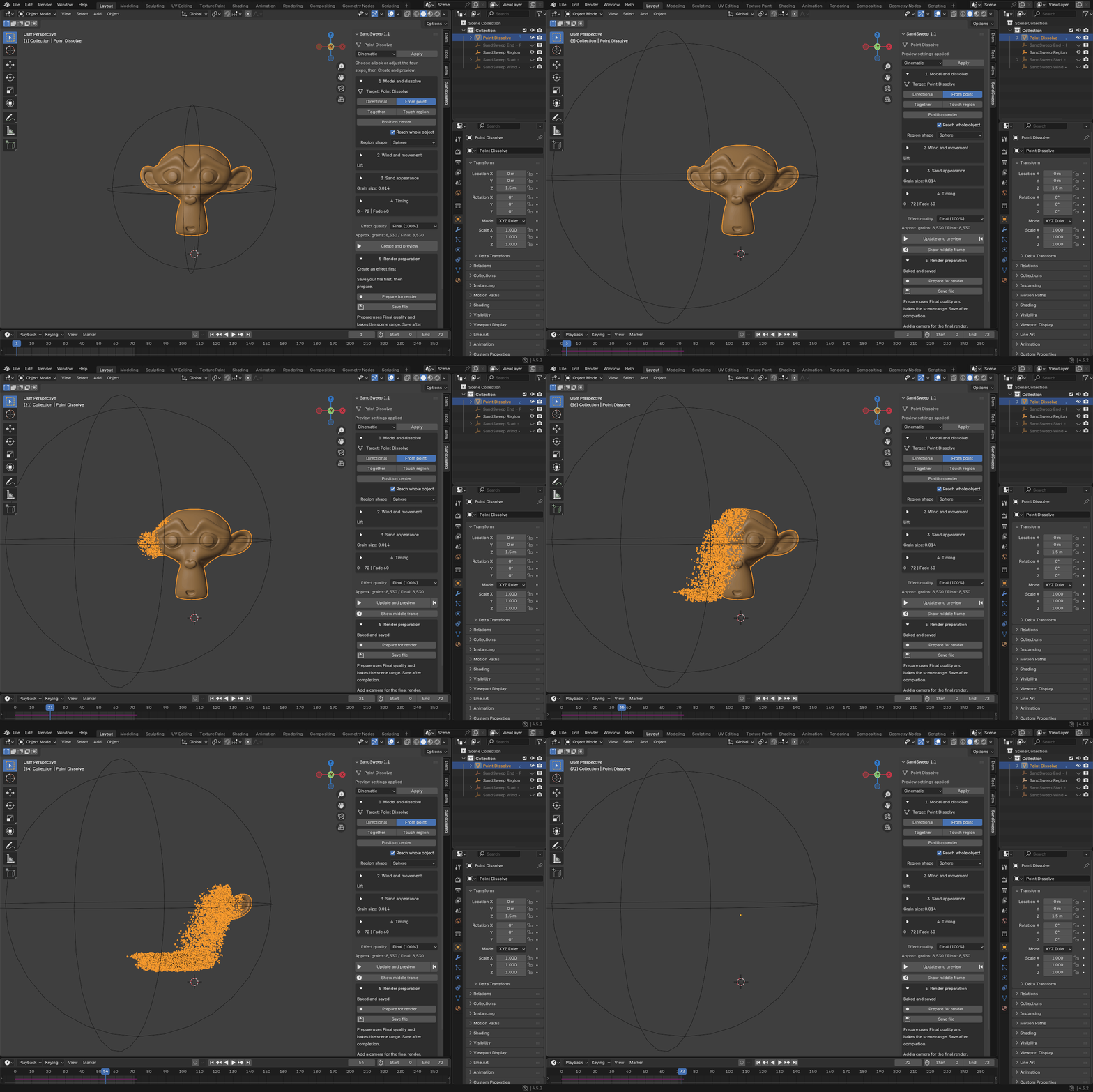
Real Blender interface, captured step by step. The GIF uses Solid viewport shading to demonstrate the controls; the rendered examples below show the final materials and soft transition.
Made with SandSweep
The following images are actual Blender renders made with SandSweep. Each uses a custom source material, studio lighting, camera, and effect settings. The particles are generated by the add-on; no AI-generated or composited sand is used in these demonstrations.

Amber Erosion

A warm stone sculpture dissolves from one side while fine grains drift outward. Directional breakup + Wind.

Letterform Drift

Converted mesh lettering breaks down into metallic grains, illustrating a sand disintegration effect for typography and motion graphics. Directional breakup + Wind. Text is converted to a mesh before applying SandSweep.

Jade Ascent

A colored ring dissolves outward from an offset center as its grains rise. From point + Rise. Custom source and grain materials give the same effect a different visual character.
These showcase renders use custom scene setups. The add-on package contains the three starter examples listed below.

Cube Spiral Ascent

A cube dissolves from the top down into golden grains that spiral upward around a central axis. The grains stay visible after the cube has dissolved, revealing the circular motion. Directional breakup + Vortex motion.
Choose how your object breaks apart
Start with one of four methods:
- Directional: move a dissolve front between start and end controls.
- From point: spread the effect outward from a movable center.
- Together: release the surface early, leaving time for the grains to move before fading.
- Touch region: affect the areas touched by a region control during the effect interval.
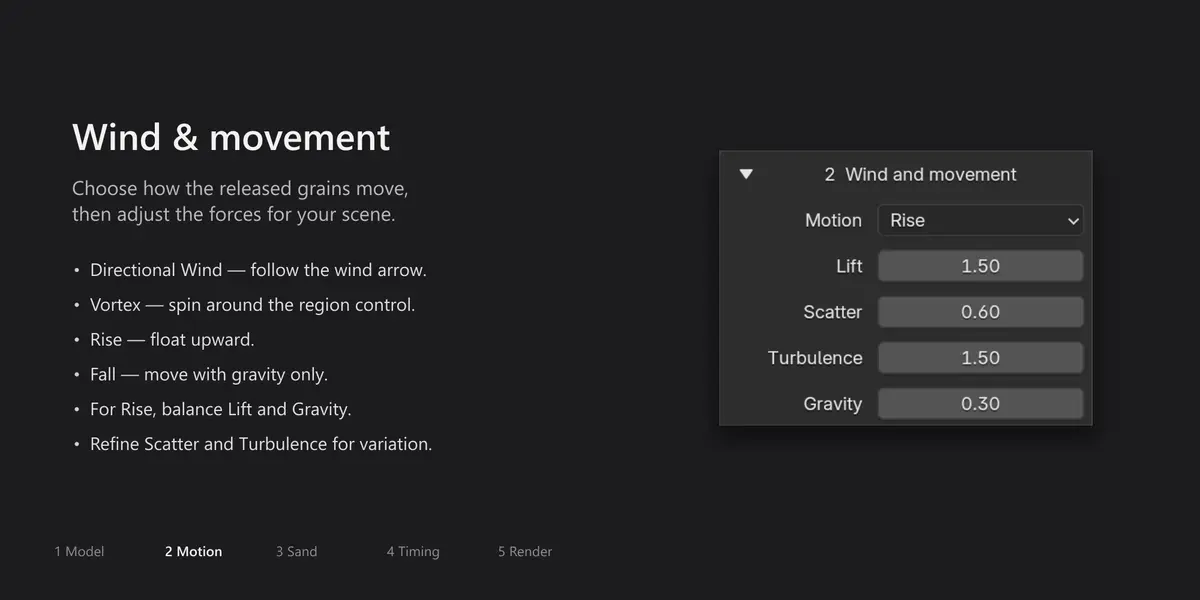
The breakup direction and flight direction are independent. Sweep upward while the sand drifts sideways, let it fall, lift it into the air, or send it into a vortex.
Shape the look
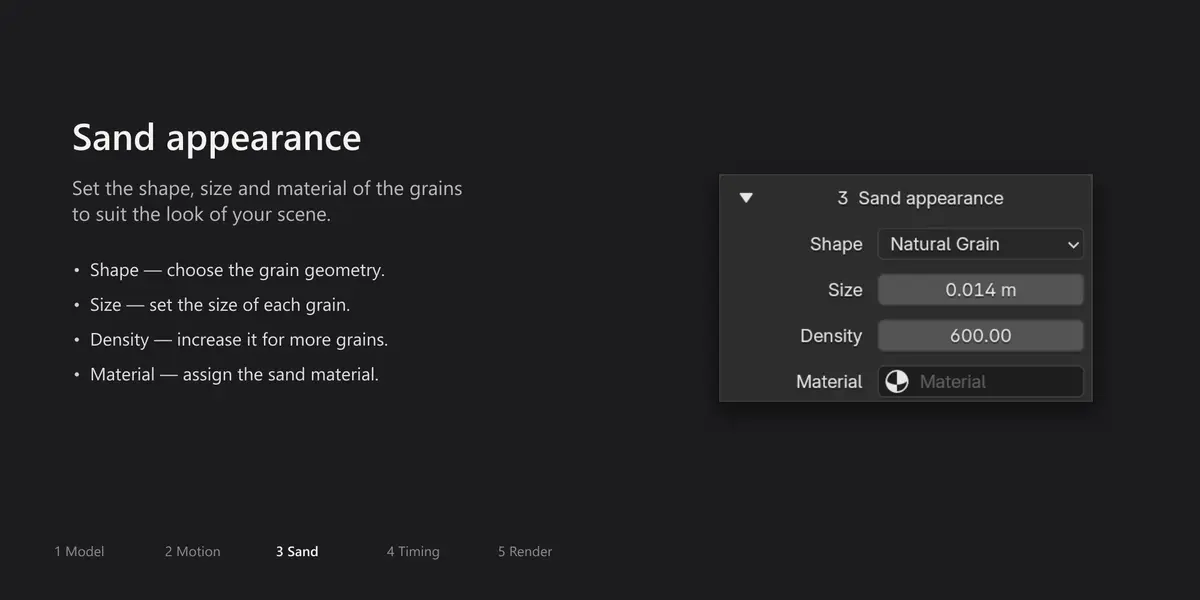
Start with Cinematic, Gentle drift, or Soft fall, then adjust grain size, density, size variation, scatter, turbulence, gravity, and air resistance.
Use the supplied sand material or assign your own. Save custom sand and movement settings as reusable JSON looks.
Keep control of the result
- Protect selected material regions so they remain intact and produce no grains.
- Use an optional closed interior on suitable closed meshes with Directional or From point.
- Place the collision plane below the model automatically or set its height yourself.
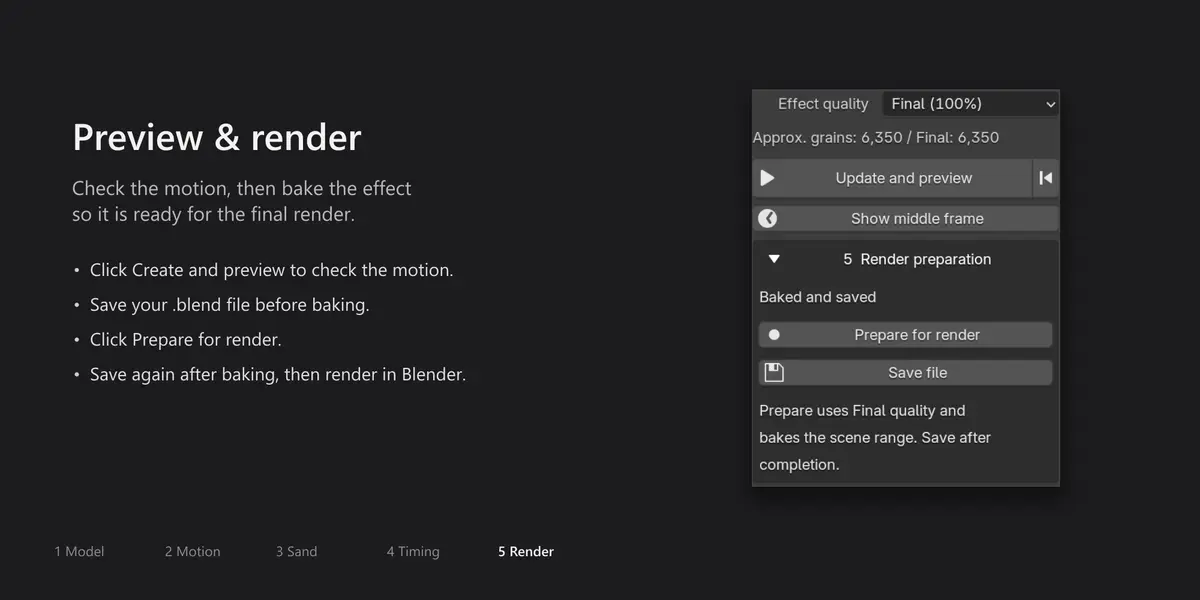
- Inspect the effect with Create and preview and Show middle frame.
- Use approximate grain counts and heavy-effect warnings to guide your settings.
- Remove the effect while preserving the source mesh, with an additional option to clean up unused controls.
A clear path to the final render
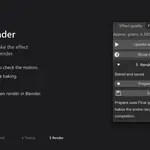
Save file → Prepare for render → Save file
Prepare for render switches the effect to Final particle density, applies changes, and bakes the selected object’s simulation. Save afterward, then render through Blender as usual. Blender 4.3 and newer keep the bake inside the .blend file. On Blender 4.2, keep the adjacent SandSweep_cache folder with your project.
Preview uses 25% of the configured density; Final uses 100%. These settings affect the actual effect, including rendered output.
Included
- SandSweep v1 (1.0.0) add-on, delivered as SandSweep-v1.zip.
- Three built-in looks: Cinematic, Gentle drift, and Soft fall.
- Three example .blend scenes with camera, lighting, and a visible floor.
- English documentation and a Turkish quick-start guide.
Example scenes contain the effect setup without large baked caches. Prepare and save them before final rendering.
Compatibility and scope
Tested configuration: Blender 4.2.22 LTS, 4.5.2 LTS, 5.1.2, and 5.2.1 LTS on Windows, with rendered output checked in Cycles and Eevee. The add-on requires Blender 4.2 or newer. Blender 4.0 is not supported; other versions and operating systems have not been verified.
SandSweep generates grains from a mesh’s surface. It is designed for static source meshes and provides collision with an infinite horizontal plane. Volumetric sand generation, grain-to-grain collision, physical sand piles, arbitrary collision objects, deforming characters, animated source transforms, and reverse assembly are not included in this release.
Camera, lighting, visible floor geometry, and output settings remain part of your Blender scene. The included examples provide a starting point for these elements.