Scane Doctor
 arsha 3D plant designer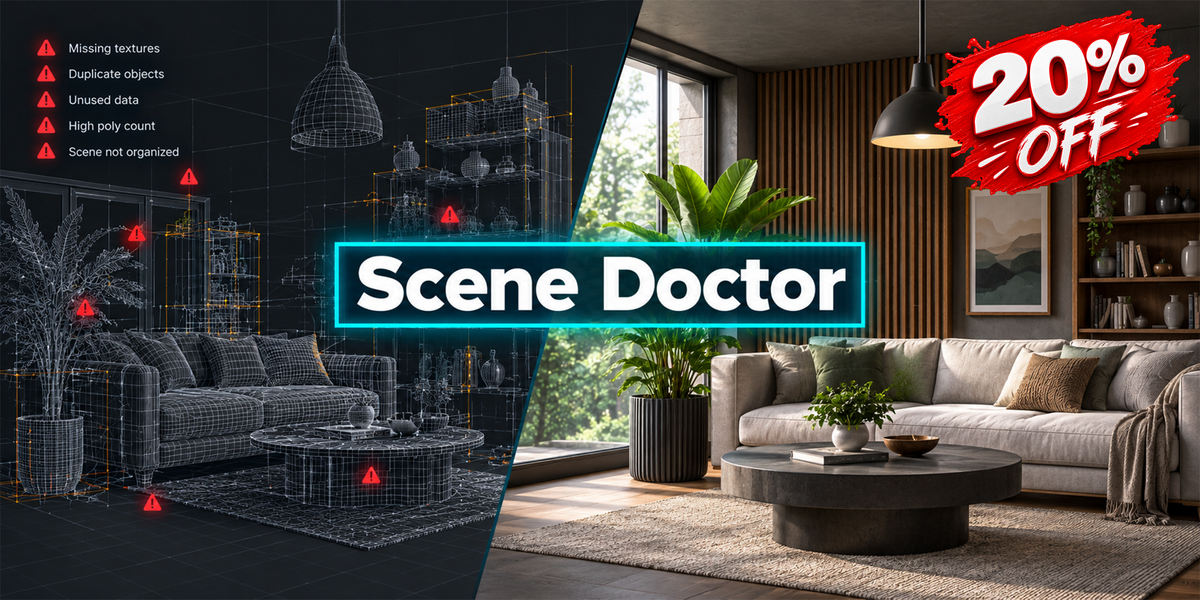

FREQUENTLY ASKED QUESTIONS
Scene Doctor FAQ
Quick answers to common questions about scene analysis, safe cleanup, and compatibility.
01. Does Scene Doctor automatically modify my scene when scanning?
No. The scanning process is diagnostic and does not automatically modify your scene. You can review detected issues and decide which supported safe-fix operations to apply. Cleanup operations require confirmation before execution.
02. What types of issues can Scene Doctor detect?
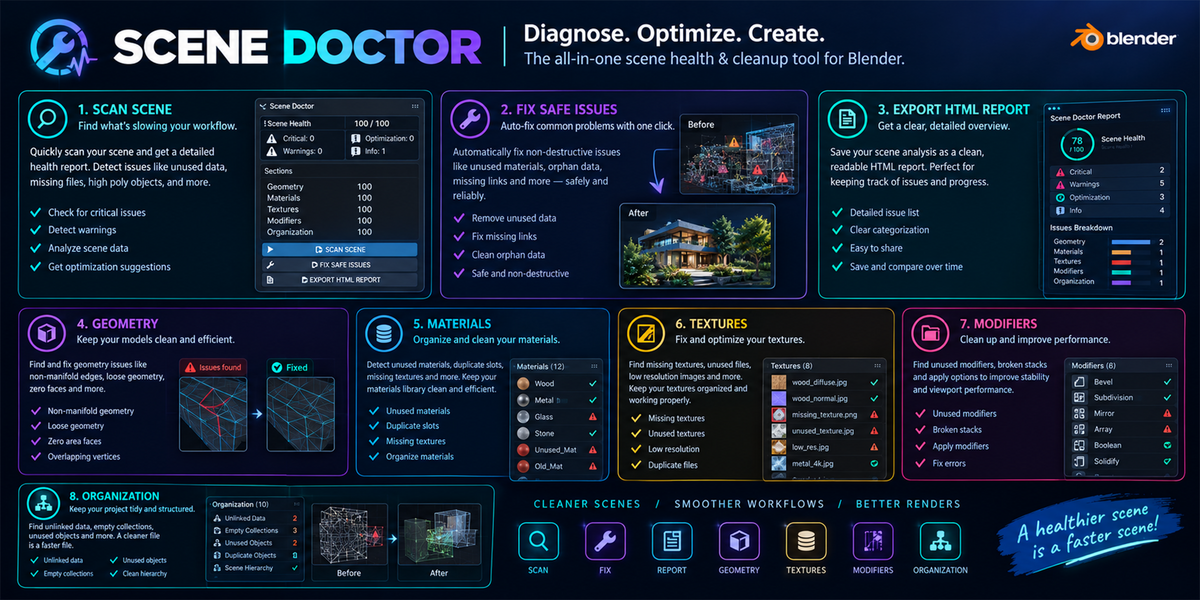
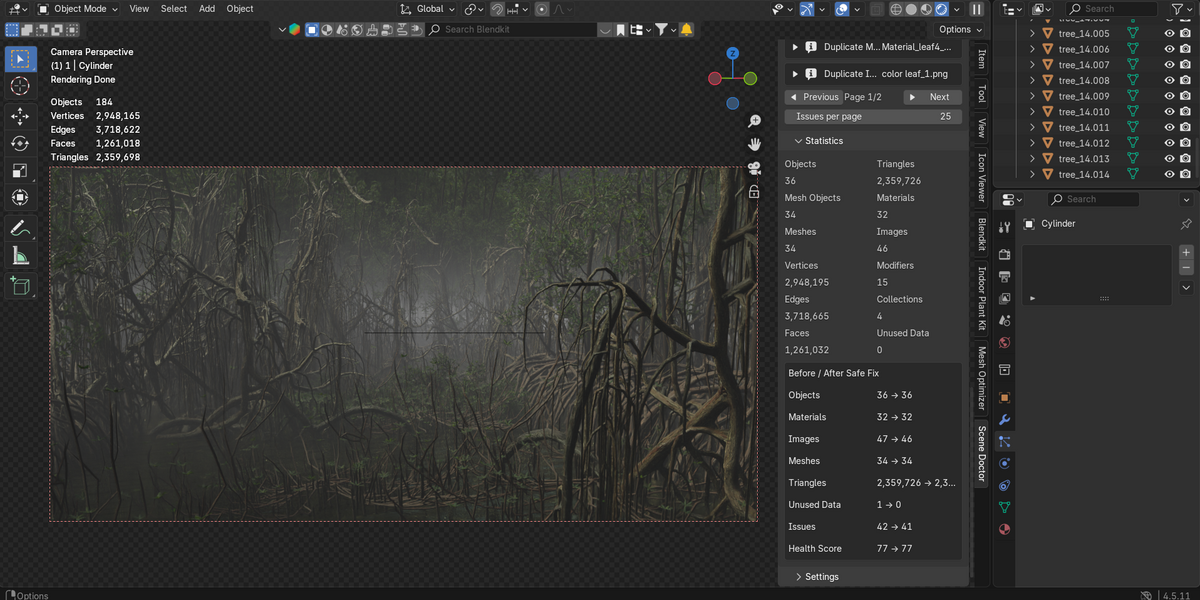

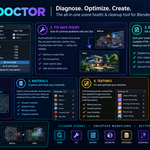
Scene Doctor analyzes multiple aspects of your Blender project, including geometry, materials, textures, modifiers, collections, datablocks, UVs, normals, and duplicate mesh data. It also provides a Scene Health Score, issue severity levels, and useful scene statistics to help you identify areas that may need attention.
03. Which Blender versions are supported, and can I undo cleanup operations?
Scene Doctor version 2.4.35 supports Blender 4.2 and newer. Supported cleanup operations may be reversible through Blender's Undo functionality when recorded in the undo history. For important projects, saving a backup before cleanup is recommended.
Still Have Questions?
Review the documentation to learn more about Scene Doctor's features and recommended workflow.
Scene Doctor — Analyze. Diagnose. Optimize.
 Included
Includes 12 months of
- Support from arsha 3D plant designer
- Product updates
Extend this product’s Support Period +12 months: 25% of product price
Have questions before purchasing?
Login to message
| Blender Extension Compatible | Yes |
| Published | about 4 hours ago |
| Blender Version | 4.2 - 5.2 |
| Extension Type | Add-on |
| License | GPL |
Discover more products like this
Scene Optimization mesh optimization scene cleanup 3D workflow Data Cleanup missing textures blender scene analysis 3d modeling blender addon Error Detection blender tools