 Skava
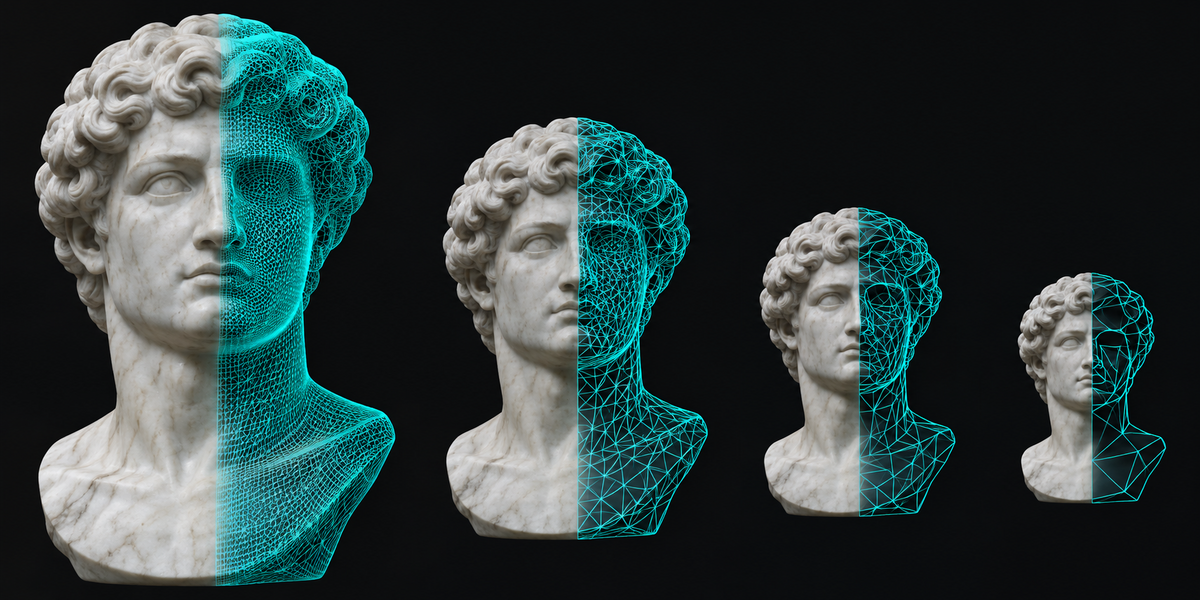
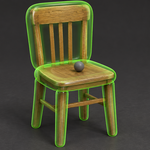
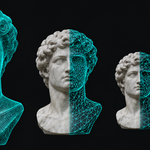
A scan or a sculpt as a finished game asset, measured
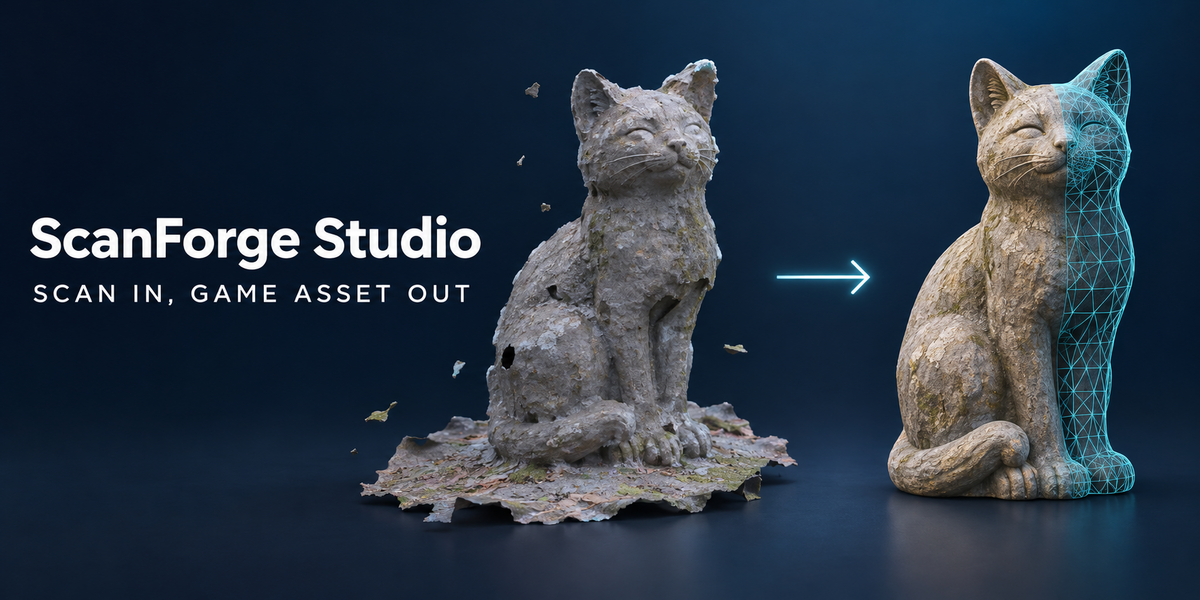
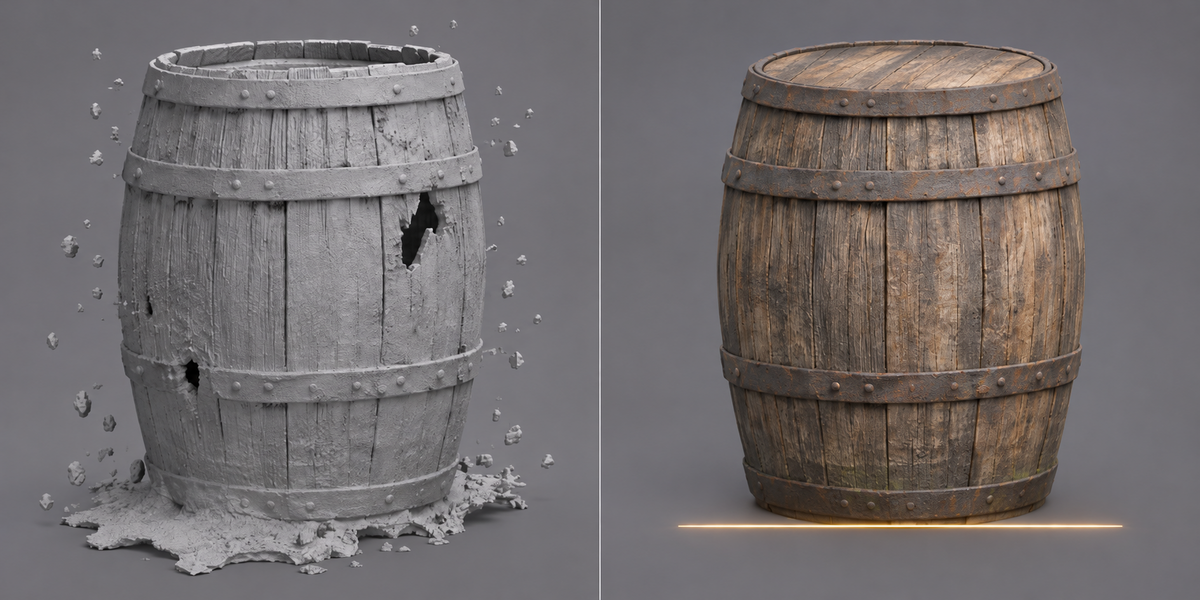
A phone scan or a photogrammetry capture is not a game asset: a million triangles, a piece of the floor fused to the bottom, crumbs floating around it, holes, light baked into the colour, no UVs a game can use, no LODs, no colliders. Getting from there to a file that a game engine takes means five or six tools and a dozen settings, and at the end nobody can say how far the result is from the scan.
ScanForge Studio does it in one press of Build Asset, and every step reports what it did in numbers: the floor cut and the asset standing on zero, loose bits and holes, the shape within your triangle budget and how many millimetres it is from the scan, the UV layout, the baked maps, each LOD and how far it is from LOD0, the colliders and how much air they hold, each file and its size. On a real phone scan of 100,000 triangles: the floor found at 4.9° and cut, the asset within 0.50 mm of the scan on 95% of its surface, maps baked, three LODs, colliders and three deliveries in 32 seconds.
What you get
- A clean mesh from one or several objects: the floor found and cut, loose bits removed, holes closed (large openings stay).
- Your Triangle Budget, as reduced triangles or as quads from a solver that runs in a background Blender, so a hanging solve cannot freeze yours.
- UVs cut more than one way; the most even layout without overlapping islands is kept.
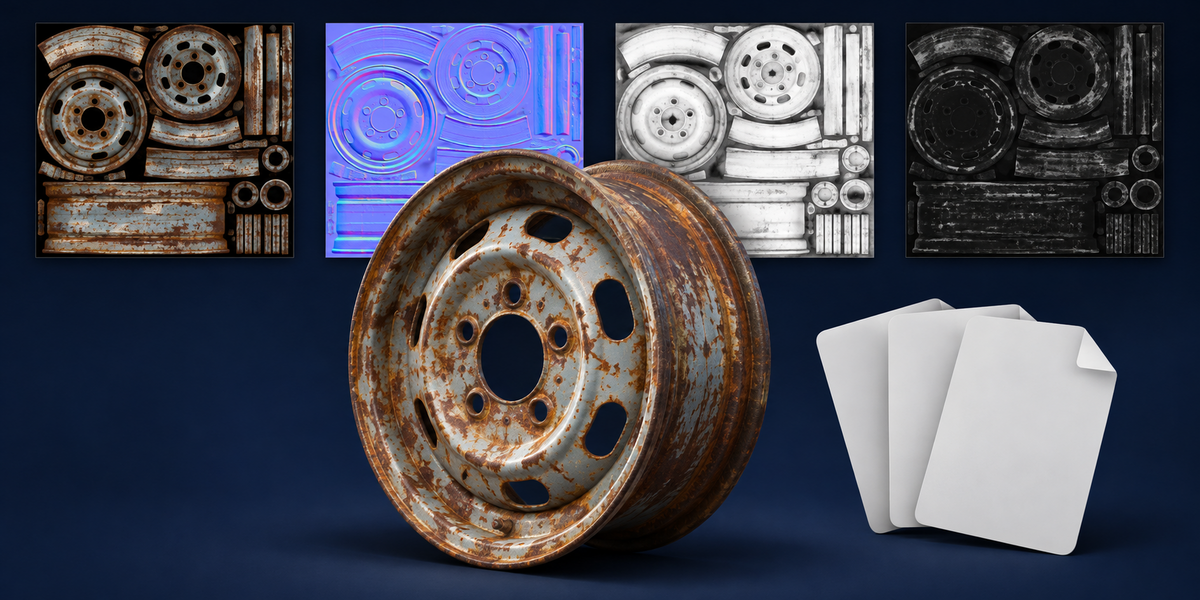
- Baked maps: colour, normal, ambient occlusion, roughness and metallic, read from Principled, Diffuse, Glossy, Metallic and Emission materials, mixed or in node groups, from textures or from vertex colours.
- Optionally the light baked into the scan's colour is taken out, and the report says how much is left.
- LODs, each measured against the scan and against LOD0. The switching heights of Unity's LOD Group come from that measurement, and Check Asset measures them: a level takes over when it differs from LOD0 by less than the pixels you set. The Unreal script sets Unreal's screen sizes from the same numbers; we could not read them back in Unreal in our tests.
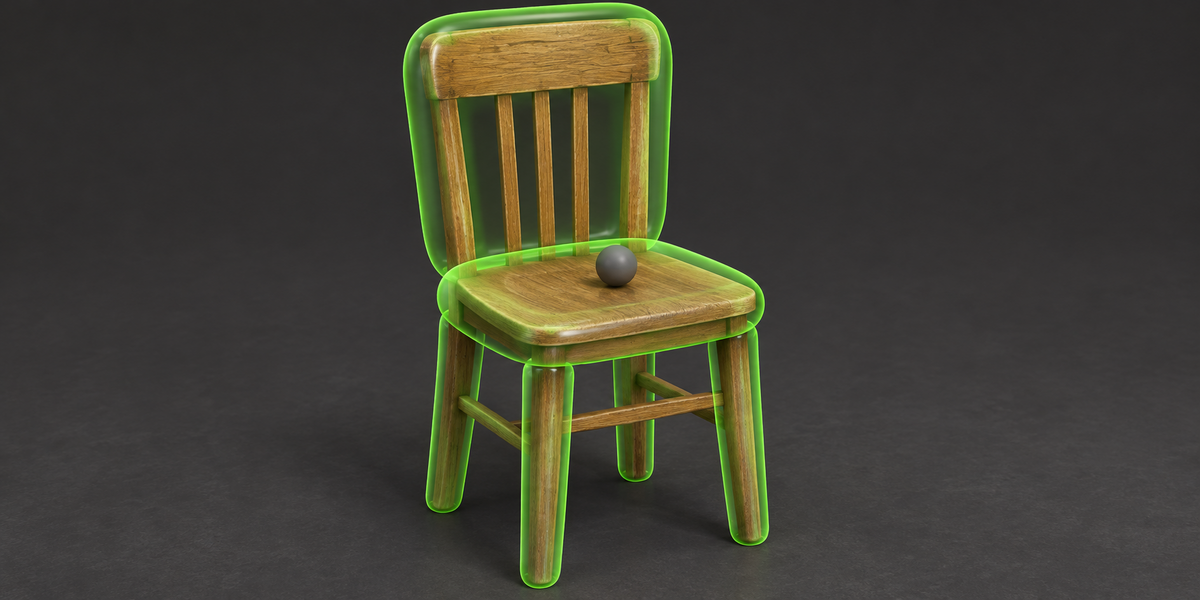
- Convex colliders that contain the whole asset: cut into parts until none stands further from the surface than your gap, as long as Most Parts allows and a cut brings them closer (the report says when the gap is not reached), with the air measured and what sticks out measured (within 0.05 mm or a ten-thousandth of the asset's size).
- Files within your Size Budget: one GLB with its textures; a Unity folder with the model, LODs, colliders, textures with their import settings and the Set Up and Check scripts; an Unreal folder with one FBX per LOD, UCX colliders, DirectX normals and a Python script that imports it all and builds the material.
Measured, not promised
- Check (Blender) opens the delivered files again and compares them with the asset: every triangle corner and UV of every LOD, the GLB's normals (on average), each picture against the baked one (its mean colour difference), the colliders, the import settings, the size. A difference or a file it cannot read is a NO, never a silence.
- Check Asset (Unity) compares what Unity imported with what Blender built: every vertex and UV of every LOD, the LOD Group and its switching heights, the material slots, the texture settings, and where 600 rays from outside meet the colliders, as Unity's physics sees them.
- Our test scans at 10,000 triangles: the Stanford bunny within 0.46 mm of the scan at its worst point, the dragon (871,000 triangles) within 0.87 mm, the Happy Buddha (1.09 million) within 0.97 mm.
- Six 4K material sets on a mesh, compared with the source pictures point by point: colour within dE2000 0.23 to 0.94 (median), roughness within 2/255, metallic within 0.2/255.
- In Unity 6 (Built-in and URP) every vertex of every LOD arrives where Blender put it (0.0000 mm) and every UV within 0.001 (Unity moves a few UVs on seams by that much).
- Both Checks are tested by breaking things on purpose: 49 ways in Blender (a vertex 0.1 mm off, a UV moved, a picture darkened by 5%, a normal map with its green flipped, a collider moved, a file cut short...) and 40 ways in Unity (a LOD moved 1 mm, a collider moved, a texture imported as linear, the model compressed...). Each one fails Check.
- 58 dirty cases (holes, loose bits, NaN vertices, a single triangle, objects 2 mm or 3 km across, 250 km from the origin, mirrored, parented, centimetre scenes, unlit, metallic, node-group and mixed materials, quads) and the 45 models of our library, on Blender 4.2 and 5.2.
Limits
- One material and one set of maps per asset. Transparency and glow do not travel; the report says how many materials had them.
- Rigs, animation and shape keys do not travel: the asset is what the scan looks like now.
- The quad solver gives up on some shapes; then the asset is reduced to triangles and the report says so. A quad asset stays quads in Blender; the files carry the triangles the bake used.
- Light removal estimates the light from the texture itself. Contact shadows stay partly.
- The GLB carries LOD0 only. The Unity Mask stays PNG, because JPEG has no alpha.
- Unity's physics cooks its own convex shape from each collider, a little differently on a Mac and on Windows: on the camera it stood within 0.49 mm (Mac) and 0.64 mm (Windows) of the file's surface. A ray that crosses a face at a shallow angle meets it up to 3 mm further along. Check Asset measures it with 600 rays and judges the distance from the surface.
The Unity scripts and the generated Unreal script are MIT licensed: ship them in your games, closed source or not.
Blender 4.2 to 5.2. Unity 6 (Built-in and URP tested; HDRP maps are set, not tested by us). Unreal Engine 5. No Python packages, no cloud, no account, no AI model.