 Skava
What goes in?
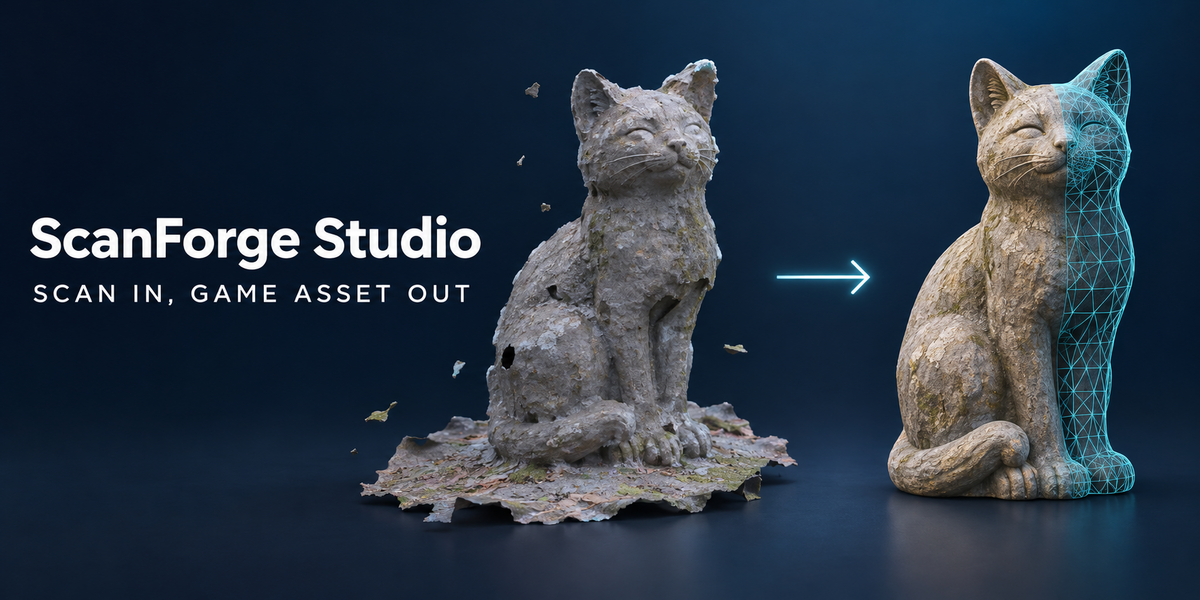
One or several mesh objects: a phone scan, photogrammetry, a sculpt, a model from a kit. Textured or vertex coloured, with Principled, Diffuse, Glossy, Metallic or Emission materials, mixed or in node groups. Your objects are never changed.
How do I know the asset is close to the scan?
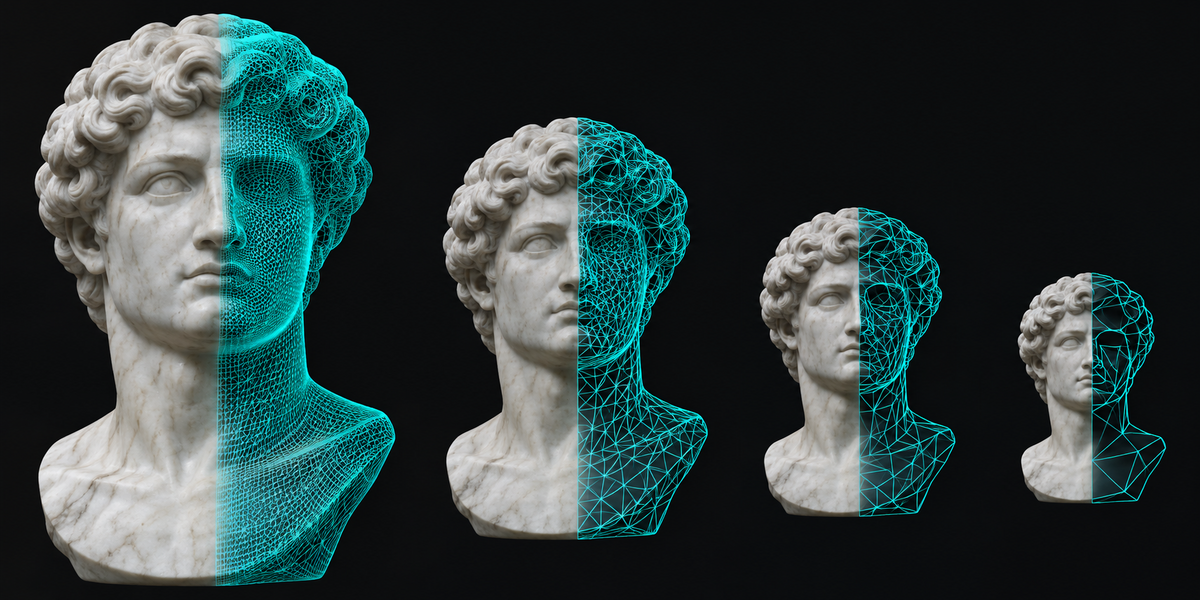
Every step says it in millimetres: the shape is measured against the cleaned scan both ways (what was cut off and what was added), at the worst point and for 95% of the surface; every LOD against the scan and against LOD0. On our test scans: the Stanford bunny reduced to 10,000 triangles stays within 0.46 mm of the scan, the Happy Buddha (1.09 million triangles) within 0.97 mm, the dragon (871,000) within 0.87 mm.
Are the maps right?
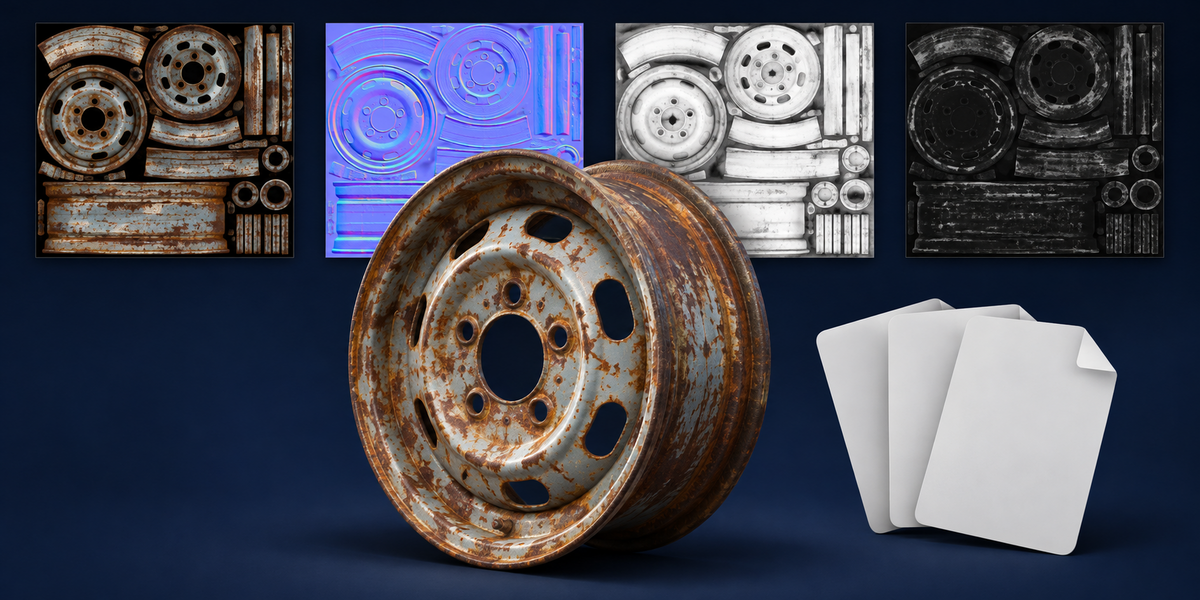
We put six 4K material sets on a mesh and compared the asset's maps with the source pictures point by point: colour within dE2000 0.23 to 0.94 (median), roughness within 2/255, metallic within 0.2/255.
What do I get in Unity?
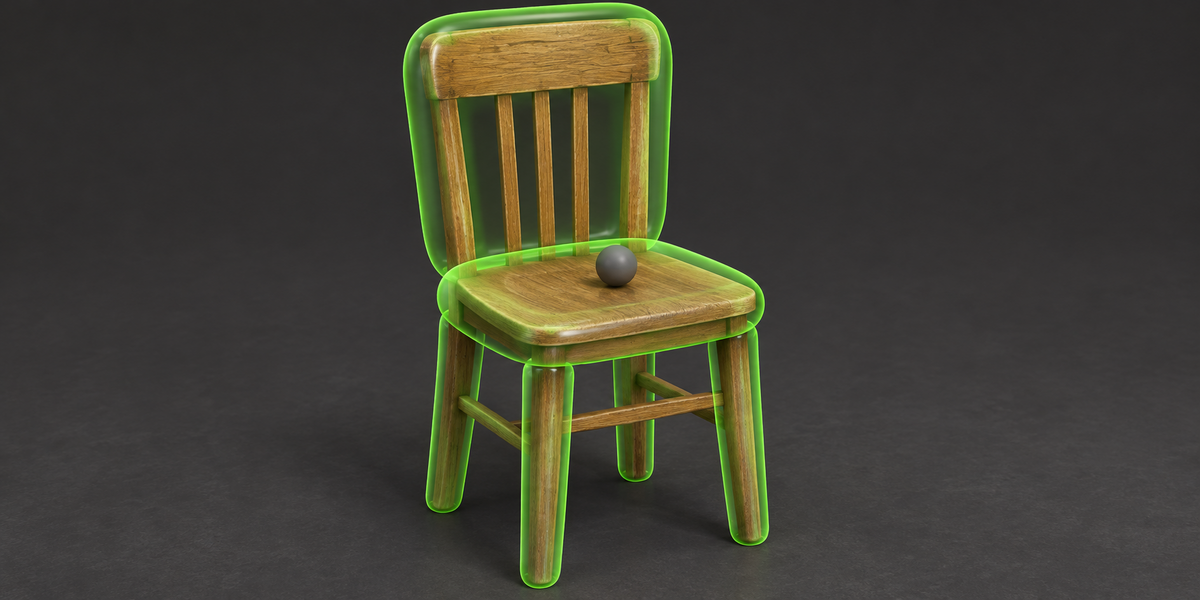
One prefab: the model with its LOD Group, convex Mesh Colliders, a material with colour, normal, metallic, occlusion and smoothness for the Built-in pipeline or URP (for HDRP the same maps go into its slots; we have not tested HDRP). Check Asset compares what Unity imported with what Blender built: every vertex and UV of every LOD, the switching heights, the material, the texture settings, and where 600 rays from outside meet the colliders.
And in Unreal?
One FBX per LOD with UCX convex colliders, the textures (normal map in DirectX order) and a Python script: Tools > Execute Python Script, and you get the static mesh with its LODs, its convex collision and a material (tested in Unreal 5.8: 4 of 4 LODs, 3 of 3 colliders, a second import goes into a folder of its own; the LOD screen sizes are set by the script, we could not read them back in our test).
Quads or triangles?
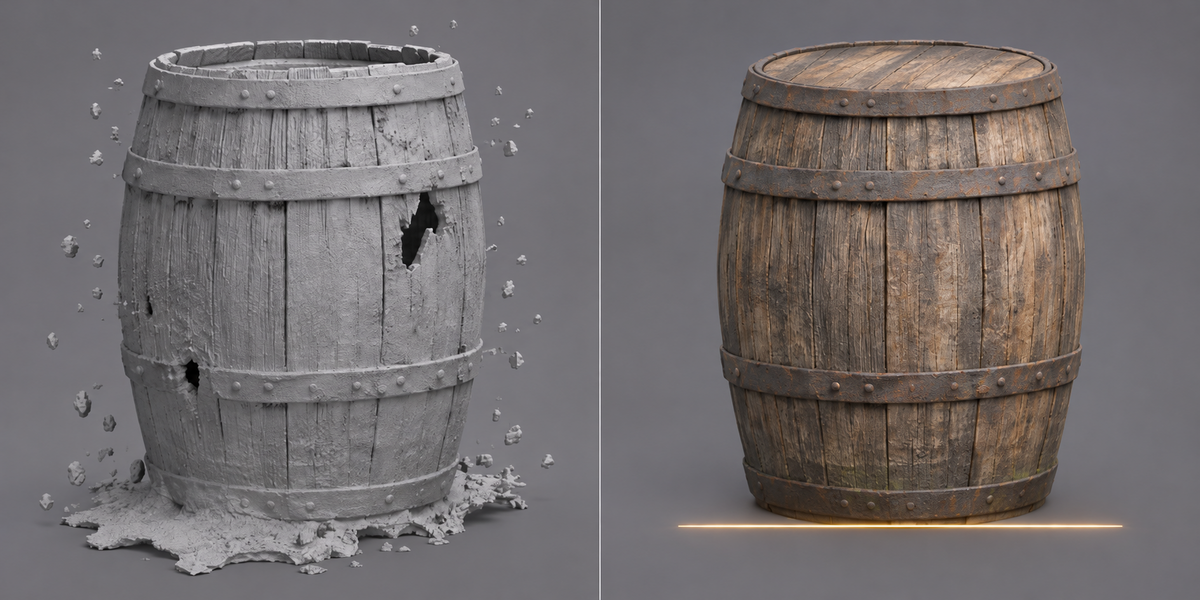
Both, within the same budget. Quads come from our QuadForge solver running in a background Blender with a time limit. If the quads keep the shape much worse than plain reduction would (a set of many small parts, for example), Build Asset reduces to triangles instead and says so.
What if the files are too big?
Set a Size Budget. Pictures go to JPEG, then half the size, step by step, until each delivery fits; the cost is measured and reported (colour as dE2000, normals in degrees). If the model alone is too large, it says so.
Have questions about this product?
Login to message
| Published | about 20 hours ago |
| Blender Version | 4.2 - 5.2 |
| Extension Type | N/A |
| License | GPL |
Discover more products like this
scan game ready collider retopology photogrammetry decimate LOD unity unreal bake PBR glb