 Shahzaib A.
Scatterly
Paint-Based Scatter Tool for Blender
Stop placing things by hand. Paint them.
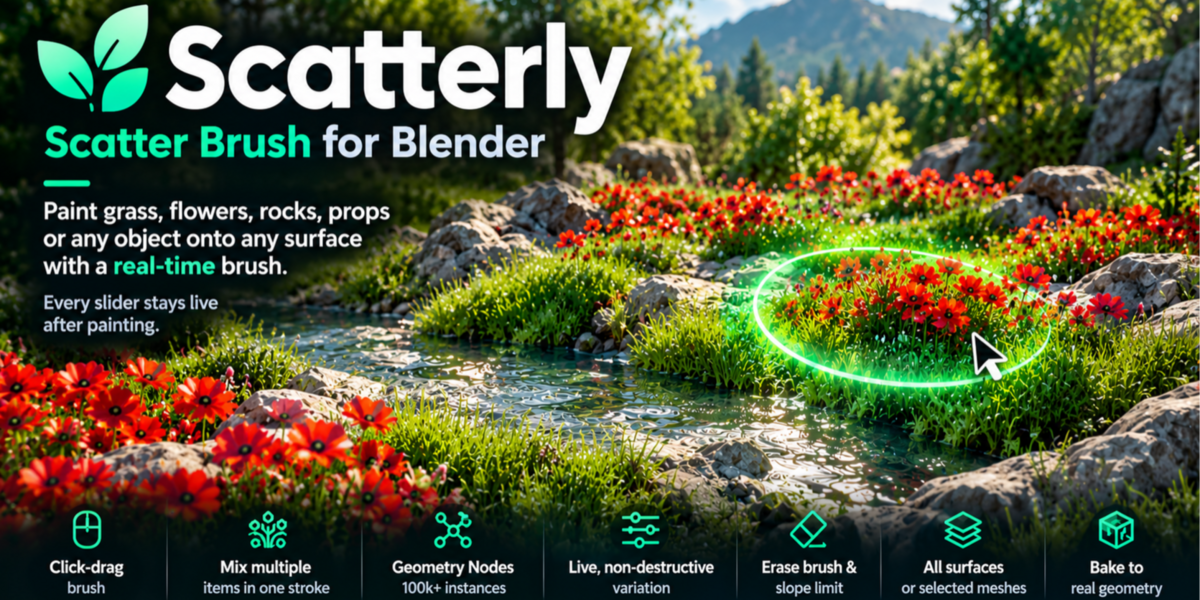
Scatterly turns scattering into a brush stroke. Pick what you want, drag across your terrain, and watch grass, pebbles, logs or your own models fill the scene.
No node setup, no particle systems, no cleanup.
From an empty terrain to a living scene.
Click-drag to paint, adjust anything later, and bake to normal meshes only when you're ready.
Why artists pick Scatterly
|
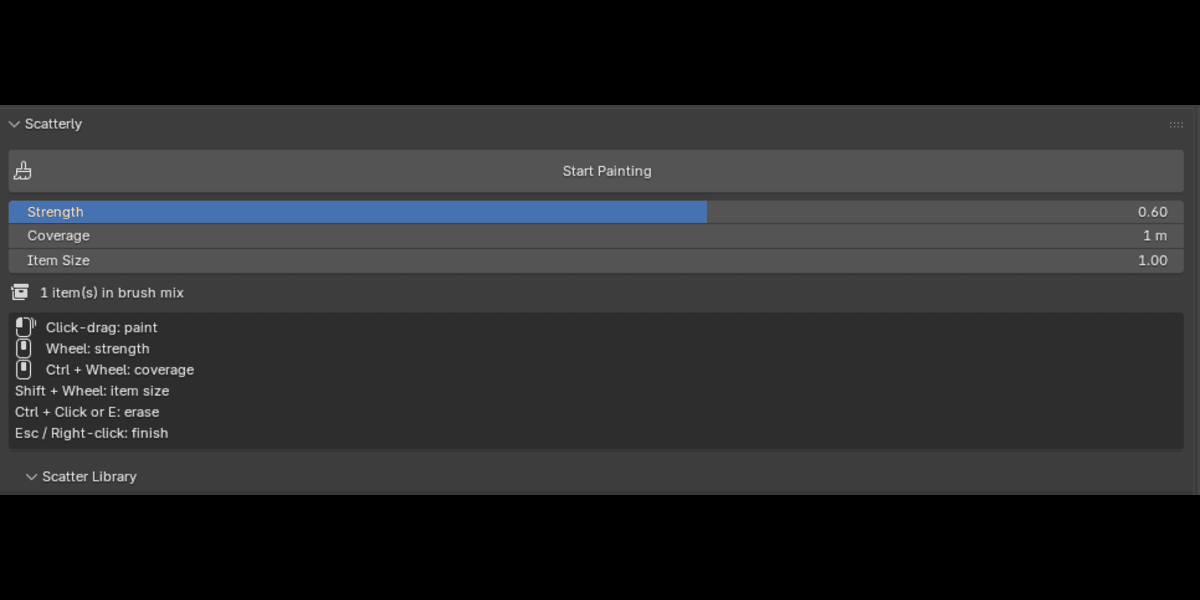
Paint, don't build Click-drag on any surface. Wheel for density, Ctrl+Wheel for brush size, Shift+Wheel for item size. Ctrl+Click or E to erase. |
|
Mix freely Select several items and they blend randomly in a single stroke: grass with pebbles, ferns with twigs, whatever the scene needs. |
|
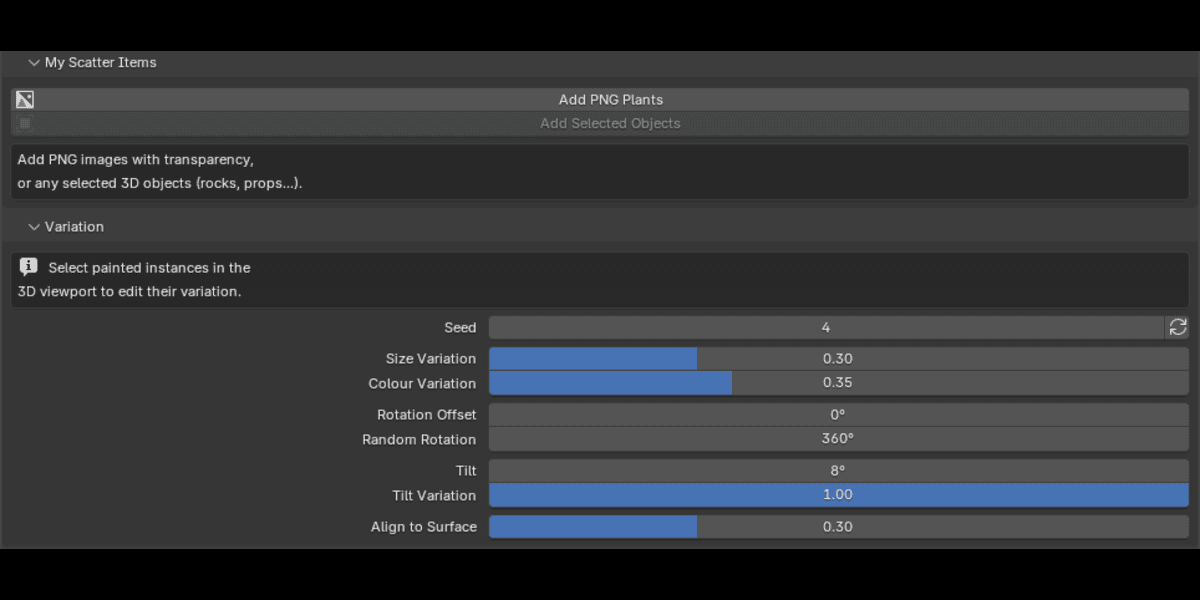
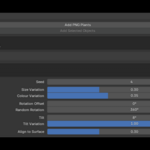
Fix it later, not now Seed, size, rotation, tilt, surface alignment and colour are all live. Select painted instances in the viewport, move a slider, and they update instantly. Nothing is baked until you say so. |
|
Use your own assets Add any PNG with transparency, or any selected 3D objects (rocks, trees, props, kitbash pieces). Originals are never touched. |
|
Built for heavy scenes Everything is instanced through Geometry Nodes. A viewport thinning slider keeps navigation smooth while renders show every item. |
|
Ready to render Foliage materials include a shadow-lift control, and Scatterly automatically raises Cycles transparent bounces so dense foliage doesn't render with black gaps. |
|
Finish when you're ready Bake everything to ordinary mesh objects for export, sculpting or sharing. |
What's included
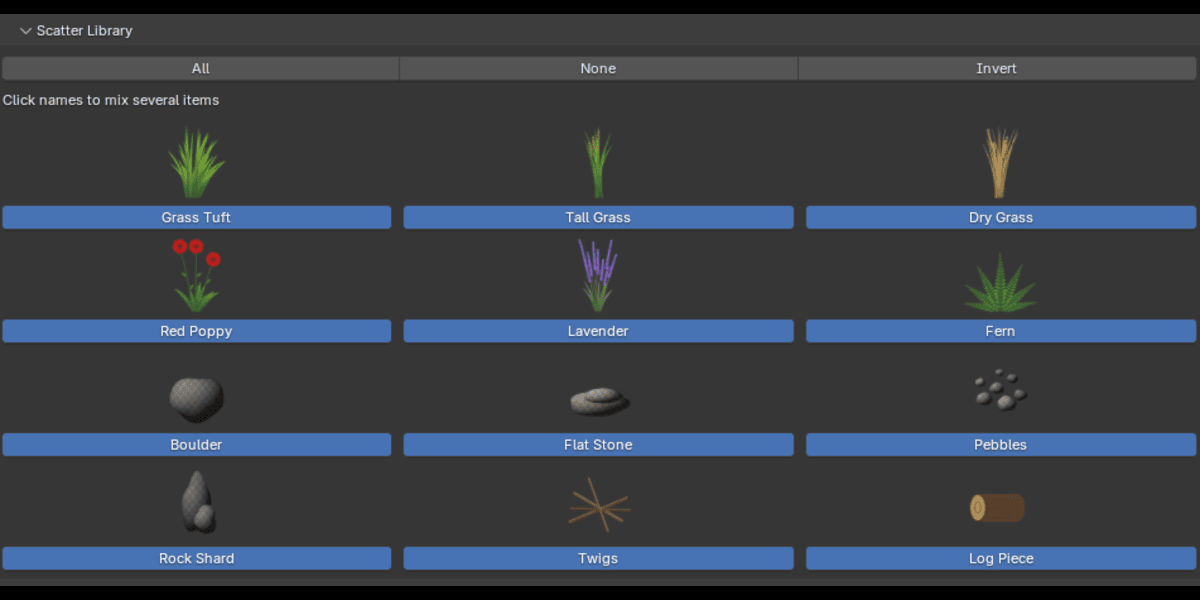
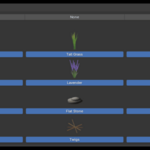
6 plants
Grass TuftTall GrassDry GrassRed PoppyLavenderFern
6 rocks and debris pieces (real 3D meshes)
BoulderFlat StonePebblesRock ShardTwigsLog Piece
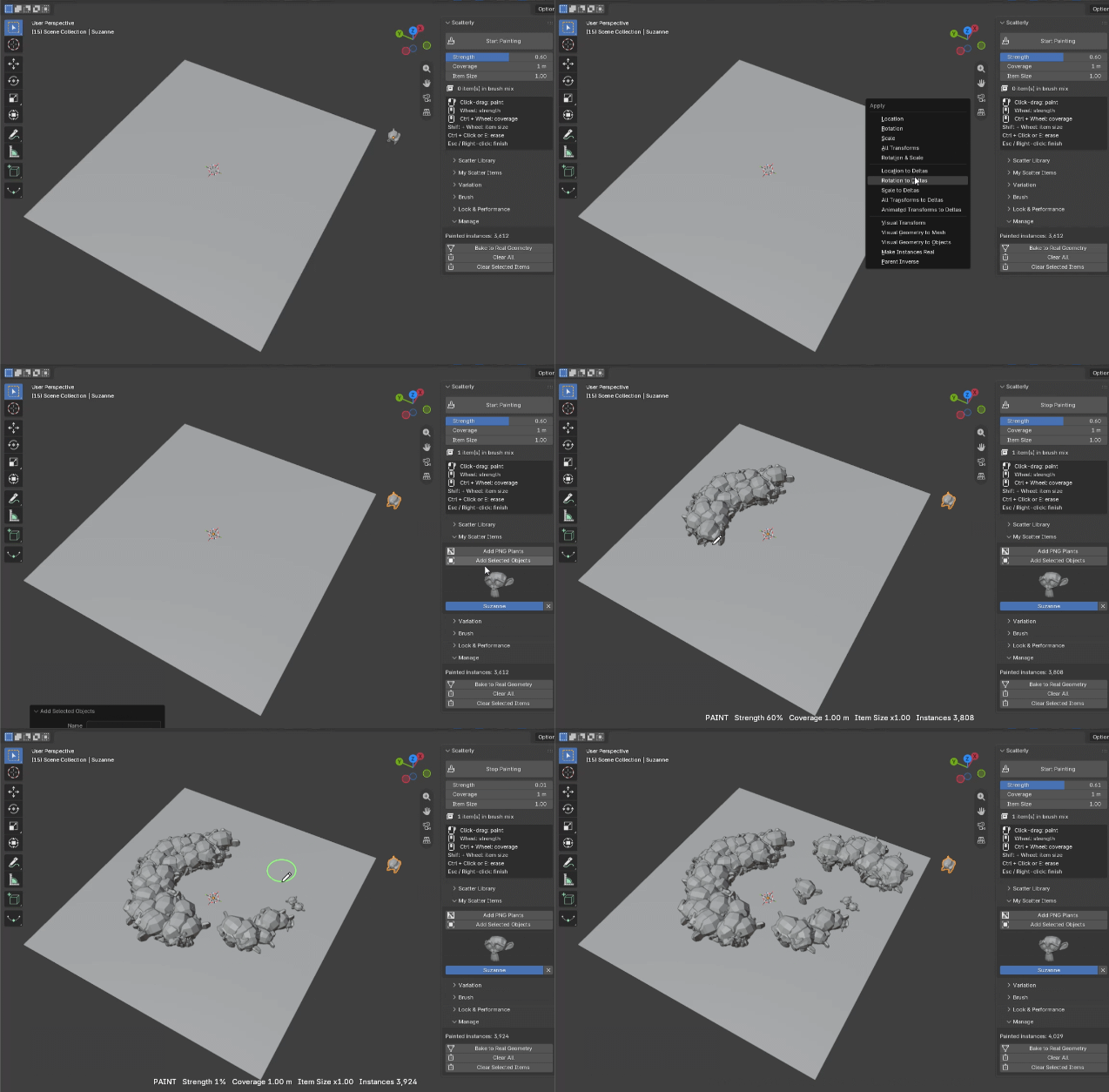
Brush controls
| Click-drag | Paint |
| Mouse wheel | Strength (density) |
| Ctrl + wheel | Brush size |
| Shift + wheel | Item size |
| Ctrl + click / E | Erase |
| [ and ] | Brush size down / up |
| Ctrl+Z / Ctrl+Shift+Z | Undo / redo |
| Esc / right-click | Finish |
Extra brush options
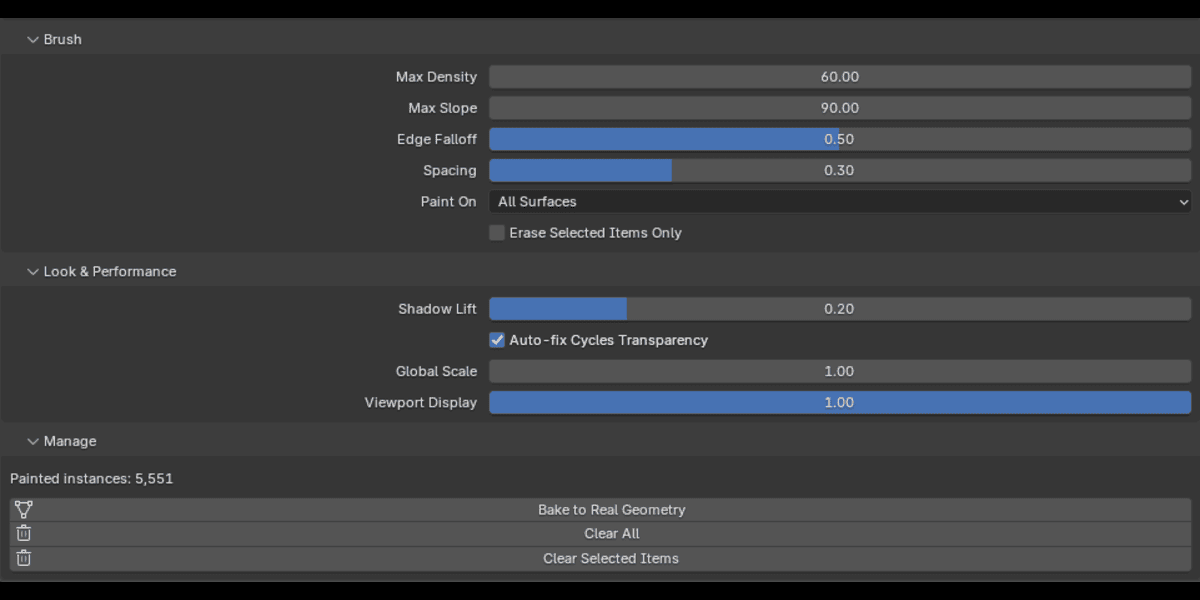
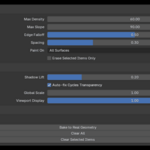
Max densitySlope limitEdge falloffDab spacingPaint on all surfacesPaint only on selected meshes
Requirements
|
Blender 4.2 or newer Works in Cycles and EEVEE. |
Stop placing things by hand. Paint them.