Scatterly - Paint Grass, Rocks, Debris, Objects
 Shahzaib A.
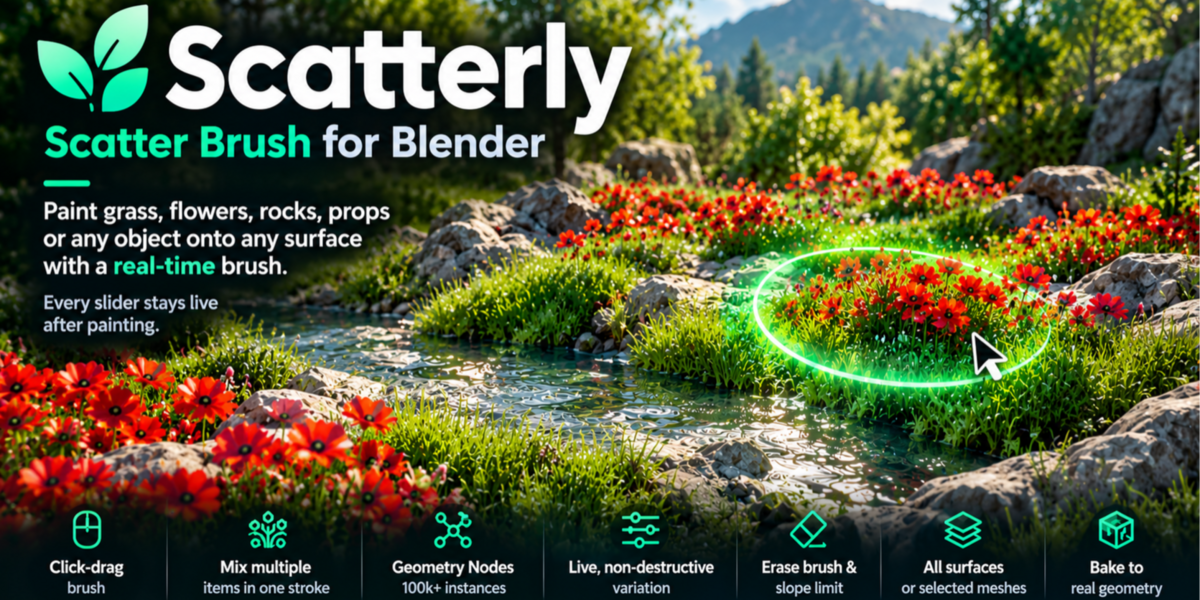
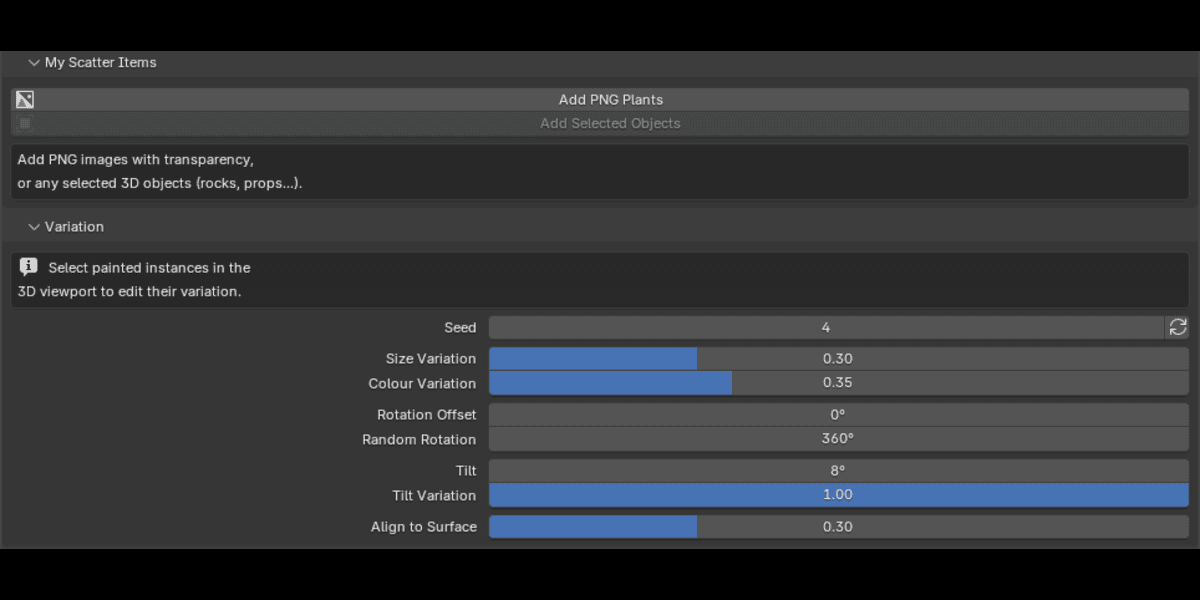
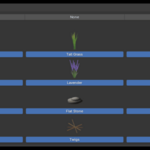
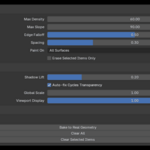
I deleted some scatter objects by hand and the brush stopped showing instances.
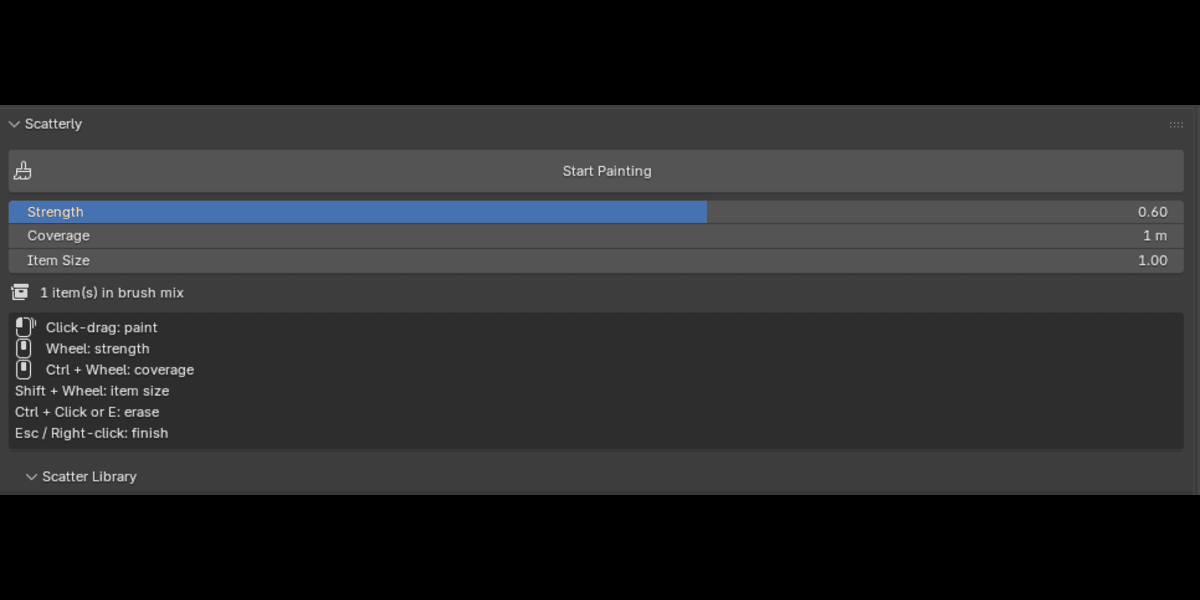
Scatterly rebuilds missing plant cards and relinks its collections the next time you start painting. If something still looks wrong, press Esc, then Start Painting again.
Can I use it in commercial projects?
Yes. The bundled plant art is original and free to use in commercial renders.
Can I erase or undo?
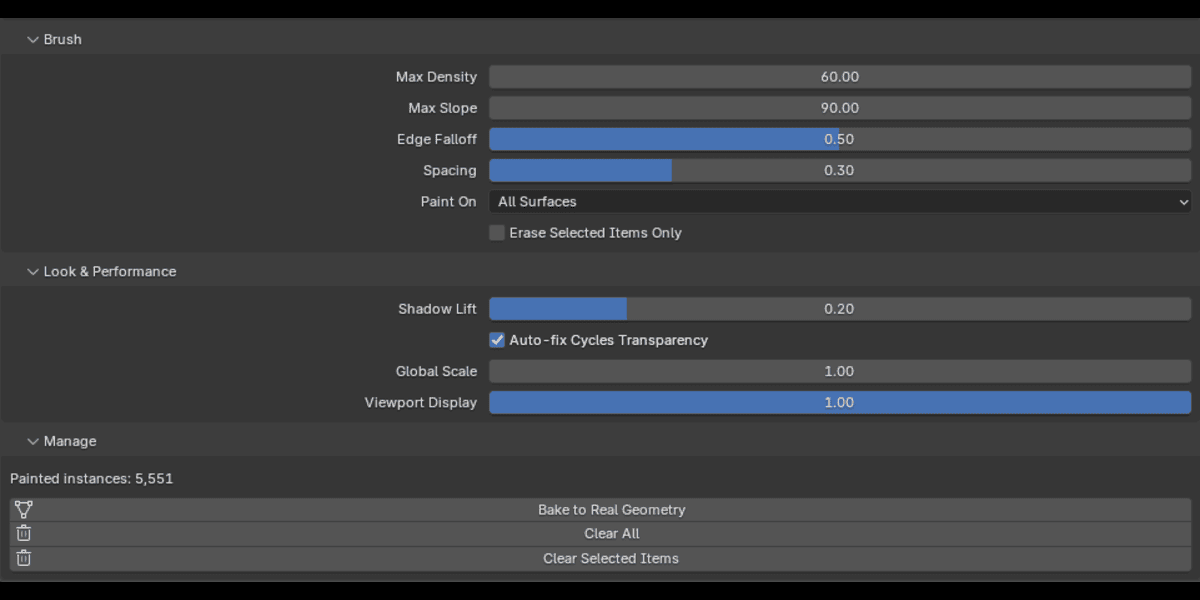
Ctrl+Click or E to erase while painting, Ctrl+Z / Ctrl+Shift+Z to undo and redo, and "Clear All" / "Clear Selected Items" in the Manage panel.
Does it affect all my painted items at once?
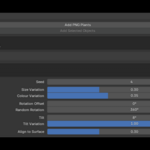
No. Variation sliders only change the painted layers you've selected in the viewport. Global Scale and Viewport Display apply to everything.
Can I use my own models and textures?
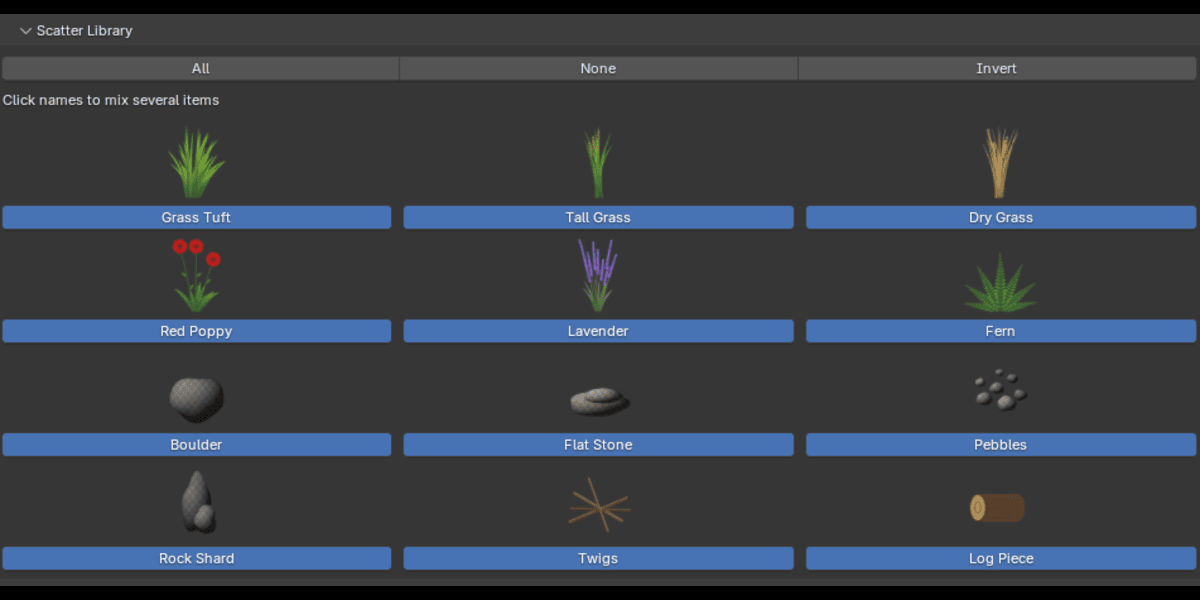
Yes. "Add PNG Plants" accepts images with transparency (PNG, WebP, TGA, TIFF, JPG). "Add Selected Objects" turns any selected 3D objects into brush items. The originals are not changed.
Does it work with Cycles and EEVEE?
Yes. Materials use the Principled BSDF. For Cycles, Scatterly raises transparent bounces to 64 automatically so dense foliage doesn't render black (you can switch this off in Look & Performance).
Have questions about this product?
Login to message
| Blender Extension Compatible | Yes |
| Published | 9 days ago |
| Blender Version | 4.2 - 5.2 |
| Extension Type | Add-on |
| Render Engine Used | Cycles, Eevee |
| License | GPL |
Discover more products like this
foliage scatter brush #nature asset painting blender3d environment debris landscape terrain vegetation grass vegetation painter