Scene-Optimizer
 De Martin



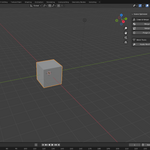
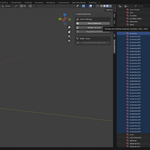
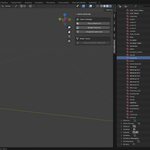
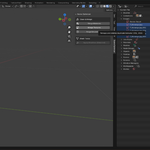
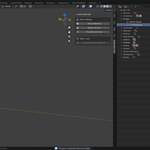
Installation Guide (Blender 4.2+)
Open Blender and go to Edit > Preferences > Get Extensions.
Click the down arrow in the top right corner and select Install from Disk...
Choose the
scene_optimizer.zipfile you downloaded.Done! The extension is now active.
How to Use
Open your 3D Viewport.
Press the N key to open the side panel.
Click on the Scene Optimizer tab.
Use the buttons to clean your scene instantly!

Discover more products like this
game-dev performance purge Unreal Engine Merge utilities optimization Workflow materials clean