SceneForge — Your Whole Blender Scene in Unity in One Export: Timeline, Cameras, Urp Lights, Prefabs, Terrain, Splines and Materials, Each Checked Against Blender
 Skava
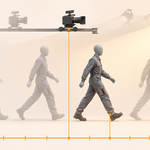
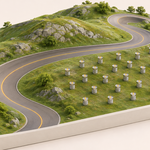
SceneForge — documentation
What you get
One export in Blender and one Set Up in Unity bring the whole scene: the characters and everything that moves on a Unity Timeline, the cameras with their lens and cuts, the lights as URP lights, the copies made by Geometry Nodes, particles and collection instances as prefabs, the terrain as a Unity Terrain, the curves as Unity Splines, and everything else that stands still, the set, with its materials. Each object is carried by one part only, every part lands in the same Unity space, and the cameras and the lights play from the same Timeline as the characters. Check measures every part in Unity against Blender and says OK or FAIL for each, then what only the whole scene can show: the placement of every part, that nothing is carried twice, and that the Timeline drives the cameras and the lights. SceneForge is made of six of our add-ons, StageForge, CamForge, LuxForge, PrefabForge, TerrainForge and SplineForge, with a seventh part for the set. You do not need them; they can be installed next to it.
Requirements
Blender 4.2 or newer. Unity 6 with the Universal Render Pipeline (URP) in Linear colour space, the Timeline package 1.8 or newer and the Splines package 2.8 or newer (Window > Package Manager > Unity Registry). Tested on macOS and Windows (Unity 6000.4.5). Made for URP: materials are URP Lit and lights are URP lights, so HDRP and the Built-in pipeline are not set up; Unity versions before 6 were not tested. The Stage part needs the Timeline package, the Splines part the Splines package. No Python packages, no cloud, no account, no AI model.
Install
Edit > Preferences > Add-ons > Install from Disk, choose the zip, tick SceneForge. The tab is in the 3D View's sidebar (N). Blender's own FBX format add-on must be on (it is by default). To remove: the same list, arrow next to SceneForge, Remove.
How to use
- Blender, Object Mode, 3D View > Sidebar > SceneForge. Tick the parts you want (all are on). Pick the terrain mesh in Terrain Mesh if the scene has one.
- Press Scan: the panel says which part carries what, and what cannot be carried. Nothing is written.
- Choose a folder (best: inside your Unity project's Assets), a Name (empty: the scene's name) and press Export for Unity. Everything goes into one folder of that name, with NAME.sceneforge.json, the export's settings file that Set Up reads.
- Unity: click NAME.sceneforge.json, Tools > SceneForge > Set Up Scene. It makes the scene NAME.unity next to NAME.sceneforge.json with every part in it, and runs Check at the end.
- Tools > SceneForge > Check Scene measures it again and writes NAME.sceneforge-check.txt next to NAME.sceneforge.json.
Changed the scene in Blender? Export and Set Up again: every part updates what it made in place; your own objects and components stay (each part's rules are below). One Unity project needs one SceneForge scripts folder: export into your project's Assets folder and SceneForge finds the scripts already there. Two copies of the scripts in one project cause compile errors, so keep only one.
Who carries what
- Stage: what moves, hides or changes shape in the frame range: characters (armatures with their meshes), moving objects and what rides on them, sound strips, markers (as signals). One Timeline with a Playable Director.
- Cameras: the cameras the scene and its markers play, placement and lens on every frame and between frames, and the cuts.
- Lights: every light object the render sees, as URP lights as bright as Cycles lights your surfaces; animated lights play from the Timeline. The World's light and the light that glowing materials throw are named by Scan, not carried; Unity's sky light, reflections and SSAO stay as your project has them.
- Copies: Geometry Nodes instances, particles that render objects, collection instances: one prefab per source, one prefab instance per copy. Copies made by a moving object are exported as part of that object in Stage, not as prefab instances.
- Terrain: the mesh named in Terrain Mesh, as a Unity Terrain with its holes and material layers. Copies scattered on it still go to Copies.
- Splines: curve objects that stand still, as Unity Splines with Blender's roll. A curve with a bevel or extrusion also has its surface in the set.
- Set: everything else the render draws that stands still, as one FBX with Blender's FBX defaults, and one URP Lit material per Blender material.
The panel and NAME.sceneforge.json list every object and its part. Lights and cameras of the set's FBX are not imported: the Lights and Cameras parts make them.
Materials of the set
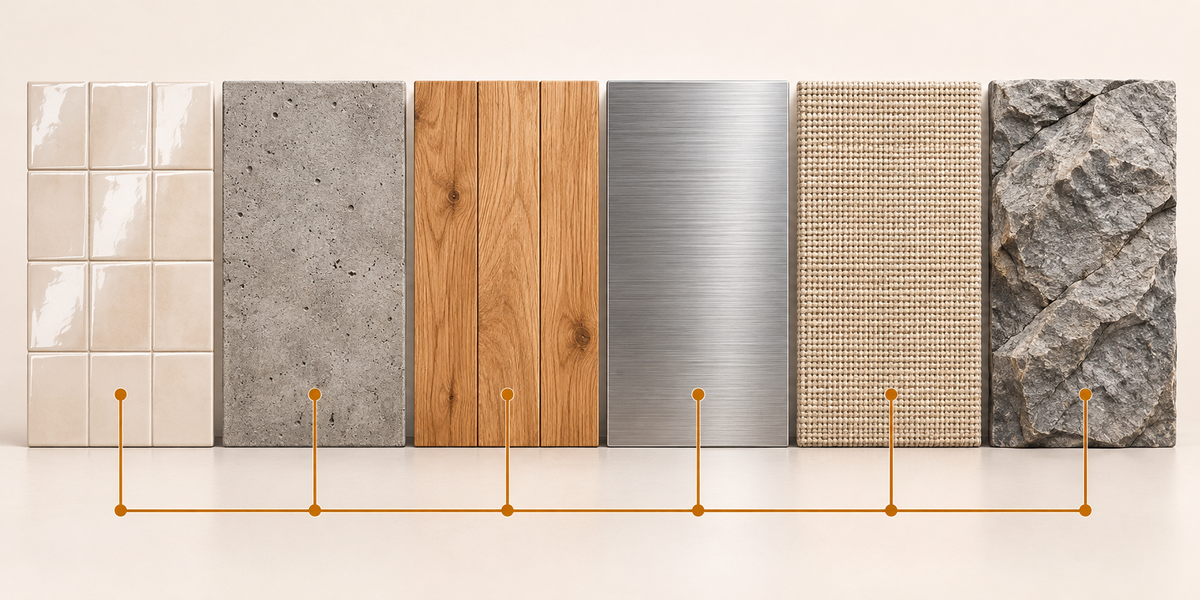
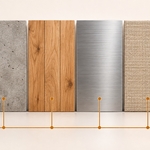
- Base Color: an image plugged into it (also through a Separate Color node or reroutes) becomes the base map, at its own size, in sRGB; a colour becomes the base colour.
- Roughness and Metallic: images or values. URP Lit reads metal and smoothness from one image, so SceneForge writes one such image per material (NAME_MetalSmooth) from your images as Blender's shader reads them (smoothness = 1 - roughness, the same width of highlight).
- Normal: a Normal Map node (tangent space) with an image becomes the normal map, with its Strength.
- A Mapping node (Point or Texture, without rotation) becomes the material's tiling and offset. URP Lit has one per material: when the images of one material are placed differently, the Base Color's placement is used and Scan says so.
- Alpha below 1 or an Alpha image makes the material transparent. Emission is carried (not measured). Both sides are drawn unless Backface Culling is on in Blender.
- Not carried, and named by Scan: displacement, Bump nodes, mixes and tints between images (the image is carried as it is), images placed by other coordinates than UVs, rotated Mapping, Box projection, images Unity does not import.
What is checked
- Set: every object at up to ten far points against Blender (limit 0.5 mm), drawn with SceneForge's material; at up to 12 proof points of every material, the colour, roughness and metal read from the image files the Unity material uses, with its tiling, against what Blender's shader reads there (colour within 3/255, roughness and metal within 1.5/255), and every image's import (colour, data, normal map).
- Stage, Cameras, Lights, Copies, Terrain, Splines: each part's own Check, unchanged: bones and objects in millimetres, cameras in pixels at the scene's aspect and its transpose, light on proof points of your surfaces within 3%, every copy within 0.5 mm, the terrain against Blender's surface and your budget, the splines' shape and roll.
- Placement: every part's four markers land where the set's do (limit 0.1 mm), and all parts stand together in the scene.
- Carried once: no object of the set or the stage is drawn by two parts; the scene has no cameras or lights other than the ones the Cameras and Lights parts made.
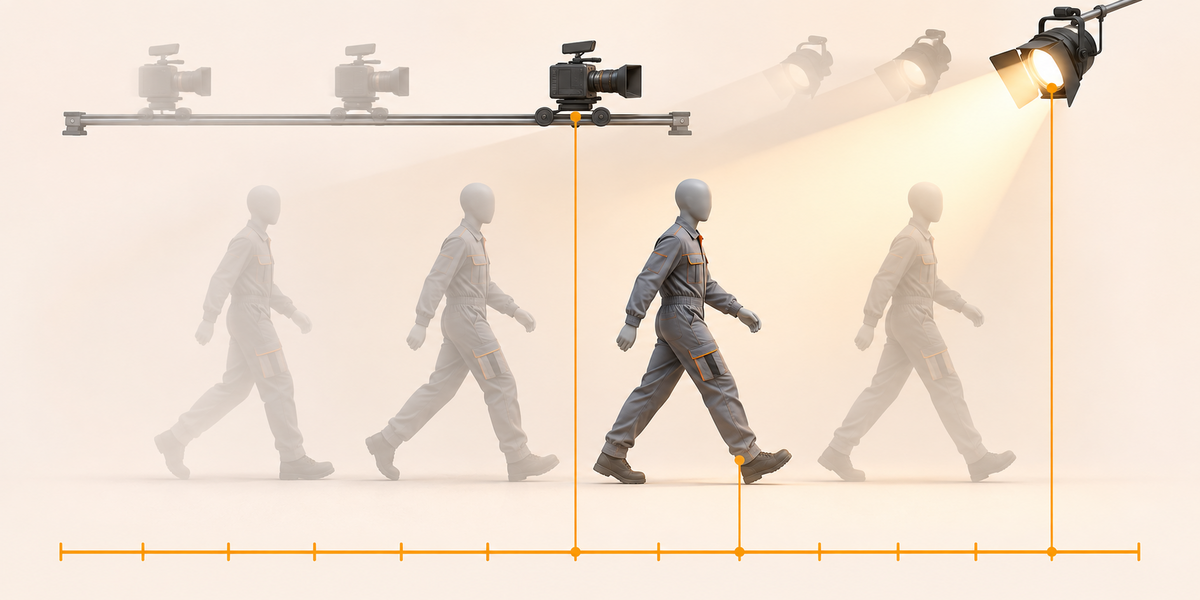
- Timeline: at 49 moments over the scene, the cameras and the lights played by the stage's Timeline match, in position and brightness, the way they play from their own animation.
Check is OK only when every part and every scene line is OK. A part that was not carried is named with the reason.
Measured
On our test plaza (Unreal's Manny walking, a moving cart, a rigged tool chest, 18 still objects with six 4K ambientCG materials and five Poly Haven props, 31 copies, an 80 m terrain, two curves, two cameras with a cut, three lights) exported from Blender 4.2.9 and 5.2.2, in Unity 6000.4.5f1 with URP:
- Set: 127 far points within 0.002 mm; 121 material proof points: colour 0.0/255, roughness and metal 0.5/255.
- Stage: bones within 0.002 mm. Cameras: 0.03 px. Copies: 0.001 mm. Terrain: 5.5 mm against a 10 mm budget. Splines: 0.004 mm, roll 0.003 degrees.
- Placement: 0.000 mm between all parts. Timeline: cameras and lights 0.000 mm and 0.000% off their own animation.
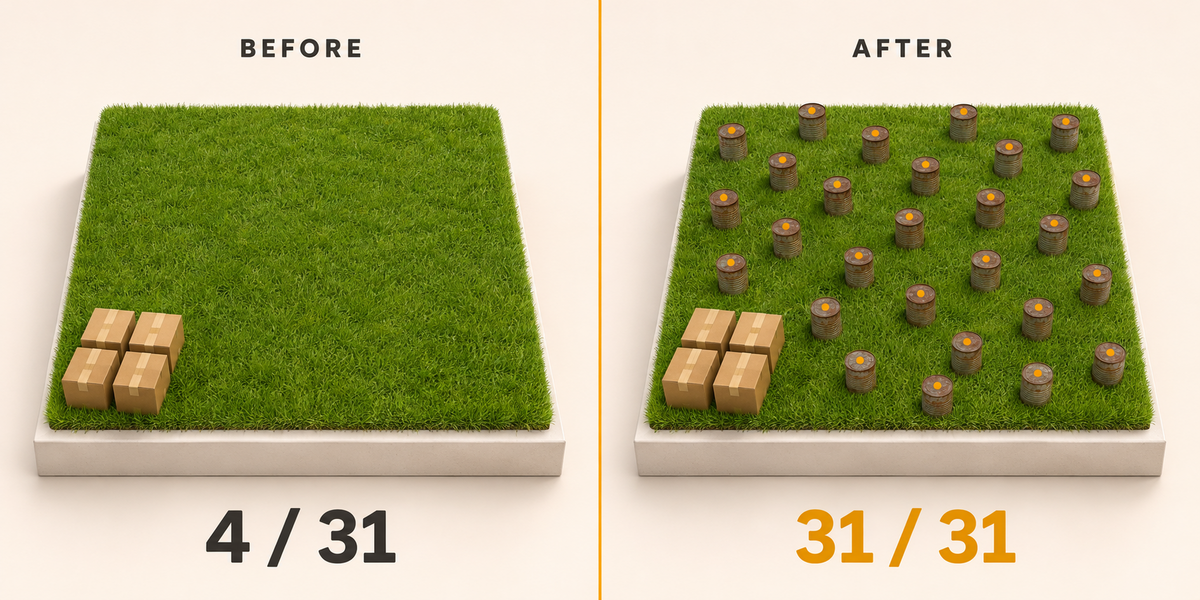
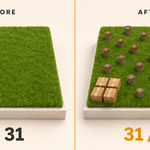
- The same plaza exported with Blender's FBX defaults brings 4 of its 31 copies (the 27 Geometry Nodes copies arrive as nothing); SceneForge brings 31 of 31, each within 0.001 mm.
- Lights: the bulb and the sun within 0.19%, the key spot (50 degrees, Blend 0.2, Radius 0) within 0.59% at the very rim of its cone. A spot with a Radius above 0 has a softer rim in Cycles than URP draws, and Check says by how much. Six such spots on one floor stay within 0.31% each; Check still says NOT OK there, because the Mobile quality level of Unity's URP template lights at most 4 spots per object, and it says how to raise the limit.
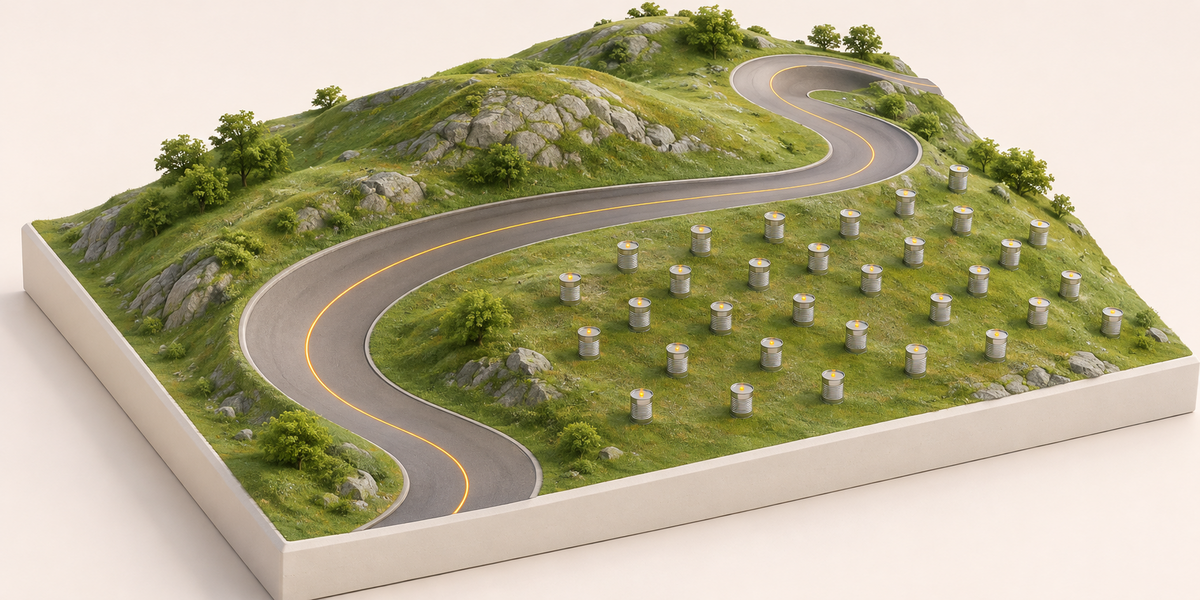
- A second scene, a glTF fox walking past particles that scatter 25 tins, two lamp posts copied as collection instances with two lights each, a NURBS path and a camera that zooms and follows, passes Check in every part from both Blender builds: the set within 0.001 mm, materials 0.9/255 and 0.5/255, cameras 0.01 px, five lights within 0.03%, 29 copies within 0.001 mm, the terrain 6.0 mm against 10 mm, the path within 0.58 mm.
Check is tested by breaking 20 things on purpose, one at a time (an object moved 1 cm, a texture's tiling or offset, a texture swapped, a tint, the smoothness, a data image imported as sRGB colour, a normal map not imported as a normal map or made weaker, a wrong material, the stage moved, a moving prop moved in its prefab, the cameras unhooked from the Timeline, the lights half a second late, a camera's lens, a stray lamp, a copy moved 1 mm, the terrain raised, a spline moved, an object drawn by two parts): on the plaza each one fails Check, and Check is OK again once it is undone; on the fox scene the 18 that apply do the same.
Limits
- The limits of each part hold (Stage: meshes that deform without bones are exported as they look on one frame; Cameras: no panoramic cameras; Lights: an area light becomes a wide spot shaped like the panel's glow and differs close to the panel (Check measures how much), an area Spread below 180 degrees is not carried, light nodes and light linking are not carried; Copies: per-copy attributes are not carried; Terrain: one height per point, overhangs are named; Splines: modifiers on curves stay in Blender).
- Sharp spot edges need cookie texels: SceneForge's lights use up to 1024 per spot, as many as URP's cookie atlas holds for all the spots of the scene (Set Up says when fewer). A spot with Blend below about 0.1 can still read a few per cent off at the very rim, and Check says where.
- The Unity 6 URP template has two quality levels (PC and Mobile) with different light cookie settings: the Lights part's Check fails until both use the same Cookie Atlas, and says so.
- Check compares the set's images as files; what Unity's texture compression does to them is not measured.
- Between frames, Unity interpolates linearly from key to key; Check measures both on whole frames and at moments in between.
License
The Blender add-on is GPL 3 (LICENSE.txt). The Unity scripts are MIT (unity/LICENSE-SceneForge-Unity.txt): you may ship them in your games, closed source or not. They contain no Blender source code.
Have questions about this product?
Login to message
| Published | 1 day ago |
| Blender Version | 4.2 - 5.2 |
| Extension Type | N/A |
| License | GPL |
Discover more products like this
geometry nodes unity timeline cutscene prefab scene export urp Blender-to-Unity splines terrain materials Lighting