SceneForge — Your Whole Blender Scene in Unity in One Export: Timeline, Cameras, Urp Lights, Prefabs, Terrain, Splines and Materials, Each Checked Against Blender
 Skava

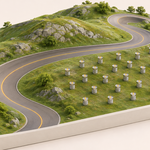
What does it do that an FBX export does not?
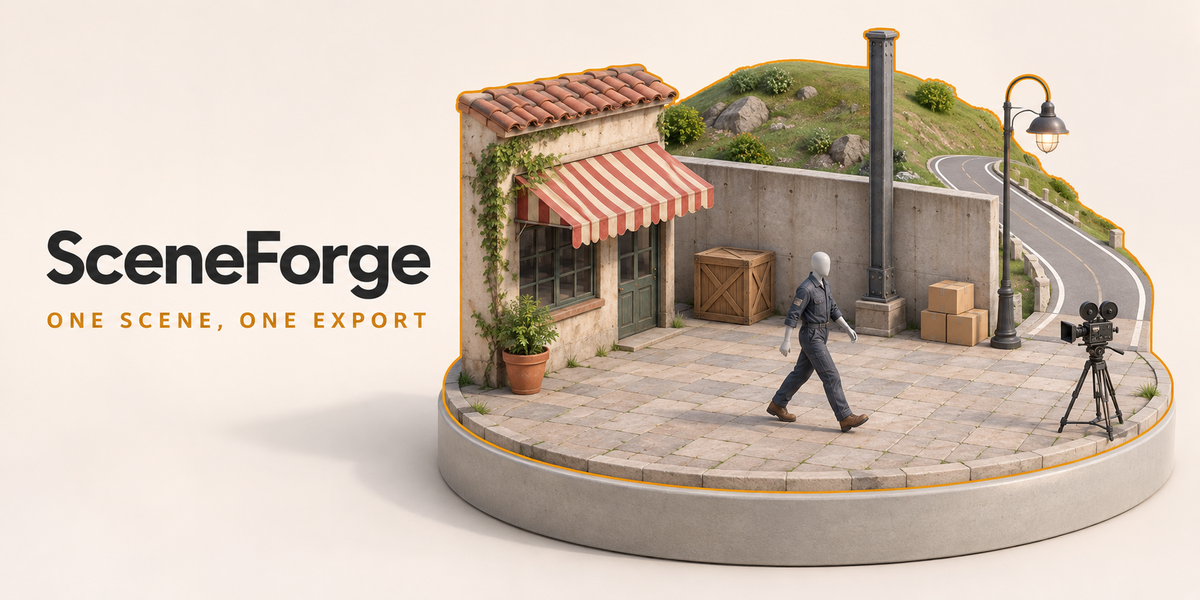
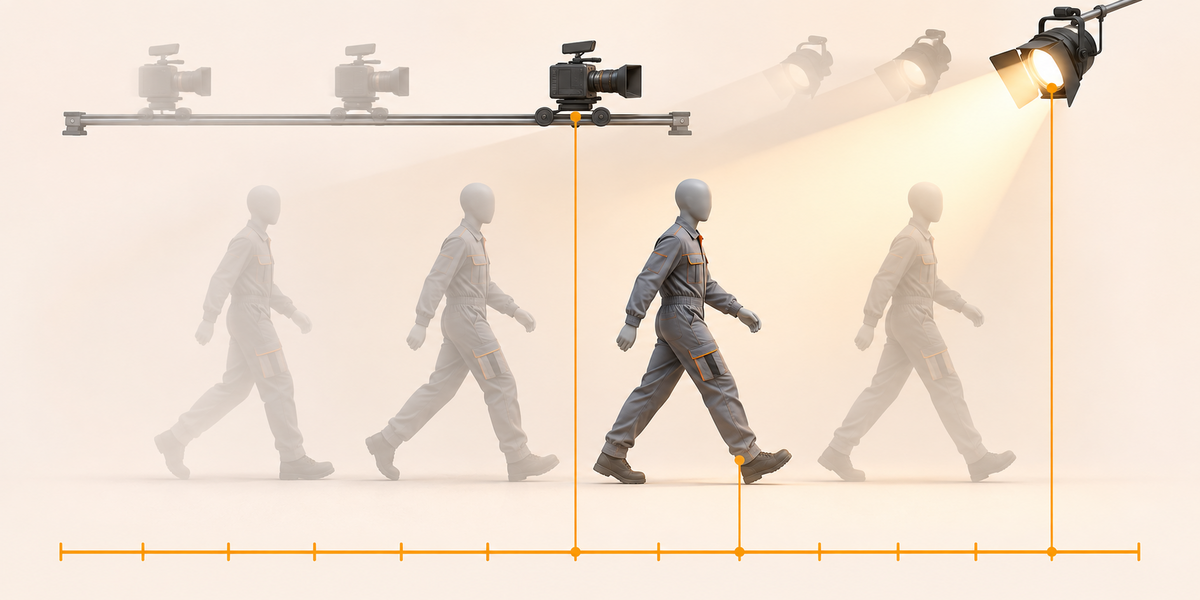
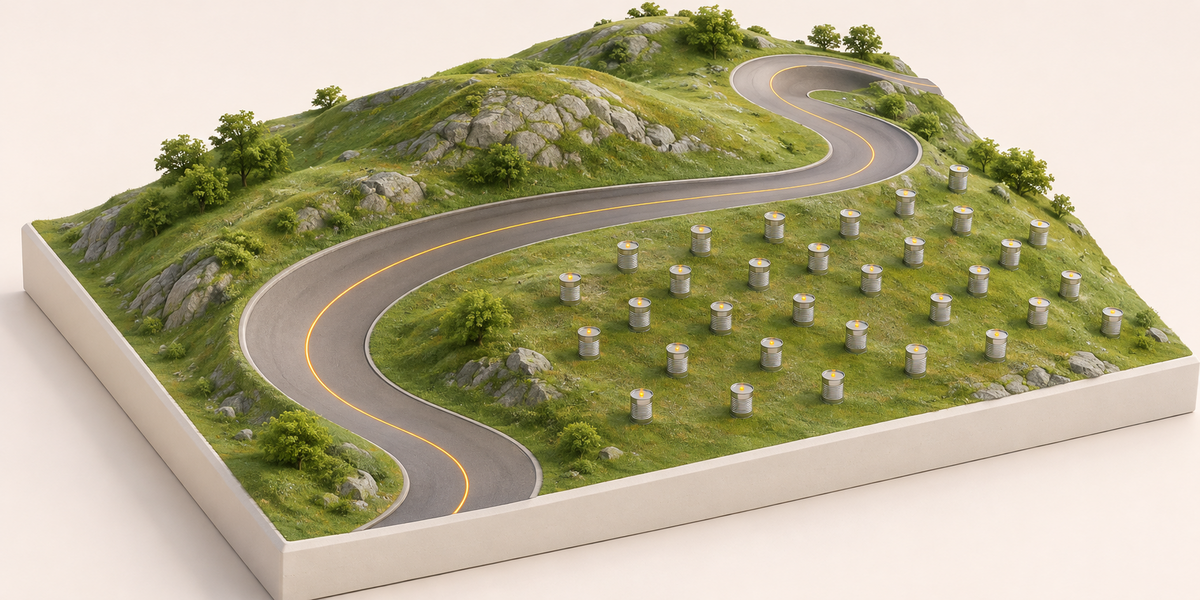
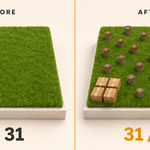
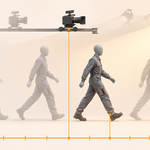
An FBX gives Unity your models and their takes (on our test plaza, 4 of its 31 copies). A scene needs more: the characters and moving objects on a Timeline, the cameras with their lens and cuts, the lights as bright as Cycles renders them, scattered copies as prefabs instead of nothing, the terrain as a Unity Terrain, the curves as splines, and the materials of everything else. SceneForge does all of it from one export, decides once which part carries each object, and Check measures every part in Unity against Blender.
What do I get in Unity?
A ready Unity scene, NAME.unity, in the folder you exported to, next to the export's settings file NAME.sceneforge.json, with the set (one URP Lit material per Blender material), the stage prefab with its Playable Director and Timeline, the cameras and the lights following that Timeline, the copies as prefab instances, the terrain and the splines. NAME.sceneforge-check.txt next to it says what Check measured, part by part.
I already own some of your single tools. Do I need them?
No. SceneForge carries everything it needs and does not touch the single tools; both can be installed in Blender and in one Unity project at once. What it adds: one export, no object carried twice, every part in the same place, one Timeline for the characters, the cameras and the lights, the set's materials, and one Check.
What happens to my materials?
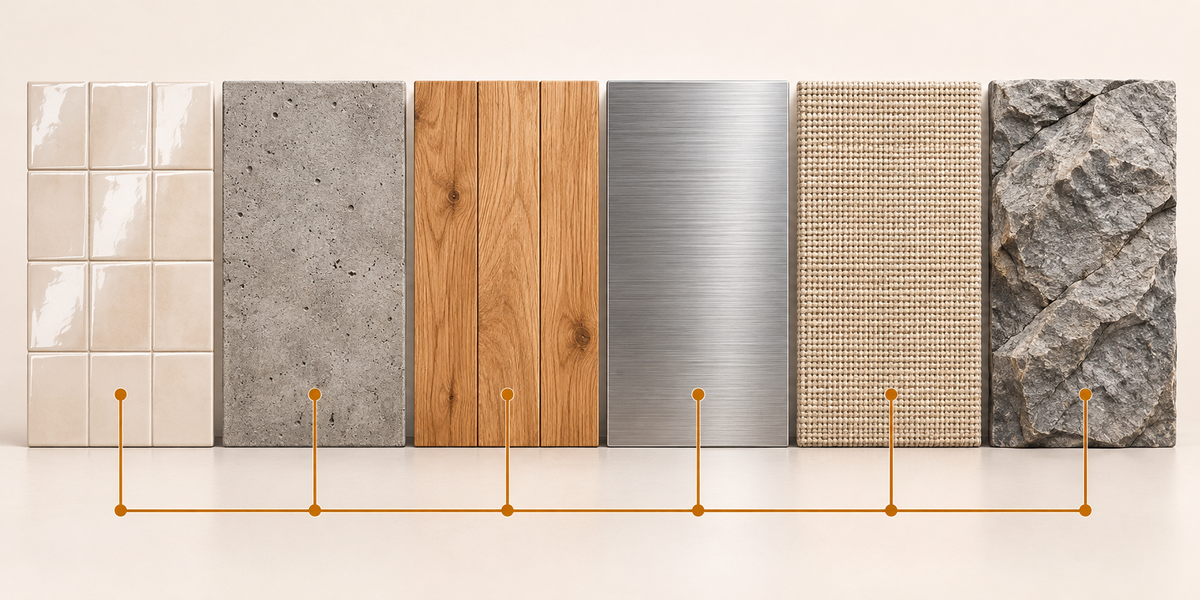
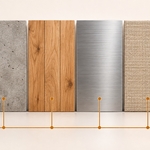
Each Blender material on the set becomes a URP Lit material: the Base Color image, roughness and metal (written into one metal and smoothness image the way URP reads them), the normal map with its strength, the tiling of a Mapping node. Check reads the colour, roughness and metal from the image files the Unity material uses, with its tiling, at up to 12 proof points of every material, and compares them with what Blender's shader reads there; what Unity's texture compression does to them is not measured. What a material does that URP Lit cannot (displacement, mixes between images) is named, not faked.
What is measured?
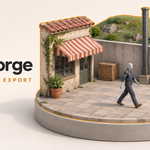
On our test plaza (Unreal's Manny walking, a moving cart, 18 still objects with six 4K ambientCG materials and five Poly Haven props, 31 copies, an 80 m terrain, two curves, two cameras with a cut, three lights) from Blender 4.2 and 5.2 in Unity 6: the set within 0.002 mm, its materials 0.0/255 in colour and 0.5/255 in roughness and metal, bones within 0.002 mm, cameras within 0.03 px, copies within 0.001 mm, the terrain 5.5 mm against a 10 mm budget, splines within 0.004 mm and 0.003 degrees of roll, every part in the same place to 0.000 mm, the Timeline playing cameras and lights exactly as their own animation. The lights within 0.19% (sun, bulb) and 0.59% at the very rim of the key spot's cone (Radius 0; with a larger Radius Cycles draws a softer rim than URP, and Check says by how much). A second scene (a glTF fox, particles, lamp posts with lights inside collection copies, a NURBS path, a zooming camera) passes Check in every part.
Does it work with HDRP, the Built-in pipeline or older Unity?
It is made for Unity 6 with URP, the Timeline package and the Splines package (all from Unity's own registry). Materials are URP Lit and lights are URP lights, so HDRP and the Built-in pipeline are not set up; Unity versions before 6 were not tested. Tested on macOS and Windows.
What if my scene has something SceneForge cannot carry?
Scan tells you before anything is written: which part carries each object, and what cannot be carried, with the reason. Your Blender file is left exactly as it was. In Unity, Check says OK or FAIL for every part and names what failed.
Have questions about this product?
Login to message
| Published | 1 day ago |
| Blender Version | 4.2 - 5.2 |
| Extension Type | N/A |
| License | GPL |
Discover more products like this
prefab scene export urp materials terrain geometry nodes unity Lighting Blender-to-Unity cutscene splines timeline