 Wolfram Kampffmeyer


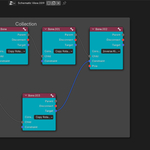

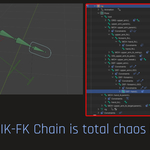
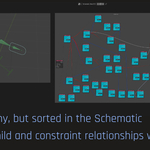
Schematic Editor for Blender
Visual Rigging Made Simple
Version 1.6.7
Compatible with Blender 5.1
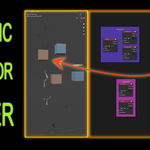
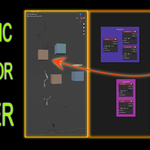
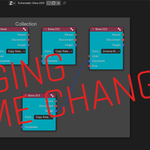
New feature: Collection colors will be shown as colored frames in Schematic
Tired of hunting through the Outliner just to understand how your
rig is built?
Frustrated with endless nested lists and no visual
clue where constraints or parenting chains live?
wk_Schematic gives you a better way:
A true
schematic view for Blender, where all parenting and constraint
relationships are clear, visual, and editable.

What does it do?
-
Instantly see your rig’s structure – no foldouts, no guessing
-
Connect objects, bones and constraints with simple node links
-
Create Child Of, Copy Rotation, IK and Pole Vector constraints directly in the schematic
-
Organize collections visually, instead of dragging through long Outliner lists
-
Auto-Sync lets you reflect schematic edits live in your 3D scene

Why this tool?
Blender’s Outliner is technically a tree – but a linear
one.
To grasp a complex hierarchy, you click open one level after
another.
It’s easy to lose track of what's connected to
what, especially in big rigs.

wk_Schematic replaces the guesswork with a
node-based visual layout – like you know it from Shader or Geometry
Nodes.
Now, rigging becomes visual, intuitive,
and maintainable.
New Features in 1.5.0
For technical characters / rigs, you can parent objects directly to bones. As usual, just pull noodles in the Schematic!

Chose from all available constraints, conveniently with a drop down menu:
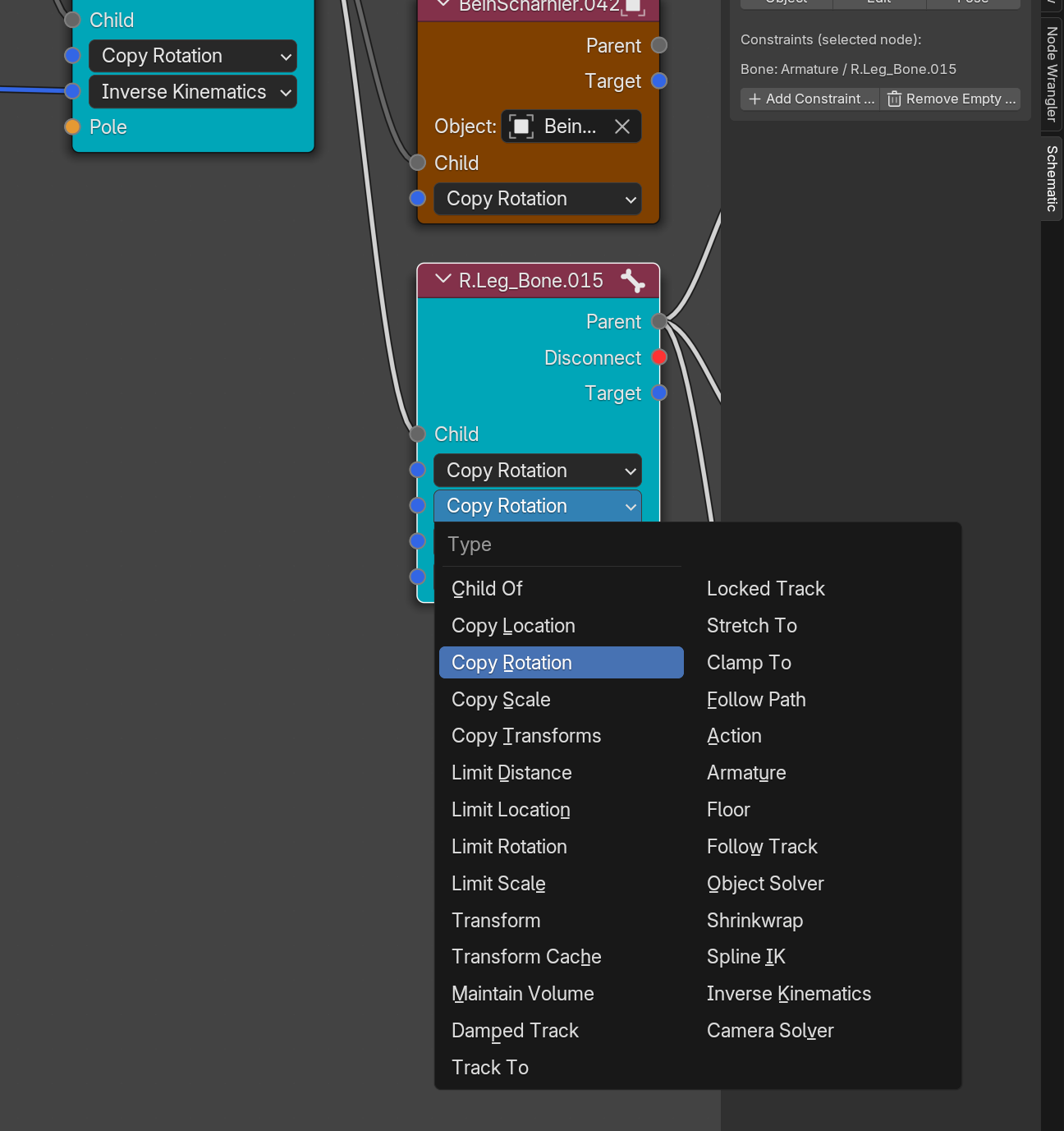
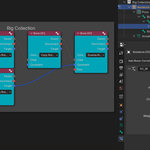
Schematic Side Panel: Tweak all constraint parameters, add new Constraint Sockets or remove Empty Sockets

A nod to Softimage users
If you've used Softimage, this will feel familiar:
Inspired by
its legendary schematic view, wk_Schematic reimagines that clarity –
now inside Blender.

But unlike the original, this view is fully
interactive:
You can build, modify, and reorganize rigs with real
scene impact.
Built by a Rigger. For Riggers.
I used Softimage for years. Blender is more powerful in nearly every area – except when it comes to visual clarity in rigging. This add-on is my attempt to close that gap.
Collection Management in Schematic
-
Frames = Collections:
Collections from your Blender scene are shown as framed groups (Nodes inside a labeled box). This makes it easy to manage structure visually. -
Move between Collections:
PressAlt + Pto unparent a node from its current collection (frame). Then drag it into another frame to assign it to a different collection.
→ After syncing, the object will be moved to the new collection in the Blender scene.
Selection Shortcuts
-
L– Select next parent
Selects the direct parent of the currently selected node. -
Shift + L– Select next child
Selects all direct children of the currently selected node. -
Ctrl + L– Select entire hierarchy
Selects the entire tree above and below the selected node (full parent-child chain).
These shortcuts are especially helpful when working with large rigs or complex object structures.
Status & Roadmap
wk_Schematic is a work in progress.
Huge feature update in 1.5.0:
- Multiple Constraints possible per node (objects or bones)
- Add and remove Constraint sockets
- Display and edit most important parameters of constraints in Schematic's side panel
- All kinds of constraints chosable in drop down menues
- If you chose a different constraint in the drop down and sync, the new constraint will be renamed in scene. (e.g. CopyRotation -> CopyScale)
- You can now parent objects to bones
Feature Requests Welcome
What would you love to see?
Let me know what features you’re
missing – wk_Schematic is growing fast, and your feedback shapes
the roadmap.