Schematic Editor
 Wolfram Kampffmeyer


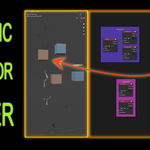
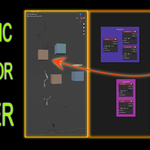

Updated folder structure and .toml to match Superhive's extension system
Compatible with Blender 5.1
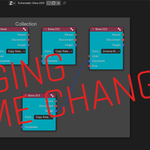
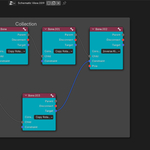
Collection Colors will be shown as colored frames in Schematic
Made for Blender 5.0!
Update in 1.6.0:
New Button in Selection Sync: Scene->Schematic. Works for objects or bones. Will sync your selection for multiple bones / objects aswell.
Huge feature update in 1.5.0:
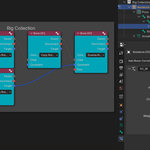
- Multiple Constraints possible per node (objects or bones)
- Add and remove Constraint sockets
- Display and edit most important parameters of constraints in Schematic's side panel
- All kinds of constraints chosable in drop down menues
- If you chose a different constraint in the drop down and sync, the new constraint will be renamed in scene. (e.g. CopyRotation -> CopyScale)
- You can now parent objects to bones
Fixed Collection sorting. Now, you can drag & drop objects in Schematic from one collection to the other, which reflects to Scene when syncing.
- fixed object parenting (when curve object is a parent)
- fixed auto-sync for object parenting
- fixed Auto-Sync
- Implemented Collection Colors to the Frames in Schematic Editor
- fixed the object-parenting feature "Without Inverse" <- now working
- Constraint Drop-Down menu only visible if you actually plugged a constraint-noodle into the node.
- Added Button "Isolate Selection" to toggle "Local View" in Scene for the object(s) you select in Schematic
First version
Discover more products like this
visual-rigging schematic-editor schematic constraints rigging schematic-view softimage hierarchy-organization