 Mars0hod


Installation
Requires Blender 5.2 or later. Version 1.0 was tested on Windows with Blender 5.2.2 LTS. Other versions and operating systems have not yet been verified.
Download Sci_Fi_Panel_Generator_v1_0.zip.
In Blender, open Edit → Preferences → Add-ons and choose Install from Disk from the menu.
Select the ZIP without extracting it, then enable the extension.
In the 3D Viewport, press N and open the Sci-Fi Panel tab.
Install the add-on ZIP, not the Examples and Documentation archive. Disable any older installation before enabling this version.
Create Your First Panel
Switch to Object Mode.
Position the 3D Cursor where you want the panel.
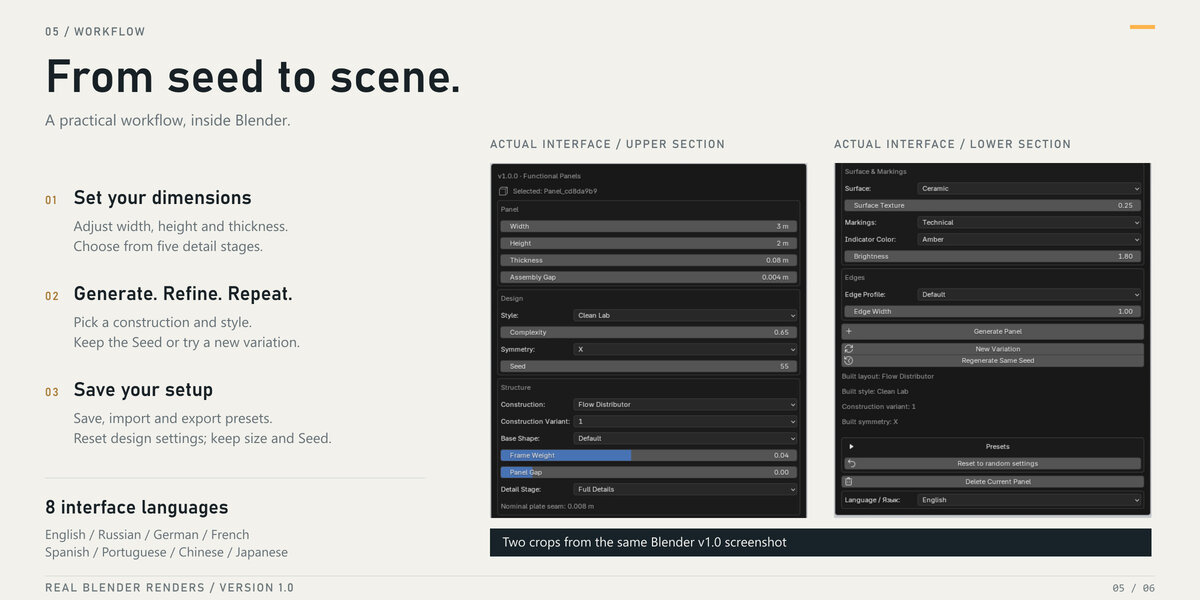
Set Width, Height and Thickness.
Choose a Construction, or leave Default to select one through Seed.
Choose a Style, or leave Random.
Click Generate Panel.
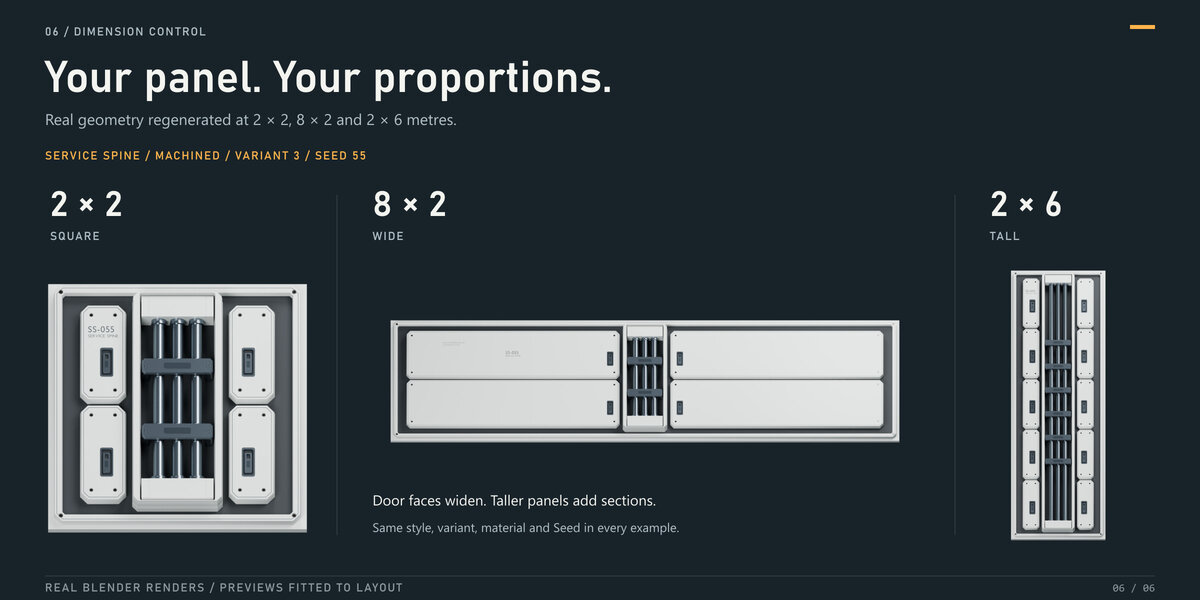
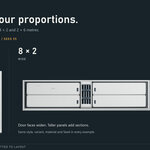
Width and Height control the panel’s local X and Y dimensions. Thickness controls the backing; pipes, lenses and other details add depth above it.
Generate and Regenerate
Select any generated part or the panel root to access its settings.
Generate Panel creates an additional panel at the 3D Cursor.
Regenerate Same Seed rebuilds the selected panel using the displayed settings.
New Variation increases Seed by one and rebuilds the selected panel.
Delete Current Panel removes the selected panel’s generated objects.
Settings take effect when you generate or regenerate. Identical settings and Seed reproduce the same design within the same add-on version.
Regeneration replaces manual edits to generated parts. Keep a separate copy before making manual changes you want to preserve.
Constructions, Styles and Variants
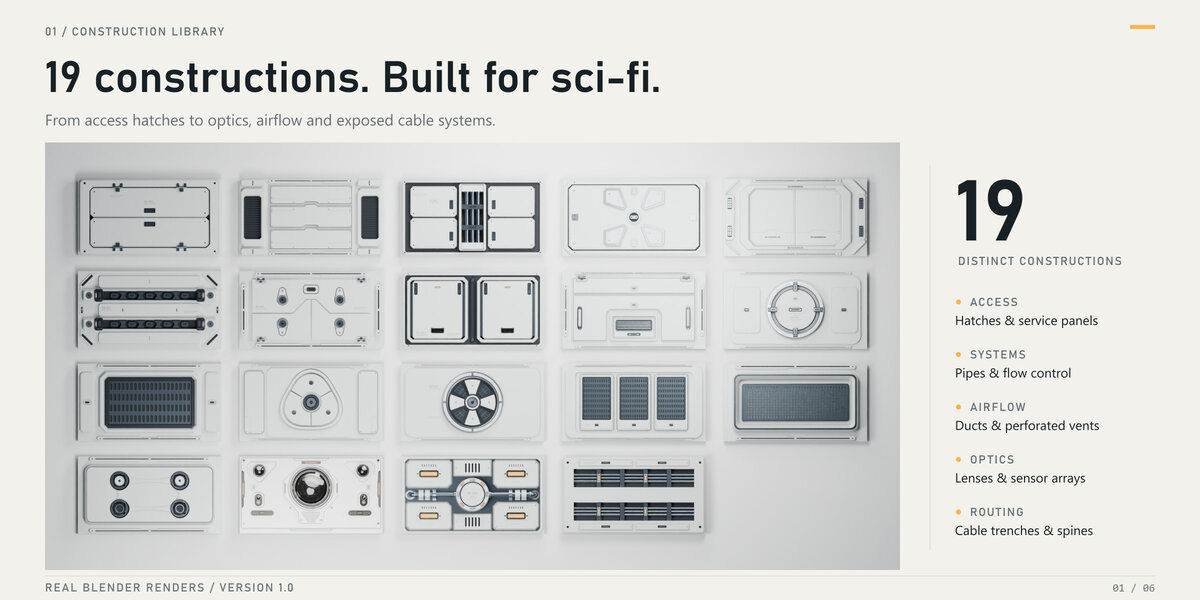
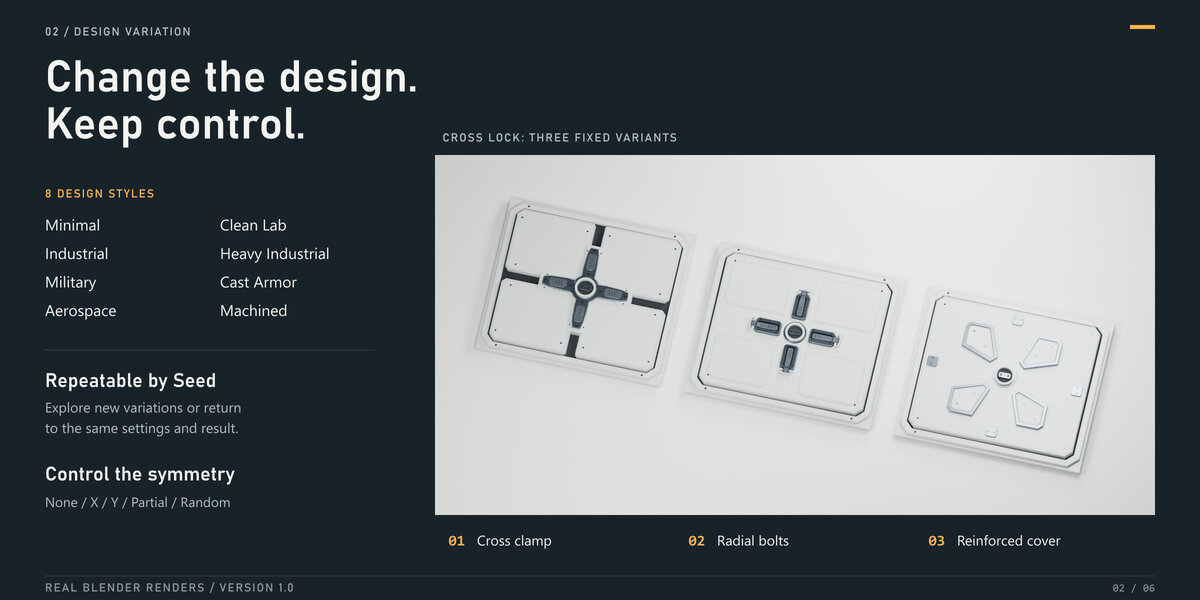
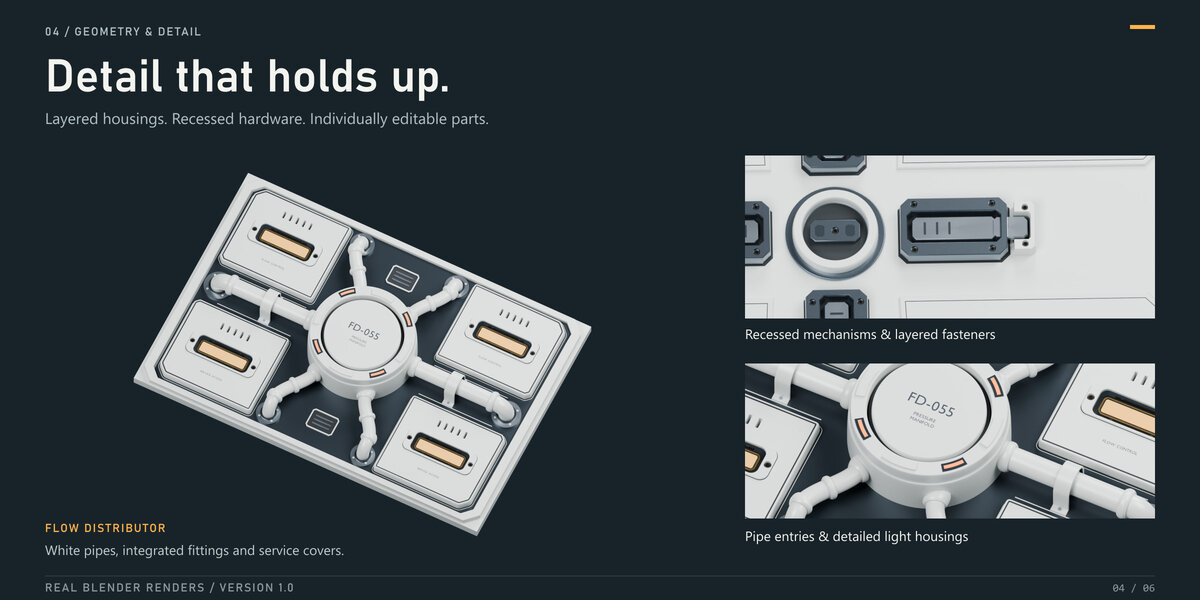
Choose from 19 constructions and 8 styles.
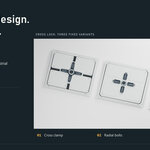
Construction Variant 1, 2 or 3 selects a fixed layout. Default selects a variant through Seed, except in Sensor Array, where Default preserves the original reference layout. Sensor Array variants 1, 2 and 3 contain three, five and seven optical modules.
Symmetry Random selects None, X, Y or Partial through Seed. You can also select these modes directly.
Detail and Materials
Detail Stage controls how many layers of detail are generated:
Structure
Secondary Plates
Mechanisms
Full Details
Micro Details
Use a lower stage while exploring dimensions and layouts, then increase it for the final result.
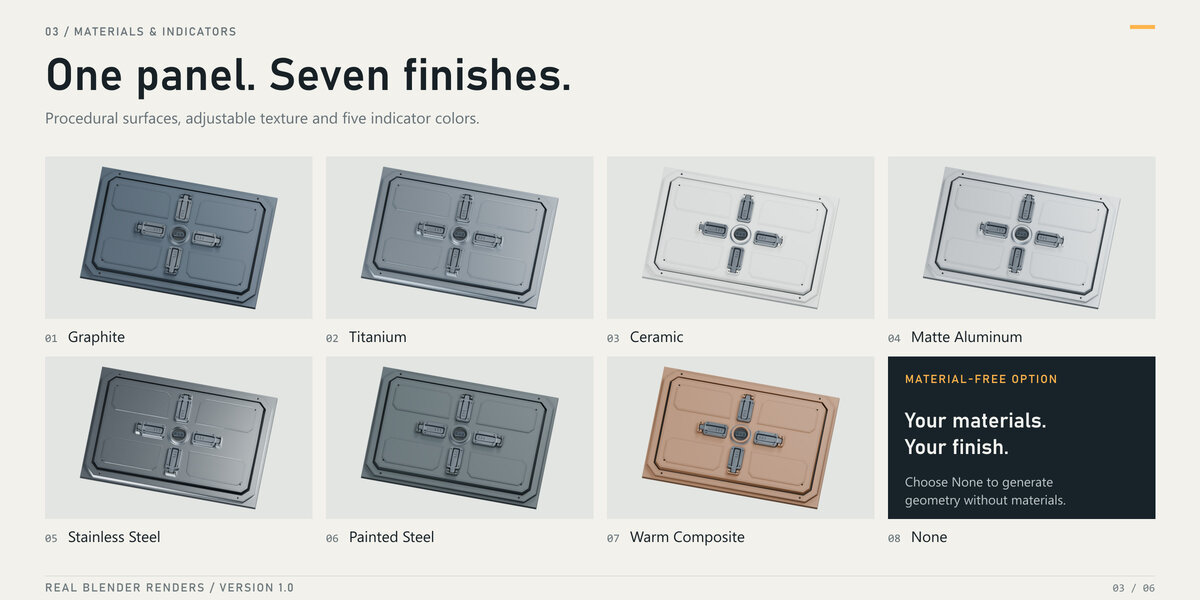
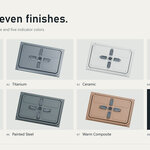
Surface provides seven material finishes. None generates geometry without materials. Use Material Preview or Rendered mode to see materials.
Surface Texture adjusts fine material texture. Markings controls lettering and labels. Indicator Color and Brightness control illuminated elements.
Access & Ventilation displays only the controls supported by the current construction. Lock Type → None removes lock hardware where applicable.
Presets
The preset library starts empty.
Save As stores the current settings and Seed.
Apply Settings loads a preset. Generate or regenerate afterward to build it.
Import and Export let you share presets as JSON files.
Reset to random settings restores the random design controls while preserving panel dimensions and Seed.
Interface Language
The Language selector is at the bottom of the add-on panel.
Available languages: English, Russian, German, French, Spanish, Brazilian Portuguese, Simplified Chinese and Japanese.
The add-on language can be changed independently of Blender’s interface language.
Examples and Performance
The separate Examples and Documentation archive includes seven Blender scenes and the user guide. Install the add-on to regenerate panels in the example scenes.
Detailed panels may contain many objects and modifiers. Lower Detail Stage settings help speed up iteration.
Generated parts remain editable. Automatic game-ready topology, UV unwrapping, LOD creation and texture baking are not included.
Support
For support, contact Mars0hod through the product’s Superhive messaging channel.
Include your Blender version, operating system, construction, style, Seed, panel dimensions and steps to reproduce the issue. An exported preset and screenshot are helpful.
Have questions about this product?
Login to message
| Blender Extension Compatible | Yes |
| Published | 1 day ago |
| Blender Version | 5.2 |
| Extension Type | Add-on |
| Render Engine Used | Cycles, Eevee |
| License | GPL |
Discover more products like this
hatches panels pipes hard surface panel generator Spaceship procedural sci fi industrial greebles modeling environment