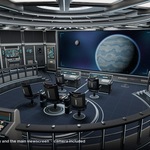
Sci Fi Spaceship Bridge Interior
 Steven Seidler (Blendscapes3D)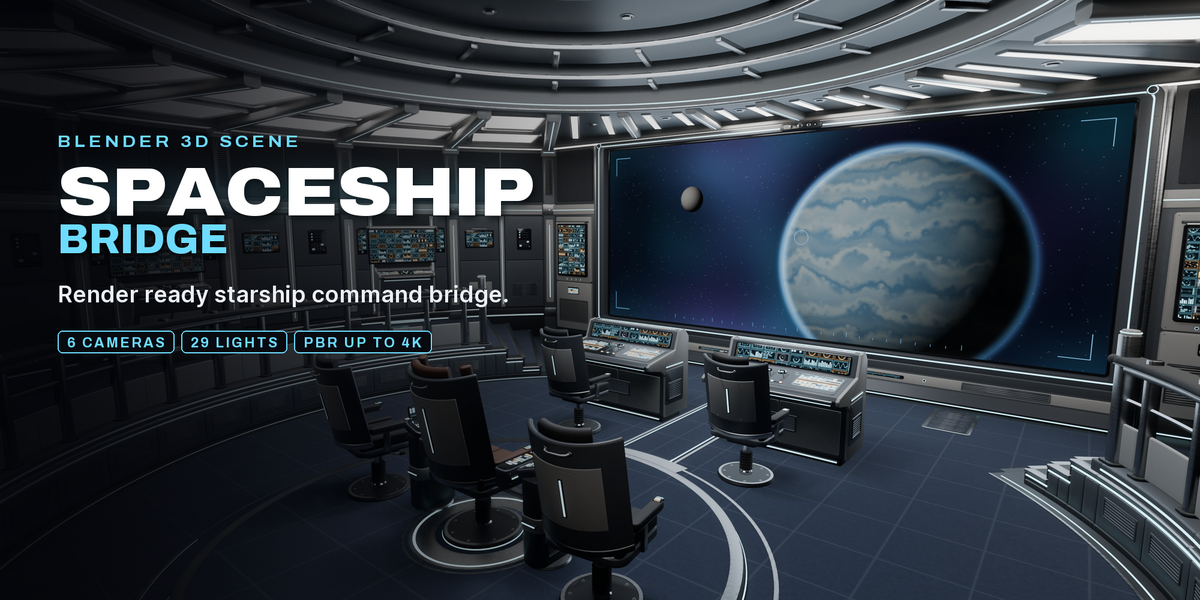
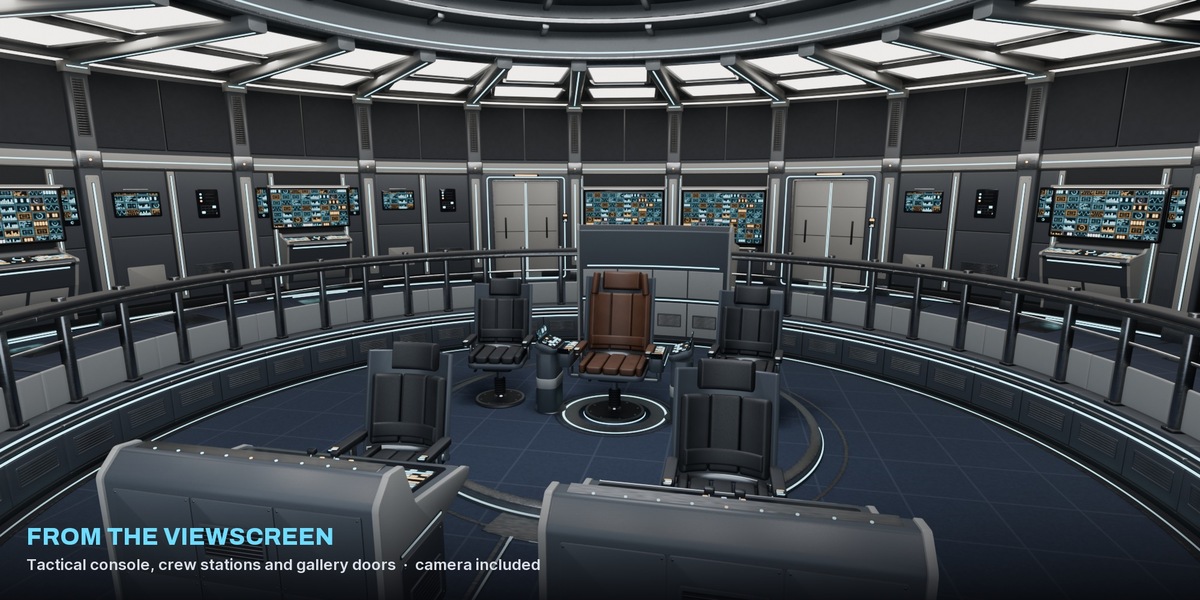
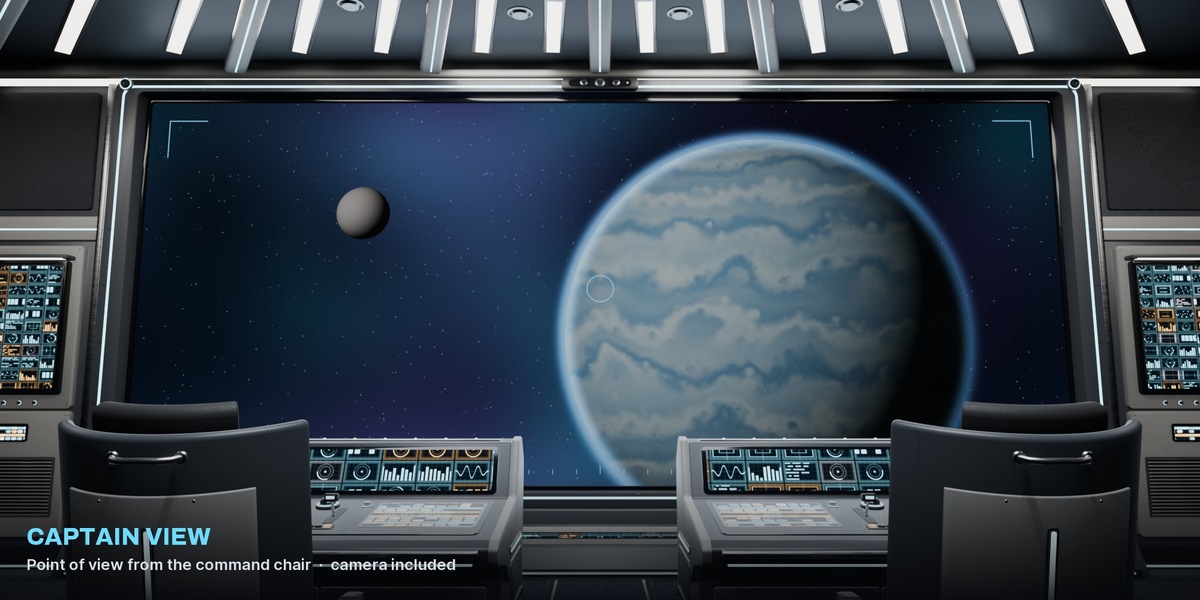
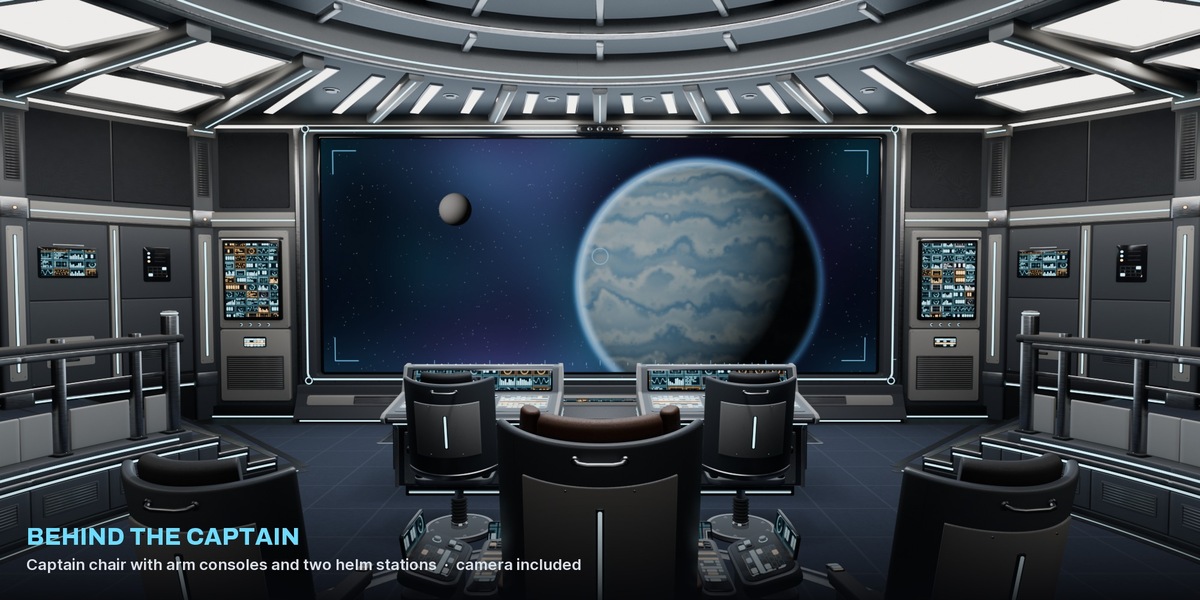
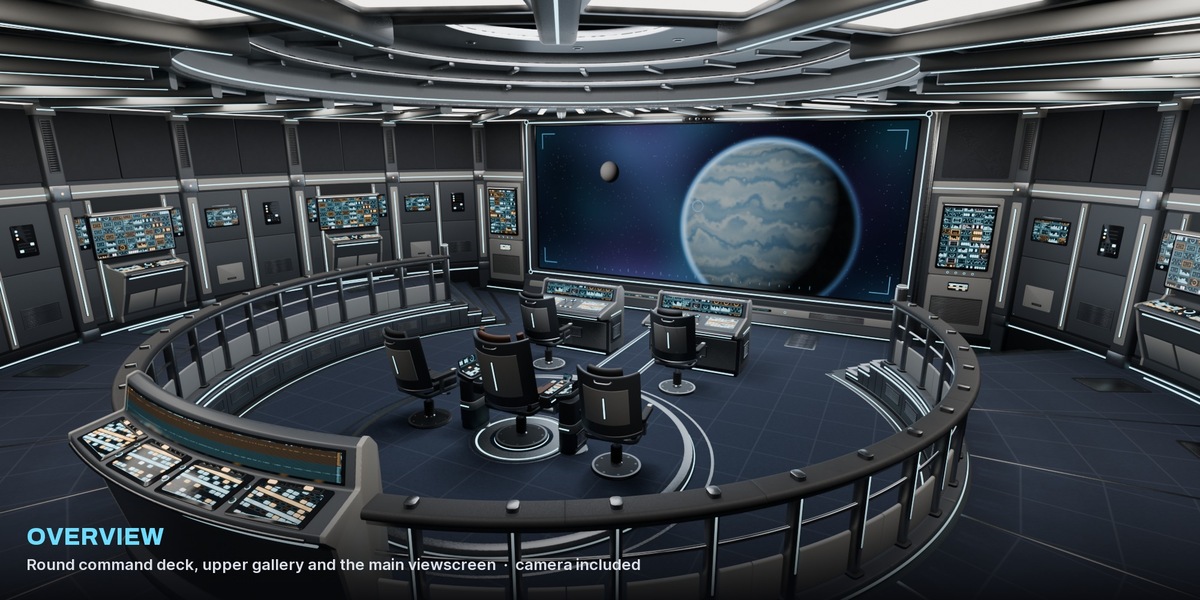
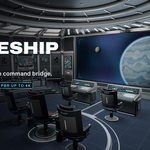
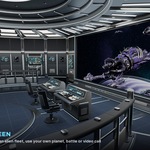
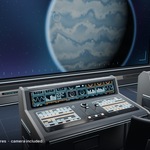
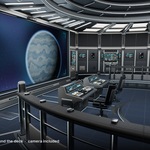
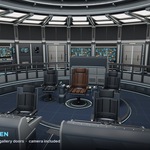
Getting started
- Unzip and open Sci Fi Spaceship Bridge.blend. All textures are packed, nothing to relink.
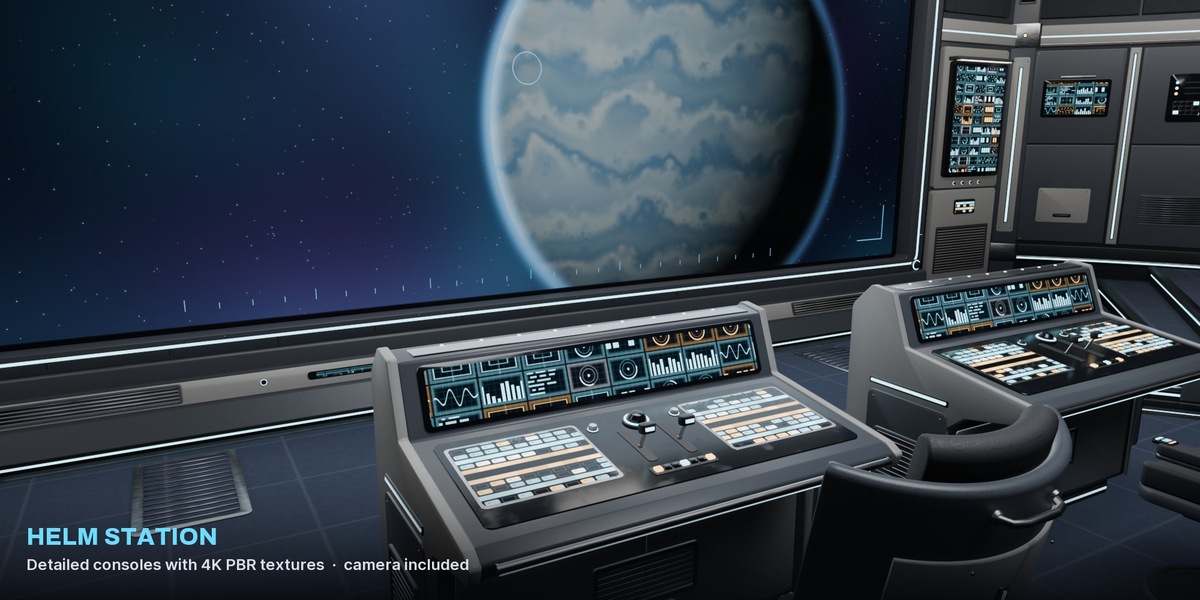
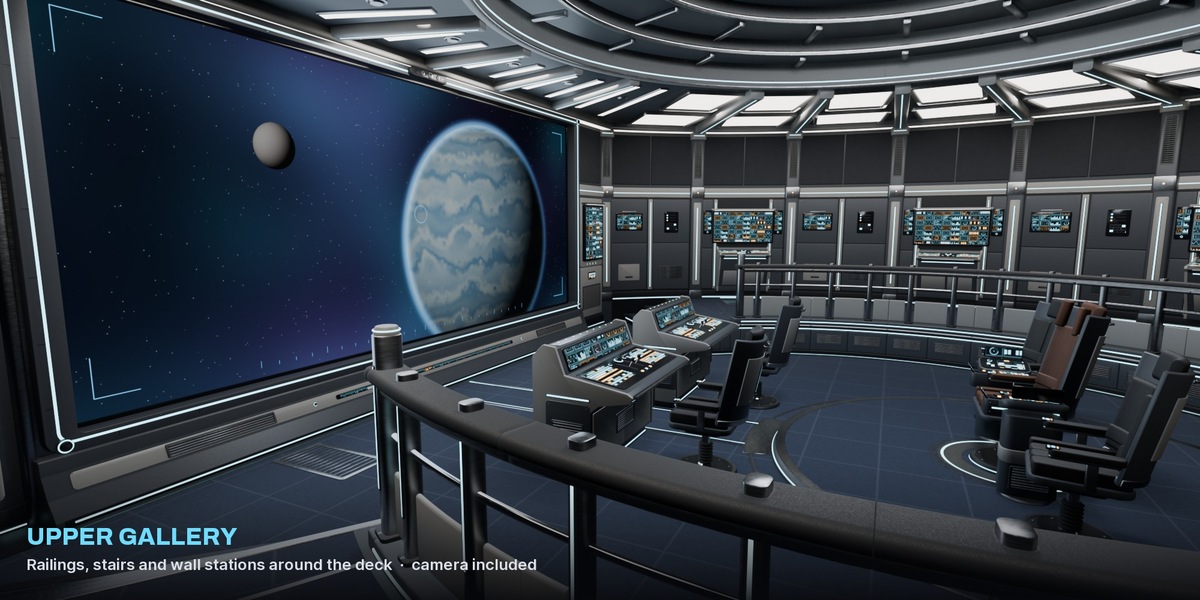
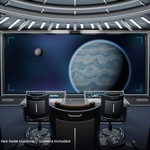
- Pick one of the 6 cameras in the Cameras collection and press Ctrl + Numpad 0. The scene camera is Camera Behind Captain.
- Render in EEVEE (default) or switch to Cycles. All 29 lights are in the Lights collection.
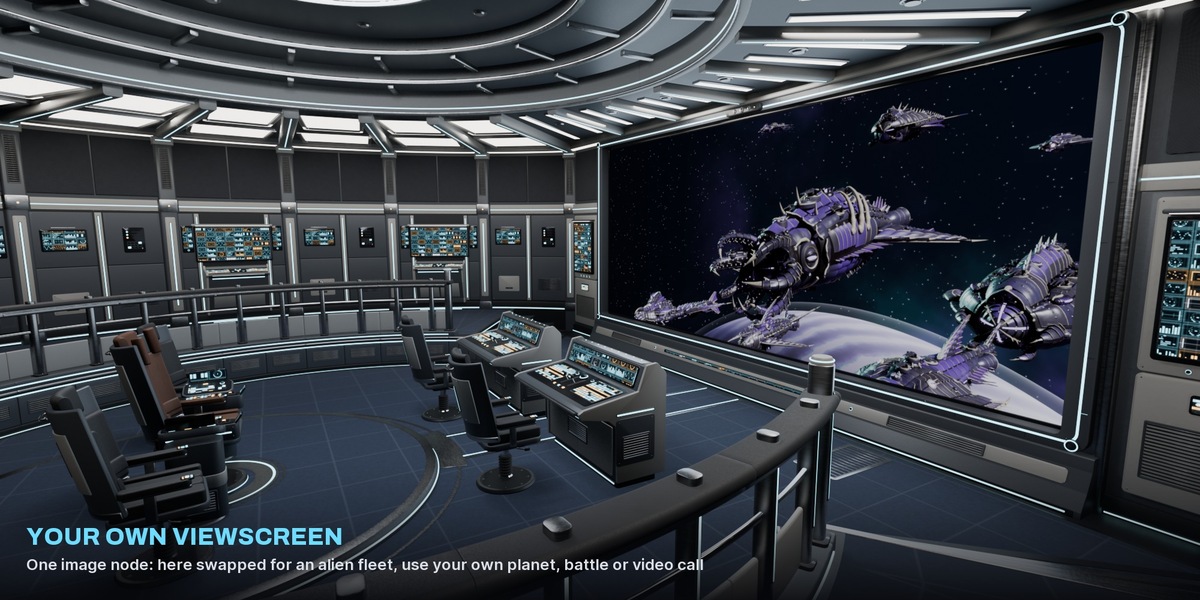
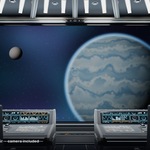
- To change the main viewscreen, open the material Bridge Viewscreen and load your own image or movie into the node Viewscreen Image (2.39 : 1 fits best).
- The bridge is in real world scale, the deck floor is at about z = 0. Place your own characters in the chairs.
$24.99$22.49
Have questions about this product?
Login to message
| Published | about 4 hours ago |
| Blender Version | 4.5 - 5.2 |
| Render Engine Used | Cycles, Eevee |
| Misc Data | Uvs-Unwrapped, Normal-Mapped, Textured |
| License | Royalty Free |
Discover more products like this
Scene Cockpit control room environment bridge starship Command Center space scifi Spaceship Interior futuristic