 Christopher Groff


🔩 Screw Placer – Smart Screw Placement + Asset Library
By Christopher Groff • Version 1.0
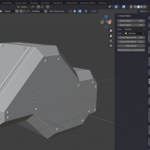
Save hours of manual placement with Screw Placer, a Blender add-on that makes it easy to drop screws exactly where they belong — plus a bonus library of 18 custom screws ready for drag-and-drop use in your scenes. 1 user
🚀 What’s Included:
✅ Screw Placer Add-on Features:
- Click-to-Place Screws on any surface in 3D View
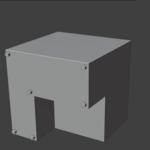
- Face Corner Placement with one click — perfect for panels, plates, or kits
- Offset Sliders for:
• Normal Offset – push screws into or out from the face
• Side Offset – slide screws diagonally from each face corner
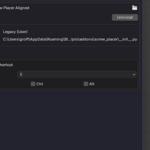
- Customizable Hotkey (default: Shift+E)
- Auto-Organized Collection for all placed screws
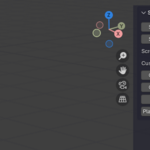
- Clean and compact UI in the N-Panel
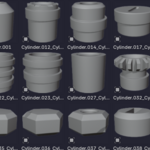
🧩 Custom Screw Asset Library:
- 18 unique screws modeled and ready for use
- Optimized for real-time or rendered scenes
- Fully marked for Blender’s Asset Browser
- Compatible with Blender 3.0+ (tested on 4.4)
🛠️ Use Cases:
- Game-ready hard surface modeling
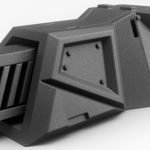
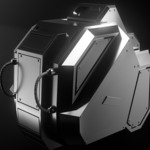
- Kitbashing and sci-fi detail panels
- Product viz, industrial design, mechanical scenes
📦 Installation:
Add-on:
1. Download the ZIP: screw_placer_v1_0_public_release.zip
2. In Blender: Edit > Preferences > Add-ons > Install
3. Enable Screw Placer
4. Press Shift+E (or your custom hotkey) to start placing screws
Asset Library:
1. Open Blender Preferences > File Paths > Asset Libraries
2. Add the folder containing screw_library.blend
3. Open the Asset Browser, select the library, and drag screws into your project
🔧 Requirements:
- Blender 3.0 or higher (optimized for Blender 4.4)