Screw Placer
 Christopher Groff


📦 Installation:
Add-on:
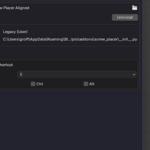
1. Download the ZIP: screw_placer_v1_0_public_release.zip
2. In Blender: Edit > Preferences > Add-ons > Install
3. Enable Screw Placer
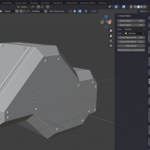
4. Press Shift+E (or your custom hotkey) to start placing screws
Asset Library:
1. Open Blender Preferences > File Paths > Asset Libraries
2. Add the folder containing screw_library.blend
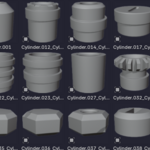
3. Open the Asset Browser, select the library, and drag screws into your project
$14.99
Have questions about this product?
Login to message
| Published | over 1 year ago |
| Blender Version | 3.0 - 4.4 |
| Extension Type | N/A |
| Render Engine Used | Cycles, Eevee |
| License | GPL |