Sculpt Timeline
 Tachyon Studio
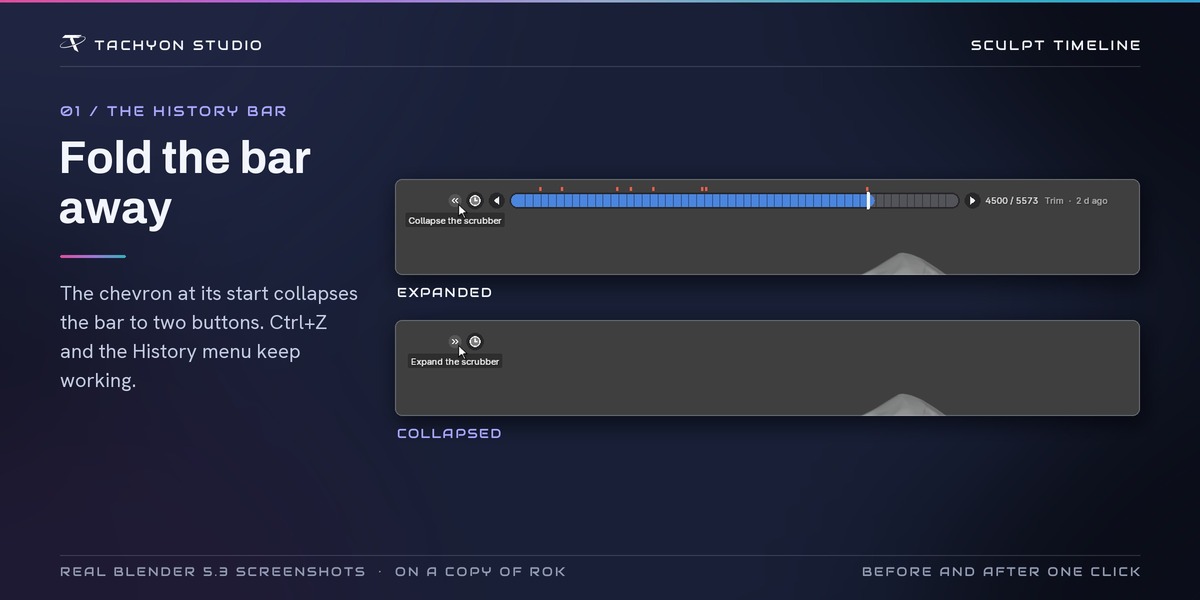
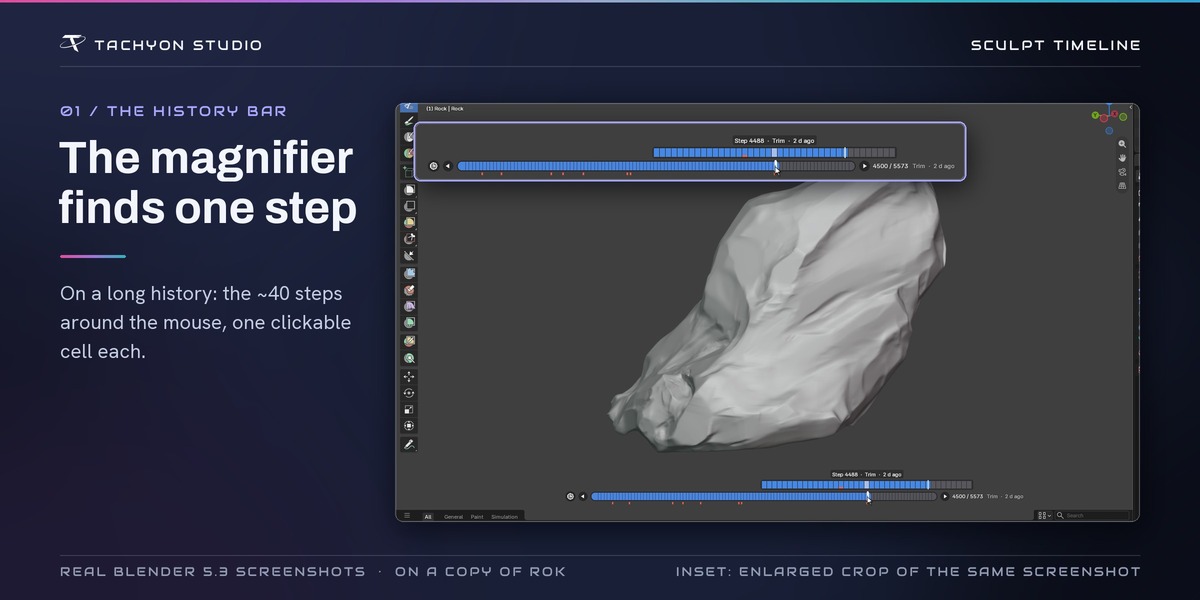
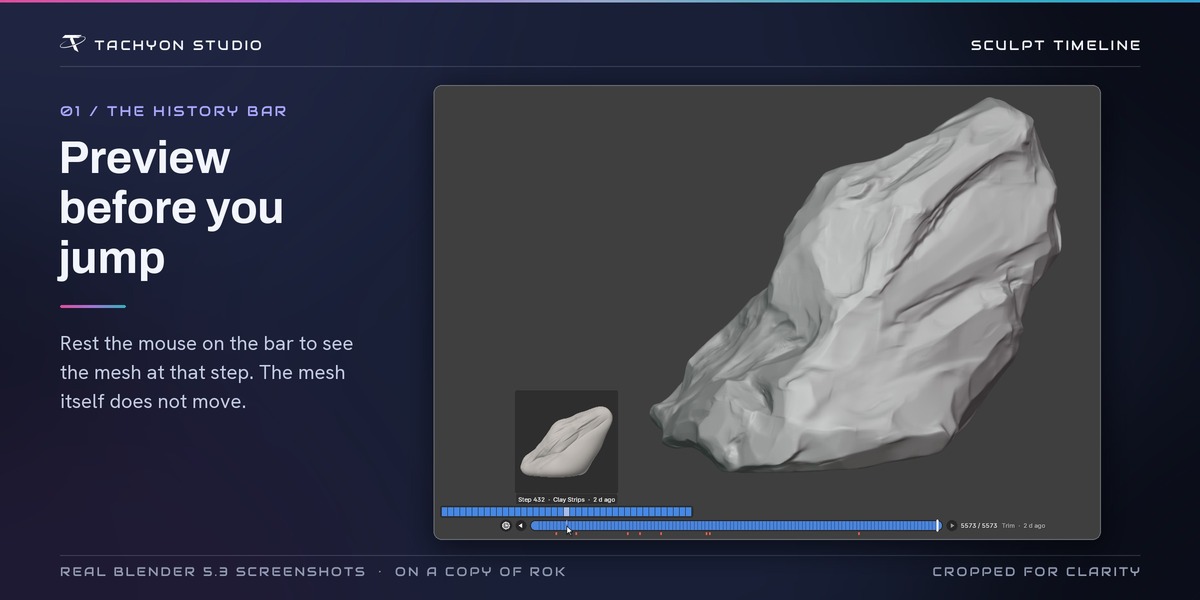
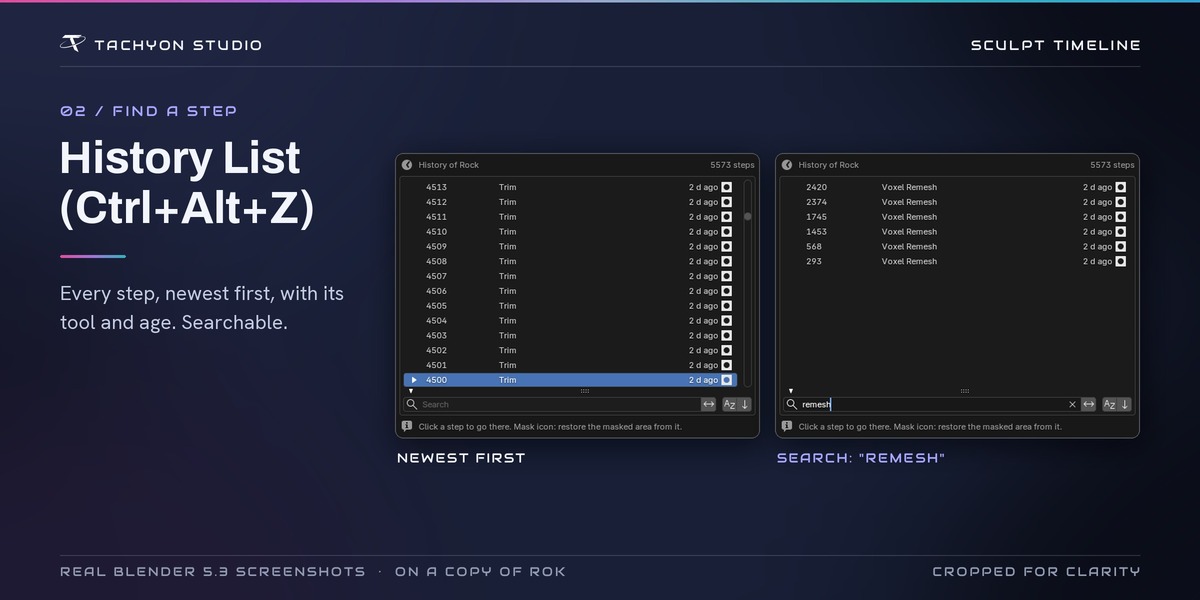
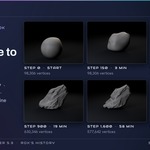
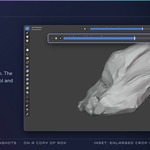
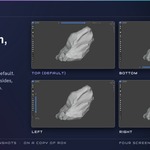
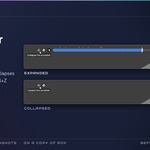
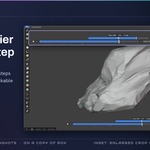
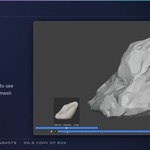
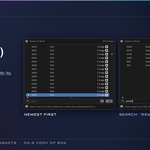
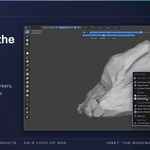
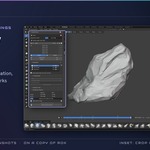
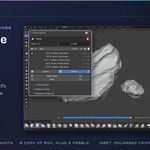
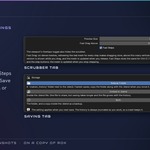
Only in Sculpt Mode and Vertex Paint, and only for meshes with a history. Everywhere else Ctrl+Z is Blender's own undo, untouched.
You start a new branch and the steps you stepped back over are dropped, as with any undo. If that would drop 10 or more steps, or a bookmarked one, you are asked first.
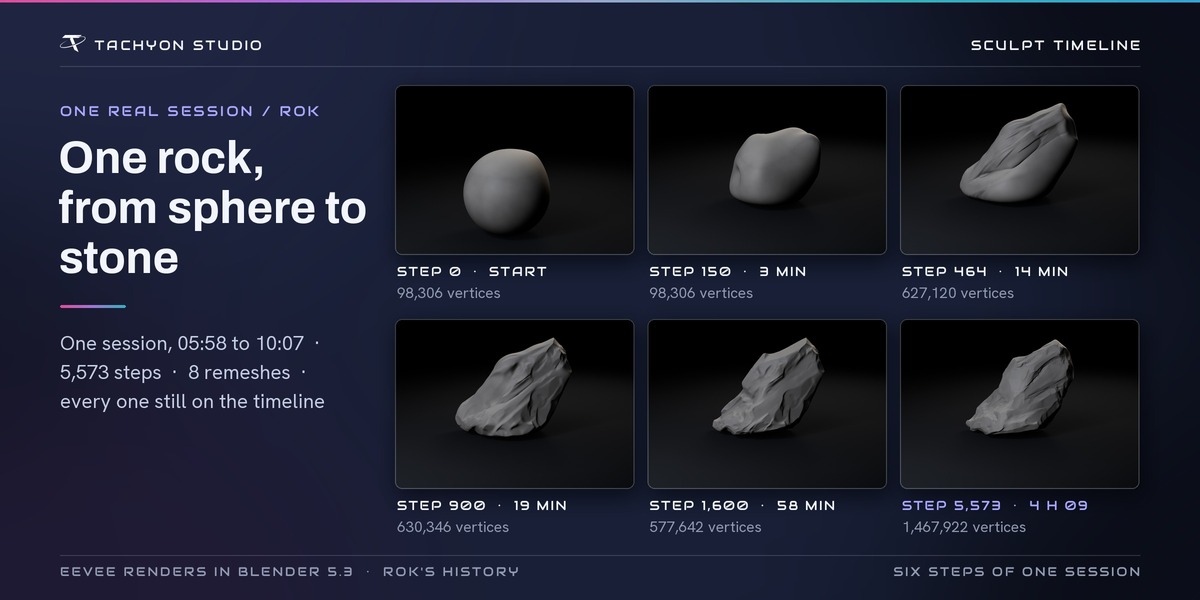
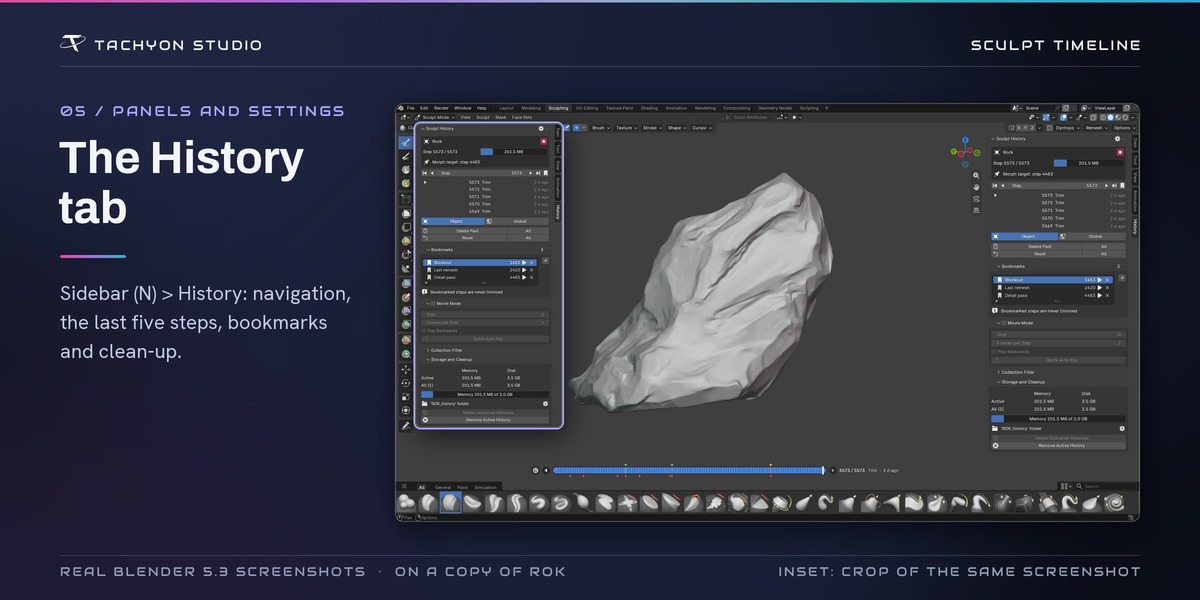
With the default Sidecar storage the .blend barely grows. The history folder next to it does: ROK's 5,573 steps at up to 1.6 million vertices take 3.3 GB. Embed in .blend puts the history inside the file instead, so the file grows. Cap the length with Max Steps and free space with Delete Past.
Yes. Keep the _history folder next to the .blend, with the matching name. If they get separated, Locate History Folder in the Sidebar reconnects them. Or choose Embed in .blend and share one file.
Recording happens after the stroke, not during it. On a 1-million-vertex mesh it takes 11-16 ms on Blender 4.2 and newer, 16-31 ms on 3.0 to 4.1. Opening a file does not load histories until you use them.
Each step reaches the disk about half a second after the stroke. Open the file again and choose Interrupted Session to get your unsaved strokes back, or Last Saved.
Not while they are on. Dyntopo, Multires and shape keys pause the recording, with a notice. Blender's own undo still works there. Voxel Remesh and QuadriFlow are recorded, one step each.
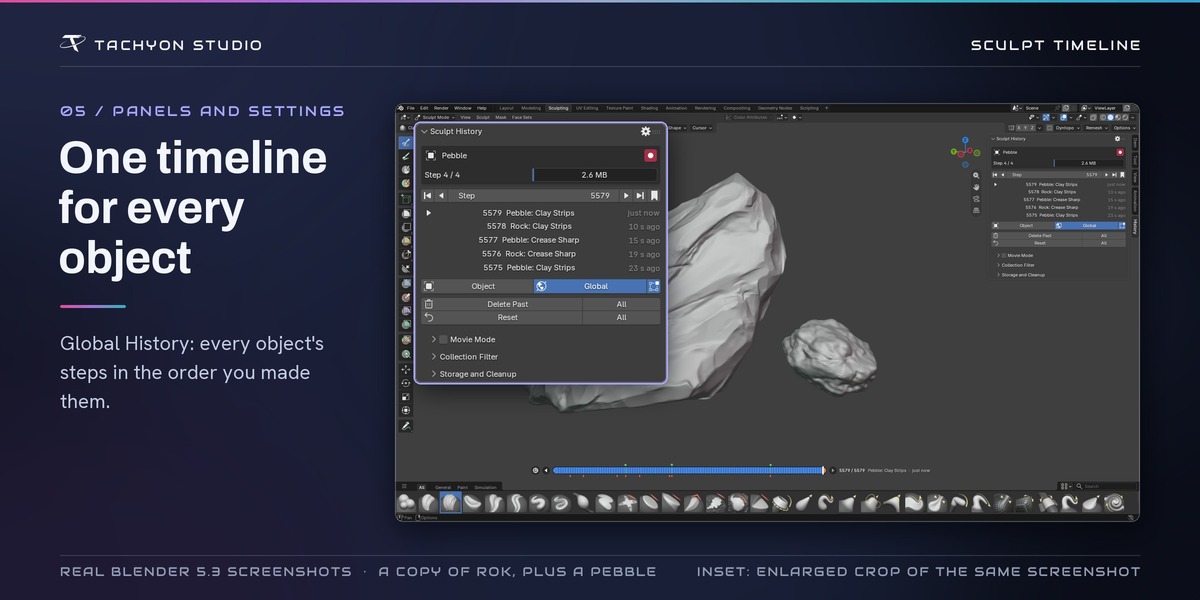
Each mesh has its own history, and the bar follows the active object. The Global History puts every object's steps on one timeline. Join asks first and can be undone with Unmerge.
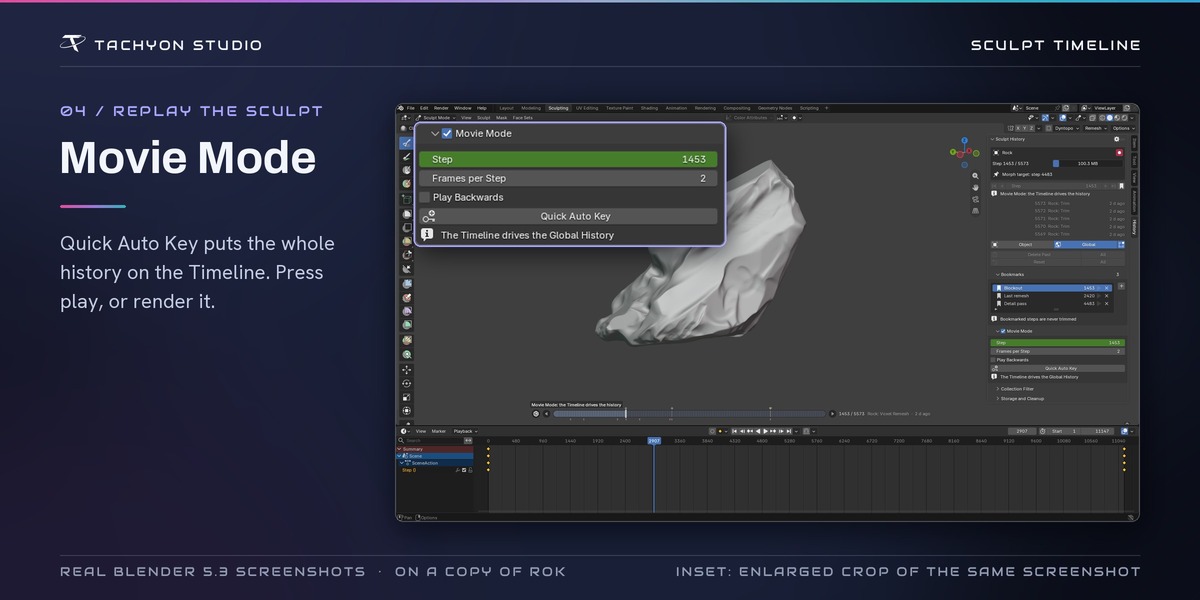
Only of work recorded with the add-on: the history starts with your first stroke on an object. From then on, Movie Mode can render any of it.
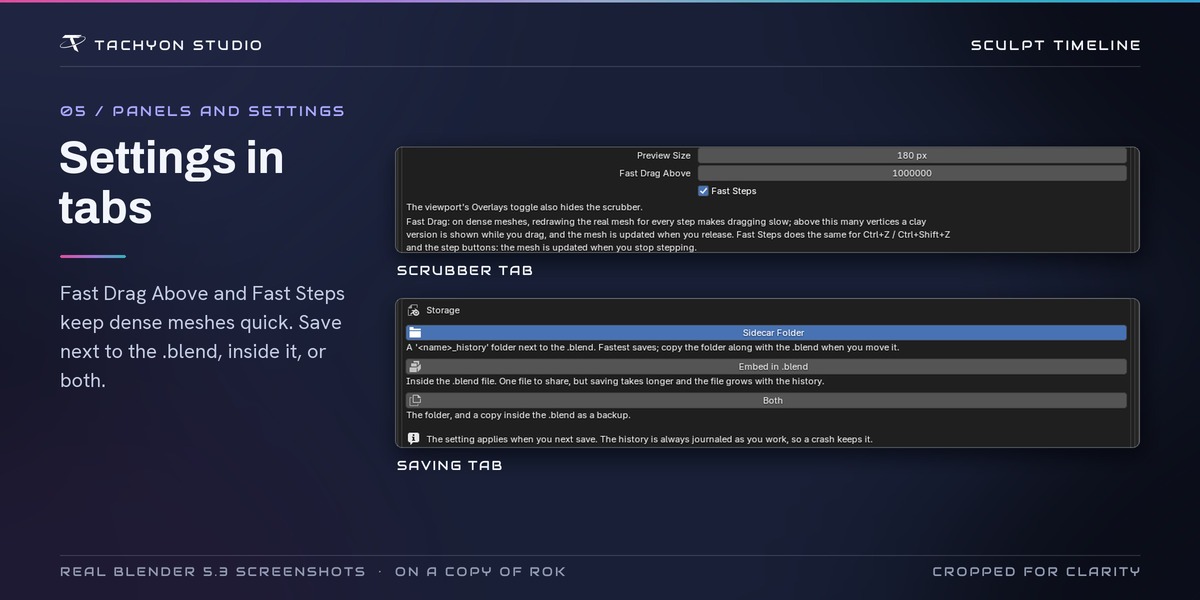
ROK ends at 1,467,922 vertices. The add-on is measured up to 5.7 million vertices. From 1,000,000 vertices, Fast Drag and Fast Steps show steps in clay so moving through the history keeps up.
Have questions about this product?
Login to message
| Blender Extension Compatible | Yes |
| Published | about 2 hours ago |
| Blender Version | 3.0 - 5.3 |
| Extension Type | Add-on |
| License | GPL |
Discover more products like this
morph brush Workflow sculpting timeline masked restore timelapse bookmarks scrubber undo sculpt history vertex paint redo