 Tachyon Studio


TACHYON STUDIO / SCULPT TIMELINE
Drag back through hours of sculpting.
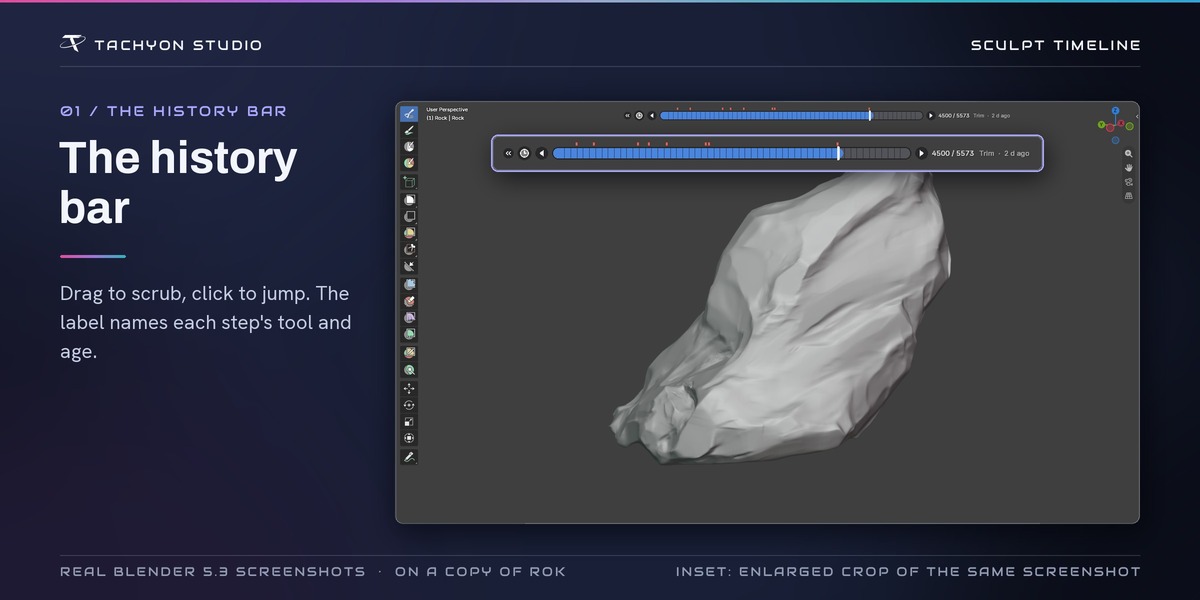
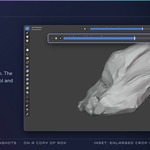
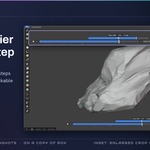
Sculpt Timeline gives every mesh in Blender its own undo history: up to 10,000 steps by default, saved with your file. A bar along the top of the viewport holds all of it. Drag it and your sculpt goes back and forward.
Find any step, paint an old shape back with the Morph History brush, or render the whole session as a timelapse. If Blender crashes, choose Interrupted Session to get your unsaved strokes back.
Feature tour, 68 s, silent with captions
What it does
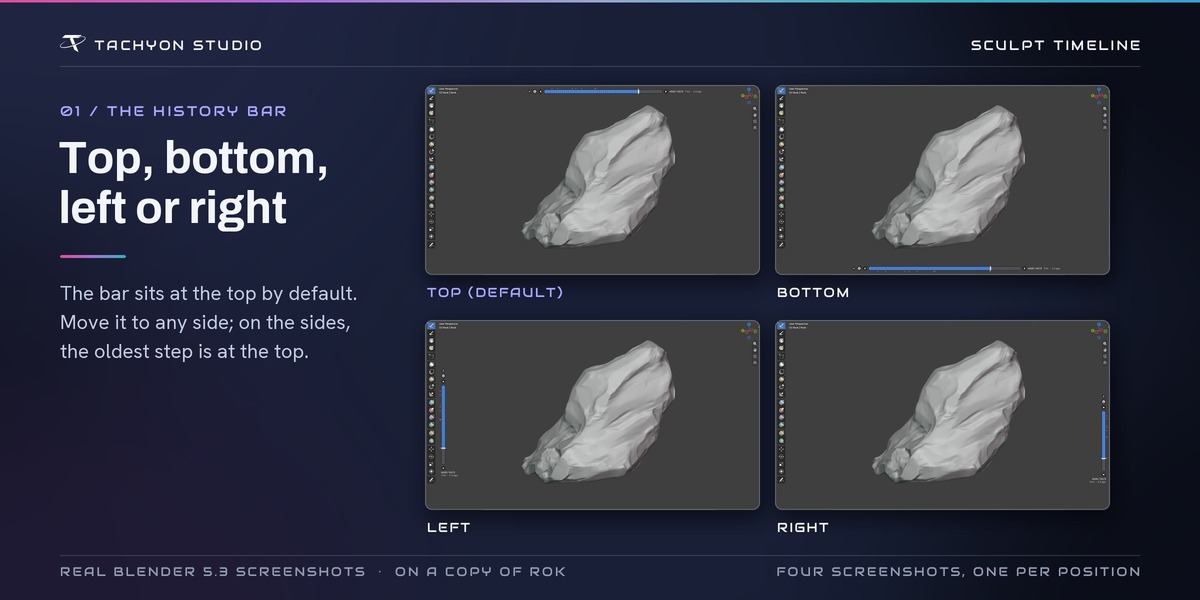
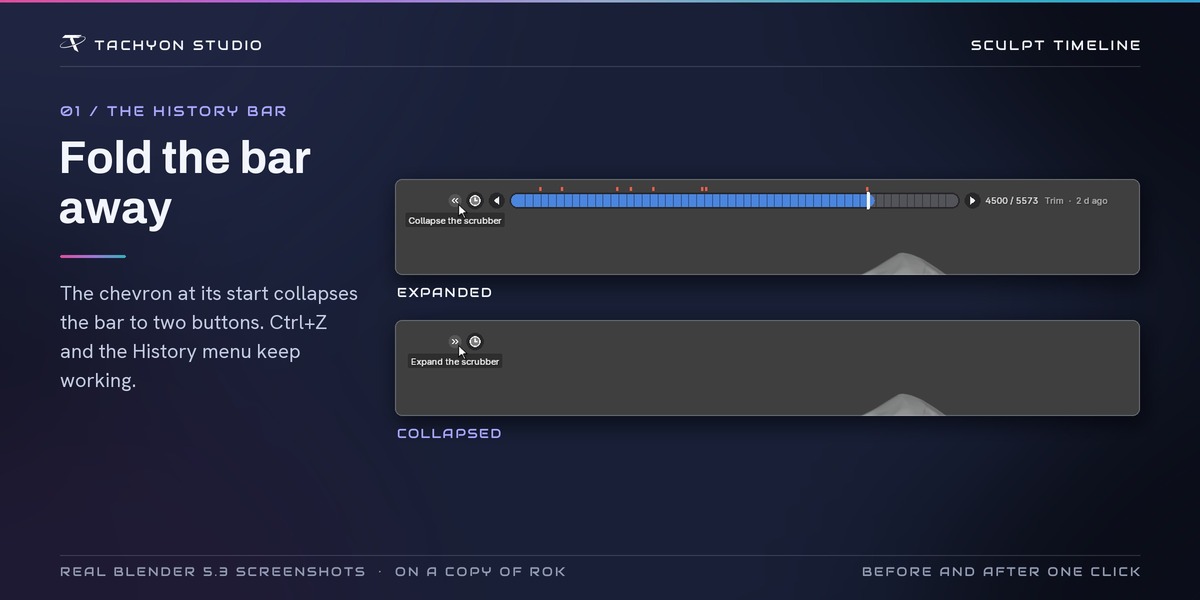
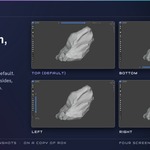
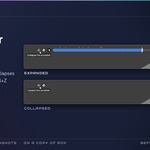
Scrub and jump. Drag the bar to move through the history, click to jump, or press Ctrl+Z / Ctrl+Shift+Z as usual (Sculpt Mode and Vertex Paint). Put the bar on any side of the viewport, or fold it away.
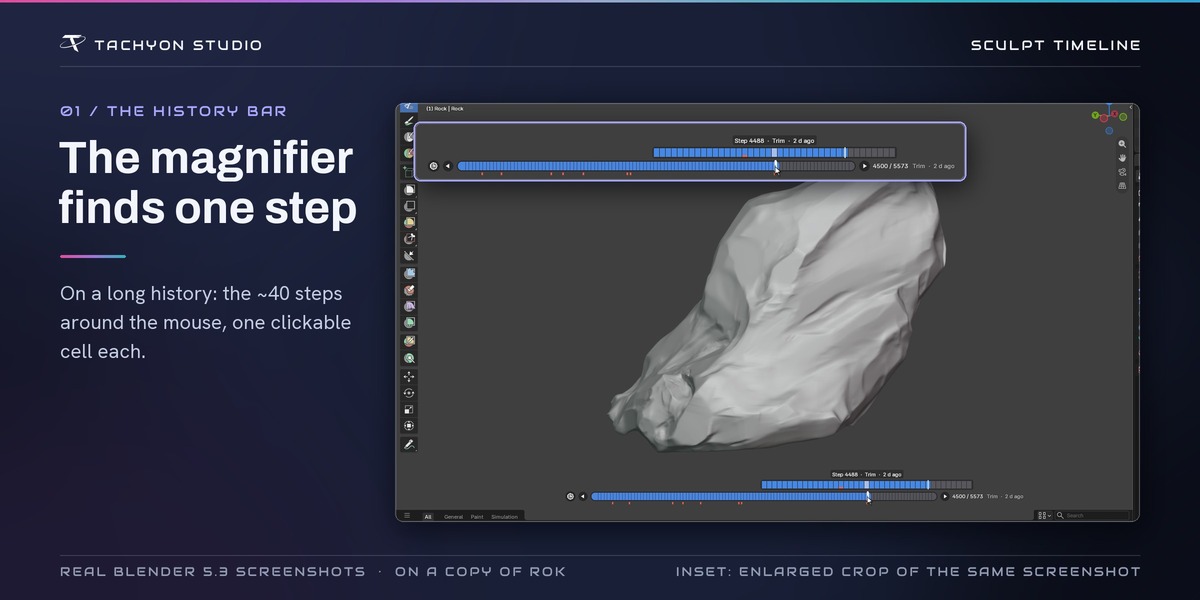
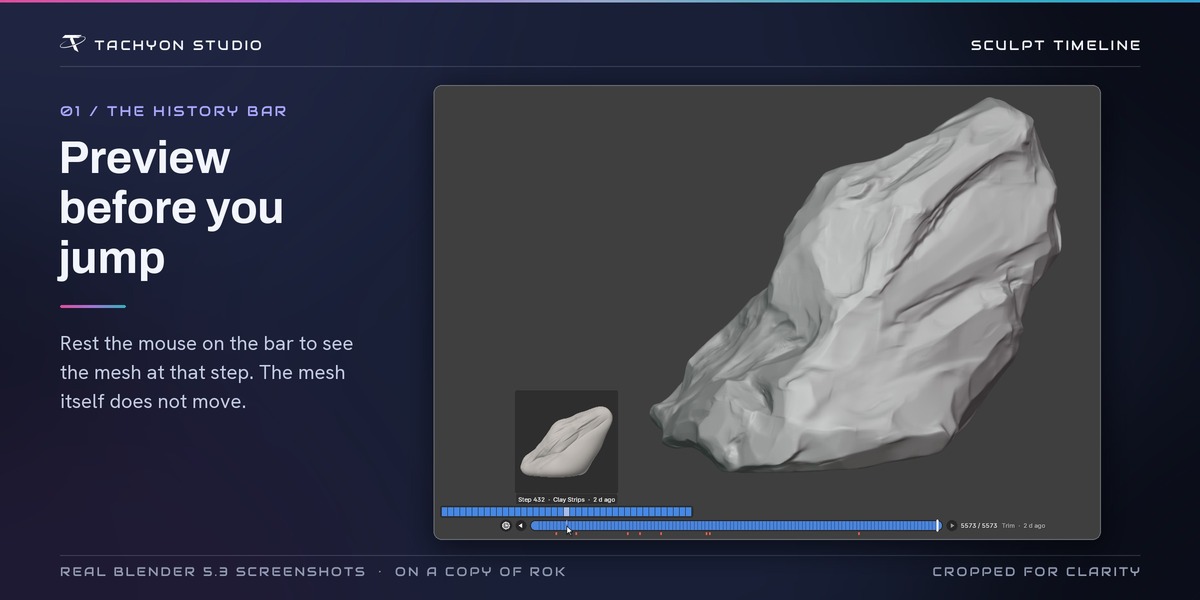
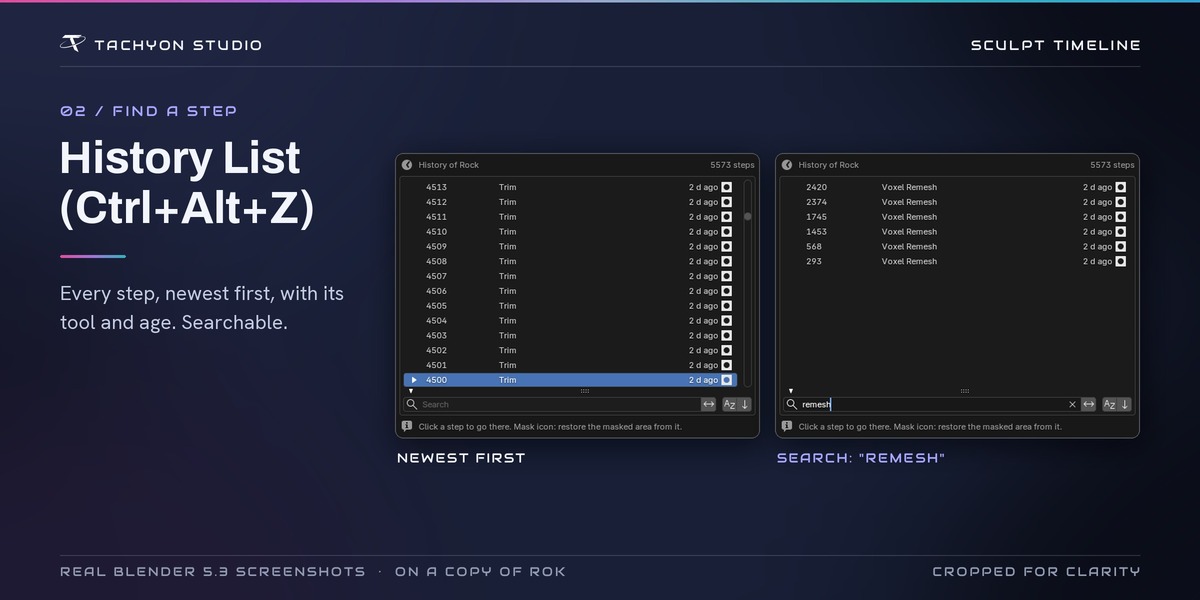
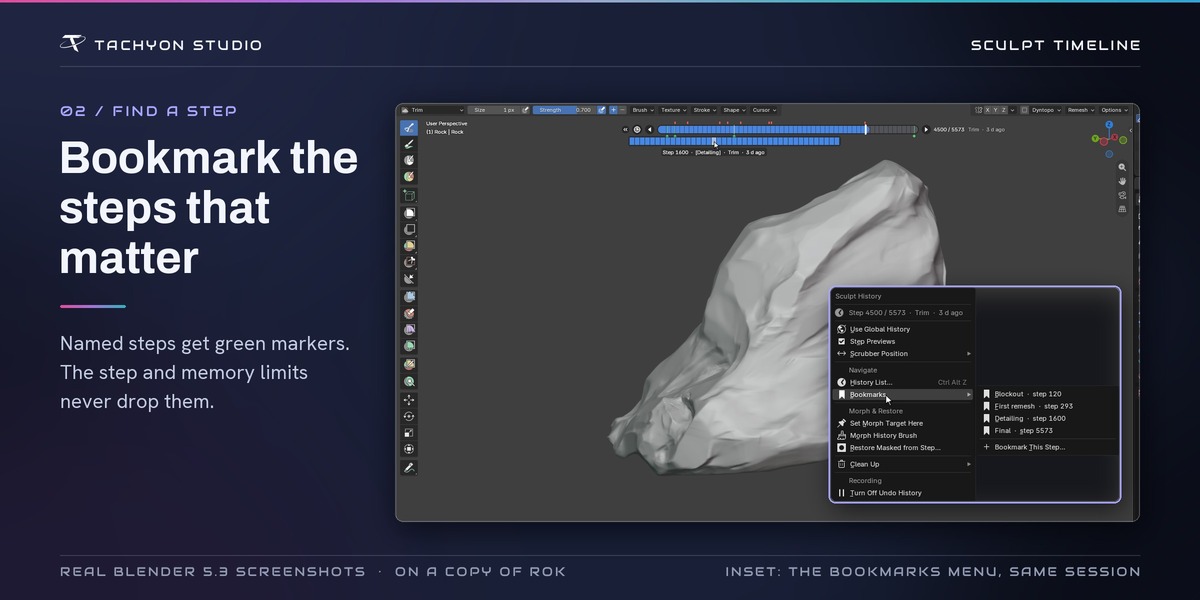
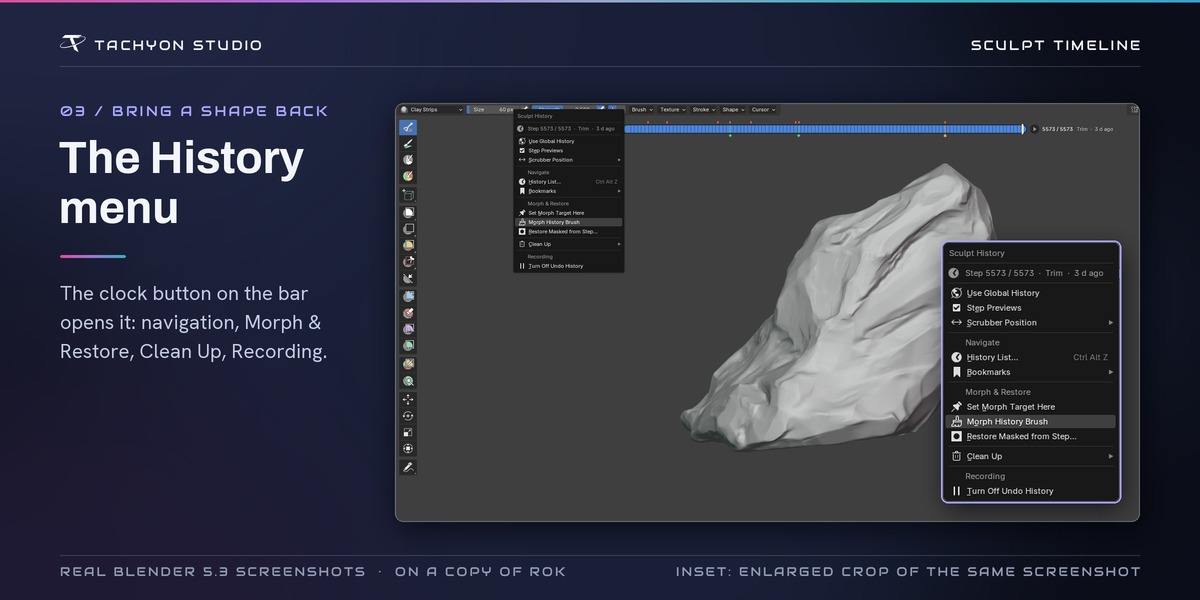
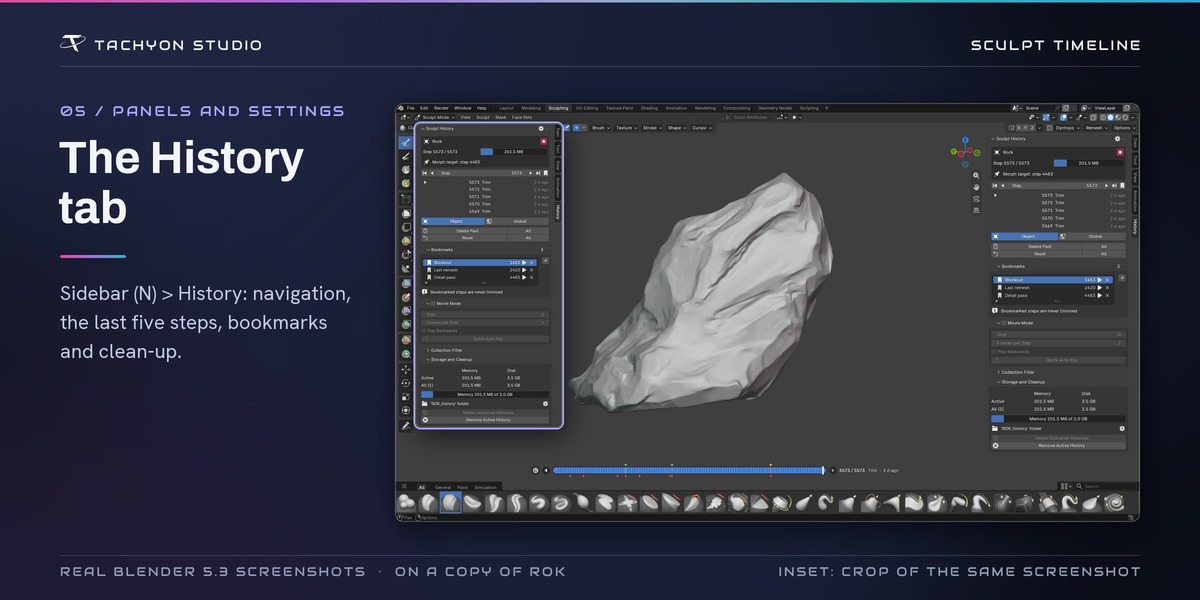
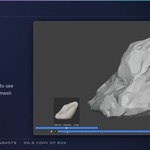
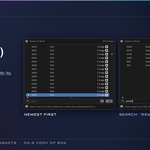
Find the step you want. A preview of the mesh when you hover, a magnifier on long histories, colored ticks for remeshes and masks, a searchable History List (Ctrl+Alt+Z) and bookmarks.
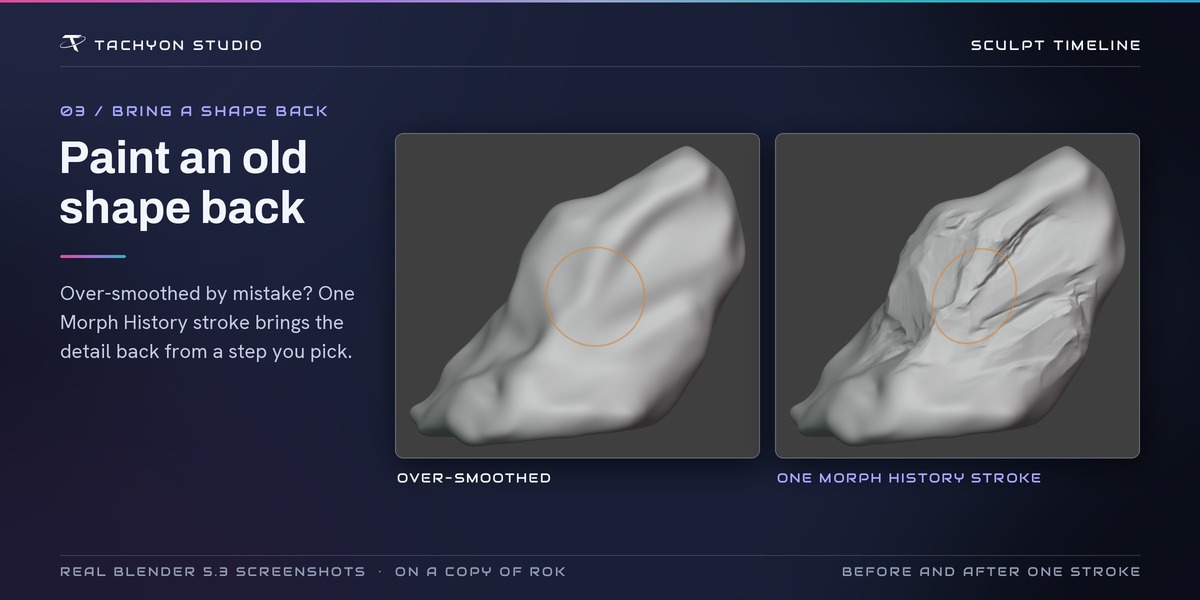
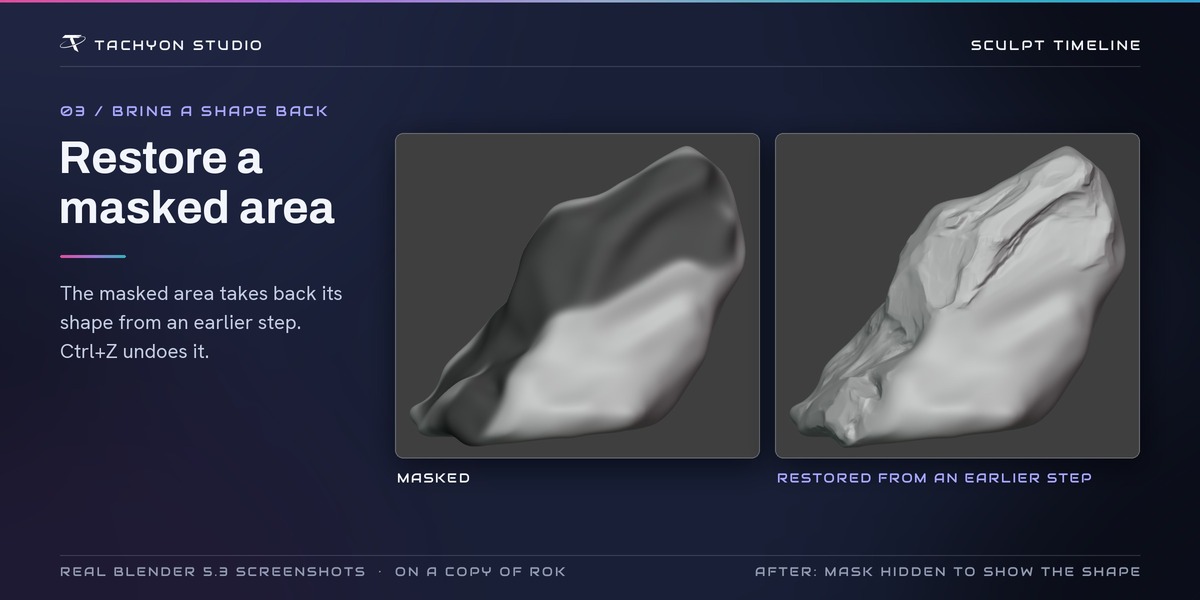
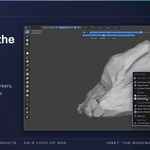
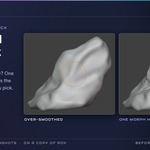
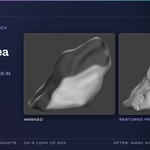
Bring old shapes back. The Morph History brush paints an area back toward an earlier step, with falloff and symmetry. Restore Masked from Step does the same for a masked area.
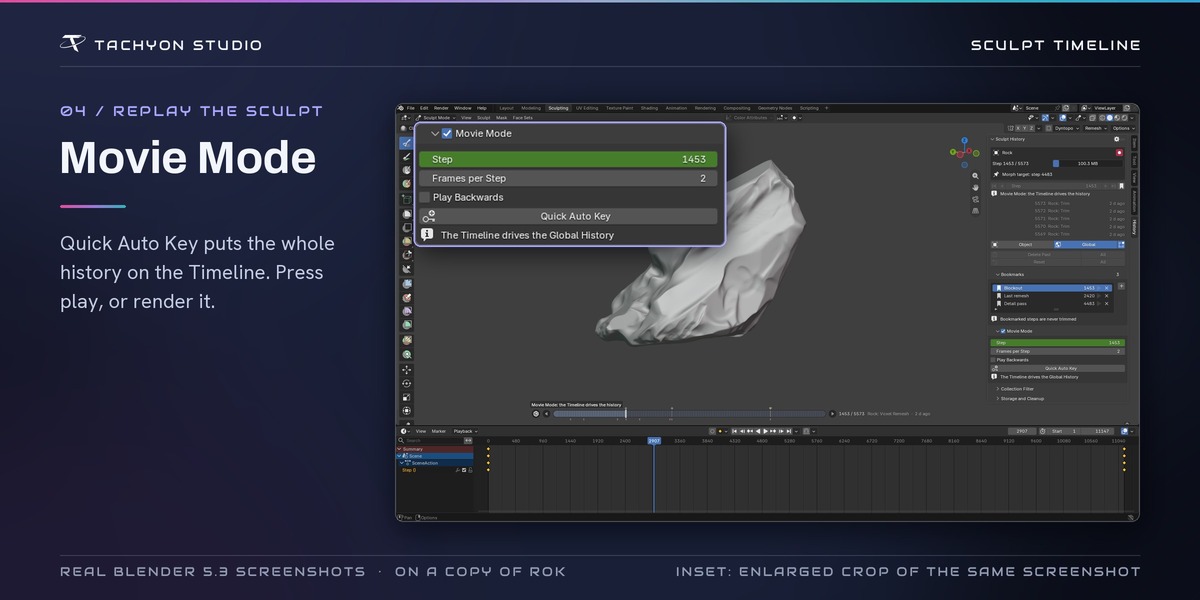
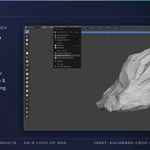
Replay the session. Movie Mode puts the whole history on Blender's Timeline in one click. Press play, or render it as a timelapse.
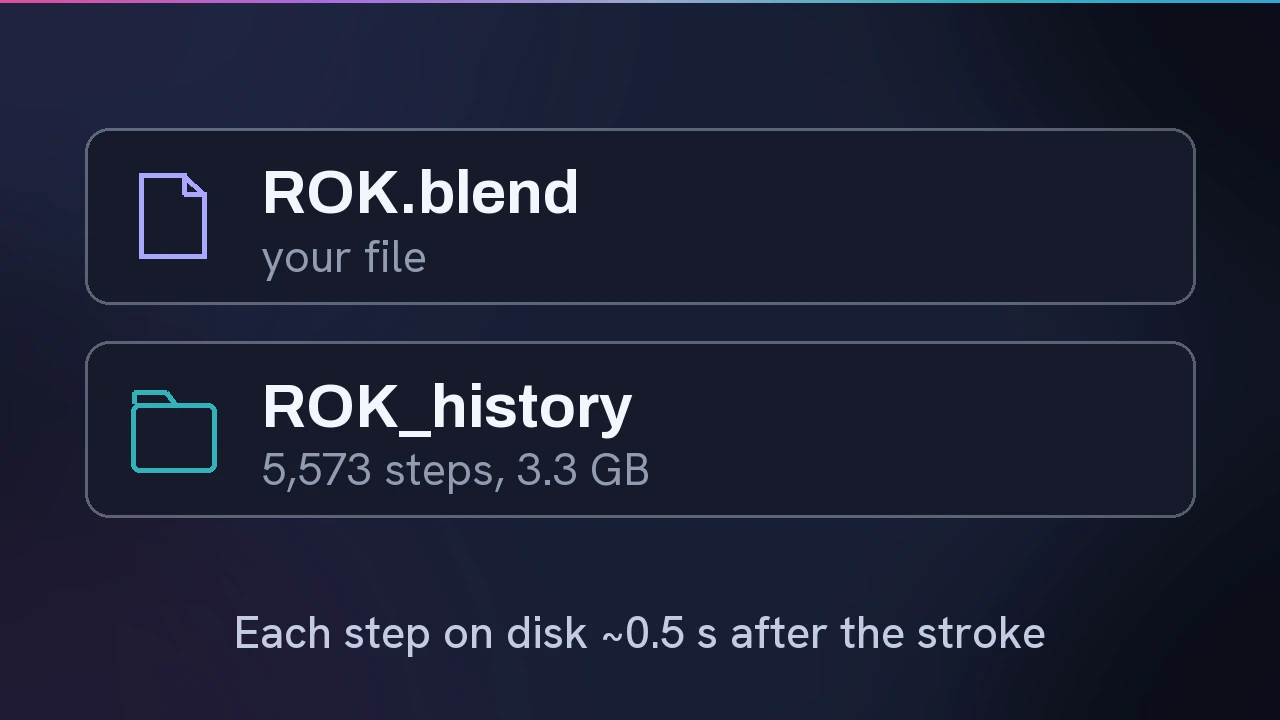
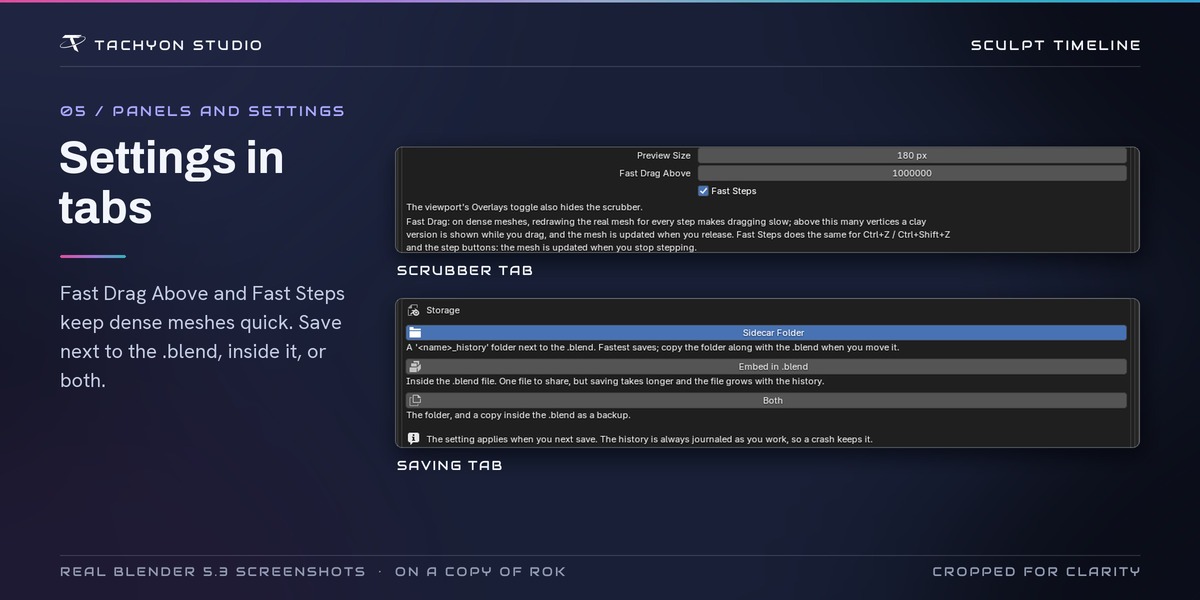
Saved and crash-safe. The history is saved next to the .blend (or inside it), and each step reaches the disk about half a second after the stroke.
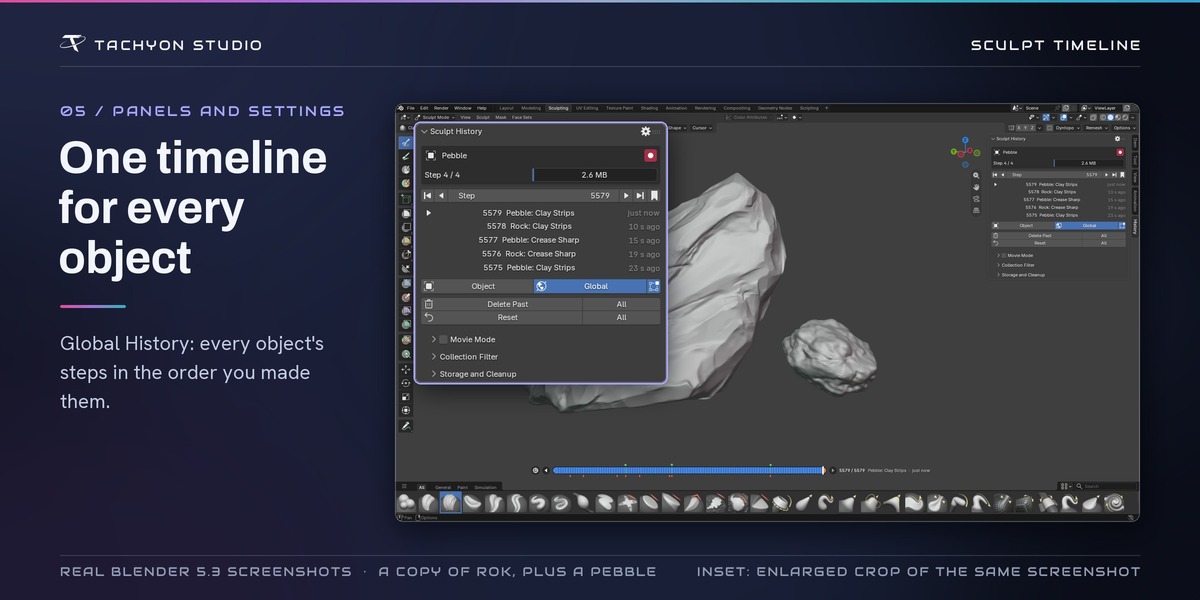
Every mesh, dense ones too. One history per mesh, or every object's steps on one Global History. From 1,000,000 vertices, Fast Drag and Fast Steps keep stepping quick.
Tested on a real sculpt
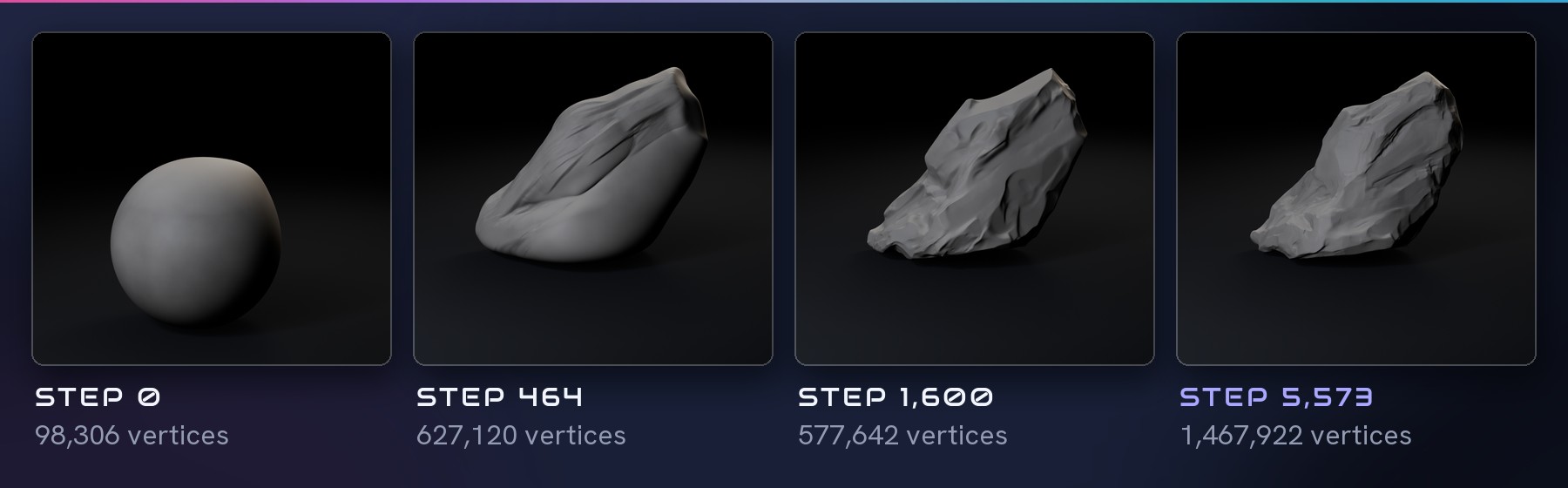
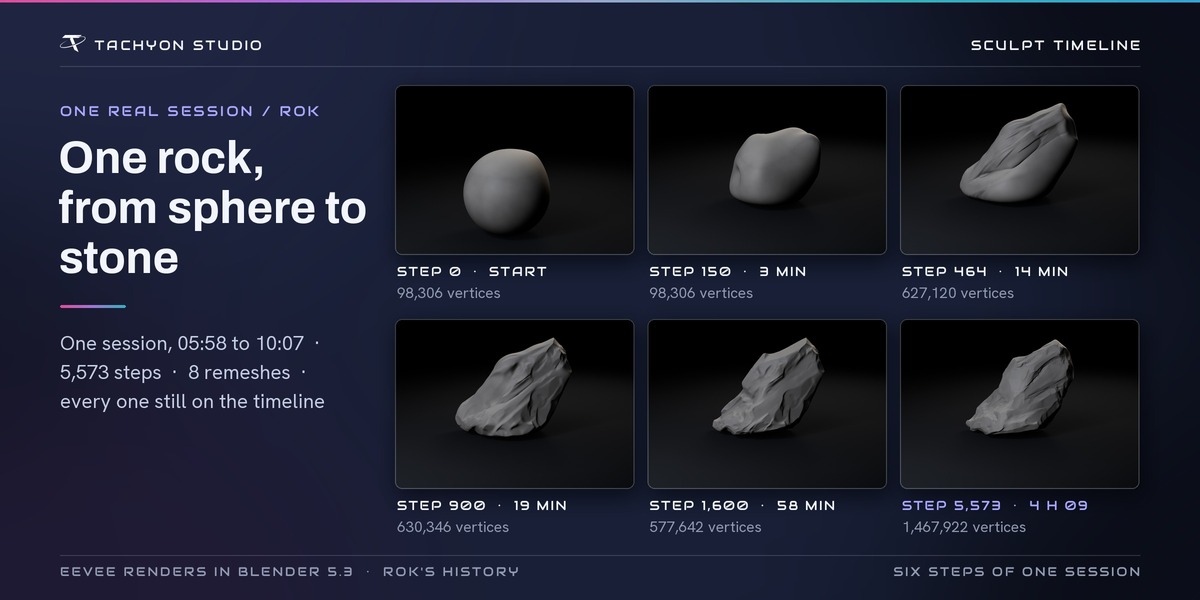
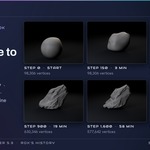
ROK, the rock in the gallery, went from a 98,306-vertex sphere to 1.47 million vertices in one 4-hour session. That is 5,573 steps, and every one is still on the bar. ROK comes free with the add-on, history included, so you can scrub it yourself.
5,573
steps, every one still on the bar
4 h 09 min
one session, breaks included
1.47M
vertices at the end, from 98,306
8
Voxel Remeshes along the way
Compatibility
- Blender 3.0 to 5.3, one zip: an extension on 4.2 and newer, an add-on on 3.0 to 4.1.
- Tested on Windows on Blender 3.0, 3.3, 3.6, 4.1, 4.2, 4.3, 4.5, 5.0, 5.2 and 5.3, with OpenGL, and with Vulkan from 4.3. Not tested yet: macOS, Linux and Metal.
- At 1 million vertices in Sculpt Mode, the real mesh is on screen 70-170 ms after Ctrl+Z on Blender 4.3 and newer, 0.3-0.5 s on 3.0 to 4.2 (Fast Steps off).
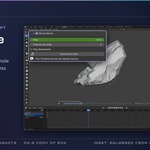
- Keep Blender's Global Undo on (the default).
Good to know
- Recorded: sculpt strokes, masks, face sets (Blender 3.6 and newer), hiding, color attributes and filters. Voxel Remesh, QuadriFlow, Box/Lasso Trim and Symmetrize are a step each, and so is a whole Edit Mode session.
- Not recorded: object transforms, modifiers, shape keys, vertex groups, weight paint, custom normals and face set colors. Dyntopo, Multires and shape keys pause the recording; Blender's own undo keeps working there.
- Same topology: Morph History and Restore Masked work with steps that have the mesh's current topology, so not across a remesh, a Box/Lasso Trim or an Edit Mode topology change.
- Vertex groups and custom normals: steps that change the topology cannot be played back on meshes that have them. You get a warning and the mesh is left as it is.
- Disk space: 2,000 strokes on a 1-million-vertex mesh take roughly 0.4 to 1 GB. Max Steps and Delete Past keep it in check.
- The history starts with your first stroke after installing: older work has nothing to play back.
What's included
- The add-on: one zip for Blender 3.0 to 5.3, with the full GPL license text inside.
- ROK with its whole history (3.3 GB, a separate zip). It needs Blender 4.5 or newer and is free to use under CC BY 4.0.
- The user guide in the Documentation tab, and answers in the FAQ tab.
- Individual (1 person), Team (up to 6) or Studio (up to 20): the same features and commercial use in all three.
Support and license
Made by Tachyon Studio. Questions, bug reports and feedback: Discord.
GPL-3.0-or-later, like Blender. The tiers do not restrict the rights that license grants.
MORE BY TACHYON STUDIO
Build out your workflow.
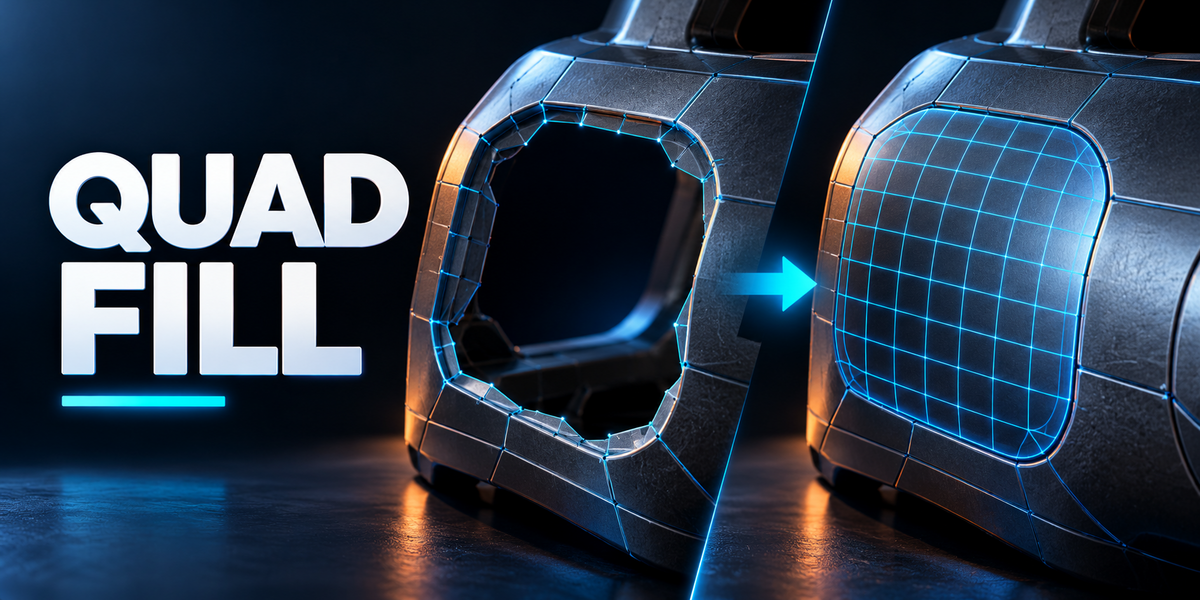
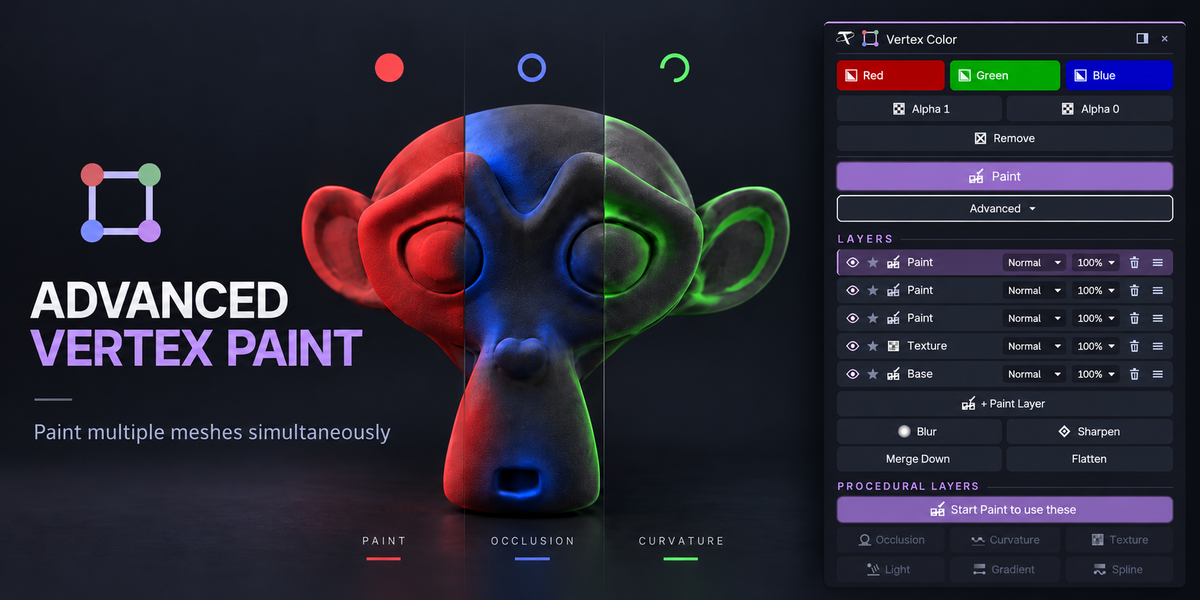
See the full Tachyon collection ↗
Optional products, sold separately. Check each product’s requirements.