 ZibadMend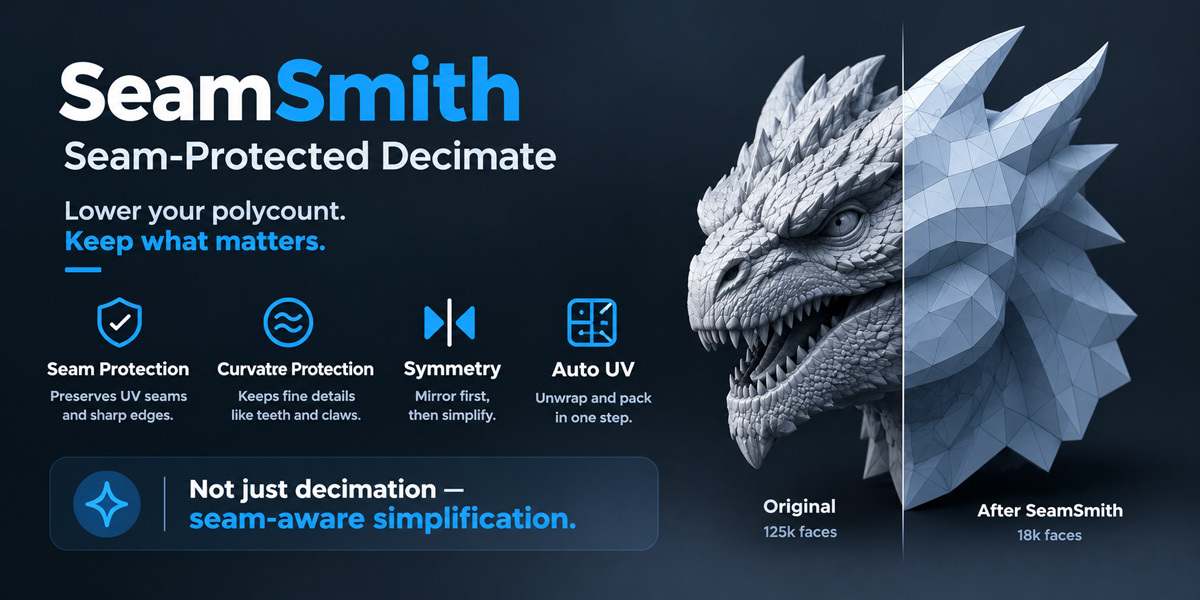
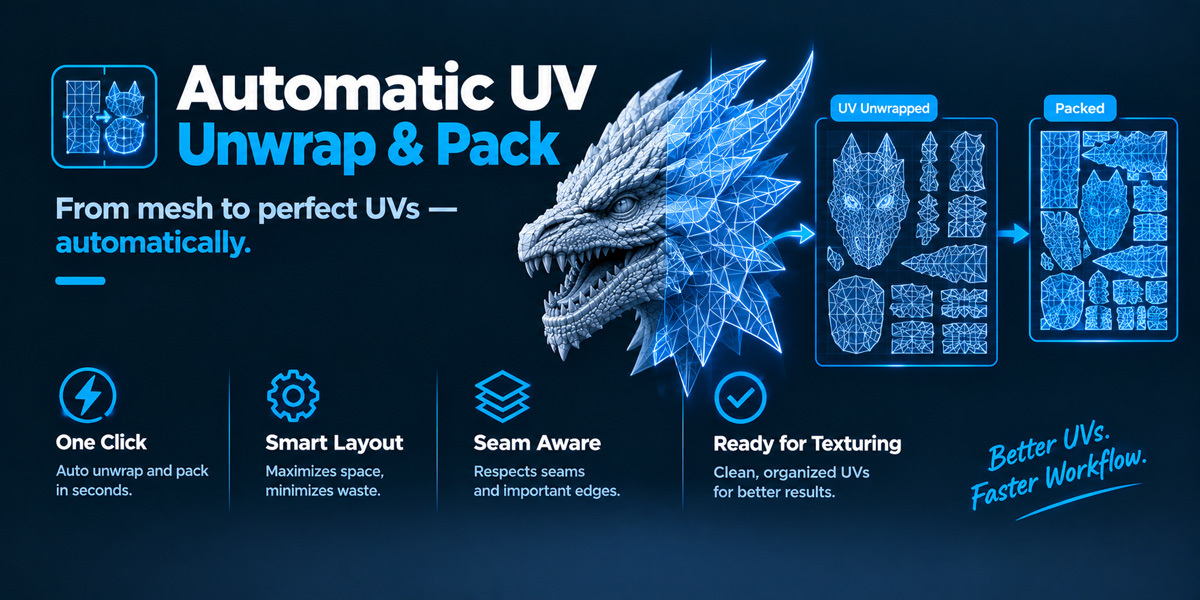
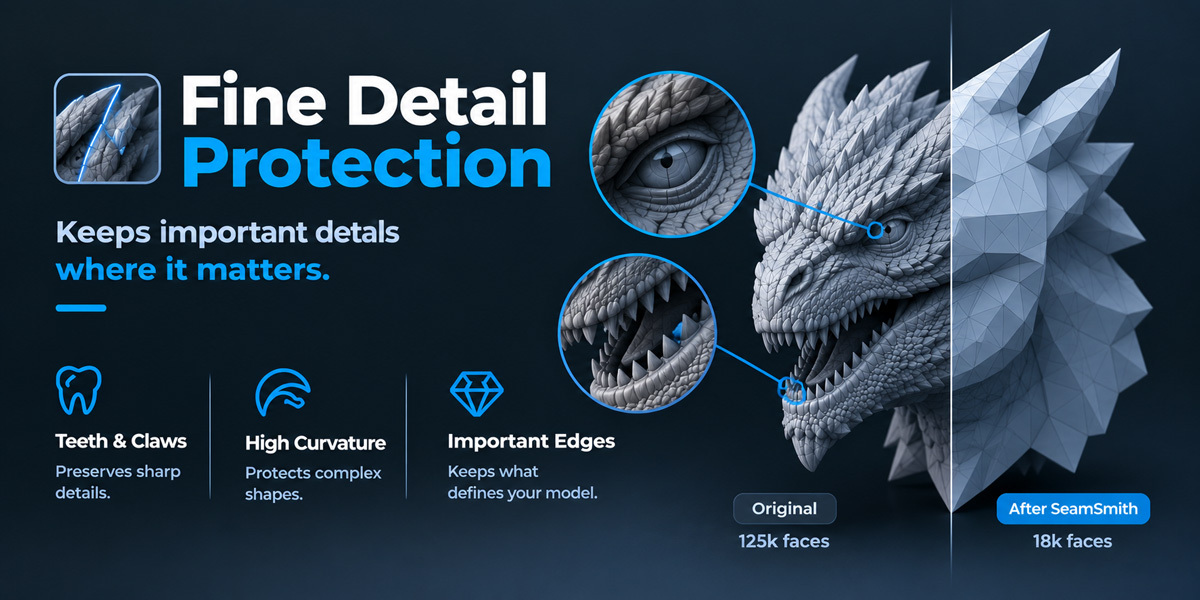




What exactly makes this different from just using Blender's Decimate modifier?
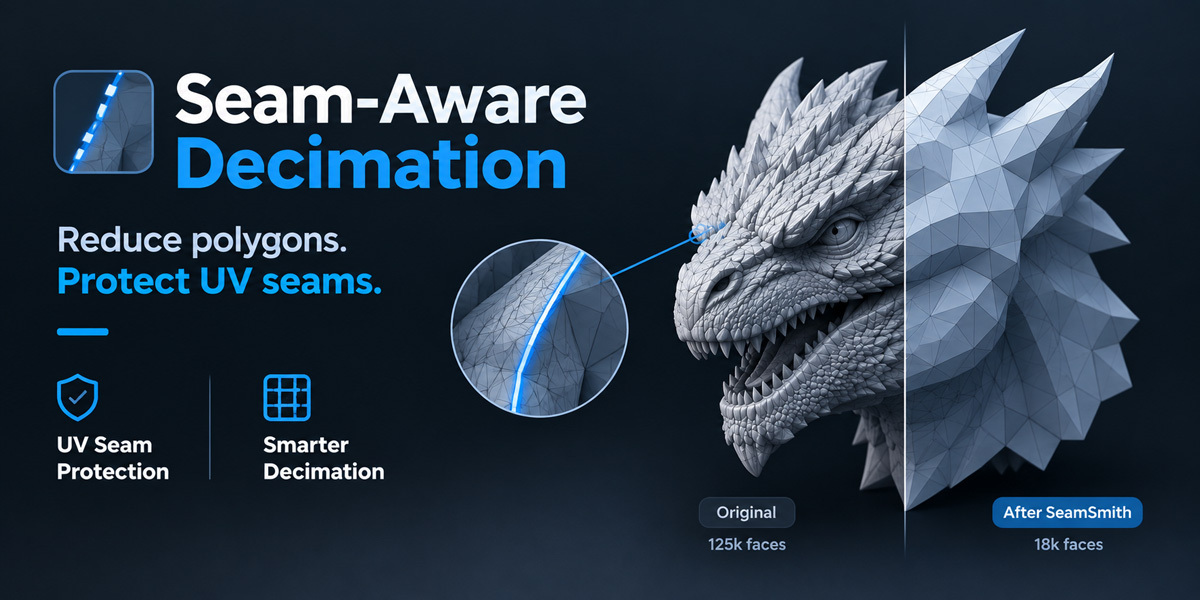
Blender's Decimate modifier can take a vertex group to control where it simplifies more or less
— but nothing builds that vertex group for you. Today that means manually marking seams and
manually painting weights before you even start. SeamSmith automates that setup: it detects the
mesh's major shape lines, builds the protection weighting from them, runs decimation in a way
that still hits your target count, and chains straight into unwrap and pack.
Is this a true seam-aware quadric decimation algorithm?
No, and we don't want to oversell it. It drives Blender's existing Decimate (Collapse) modifier
through its vertex-group input — it doesn't replace Blender's simplification math with a custom
boundary-constrained one. For most organic, sculpt-style meshes the result is noticeably better
than decimating blind, but it's an approximation, not a from-scratch algorithm.
Will it work on hard-surface or CAD-style models?
It's built and tuned for organic, sculpted meshes (rocks, creatures, foliage, terrain chunks).
Hard-surface and CAD models usually already have clean, intentional topology and very different
edge-angle patterns, so the automatic seam detection is less likely to help there — you're
generally better off with a hard-surface-focused decimation tool for that kind of asset.
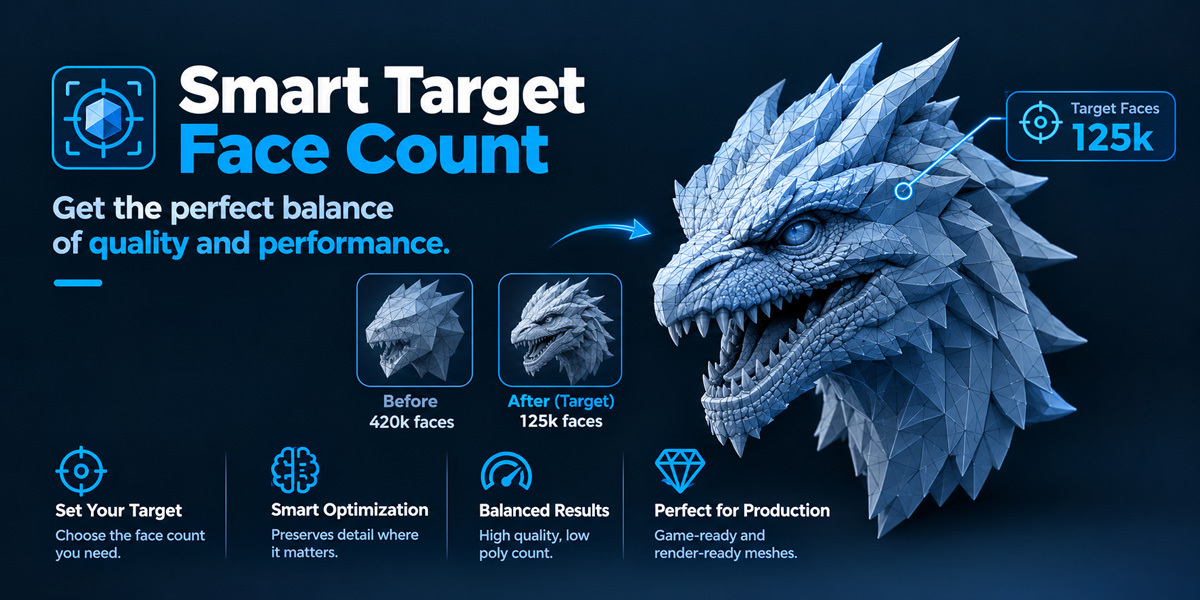
What if the result doesn't reach my target face count?
A first pass runs with seam protection applied. If a large portion of the mesh ends up
protected and the result is still well above your target, a second, unweighted pass runs
automatically to force it down to the target count. You'll see "forced 2nd pass" in the result
summary when this happens.
How does the symmetry feature work, exactly?
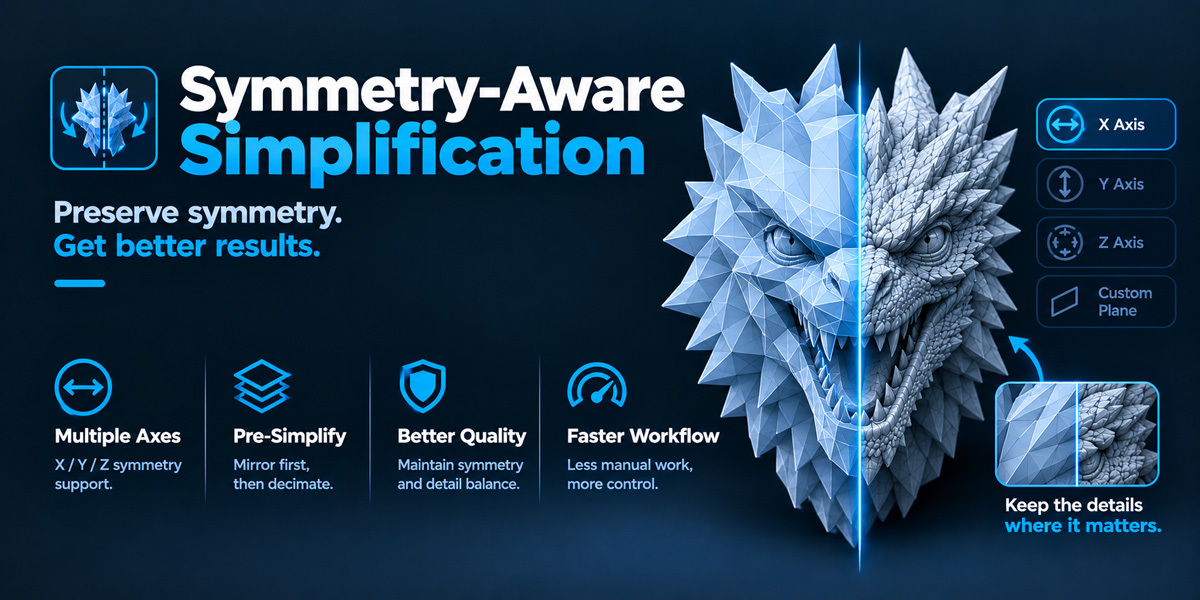
You position a visible plane (either along the object's local X/Y/Z axis, or a custom plane you
place and rotate yourself) along the model's real line of symmetry. SeamSmith cuts the mesh
there, decimates only that half, snaps the cut boundary exactly back onto the plane, and uses a
Mirror modifier to rebuild the other half — so both sides are guaranteed identical, instead of
hoping a symmetric input mesh decimates symmetrically (it often doesn't).
Does it support more than one symmetry plane, like a radially symmetric object?
Not currently. Only a single flat cutting plane is supported per run.
Will it work on very dense meshes, like a 1–2 million triangle sculpt?
Seam detection and the protection mask are fully vectorized with numpy, so that part stays fast
even at high density — typically well under a second. Overall run time still depends on how much
of the mesh the Decimate modifier itself has to process, and on how large the output is before
unwrapping, which is why the forced second pass matters: it keeps the mesh handed to UV
unwrapping close to your target size instead of leaving it unexpectedly large.
Does this replace manual UV unwrapping entirely?
For a lot of organic props, yes — the automatic unwrap and pack is usable as-is. For complex or
hero assets, treat it as a strong starting point rather than a final pass; manual touch-ups on
specific islands are still normal practice.
Does it modify my original high-poly mesh?
No. Every run works on a duplicate (named with a `_LOW` suffix). Your source mesh is left
exactly as it was — the only exception is the **Preview Seams on Source** button, which marks
seam flags directly on the source mesh so you can inspect them before committing to a run (it
does not change geometry).
What Blender versions and platforms are supported?
Blender 4.0 and newer, tested on Blender 5.0, on Windows, macOS, and Linux.
-
$19
1 User
-
$79
5 Users
-
$299
20 Users
 Included
Includes 12 months of
- Support from ZibadMend
- Product updates
Extend this product’s Support Period +12 months: 50% of product price
Have questions before purchasing?
Login to message
| Blender Extension Compatible | Yes |
| Published | 3 days ago |
| Blender Version | 4.0 - 5.2 |
| Extension Type | Add-on |
| License | GPL |
Discover more products like this
sculpting Seam Protection low poly symmetry game assets uv editing Workflow optimization decimate 3d modeling blender addon retopology