 Skubby's garage



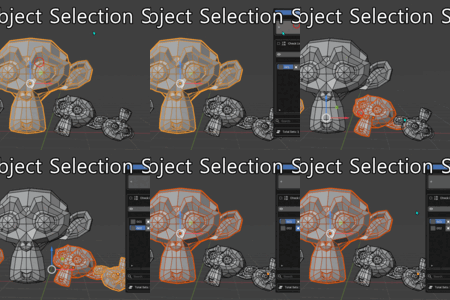
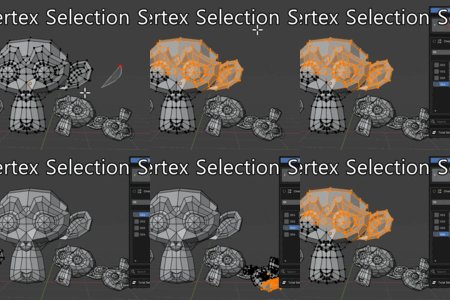
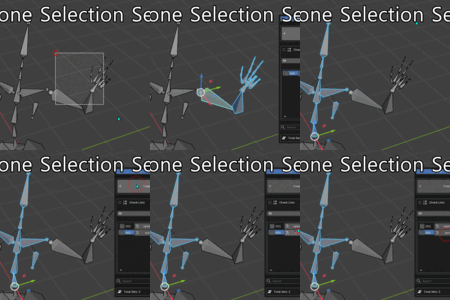
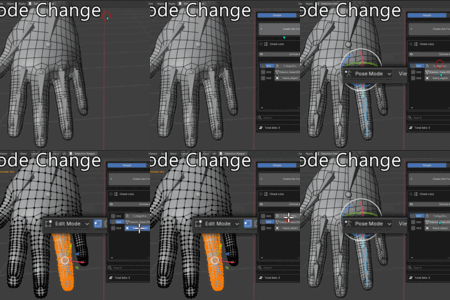
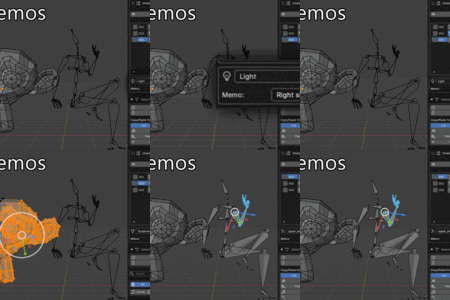
SAVE A SELECTION ONCE, USE IT EVERYWHERE
BLENDER ADD-ON FOR MODELERS, RIGGERS & ANIMATORS
Save objects, bones, or vertices as reusable sets.
Recall them, switch modes, hide or isolate parts, create sculpt masks, jump to cameras, and mirror selections, all from the same set.
One selection set, across your Blender workflow.

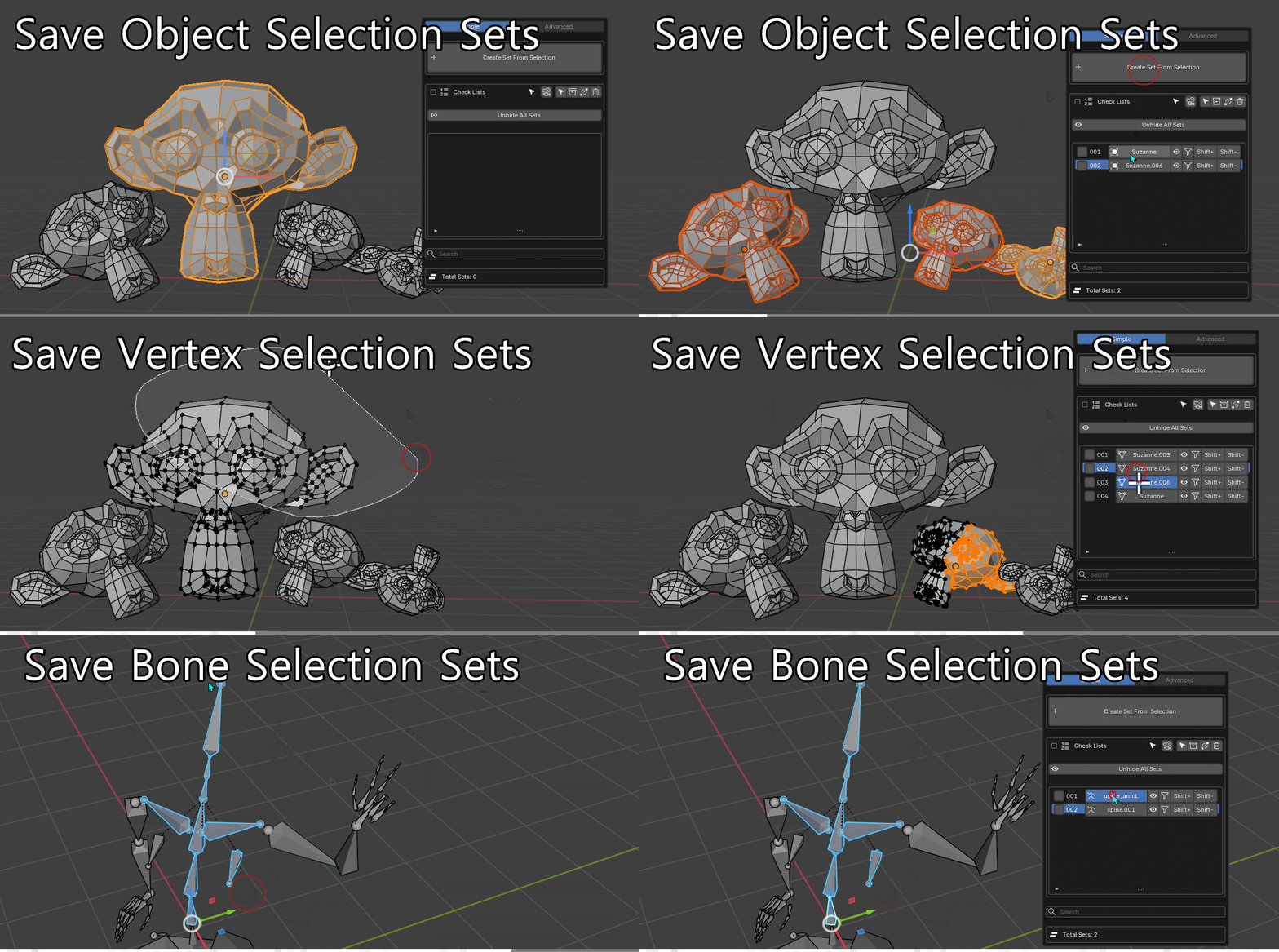
Save selections from almost anywhere
Save objects, bones, vertices, edges, or faces as reusable sets.
The workflow stays consistent whether you're modeling, rigging, painting, or animating: select something, save it, recall it later.
→ Filter sets by Object, Bone, or Mesh as your library grows.
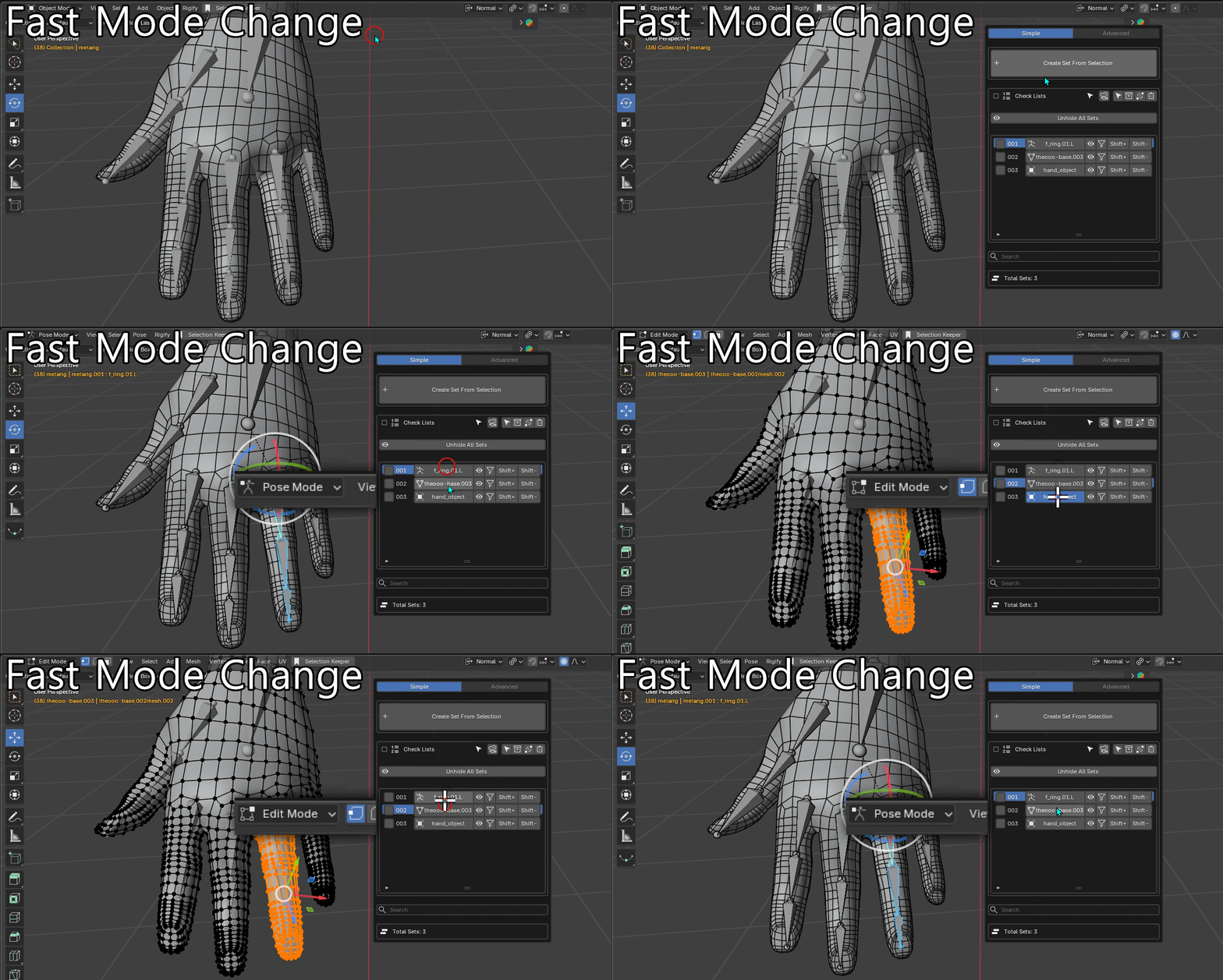
Jump straight to what you need
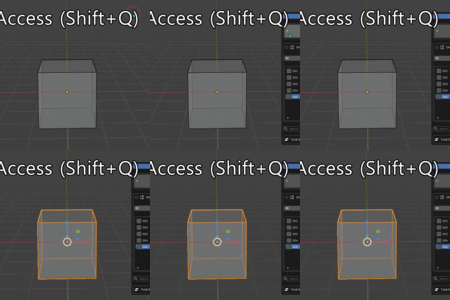
Click a set from the Shift+Q popup and Selection Keeper can restore both the selection and the mode it belongs to.
Go from an object to a bone in Pose Mode, or straight to vertices in Edit Mode, without navigating Blender's mode and selection controls first.
The popup appears right under your cursor, so your hands stay where the work is.
→ Selection + mode change in one click.
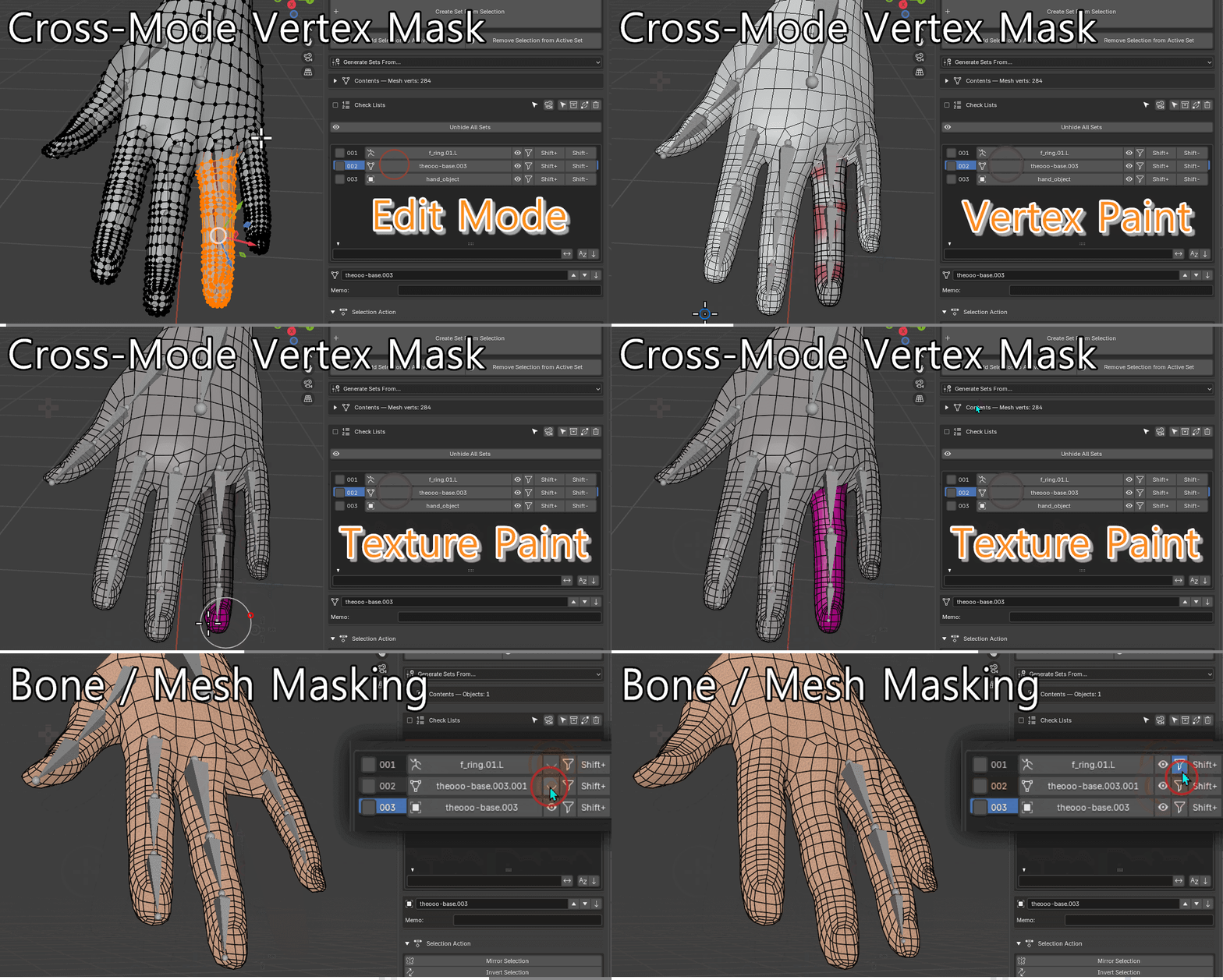
One set. Selection, visibility, and masking
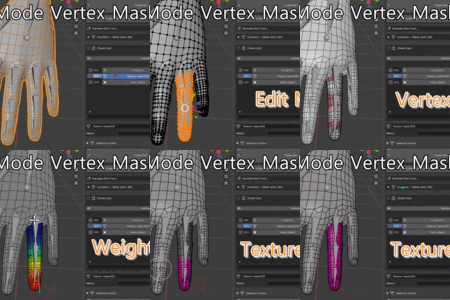
Save a vertex set once and reuse it across different parts of Blender.
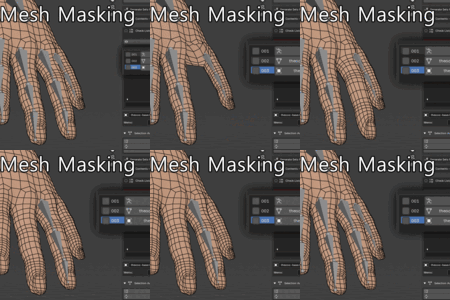
Recall it in Edit Mode, hide or reveal mesh parts, use it through the Mask modifier, or turn it into a sculpt mask.
The set stays the same even when the workflow changes.
→ Name it once. Reuse it across the pipeline.
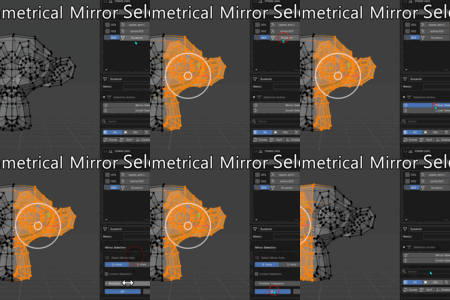
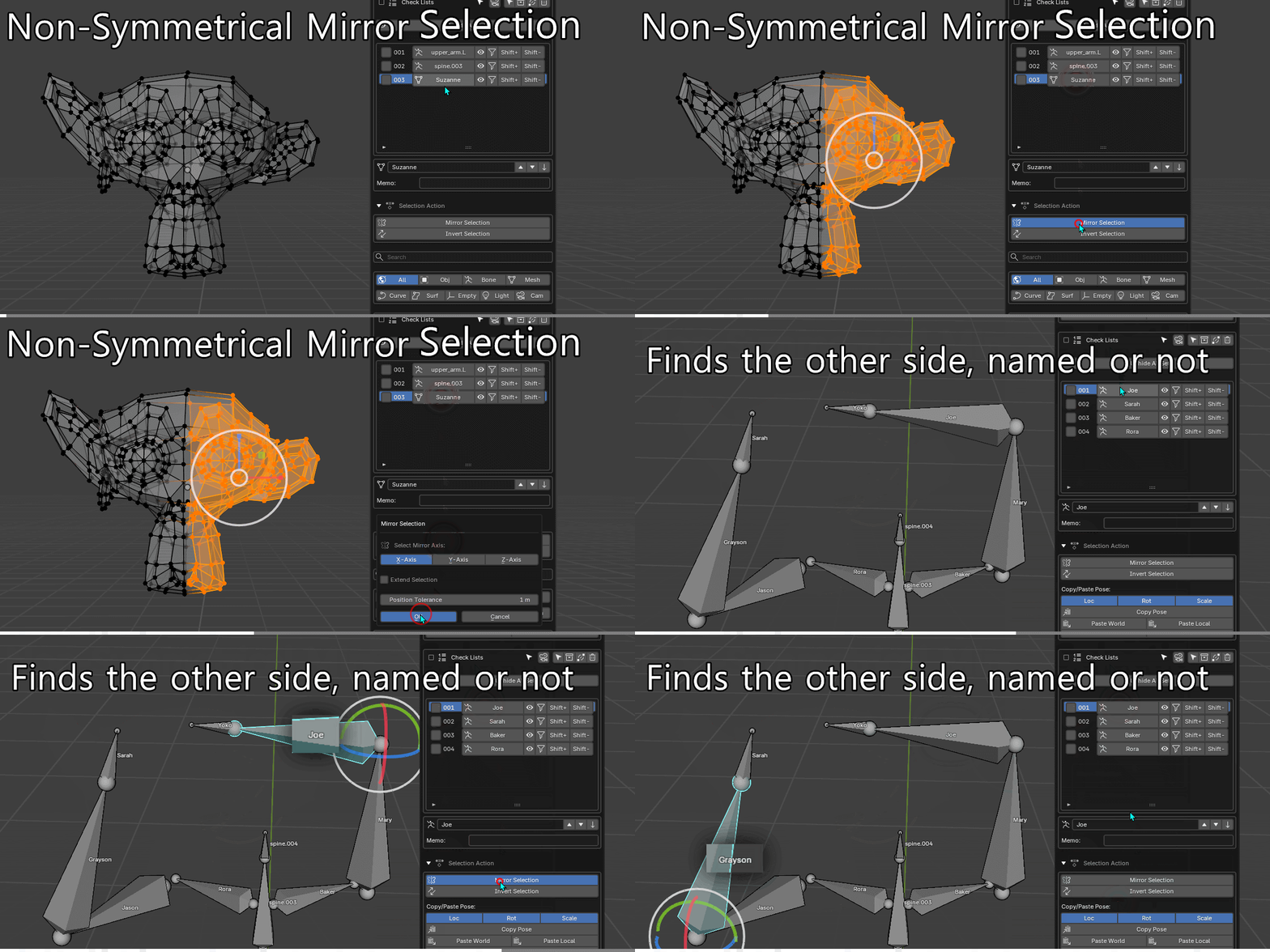
Mirror selections without perfect symmetry
Blender's native mirror selection depends on symmetrical topology.
Selection Keeper can match the opposite side by position, so it still works on asymmetrically sculpted meshes or models that were not built with a Mirror modifier.
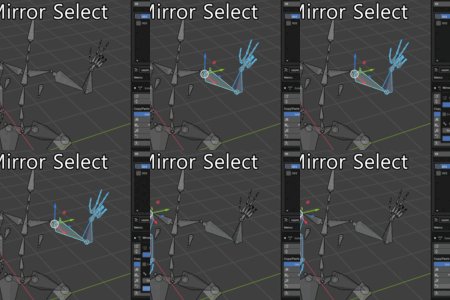
For bones, it checks .L / .R naming first, then falls back to spatial matching when naming conventions are missing or inconsistent.
→ Mirror imperfect meshes and messy rigs without renaming them first.
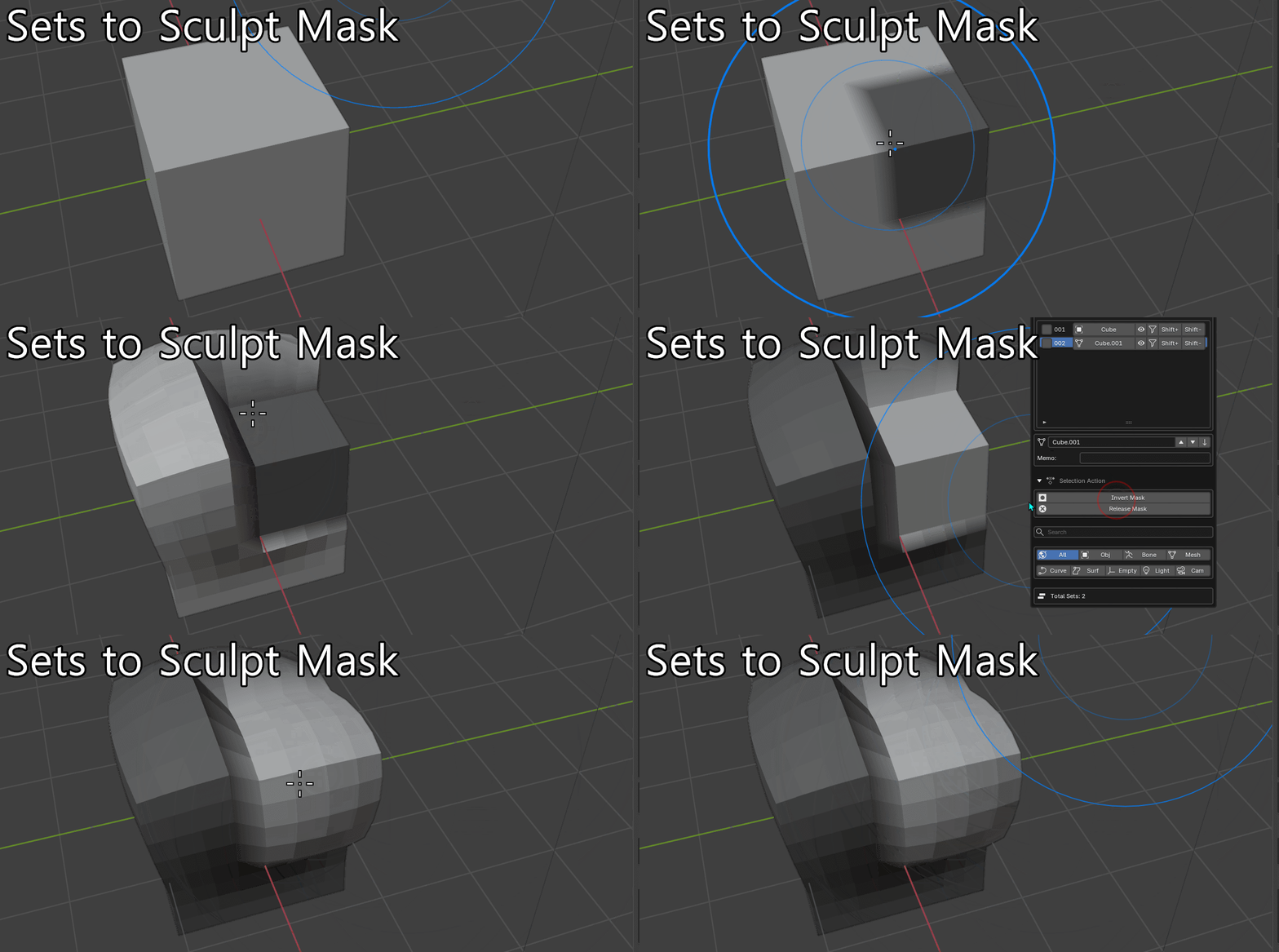
Turn saved selections into sculpt masks
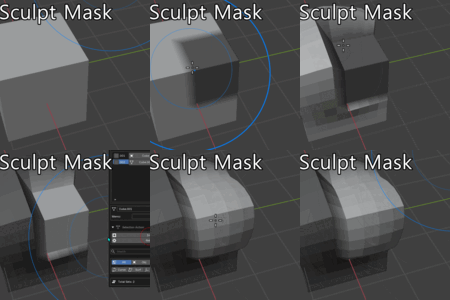
Turn any saved vertex set directly into a Sculpt Mode mask.
Use Replace / Add / Subtract to build masks from multiple sets, switch between saved areas, or combine several checked sets into one mask.
No repainting the same regions every time you return to sculpting.
→ Build complex masks from saved sets in seconds.
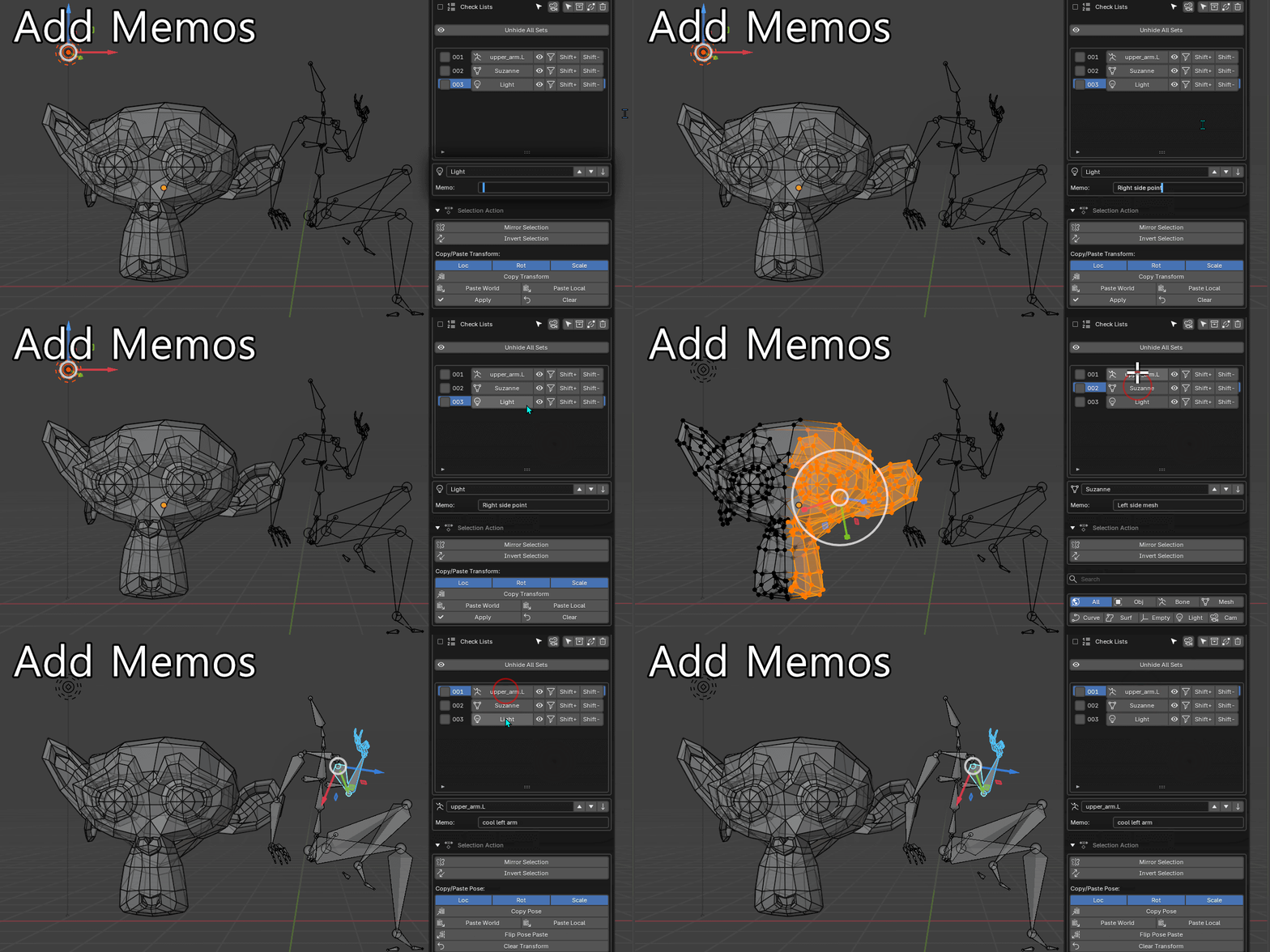
Keep context attached to the selection
Add a short note to any saved set:
"Merged facial controls."
"Don't touch. WIP."
"Use this set for export."
The next person opening the file, including future you, sees the context right where the selection is stored.
→ No separate readme or message thread required.
07 / CAMERA
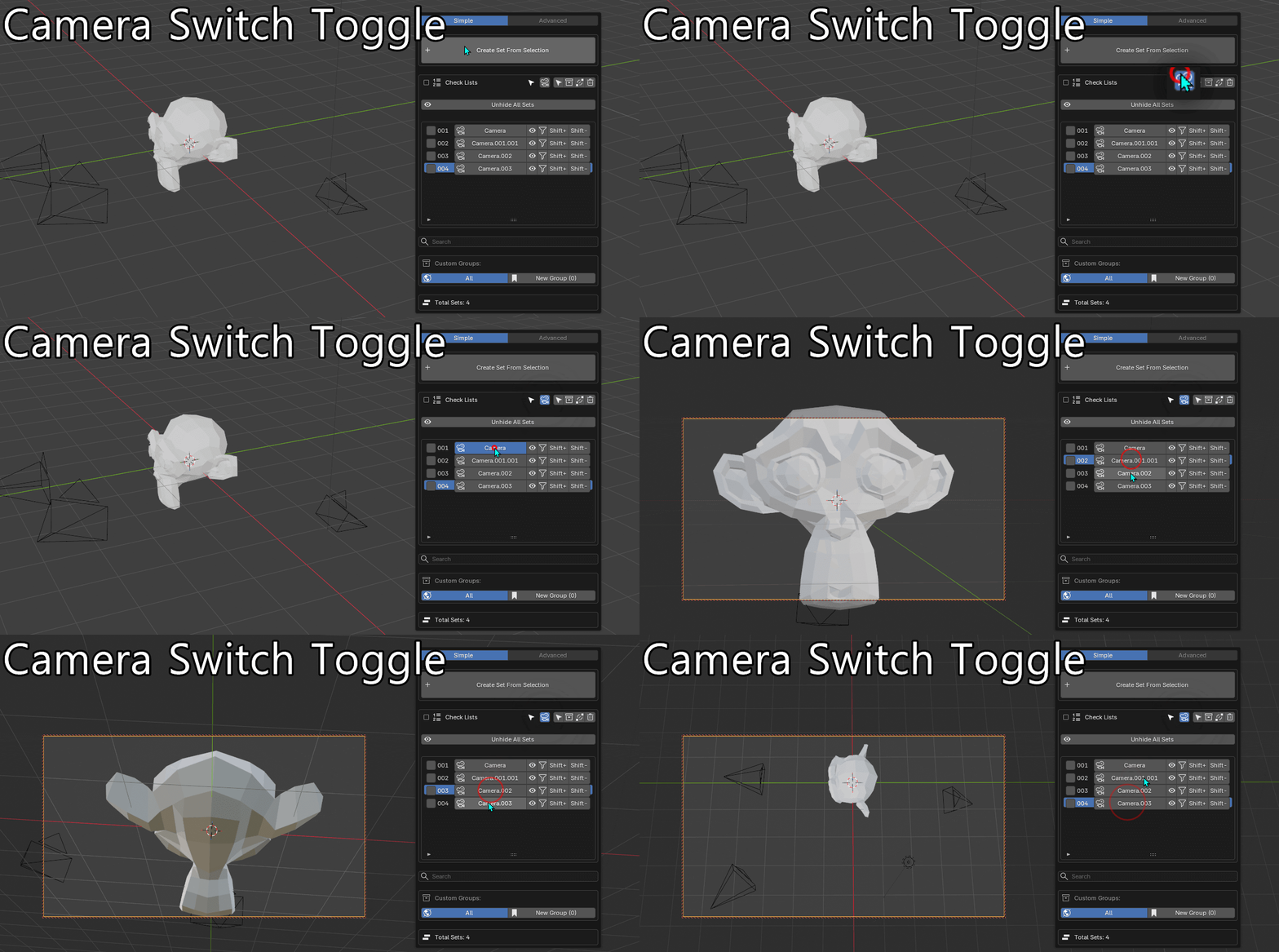
Jump straight into a saved camera
Include a camera in a saved set and Selection Keeper can switch the viewport directly into that camera view when you recall it.
Useful for previs, cinematics, product turnarounds, or any scene where you're constantly moving between multiple cameras.
→ Switch camera and viewport together in one click.
08 / SHARE
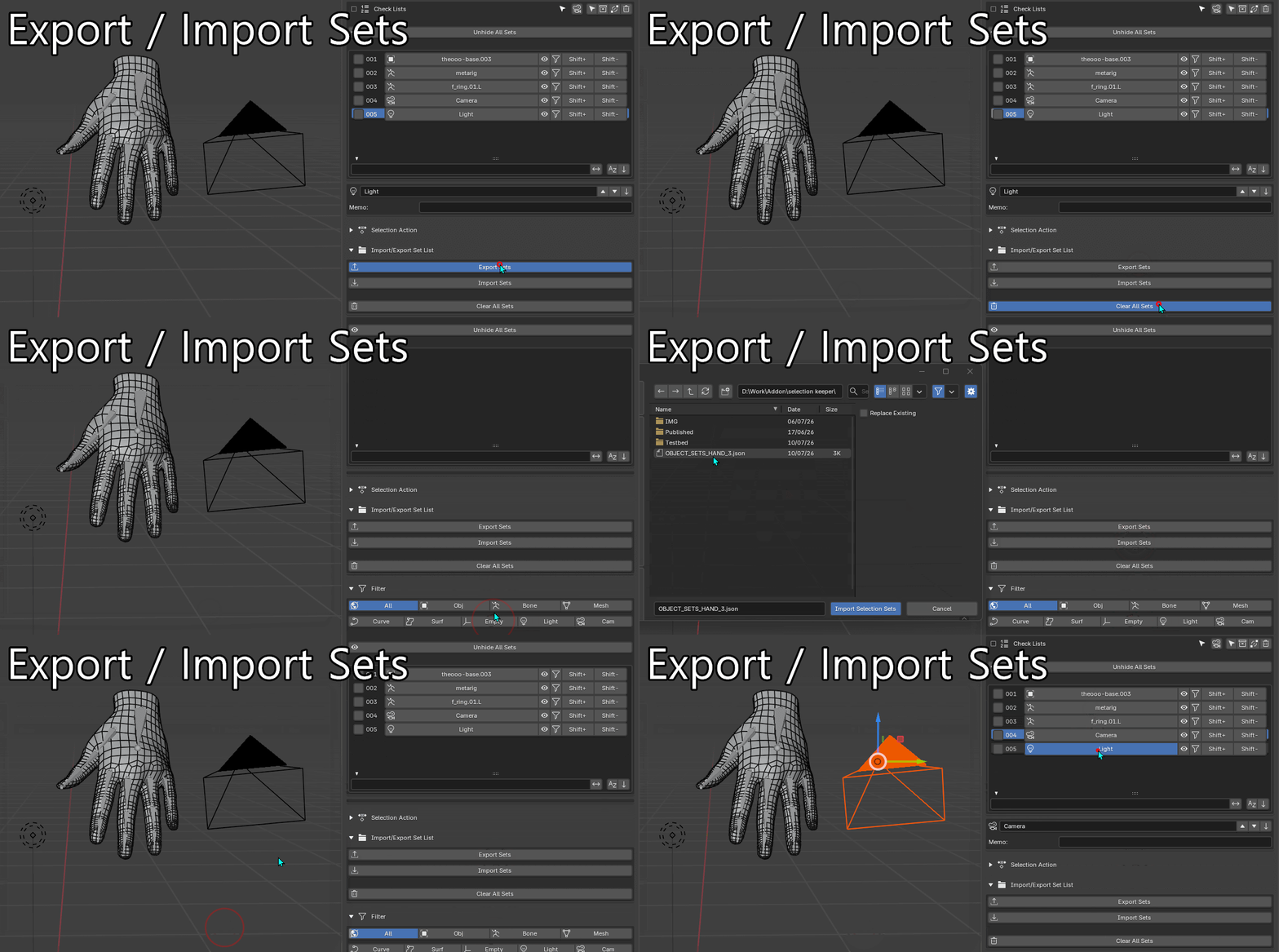
Move your sets between files and projects
Not just backup. Reuse the same setup across production files.
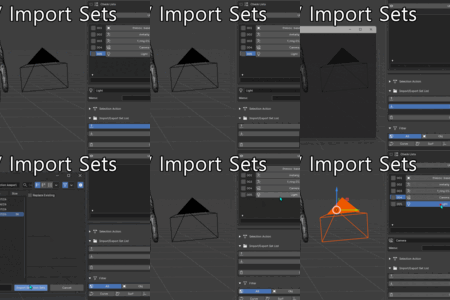
Export your saved sets and bring them into another Blender file or share them with a teammate.
Imported sets keep their types, groups, memos, and related data, so you don't have to rebuild the same setup for every file.
→ Useful for recurring rigs, characters, and production assets.
AND MORE
Small tools that remove daily friction
Custom groups & batch actions
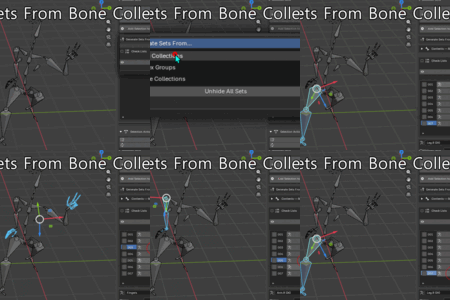
Organize sets into groups, then merge, move, or delete multiple sets at once.
Visibility controls
Hide, show, or isolate saved parts without rebuilding the selection.
Invert selection
Invert selections across Object, Edit, Pose, Weight Paint, Vertex Paint, and supported edit modes.
Search & filters
Find sets by name, type, or custom group.
Rename-proof tracking
Persistent UIDs keep saved object references working even after objects are renamed or reorganized.
Reverse lookup
Already have something selected? Find every saved set that contains it.
