Selection Keeper
 Skubby's garage


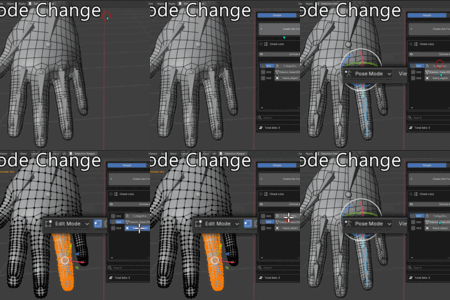
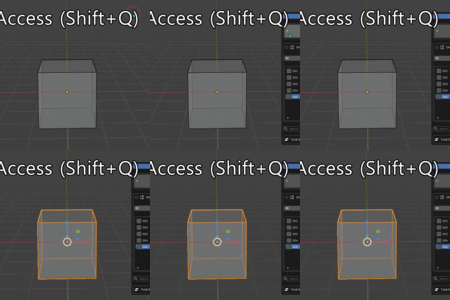
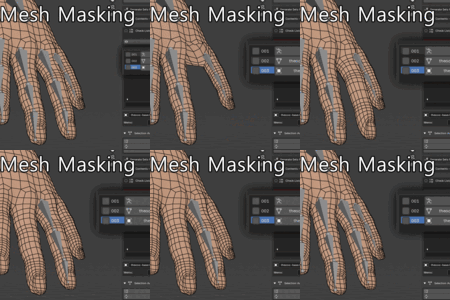
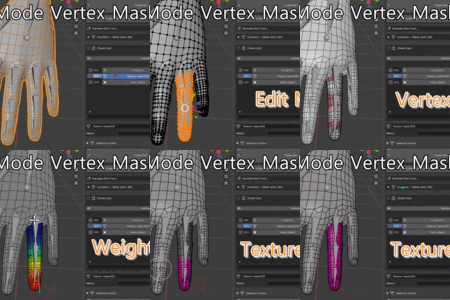
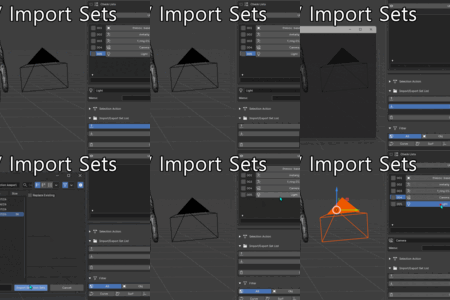
Panel not visible
Press N to open the sidebar in the 3D Viewport. Locate the Selection Keeper tab.
Bone set not found after rig rename
Bone and armature names are stored literally. If the armature or bone is renamed, update the set or re-create it.
Import does not select correct elements
Verify that object names in the current scene match those in the exported JSON file exactly (case-sensitive).
Hidden object skipped on Batch Select
Unhide the object in the viewport (Unhide all sets button) before running Batch Select.
Shift+ rejected with a mode warning
Shift operations are mode-locked. Switch to the mode matching the set type first (e.g., enter Edit Mesh to use a MESH set).
Recalled set selects wrong vertices
Vertices are stored by index. If the mesh topology changed after saving, update or re-create the set.
'No mesh elements selected' on save
Make sure at least one vertex, edge, or face is selected in Edit Mesh mode before clicking Create Set.

Discover more products like this
bone selection Selection Object Selection Mesh Selection Tool selection set keeper selector selection keeper selection sets Blender Scene Management