 Oylbis
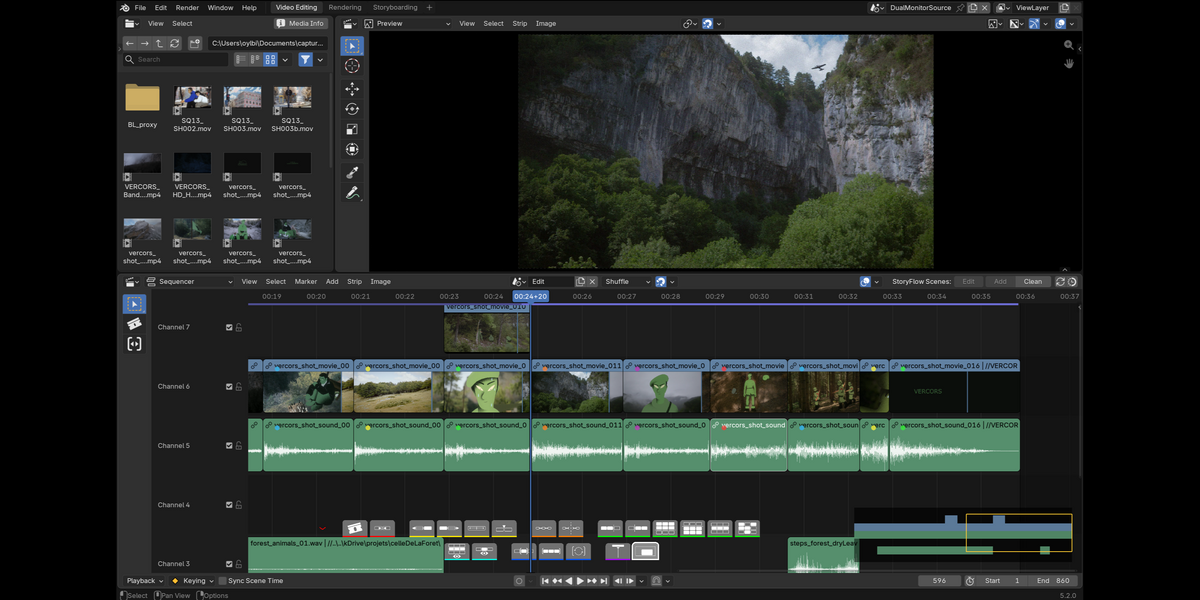
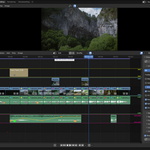
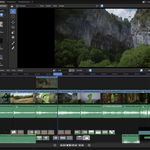
Professional — and smoother — video editing, right inside Blender's Video Sequencer.
The problem without sequencerFlow. Blender's native VSE works but is austere: tools scattered left and right, little visual feedback, no built-in 3-point editing, no direct view of animation curves on a strip, and organising many strips quickly becomes confusing without dedicated visual guides.
sequencerFlow turns it into a real editing suite — without replacing a single native tool. Everything it adds sits on top of Blender's own operators, so your project stays 100% Blender.
▶ Watch the full walkthrough · the whole SlateFlow suite
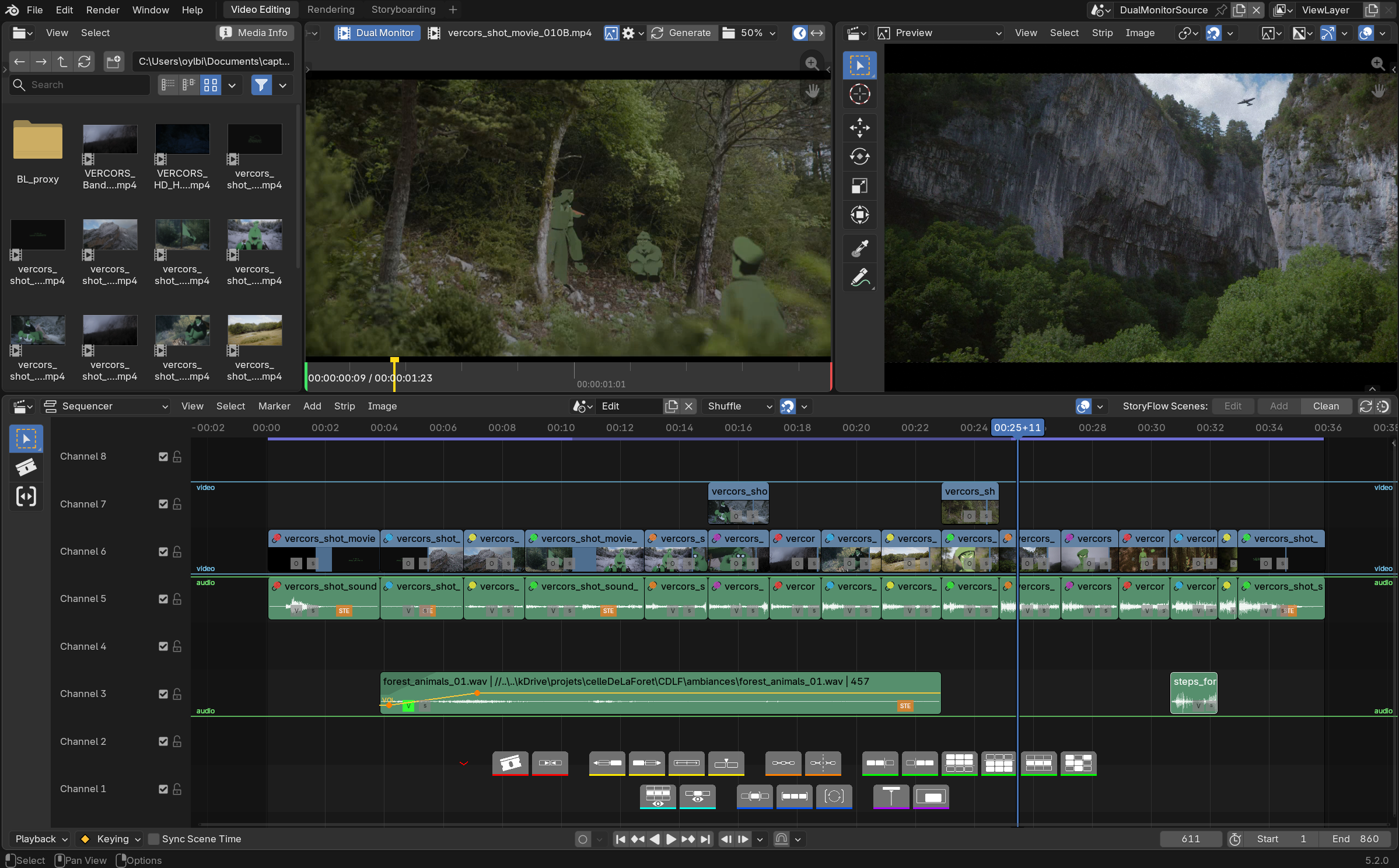
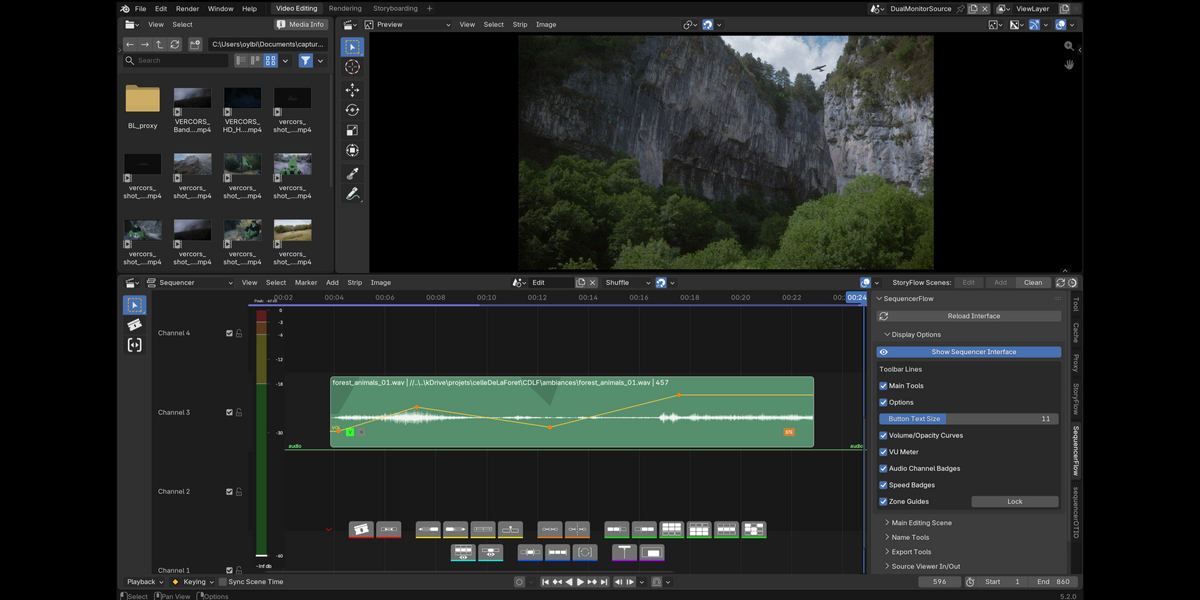
Contextual toolbar
Edit without digging through menus. The tools:
- Cut — classic cut of one or more selected strips at the timeline cursor.
- Join — stitch back two consecutive cut strips.
- Swap left/right — swap two shots to the left or right, keeping the selection.
- Slip — move the source within the strip's bounds.
- Insert (PRO) — insert a separately edited (in and out) source into the main edit.
- Connect / disconnect — writes metadata for OTIO export.
- Advanced selections — left/right/up/down/channel + selection sets.
- Isolates — channel or strip, reversible.
- Ranges — selected / all / auto.
- Follow playhead — the edit follows the playhead.
- Minimap (PRO) — a 2D minimap (time × channels) of the whole timeline, clickable or draggable to instantly recenter the main view.
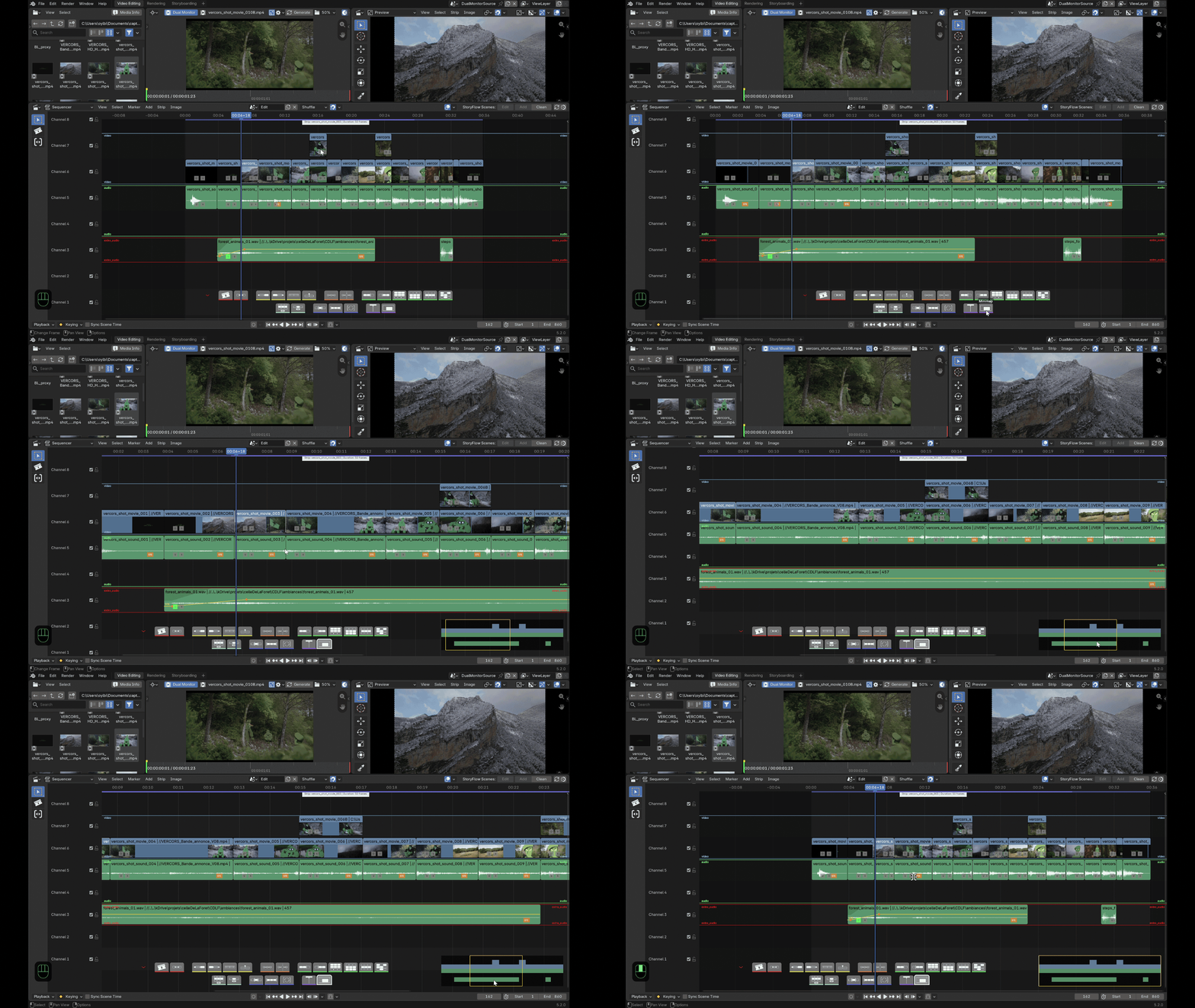
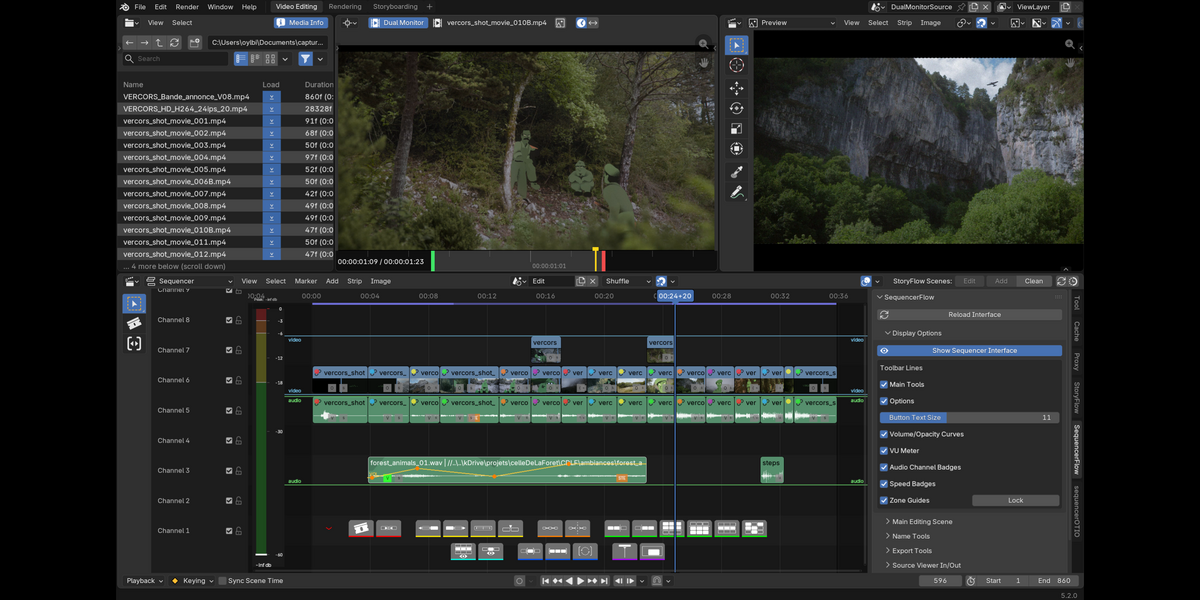
Source Viewer & 3-point editing (PRO)
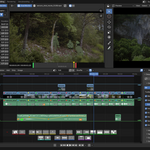
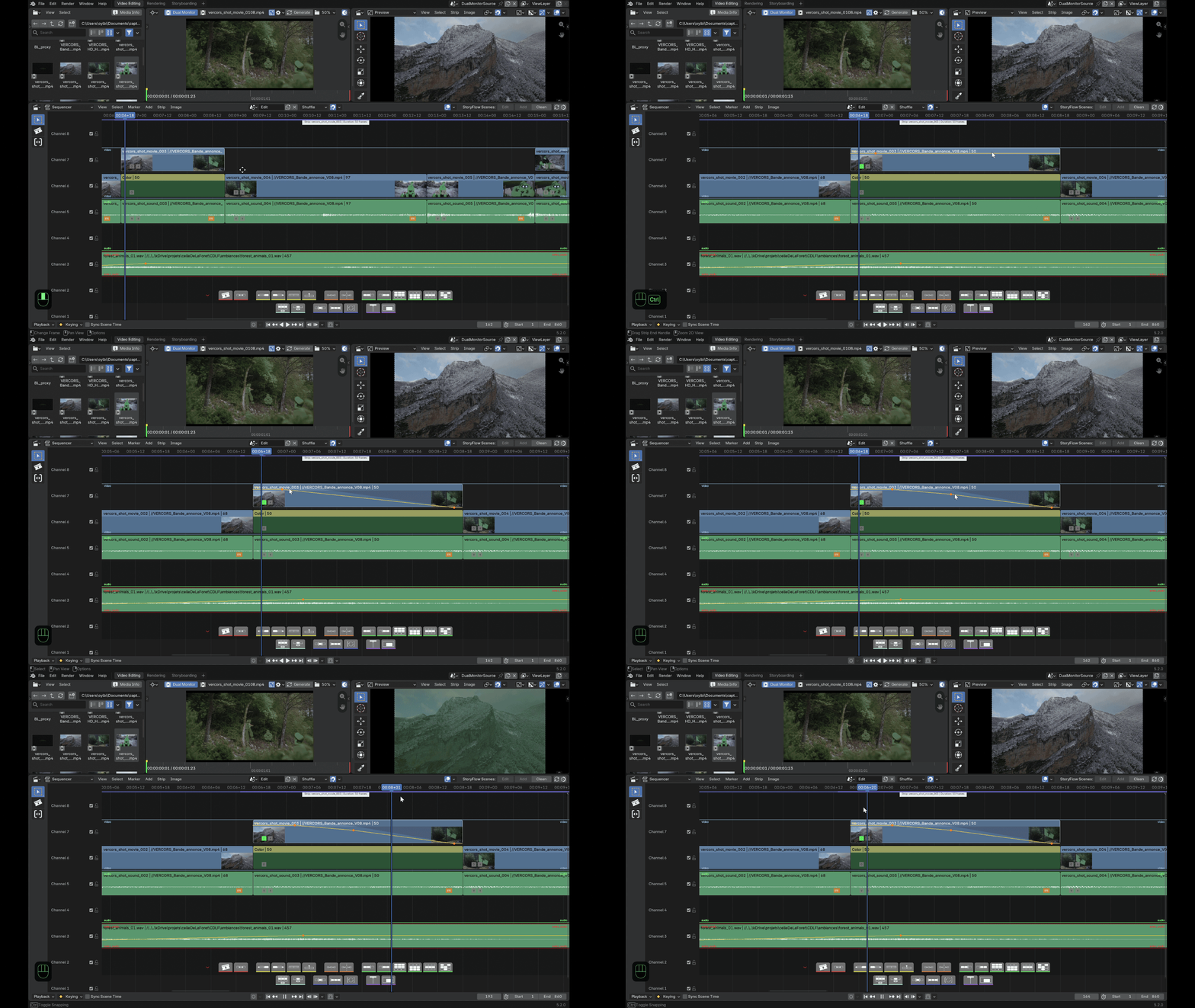
3-point editing — edit and insert a source — via two different methods: either through a dedicated second preview screen (Dual Monitor) alongside the main edit, or through a dedicated environment (scene switch). Both let you set an in and an out point and insert the defined section into the edit. Whichever source-editing mode you choose, the in and out points are kept. A comparative media preview (fps, resolution, duration, colour profile) is also available directly in the File Browser, to compare several files before loading them.
Curves, zones, audio & speed (PRO)
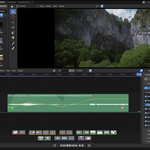
- Curves on strips — opacity and volume drawn right on the strip (ctrl+click to add a key), no Graph Editor needed.
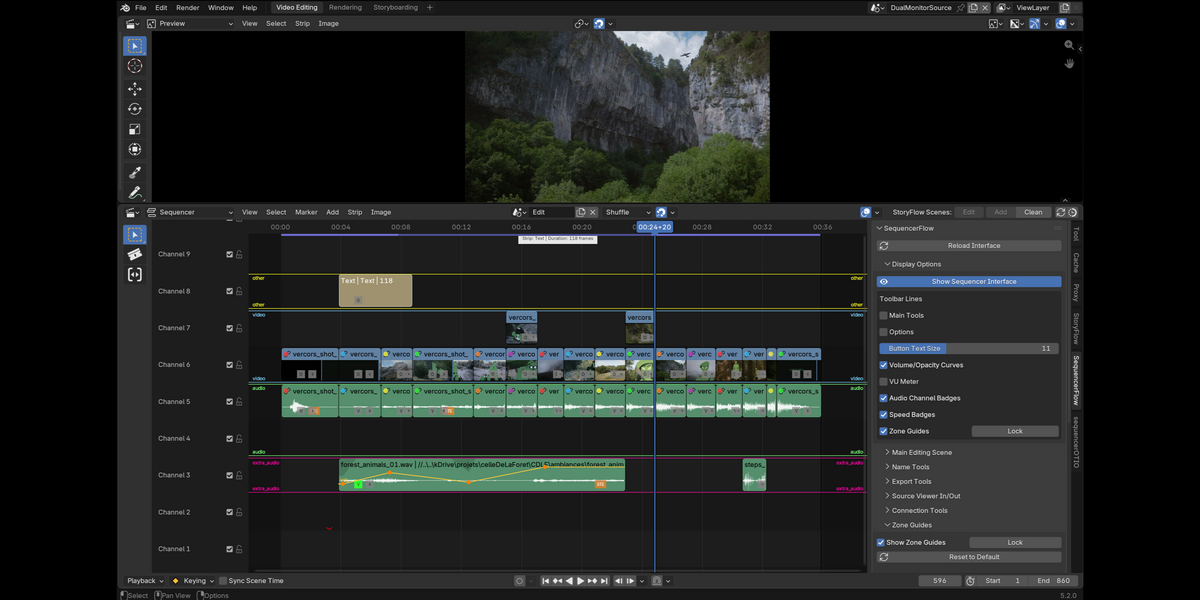
- Colour zones — guides delimiting work areas between the channels (with categories to tell video, sound, effects, etc. apart), with presets and renaming in the N-panel. The guides move around intuitively in the VSE.
- Advanced audio — real-time VU meter, audio channel badges on strips, one-click mono/stereo reassignment.
- Speed & retiming — speed badge on the strip, freeze frame, speed export to Resolve via sequencerOTIO.
Free LITE vs PRO
LITE — free (on the Blender Extensions platform): toolbar (except insert), split/join/swap/slip, advanced selections, isolation & frame range, follow playhead, zone guides, strip connections, batch rename, per-strip export, configurable shortcuts.
PRO — this product adds: Source Viewer + 3-point editing, opacity/volume curves on strips, on-strip speed control, advanced audio (VU meter, channels), timeline minimap, and Dual Monitor (second screen).
Native by design — remove sequencerFlow and your project is exactly as Blender left it.
Compatibility
Requires: Blender 5.2 LTS or newer · Grease Pencil v3.
Combines with: sequencerOTIO (strip connections and speeds are read automatically at export) and storyFlow.
📘 Full documentation · 🌐 slateflow-website
Released under the GNU General Public License v3.0 or later. Part of the SlateFlow suite.
slateFlow is developed in my spare time, alongside my freelance work. Prices are deliberately affordable: in return, I can't commit to fixed deadlines or on-demand development. Feedback and ideas are welcome — the most important bugs will be fixed, and good ideas will make their way in. Thank you for your understanding.
Found a bug? See Reporting a bug for what to include.