 Oylbis
Does it work with DaVinci Resolve?
Yes — sequencerFlow's strip connections are built to drive a clean export to Resolve via the companion add-on sequencerOTIO.
What's the difference between the free Lite and PRO?
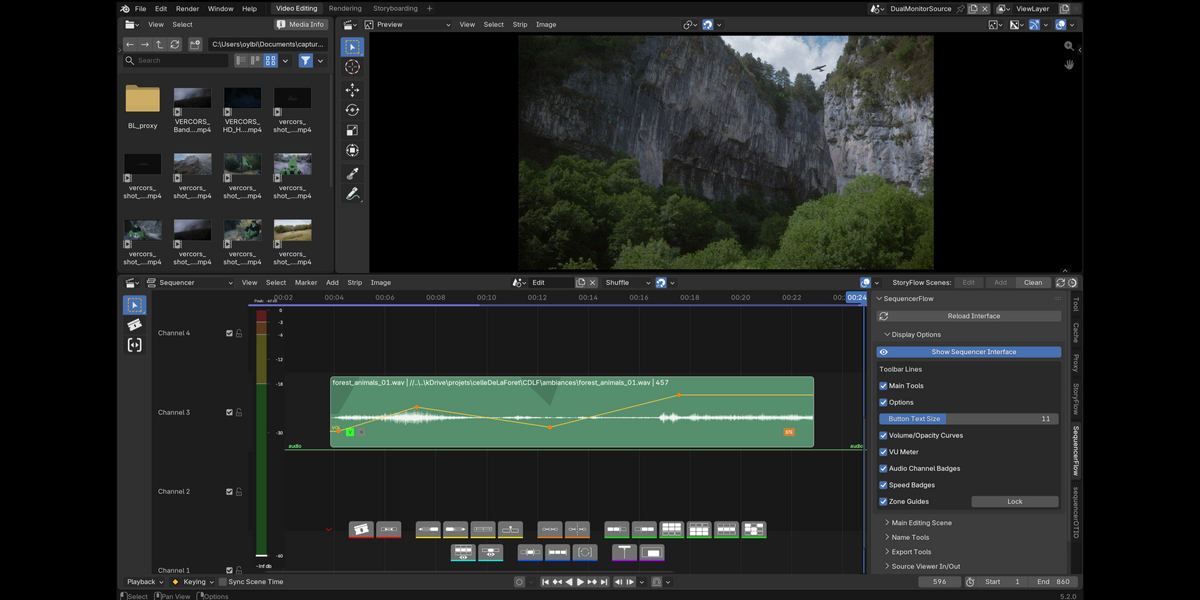
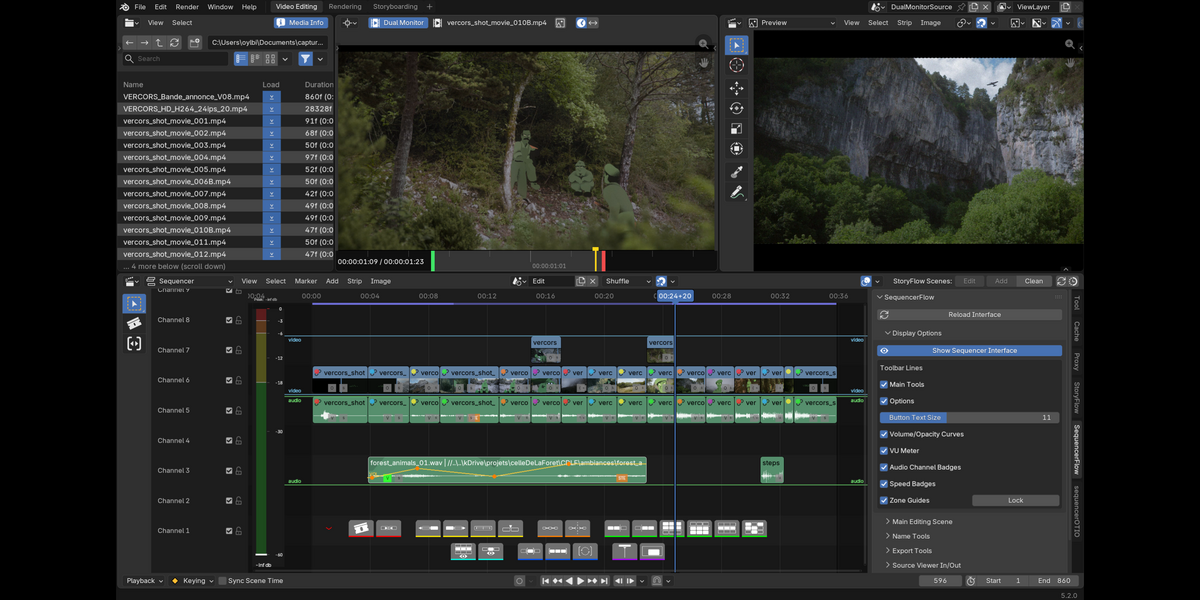
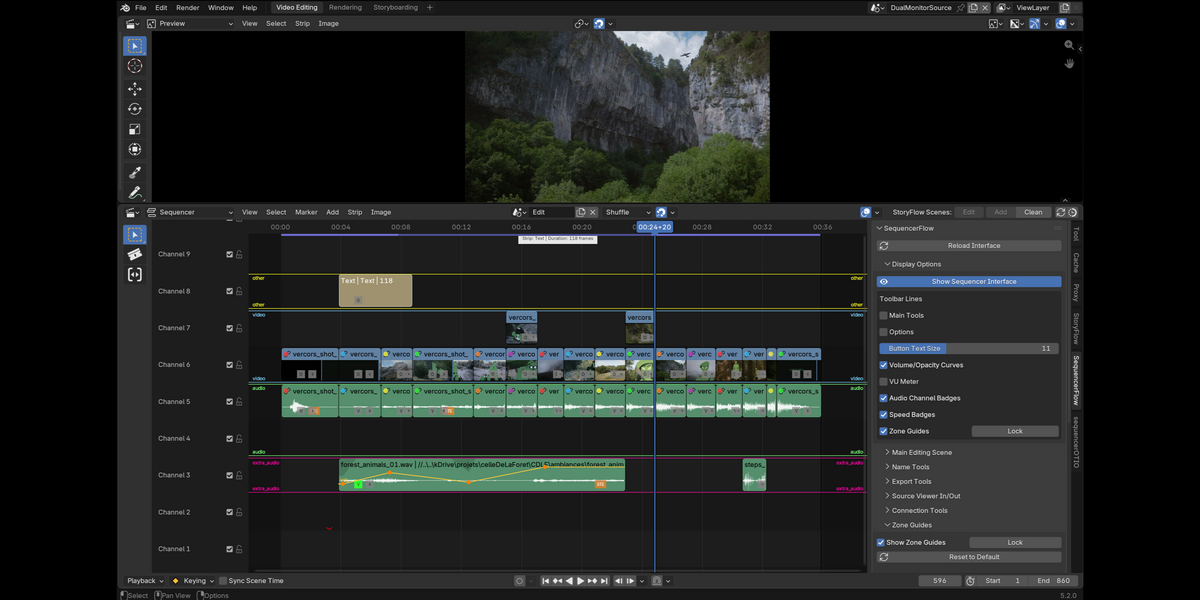
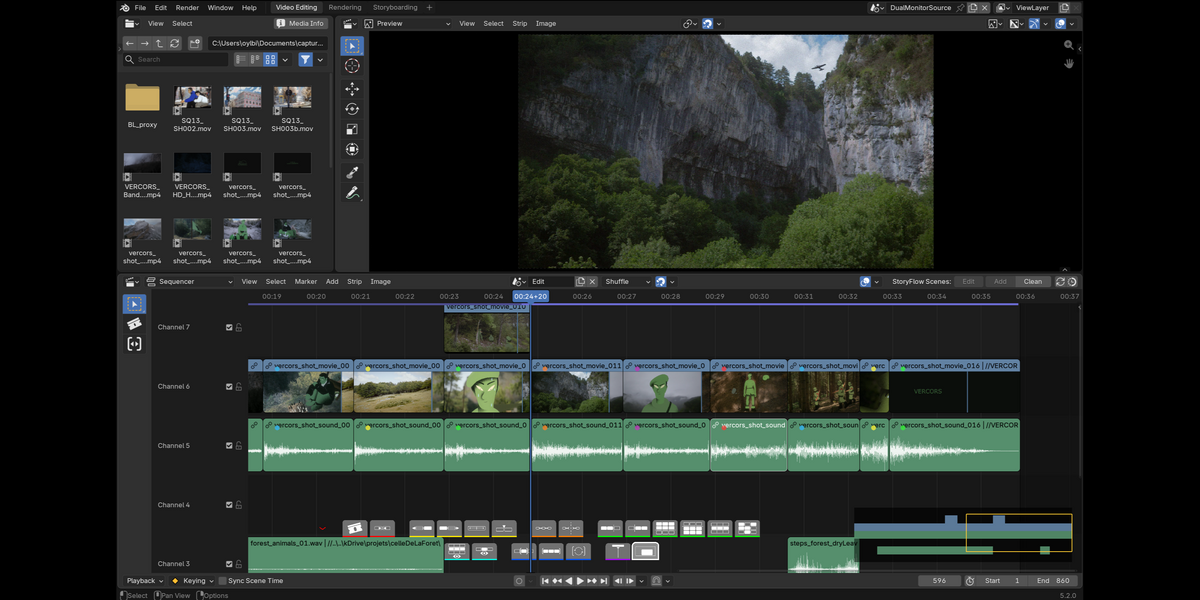
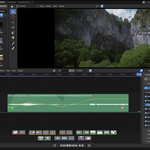
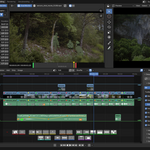
Lite (on the Blender Extensions platform) gives you the toolbar, zone guides, strip connections, batch renaming and segmented export. PRO adds three-point editing (Source Viewer / Dual Monitor), on-strip opacity/volume/speed curves, the VU meter, channel reassignment and the timeline minimap.
Will it change or break my project?
No. sequencerFlow is non-destructive and never replaces a native tool — every action is a real Blender operator. Disable it and your project is exactly as Blender left it.
Have questions about this product?
Login to message
| Blender Extension Compatible | Yes |
| Published | 3 days ago |
| Blender Version | 5.2 |
| Extension Type | Add-on |
| Render Engine Used | Cycles |
| License | GPL |
Discover more products like this
video sequence editor blender slateFlow editing addon vse Grease Pencil video editing Add-on 2d animation film editing storyboard