CG Cookie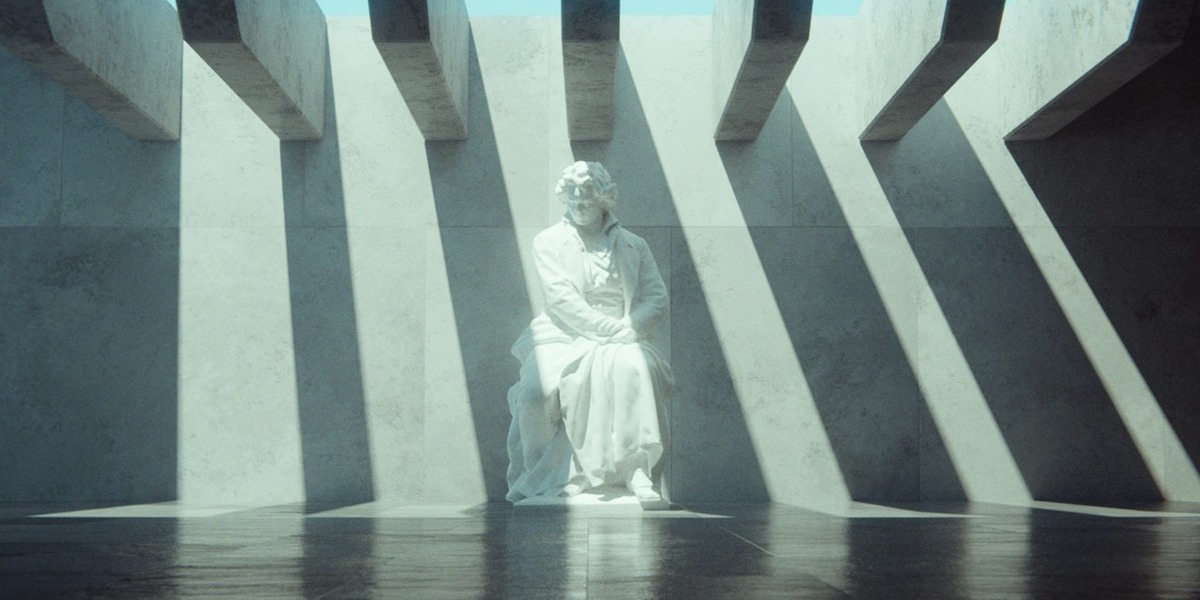






Six Scenes Built From Almost Nothing
Most Blender projects stall somewhere around week three, when the scene has grown bigger than your interest in it. SESSIONS is the CG Cookie format built to stop that: one scene, one sitting, two hours. Default cube at the start, finished render at the end.
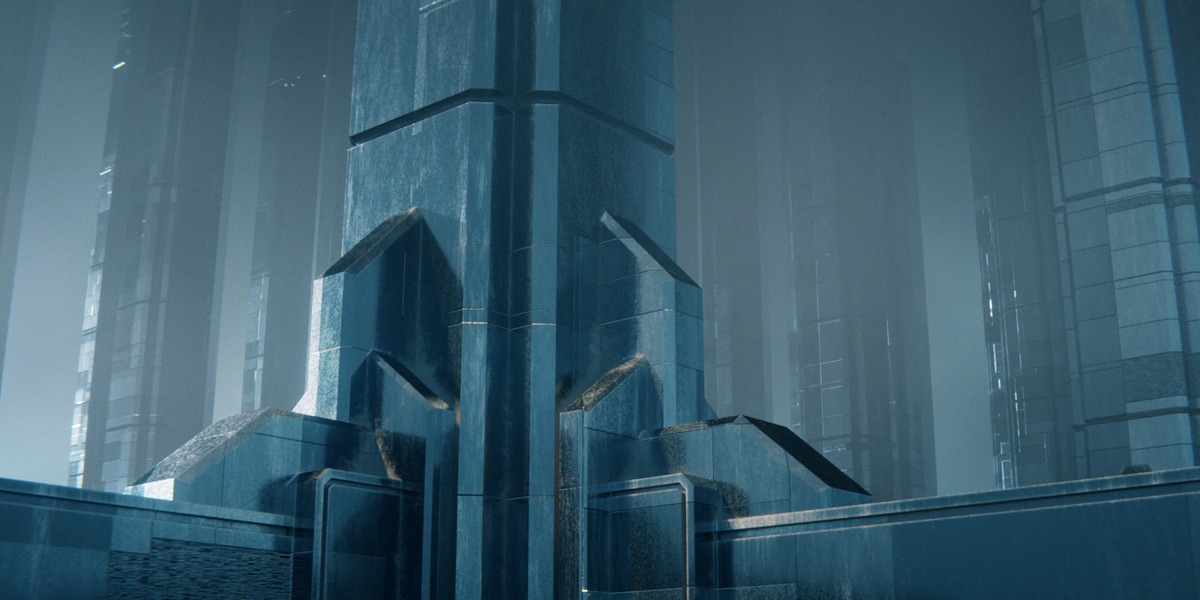
In SESSIONS | Minimalism, Kent Trammell pushes that rule about as far as it goes. The modeling is deliberately basic: primitives, extrusions, arrays, a bevel here and there. A planet made from spheres and a torus. A hallway that exists mostly to cut shapes out of light. A field of a hundred instanced pillars. The real work happens in shading, lighting and composition, which is where renders get good or bad anyway.
A couple of the projects skip lights entirely and fake the illumination by hand in the shader. It’s a self-imposed handicap, and it works: when Blender isn’t calculating the light for you, you learn how light actually reads.
6
complete projects
2 hrs
ceiling per project
3.3 – 3.5
Blender version recorded
Vol. I
of the SESSIONS series
What You Will Learn
Every project is a full loop: model, shade, light, animate, composite. These are the threads that keep coming back.
- More from less geometry: primitives, extrusions, arrays and bevels carry all six scenes. If the camera won’t see it, it doesn’t get modeled.
- Stacked procedural textures: noise and Voronoi layered into planet surfaces, rings, brick, sci-fi paneling and grime.
- Warped texture coordinates: bending vector coordinates so a procedural pattern stops looking like a procedural pattern.
- Gradients for believability: ambient occlusion, camera distance and color ramps doing the quiet work that makes a scene read as real.
- Lighting by hand: faking illumination in the shader on the projects with no lamps at all, then carrying that understanding into the ones that have them.
- Composition on purpose: the rule-of-thirds guide, short loopable or establishing-shot animations, and explicit focus objects to steer the eye.
- Finishing in the compositor: glare, vignette and film grain on every project.
- Borrowing when it’s smart: appending outside models, including public domain assets from Poly Haven, to finish a scene faster.
Is This Course For You?
A good fit if you…
- Know the basics and want something that looks finished by tonight.
- Start a lot of projects and finish very few. A two-hour ceiling fixes that faster than you’d think.
- Want to see how far shading and lighting can carry a scene with almost no modeling.
- Want a repeatable workflow for turning primitives into cinematic renders.
Probably not if you…
- Have never opened Blender. Start with CORE first.
- Want detailed hard-surface or character modeling. Kent models just enough and not one vertex more.
The Six Projects
01 · Planet

A ringed planet and its moon, built from spheres and a torus. The surface and the rings are procedural noise, and a post-processing pass turns a gray ball into something that looks like it came back from a space probe.
Lessons: Planet I: Modeling & Lighting · Planet II: Shading & Rendering · Planet III: Post-Processing
02 · Looping Patterns

A chapter of short abstract loops: soft blobs, streaking energy trails and a solar storm. Pure motion-graphics territory, and a good place to learn how to make an animation loop cleanly enough to play forever.
Lessons: Looping Pattern: Blobs · Looping Pattern: Energy Trails · Looping Patterns: Solar Storm
03 · Graphic Landscape

A flat, graphic mountain scene that animates from day to night, sun and moon included. It looks like an illustration on purpose. Stylized work depends on color and composition far more than polygon count, and this one proves it.
Lessons: Graphic Landscape I: Modeling · Graphic Landscape II: Shading & Lighting · Graphic Landscape III: Animation
04 · Light Shape Hallway
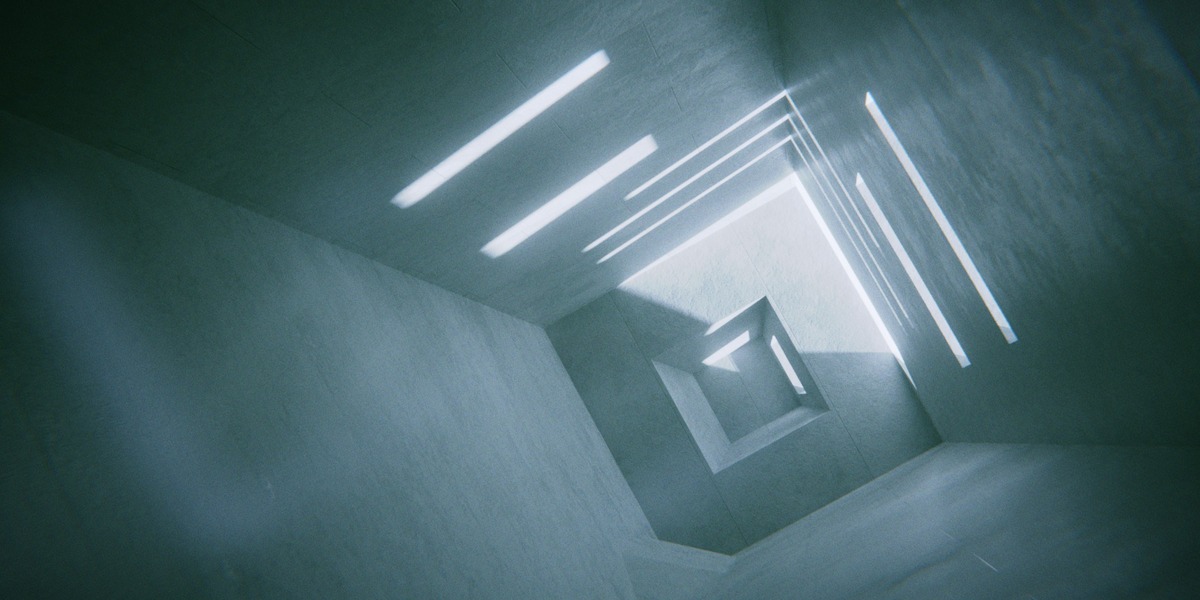
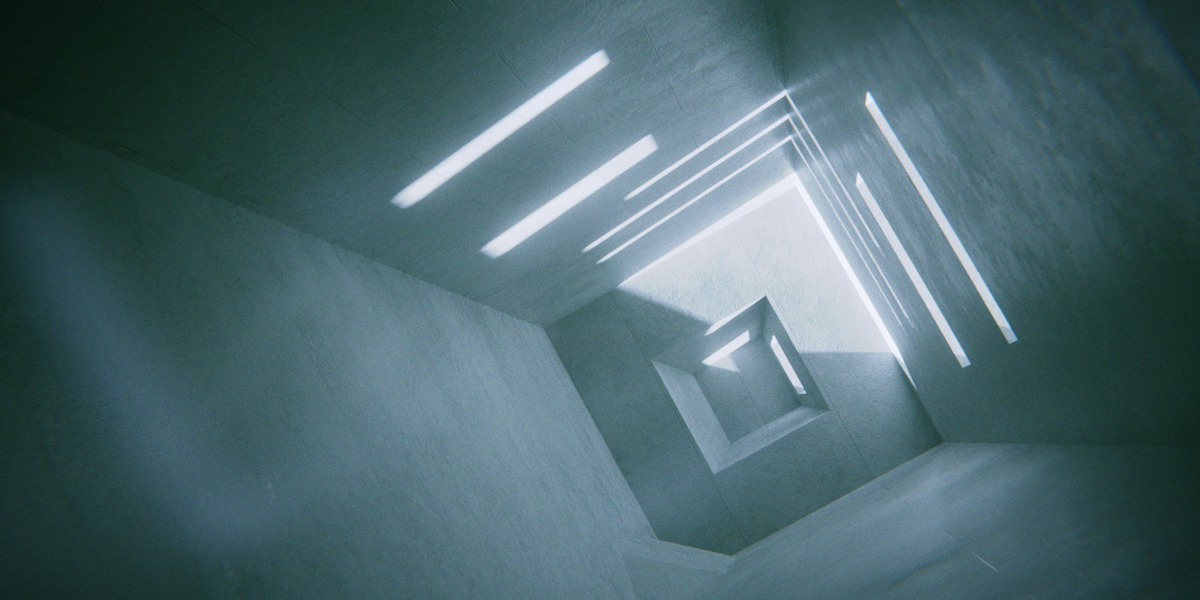
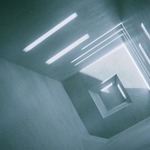
A hallway carved into openings whose only real job is shaping the light that pours through them. Modeling, shading and lighting happen in a single pass, then the camera move and finishing touches.
Lessons: Light Shape Hallway I: Modeling, Shading & Lighting · Light Shape Hallway II: Animation & Finishing
05 · Museum
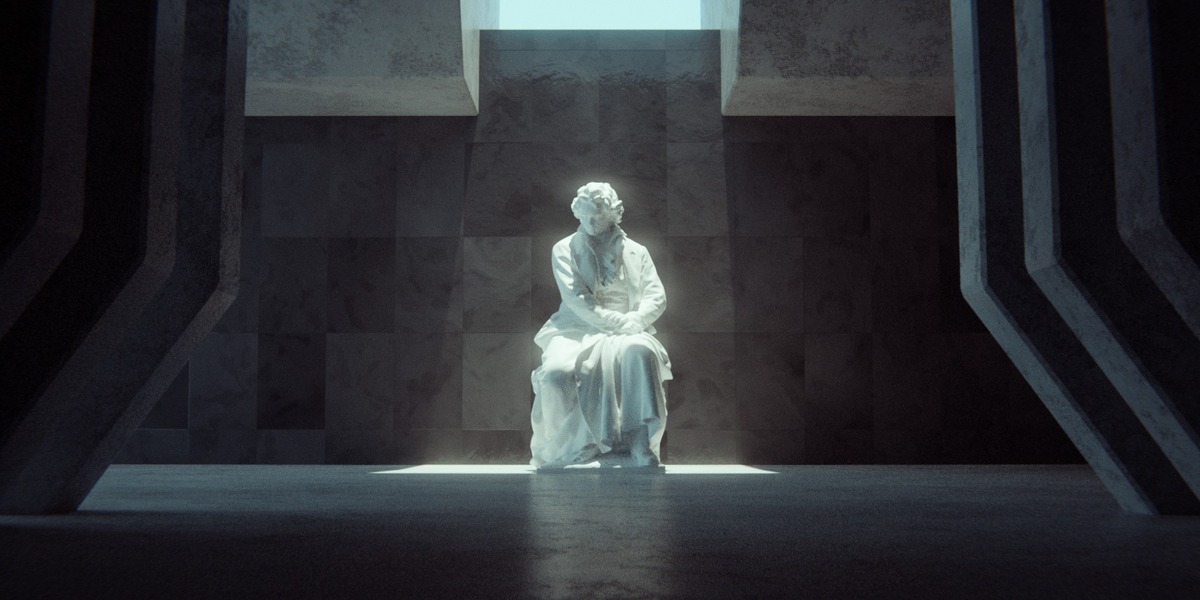
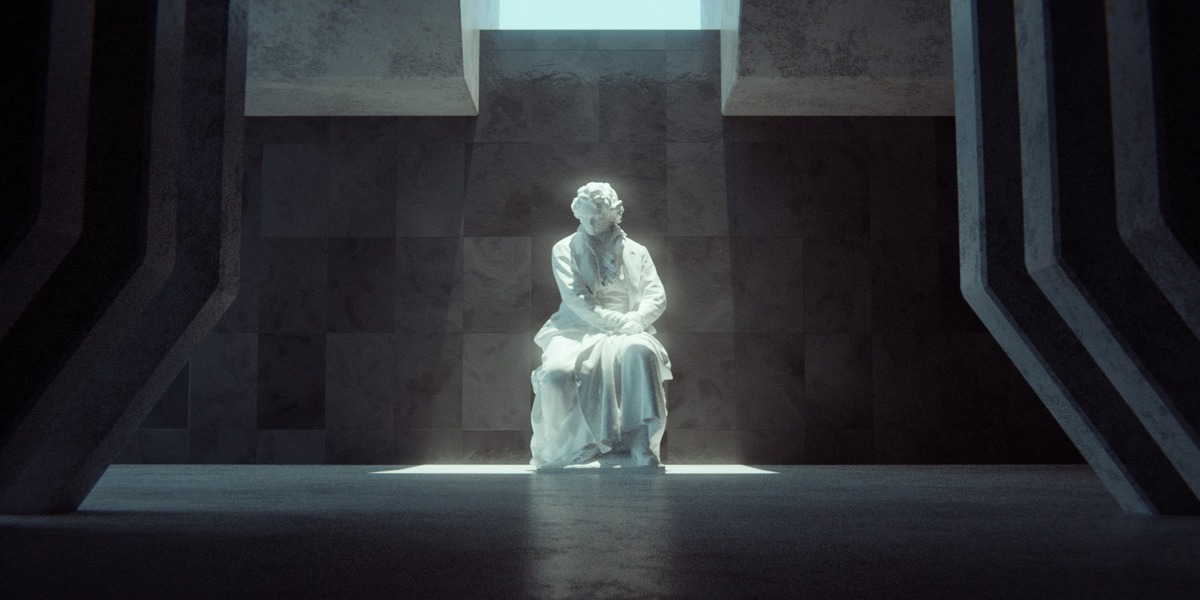
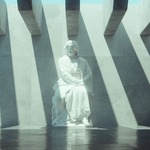
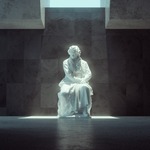
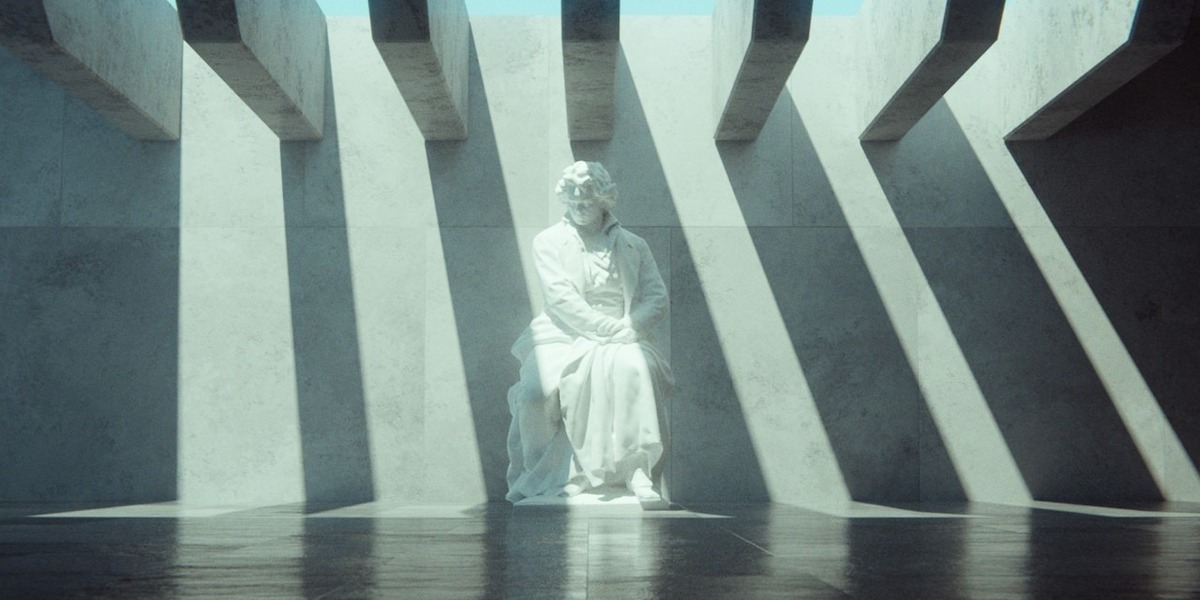
A concrete museum interior with a statue standing in shafts of light. The second lesson is a refinement pass, the step most of us skip, and the third uses explicit focus objects to control exactly where the viewer looks.
Lessons: Museum I: Modeling, Shading, Lighting · Museum II: Refinement & Animation · Museum III: Explicit Focus Objects
06 · Ancient Pillars
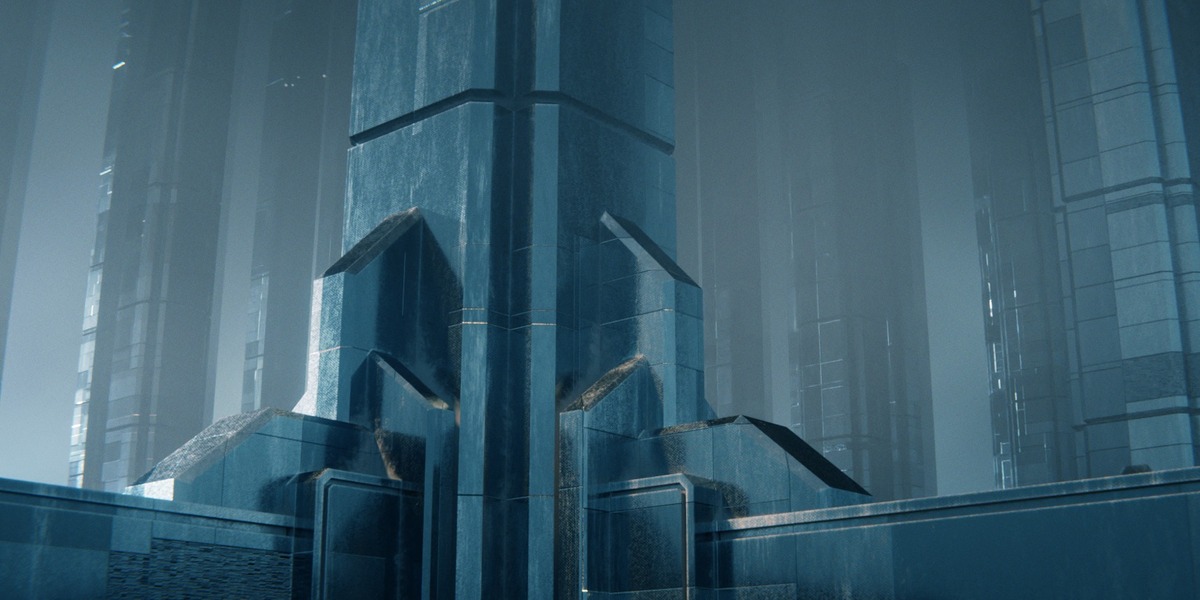
A field of a hundred instanced pillars, finished two ways: a brick version and a sci-fi version, each with its own procedural material. Birds, animation and post-production wrap it up, along with appending outside models from Poly Haven to fill out the scene.
Lessons: Ancient Pillars I: Modeling & Lighting · Ancient Pillars II: Brick Material · Ancient Pillars III: Sci-Fi Material · Ancient Pillars IV: Animation, Birds, Post Production
What's Included
- Downloadable video lessons for all six projects.
- Project files for every session, so you can open any scene and see exactly how it was built.
- English captions (.srt) for every lesson.
- A royalty-free license on everything you make with the course files.
Recorded in Blender 3.3 to 3.5. Still worth it? Yes.
These sessions were recorded a few Blender releases ago, and a few things have moved since. The Principled BSDF was reorganized in 4.0, and the Musgrave texture was folded into the Noise texture in 4.1. If a setting isn’t where Kent left it, a quick search usually turns it up in about a minute. You’ll even watch Kent switch Blender versions partway through the course when the shader editor gets laggy, and nothing breaks.
What hasn’t changed is the part that makes a render good: how light reads, what to model and what to fake, how far a color ramp and a little film grain can carry a shot. Blender’s fundamentals move slowly. If you only learn from courses recorded in the newest release, you skip an enormous amount of good Blender education to avoid a few renamed menus.
What Students Say
“I really appreciate this short format as it lends itself well for exploring and expanding further upon the concepts, while still having the energy left to do so.”
Rikard J., CG Cookie review
“I like the simplicity of the projects and I appreciated that each chapter starts from the beginning. This really teaches me to go from a default cube to an attractive render.”
Blender L., CG Cookie review
About the Instructor

Kent Trammell is CG Cookie’s most senior Blender instructor, with a 14-year career across feature films, 3D amusement park rides, TV commercials and YouTube. He’s a generalist at heart, strongest in modeling, sculpting, characters, texturing, materials and rendering.
Kent taught the first two SESSIONS courses. If you like his approach here, SESSIONS | Macro applies the same two-hour rule to tight, photoreal close-ups.
Frequently Asked Questions
I bought SESSIONS Vol. I & II. Is this the same content?
Yes. Vol. I & II packages Minimalism and Macro together. This is Minimalism on its own, with the same lessons and project files.
Do I need to take Macro first, or after?
Neither. Each SESSIONS course stands alone, and so does each project inside it. Start with whichever scene you want to make.
How experienced do I need to be?
Comfortable with the basics: navigating the viewport, adding and editing simple shapes, and finding your way into the shader editor. Reviewers on CG Cookie describe it as beginner friendly, as long as you’ve got the fundamentals.
Are the projects really two hours?
Two hours is the budget for the scene. Expect your first pass to take longer, because you’ll pause, rewind and try things. That’s the point.
I’m a CG Cookie member. Do I need to buy this?
No. Active CG Cookie members already have SESSIONS | Minimalism in their library.
What if I get stuck?
Message CG Cookie through the Contact the creator link on this page. Purchases here don’t include instructor feedback or community access, but they can be converted to a CG Cookie membership, which does. See below.
The SESSIONS Series
Four courses, three instructors, one rule: every project is scoped to two hours or less, from an empty file to a finished render. Each course stands on its own, so start wherever the subject grabs you.
You are here
Vol. I Minimalism
Kent Trammell · 6 projects


Want Minimalism and Macro together? SESSIONS Vol. I & II packages both of Kent’s courses.
About CG Cookie Courses
All of our courses, including this one, are included with a membership at cgcookie.com. If you would like to convert this purchase into a CG Cookie subscription, which adds exercise feedback from instructors and community access for questions and support, email [email protected] with your Superhive order ID and we will send a coupon code that applies your purchase toward it.
❤️ CG Cookie, a project of Autotroph, contributes to Blender development through Autotroph’s Corporate Gold sponsorship of the Blender Development Fund. Your support of CG Cookie helps make this possible.