 Aman3D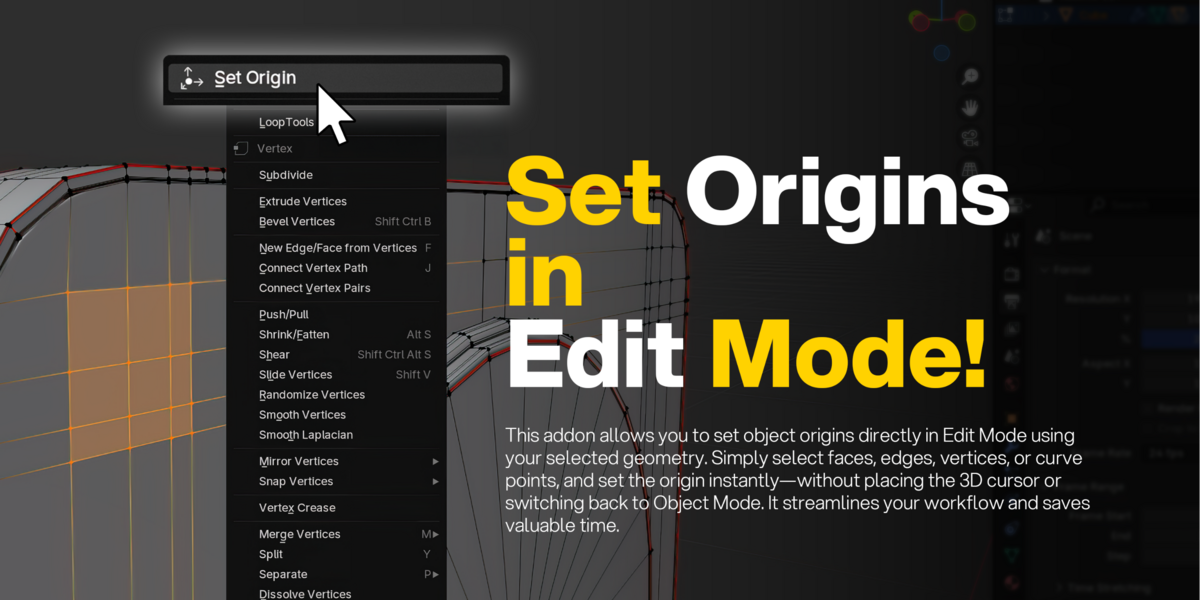



Overview
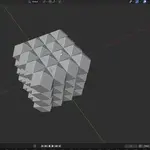
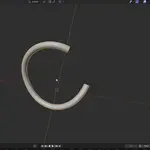
Set Origin in Edit Mode lets you set an object's origin directly from the selected geometry without leaving Edit Mode. It works with both Mesh and Curve objects and preserves your 3D Cursor position after the operation.
Features
- Set object origin directly in Edit Mode.
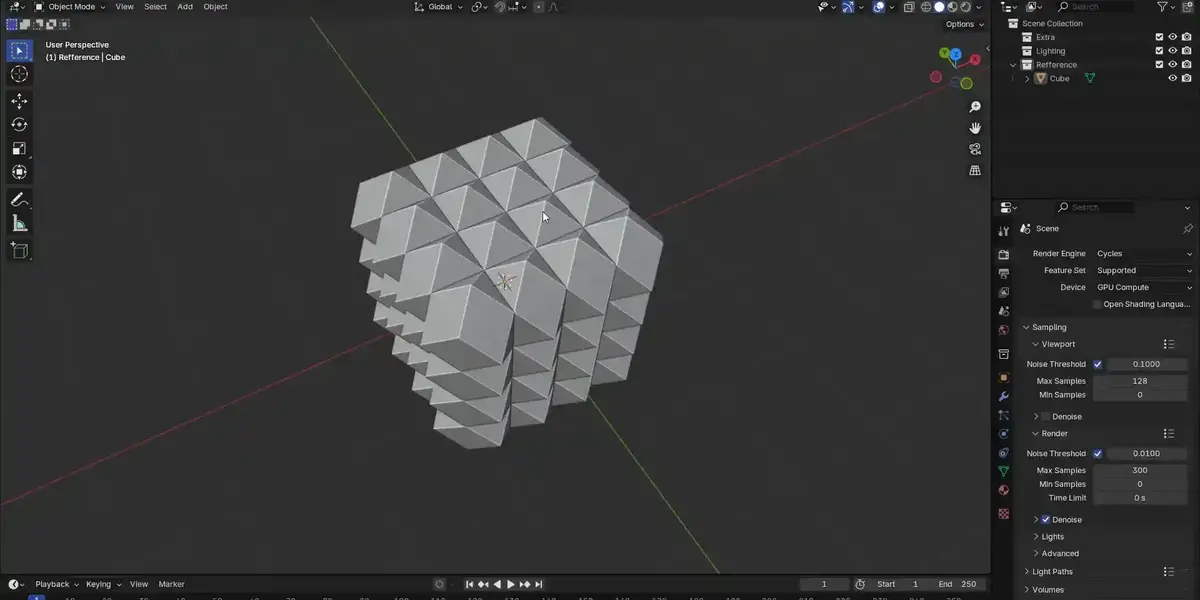
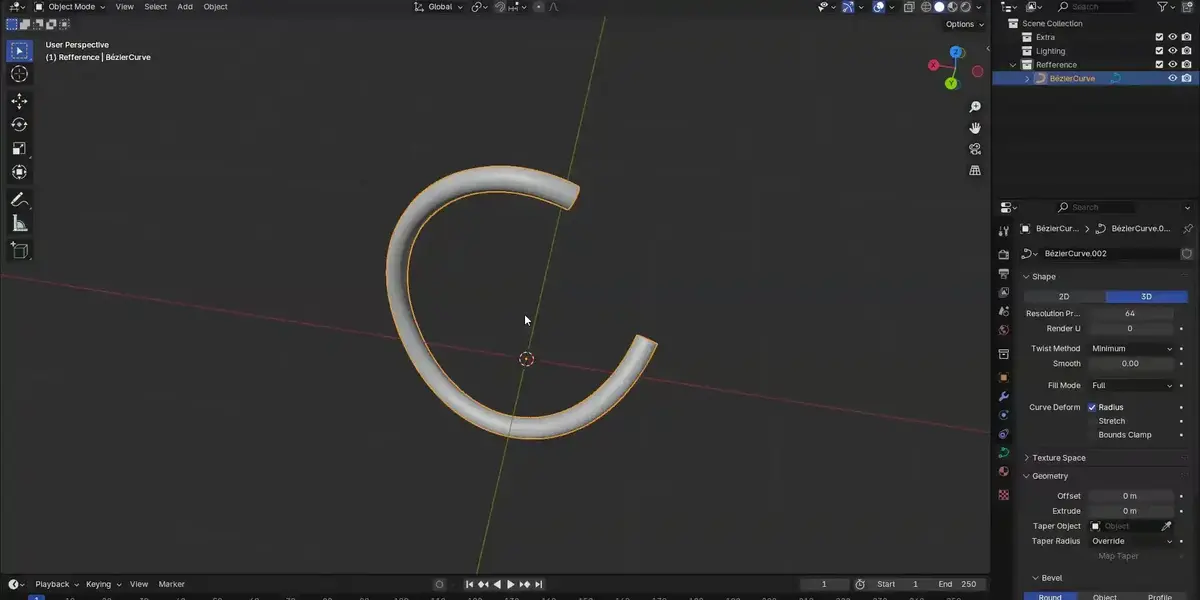
- Supports Mesh and Curve objects.
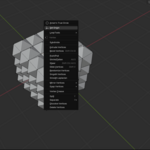
- Accessible from the right-click context menu.
- Automatically restores the 3D Cursor position.
- Fast one-click workflow.
Installation
- Open Edit > Preferences > Add-ons.
- Click Install...
-
Select the downloaded
.pyfile. - Enable Set Origin.
How to Use
- Select a Mesh or Curve object.
- Enter Edit Mode.
- Select the vertices or control points you want to use.
- Right-click in the viewport.
- Click Set Origin.
The object's origin will move to the median position of the selected geometry.
$2
Have questions about this product?
Login to message
| Published | about 2 months ago |
| Blender Version | 4.2 - 5.2 |
| Extension Type | N/A |
| Render Engine Used | Cycles, Eevee |
| License | GPL |
Discover more products like this
origin curves meshorigin objectorigin blender BlenderTool 3DEditing curvesorigin BlenderAddon blendereditmode setorigin blenderedit