Set The Scene - Blender Studio Lighting Presets & Backdrops: 37 Light Rigs, Product Photography Sets
 Rasheed's Edit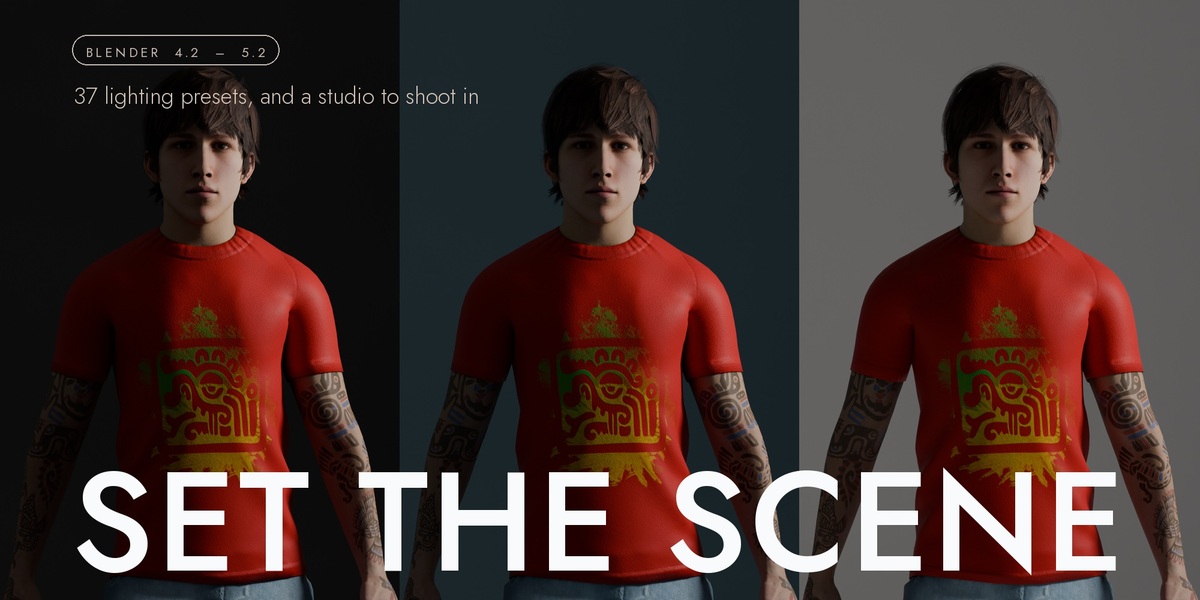



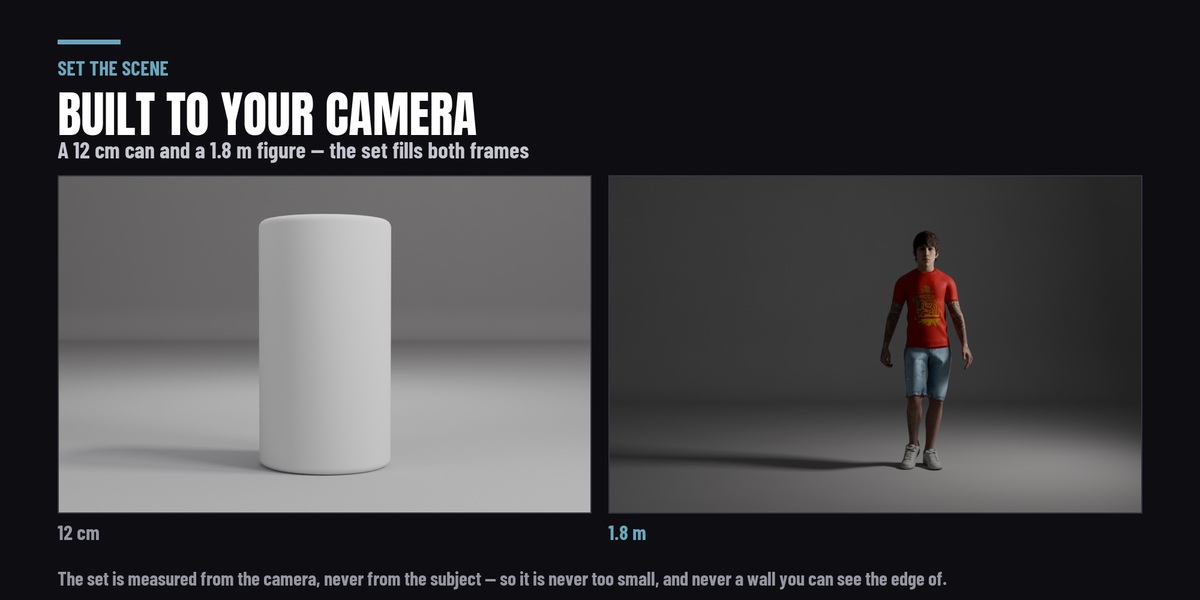

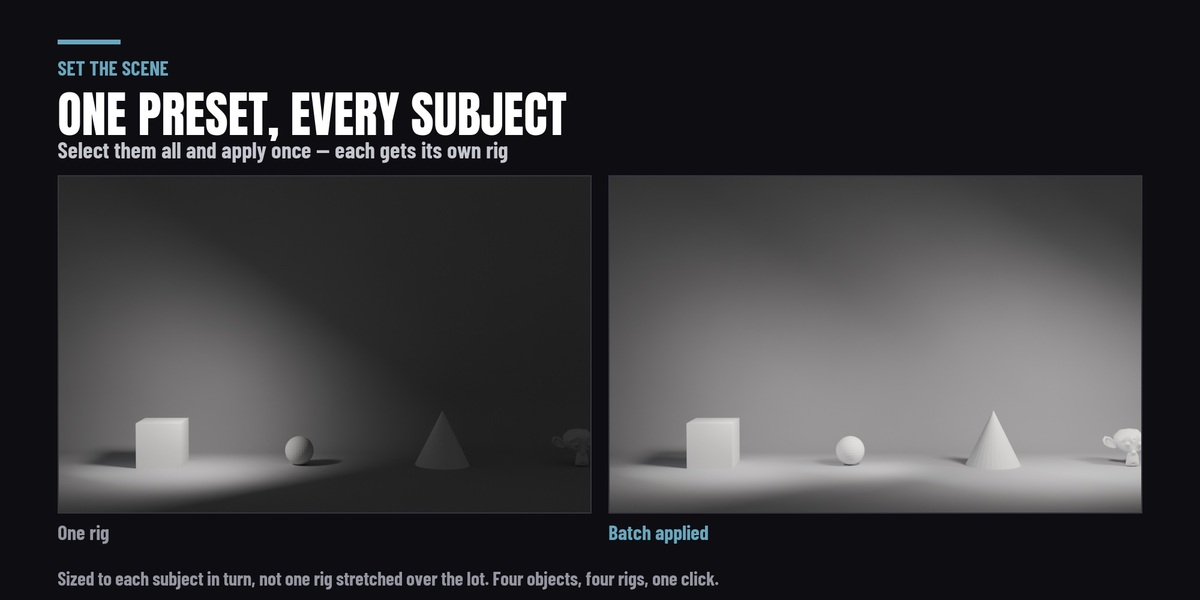
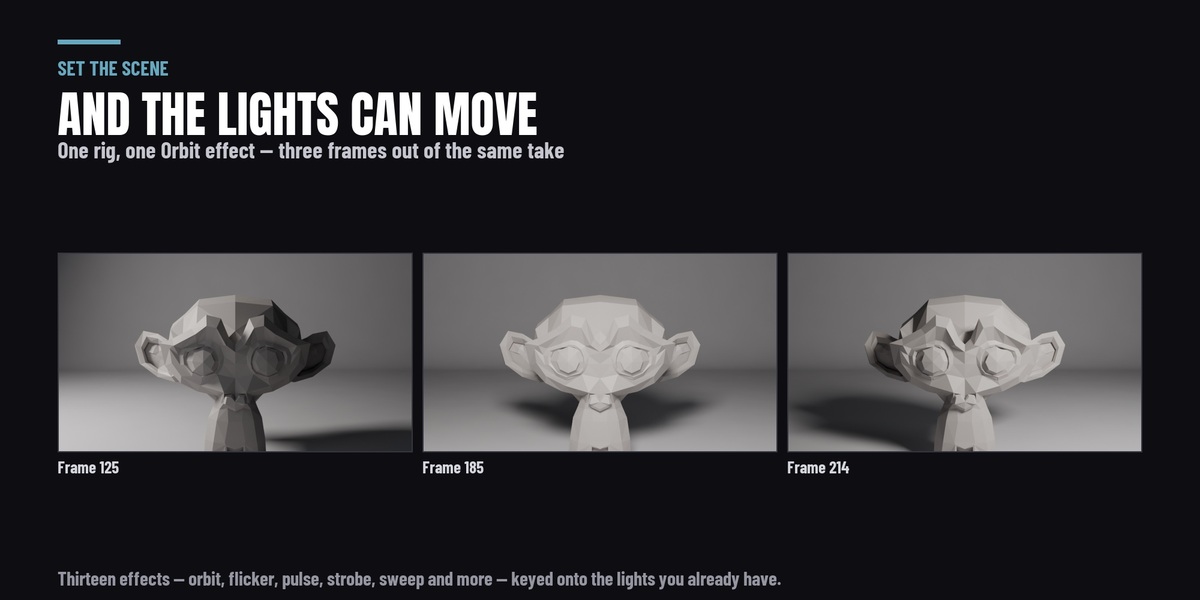


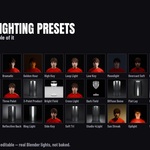
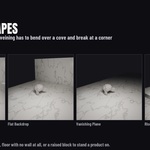
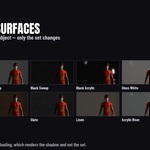
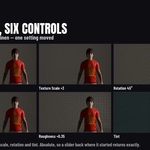
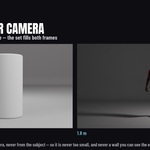

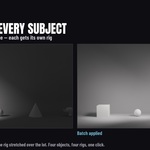
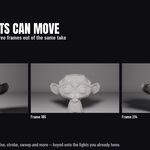

The Properties editor, on the Render tab, in a panel called Set the Scene — the same place Blender keeps your render engine and sampling settings. It is not in the 3D viewport's N panel.
Inside it is a row of three sections — Light · Set · Batch — and the panel shows one at a time. Click a name to switch.
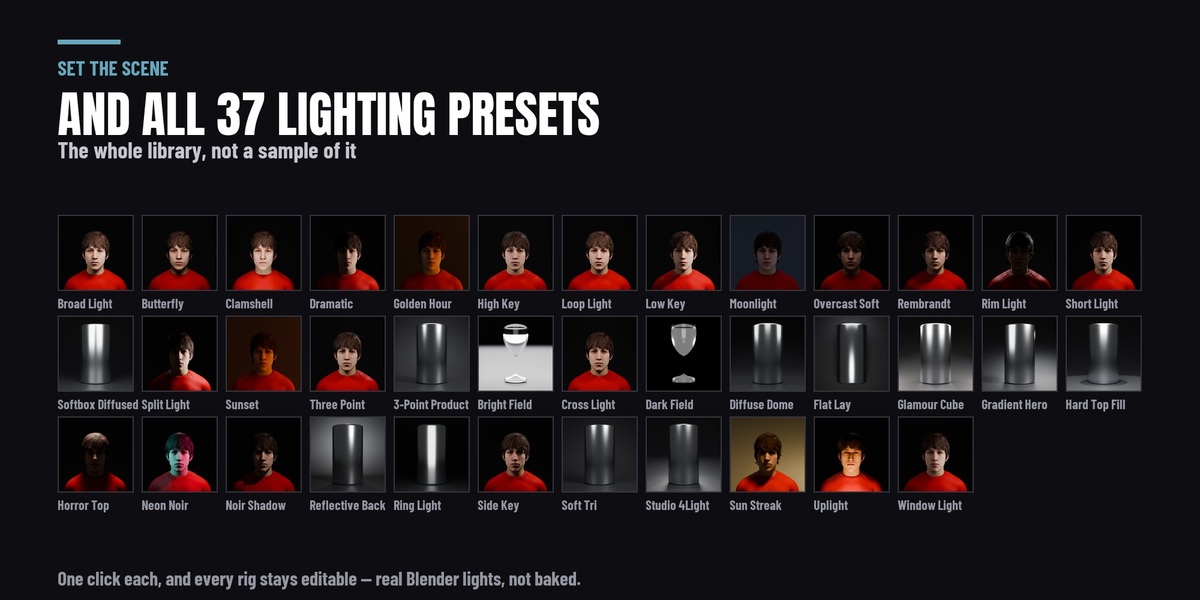
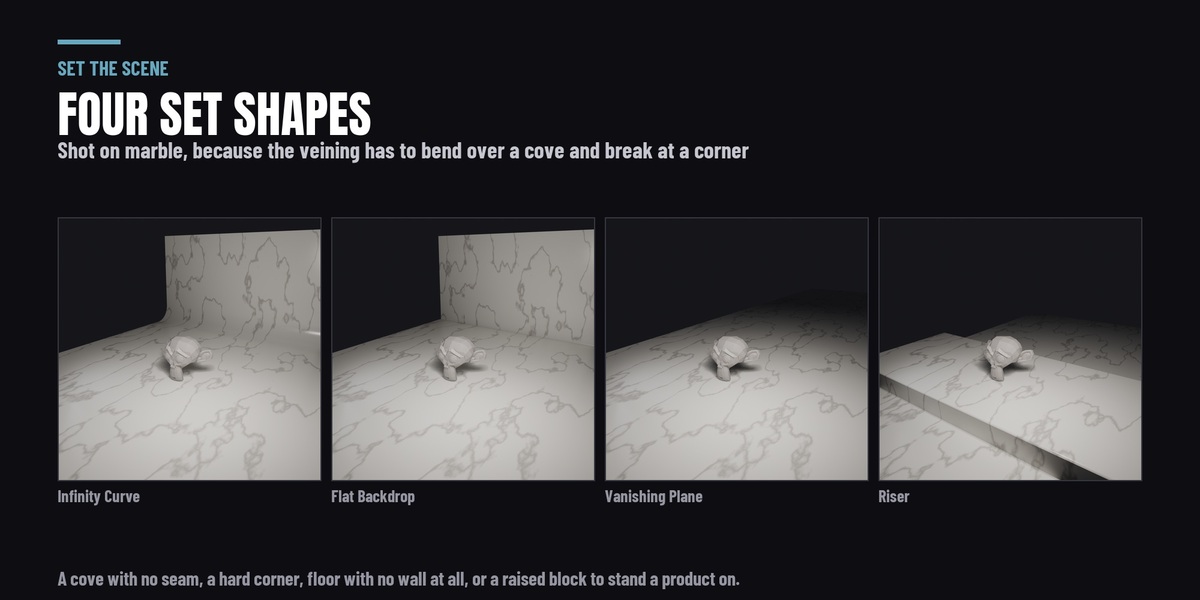
Light It Up contains this product in full, and a good deal more. This is the lighting library and the studio set: 37 lighting presets, the four master controls, fit-to-subject, custom preset saving, batch apply, the 13 animated lighting effects, and the four set shapes across twelve surfaces.
Light It Up adds the parts that are not in here: 16 procedural gobo patterns, 6 IES profiles and 4 softbox modifiers, the visible light beam, 22 volumetric atmospheres, HDRI world lighting, reference-image matching, and the render-pipeline layer — light groups, snapshots and light linking.
If you want lighting presets and something to stand your subject on, this is the whole of that. If you want the shaping and the atmosphere too, the suite is the one to buy and this would be money spent twice.
No. Everything on this page is already in it, including the sets. Buying this would give you nothing you do not have.
If you install it anyway, nothing breaks: it detects the suite, declines to register, and adds a line to Light It Up's own panel saying that is where the sets live.
Yes, with two differences that are Blender's rather than this add-on's, and both are labelled in the panel where you can see them:
- The shadow catcher — the Floating surface — is Cycles only. Blender has no EEVEE implementation of it at all. The panel names the engine you are in and says what that means, rather than leaving a checkbox that does nothing.
- The planar reflection probe that sharpens the gloss surfaces is EEVEE only. In Cycles the reflection is traced directly and a probe makes no difference, so none is added.
Everything else — all 37 rigs, all four shapes, all twelve surfaces and all six surface controls — renders in both.
There are none. Every surface is procedural, built from pattern layers in Blender's own shader nodes. Nothing is downloaded, nothing sits in your project folder, and nothing goes missing when you move the .blend to another machine.
It also means the surfaces resize honestly. The set is unwrapped in metres, so the texture scale means repeats per metre — the grain runs along the floor and keeps running up the wall rather than smearing where the surface turns vertical.
Ordinary Blender data, all of it. The rigs are plain lights parented to an empty in their own collection; the sets are plain mesh. Nothing is locked, nothing is driven, and there is no custom node group to reverse-engineer.
Select a light and move it. Delete one. Enter edit mode on the backdrop. The preset is a starting point you are meant to leave, and nothing stops working when you do.
Because it is measured against your camera's frustum, not your object.
A backdrop sized from the subject's bounding box is wrong by about a factor of fifteen across the range from a 12 cm bottle to a 1.8 m figure — and either way you find out when the edge of it turns up in frame. Sized from the camera it fills the frame at both ends with no visible background edge, which is what it is for.
If there is no camera in the scene it falls back to sizing from the subject and says so, in the same line that reports the dimensions it used.
That is a floor doing what a floor does, and it is handled. Two of the 37 rigs place a light below the floor deliberately — Uplight and Clamshell — so Light Passes Through is on by default and the set does not block light.
If you turned it off, that is the control to turn back on. The set is one mesh, so it covers the floor and the backdrop together; there is no way to let light through one and not the other.
Presets that put a backlight further away than the wall are handled the other way round: the wall moves back and the set grows to suit, because a backlight in front of the wall would be in shot.
No. That is a separate product — Fill the Air, at the same $19 — and it is also in the Light It Up suite.
This page is deliberately explicit about it, because "studio lighting" and "atmosphere" sound like the same thing in a search result and are not.
The 13 animated lighting effects ARE in here, in the Move section: Orbit, Follow, Sweep and Light Swarm move the lights through the scene, and Flicker, Noise Flicker, Strobe, Pulse, Breathe, Bounce, Fade, Colour Fade and RGB Cycle drive their power and colour. They write ordinary keyframes on ordinary Blender lights, on a rig this built or on a lamp you placed yourself, and Clear Animation takes them off again.
Yes. Light something by hand, press Save Preset, name it, and it joins the library beside the shipped ones with its own button.
They are stored outside the add-on folder, so reinstalling or updating cannot delete them. If you set a Presets Folder in the add-on's preferences they go there — one folder, yours, shared across every Blender version you run. If you do not, they go to Blender's own extension data directory, which is per version, so a preset saved in 4.2 will not appear in 5.2. Setting the preference is the first thing worth doing.
Yes, and that is what Fit To Subject does. Distance, source size and power scale together with the object, so a preset gives the same look on a 1.8 m figure and on a 12 cm bottle rather than a softbox ten times the bottle's size.
It is on by default. Turn it off and rigs build at their authored scale.
Yes. Renders, animations, client work, products you sell — there is no restriction on what you make with it and no attribution required.
The add-on itself is GPL-3.0-or-later, which is what a Blender add-on has to be: it is a derivative of Blender's Python API. That means the source is in the zip and you may modify it. What you are paying for is the work, the updates and the support, which is how every add-on on this marketplace works.
None of the three. It installs as a Blender extension, runs entirely offline, and declares one permission — file access — which is for saving your own presets.
4.2 LTS and newer. This release was tested on 4.2 LTS, 4.5 LTS, 5.1 and 5.2 — run on each rather than assumed, because Blender moved the compositor in 5.0 and changed a core animation API in 4.4, and both silently broke add-ons that had only ever been tried on one version.
It runs on Windows, macOS and Linux.
-
$16.15 $19
Have questions about this product?
Login to message
| Blender Extension Compatible | Yes |
| Published | 2 days ago |
| Blender Version | 4.2 - 5.2 |
| Extension Type | Add-on |
| Render Engine Used | Cycles, Eevee |
| License | GPL |
Discover more products like this
Studio 3-point product rendering shadow catcher presets Lighting cyclorama Studio Lighting rig procedural Render Setups backdrop