Set The Scene - Blender Studio Lighting Presets & Backdrops: 37 Light Rigs, Product Photography Sets
 Rasheed's Edit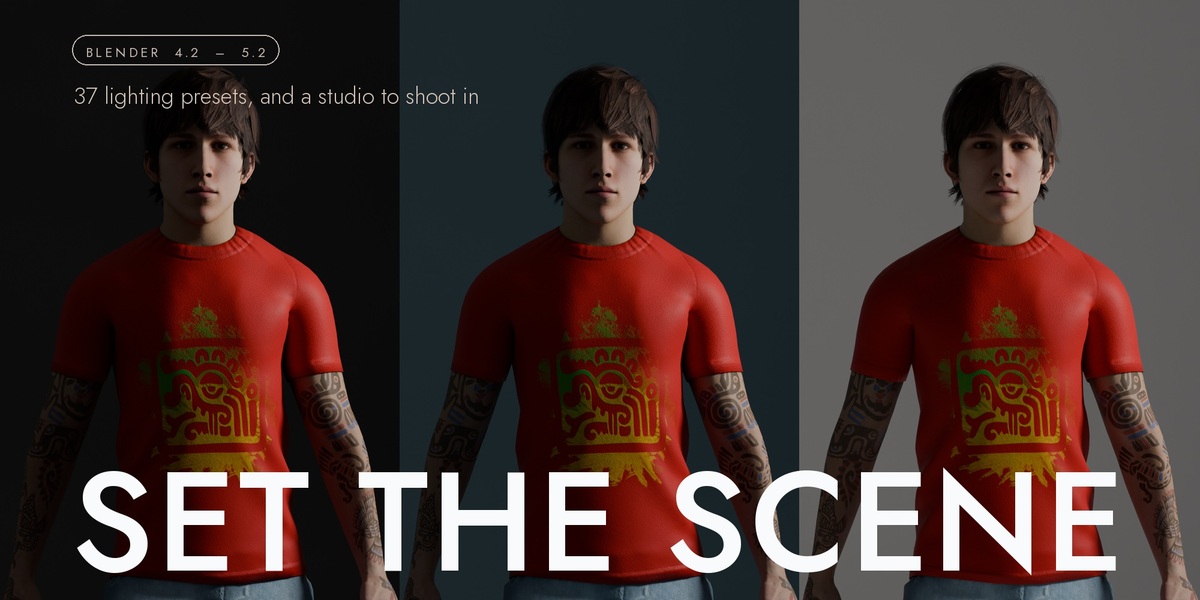








1.0.0 — first release
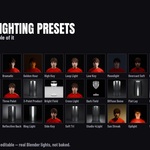
Set the Scene is 37 studio lighting presets and a studio set to stand your subject on, in one panel on the Render tab.
LIGHTING
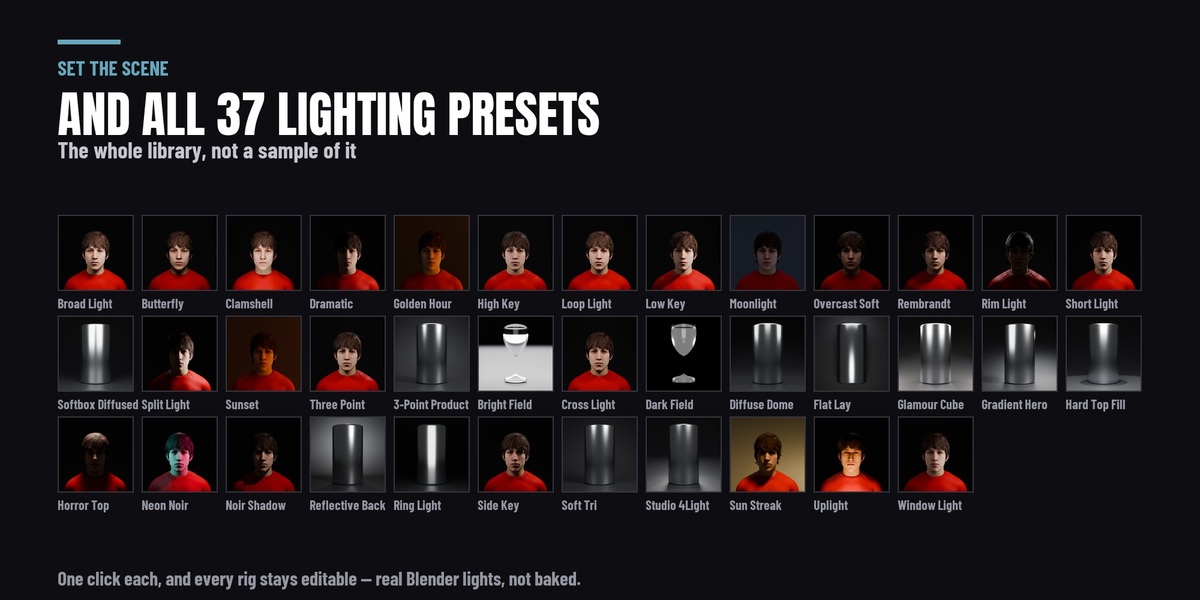
- 37 lighting rigs, each with a rendered thumbnail so you pick a look by looking at it. Rembrandt, clamshell, butterfly, split, loop, bright field, dark field, noir, golden hour, uplight, ring light, window light and the rest — built as ordinary Blender lights in their own collection, with nothing locked, nothing driven and no custom node group.
- Four master controls that move the whole rig at once — intensity, colour temperature, key-to-fill ratio and orbit. They are absolute rather than incremental: every light stores what the preset authored and each slider recomputes from that, so 1.0 → 3.0 → 1.0 returns exactly where you started.
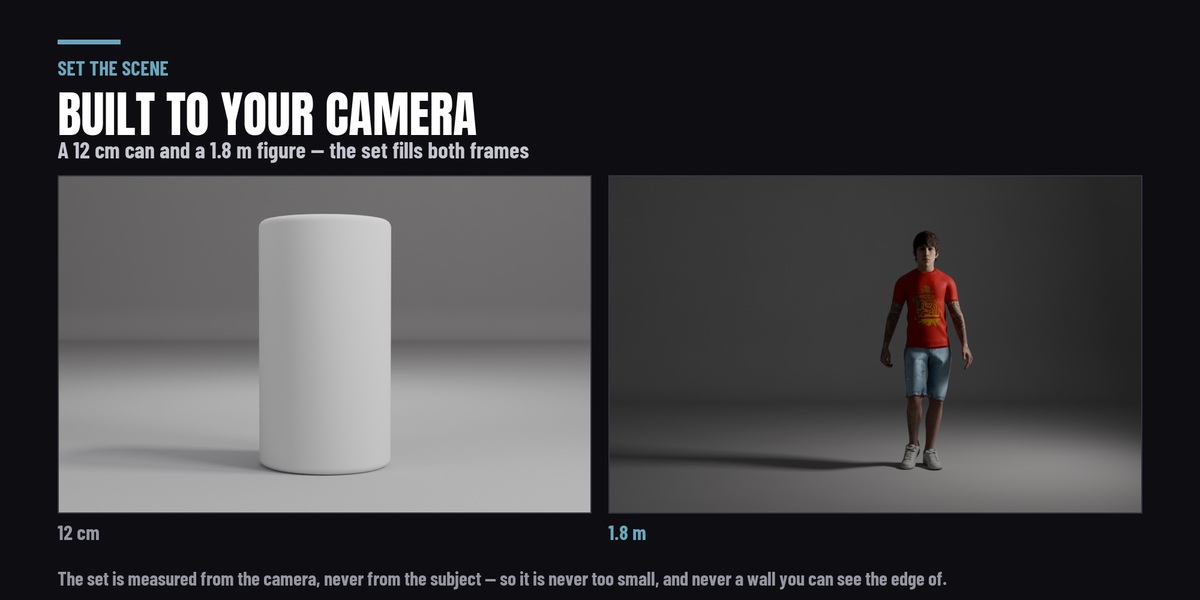
- Fit To Subject. Distance, source size and power scale with the object, so the same preset reads the same on a 1.8 m figure and a 12 cm bottle.
- Save your own. Light something by hand, press Save Preset, and it joins the library. Presets are stored outside the add-on folder, so an update cannot delete them — and if you set a Presets Folder in preferences they follow you across Blender versions.
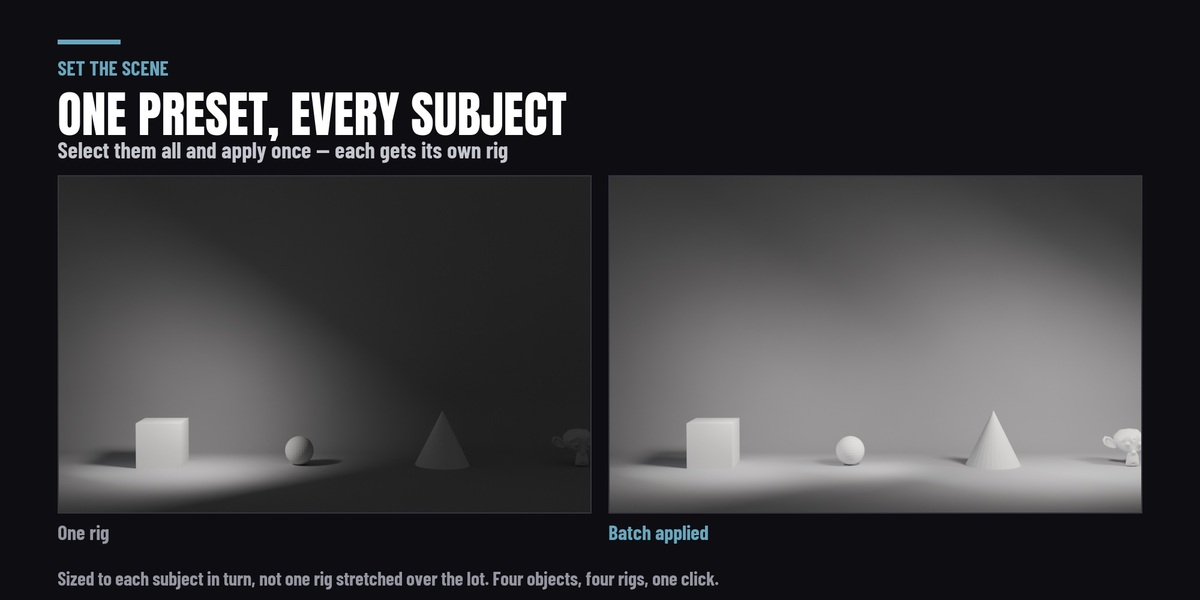
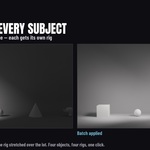
- Batch apply. Select several objects and light each one, fitted to its own size rather than all of them sharing one rig.
THE SET
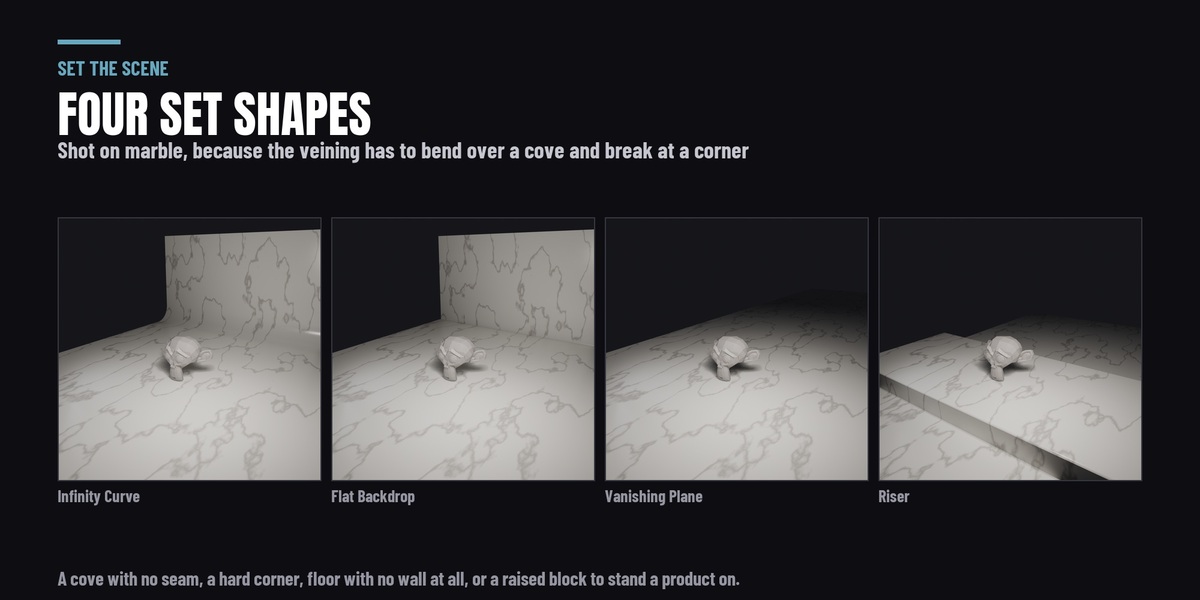
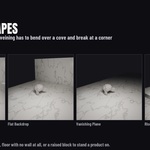
- Four shapes — Infinity Curve (the seamless cyclorama), Flat Backdrop, Vanishing Plane and Riser. Mesh, built in your scene, yours to edit. Every edge carries a bevel, because a perfectly sharp edge catches no highlight and is one of the reliable tells that a render is a render.
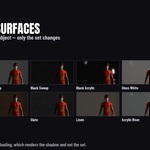
- Twelve procedural surfaces — White, Grey and Black Sweep, Gloss White, Black Acrylic, Acrylic Riser, Marble Slab, Slate, Concrete, Butcher's Block, Linen Drape, and Floating. Nothing to download and nothing in your project folder.
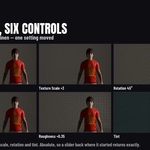
- Six live controls on whichever surface you picked — pattern, roughness, relief, texture scale, rotation and tint — each recomputed from what the material was authored with rather than from wherever the slider was last. Reset puts it back exactly.
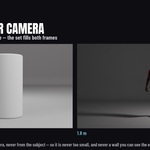
- The set is sized from your CAMERA, not from your object. A backdrop measured off a bounding box is wrong by roughly fifteen times across the range from a bottle to a standing figure; measured off the frustum there is no visible background edge at either end. With no camera in the scene it falls back to the subject and tells you so.
- Floating gives you the shadow with no set behind it — your subject on transparent, grounded, ready to composite.
- Light Passes Through, on by default, so the presets that place a light under the floor on purpose still do what they were authored to do.
ANIMATED LIGHTING
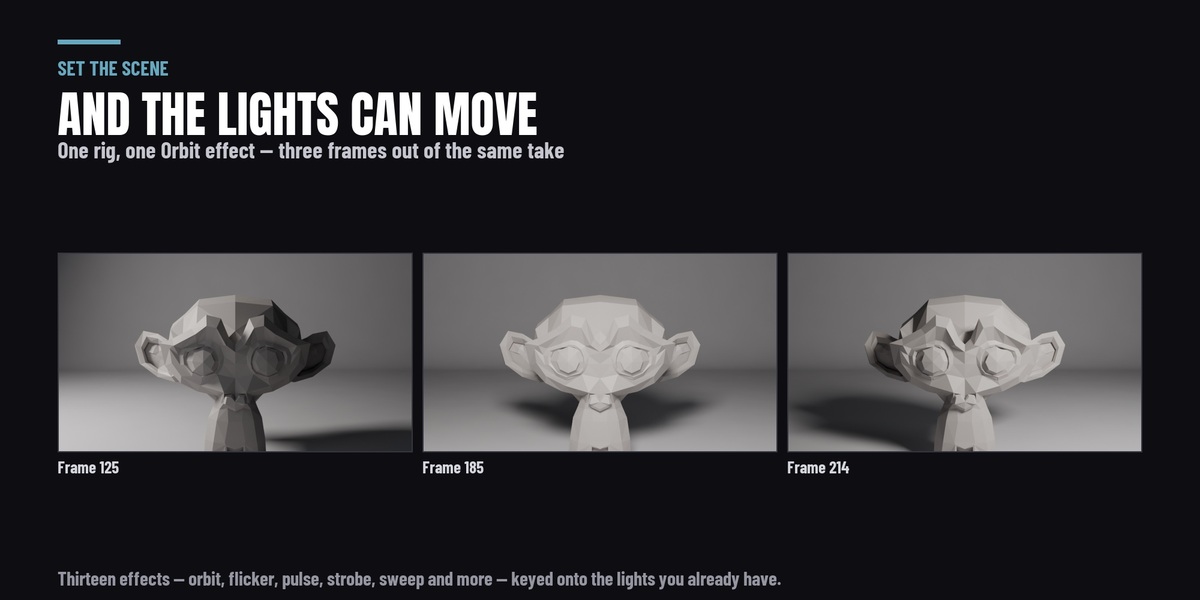
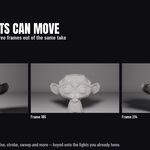
- Thirteen effects that key the lights rather than replace them — Orbit, Follow, Sweep, Flicker, Noise Flicker, Strobe, Pulse, Breathe, Bounce, Fade, Colour Fade, RGB Cycle and Light Swarm. Pick one, set its parameters, press Apply.
- They work on ANY light, not only on a rig this add-on built. Select a lamp you placed by hand and it is animated the same way.
- What you get back is ordinary Blender F-curves on ordinary Blender lights, so you can open the Graph Editor and edit or delete any of it. Clear Animation removes what was applied and puts the rig back where it started.
ENGINES
Cycles and EEVEE, on Blender 4.2 LTS through 5.2. Two differences are Blender's rather than this add-on's and both are named in the panel: the shadow catcher is Cycles only, and the planar reflection probe that sharpens the gloss surfaces is EEVEE only — in Cycles the reflection is traced and needs no probe.
Tested on Blender 4.2 LTS, 4.5 LTS, 5.1 and 5.2.
IF YOU OWN LIGHT IT UP
You already have all of this. Set the Scene detects the suite, declines to register and says where the sets are, so installing both cannot collide.
-
$16.15 $19
Have questions about this product?
Login to message
| Blender Extension Compatible | Yes |
| Published | 2 days ago |
| Blender Version | 4.2 - 5.2 |
| Extension Type | Add-on |
| Render Engine Used | Cycles, Eevee |
| License | GPL |
Discover more products like this
Studio Lighting Render Setups cyclorama product rendering rig procedural shadow catcher Studio presets backdrop 3-point Lighting