ShapeEmote
 Kohei Matsuda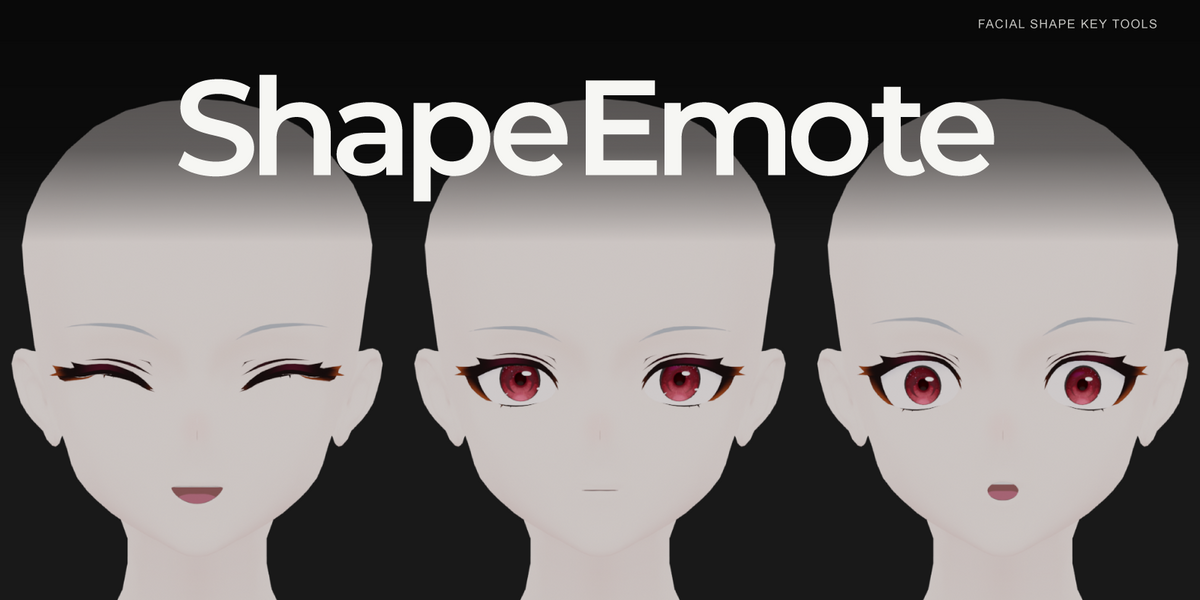
What license is included?
The add-on code is GPL-3.0-or-later; its full LICENSE.txt and Python sources are included. This license is not automatically applied to your character models/textures.
Why are there SE_REF_ keys?
They are muted, zero-valued dependency shapes used during generation. Leave them inactive and preview the normal expression keys.
How do I get help?
Contact the seller using Superhive's product support messaging. Include:
- Blender version, operating system and add-on version.
- The category/expression and naming mode you used.
- Reproduction steps, expected result and actual result.
- Complete error text, plus an image if it helps explain the issue.
- A small reproduction file only if you have permission to share its contents.
Do not include account passwords or unrelated private project files.
Which environment has been checked?
Requires Blender 4.5 or later. Version 1.0.0 release checks are recorded on Windows with Blender 4.5.9 LTS and 5.2.0 LTS. macOS and Linux are not tested. No extra Python library or internet connection is needed during use.
Are character models included?
No. The purchase is the add-on and written documentation. The characters shown in the preview images are demonstration assets only.
Can I reuse a saved setup on another model?
Settings-only profiles can reuse settings, which still need review on the destination. Full Topology profiles include vertex groups and are for the same topology. Do not treat them as retargeting between unrelated meshes.
Why is a creation button unavailable?
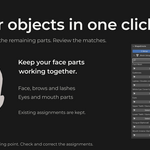
Check that the face object is registered and the required eyelid or mouth groups are present. Review each guide, correct its vertex selection, and rebuild mouth weights if you changed mouth registration.
Why does moving an adjustment slider not immediately change the face?
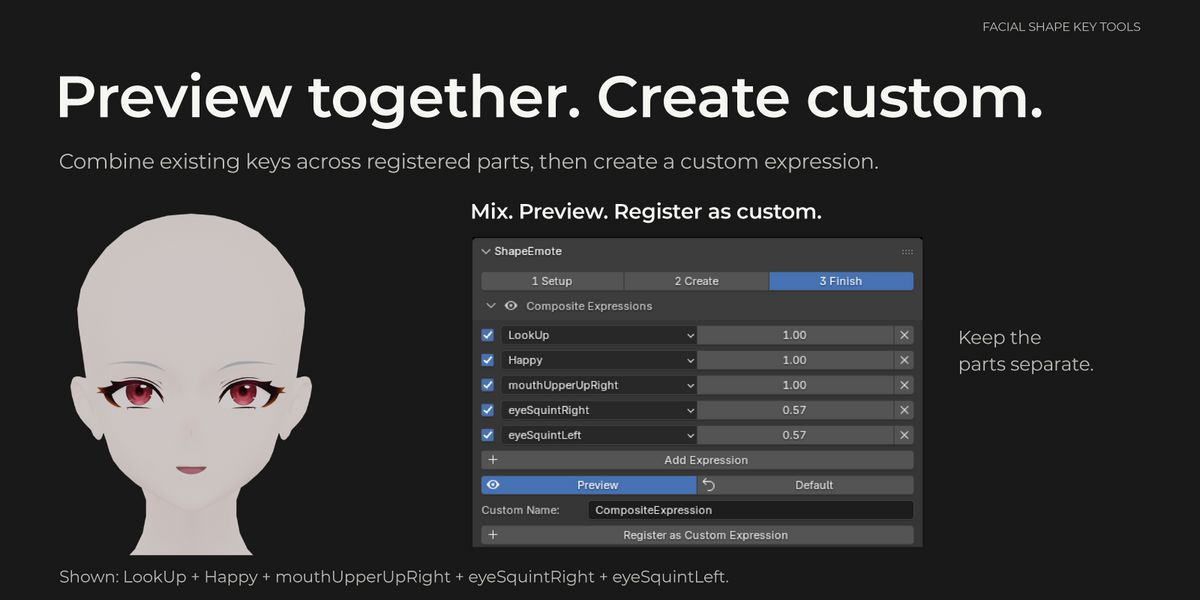
Generation settings are applied when you press the related Create/Update action. Composite preview is different: after you explicitly activate Preview, its slot strengths can update the preview interactively. Default stops the composite preview and clears managed preview values.
What happens when I regenerate a hand-edited key?
Category creation asks for Back Up and Update or Update in Place when target keys already exist, with a Cancel button below. New targets need no update dialog. Selected-expression adjustment asks for an update method before calculation. The backup option retains the prior key as a muted ManualBackup key. The selected-expression update also supports applying the change in generated deformation while preserving manual offsets. This is not a blanket guarantee that every edit survives every operation: keep your own saved file and review the result.
Can I edit the results by hand?
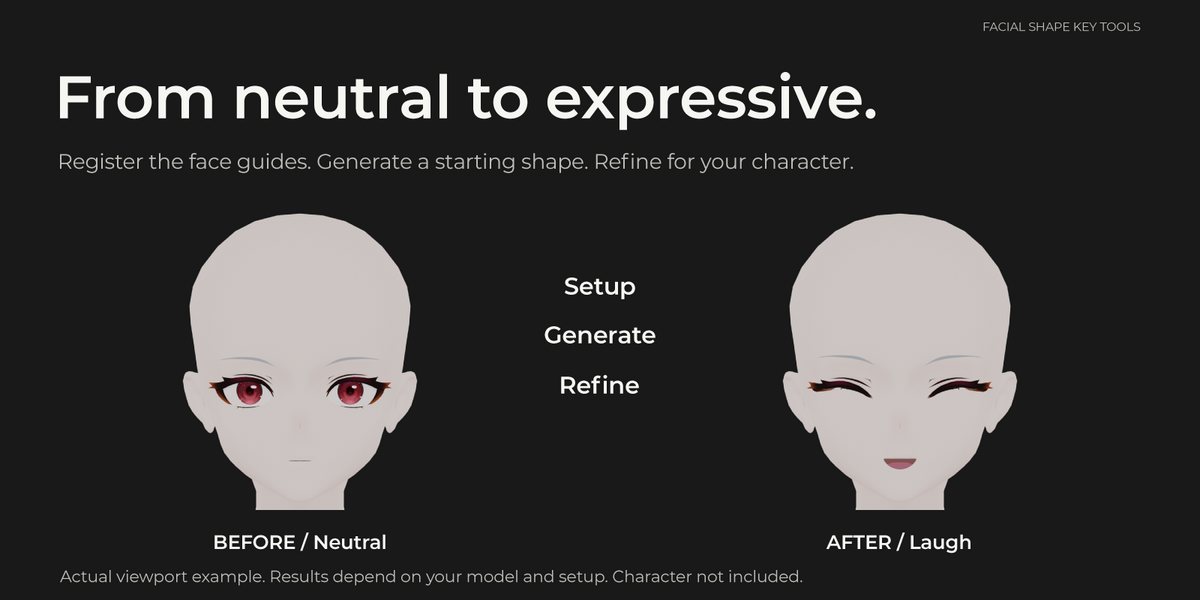
Yes. Work on the generated shape keys, use the finishing tools, or start a related-part sculpt session. Review the selected key before editing. When syncing a sculpt session, only eligible related parts are updated; this is not a universal transfer to all objects.
Is this a complete Perfect Sync or ARKit face setup?
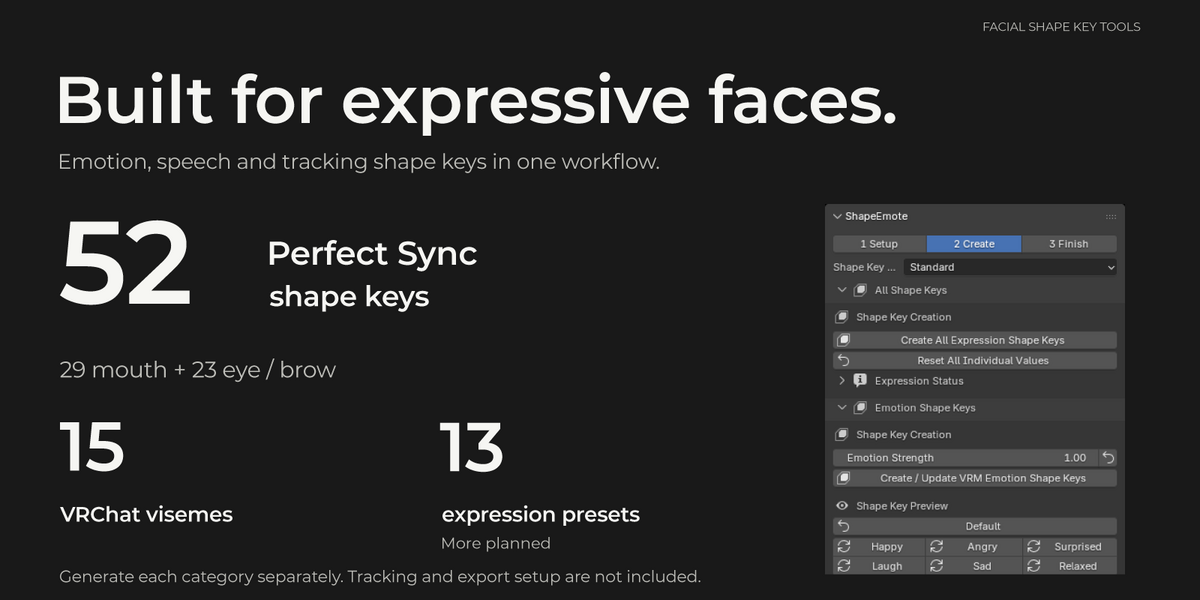
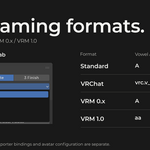
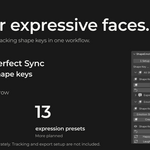
The mouth and eye/brow sections generate 29 + 23 = 52 named shapes. A tracking application and exporter bindings are separate. Toon-style noseSneer moves the inner brows rather than deforming the nose; mouthClose is a correction to combine with jawOpen.
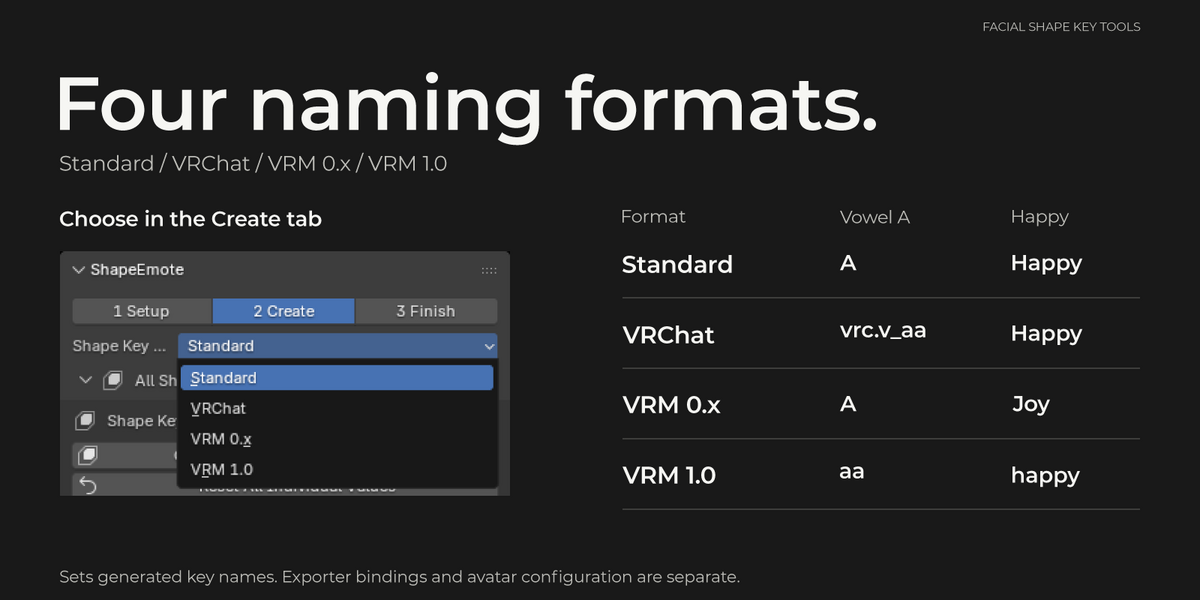
Does it finish my VRChat or VRM setup?
No. It can generate the named shape keys, including 15 VRChat visemes, but exporter preset assignment, avatar configuration and testing in the destination application are still your responsibility. Four-direction gaze shapes offer Eyes + Eyelids and Eyelids Only modes; these do not install a live gaze controller.
Do I have to join the eyelashes, brows and mouth parts to the face?
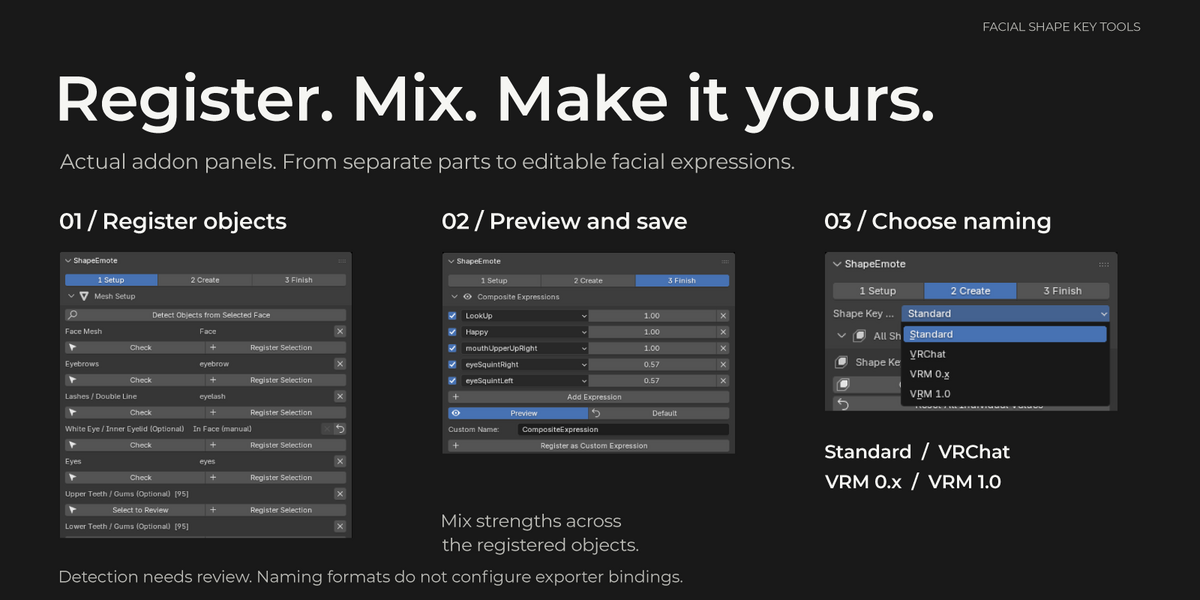
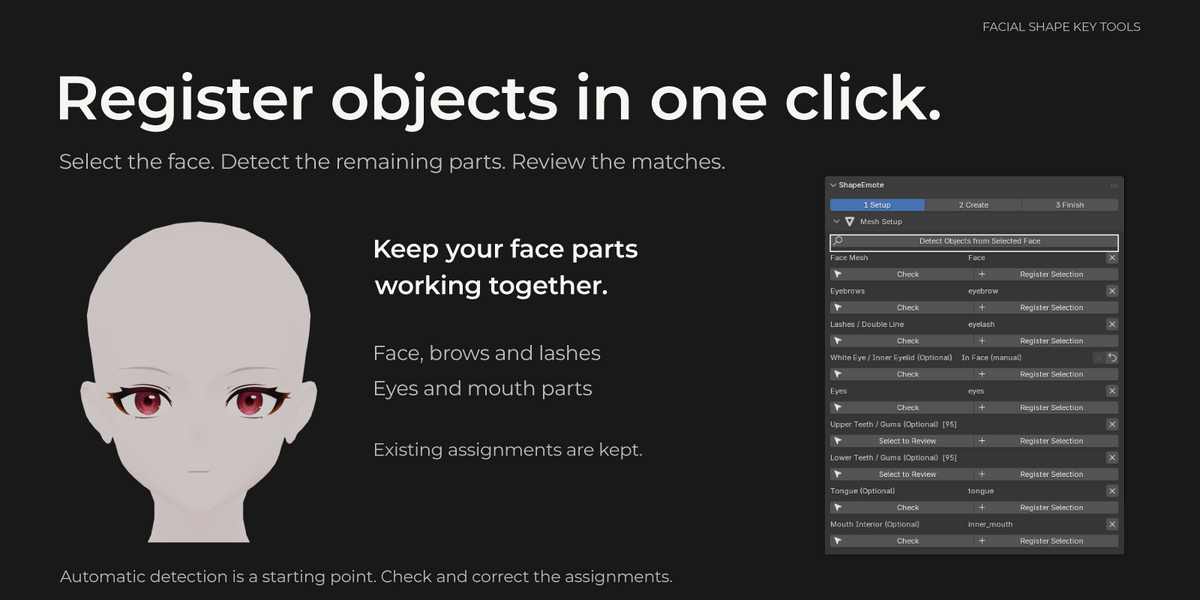
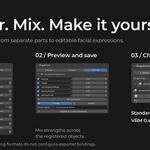
No. Register separate objects, or select and register non-overlapping part ranges within an integrated/shared mesh. The add-on creates and previews matching keys on the applicable parts. Not every expression needs a key on every object.
Will it work on any character?
The intended starting point is a stylized humanoid face with usable eyelid and mouth contours. Automatic detection depends on the geometry and seam/sharp markings. Other topologies may need manual registration and correction. Results on every model are not guaranteed.
Does it create new shape keys or only manage existing ones?
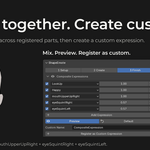
It generates facial shape keys from registered face guides and includes preview, individual adjustment, custom-expression and finishing tools. Setup is required before generation.
Have questions about this product?
Login to message
| Published | 3 days ago |
| Blender Version | 4.5 - 5.2 |
| Extension Type | N/A |
| License | GPL |

Discover more products like this
facial-expressions perfect sync shape keys avatar vrm Facial Animation visemes vrchat VTuber