 DanilGOE


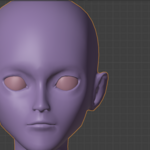
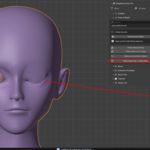
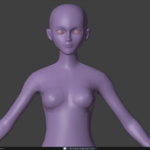
🎯 WHAT IS SHAPEKEY DOCTOR PRO?
Shape key work in Blender can quickly turn into a slow technical routine: testing morphs, finding broken keys, removing unwanted deformations, mirroring corrections, cleaning facial shapes, checking visemes, resetting affected areas, transferring morphs, and exporting documentation.
Clear Features. Complete Information.
The original product details are reorganized for faster reading without removing the substance.
The result: cleaner shape keys, faster testing, easier deformation cleanup, and better control over complex character rigs.
Quickly inspect your shape key library and find common technical issues before export, delivery, or rig testi 2 — CLEAN & REPAIR Remove unwanted shape key influence from…
This is useful when fixing one side of a face or body and applying the correction to the opposite side. ✔ Mirror across X, Y, or Z axis✔ Left-to-right workflow✔…
6 — TRANSFER Transfer shape keys from one mesh to another. ShapeKey Doctor Pro includes a surface-based transfer workflow for moving shape keys from a source mesh to the…
Everything You Need to Know
Overview
The result: cleaner shape keys, faster testing, easier deformation cleanup, and better control over complex character rigs.
1 — ANALYZE
Quickly inspect your shape key library and find common technical issues before export, delivery, or rig testi
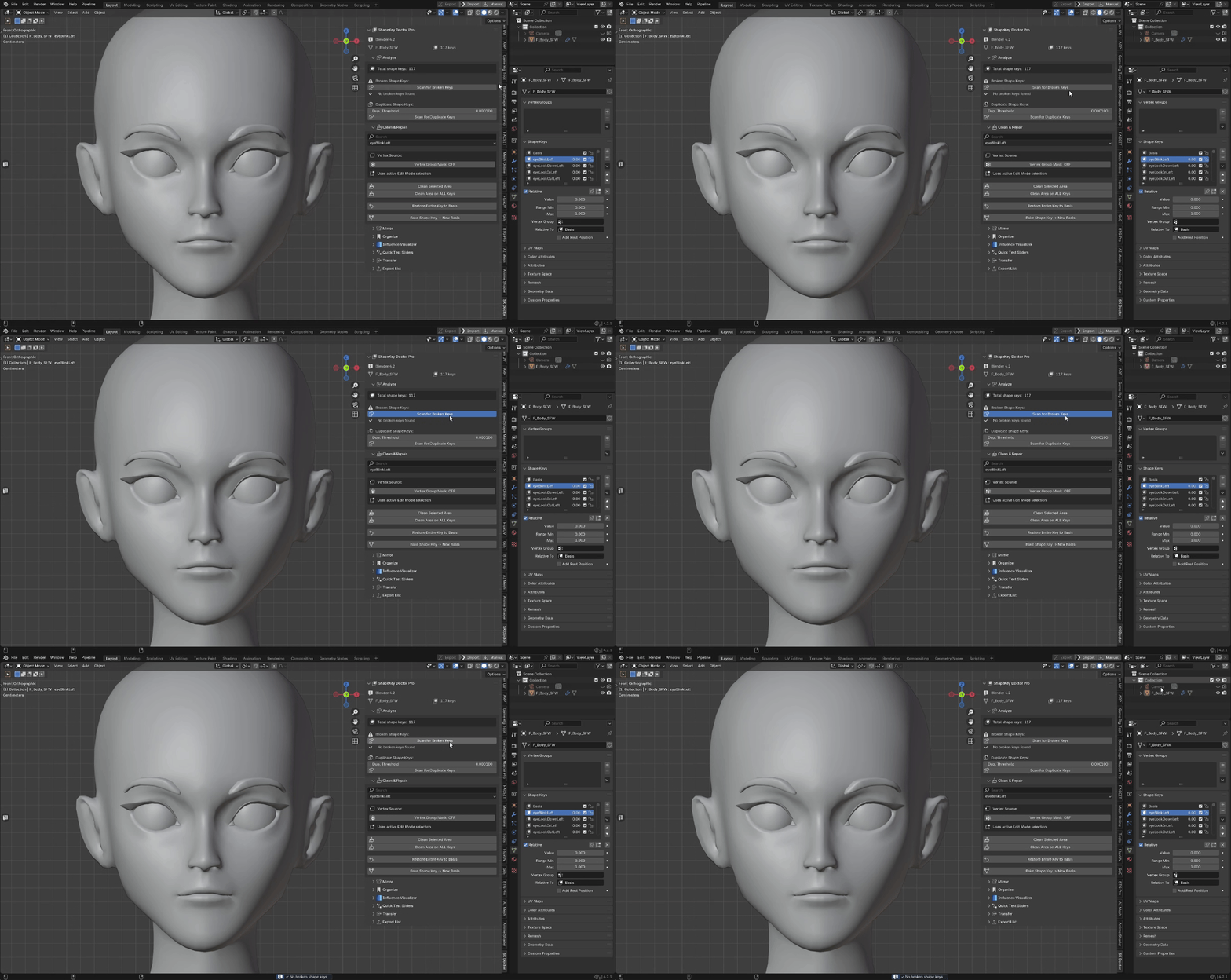
2 — CLEAN & REPAIR
Remove unwanted shape key influence from specific parts of the mesh.
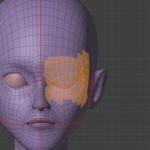
This is one of the most important workflows for character cleanup. If a facial expression accidentally affects the body, mouth, eyes, eyebrows, nose, clothing, or any other unwanted area, ShapeKey Doctor Pro lets you reset only that area back to the Basis shape.
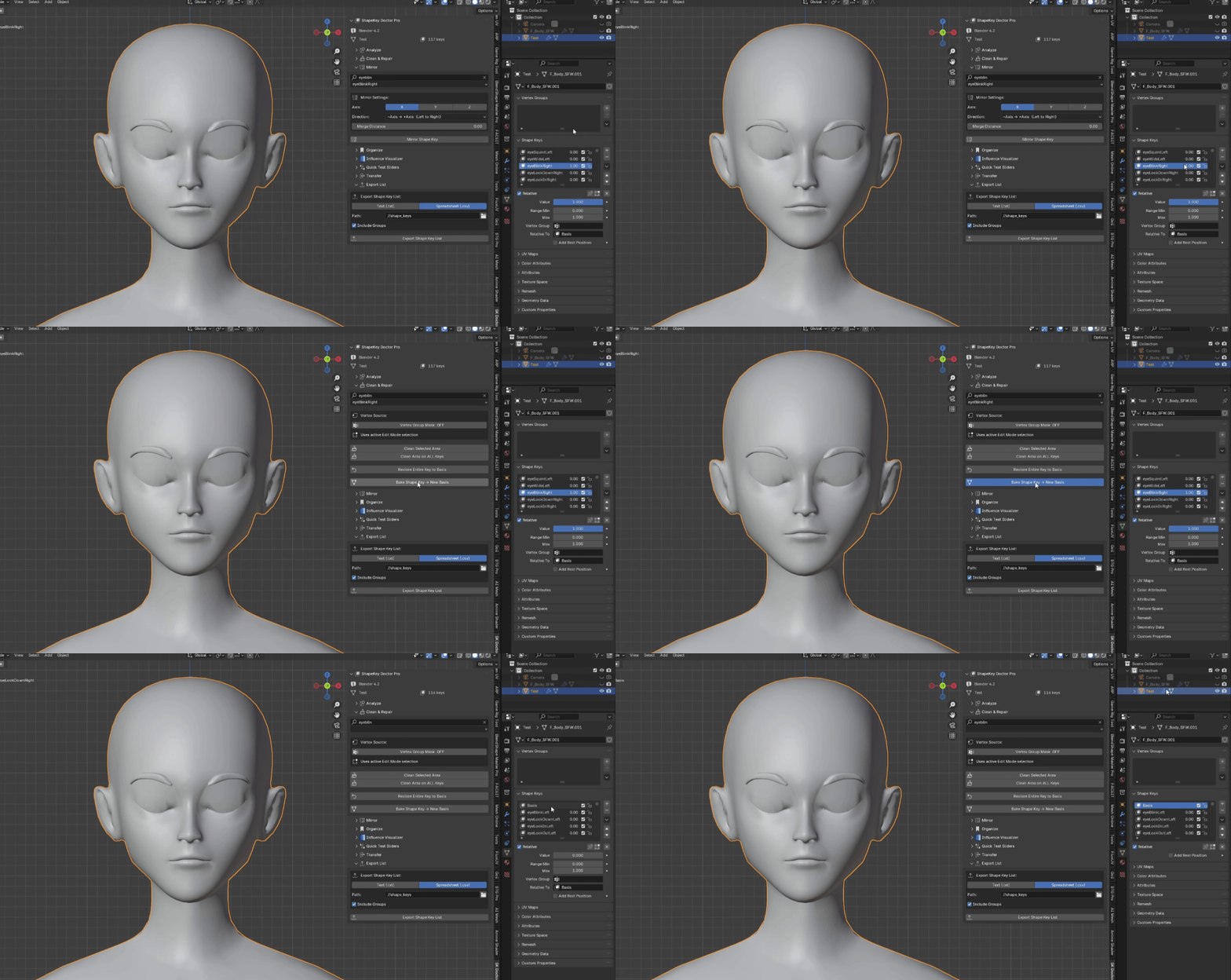
✔ Clean selected vertices on the active shape key
✔ Clean the same selected area across all shape keys
✔ Restore an entire shape key back to Basis
✔ Use vertex group masks for repeatable cleanup
✔ Bake an active shape key into a new Basis
3 — MIRROR
Mirror shape key deformation across a selected axis.
4 — INFLUENCE VISUALIZER
This is useful when fixing one side of a face or body and applying the correction to the opposite side.
✔ Mirror across X, Y, or Z axis
✔ Left-to-right workflow
✔ Right-to-left workflow
Great for characters, creatures, symmetrical faces, stylized models, and production rigs with left/right morph sets.
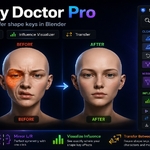
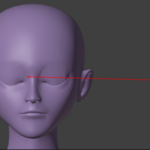
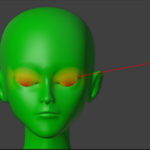
4 — INFLUENCE VISUALIZER
See exactly where a shape key affects your mesh.
ShapeKey Doctor Pro can display deformation influence as vertex colors, making it much easier to spot unwanted affected areas.
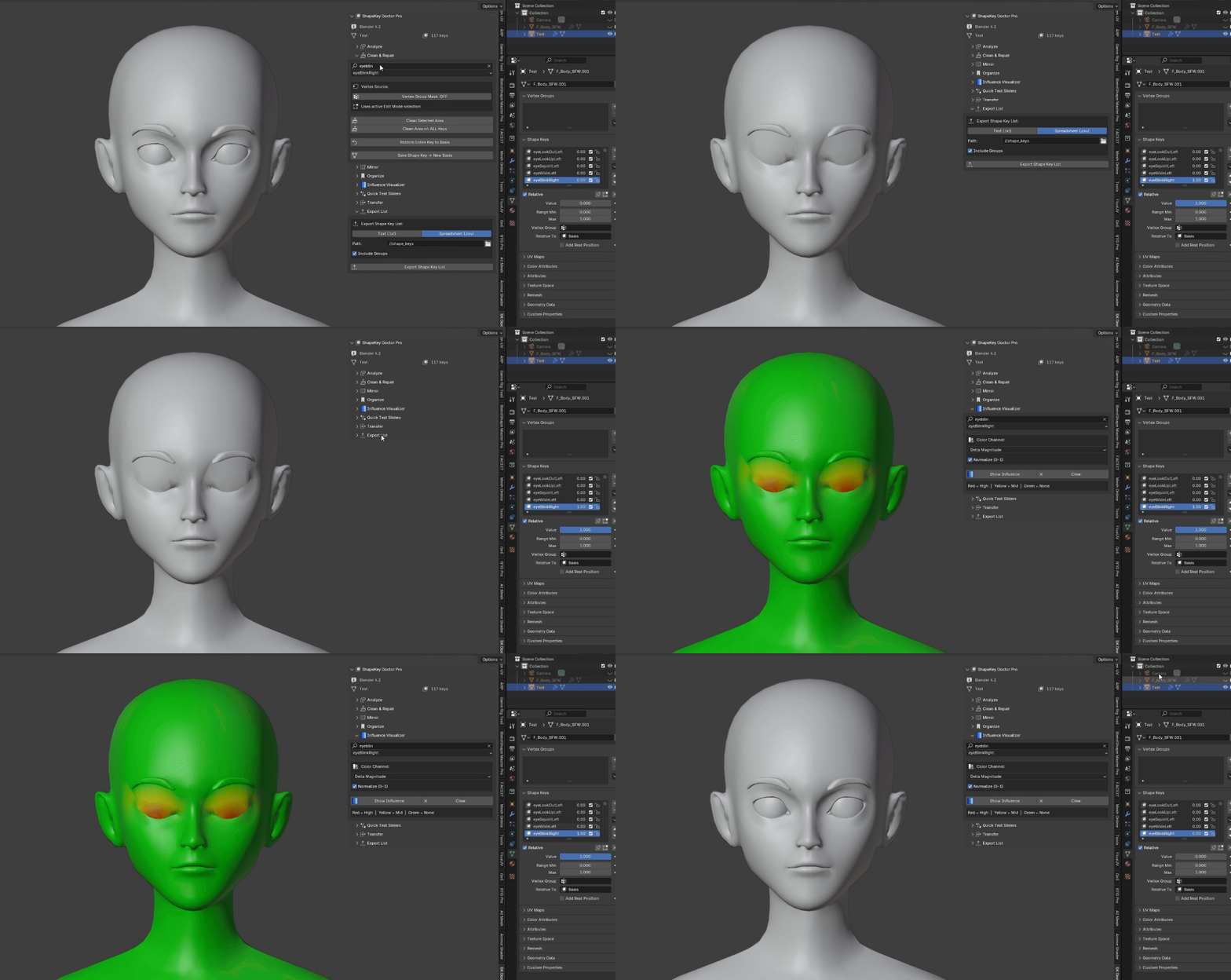
✔ Red = strong deformation
✔ Green = little or no deformation
✔ Clear visualization colors in one click
This is useful for debugging, QA, client previews, and checking whether a shape key only affects the intended region.
5 — QUICK TEST BUTTONS
Test shape keys faster without manually dragging every slider.
6 — TRANSFER
6 — TRANSFER
Transfer shape keys from one mesh to another.
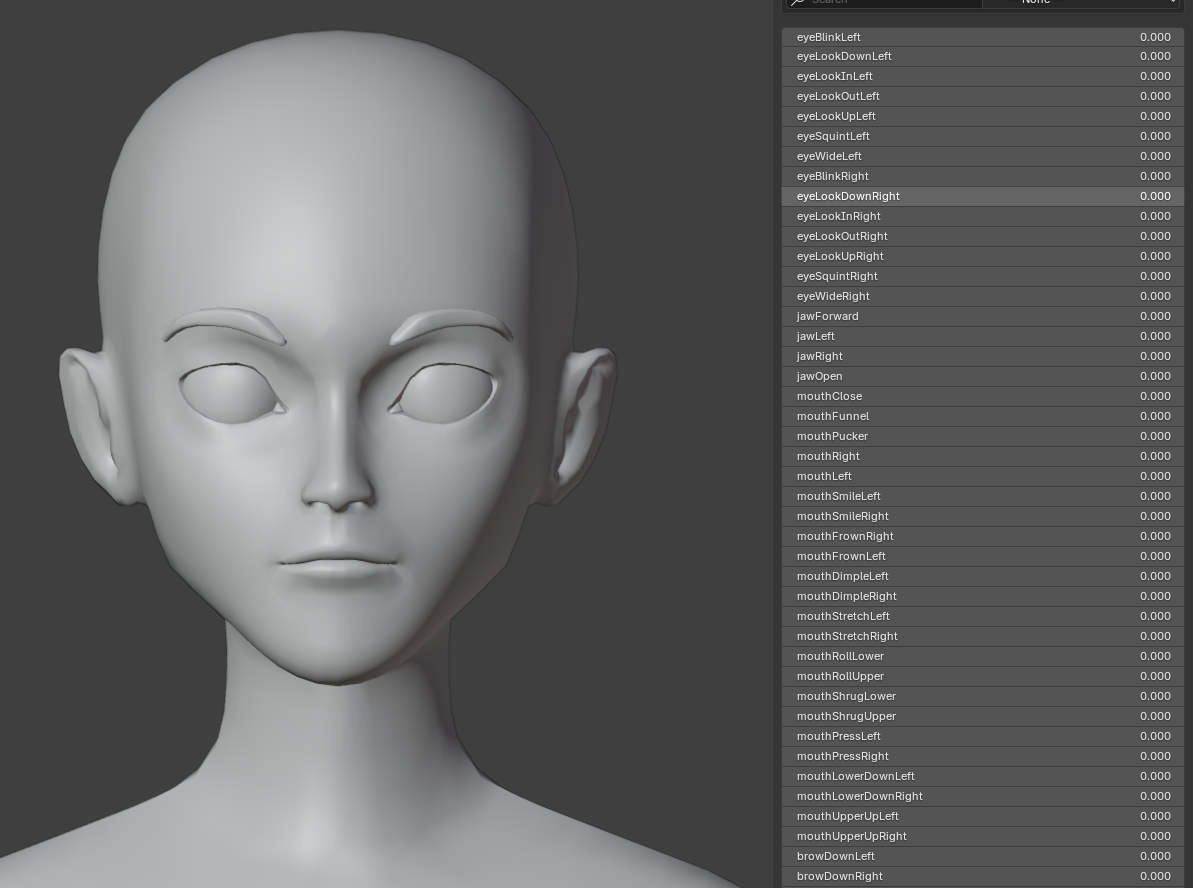
ShapeKey Doctor Pro includes a surface-based transfer workflow for moving shape keys from a source mesh to the active target mesh.
✔ Source object selection
✔ Active object as target
✔ Transfer multiple shape keys
✔ Filter keys by name
✔ Optional overwrite existing keys
✔ Useful for similar basemeshes, character variants, and updated mesh versions
Best results are achieved when the source and target meshes have similar proportions and are aligned in the same 3D space.
7 — EXPORT LIST
Export your shape key library for documentation, delivery, or client review.
✔ Export to CSV
✔ Export to TXT
✔ Include shape key index
✔ Include shape key names
✔ Include min / max values
✔ Include current values
✔ Useful for marketplace packs, client delivery, and production documentation
This is especially helpful when selling rigged characters, basemeshes, facial morph packs, or complex character systems.
🔄 TYPICAL WORKFLOW
Step 1
Select a mesh with shape keys.
Step 2
Run Analyze to check for broken keys, duplicates, or technical issues.
Step 3
Use Quick Test Buttons to review expressions, visemes, body morphs, or corrective shapes.
Step 4
If a key affects the wrong area, select that area in Edit Mode.
Step 5
Run Clean Selected Area to remove unwanted influence from the active shape key.
Step 6
Use Clean Area on ALL Keys if the same mesh region should stay untouched across the whole shape key library.
Step 7
Use Mirror to copy or balance deformation from one side to the other.
Step 8
Use Influence Visualizer to inspect exactly which vertices are affected.
Step 9
Use Export List to create clean TXT or CSV documentation for delivery.
ShapeKey Doctor Pro v1.2.0 — Blender Compatibility Update Full compatibility pass across all supported Blender versions. Installs and works correctly on 3.2 – 5.0+.
Review the Features and Start Creating
All original product information and embedded media are kept inside a cleaner, more consistent presentation.