 brave rabbit
Your complete shape key workflow.
SHAPES brings creating, sculpting, combining, driving and organising shape keys into a single toolset for Blender, so the technical setup stays out of the way of the work. It extends Blender's native shape key system with an authoring workflow for character artists and riggers, from a single corrective shape to hundreds of facial shapes on one character.
SHAPES for Blender is built on the workflows of SHAPES for Maya, which has been used for many years in games, feature film and advertising, and at art schools and universities around the world.
Features, tutorials and documentation: https://www.braverabbit.com/shapes-blender/
What you can do with it
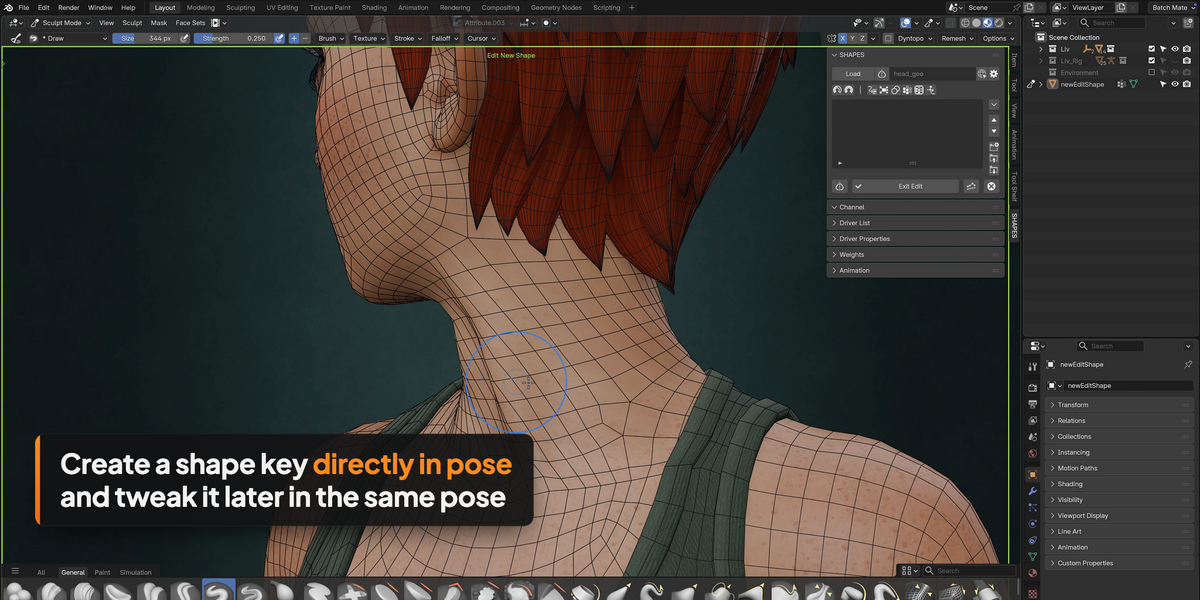
Create and edit corrective shapes directly in the deformed pose
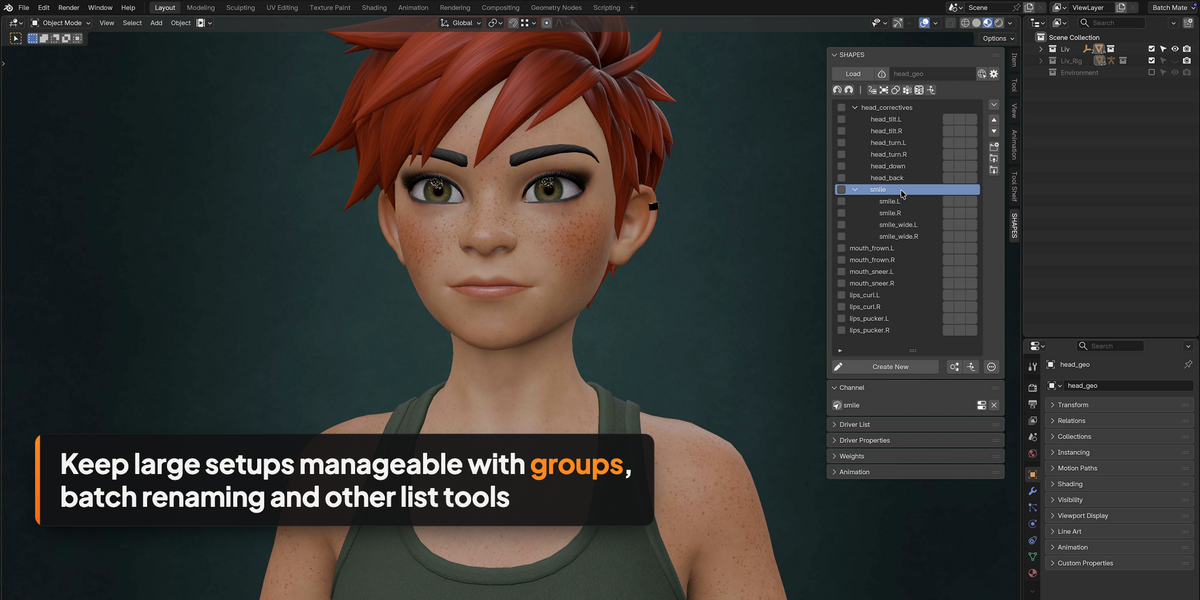
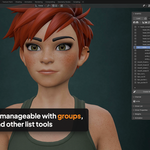
Build facial setups with hundreds of shapes and keep them organised
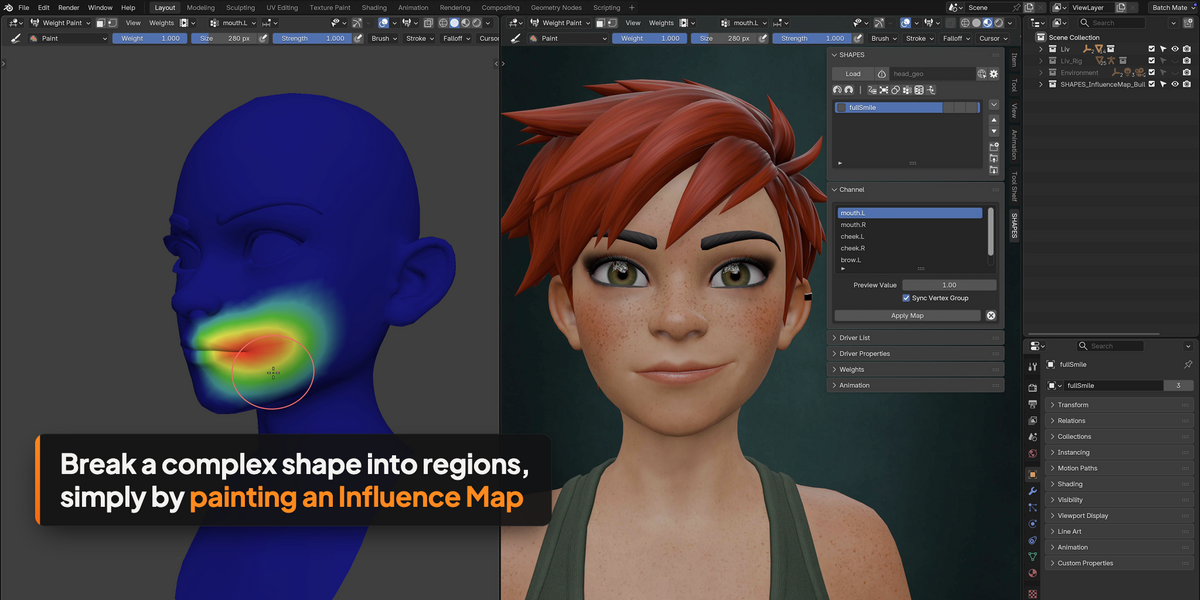
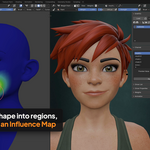
Split sculpted expressions into regions to drive them separately
Drive shapes with bones, and with RBF solvers through RBF Nodes
Fix deformation in individual shots, also on Alembic caches
Key features
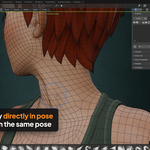
Create in pose. One click starts editing the mesh in its deformed state, and leaving Edit Mode adds the shape key. No need to add a shape key first.
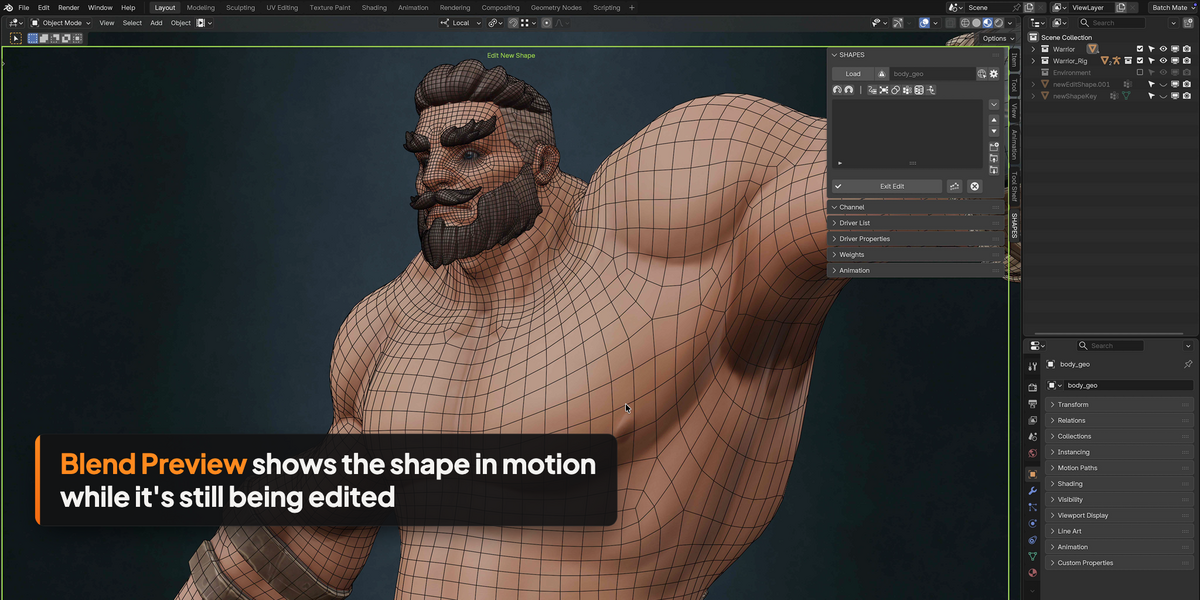
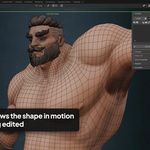
Blend Preview. See the shape blend with the animation while it is still being edited, so stretching and sliding show up before the driver is in place.
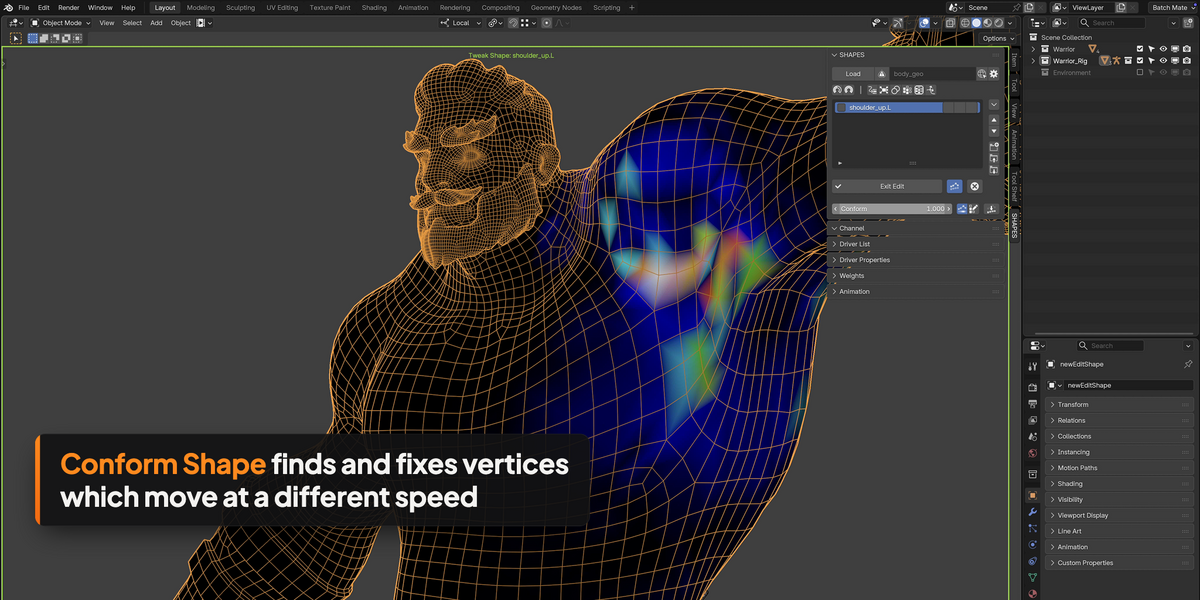
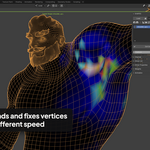
Conform Shape. Find vertices which move too far or not far enough and move them back towards the flow of the original mesh.
Synchronised editing. Edit the matching shapes of several meshes at the same time, for example body, clothing and accessories.
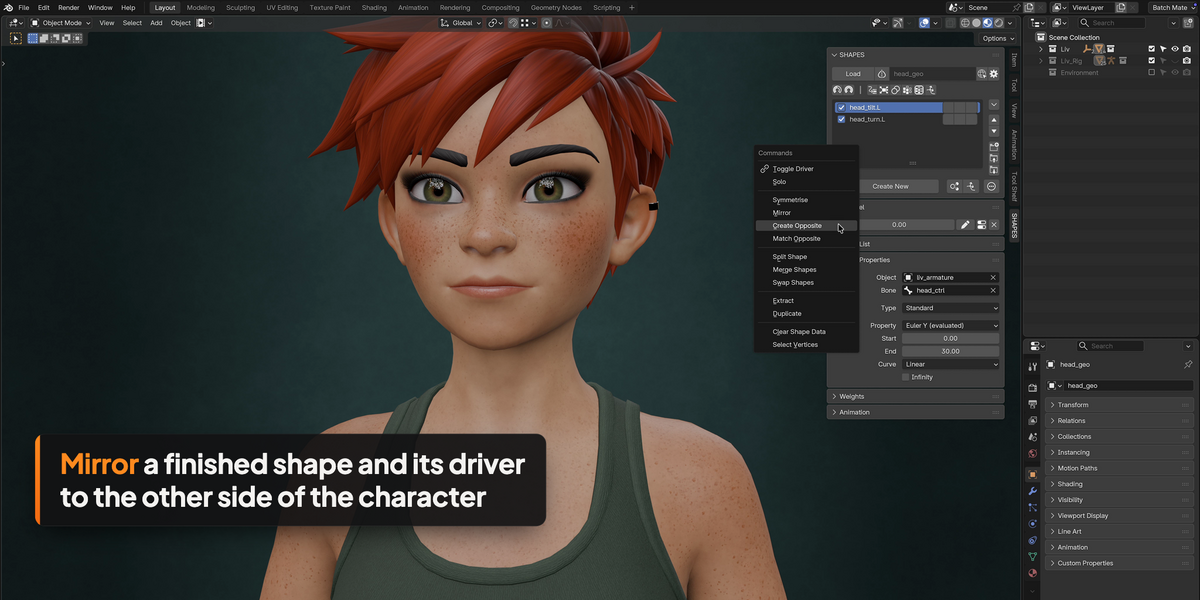
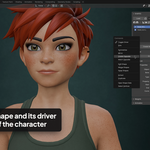
Symmetry Map. Left and right vertices are mapped when the mesh is loaded. Mirror, symmetrise and create the opposite shape, including its driver, also across several mesh islands.
Drivers made simple. Pick the bone, and SHAPES sets the property and range from the current pose. Driver values and curves stay editable from the panel.
RBF support. Create, edit and mirror RBF solvers from the shape list, pose by pose or straight from a range of motion animation. Requires RBF Nodes, which is included with the Commercial licence.
Combos. Combination shapes which activate when their driving shapes are active together, with edit propagation, so a change to a driving shape is carried over into the combo.
Influence Map. Paint regions onto a complex shape and split it into separate shapes. The weights are normalised, so together the regions never add up to more than the original. The map stays editable, and new regions can be added later.
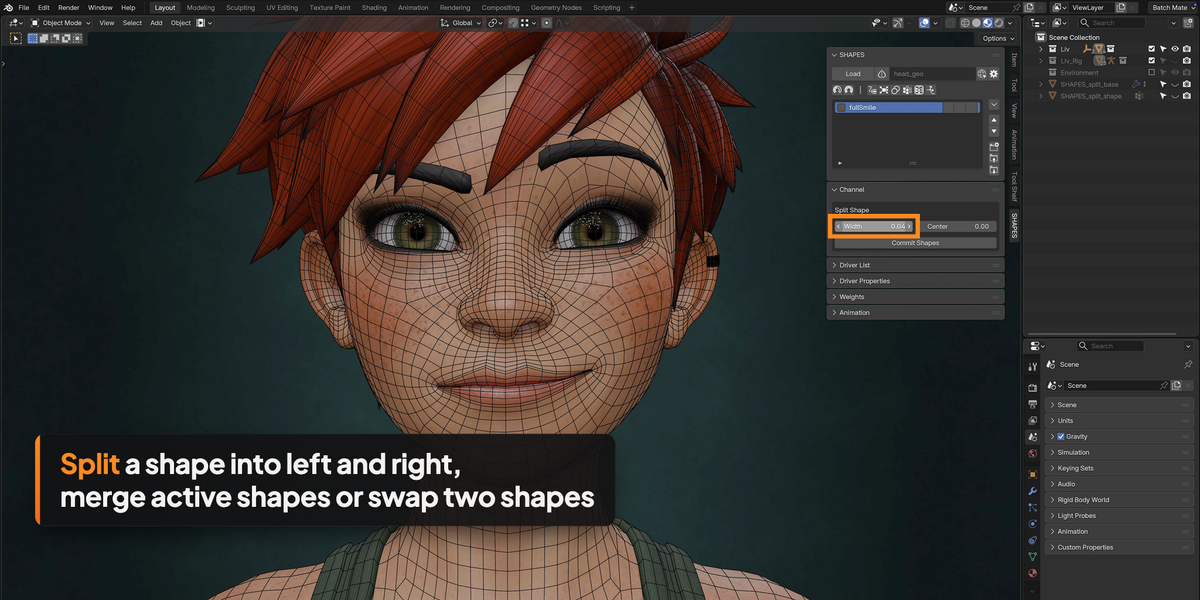
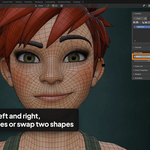
Split, Merge and Swap. Divide symmetrical shapes into a left and a right side, combine shapes, or exchange them.
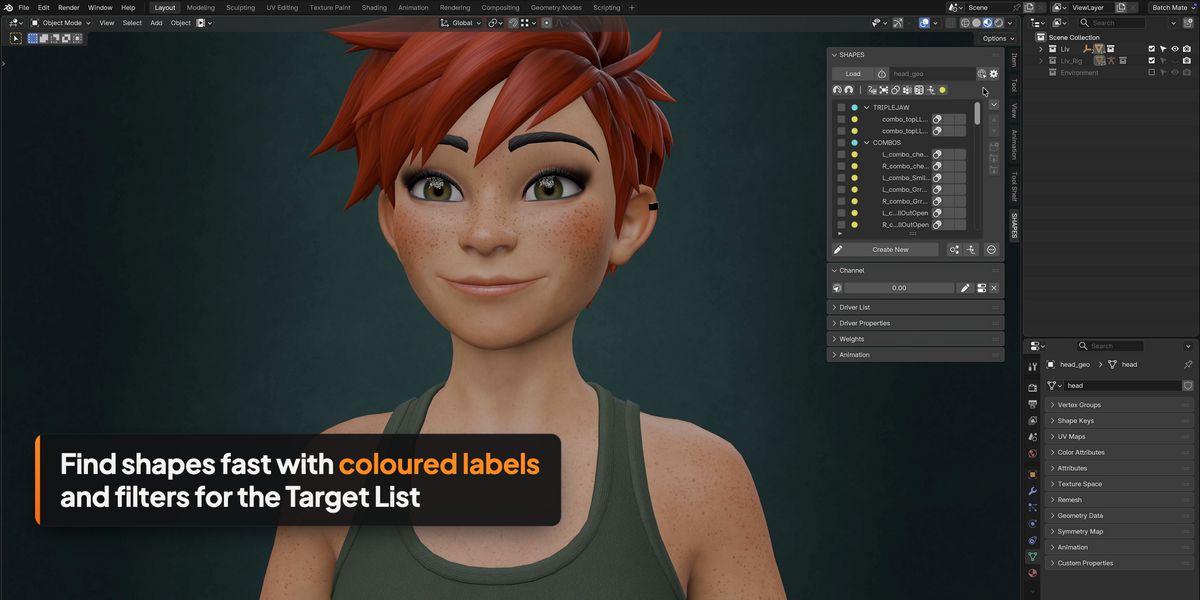
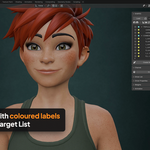
Organisation. Nested groups, colour labels, filters, batch renaming, and a list which works independently of the scene selection.
Weight maps. Extended vertex group editing per shape, with mirroring, symmetry, trimming and baking.
Animation and Shot Fix. Key shapes, and create time-specific corrections for individual shots, before or after the deformation.
Import and export. Move complete setups, shapes and weights between files and characters, and rebuild setups on changed rigs.
Eight interface languages.
Standard Blender data
Everything SHAPES creates is standard Blender data: shape keys, drivers, vertex groups and modifiers. A finished setup plays back and renders on any Blender installation, without SHAPES installed and without a licence. Animators, clients and render farms don't need SHAPES.
The only exception are setups with RBF solvers, which need RBF Nodes. RBF Nodes comes with a free runtime version for playback and rendering, which can be shipped with your rigs, handed to clients and installed on a render farm.
Perfect with RBF Nodes
RBF Nodes is the node-based RBF solver for Blender by brave rabbit. SHAPES uses it to drive shapes from several poses at once, for example for shoulders, hips or facial controls. The Commercial licence of SHAPES includes RBF Nodes and the RBF Nodes Runtime. RBF Nodes is also available on its own.
Already own RBF Nodes? Get in touch with your order details for a discount on SHAPES Commercial.
Licences
Two licences are available. Both contain the complete SHAPES toolset. Please purchase the one that reflects your intended use.
Private: for individual artists and students working outside of a commercial context.
Commercial: for professional use in any production environment, including games, film and advertising. One licence per seat. Includes RBF Nodes and the RBF Nodes Runtime.
SHAPES is released under the GNU GPL. There is no licence check: the licences work on trust.
All 1.x updates are free.
Started with Private and need Commercial later? Get in touch and pay only the difference.
Requirements
Blender 4.2 LTS or later
Windows, macOS, Linux
Mesh objects (other object types are not supported)
What’s included
SHAPES for Blender (SHAPES.zip), installed as a standard Blender extension
Commercial only: RBF Nodes (RBFNodes.zip) and the RBF Nodes Runtime (RBFNodes_runtime.zip)
Full HTML documentation, also online: braverabbit.com/shapes-blender/documentation/
Video tutorials: braverabbit.com/shapes-blender/learn/
Support
Questions or problems: braverabbit.com/shapes-maya/contact/?s=blender
