Shapes – Shape Key Editor
 brave rabbit
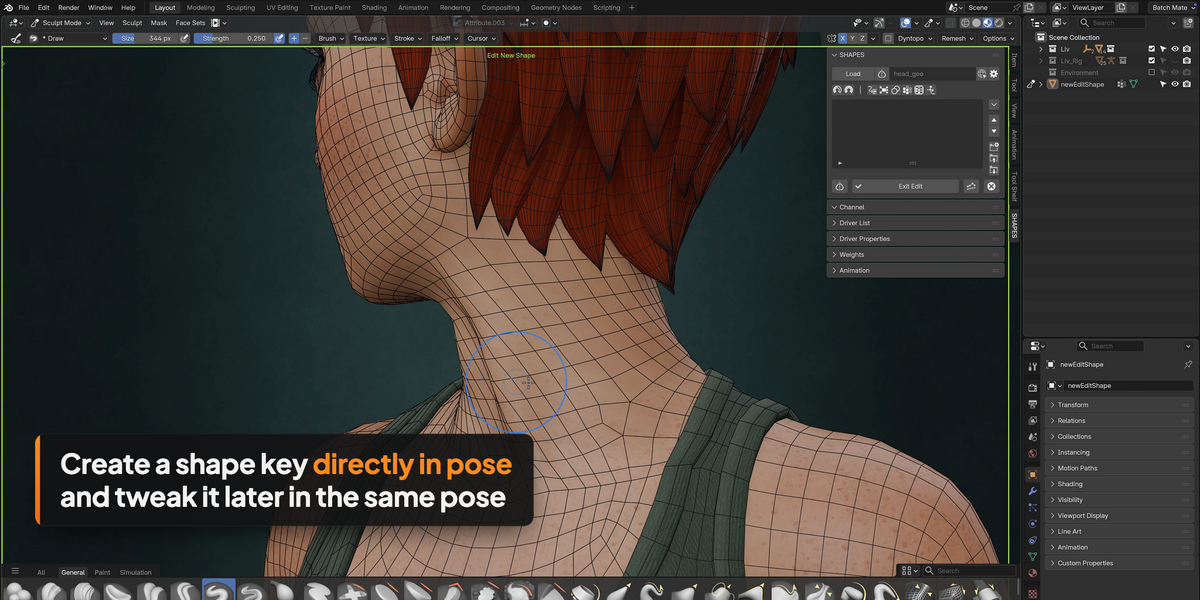
Which Blender versions and systems are supported?
Blender 4.2 LTS and later, on Windows, macOS and Linux. SHAPES is installed as a standard Blender extension.
What is the difference between the Private and the Commercial licence?
Both contain the complete SHAPES toolset. Private is for individual artists and students working outside of a commercial context. Commercial is for professional use in any production environment, one licence per seat, and includes RBF Nodes and the RBF Nodes Runtime. SHAPES is released under the GNU GPL and has no licence check, so the licences work on trust.
Do animators, clients or a render farm need SHAPES to use my rigs?
No. Everything SHAPES creates is standard Blender data, so a finished setup plays back and renders without SHAPES installed. The only exception are setups with RBF solvers, which need RBF Nodes. Its free runtime version can be shipped with your rigs, handed to clients and installed on a render farm.
Do I need RBF Nodes to use SHAPES?
No. SHAPES works on its own. RBF Nodes is only needed for RBF solvers, which drive shapes from several poses at once. It is included with the Commercial licence and also available separately.
I already own RBF Nodes. Is there a discount for SHAPES Commercial?
Yes. Get in touch with your order details through the contact page on braverabbit.com and you will receive a discount code.
Does SHAPES work with my existing shape keys?
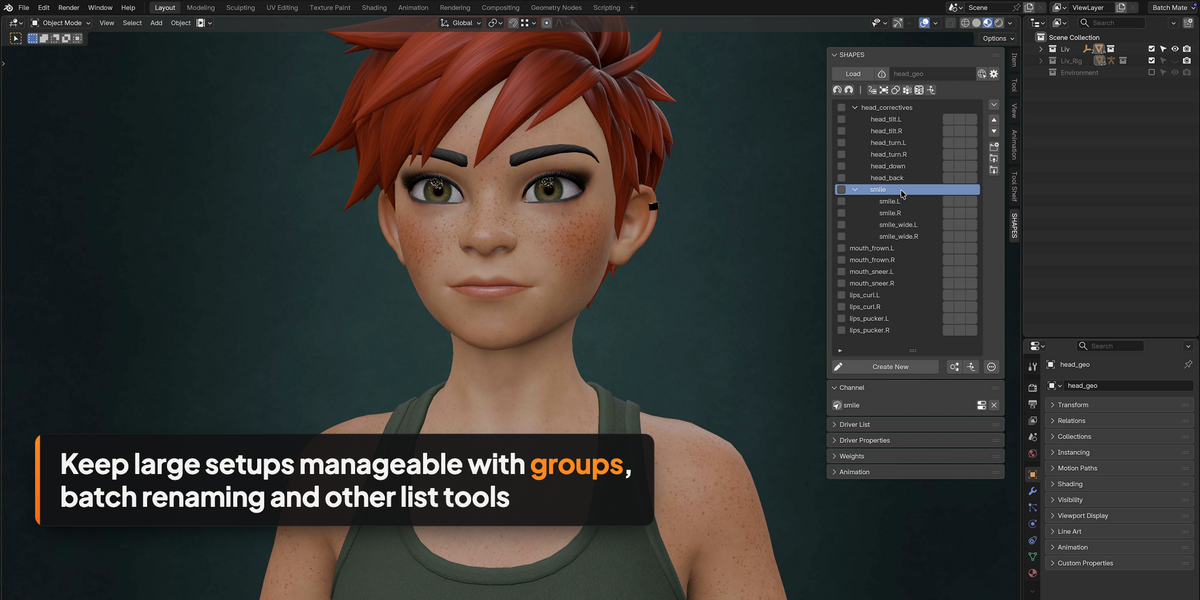
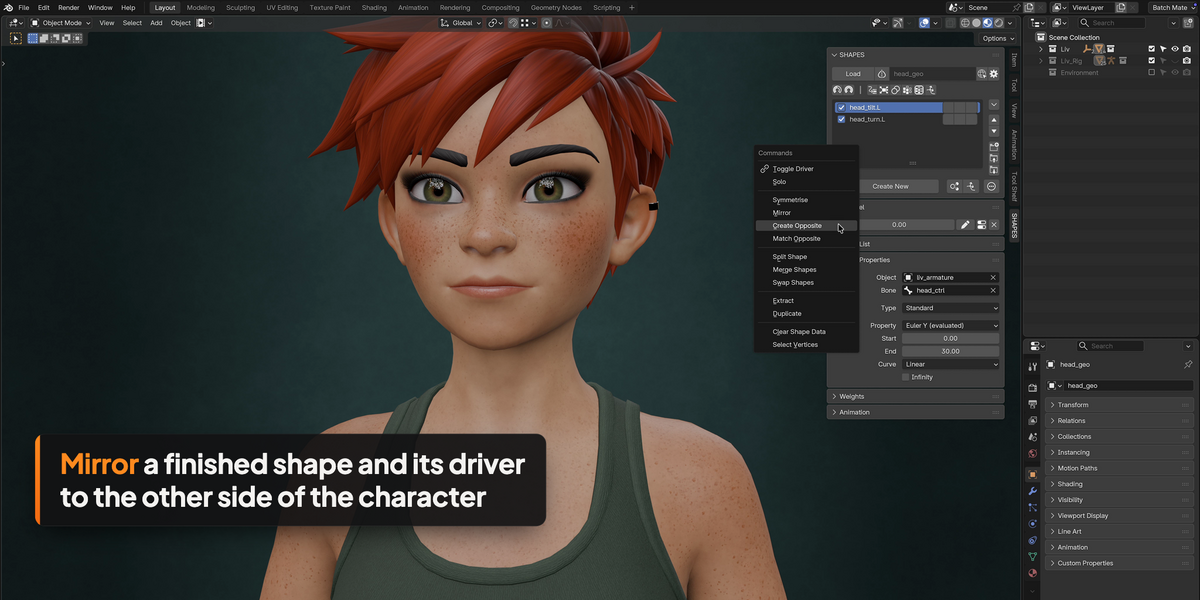
Yes. Existing shape keys can be loaded, organised, edited, mirrored and driven with SHAPES. Once an object is loaded in SHAPES, the shape keys should only be managed through SHAPES and not through Blender's Shape Keys panel at the same time, because the two lists are not synchronised.
Does SHAPES work with linked meshes and library overrides?
Partially. Blender doesn't allow direct editing of linked mesh data, so new shape keys have to be created in the source file. Existing shape keys can be managed and animated, and post-deformation corrections for individual shots can be created on linked meshes.
Are updates included?
Yes, all 1.x updates are free.
Can I use SHAPES for game development?
Yes. SHAPES works on Blender's native shape keys, so the results can be exported to game engines such as Unity or Unreal Engine, within the limits of the export pipeline you use.
Where can I learn how to use SHAPES?
On braverabbit.com/shapes-blender you find short video tutorials, one topic each, and the complete documentation, which is also included as HTML with the download.
 Included
Includes 12 months of
- Support from brave rabbit
- Product updates
Extend this product’s Support Period +12 months: 50% of product price
Have questions before purchasing?
Login to message
| Blender Extension Compatible | Yes |
| Published | about 13 hours ago |
| Blender Version | 4.2 - 5.2 |
| Extension Type | Add-on |
| Render Engine Used | Cycles, Eevee |
| License | GPL |
Discover more products like this
shape keys animation Character rigging corrective shapes Facial Rigging rigging blend-shapes