 AnimPal

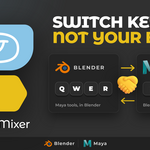

Moving between Maya and Blender costs you a day of wrong keys. You press W to move and Blender starts something else. You hold Alt and drag to orbit and nothing happens. The work is the same in both applications, but your hands are not, and retraining muscle memory every time you switch files is a tax on every project.
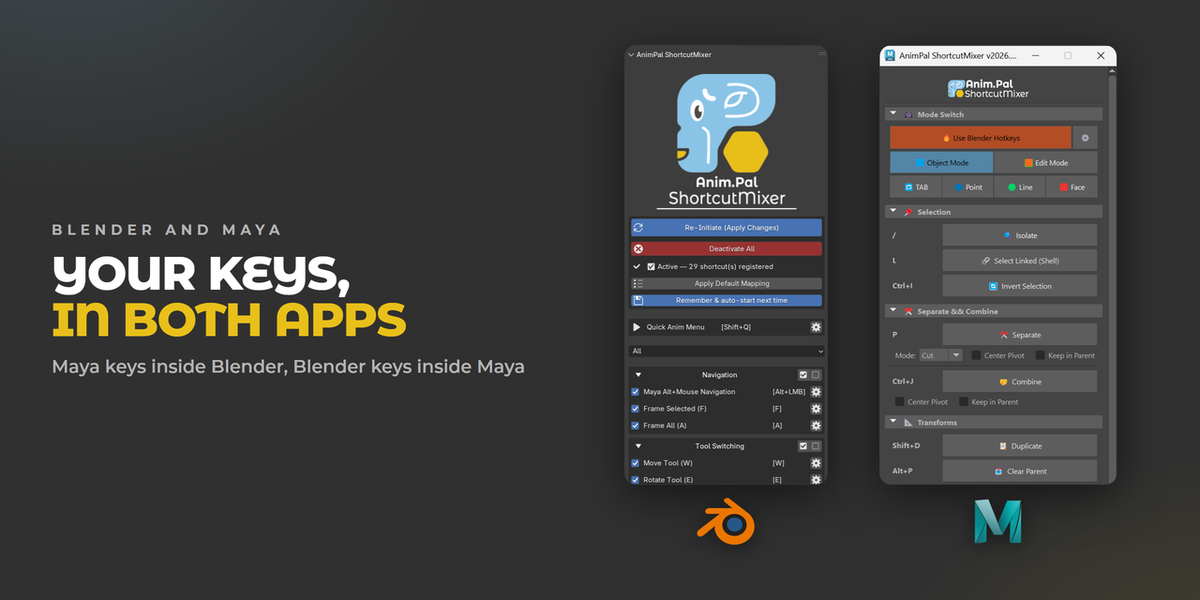
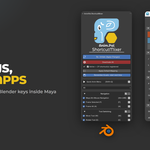
I built ShortcutMixer so the keys travel with you. Turn on the shortcuts you want, one card at a time, and your usual keys work in the other application. Nothing about your scene changes, only which key does what.
| Blender | 2026.01 | Lower than 1 MB |

Muscle memory does not switch software with you. Every wrong key is a small stop, and in a day of jumping between the two there are hundreds of them.


The Maya tool keys, inside Blender. Q selects, W moves, E rotates, R scales, exactly where your hand expects them. The gizmo in the clip changes on the frame the key is pressed, nothing is faked.


Maya style navigation in the Blender viewport: Alt and left mouse to orbit, Alt and middle mouse to pan, Alt and right mouse to zoom. F frames the selection and A frames everything, so the moves you make a thousand times a day stay the same.


Every shortcut is its own card with its own switch, grouped into Navigation, Tool Switching, Viewport Display, Modeling and Animation. Turn on the handful you actually want, leave the rest of Blender exactly as it was, and change your mind whenever you like.


Some actions want the same key. Instead of forcing you to pick, the Quick Anim Menu gathers them behind one hotkey, Shift and Q, and lists them with the keys they came from. You can also see which Blender functions are overridden and move any of them to another key, so nothing you rely on disappears quietly.

Per key remapping: change any shortcut's key, or reassign the Blender function it displaced.
Conflict list, so you can see what a shortcut overrode before you keep it.
Category filter to find a shortcut in a long list.
Auto start on open, so your setup is live in every file.
