
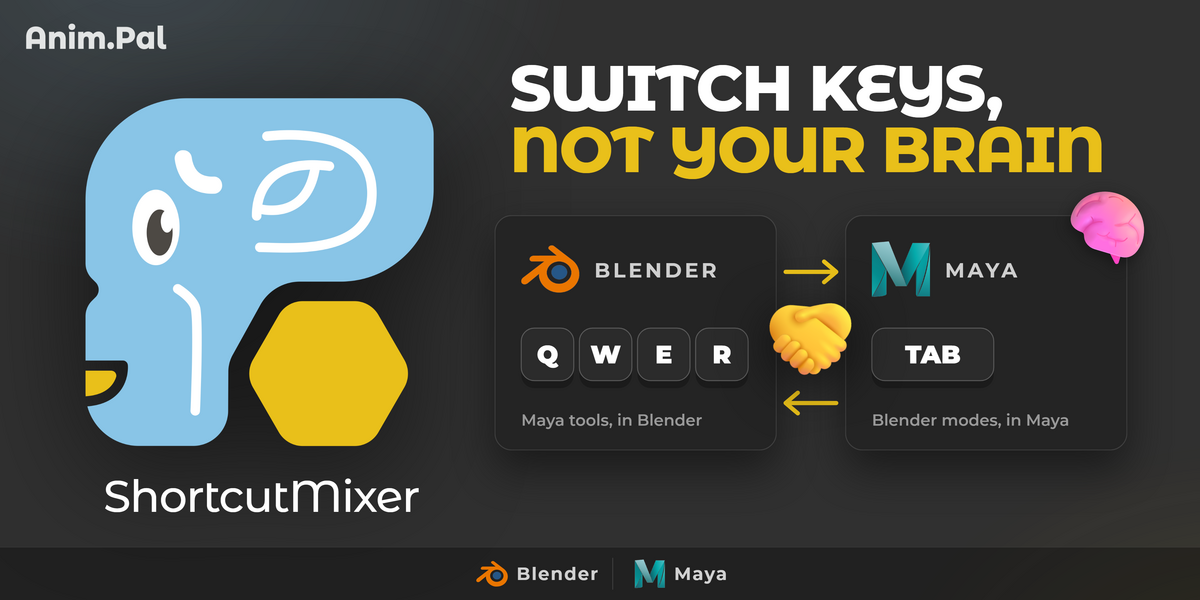
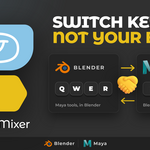
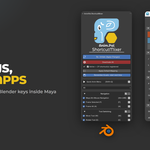
Shortcut Mixer | AnimPal

AnimPal in Interface


Install
  1. Download the ZIP. If two are offered, take the one for your Blender version.
  2. In Blender: Edit > Preferences > Add-ons > Install (in Blender 4.2 and later, Install from Disk in the drop-down at the top right), and pick the ZIP.
  3. Tick AnimPal Shortcut Mixer in the list to enable it.
Requirements
  • Blender: 4.0 or newer recommended. It loads on 3.6 and up, but 4.0+ is what gets tested.
What it does not do
  • It does not change your scene. It only changes which key runs which command.




  • It does not copy every shortcut in the other application. It brings across the ones animators and modelers actually reach for, and each one is opt in.

  • It cannot give one key two jobs. Where two actions want the same key, one of them moves, or it goes into the Quick Anim Menu instead.
What's new
2026.01 · 2026-09-28
  • First release.
Support

Found a bug? The Bug report button in the add-on's panel gathers the debug information we need. You can also message us here on Superhive.

  • Blender 4.0 or newer recommended. For one person, on every computer they work on, at home and at the studio. Commercial use included.

    $12
  • Blender 4.0 or newer recommended. For up to 10 people in one team or company. Commercial use included.

    $48
$12

Support Period Included

Includes 12 months of

  • Support from AnimPal
  • Product updates

Extend this product’s Support Period +12 months: 50% of product price

Have questions before purchasing?
Login to message

Details
Published 3 days ago
Blender Version 3.6 - 5.2
Extension Type N/A
Render Engine Used Cycles
License GPL