Domenas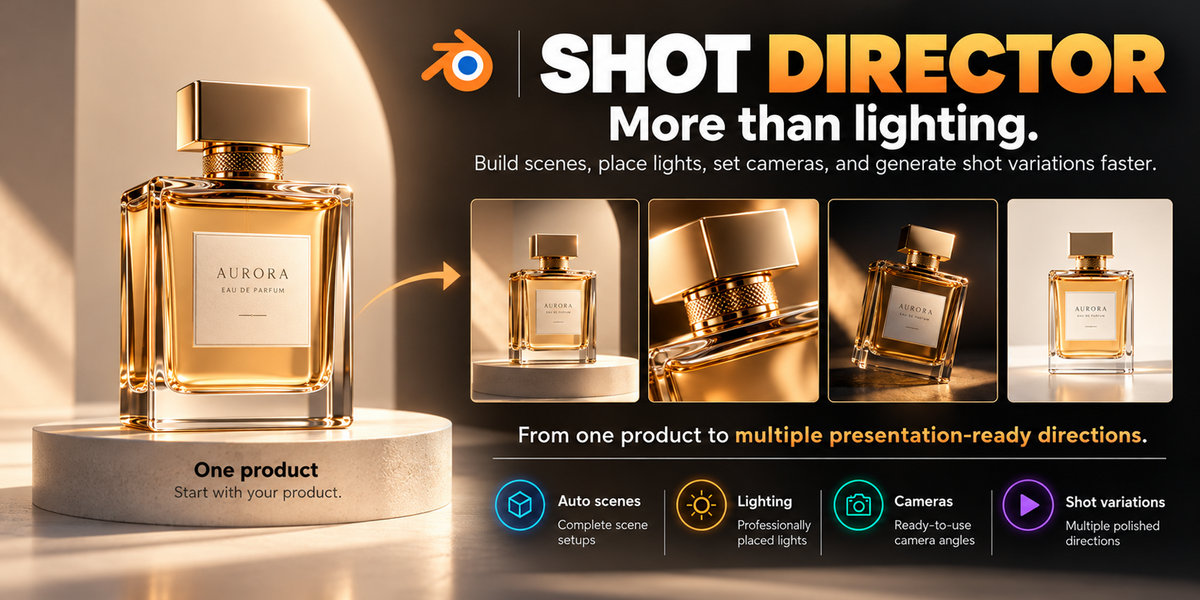
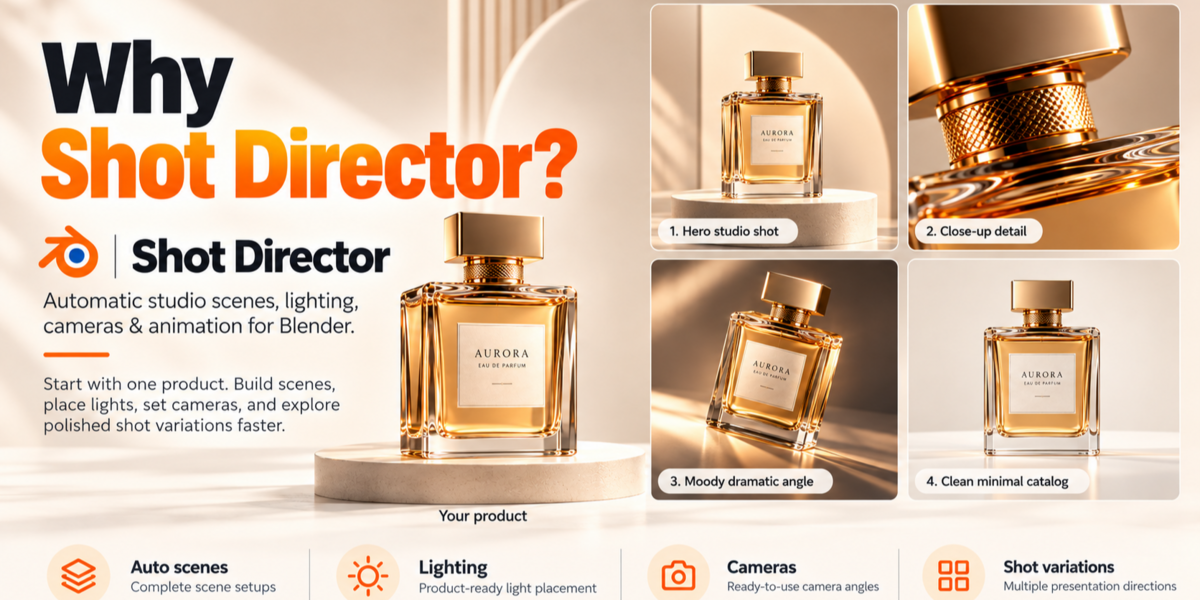
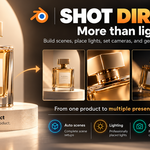
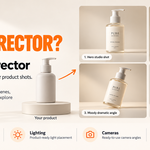
SHOT DIRECTOR
More Than Lighting. A Complete Product Studio for Blender.
Build a Complete Product Studio in Seconds. Save Hours of Manual Setup.
Stop building every product presentation from scratch.
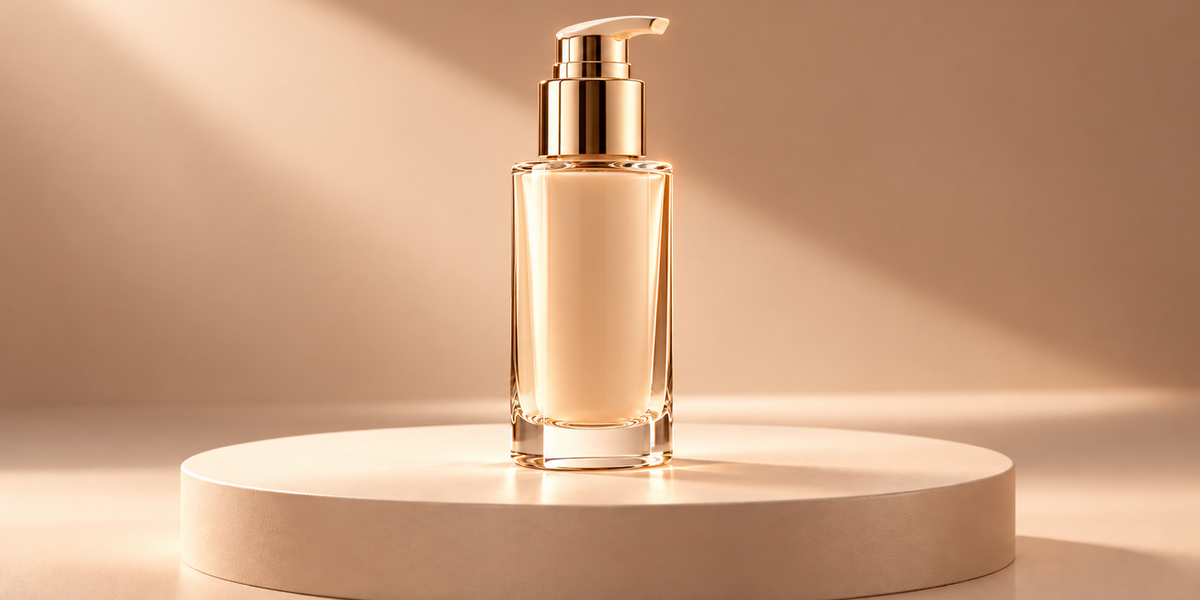
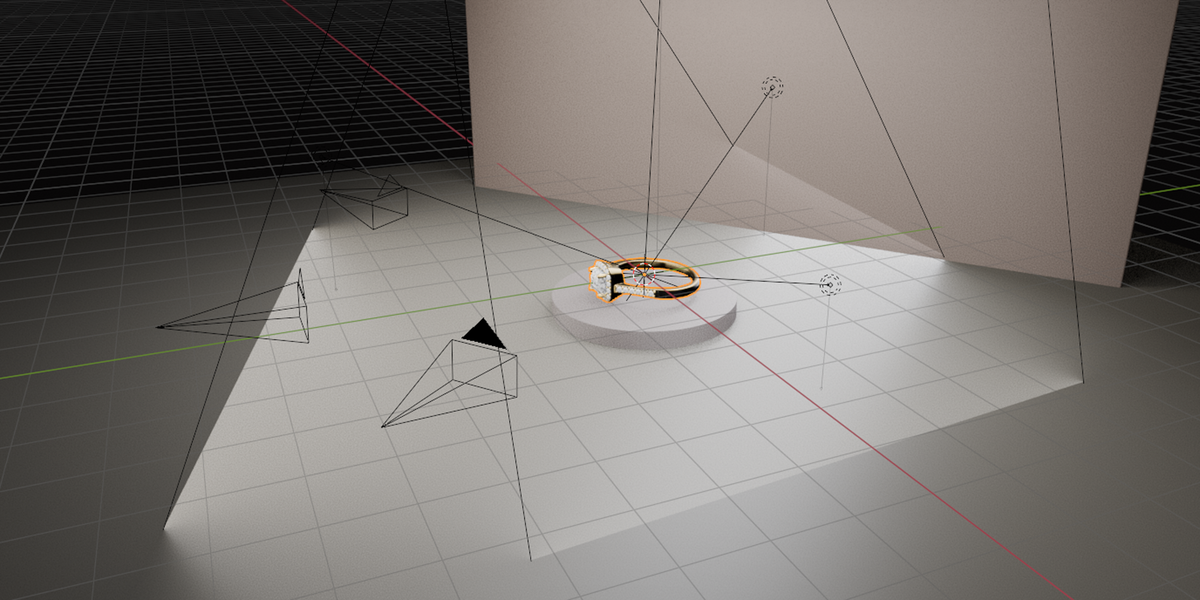
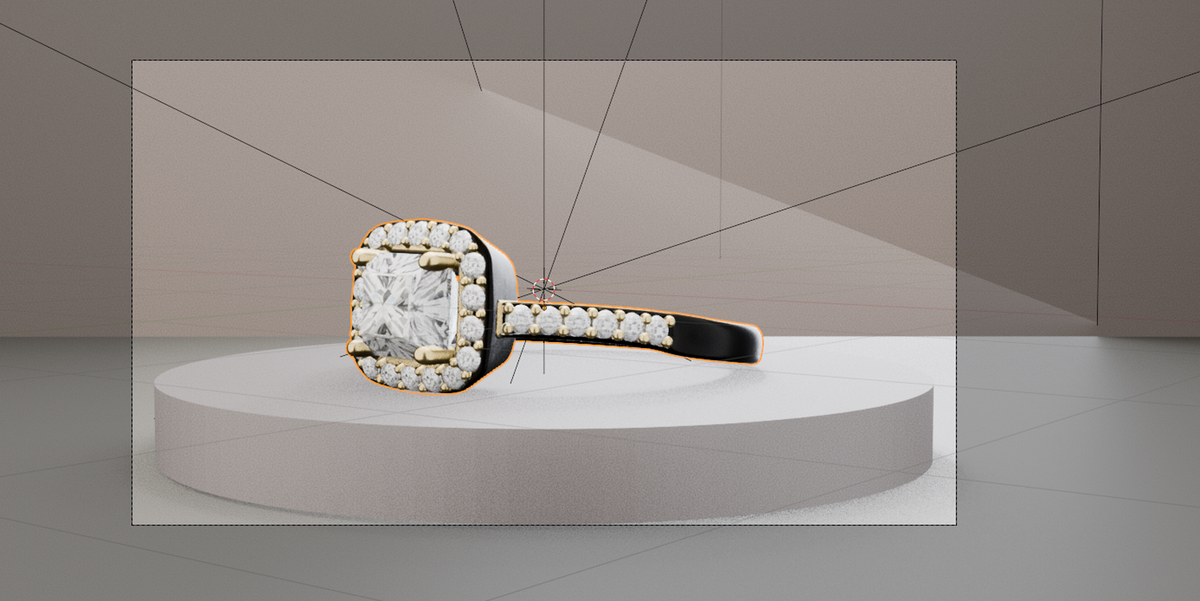
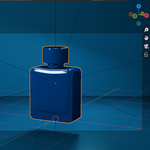
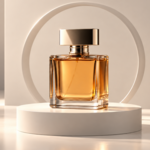
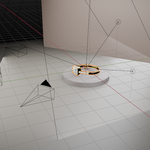
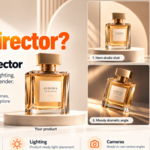
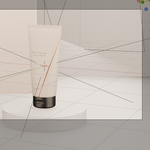
Shot Director is a Blender add-on that analyzes your 3D product and automatically creates a tailored studio setup with lighting, cameras, backgrounds, and presentation elements — all in just a few clicks.
Every Product Gets Its Own Tailored Studio Setup.
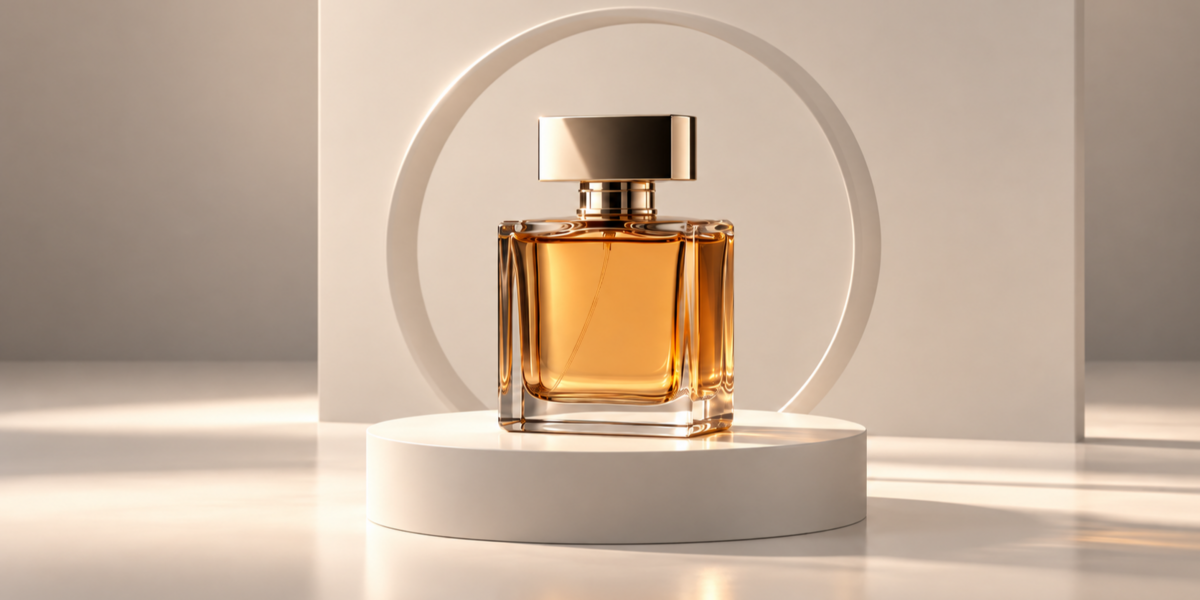
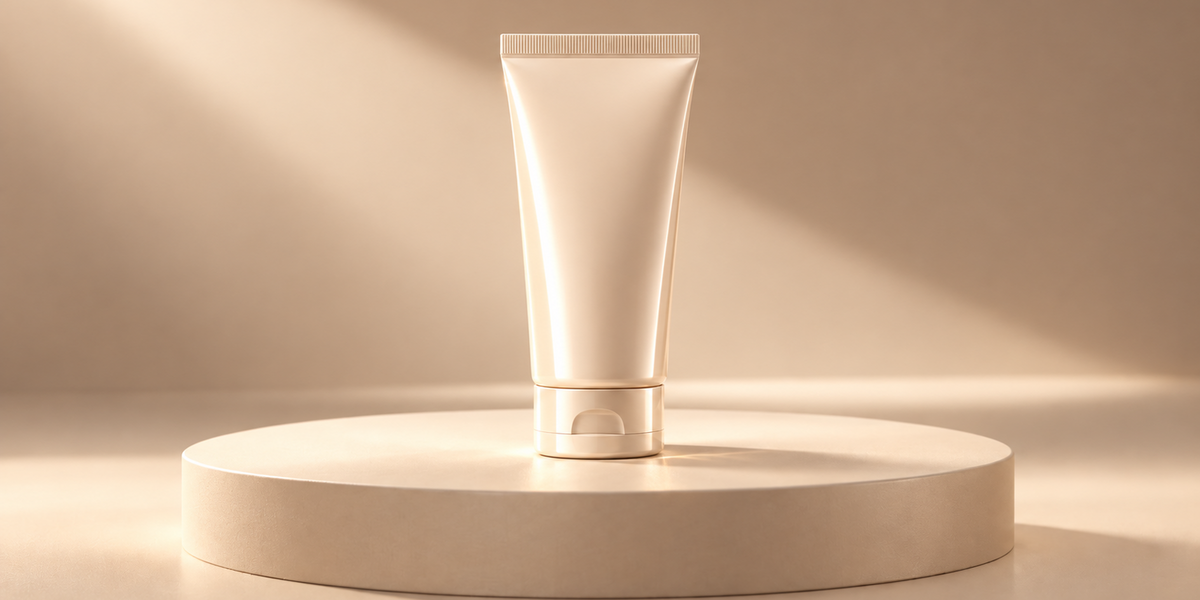
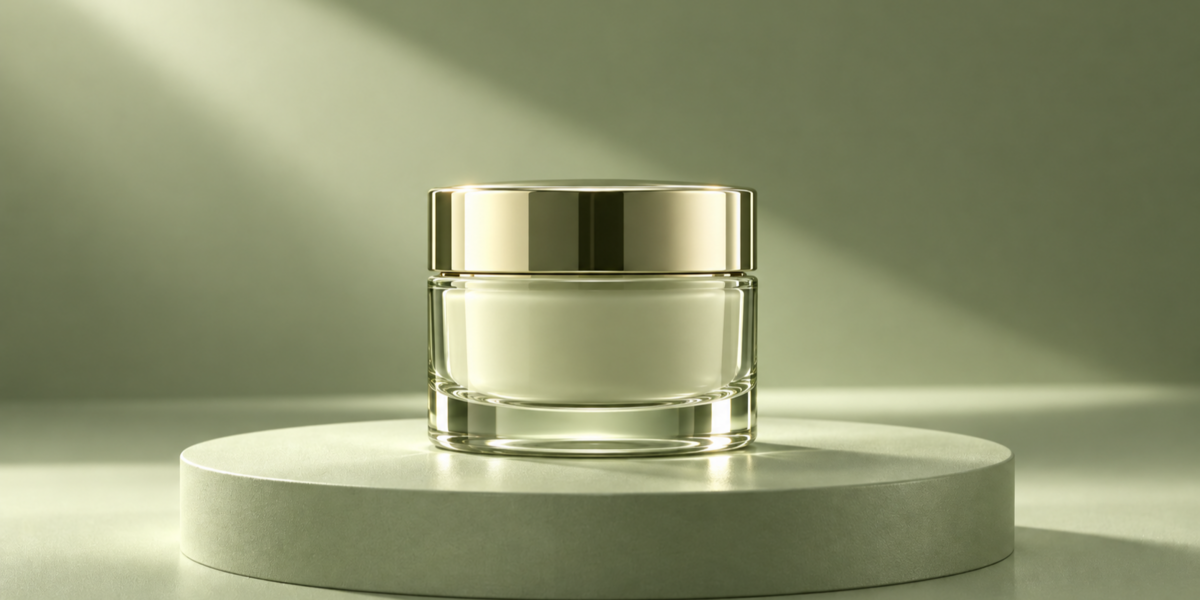
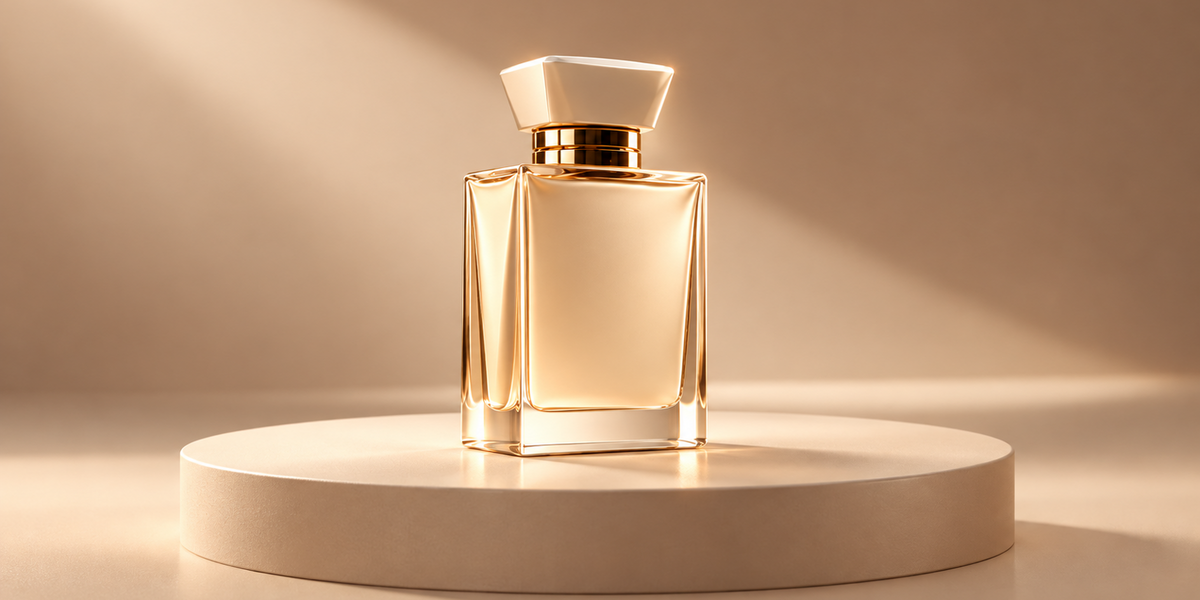
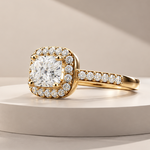
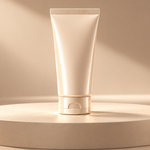
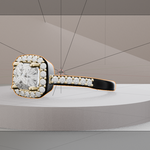
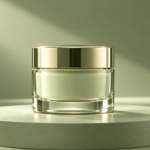
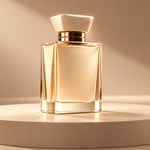
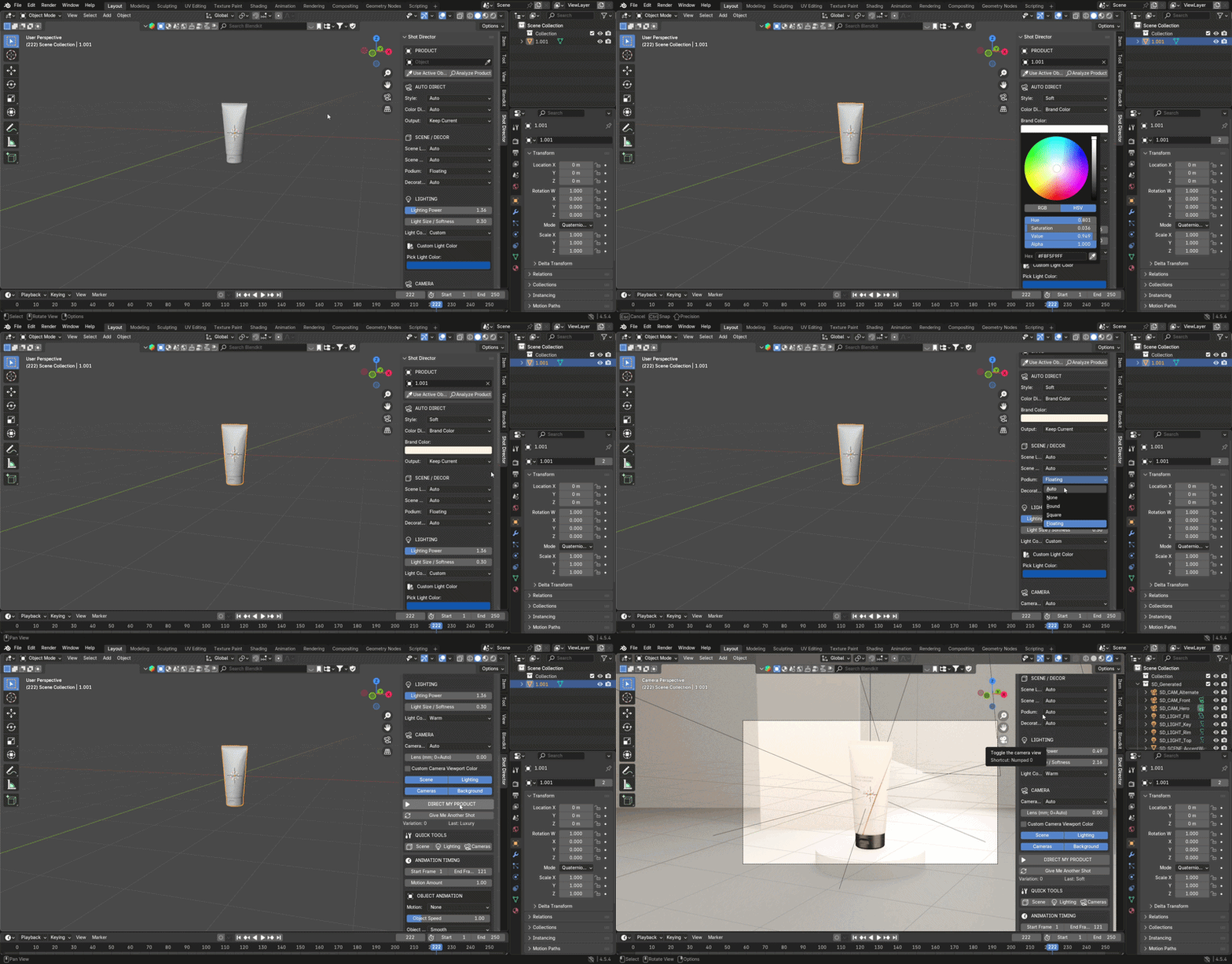
Unlike generic studio presets that apply the same setup to every object, Shot Director's Auto mode analyzes the selected product's geometry, dimensions, proportions, colors, and material properties to create a presentation adapted to that specific model.
Scene layout, lighting configuration, camera framing, color palette, and decorative elements are automatically selected and adjusted based on the product's characteristics.
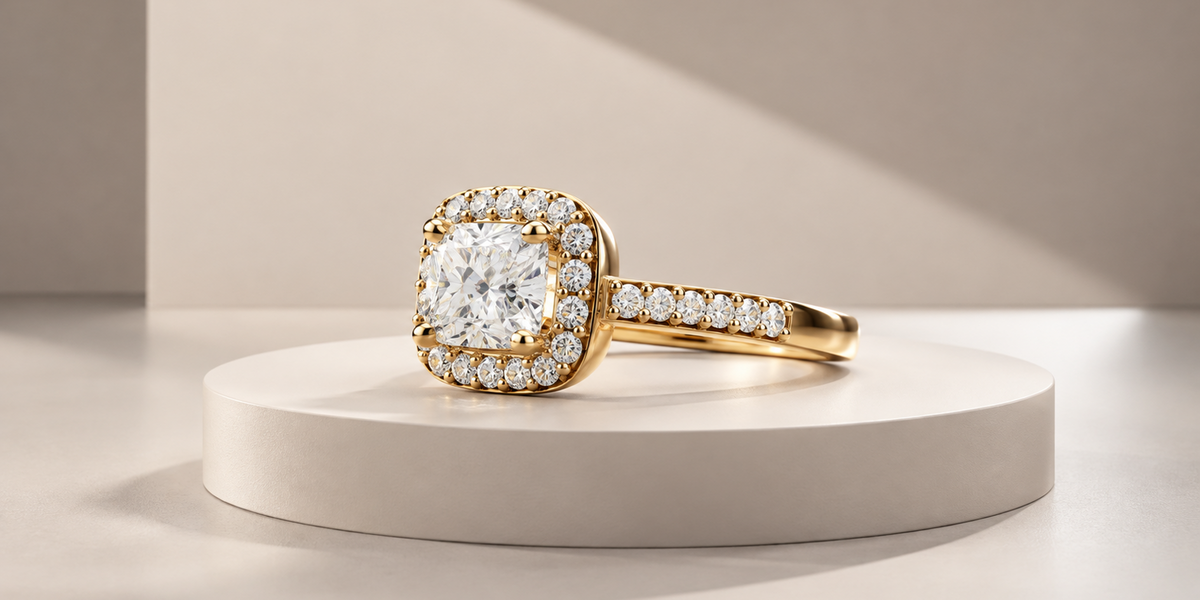
Different products. Different setups. Just one click.
Beyond automatic studio creation, Shot Director also lets you explore shot variations, customize individual settings, and create product or camera animations — all within Blender.
Select your product. Let Shot Director build the setup. Refine the result when needed.
SMART PRODUCT ANALYSIS
Every product is different. Your studio setup should respond to those differences.
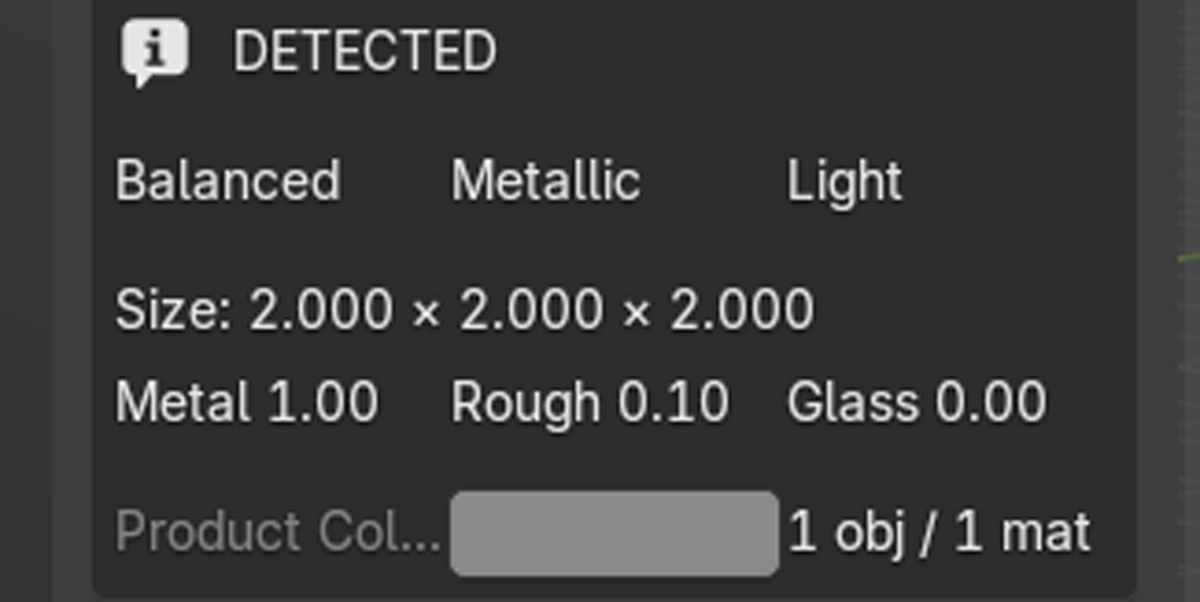
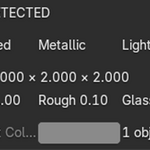
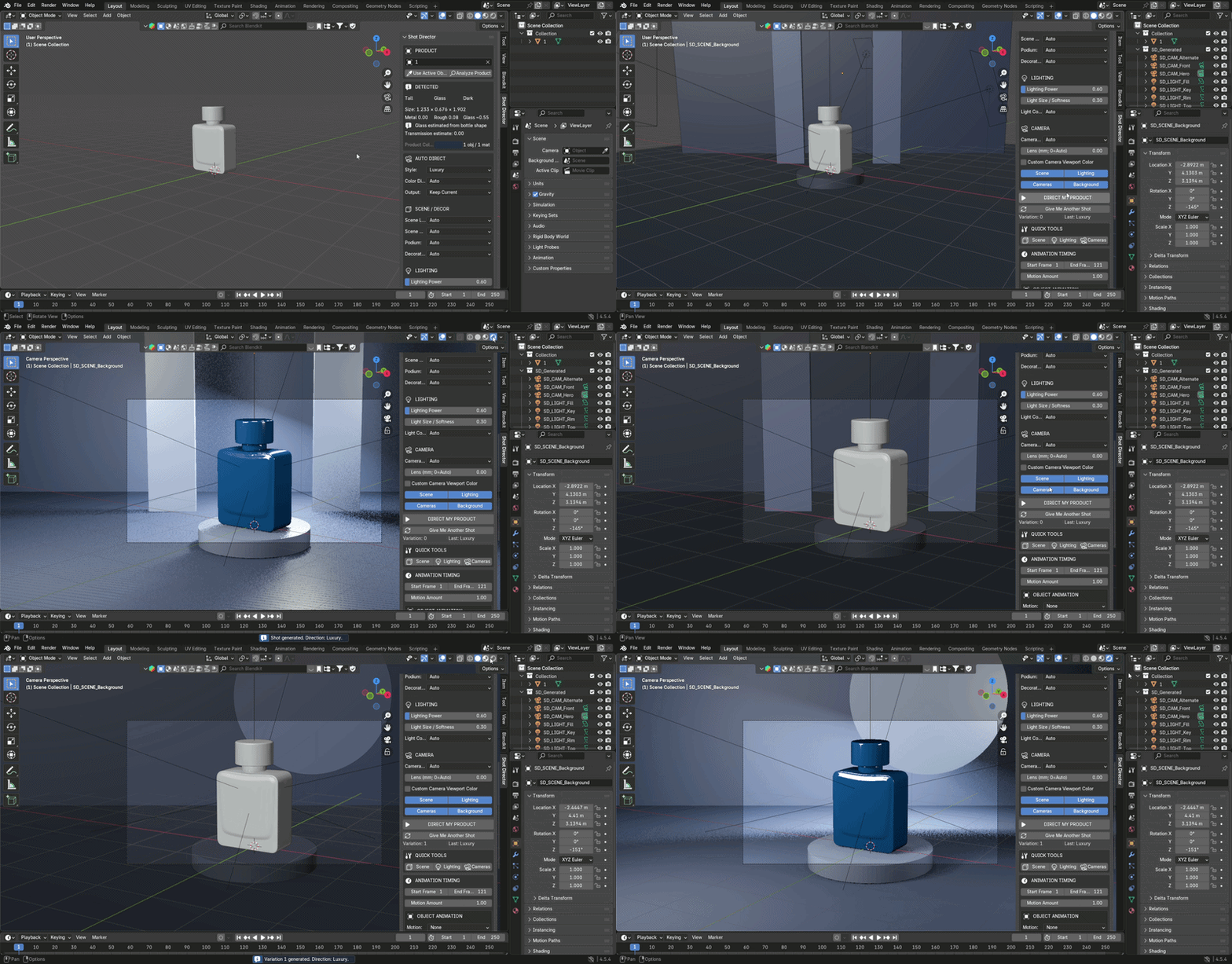
Shot Director examines your selected 3D model and estimates:
Product dimensions, proportions, and shape
Representative material colors
Metallic and roughness properties
Transparency and glass-like material characteristics
Surface appearance and color characteristics
These properties are used to automatically tailor the scene layout, color palette, lighting, camera positioning, and visual composition to the selected product, creating a product-specific presentation rather than a one-size-fits-all studio setup.
The analysis is based on geometry and material properties, not AI-based product category recognition.
AUTOMATIC STUDIO SCENE CREATION
Start with your own 3D model and generate a product display environment without assembling the entire studio manually.
Six available scene layouts:
Studio
Gallery
Architectural
Floating
Cyclorama
Editorial Set
Choose automatic scene recommendations or select a layout manually.
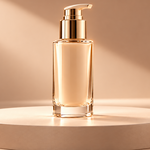
Shot Director can generate backgrounds, floors, podiums, and simple geometric decorations such as rings, panels, slabs, discs, beams, and walls.
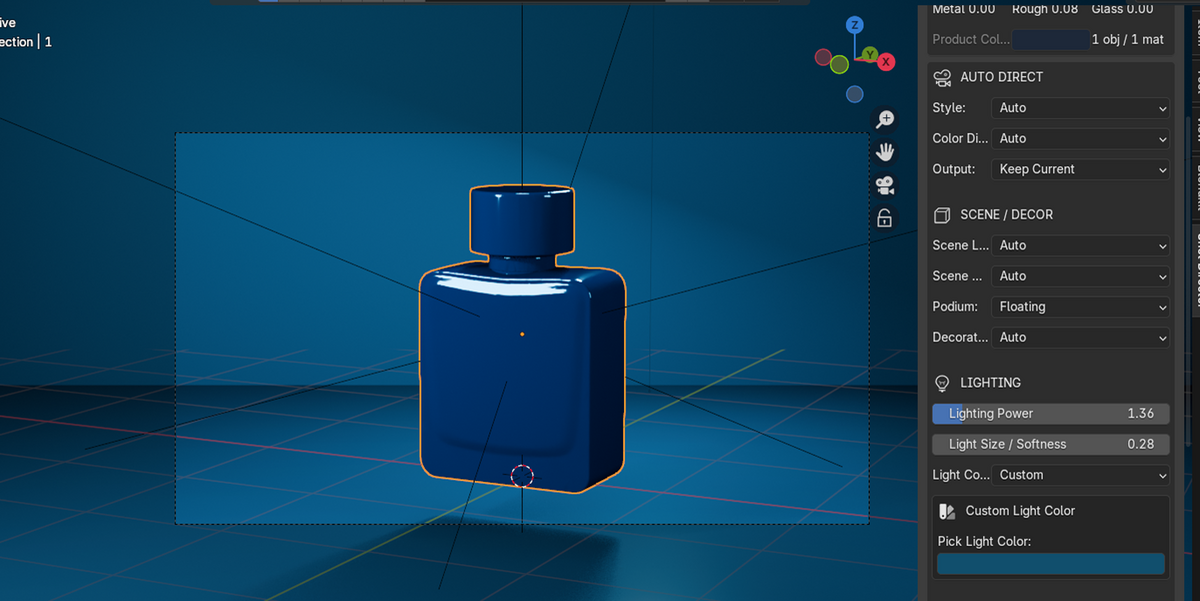
Podiums can be round, square, floating, or disabled.
Scene elements are sized relative to the product.
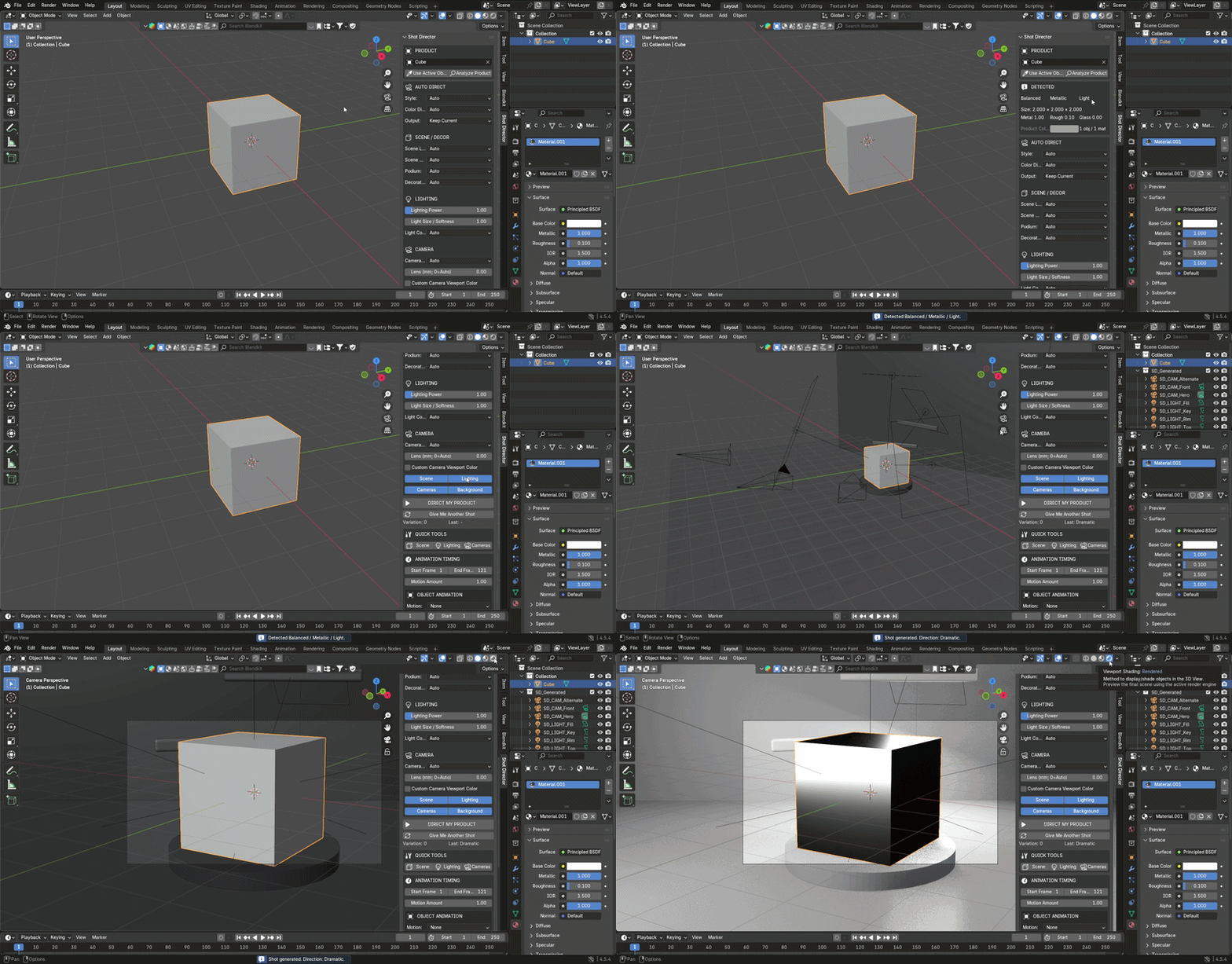
MATERIAL-AWARE LIGHTING
Lighting is generated with the product's analyzed surface properties in mind.
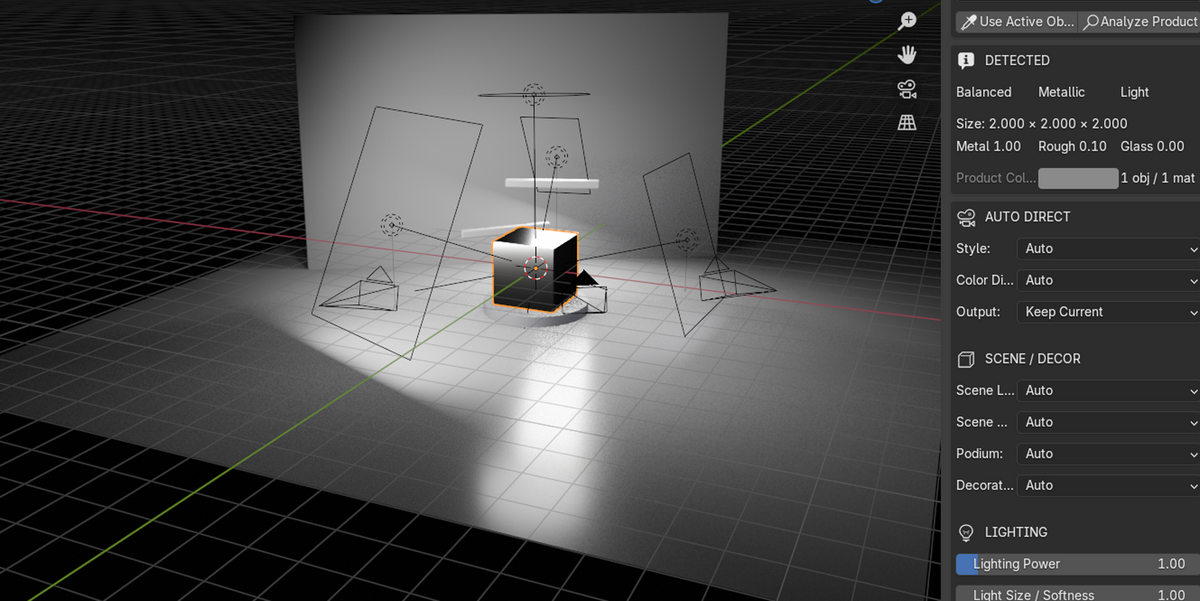
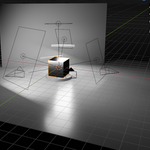
Shot Director creates a four-light studio setup:
Key Light
Fill Light
Rim Light
Top Light
The lighting configuration responds to material characteristics and the selected visual style.
Six lighting and presentation styles:
Commercial, Luxury, Clean, Dramatic, Soft, and Editorial.
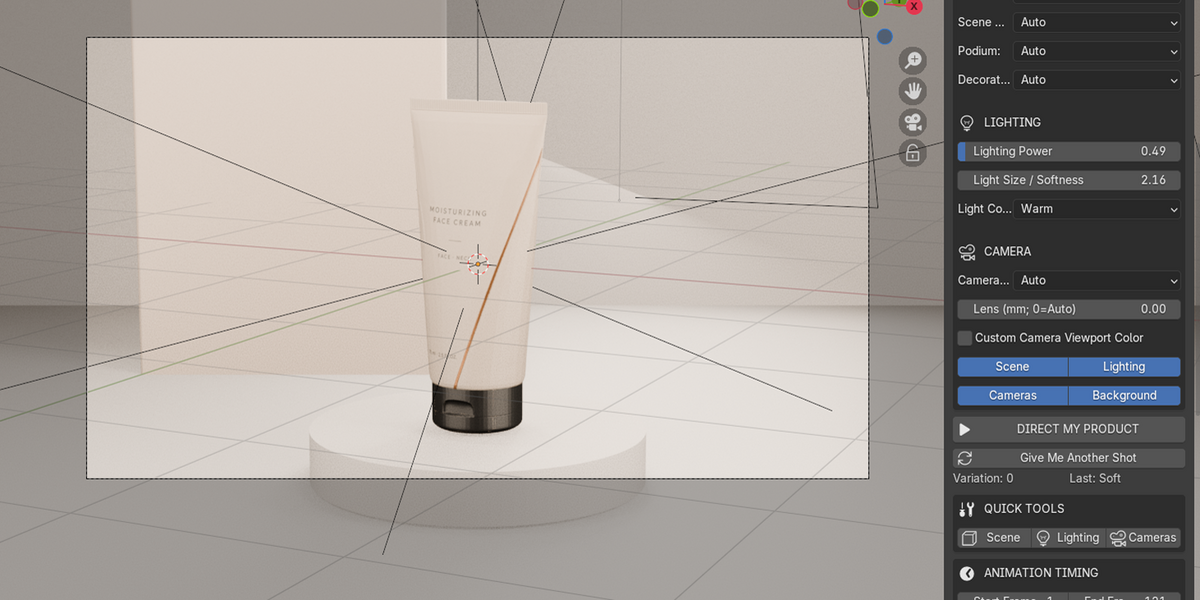
You can adjust lighting power, light size and softness, and light color.
Choose automatic lighting colors or use Warm, Cool, or Custom settings.
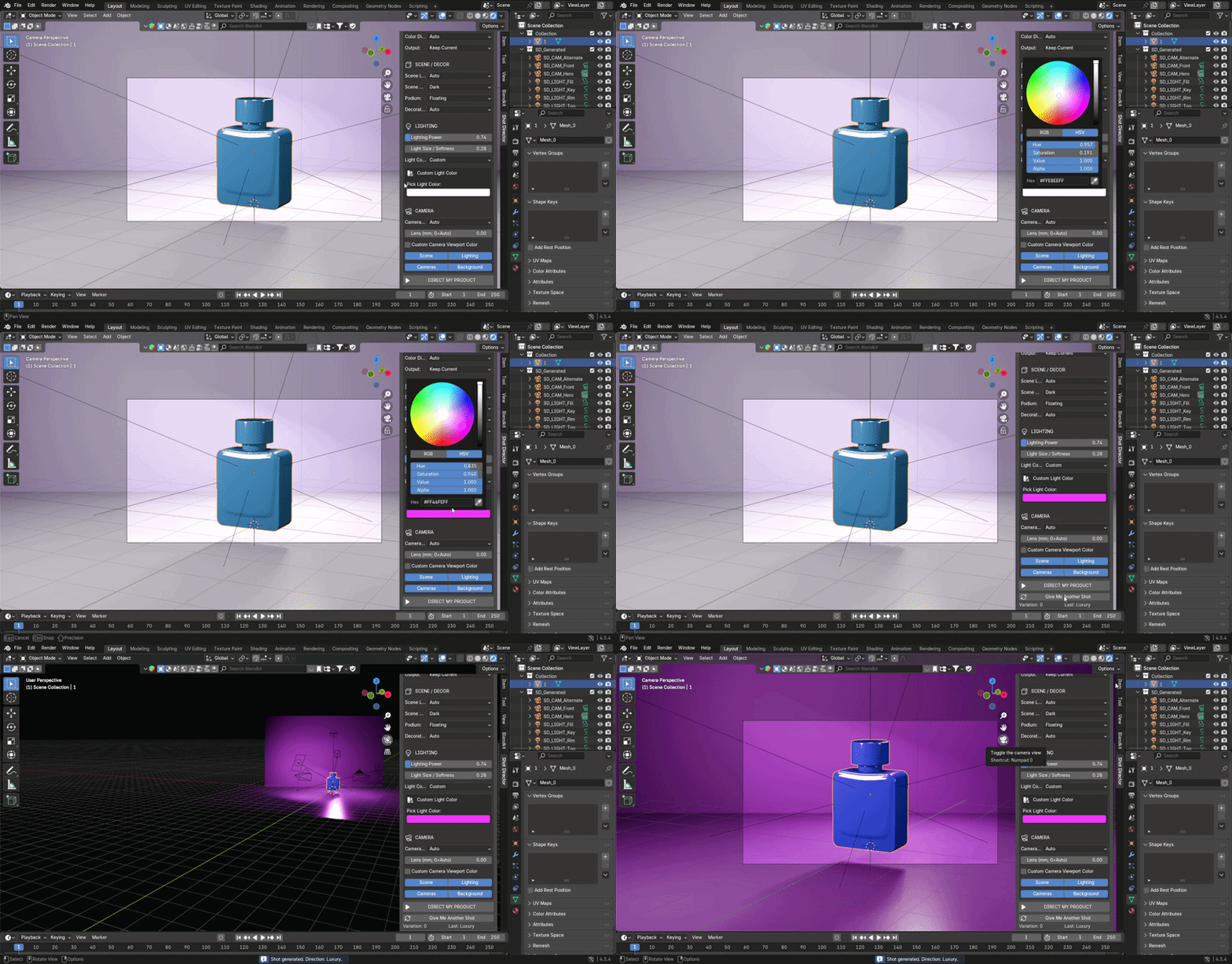
AUTOMATIC CAMERA SETUP
Shot Director creates three product cameras:
Hero Camera
Alternate Camera
Front Camera
Camera positioning and framing take product dimensions and proportions into account.
You can also select camera angles manually and override the lens focal length.
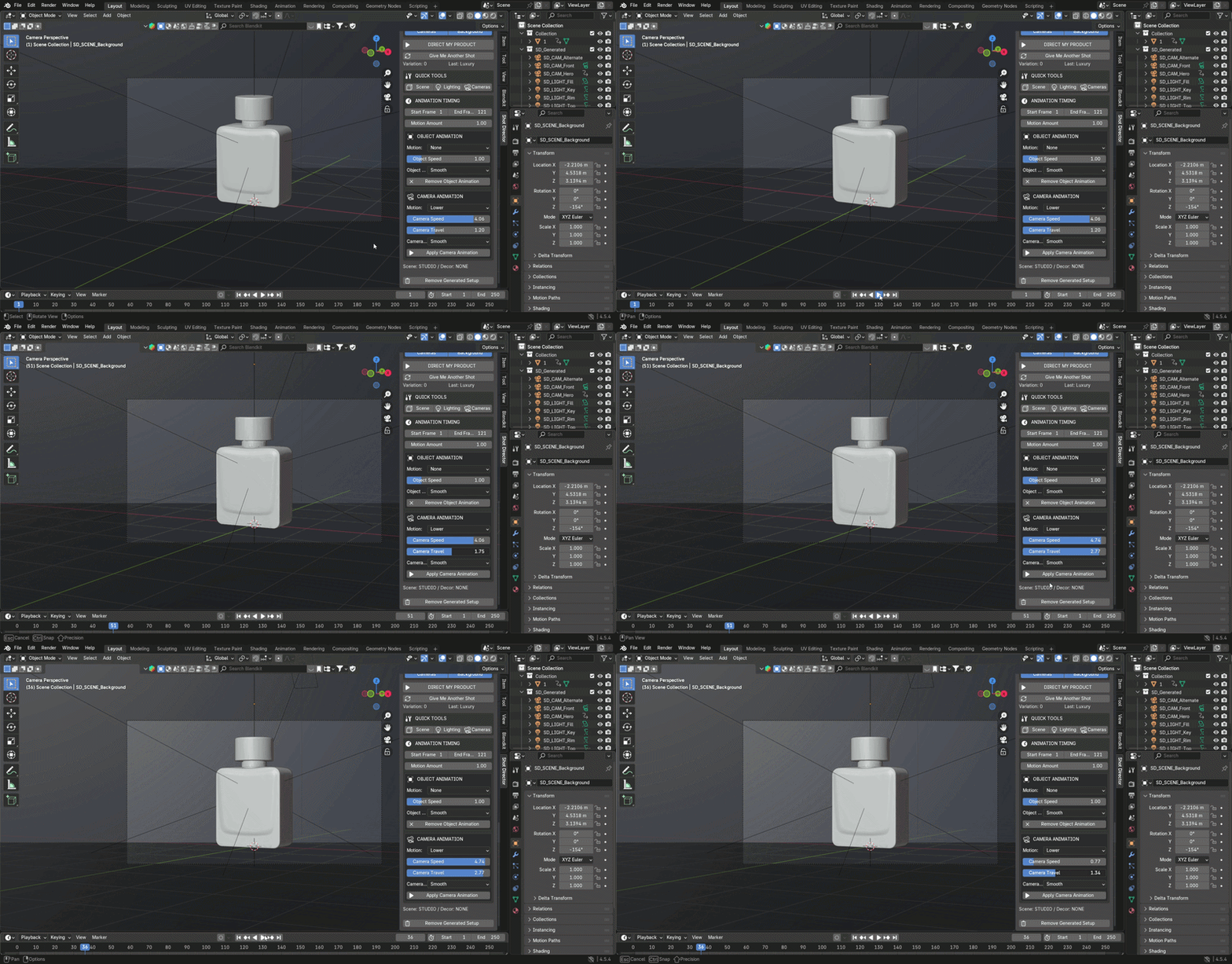
GIVE ME ANOTHER SHOT
Want to explore another presentation direction?
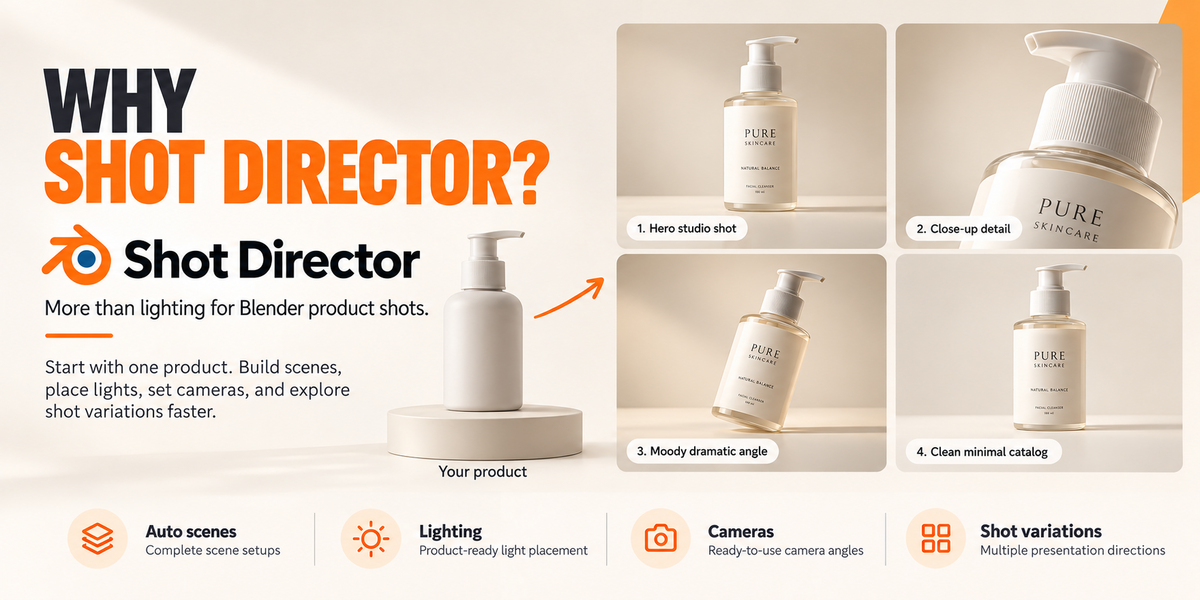
Use Give Me Another Shot to generate a new variation using changes to camera placement, lighting parameters, and automatic scene colors or decorations where applicable.
Manual settings remain available when you want more control.
Explore alternatives without rebuilding the studio from the beginning.
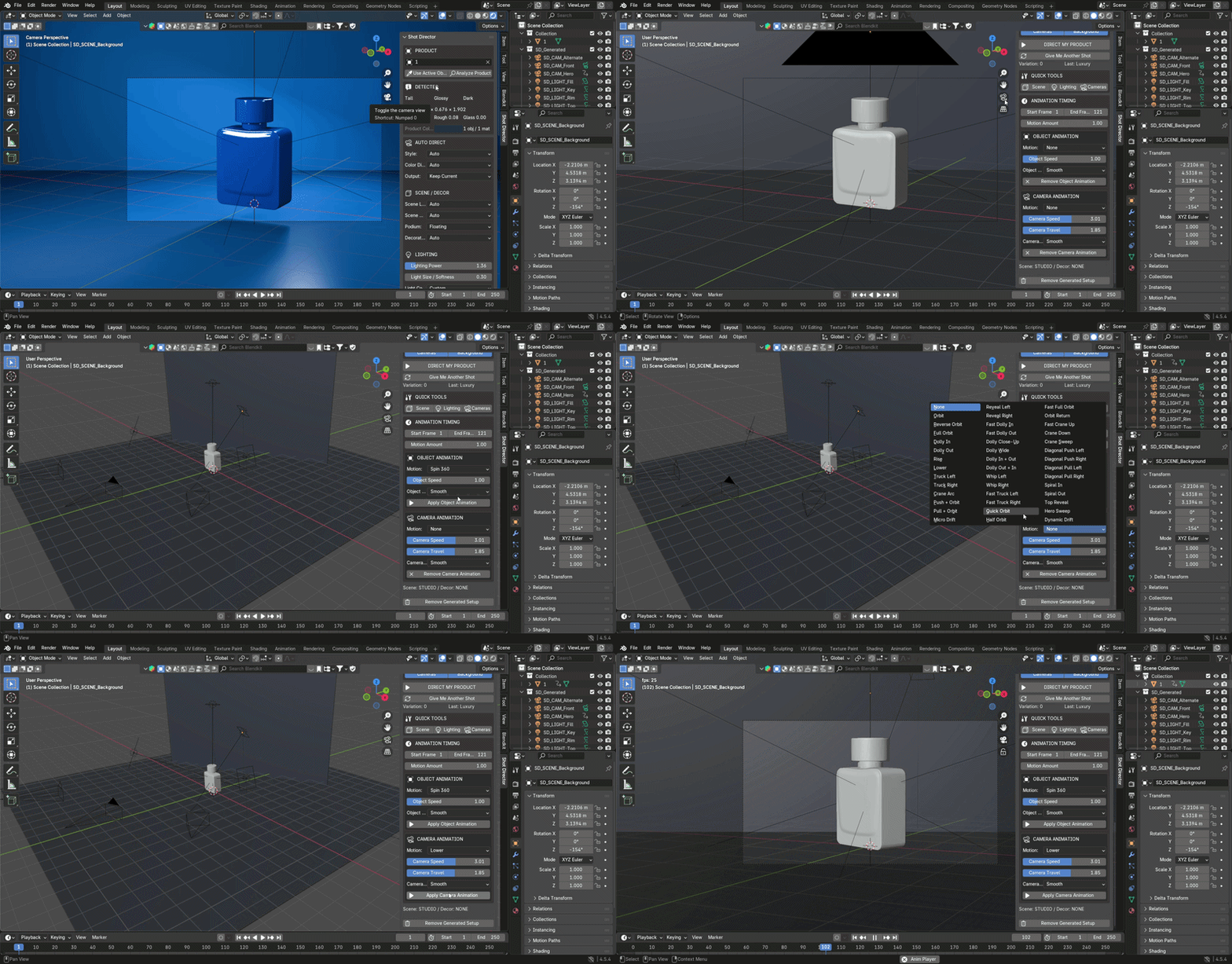
66 PRODUCT & CAMERA ANIMATION OPTIONS
Shot Director goes beyond static product images with two independent animation systems.
25 Object Animation Options
Includes movements such as:
360° Spin and Reverse Spin
Half Turn and Quarter Turn
Lift, Drop, and Float
Bounce, Rock, and Sway
Slide, Pulse, and Reveal
Jump, Shake, and Pop In
Circle and Helix
41 Camera Animation Options
Includes movements such as:
Full Orbit and Half Orbit
Dolly In and Dolly Out
Crane and Truck movements
Camera Reveals
Spiral In and Spiral Out
Hero Sweep
Dynamic Drift
Adjust animation timing, speed, motion amount, camera travel, and easing.
Object and camera animations can be applied independently.
Animations generate Blender keyframes, ready for rendering through Blender's normal animation workflow.
QUICK TOOLS & MANUAL CONTROL
You don't have to regenerate everything when you only want to change one part of the setup.
Quick Tools allow you to rebuild:
Scene
Lighting
Cameras
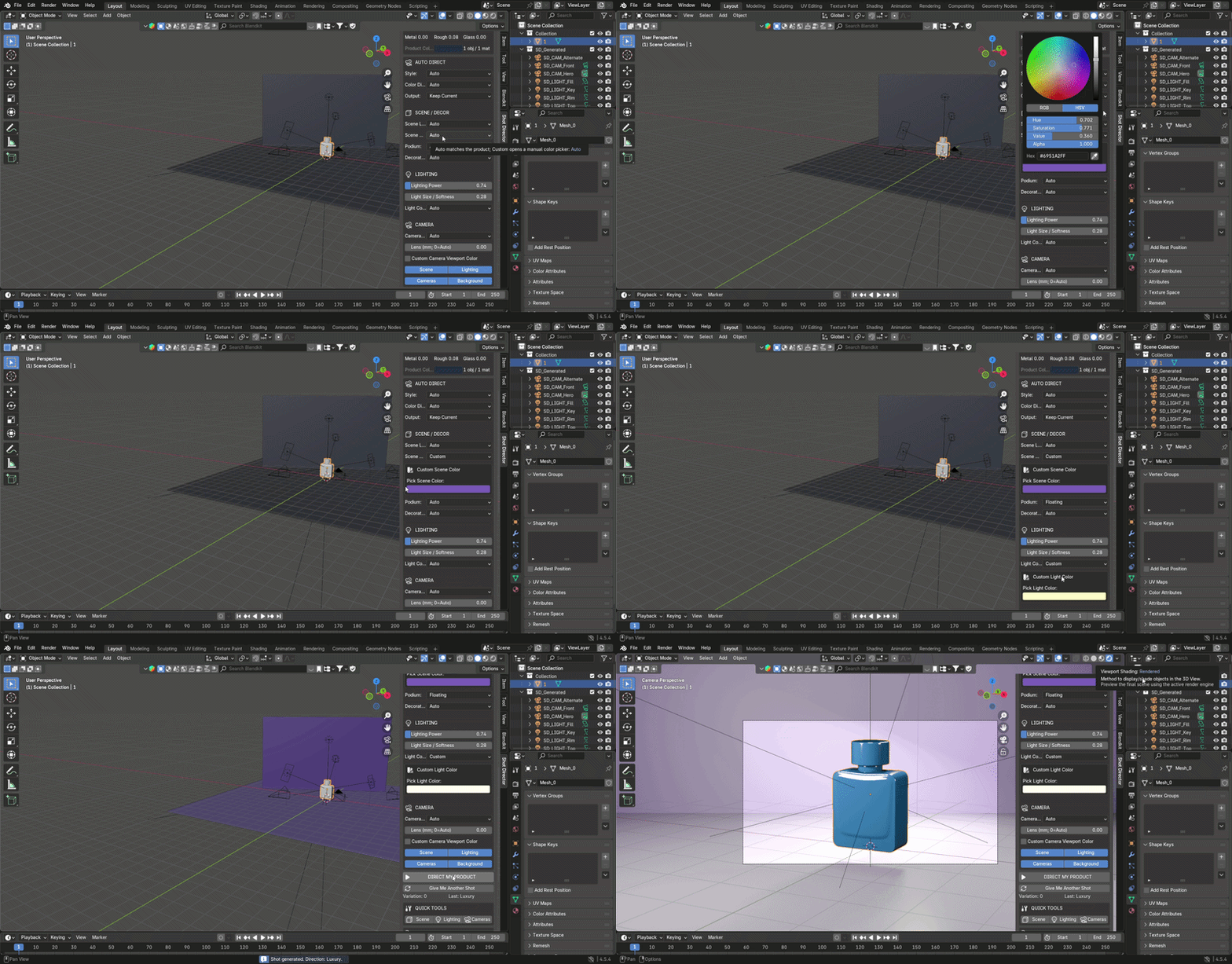
Additional controls include scene color, background, podium, decorations, camera settings, and output resolution presets.
Use Remove Generated Setup to remove Shot Director-generated elements and restore saved scene-level camera, world, and resolution settings.
WHY CHOOSE SHOT DIRECTOR?
More than a lighting rig.
Instead of focusing only on light placement, Shot Director combines product analysis, scene generation, lighting, cameras, shot variations, and animation tools in one workflow.
Product-aware setup. Automatic decisions are informed by geometry and material characteristics rather than using the same settings for every object.
Faster scene preparation. Generate the main studio elements from your selected model instead of positioning every element manually.
Creative control. Use Auto settings for a starting point or override individual parameters.
Static shots and animation. Prepare product images and animated presentations using the same add-on.
HOW TO USE
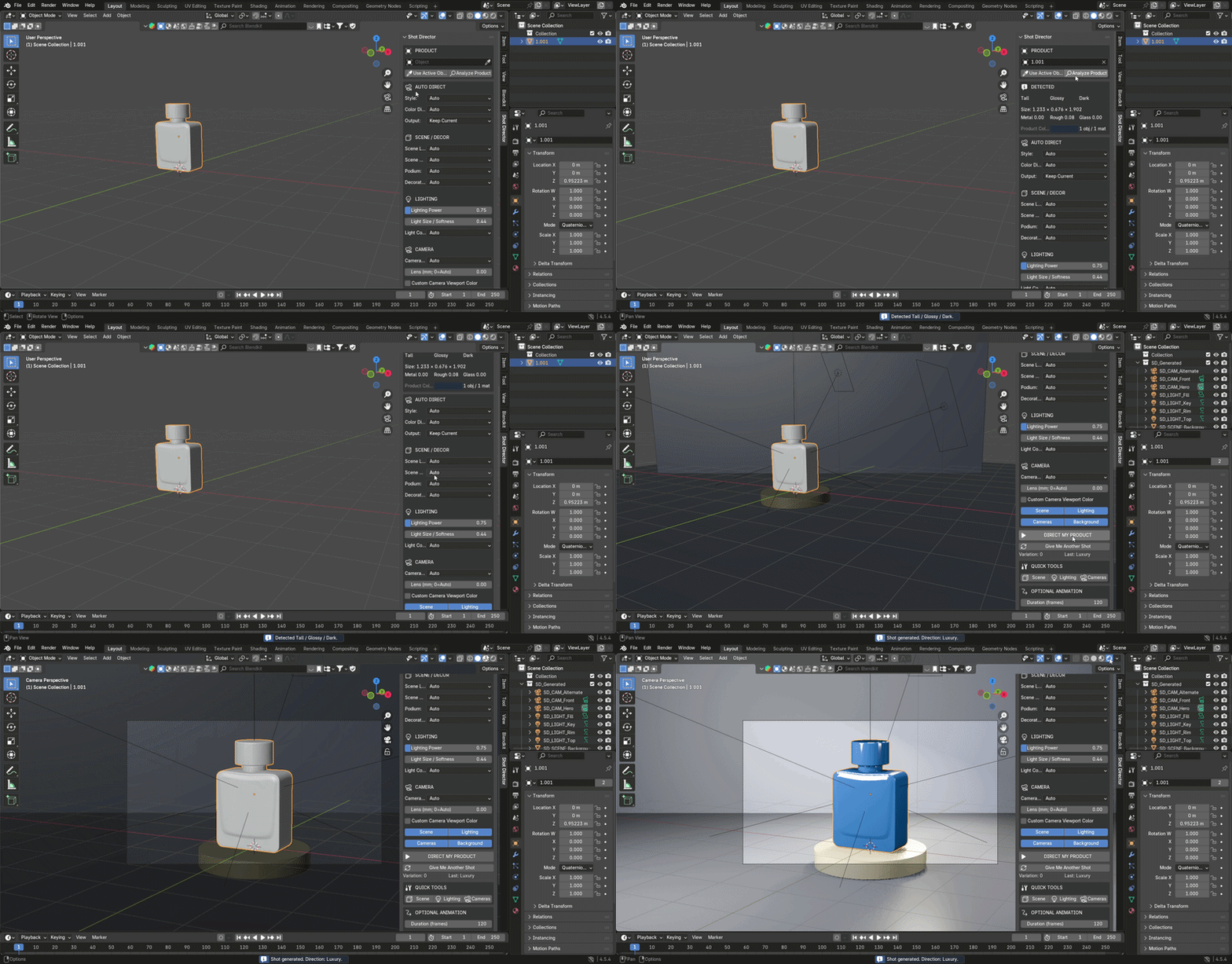
Select your 3D product in Blender.
Click Use Active Object and, optionally, Analyze Product.
Choose Auto settings or customize the scene, lighting, and cameras.
Click DIRECT MY PRODUCT.
Explore variations with Give Me Another Shot.
Optionally apply object or camera animation.
Render your result using Blender.
REQUIREMENTS & NOTES
Blender 4.2 or newer
Your own 3D product model
No external AI service or cloud connection required
Works using Blender's built-in functionality
Studio objects, lights, and cameras are generated; product models are not included or automatically created
Final visual quality depends on product materials, geometry, render settings, and any manual adjustments
SHOT DIRECTOR — Analyze. Direct. Light. Animate.