 Domenas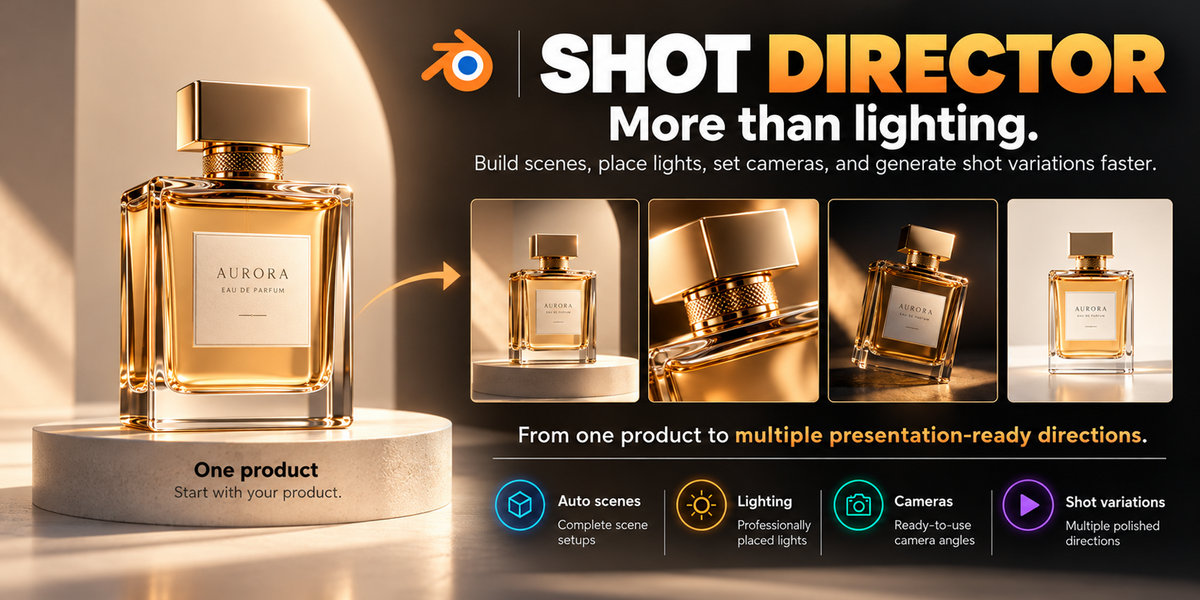
SHOT DIRECTOR – USER GUIDE
Automatic Product Studio for Blender
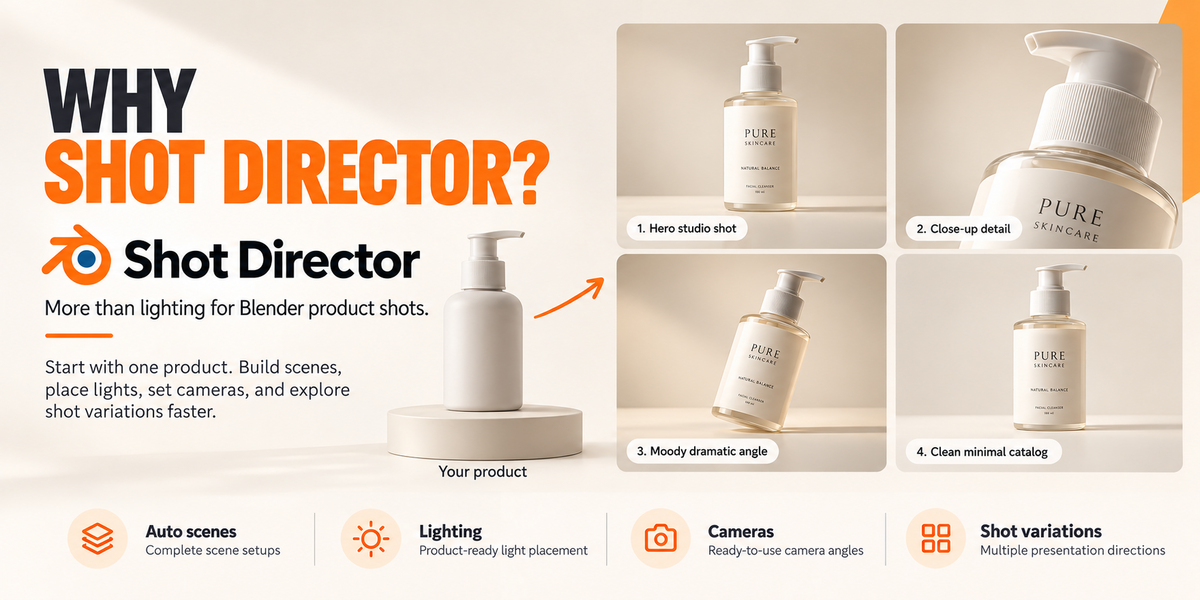
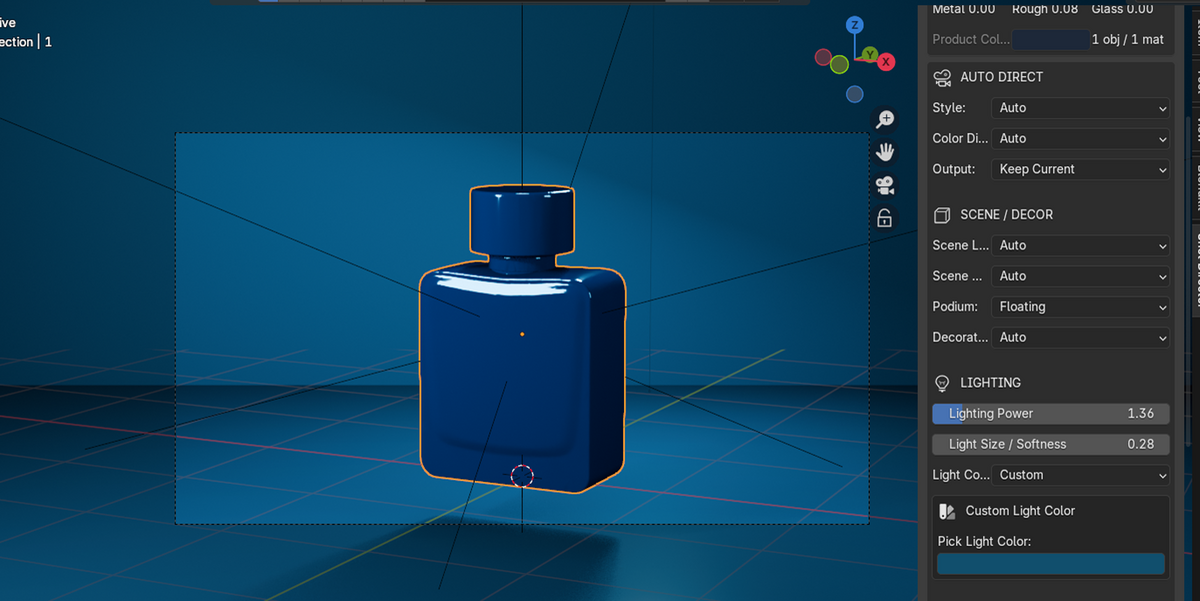
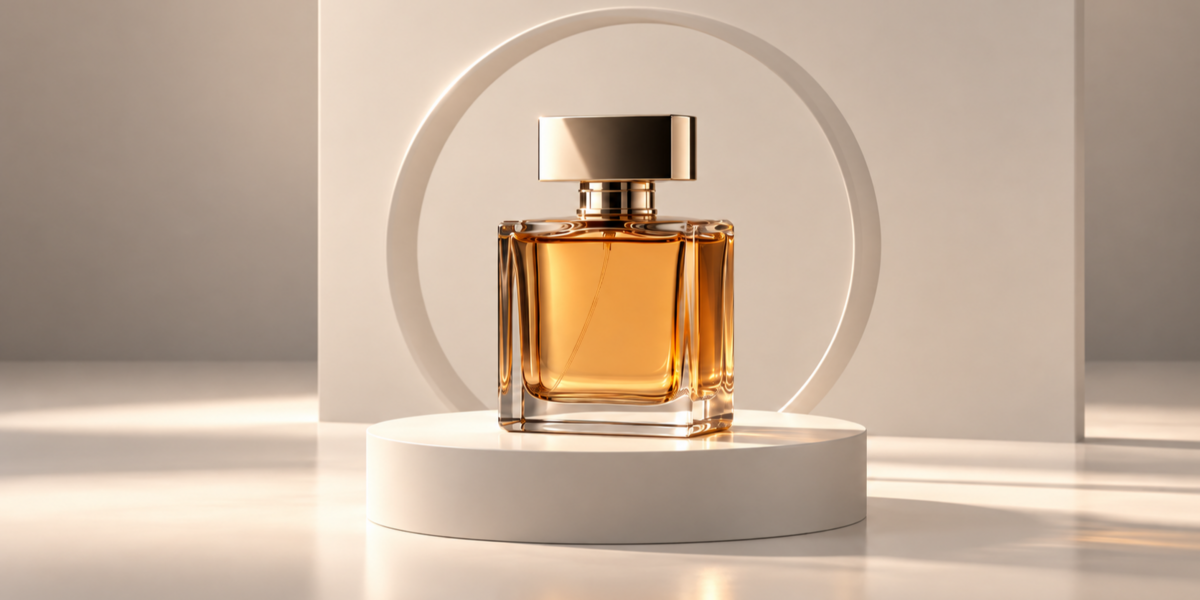
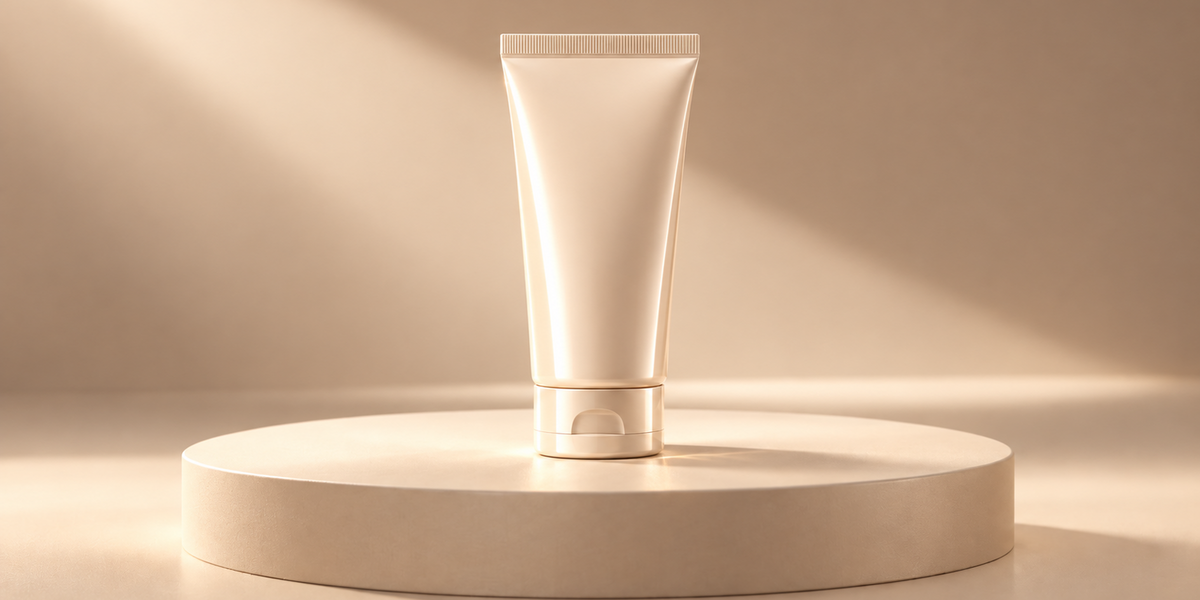
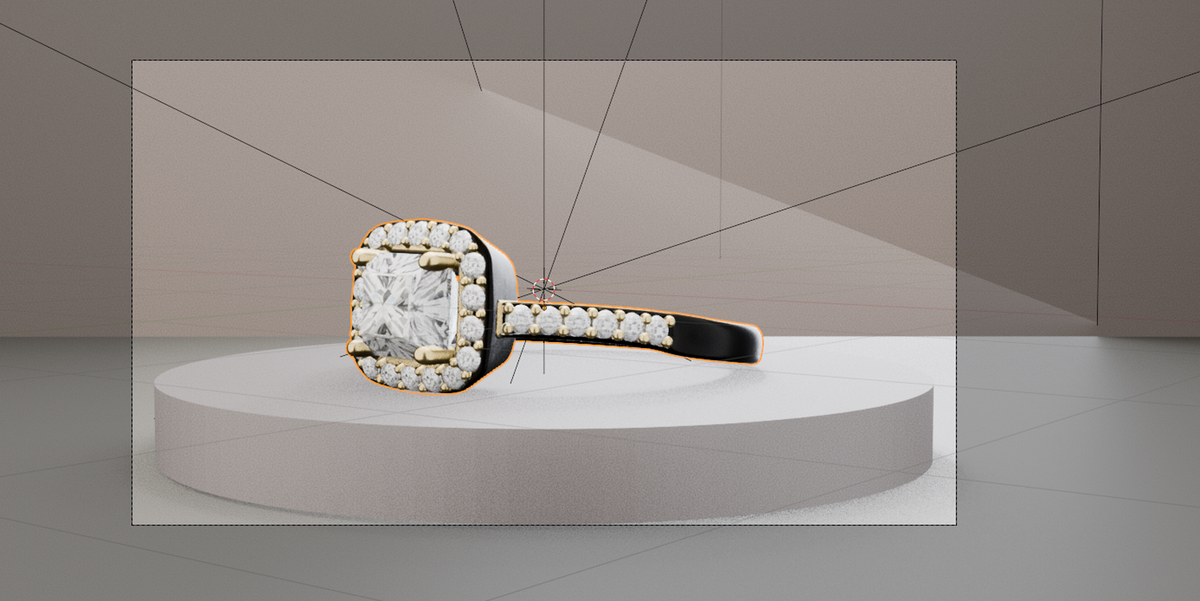
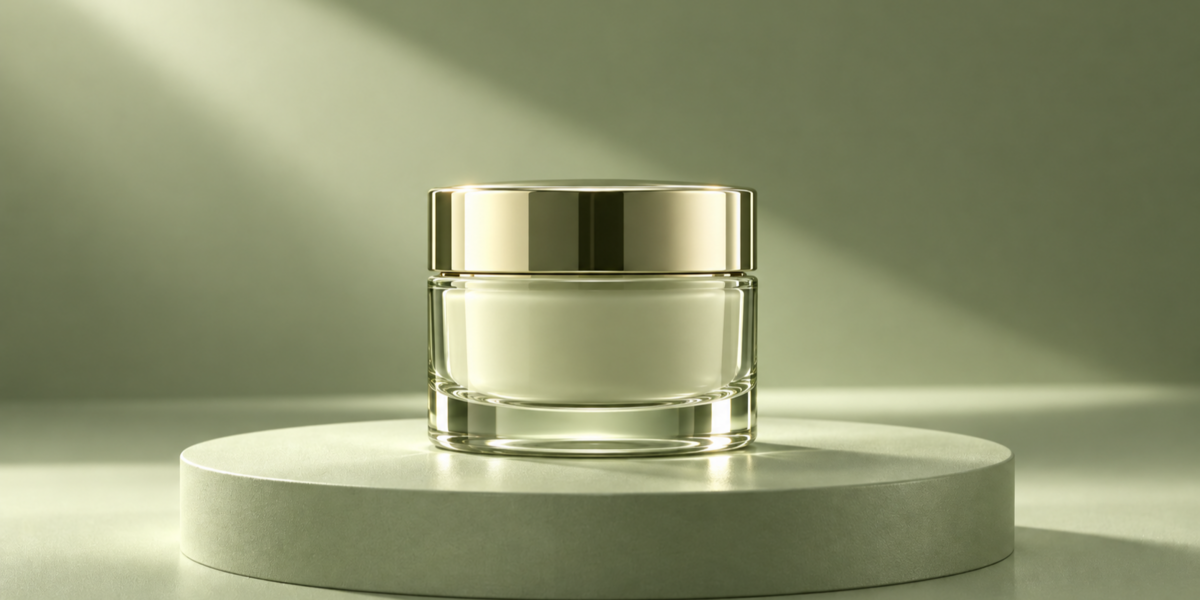
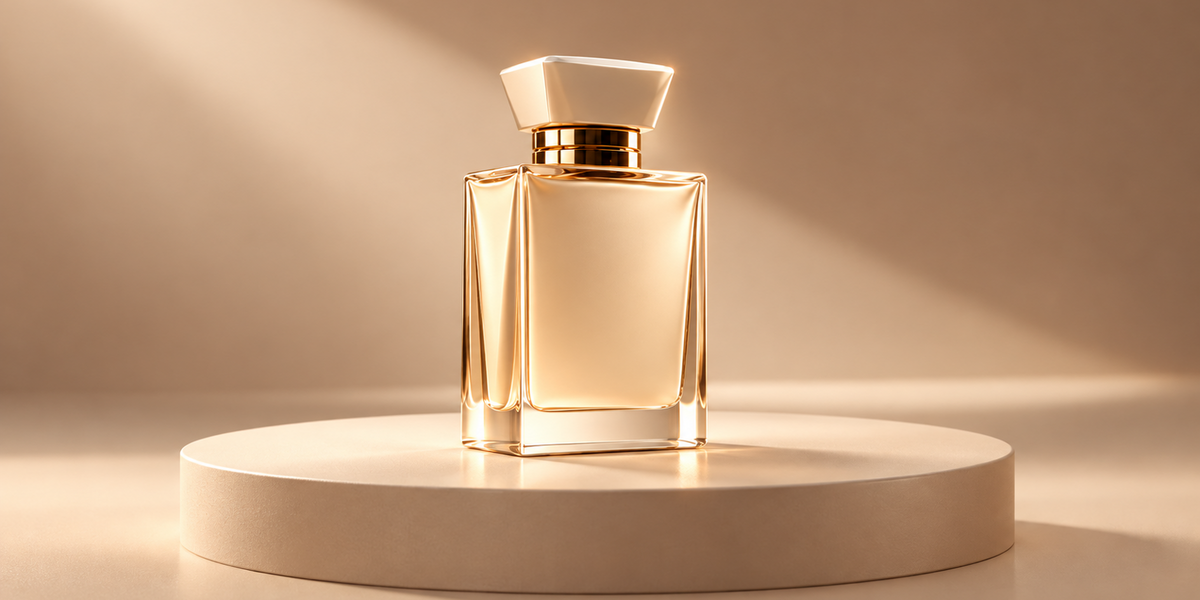
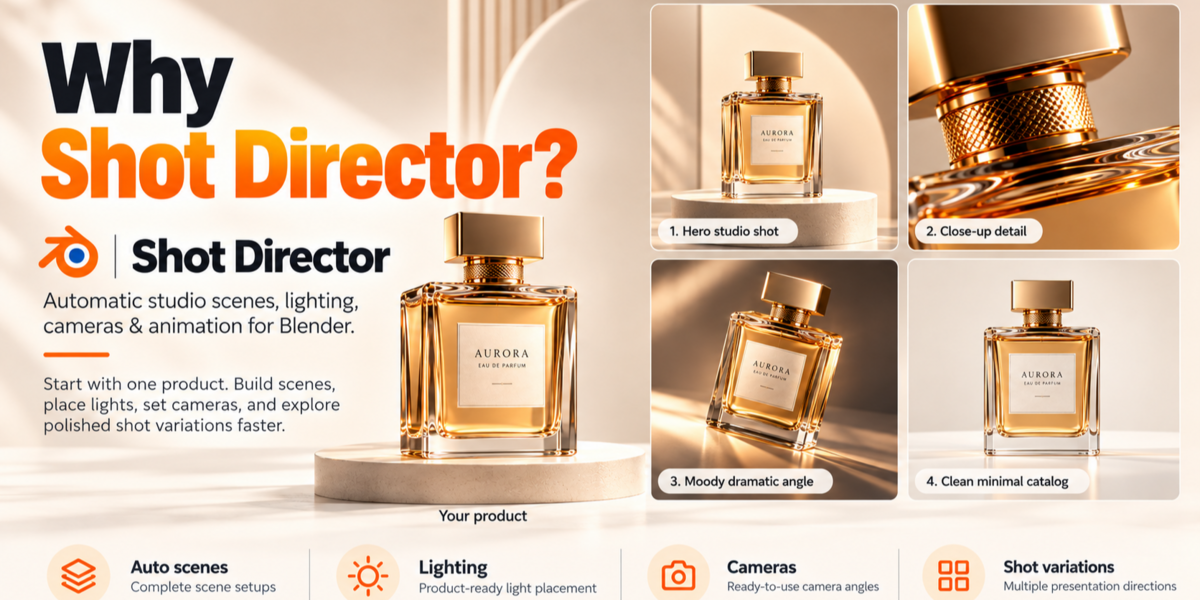
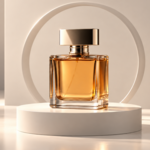
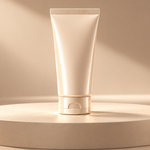
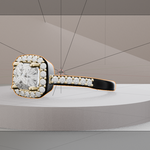
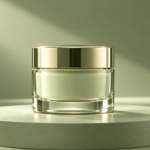
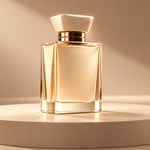
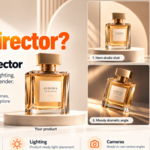
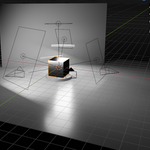
Shot Director is a Blender add-on that analyzes your 3D product and generates studio scenes, lighting, cameras, and optional animation keyframes.
Installation
Open Blender 4.2 or newer.
Go to Edit → Preferences → Get Extensions.
Open the extensions menu and select Install from Disk.
Select the Shot Director ZIP file.
Enable the extension if required.
In the 3D Viewport, press N and open the Shot Director tab.
Quick Start
Import or open your 3D product.
Select the product or its parent object.
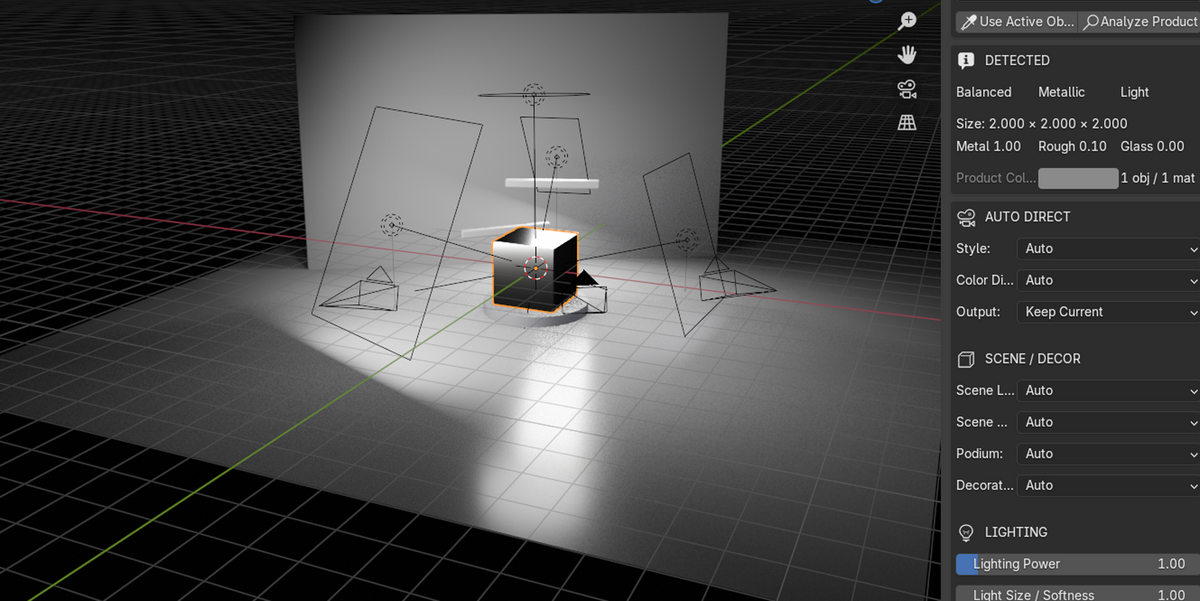
Click Use Active Object or assign it in the Product field.
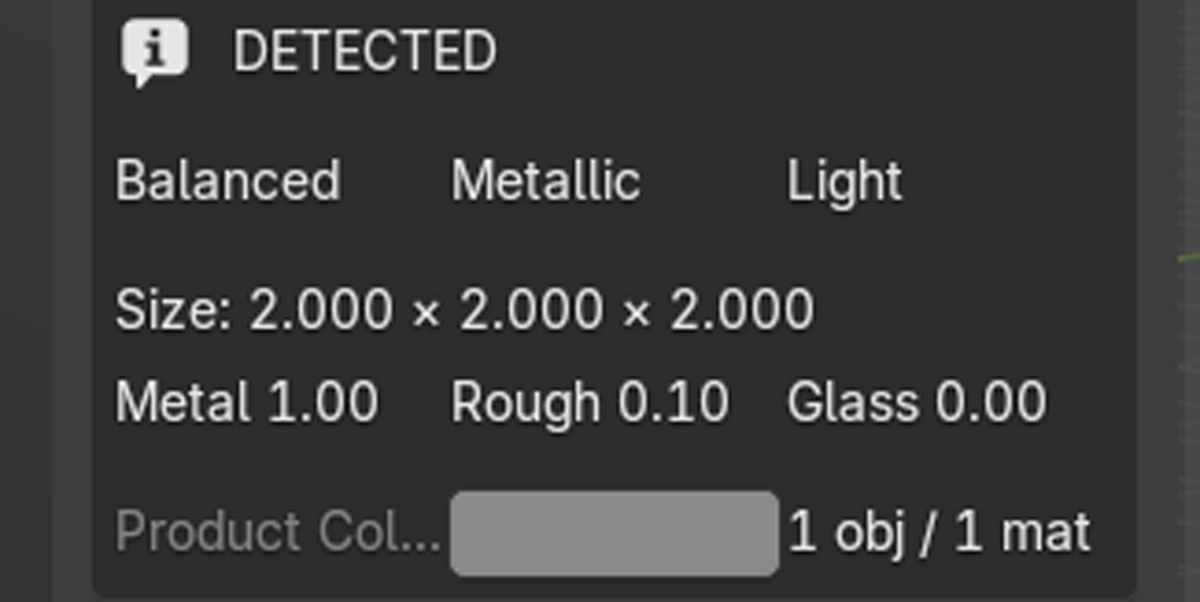
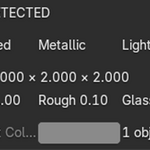
Optionally click Analyze Product to inspect the detected geometry and material characteristics.
Choose Auto settings or customize the available controls.
Click DIRECT MY PRODUCT.
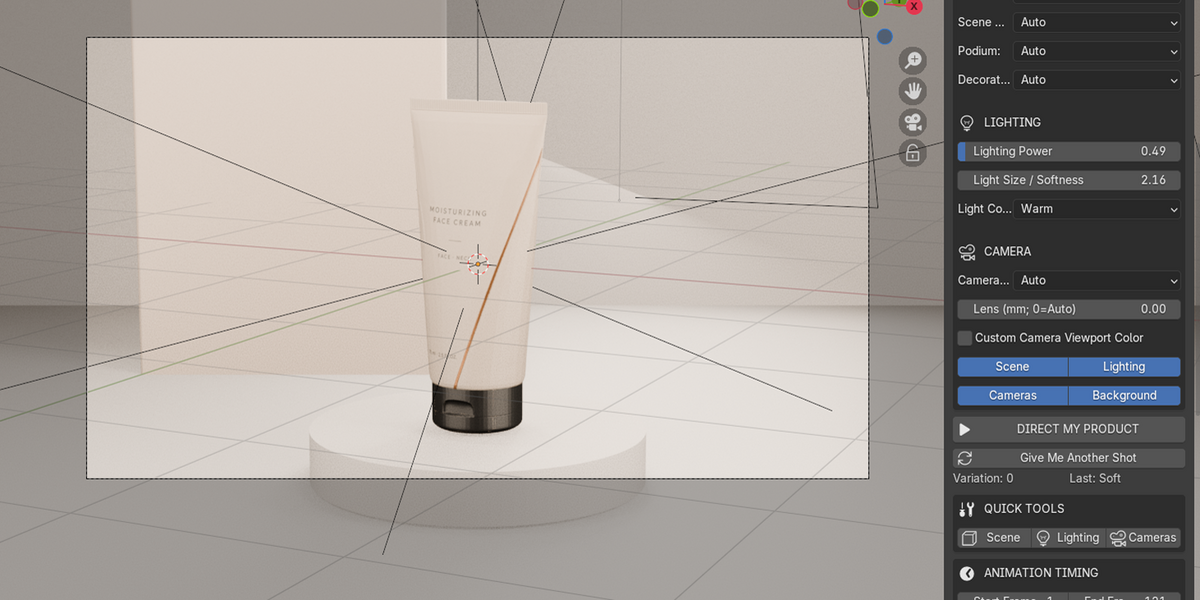
Shot Director generates the enabled studio components around your model.
Product Analysis
The add-on examines available object and material data, including dimensions, proportions, representative colors, surface roughness, metallic values, and transparency characteristics.
These properties are used to determine automatic scene, color, lighting, and camera settings.
Scene and Lighting
Six presentation styles are available:
Commercial
Luxury
Clean
Dramatic
Soft
Editorial
Six scene layouts are available: Studio, Gallery, Architectural, Floating, Cyclorama, and Editorial Set.
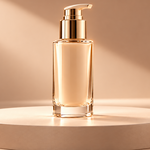
The add-on can generate backgrounds, floors, podiums, and simple geometric decorations.
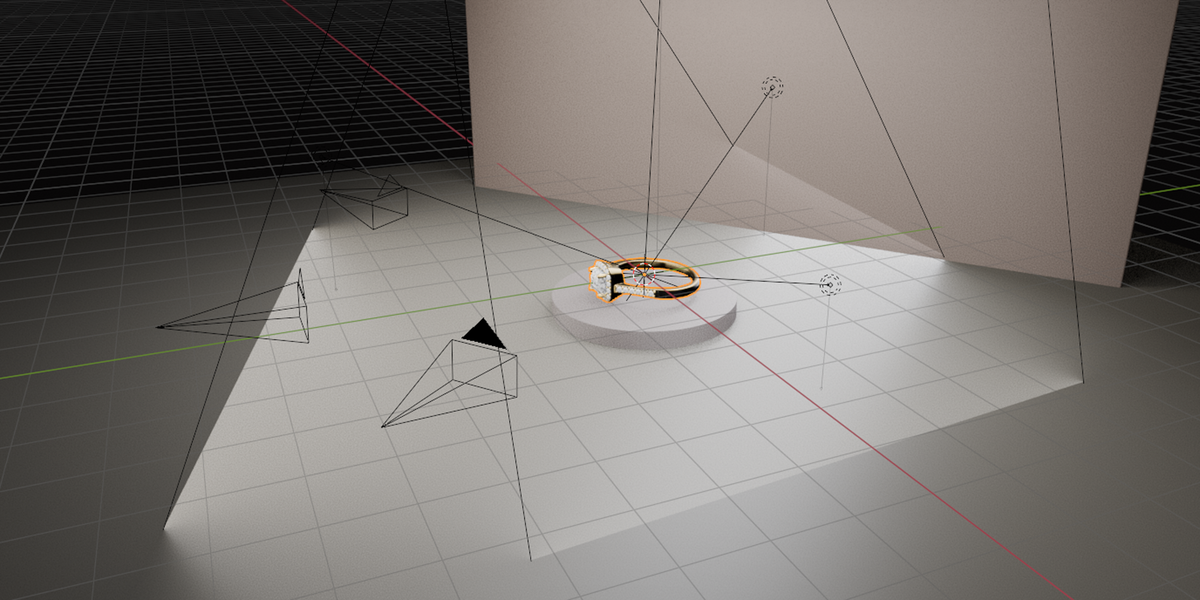
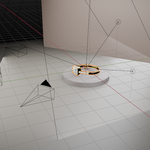
Four studio lights are created: Key, Fill, Rim, and Top.
You can adjust Lighting Power, Light Size / Softness, and Light Color.
Cameras and Shot Variations
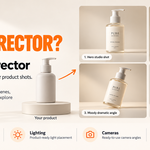
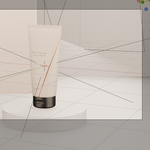
Shot Director generates three cameras: Hero, Alternate, and Front.
Use Give Me Another Shot to generate another camera and lighting variation. Depending on the automatic settings, scene colors or decorations may also change.
Manually selected settings remain under your control.
Animation
Shot Director provides:
25 selectable object animation presets
41 selectable camera animation presets
Choose a motion, adjust its timing and movement parameters, and click the corresponding Apply Animation button.
The add-on creates Blender keyframes. Use Blender's standard rendering tools to produce the final images or animations.
Quick Tools
Use Scene, Lighting, or Cameras to regenerate individual parts of the studio setup.
Use Remove Generated Setup to remove the generated elements and restore the captured camera, world, and output resolution settings.
Important Notes
You must provide your own 3D product model.
Shot Director does not create product models.
Automatic material analysis is based on geometry and available material data.
Final rendering quality depends on product geometry, materials, render settings, and any manual adjustments.
The add-on does not automatically export MP4 files.
License: GPL-3.0-or-later.
Have questions about this product?
Login to message
| Blender Extension Compatible | Yes |
| Published | about 11 hours ago |
| Blender Version | 4.2 - 4.5 |
| Extension Type | Add-on |
| Render Engine Used | Cycles, Eevee |
| License | GPL |
