 Other Realms
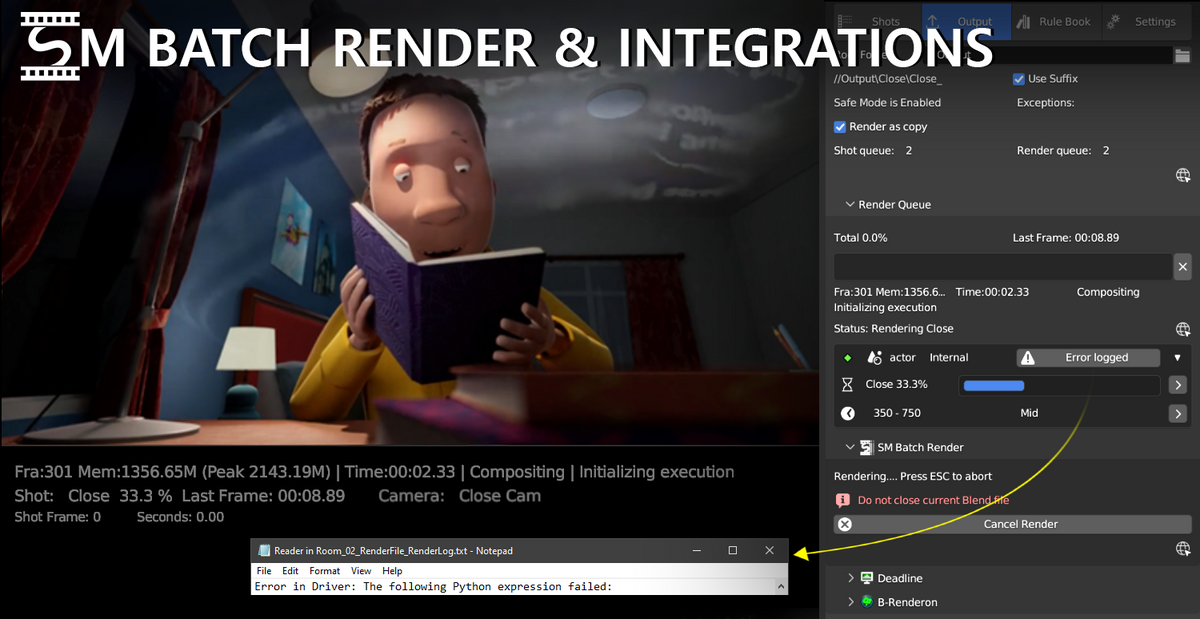
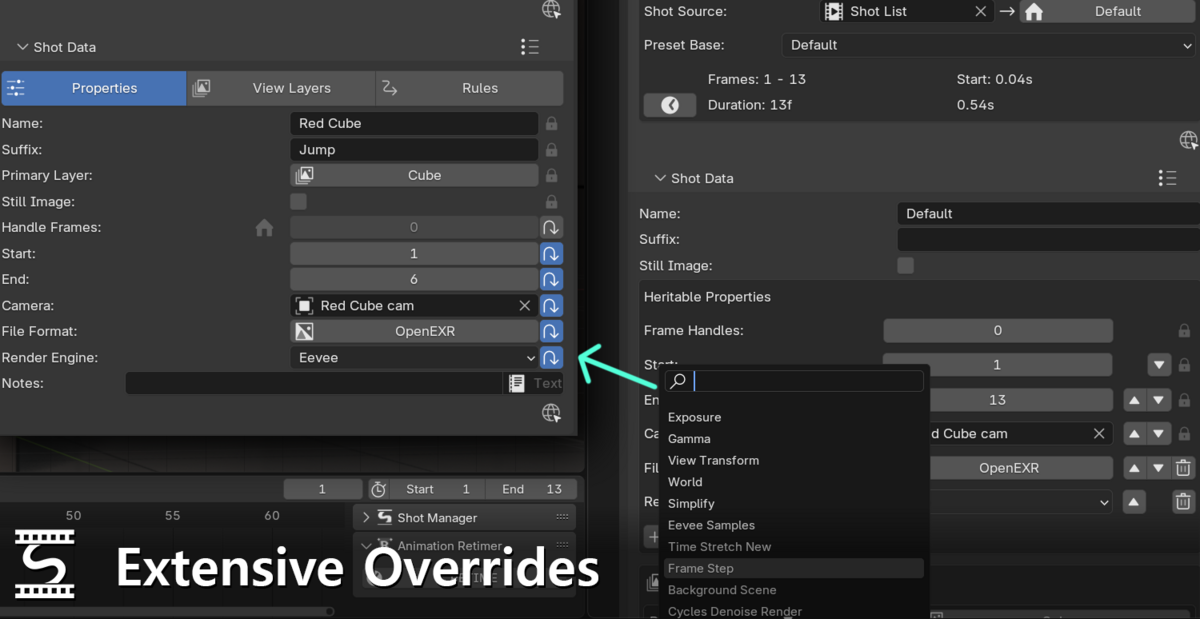
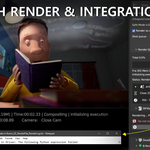
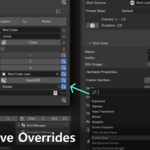
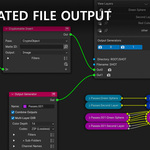
Shot Manager is designed to speed up render management and shot design by saving properties including but not limited to frame ranges, render cameras, view layers and output paths.
Whether its splitting up a timeline for game animation or multi-cam rendering set-ups, Shot Manager is extremely flexible and suitable for a wide range of workflows.
Perfect for film and television studios and independent creators, pre-production through to post. Shot Manager is feature packed and offers solutions for every step of the Blender Pipeline and supports a range of exports, batch render and job submission options.
Suitable work flows:

Shots in serial for use with typical narrative works or animations for games -Film, Games, Web Content and Television
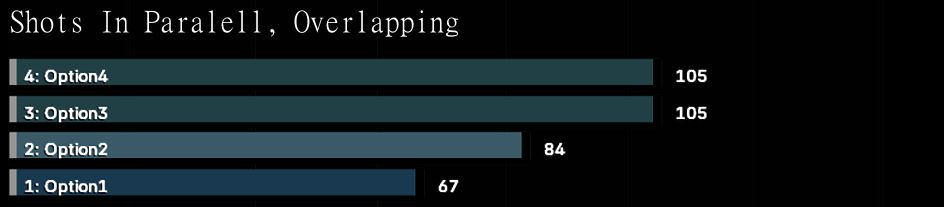
Overlapping shots for use with multi-cam setups, design iteration -Visualisation, Concept Design
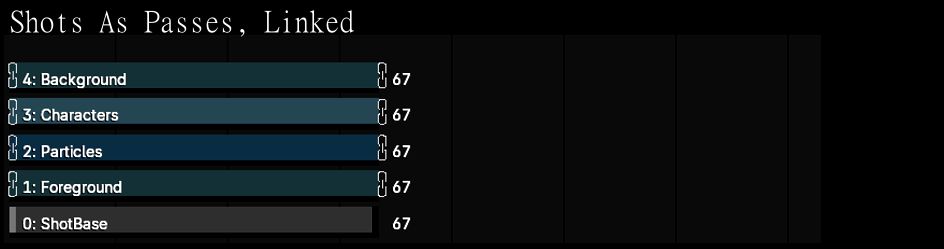
Shots as passes. Create complex render passes using overlapping shots, each with different render layers, passes and overrides. Use shot linking to maintain shared properties-Film, VFX, Visualisation
Shot Manager was used to create element passes on the Netflix drama Train Dreams
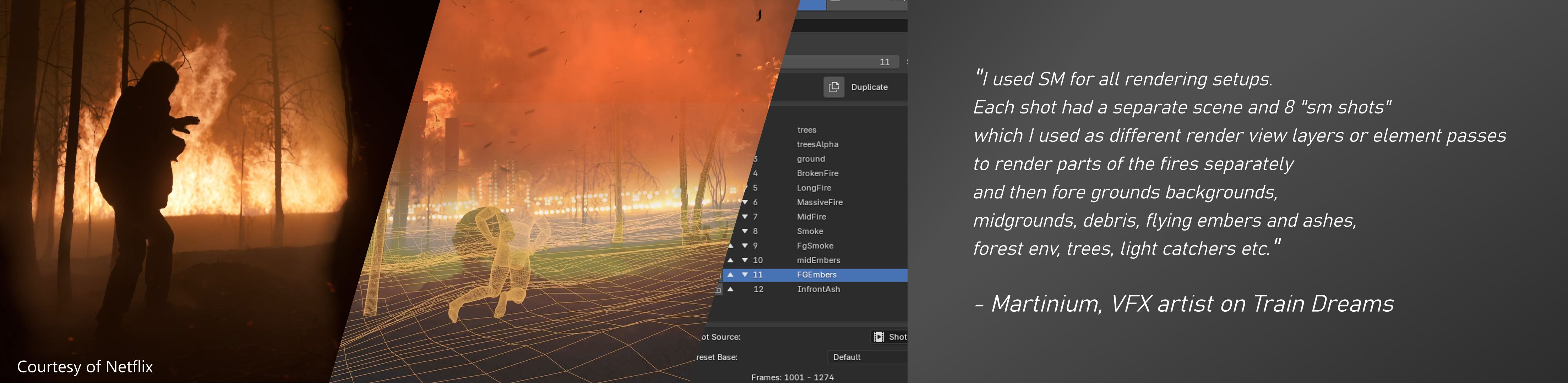
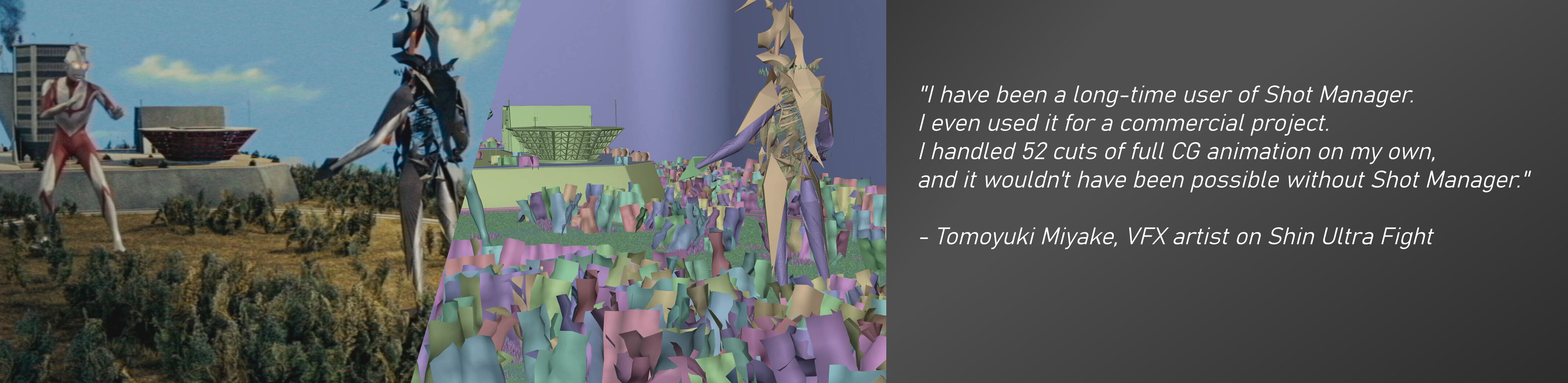
Shot Manager doesn't rely on camera markers. This means shots can be overlapping.
Please Note: Shots do not work like scenes, Therefore adjusting shot timing will not affect animation timing.
Use Animation Retimer feature.
Discord: https://discord.gg/NF5WZzUrxV
SM 2.0 Pro Out Now
*for Blender 4.0+
MORE THAN JUST SHOTS...
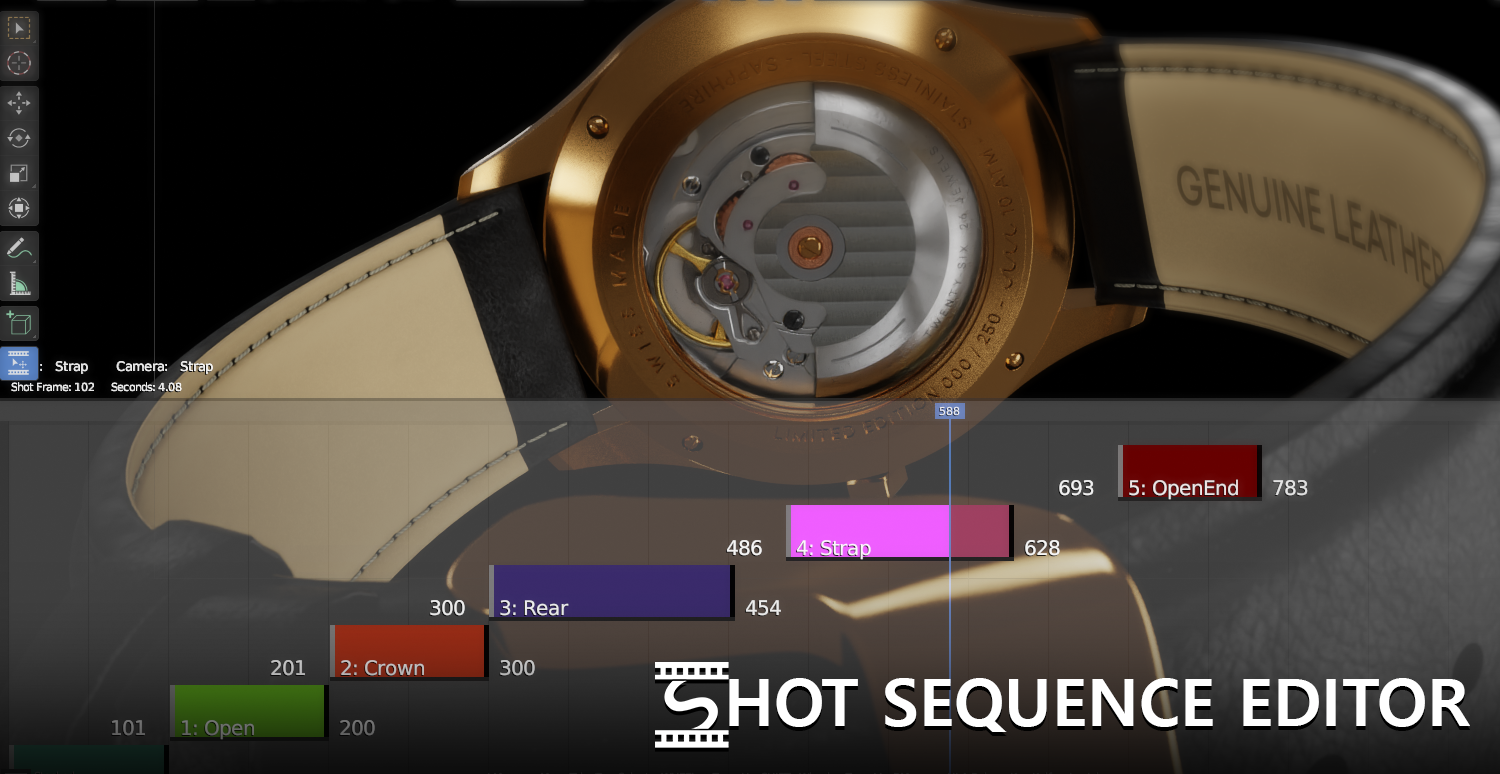
Interactive Overlay - Re-time, ripple-edit, trim, slice and join Shots with the Overlay Tool in the 3D window.
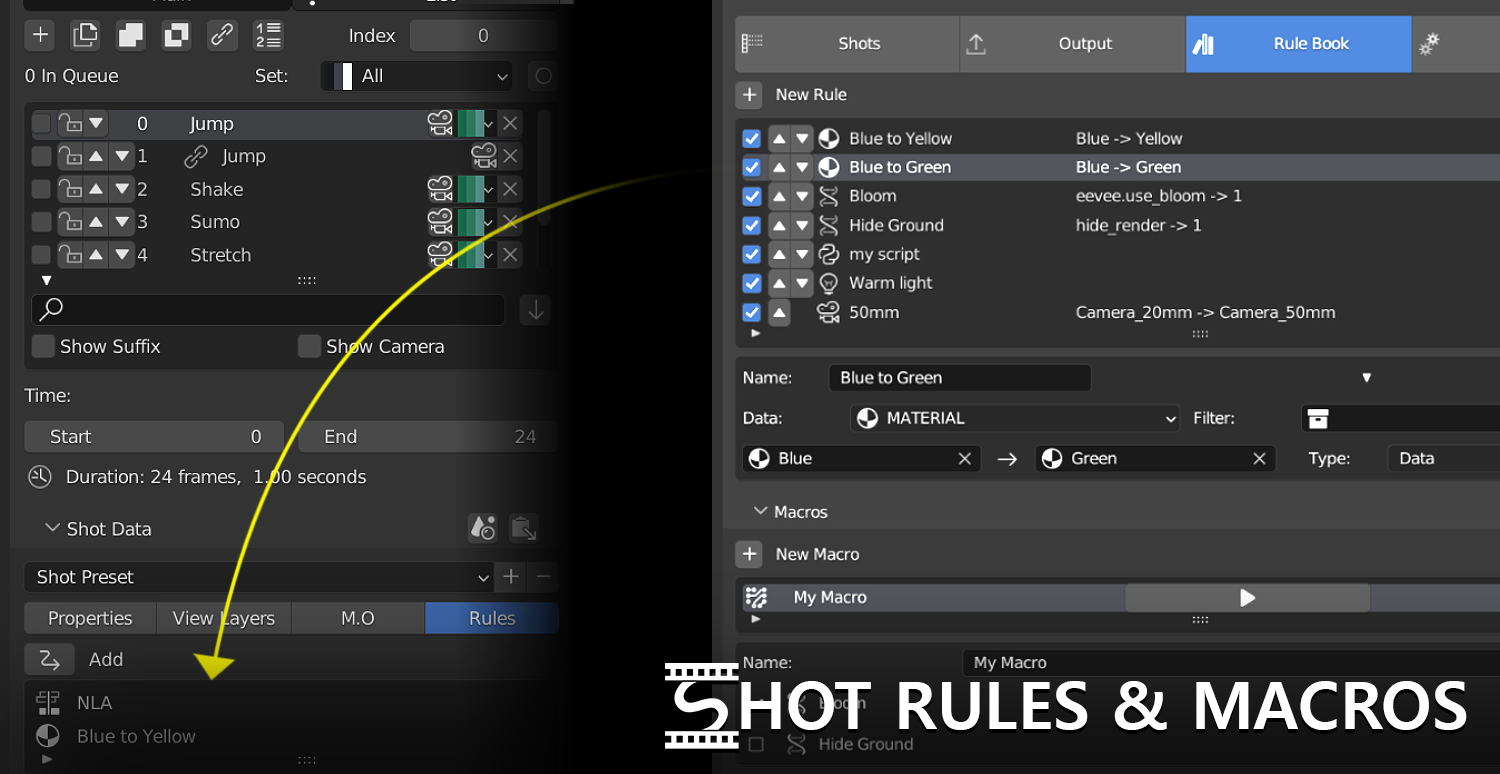
Rule Book - Assign custom Rules to your Shots or construct Macros using RNA Rules
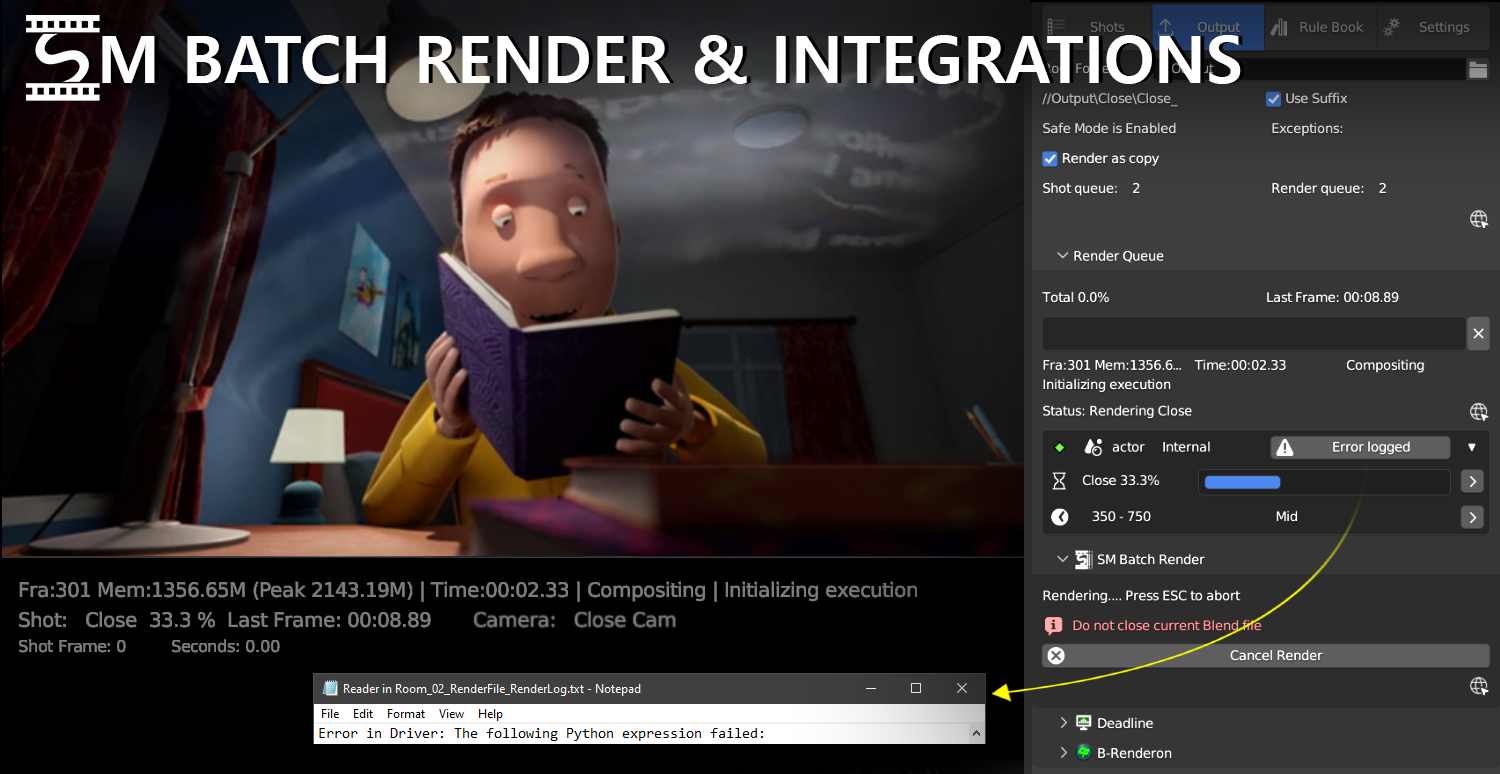
Advanced Batch Rendering- SM Batch Render, Playblast, B-Renderon, Flamenco and Deadline. Plus batch export : OpenGL(playblast), USD, FBX, OBJ, ABC, DAE, BLEND, BAT.
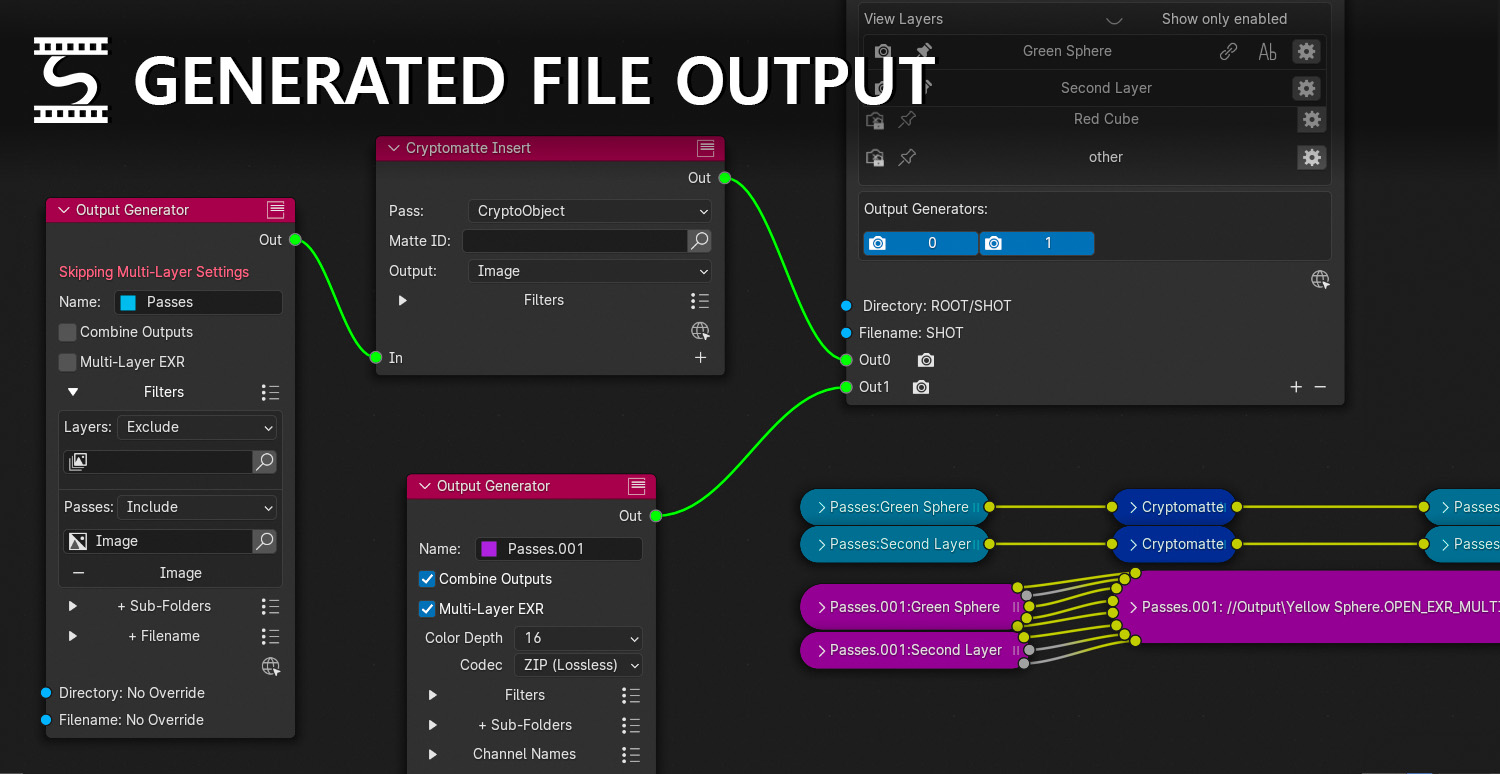
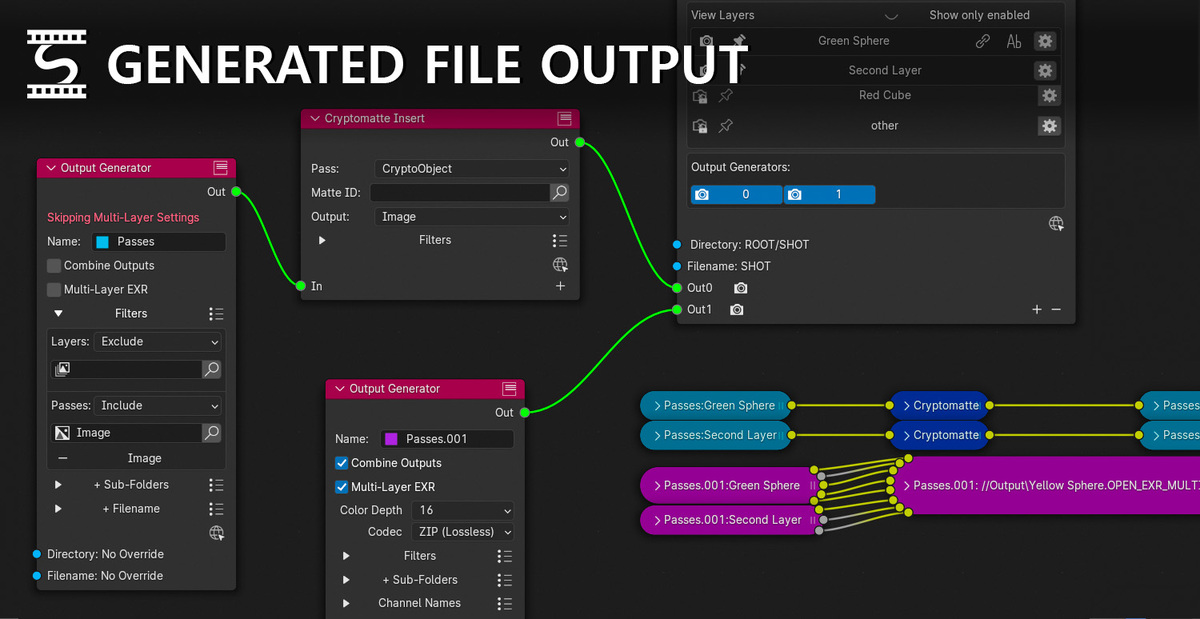
Auto Output Generation - Construct file paths, group and filter Passes into ouputs or EXR layers.
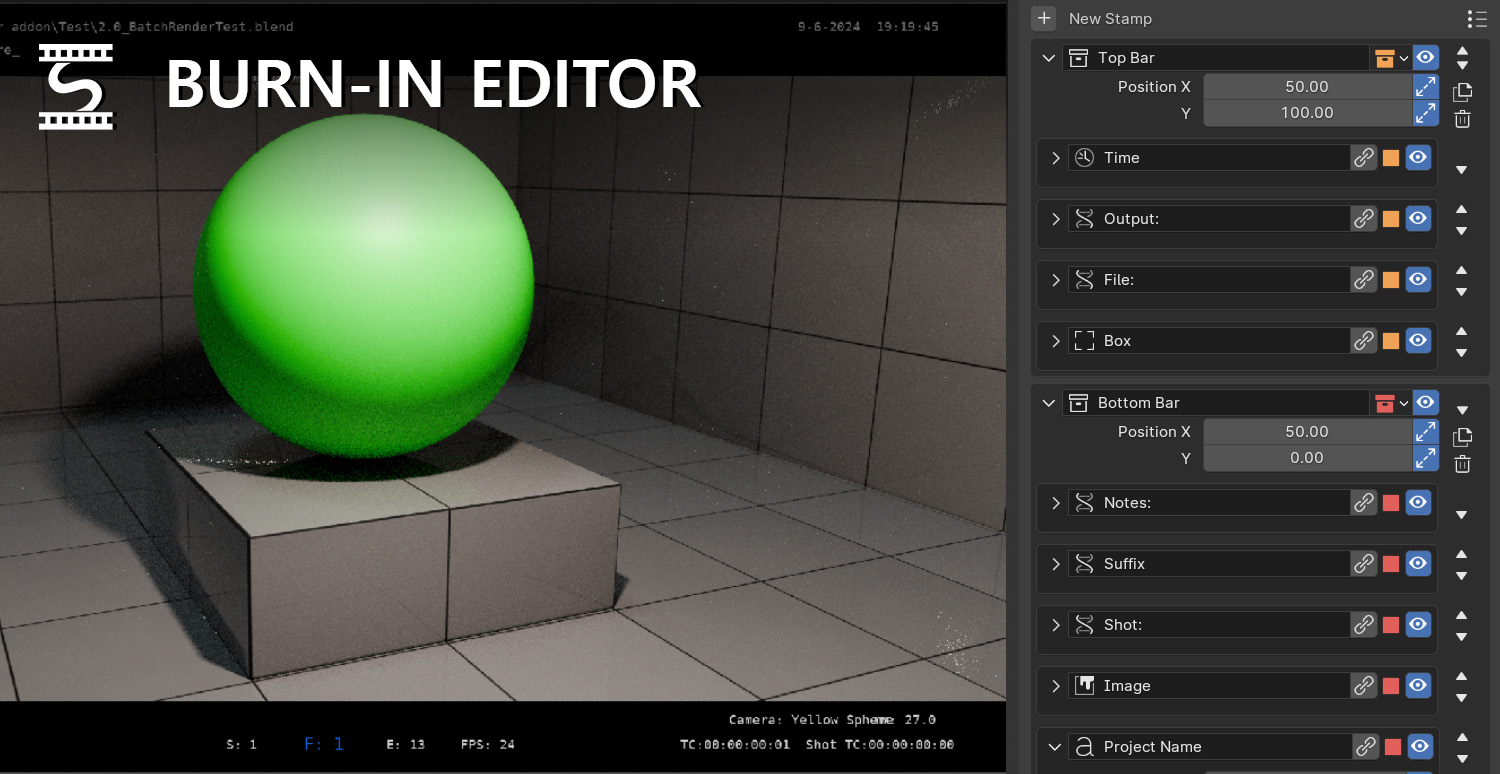
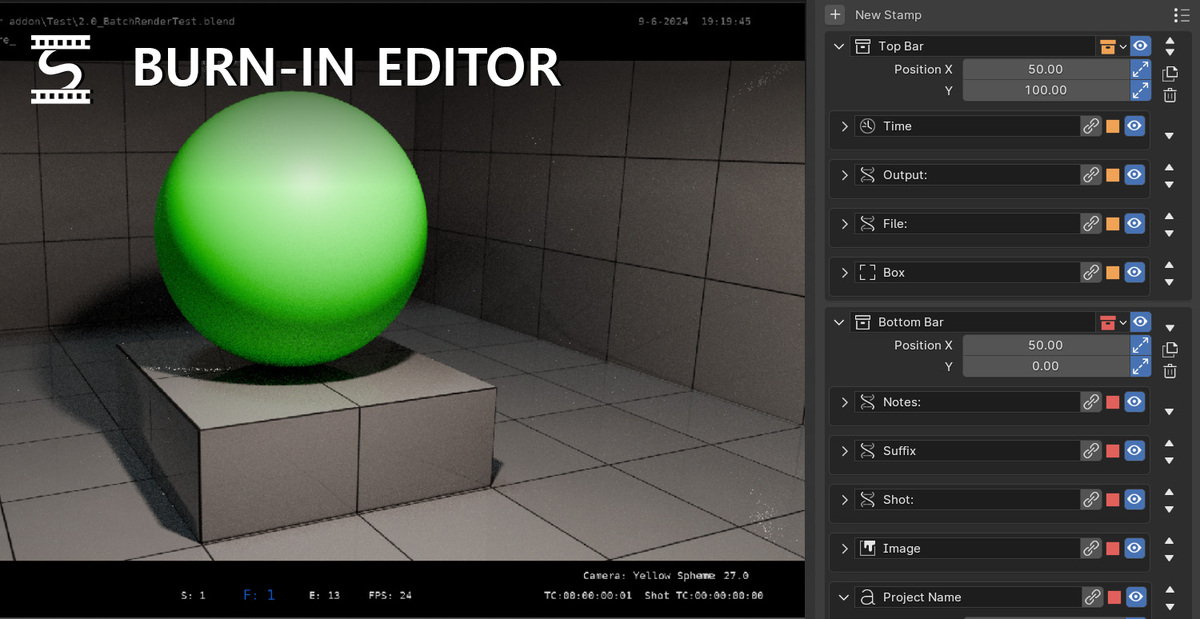
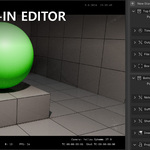
Burn-In Editor - Stay on top of a multi-software pipeline with custom burn-ins. Link text to any scene data.
Shot Manager is continuously being maintained.
Going Pro
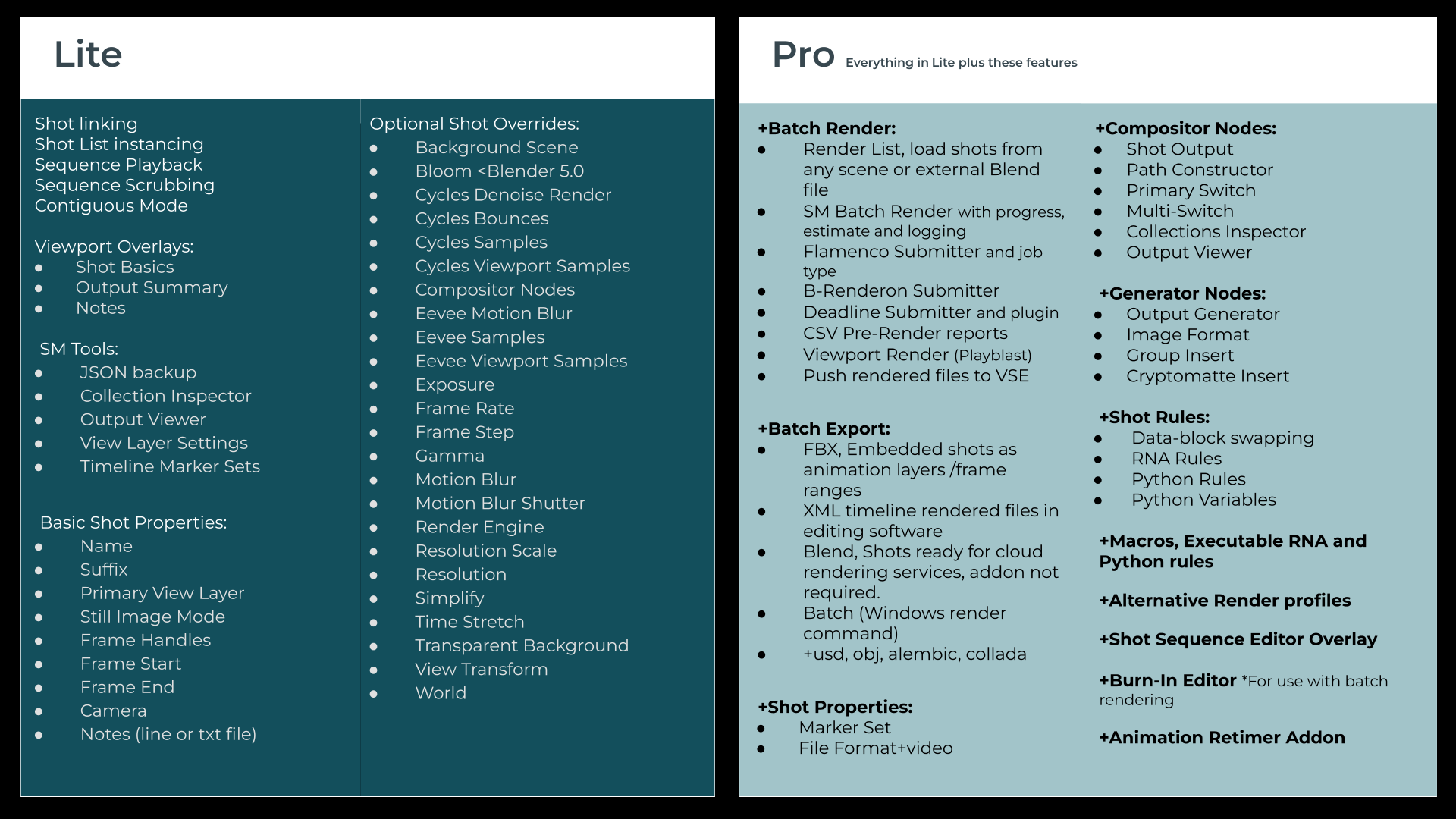
Projects using the Lite version can be upgraded to Pro, simply by removing the Lite addon and installing the Pro version.
Integrations:
- Deadline integration v10+
- B-Renderon integration v3+
-
Flamenco 3.5+
Shot Manager Nodes:
- Shot Output, For file output generation and file paths. Sync Outputs, auto-update the file paths on output nodes.
- Path Constructor, create your own node-based directories and file names.
- Multi-Switch, node group, re-directs the compositor node-flow depending on the active shot.
- Primary-Switch, a render layer input that uses the shot's Primary layer.
Generator Nodes:
Automatically generate file outputs, defining groups by render layer and pass. Combine into multi-layer EXRs or into separate files.
- Output Generator, for defining view layers and/or individual passes.
-
Group Insert, Add node groups in-between generated nodes to apply compositor adjustments.
- Image Format, Define the desired file format for any output chain.
- Cryptomatte Insert, Extract Cryptomatte data from passes.
Overview Nodes:
- Collections Inspector (an alternative interface for collections making it easier to keep track of holdout, indirect and render states)
- Output Viewer(displays output files and provides the option to reveal output paths in your explorer or view in the image editor)
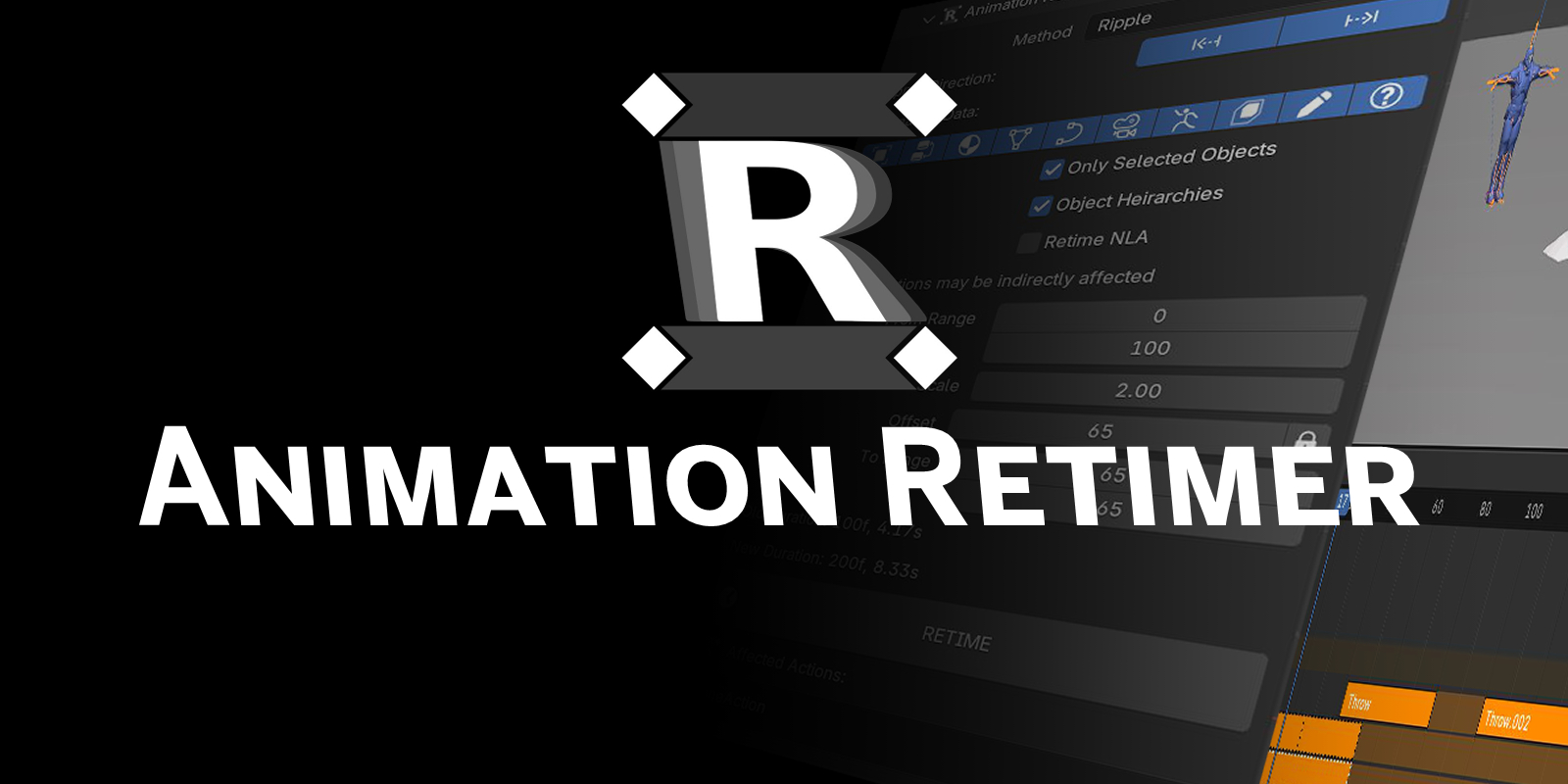
Animation Retimer: Included addon or buy separately
Works hand-in-hand with Shot Manager Pro when shot timings need to be adjusted.Batch retime keyframes across multiple objects and data types, even the NLA.
Plus:
- Shot Sequence Editor 3D overlay
- Sequence playback and scrubbing modes
- Custom Presets
- Burn-Ins Editor, Requires Pillow python installation, currently only supports batch render output options.
- Timeline Marker Sets
- Batch Export files, Embed shot timings into FBX, USD, OBJ, ABC, DAE, BLEND, BAT, XML
- Backup with JSON
Back story
Originally developed for a specific project and now a passion project in itself, Shot Manager has been further developed to cover a range of render tasks for ease of mind and improve render management on complex projects. I have been heavily influenced by the suggestions of customers and develop it weekly.
- Pablo TA
Discount Policy