 Algelab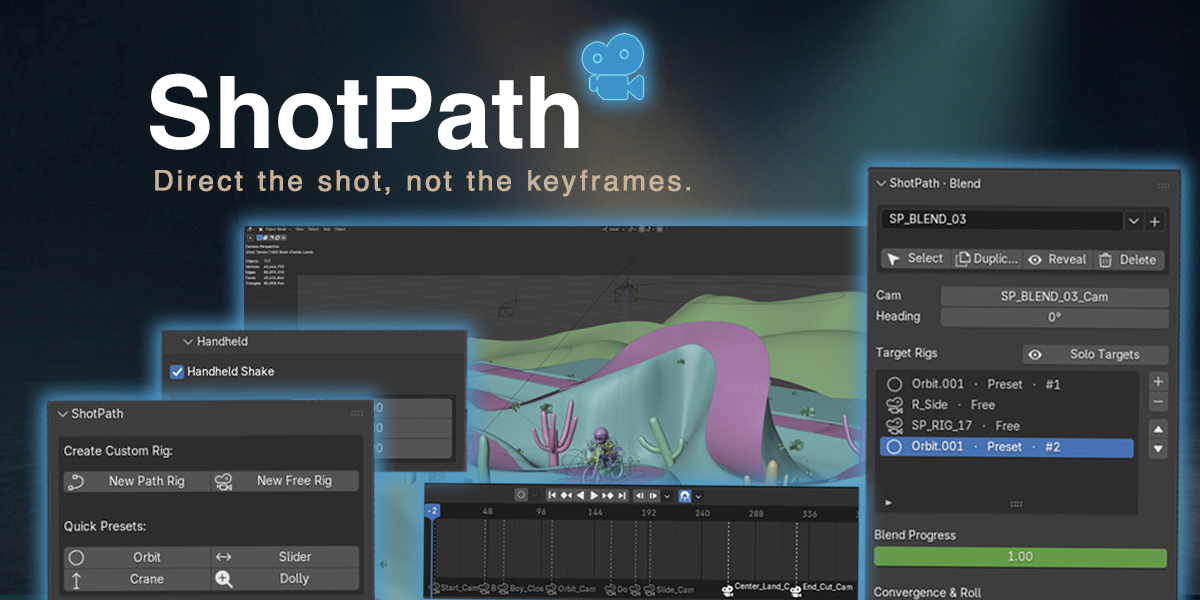


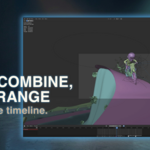
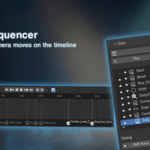
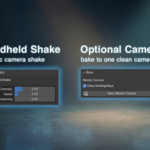
Camera blocking should feel like directing, not rebuilding a rig.
ShotPath is a Blender add-on for artists who want to lay out cinematic camera moves quickly, sequence multiple shots, and keep the camera workflow clean from blocking through final render.
Instead of juggling curves, Follow Path constraints, camera markers, aim targets, and cleanup passes by hand, ShotPath gives you a dedicated camera workflow inside one tidy N-panel.
Build the move. Sequence the cuts. Keep control.
Why ShotPath Exists
I built ShotPath because I kept running into the same problem: every cinematic camera move started with too much setup.
A simple shot could turn into a pile of curves, empties, constraints, drivers, and render-time surprises. Blocking the camera was supposed to be the creative part, but the rigging kept getting in the way.
ShotPath turns that process into a repeatable workflow:
- Drop shot markers in the viewport.
- Build a smooth path.
- Animate the camera move.
- Cut between rigs on the timeline.
- Keep working live, or bake to a Master Camera when needed.
What You Can Do With It
Path Rigs
Place shot markers in the viewport and generate a smooth camera path through them. Reorder, nudge, and retime shots without rebuilding the whole move.
Free Rigs
Create stationary or mountable cameras for handheld follows, object-based shots, and simple camera setups that do not need a path.
Preset Rigs
Create Orbit, Dolly, Crane, and Slider rigs with ready-made defaults, so common camera moves start from a useful setup instead of a blank scene.
Blend Rigs
Blend between multiple camera rigs on a single slider. Useful when you want to combine moves or transition between camera setups without hand-wiring a custom rig.
Cut Sequencer
Add cuts on the timeline, reorder them, and sync each rig’s animation to its cut frame. This helps turn separate camera moves into an actual sequence.
Optional Master Camera Bake
When you want a clean final handoff, ShotPath can bake the full sequence to one sampled camera. Use it for predictable rendering, exports, or archiving, but you can also keep working live with the rigs.
Handheld, Aim, and Curve Tools
Add handheld shake, aim at objects or empties, calibrate orientation, or convert an existing curve into a ShotPath rig.
Who It’s For
ShotPath is built for Blender artists who want stronger camera work without building the same rigging system from scratch every time.
It is especially useful for:
- Previz artists blocking sequences quickly
- Indie animators and short-film creators
- Motion designers building cinematic product or title shots
- Game cinematic artists working with repeatable camera moves
- Blender users who want a cleaner path from camera blocking to final render
Compatibility
ShotPath requires Blender 4.4 or newer.
- Blender 5.1.0+ is the primary supported target.
- Blender 4.5 LTS is supported.
- Blender 4.4 is the minimum supported version.
- Versions older than Blender 4.4 are not supported.
Slotted Actions from Blender 4.4 and newer are handled transparently.
