 Algelab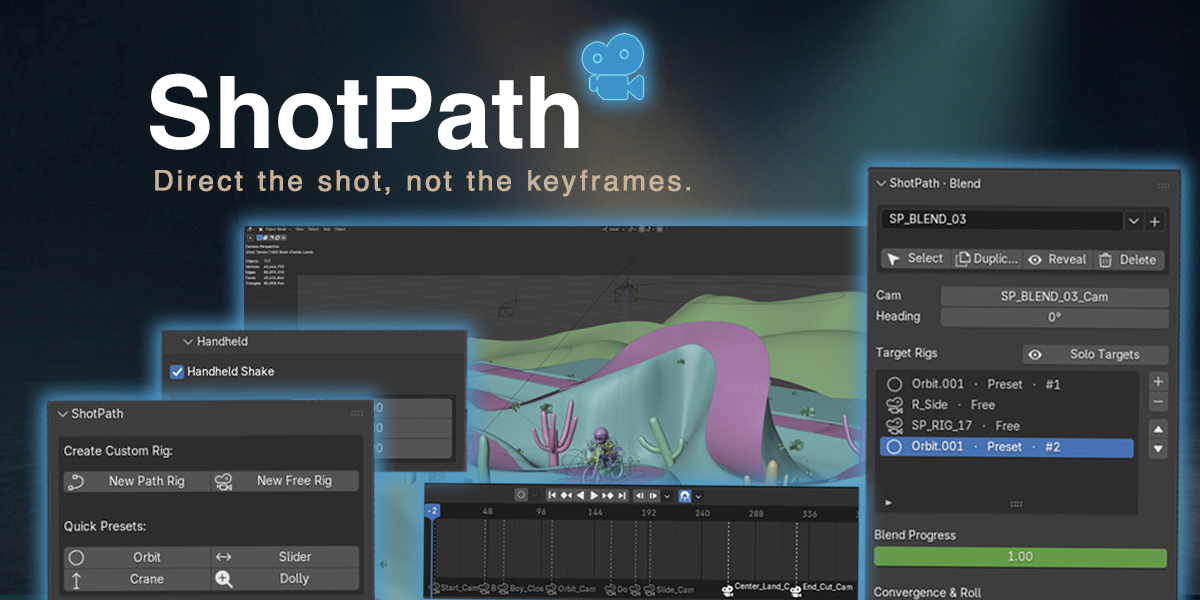


Quick Start
- Install and enable ShotPath in Blender.
- Open the ShotPath tab in the 3D Viewport N-panel.
- Add a Path Rig, Free Rig, preset rig, or Blend Rig.
- Place shot markers or use a preset to create your move.
- Build the path, animate the camera, and add timeline cuts as needed.
- Render with the live rigs, or use Bake Master Camera when you want one clean camera for final render or handoff.
Basic Workflow
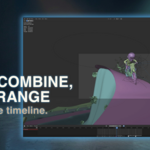
Path Rigs are best for moving camera shots that follow a spline path.
Free Rigs are best for stationary cameras, handheld-style shots, or cameras mounted to moving objects.
Preset Rigs create common camera moves such as Orbit, Dolly, Crane, and Slider setups.
Blend Rigs let you interpolate between multiple rigs using one slider.
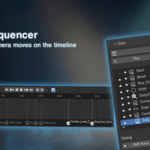
Cut Sequencer lets you arrange multiple camera rigs as a timeline sequence.
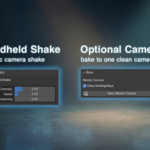
Optional Master Camera Bake converts the final sequence into one sampled camera for cleaner rendering, export, or handoff.
Full Manual
The download includes a full DOCS.md manual covering installation, rig types, path building, cuts, baking, aim, mount, handheld shake, blend rigs, timing tools, options, repair tools, and modifier shortcuts.
Compatibility
ShotPath requires Blender 4.4 or newer.
- Blender 5.1.0+ is the primary supported target.
- Blender 4.5 LTS is supported.
- Blender 4.4 is the minimum supported version.
- Versions older than Blender 4.4 are not supported.
Support
If you run into a bug, confusing behavior, or a broken rig, contact me through Superhive with your Blender version, a short description of the issue, and the steps that caused it.
Have questions about this product?
Login to message

Discover more products like this
baking previz camera path sequencer animation camera cinematography dolly rigging camera rig camera shake orbit