Sidebar Order
 Tachyon Studio
Choose sidebar-order-0.1.2-extension.zip for a new supported installation, or sidebar-order-0.1.2-legacy.zip to maintain an existing legacy setup. Both contain the same add-on. Install only one. sidebar-order-0.1.2-documentation.zip contains reading material and is not an installer. Use Install from Disk in Preferences, enable Sidebar Order, save Preferences if needed, and restart.
The tested baseline is Blender 4.3.2 and 5.2.0 LTS on Windows x64. Other Blender builds, macOS and Linux have not been tested. A 4.2 installation minimum in the manifest is not proof that all subsequent builds work. Consult the current product page before purchasing for a different configuration.
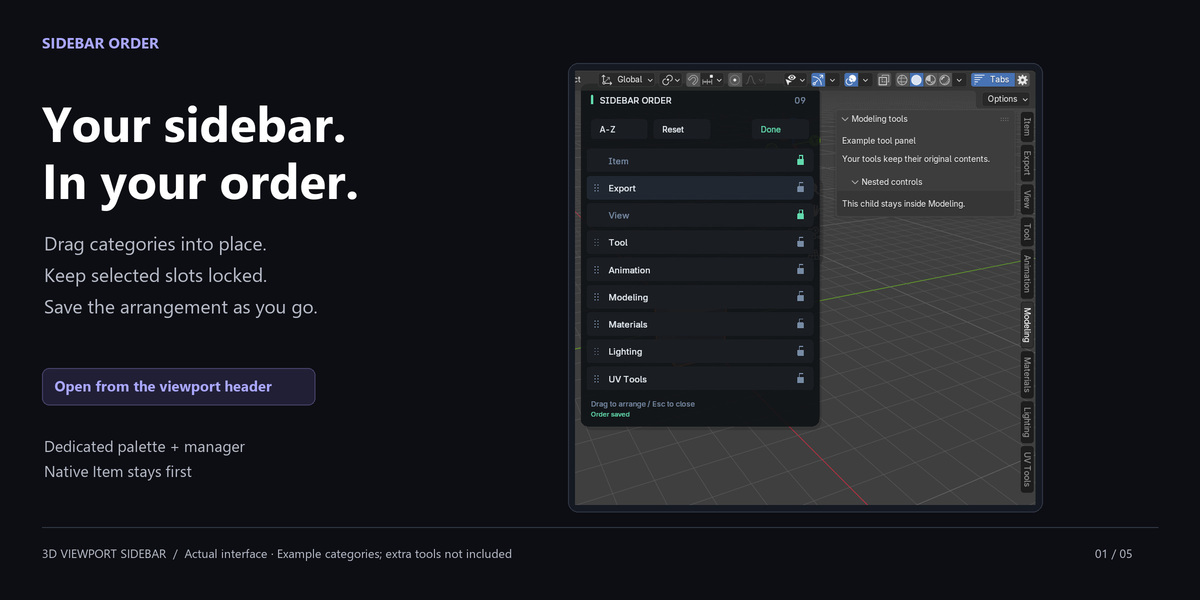
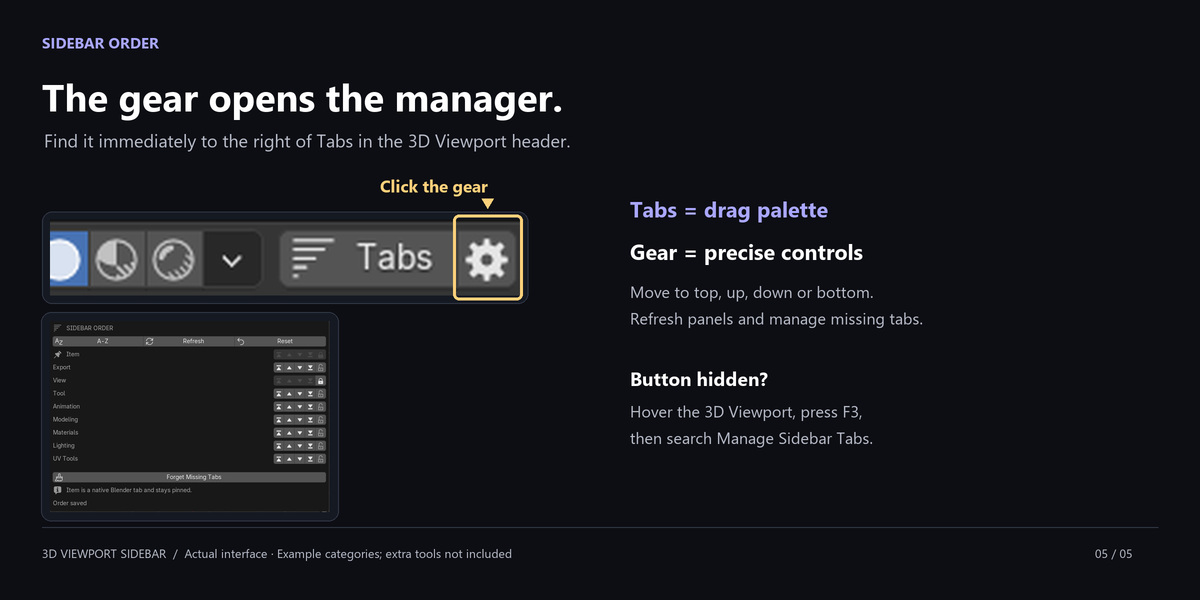
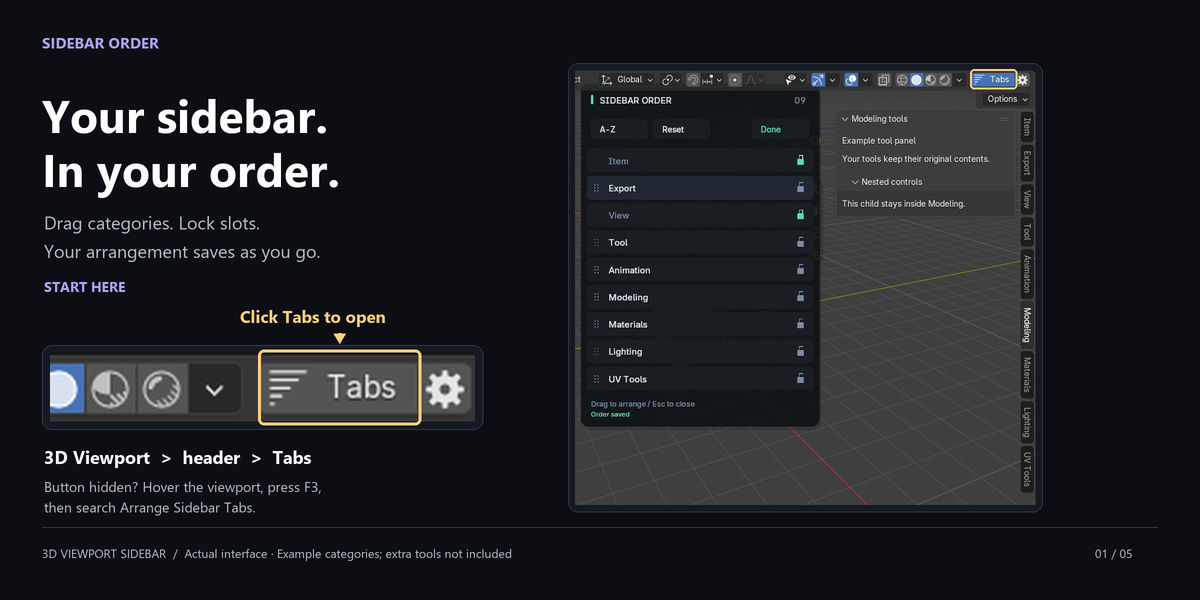
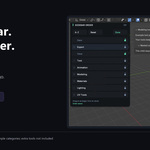
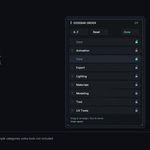
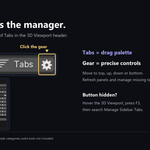
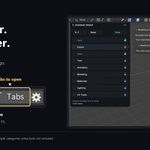
In a 3D Viewport, click Tabs in the header to open the drag palette. Click the gear beside it for Manage Sidebar Tabs. You can also use F3 > Arrange Sidebar Tabs or F3 > Manage Sidebar Tabs. Widen the header if its controls are clipped.
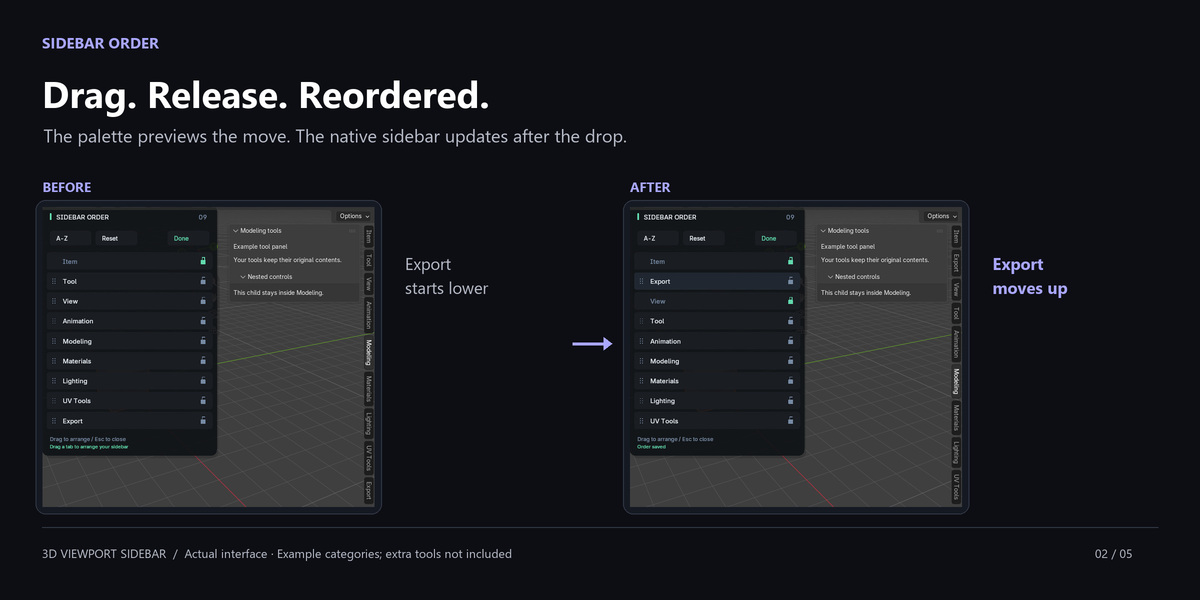
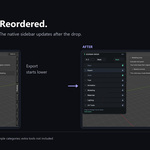
Dragging happens in a separate palette beside the sidebar. The native vertical buttons are not made draggable. This release arranges 3D Viewport tabs and offers locks, sorting and saved order. It does not rename, hide or merge categories, organize other editor sidebars, or provide named layout presets.
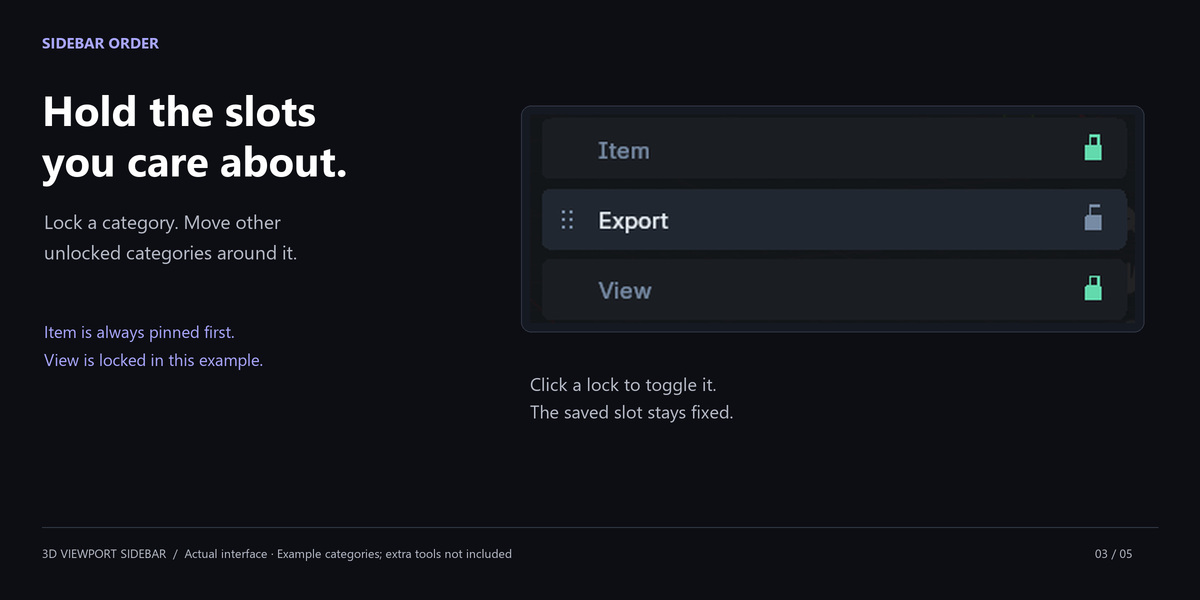
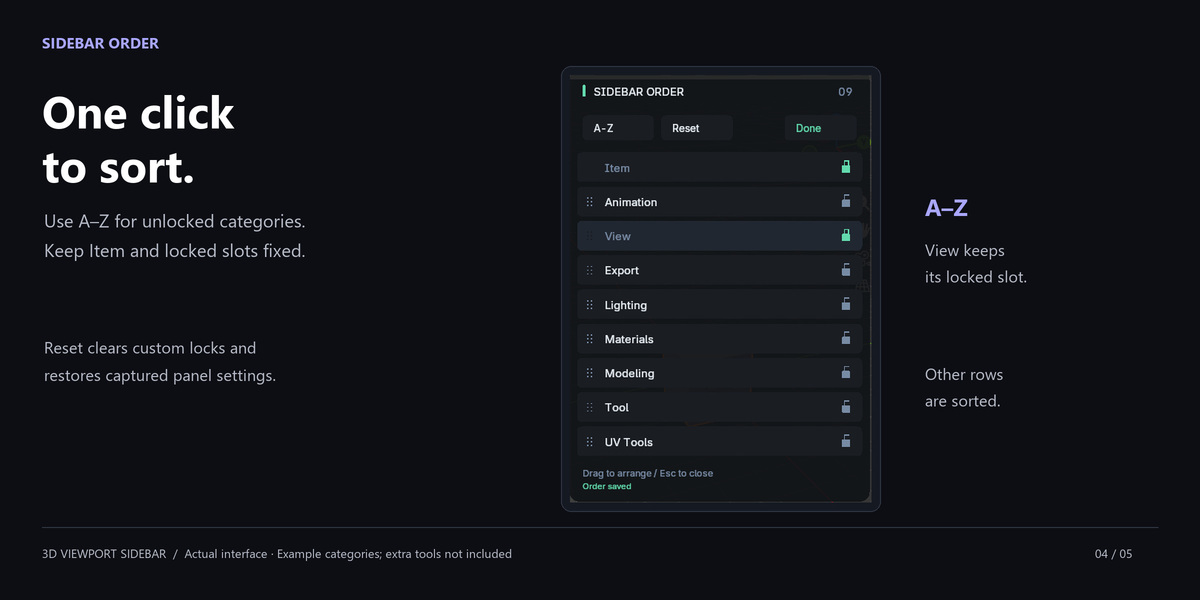
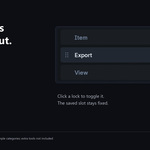
Item is a native Blender category and stays pinned first. A locked category keeps its saved slot while unlocked categories move around it. Click its lock to unlock it. Context-dependent visibility can change the visible row numbers without changing the saved slots.
The layout is saved automatically as sidebar_order/order.json in Blender's version-specific configuration folder. Its exact path appears in Sidebar Order's Add-ons preferences. All viewports using that configuration share it; it is not stored in each scene, workspace or .blend. Close Blender before backing up or transferring the file.
Escape during a drag cancels that unfinished drag. Earlier completed drops remain saved. Escape again, Enter or Done closes the palette. Reset clears custom locks and restores captured panel order attributes and the baseline; scene Undo does not revert the layout. Blender does not expose the exact old registration sequence, so a layout previously changed by another organizer may reset to a different visual order.
NEW marks a category discovered after the first scan. Moving, locking or sorting it acknowledges the badge. Missing means remembered panels are no longer registered, for example because an add-on was disabled. Its saved position remains until Forget Missing Tabs removes it. A registered category hidden by the current mode still appears in the manager.
Misc is Blender's fallback for a root panel without a category. Sidebar Order does not create a collection of miscellaneous tools. The 0.1.2 fix keeps category-less child panels with their root during re-registration. A genuine category-less root can still produce Misc. If unexpected panels move there, install the current release, restart, and report the affected add-ons if it persists.
Check the installed version, finish any active drag, allow the next update tick and inspect Manage Sidebar Tabs for errors. Try Refresh, disable any other tab organizer, and restart. A permanent background listener no longer blocks updates after the 0.1.1 fix. Third-party panel registration failures can still prevent a complete reorder; share the actual error and affected add-on names with support.
Updates in the same format use the same settings path. Back up order.json with Blender closed, install the update and restart. Disable and remove the old format before switching between legacy and Extension. Disabling restores captured panel attributes and retains the settings file. Re-enabling reapplies it. Reset first if you want to discard the customized arrangement and locks.
No. It uses Blender and its bundled Python modules, with no activation service, extra dependencies, telemetry or network calls. The optional documentation, Discord and store buttons open resources only when you click them. If saving fails, check the configuration-folder permissions and the manager error message.
Both include the complete add-on, source and identical downloads. The software is GPL-3.0-or-later. Purchase-tier descriptions concern purchasing/support coverage; they do not restrict your GPL rights to use, modify or redistribute the code. Refer to the tier descriptions on the product page for the approved coverage.
Message Tachyon Studio through Superhive (https://superhivemarket.com/creators/tachyonstudio) or visit https://discord.gg/SuSqbZMDk5. Include Sidebar Order version, exact Blender build, OS, installer format, affected add-ons, reproduction steps and error text. Remove private information from shared screenshots or files. Discord is optional. No lifetime upgrades or response-time guarantee is promised here.
-
$4.99
For 1 person (1 seat). Commercial use included.
-
$19.96
For a team of up to 6 people (6 seats). Commercial use included.
-
$49.90
For a studio of up to 20 people (20 seats). Commercial use included. Need more than 20 seats? Contact us directly.
Have questions about this product?
Login to message
| Blender Extension Compatible | Yes |
| Published | 11 days ago |
| Blender Version | 3.0 - 5.2 |
| Extension Type | Add-on |
| Render Engine Used | Cycles |
| License | GPL |