 Tachyon Studio


SIDEBAR ORDER · 3D VIEWPORT UTILITY
Put your sidebar in a useful order
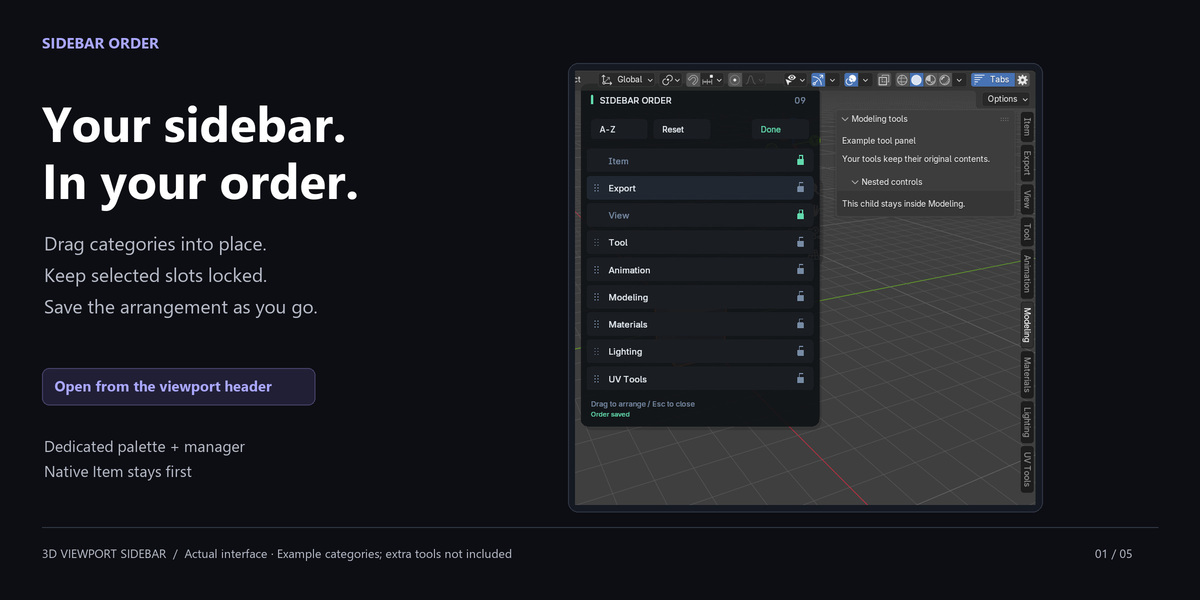
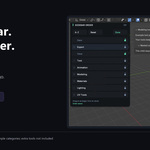
Arrange 3D Viewport sidebar tabs in a drag palette. Lock important categories and save the order automatically. Open Tabs in the viewport header or search Arrange Sidebar Tabs with F3.
Start here: where to open Sidebar Order
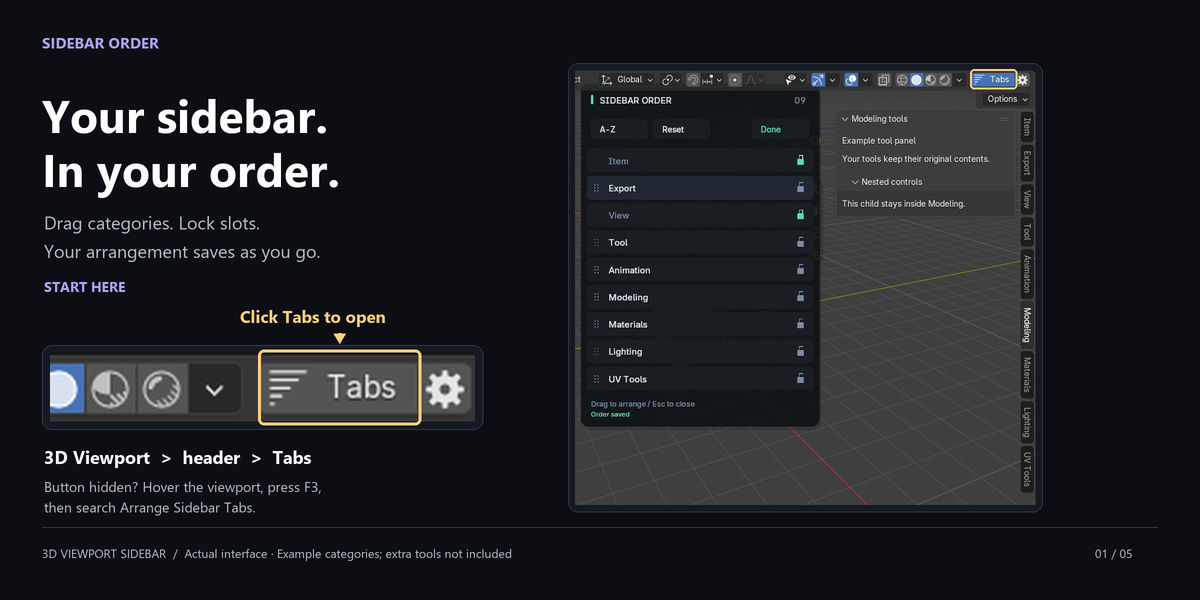
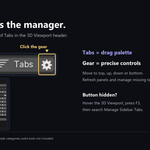
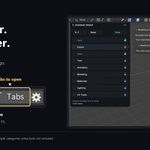
After enabling the add-on, find Tabs at the right end of the 3D Viewport header.
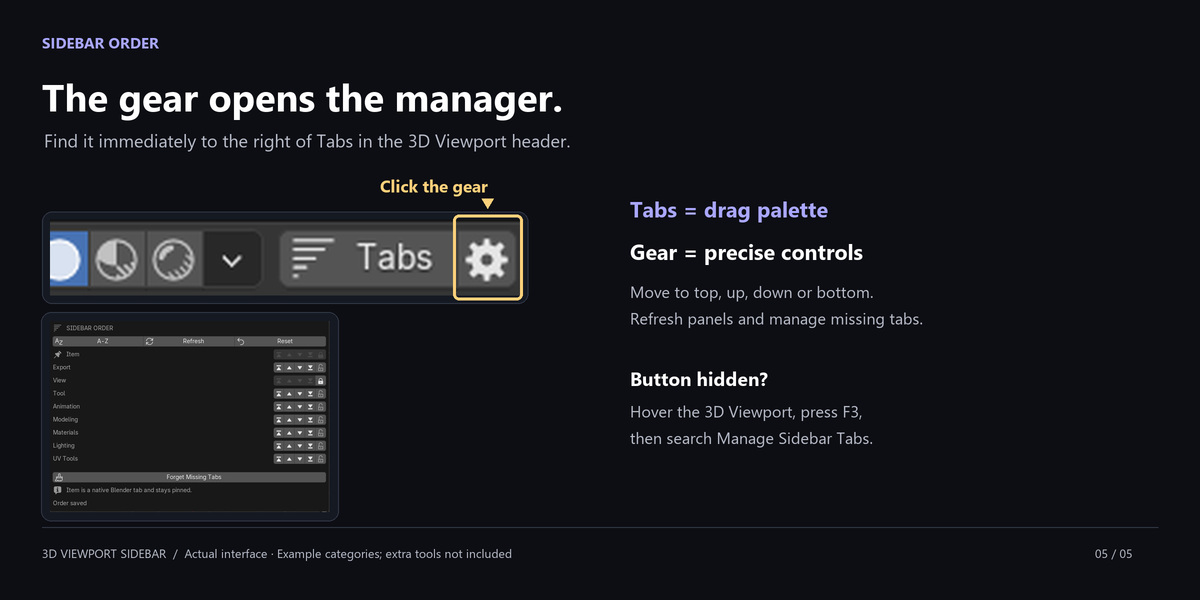
Tabs opens the drag palette; the adjacent gear opens Manage Sidebar Tabs.
If hidden, widen the viewport or use F3 to find Arrange Sidebar Tabs or Manage Sidebar Tabs.

Drag, release, continue
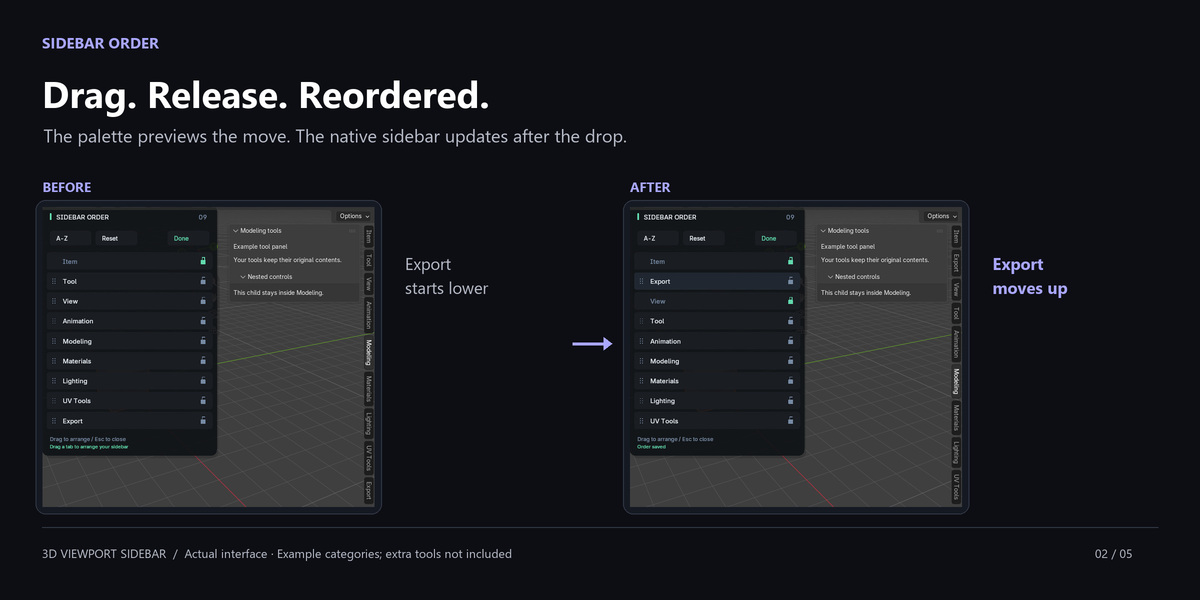
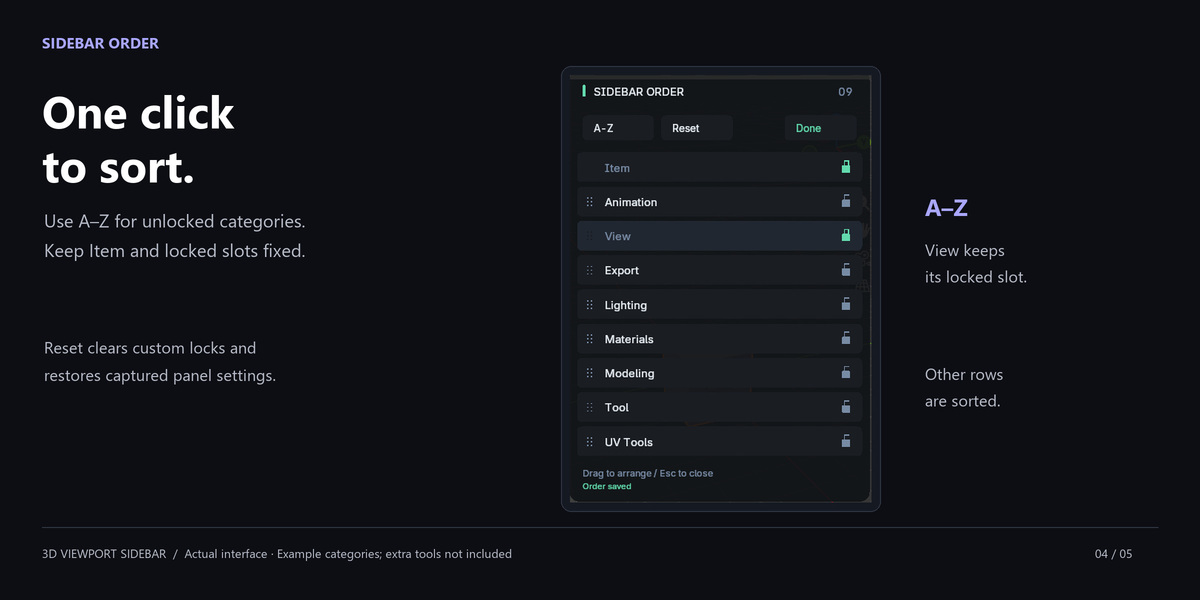
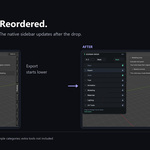
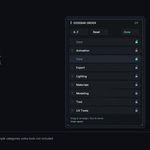
Drag an unlocked row and release to reorder and save. Done, Enter or Escape closes the palette; Escape cancels only an unfinished drag.
Reordering happens in the separate palette, not by dragging native tab buttons. Other add-ons shown are not included.
Keep the categories you use within reach
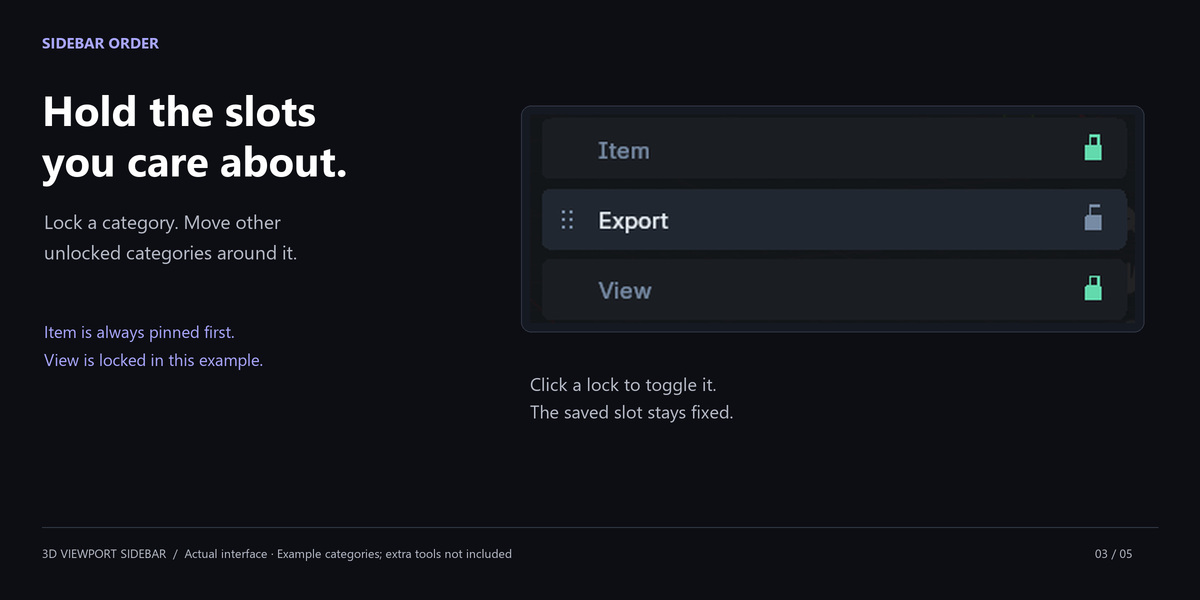
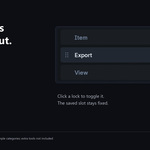
- Hold a slot: lock categories in place. Blender's Item tab stays first.
- Sort quickly: alphabetize unlocked categories while retaining fixed and missing slots.
- Use precise controls: move tabs up, down, first or last; Refresh or Reset.
- Remember disabled tools: retain their slots or clear them with Forget Missing Tabs.
A layout that stays with your configuration
Order and locks persist in Blender's version-specific configuration and apply to all 3D Viewports. Works offline; see Documentation for backup and recovery.
Know the scope before purchasing
3D Viewport only. No renaming, hiding, merging or named layouts. Visible categories still depend on the current mode and panel checks.
Re-registering panels can reset expansion states; third-party failures may interrupt reordering. Use one organizer at a time. Reset cannot guarantee an exact earlier registration sequence; see the compatibility notes.
Downloads and tested builds
Blender 3.0–5.2 on Windows x64. One patch build per minor series tested; the full matrix is in Documentation. Other patches, macOS and Linux remain unverified.
Extension installer for Blender 4.2–5.2; legacy installer for 3.0–4.1 and existing legacy setups. Install one. The separate documentation ZIP contains the offline manual, FAQs and illustrations.
Complete software in both purchase options
Both purchase options include the complete software and downloads. GPL-3.0-or-later; tier labels do not restrict GPL rights. See each option for purchasing and support coverage.
For help, visit Tachyon Studio's Discord or message Tachyon Studio on Superhive. Discord is optional. Developed with AI assistance.