 BlendyLabX
Silhouette Viewer
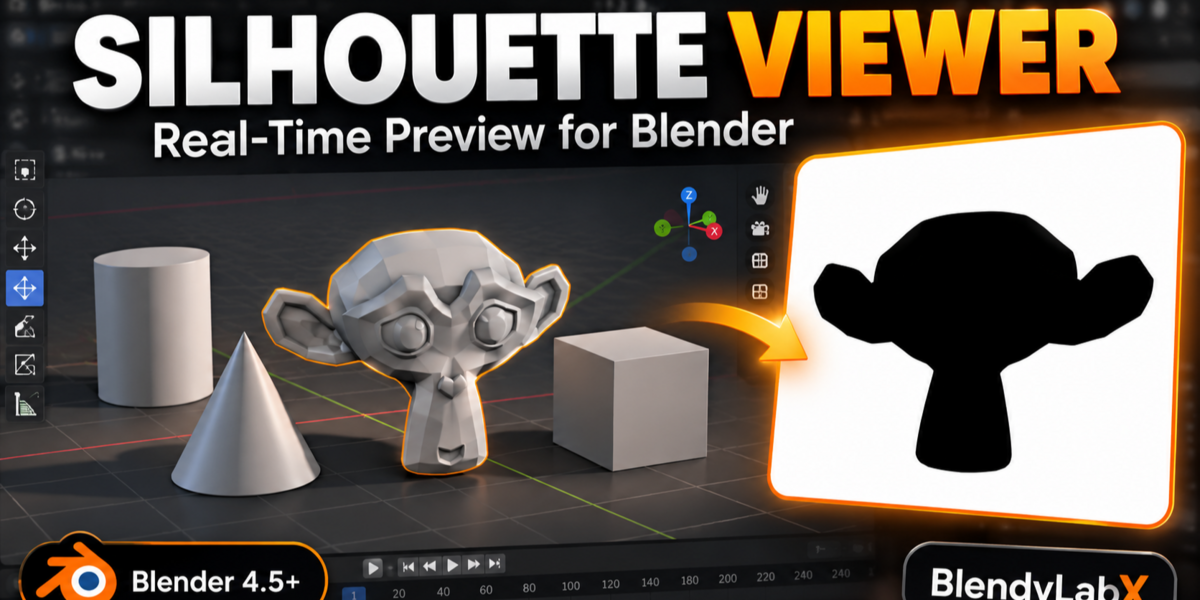
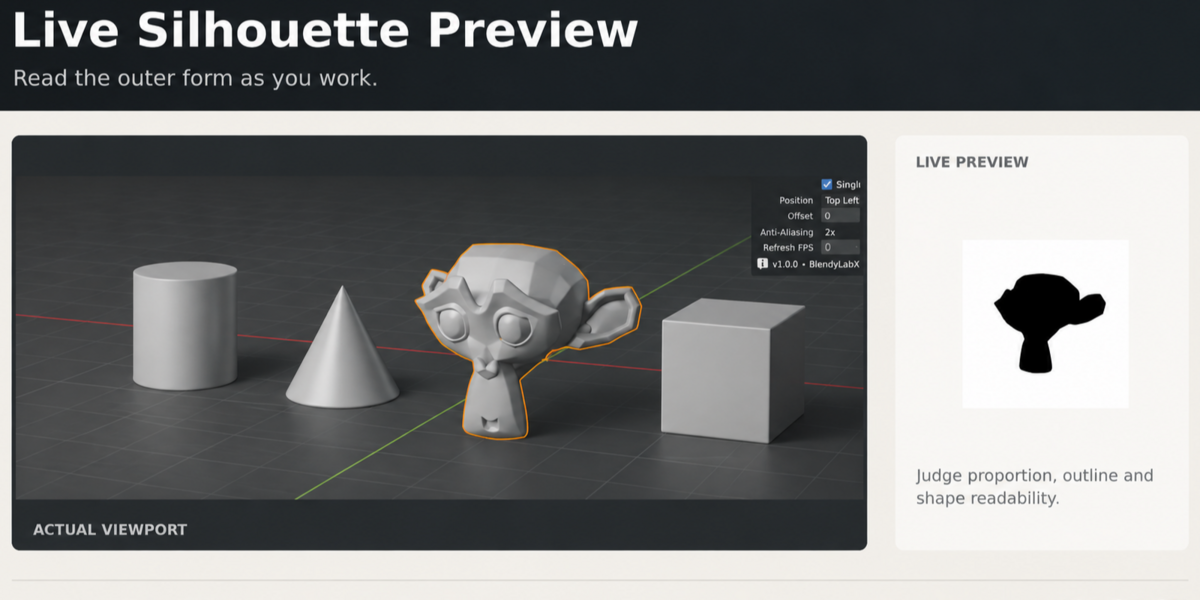
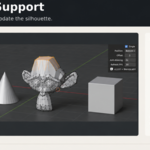
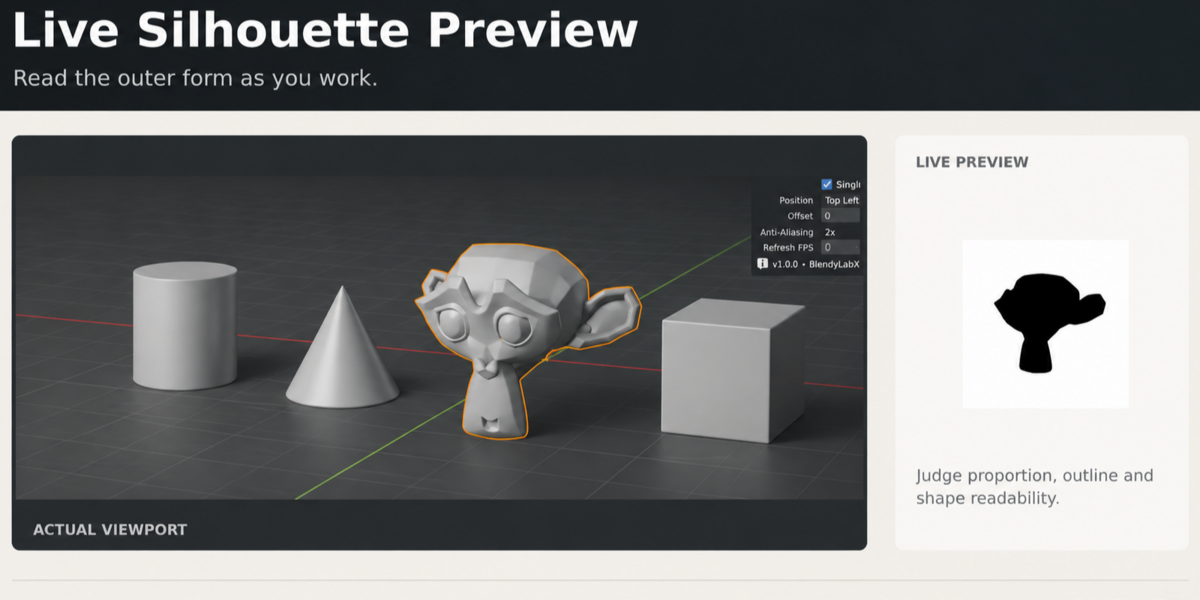
Keep your character's shape in view while you work. Silhouette Viewer adds a live silhouette preview to Blender's 3D Viewport, helping you judge proportions, overall shape and pose readability alongside your shaded model.
Watch the workflow demo on YouTube →
Key features
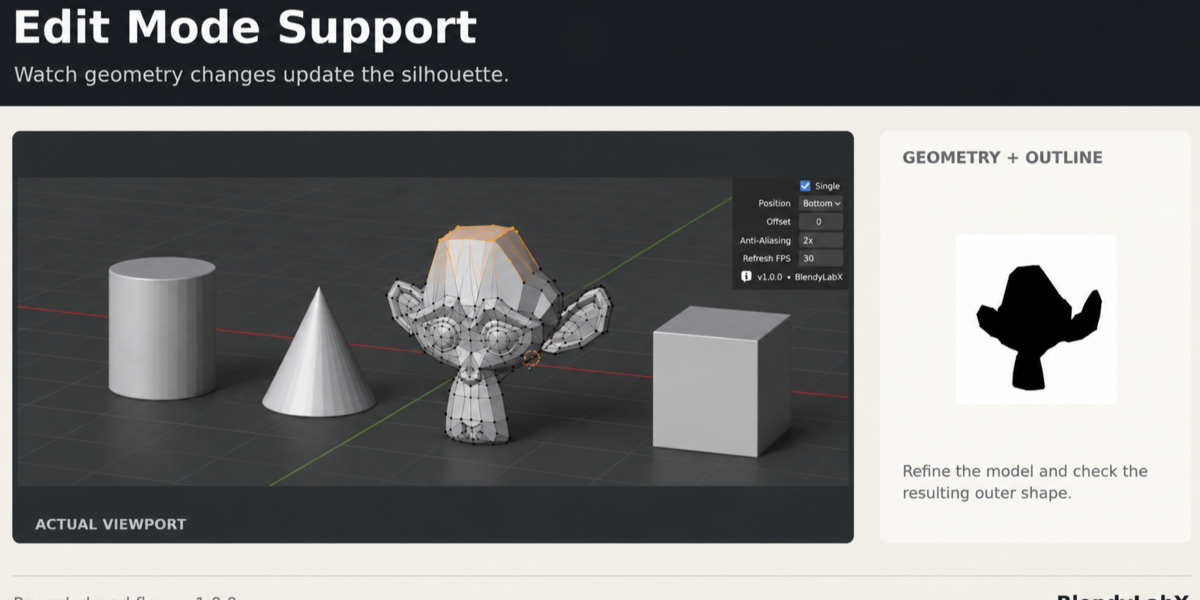
- Live preview in Object, Edit, Sculpt and Pose Mode. Check the outline as you select objects, edit geometry, sculpt or adjust an armature.
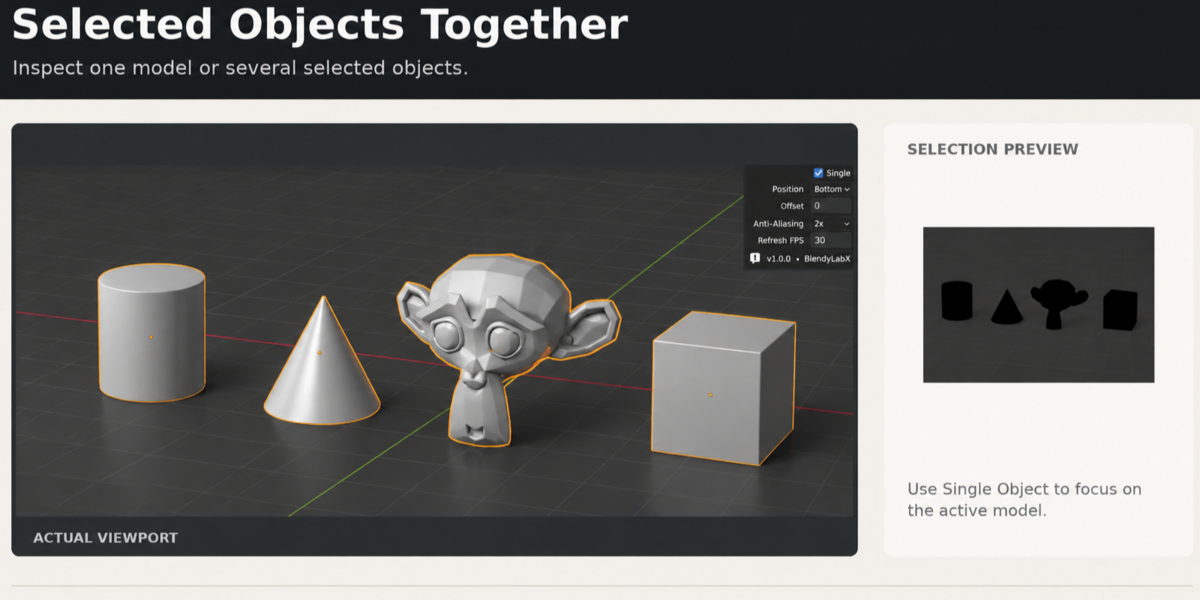
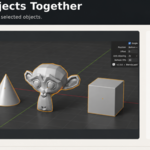
- Single-object and multiple-selection preview. Review one object or the combined outline of selected objects.
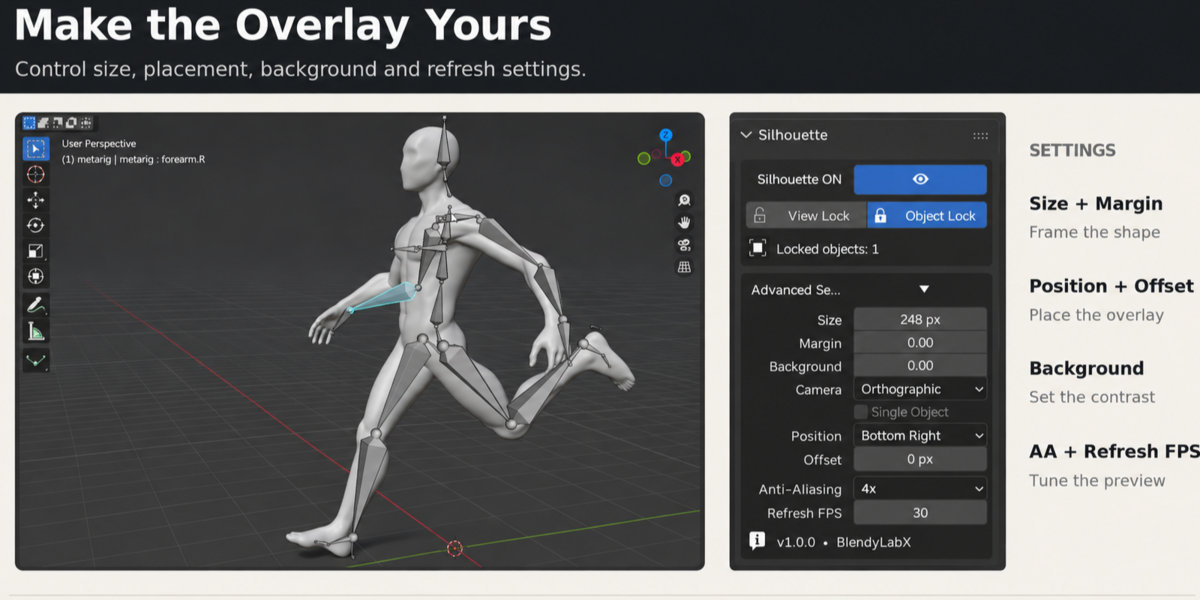
- Object Lock. Keep the mesh as your preview target while working with other objects or the character's armature.
- View Lock. Hold a fixed comparison angle while you continue working in the viewport.
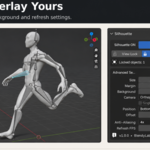
- Adjustable overlay. Change preview size, margin, corner position, offset and background opacity to fit your workspace.
- Preview controls. Adjust projection, anti-aliasing and refresh settings for your workflow.
Model and sculpt with the overall form in view
Refine proportions in Edit Mode and check broad shape changes while sculpting. The silhouette gives you a simple view of the outline alongside the detail and surface shading in your main viewport.
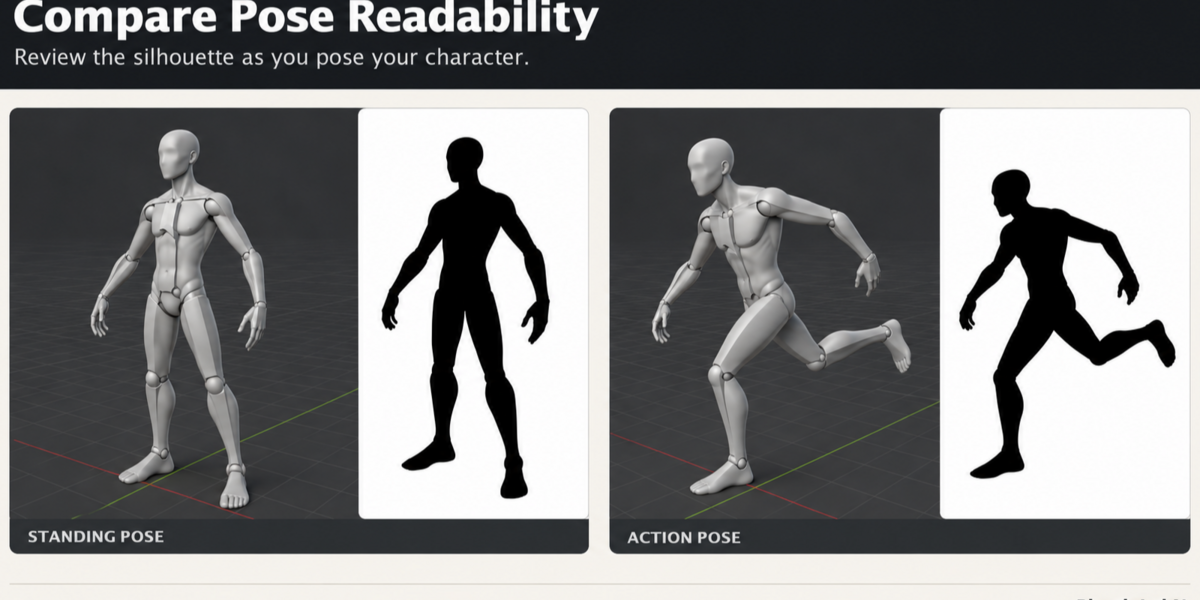
Build more readable character poses
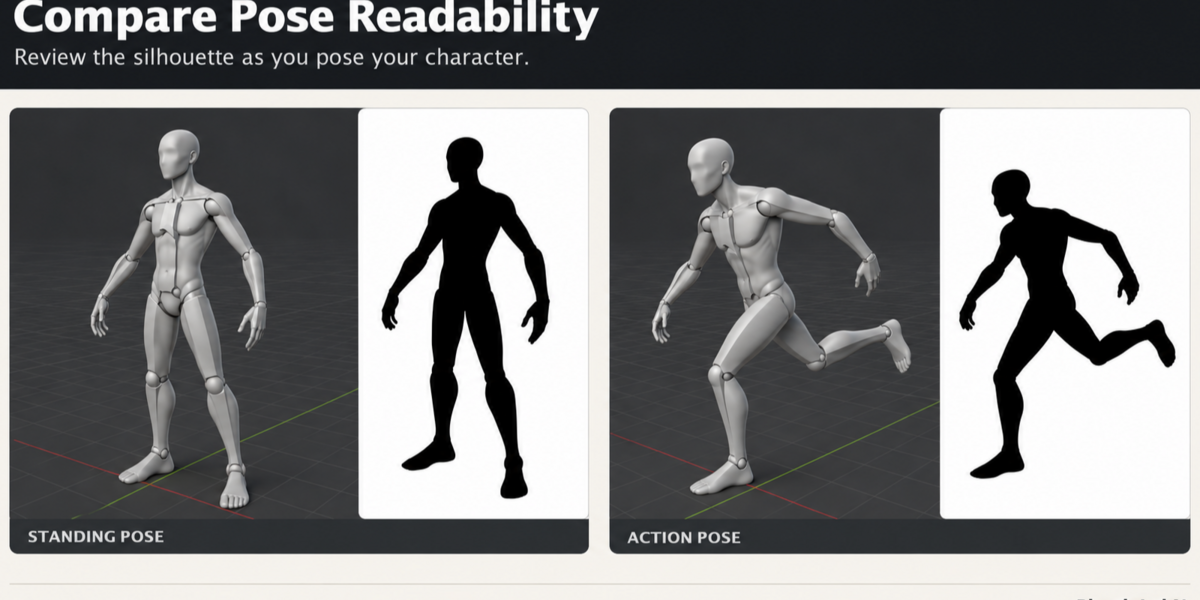
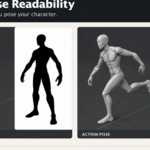
Adjust pose bones and check limb separation, balance and gesture as the silhouette updates. Use Object Lock to retain the character mesh as your target while you work with the armature.
Get started
Requires Blender 4.5 LTS or later. See the documentation for installation, controls and the Pose Mode workflow.
Silhouette Viewer is a live viewport preview tool. Direct image export is not included.
Need help? Contact the creator through Superhive.