 Yves
Yves


Does SRM modify my scene permanently?
No. SRM temporarily overrides the Output Filepath while calculating the batch render. Once the render is finished (or canceled), it safely restores your original Blender Output path settings.
I pressed 'Escape' (ESC) during a Batch Render, but it only canceled the current frame and immediately started the next one. How do I stop it?
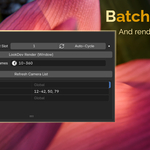
This is a native limitation of Blender's Python API during batch processes. Pressing ESC only cancels the current frame calculation. To completely abort the entire Batch Render queue, simply press the ESC key rapidly multiple times until the process stops entirely.
Will SRM overwrite my existing files?
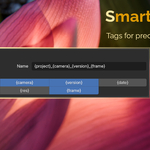
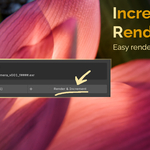
SRM does not overwrite files unless you render the exact same frame, with the exact same version number, and the exact same camera name. To stay safe, always use the "Render & Increment" button to ensure your new renders go into a fresh version folder, and make sure the {frame} token is included in your naming pattern!
Have questions about this product?
Login to message
| Blender Extension Compatible | Yes |
| Published | 7 months ago |
| Blender Version | 5.0 - 5.1 |
| Extension Type | Add-on |
| Render Engine Used | Cycles, Eevee |
| License | GPL |
Discover more products like this
frame ranges custom-frame-range auto-cycle-slots smart-naming render-management file management Batch rendering