SimpleCircuits
 TheDivina


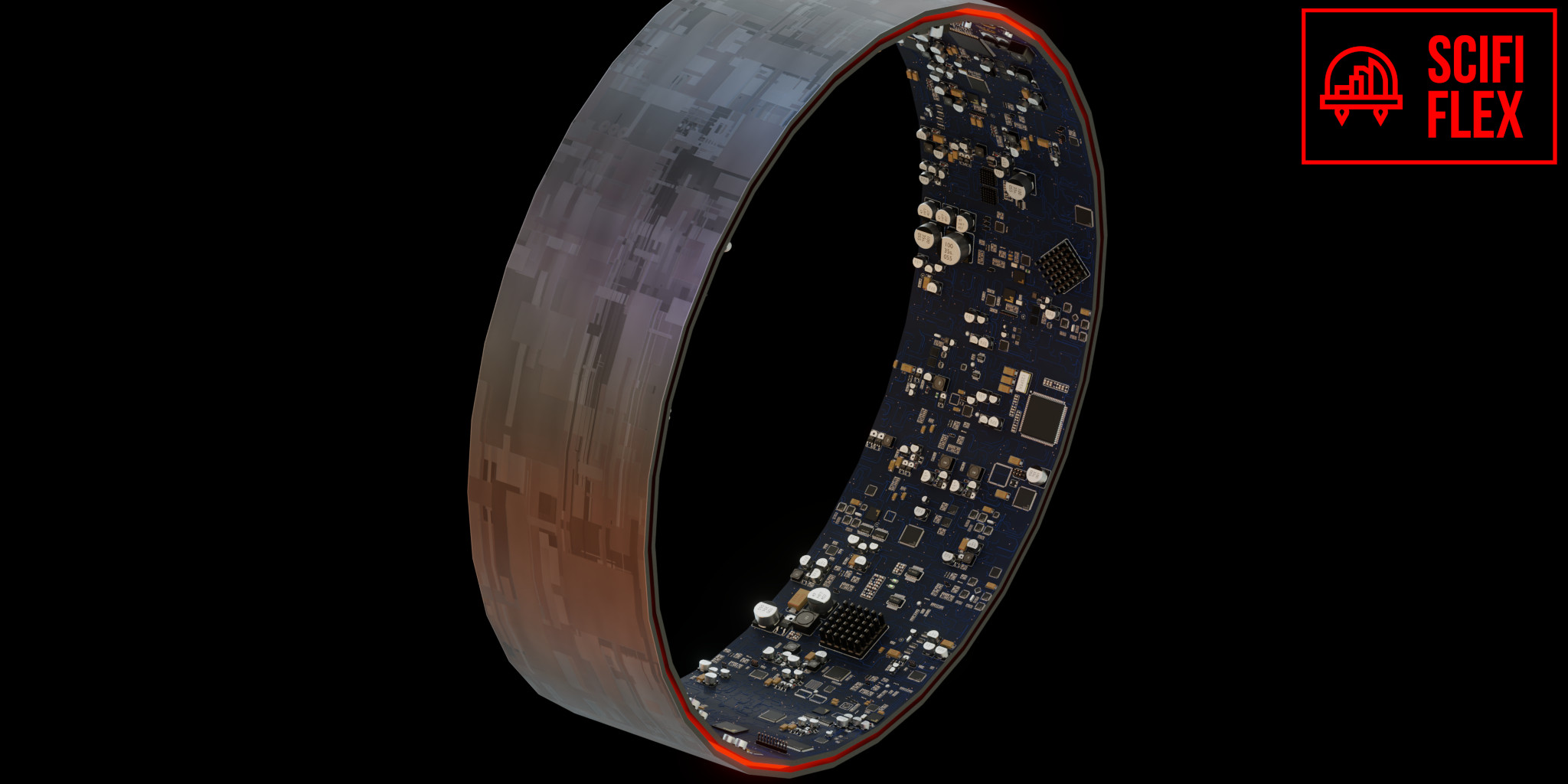

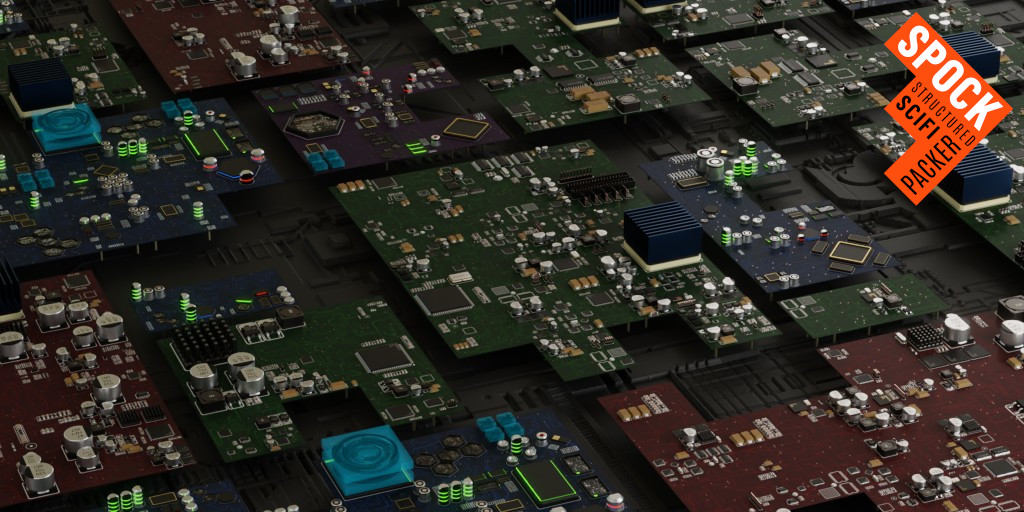


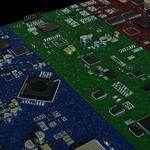
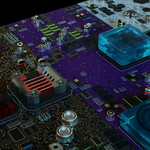
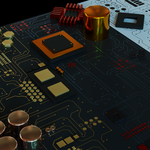
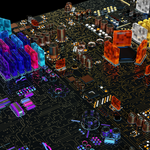
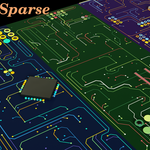
These nodes are designed to be highly customizable. They have many options that can definitely be daunting to anyone who has never seen them before. I have taken care to choose sensible default values so, as a new user, you will only need to adjust the random seeds and perhaps the X/Y sizes. If there is any confusion just message me. If there is common confusion around certain concepts I’ll write up a FAQ.
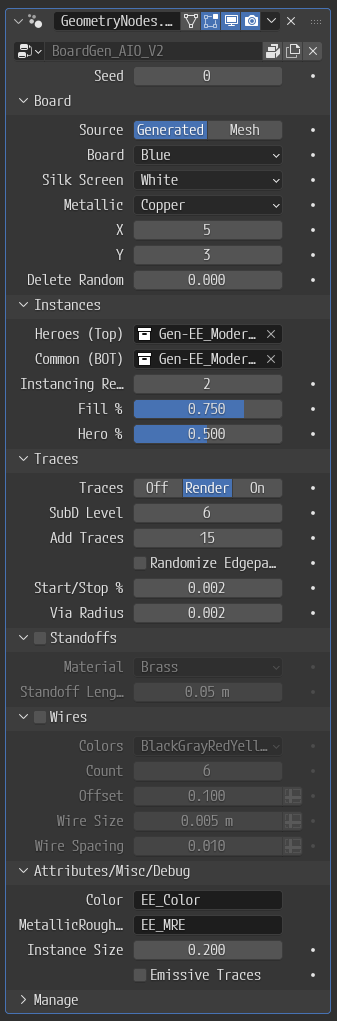
Seed - Randomization
[Board]
Source - "Generated" uses a geometry nodes grid, "Mesh" means the modifier will use the geometry of whatever mesh the nodegroup is attached to (useful for custom layouts or non planar boards.
Board - The PCB color. Choose from several defaults or pick a custom color
Silkscreen - Choose from several defaults or a custom color (not all boards use silkscreens in their instances
Metallic - The color of some of the vias. Represents the exposed metal substrate of the board. It is also used for the entirety of the traces if the 'Metallic' colored board is selected.
X/Y - The size of the board in tiles. Is connected to viewport gizmos
Delete Random - Remove some tiles randomly to produce shapes other than a rectangle.
[Instances]
Top/Bot - These are the collections of instances. Usually these will not show up in the scene (depending on how the asset was added) but will be packed in the scene. It should be set automatically based on whichever asset you add to the scene.
Instance Recursion - how many times should empty cells be subdivided and assigned instances. 2 Is a good default but 1 is acceptable if you want everything on the board to be big. This is a fractal effect so everything 3 or more will result in a large number of incredibly tiny clusters.
Fill % - the percentage of cells that get an instance each recursion loop. This is roughly how full the board looks as a percentage
Hero % - The percentage of the first loop that is hero elements. Hero elements are only produced on the first loop because they are heros and should be big/visible.
[Traces]
Traces - This option disables traces completely, has them show up only in renders but not viewport for performance (default), or for both renders and viewport.
SubD Level - Increases/decreases density of traces
Add Traces - Number of loops to find shortest paths to make traces. 15 is a good default for a dense board, 10 is a good default for a more sparse board
Randomize Edgepath cost - Changes edgepath cost making traces more spidery
Start/Stop % - percentage of start/stop points picked each 'Add Traces' loop. Probabilities are increased each loop to offset the decrease in number of potential starting/ending points.
Via Radius - Sets the via and trace sizes. Usually not a good idea to mess with this value, but it madde available.
[Standoffs] - Procedural hexagonal standoffs to lift a board off of whatever it's mounted on.
Material - Metallic or custom material. There is a small error where this value does not work if "Emissive Traces" option is selected. This will be fixed in a later version.
Standoff Length - Length of standoffs. (board is offset in z axis by this length automatically as well.
[Wires] - Procedural Wired coming out of the board
Colors - Color groups to be assigned
Count - number of wire bundles
Offset - z height at which the wires are redirected off the board
Wire size
Wire spacing - Should be at least double with wire size
[Attributes/Misc/Debug]
Color - The attribute name for colors (do not change)
Metallic/Roughness/Emissive - The attribute that stores these material values (do not change)
Instance Size - The default non-scaled sizes of the clusters/heros (do not change unless you are making your own asset pack).
Emissive traces - Makes the traces emissive and colorable by the "D5_Set_Material_Opts_Emissive" nodegroup
Have questions about this product?
Login to message
| Sales | 200+ |
| Rating | 2 ratings |
| Published | almost 4 years ago |
| Blender Version | 3.5 - 5.2 |
| Render Engine Used | Cycles |
| License | Royalty Free |
Discover more products like this
spock kitops circuit electronic simple scifi flex dpack scifi integrated circuit Circuitboard kpack printed circuit board