 CG Cookie






Six Interior Scenes. Two Hours Each. Start to Finish.
Most interior projects die in the middle. The blockout goes fine, the materials get half built, the lighting never quite happens, and the file sits there until you stop opening it. Scope is usually the culprit. Left alone, a scene keeps growing until it outlasts your interest in it.
SESSIONS is the CG Cookie format built around a hard edge: one scene, one sitting, two hours. Empty file at the start, finished and composited render at the end.
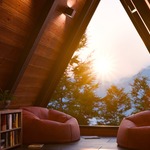
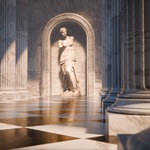
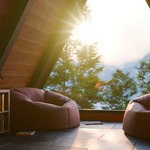
In SESSIONS | Interior, Sascha Feider does it six times, and the frame widens with every session. A single lit stair step. A coffee-table corner with a fur rug. A curtain breathing in the wind. A marble colonnade. An A-frame cabin with a sunset outside the window. A dust-filled vintage room where the light does all the storytelling.
Every session runs the whole pipeline in miniature: model, material, light, animate, composite. You repeat the full loop six times instead of drilling one stage in isolation, and the clock forces the decisions that matter. What to model and what to fake, when to build a shader from noise nodes and when to append something free, and how much detail an object earns when it sits forty pixels from the camera.
6
complete scenes
36
video lessons
2 hrs
ceiling per scene
Cycles
start to finish
What You Will Learn
Nine threads run through the six sessions, and most of them come back more than once in a different scene.
- Model to real-world scale: stairs get real rise and run, rooms get real ceiling heights, furniture gets real dimensions. Scenes built to scale light correctly and photograph correctly, and it costs nothing to do it from the first click.
- Build procedural materials from noise: microcement, veined marble, velvet, patterned curtain fabric and aged plaster, all created in the shader editor from noise textures and color ramps. No texture packs, no scanned libraries.
- Reuse one material six ways: the marble shader that eats most of Session 4 becomes the floor, the columns, the walls and the statue, each retuned for contrast and variation. One shader carries the whole set.
- Fur and hair with geometry nodes: build a full pile rug with the hair system so it reads as fabric instead of a displaced plane.
- Cloth simulation you can loop: simulate a curtain in the wind with pin groups and animated shape keys, bake it to an MDD cache, then reimport it as a seamless, endlessly looping animation.
- Fake what you can't afford to build: video gobos casting exterior shadows, image planes standing in for mountain ranges, LODs chosen on purpose, and procedural masks that let sunlight through some parts of an image and not others.
- Light for mood, not for exposure: area lights driven by array modifiers, invisible faked sources, light intensity that shifts with the camera move, and volumetric god rays thick with dust.
- Animate the scene, not just the camera: short cinematic moves, depth-of-field pulls that bring a subject into focus, and a sunset timelapse that hands off from exterior sun to interior lamp light without a visible seam.
- Composite like it matters: render layers, stacked glare types, color shifts and grading. The step that decides whether a render looks finished, and it gets its own lesson in all six sessions.
Is This Course For You?
A good fit if you…
- Know the basics (extrude, bevel, loop cut, modifiers) and want to start finishing scenes instead of collecting half-built ones.
- Can model a room, but the renders come out flat and you suspect lighting and compositing are the reason.
- Want procedural material practice with an actual purpose behind it.
- Like interiors and archviz but don't want a full production pipeline course.
- Start a lot and finish very little. A two-hour ceiling is a surprisingly effective cure. 😎
Probably not if you…
- Have never opened Blender. Start with CORE: Fundamentals of Mesh Modeling first.
- Want exhaustive every-vertex modeling instruction. Sessions models fast and fakes what the camera won't catch.
The Six Sessions
01 · A Simple Step
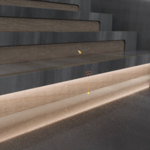
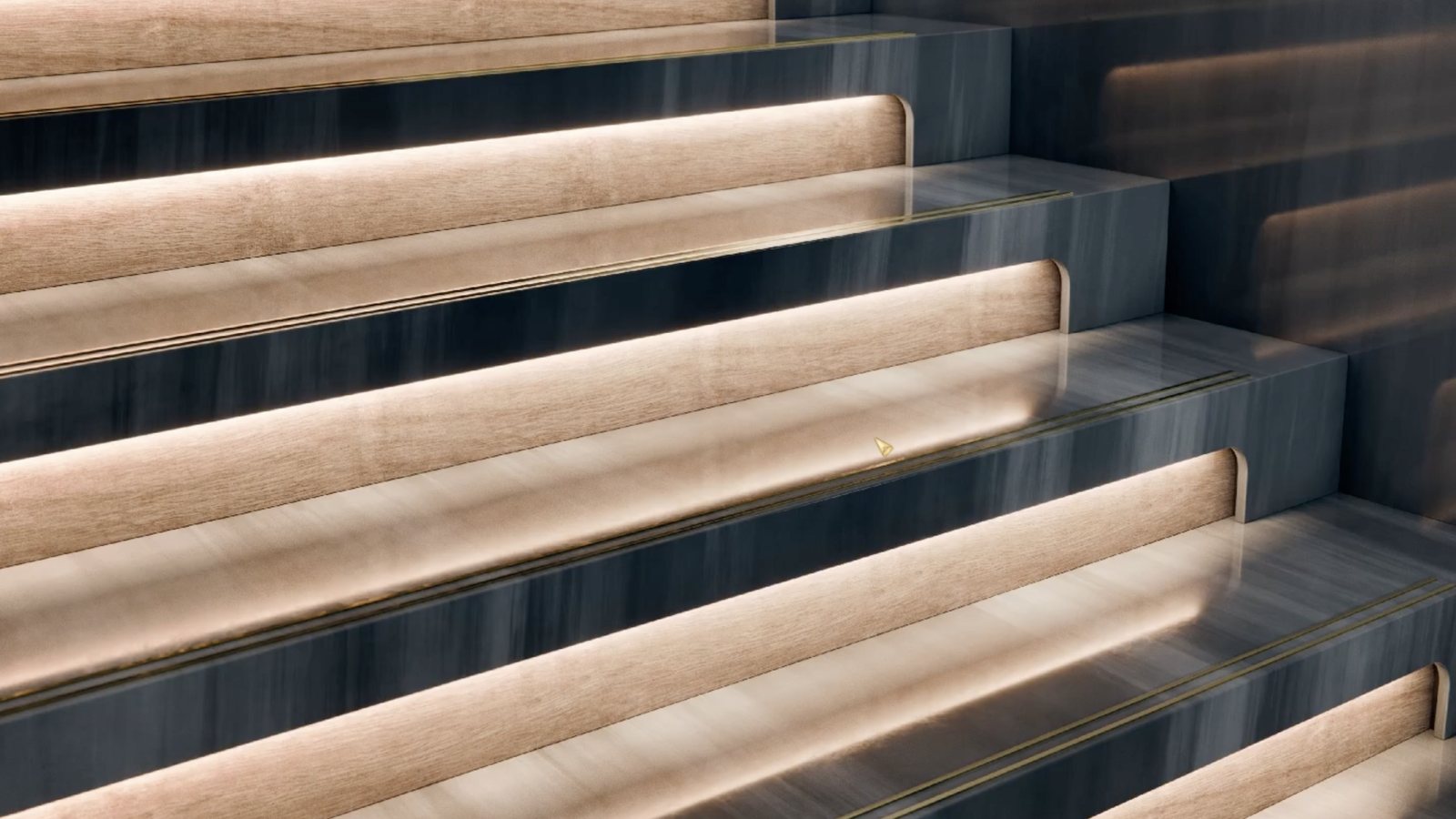
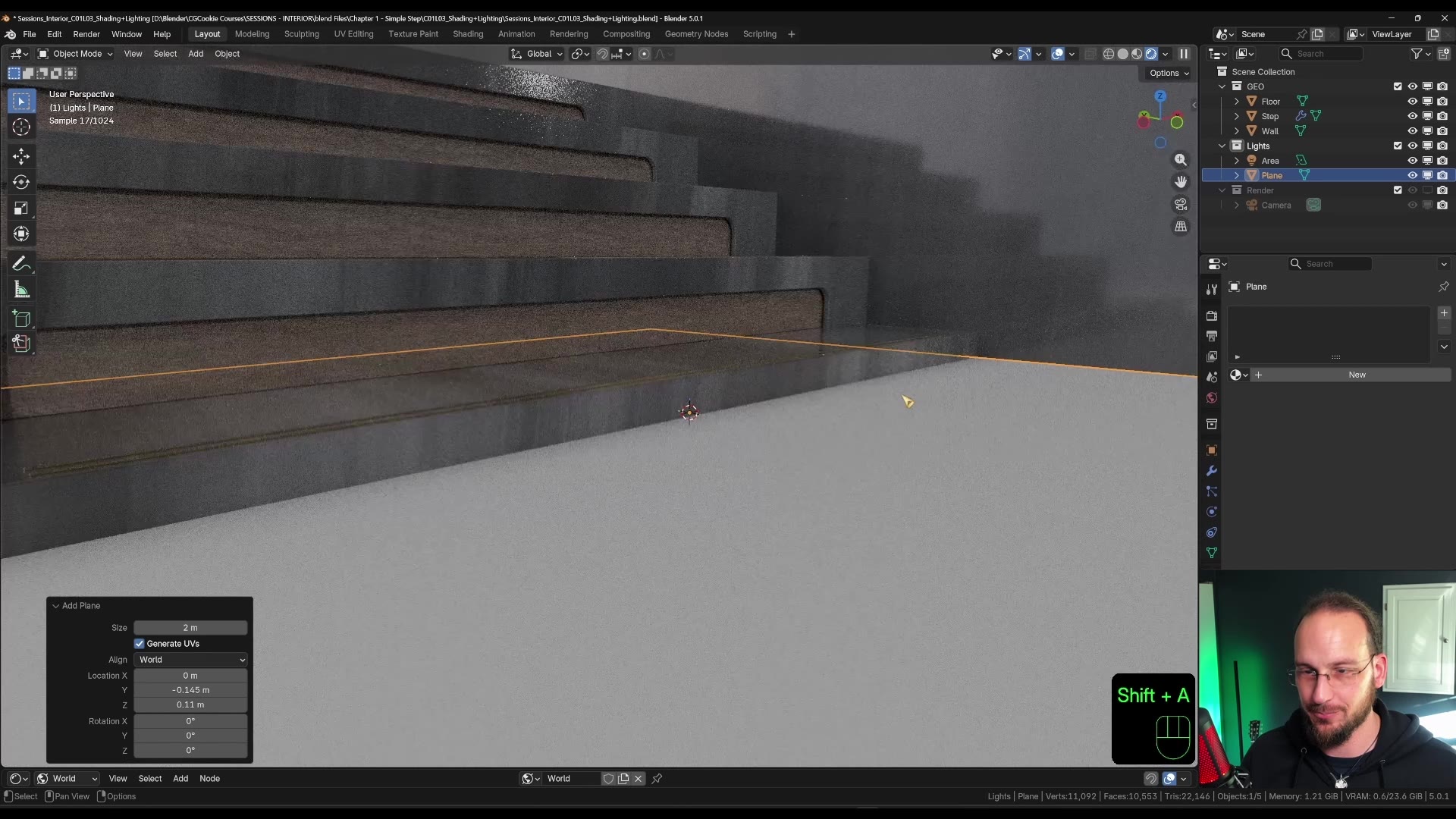
Almost every building has stairs in some form, which makes them a good place to start. Basic box modeling and array modifiers get the geometry done fast, then a procedural microcement material shifts across every tread while still reading as one continuous surface. Lighting it is the interesting part, because Blender won't let you put an array modifier on a light at all.
FREE CLIP FROM SESSION 1
Sascha's workaround: merge a mesh plane down to a single vertex, parent the light to it, switch instancing to vertices, then array the vertex with the offset method. One area light becomes a whole row of them.
Watch it on YouTube (2 min). 📺
02 · Morning Coffee
The classic interior vignette. A corner of a room, a chair, a table, good light. A geometry-nodes fur rug is the centerpiece, the coffee gets its crema from a single image and some clever UV mapping, and a video gobo on an image plane fakes an entire world outside the window. This is also the first session to lean on ready-made assets, with a straight answer for why that often makes sense.

03 · Flowing Curtain

Close in on a single piece of fabric. A cloth simulation with wind, baked and rebuilt into a perfect loop, and a procedural material where the woven pattern drives brightness, translucency and sheen at once so sunlight genuinely reads through the weave.
04 · Marble Colonnade


A cinematic trip into classical architecture. Subdivision creases and arrays build fluted columns quickly so the time can go where it matters: one procedural marble material, adapted across the floor, walls, columns and statue. Finished with a focus-pulling camera move and the heaviest compositing pass so far.
05 · A Room With a View
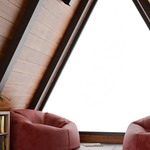

The vignette opens up to a whole room, and for the first time the outside world is in frame. An A-frame cabin, beanbag chairs built with cloth simulation and a procedural velvet material, LODs chosen deliberately for the exterior trees, and a sunset timelapse that hands off from exterior sun to interior lamp light without a seam.
06 · The Vintage Room

Where archviz blurs into still life. Modeling drops back to the basics so the time can go into telling a story instead: plaster and paint built from scratch, borrowed assets aged and dirtied, a particle system adding physical dust, and god rays dancing through the volume. Compositing takes a bigger role here too, stacking render layers and several types of glare under a strong color shift.
From Blockout to Final Render
Every session follows the same arc: rough geometry first, then materials, then the lighting and compositing that decide how the thing actually looks.
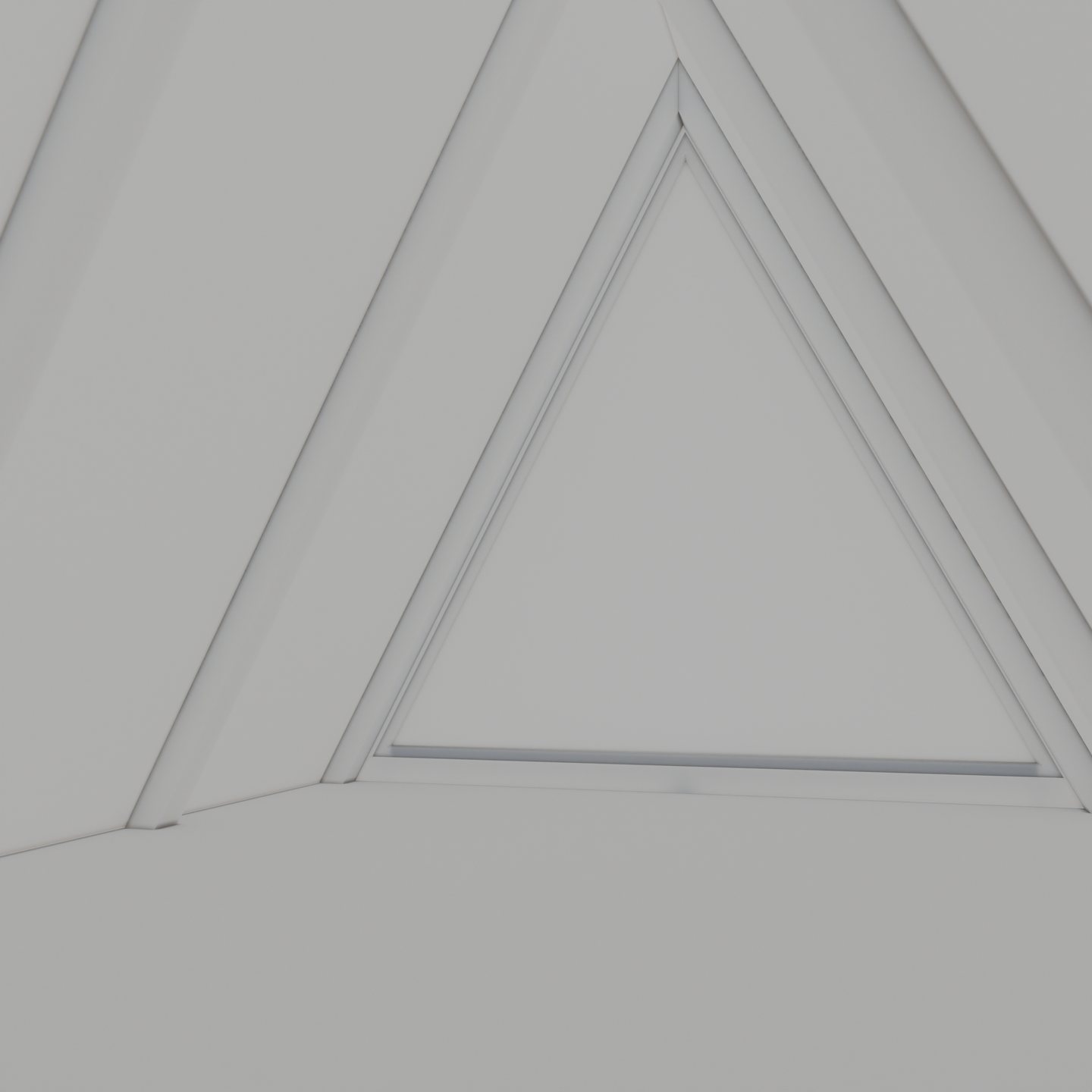
BLOCKOUT
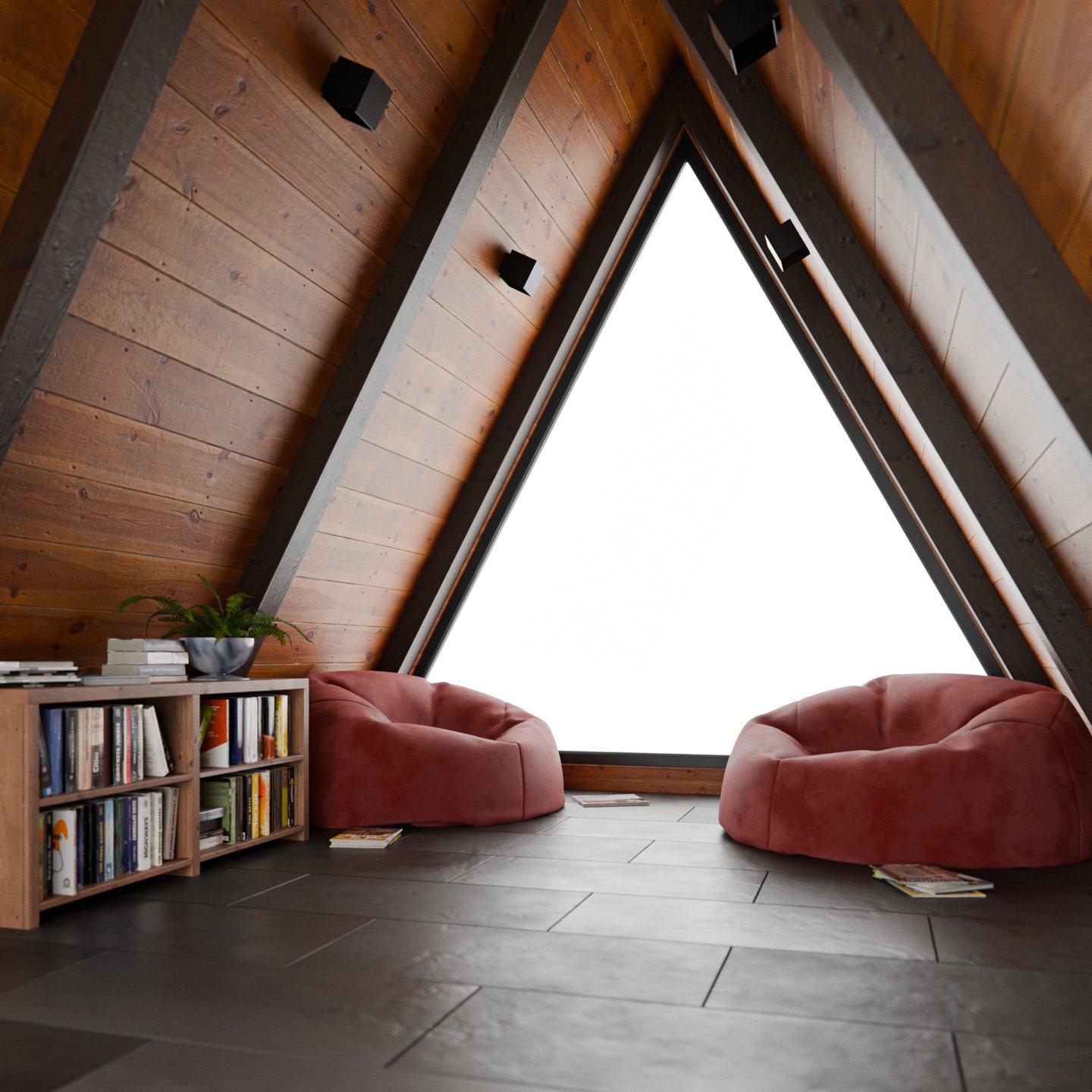
MATERIALS
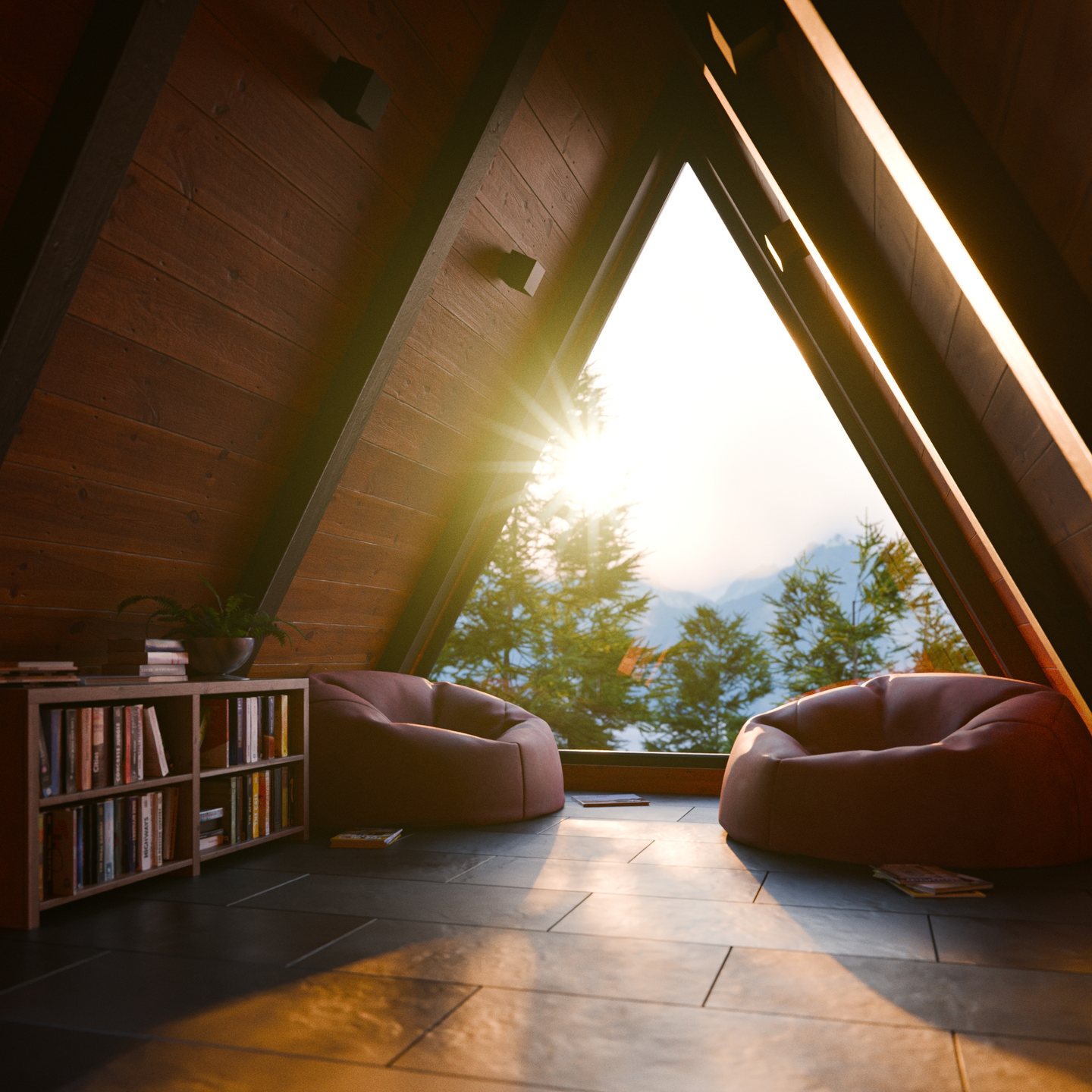
LIT AND COMPOSITED
What's Included
- 36 video lessons across six chapters, downloadable, one complete scene per chapter.
- Project files for every session, so you can open any scene at any stage instead of rebuilding from a screenshot.
- Textures and references used in the scenes, plus a README covering Blender versions.
- A royalty-free license on everything you make with the course files.
About the Instructor
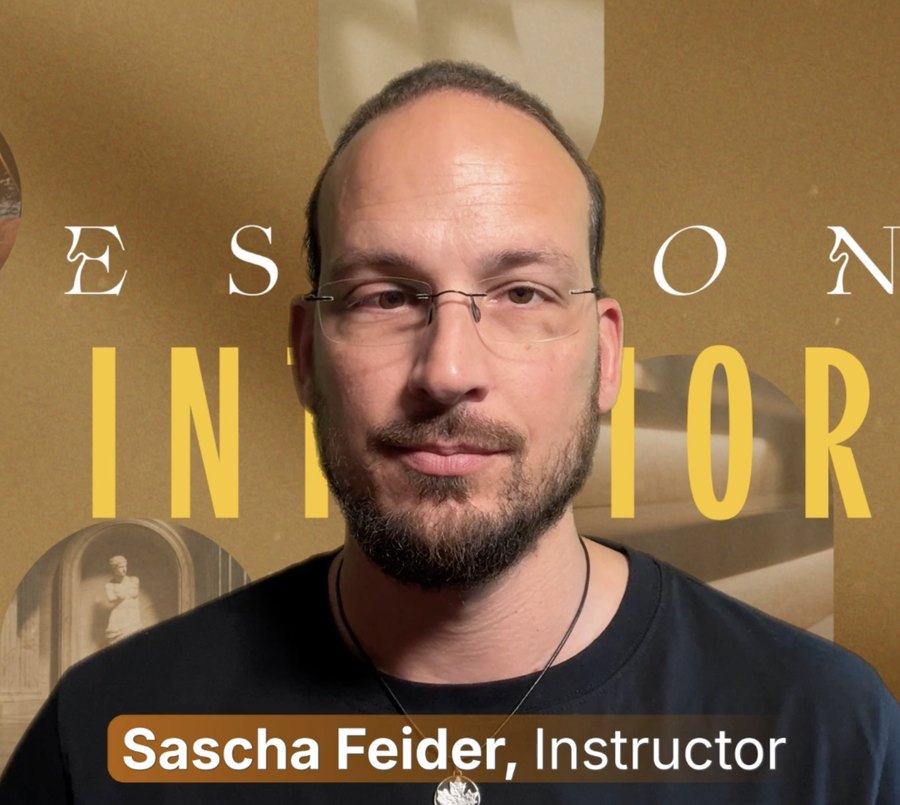
Sascha Feider teaches the part of Blender where craft meets deadline. His CG Cookie course Craftsman goes deep on precise, real-world cabinetry modeling. Sessions is the opposite discipline, and he is candid about it: at one point here he admits the quick-and-dirty bookcase he is about to build physically pains him, then builds it anyway, because it is forty pixels from the camera and the clock is running. See his CRAFTSMAN Course.
Frequently Asked Questions
Which Blender version do I need?
The release used for recording is listed in the Blender Version field on this page, and a README in the course files covers version notes. Nothing here depends on an experimental branch or a beta feature, so the techniques carry forward to newer releases. If a menu has moved by the time you watch, the workflow hasn't.
Cycles or EEVEE?
Cycles, all six sessions. The lighting, volumetrics and glass all assume a path tracer. Most of the shader work is engine-agnostic, but the render settings and compositing passes are taught for Cycles.
Do I need any paid add-ons or asset libraries?
No. Everything is built with stock Blender. The handful of ready-made models that appear in the scenes are free Poly Haven downloads, and the lessons walk through choosing and appending them.
How experienced do I need to be?
Comfortable with the basics: navigating the viewport, extruding, beveling, adding a modifier, and finding your way around the shader editor. You do not need prior archviz or Geometry Nodes experience. Complete beginners should start with CG Cookie's CORE fundamentals courses first.
Can I skip straight to the session I want?
Yes. The six sessions are standalone, and nothing in Session 4 depends on having finished Session 1, so start with whichever scene appeals to you. They do get progressively more ambitious though, from a single lit stair step up to a full room carried by atmosphere and compositing. Working in order means each new technique lands on top of one you have already used.
Do I need a powerful computer?
For modeling, shading and lighting, no. Anything that runs Blender comfortably will get you through most of the course. Rendering is where hardware shows up: Sessions 5 and 6 use volumetrics for the god rays and atmosphere, which is the most expensive thing here to render, and Sessions 3, 4 and 5 finish on animations rather than stills. Denoising does a lot of the heavy lifting and is used throughout. On a modest machine you can follow every lesson at a lower resolution and render the final frames overnight.
I already own another SESSIONS course. Is this the same thing?
Same format, different subject, different instructor. Every course in the series works to the same two-hour ceiling and the same full-pipeline loop, but the scenes, the techniques and the teaching are specific to each one. Interior is Sascha Feider's, it runs six sessions rather than five, and none of the scenes or workflows appear in the other courses. If the format already works for you, this adds six more finished scenes to your reps.
Are the sessions really two hours each?
Two hours is the budget for the scene, which is the whole point of the SESSIONS format. Lesson runtimes vary, and you will want to pause and rebuild things yourself, so expect your first pass through a session to run longer than the clock allows Sascha.
What if I get stuck?
Message CG Cookie through the Contact the creator link on this page. Purchases here don't include instructor feedback or community access, but they can be converted to a CG Cookie membership, which does. See below.
About CG Cookie Courses
All of our courses, including this one, are accessible to members of cgcookie.com. If you would like to convert this purchase to a CG Cookie subscription to unlock exercise feedback from instructors along with community access for questions and support, you can contact us at [email protected]. Please include your Superhive order ID and we will generate a coupon code to apply your purchase to a CG Cookie subscription.
SESSIONS | Interior is part of the SESSIONS series, where the theme is always the same: create more with less, and finish what you start.